Inspiration
First and foremost it was the inspiration to leverage AI to create me the small app that I need for my use case. It was in my head since a while, and even that there have been available apps some of them for a high price with things I might not need, I was able to create what makes sense for me, without an idea how to program. Yes, it is vibe programming but at a high quality level.
File organization is a universal annoyance: Downloads fill up, external drives come and go, and cloud folders add another layer of friction. We (Codex and I) wanted to make automation feel trustworthy and simple, not like a tool that silently rearranges your life.
What it does
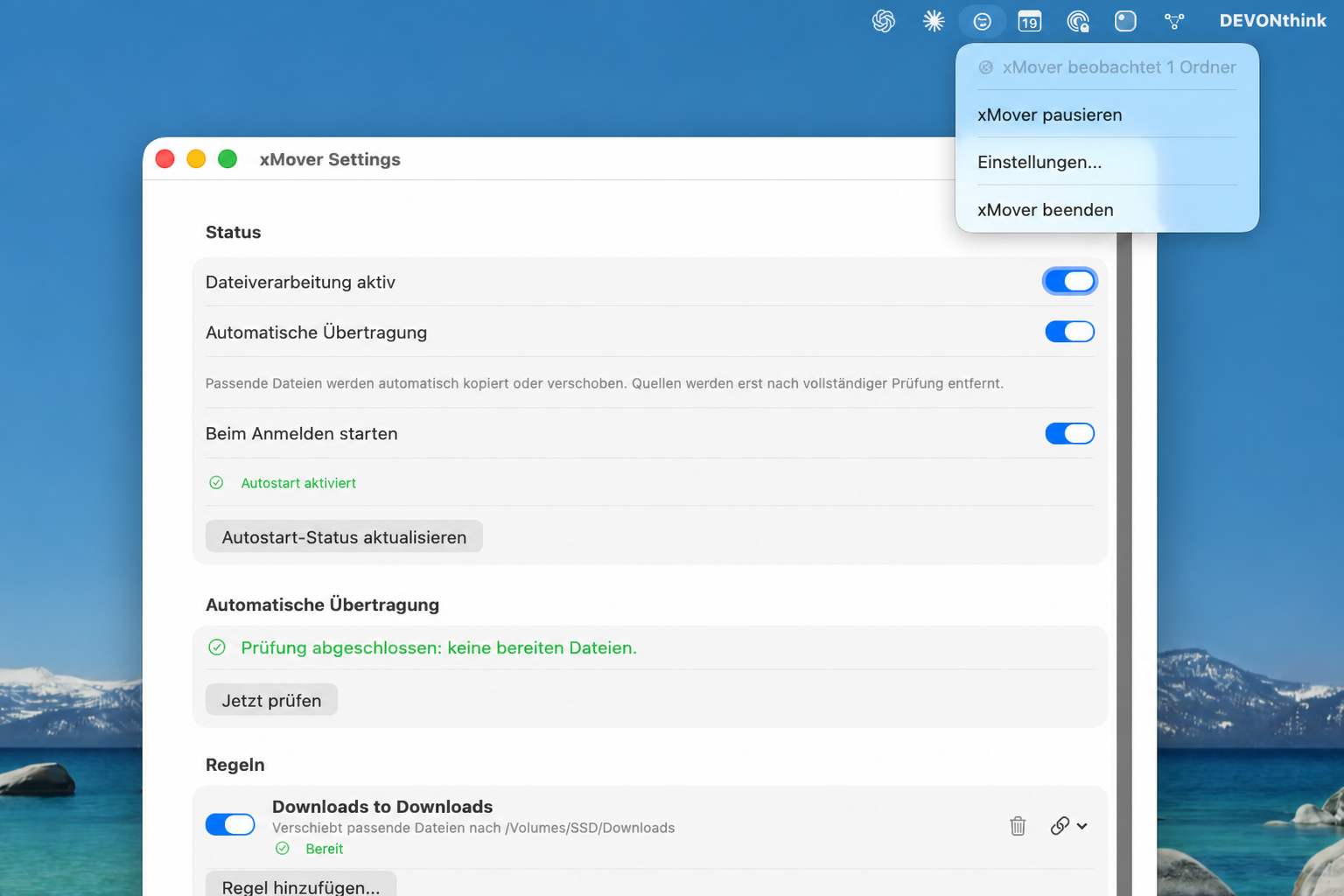
xMover is a native macOS menu-bar app that watches folders and automatically copies or moves files according to simple rules. It supports local folders, external drives, and cloud locations such as iCloud Drive and Dropbox.
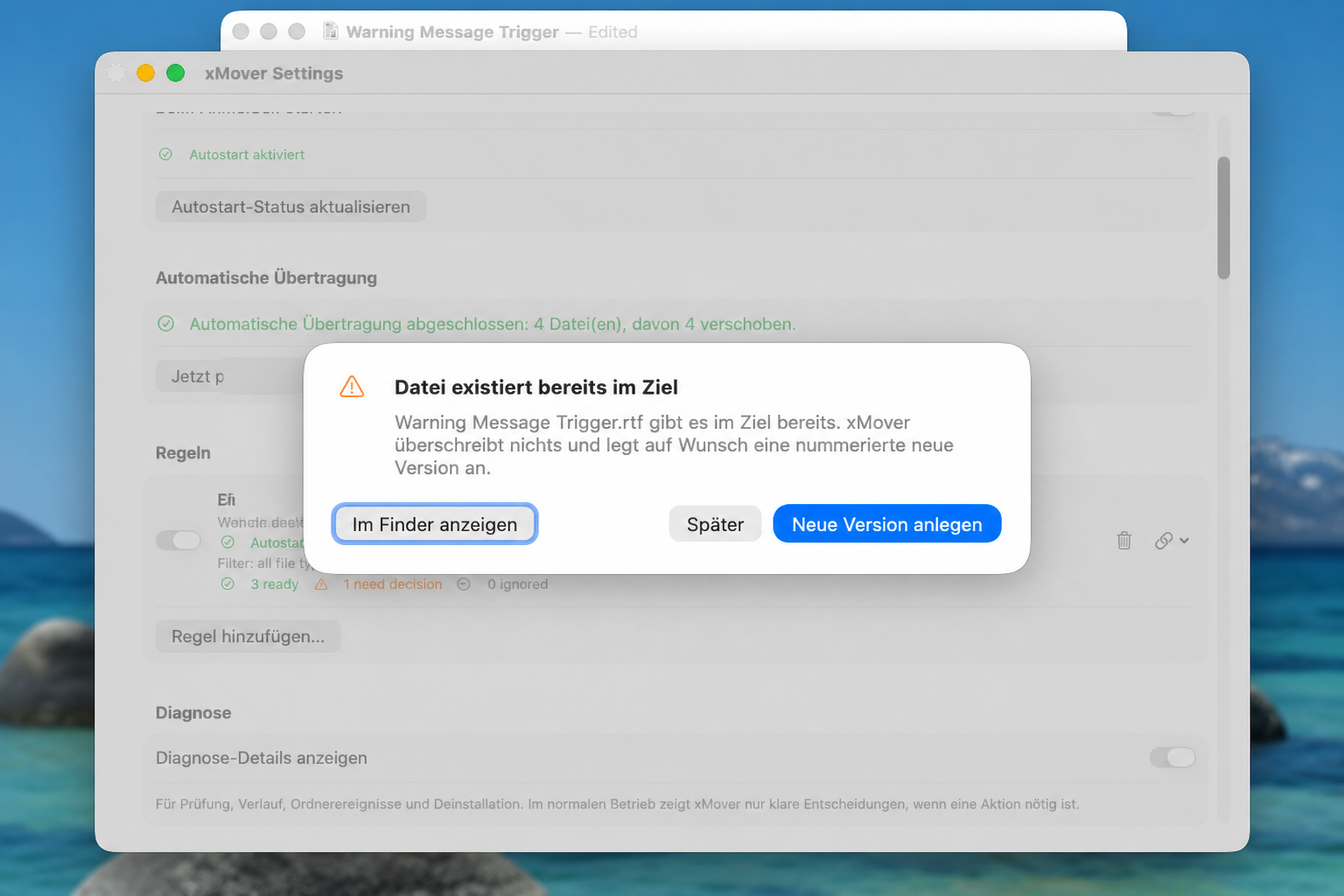
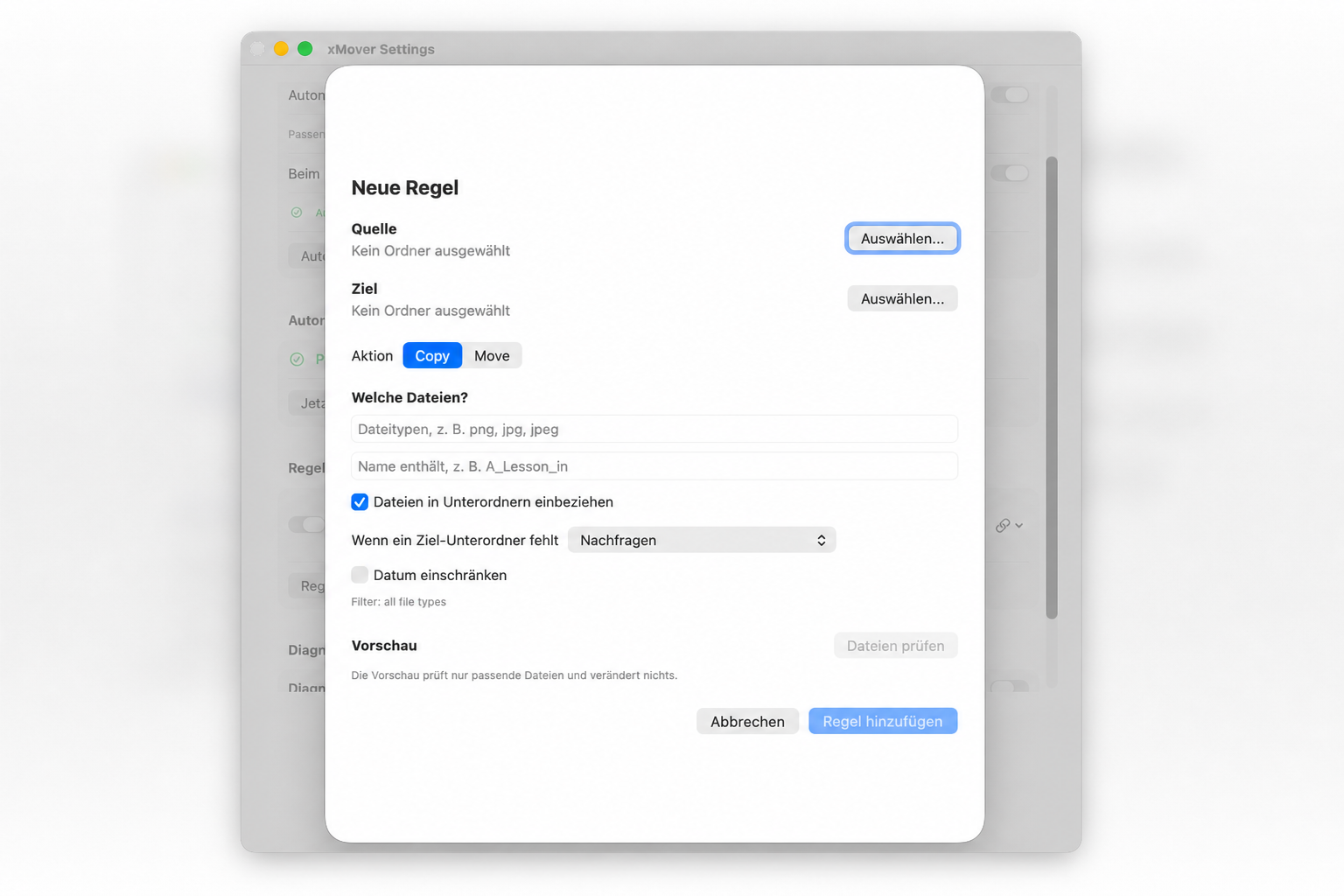
Rules can filter by file type, file name, date, and subfolders. When something needs a human decision, such as a duplicate file or missing destination subfolder, xMover explains the situation and presents one clear next action.
How we built it
We (Codex and I) built xMover with Swift, SwiftUI, and native macOS frameworks. It uses filesystem monitoring, security-scoped bookmarks for folder access, persistent rules, a background transfer queue, and verified copy/move operations.
The app includes a menu-bar interface, automatic launch at login, safe conflict handling, resource-aware processing, clean uninstall support, and an App Sandbox-ready configuration.
Challenges we ran into
The difficult part was not copying files; it was making moves safe. A move must never delete the source before the destination is verified. External drives can disappear, cloud folders can be unavailable, and identical filenames may represent different files.
We also had to balance background automation with low CPU and memory use, while keeping the interface understandable for non-technical users.
Accomplishments that we're proud of
- Built a working native macOS app, not just a prototype
- Designed safe, staged move operations with source protection
- Added clear conflict and missing-folder decisions
- Supported external SSDs, iCloud Drive, and Dropbox-style folders
- Added flexible filters and subfolder-preserving workflows
- Kept the app lightweight while it monitors and processes files
- Created direct-install and App Sandbox-ready release paths
What we learned
Trust is the central feature of file automation. Users do not want a dashboard full of statuses; they want the app to work quietly and ask only when a meaningful decision is needed.
We also learned that handling file permissions, removable drives, cloud availability, and safe deletion requires careful system design, not just a simple “move file” command.
And of course what I as a non-programmer learned is how to give Codex a good framework in which to do the work, how to test, ensure all all possible failures are covered (run pre-mortem in all important phases), balance resource usage of the app, etc. Based on the project I created an app development skill.
What's next for xMover
Next, we will polish the onboarding flow, expand localization, add more rule criteria and presets, improve conflict-resolution options, and prepare the final App Store release with production signing and submission materials.
