Inspiration
As a student and self-taught developer, I'm constantly building and deploying applications to strengthen my skills and portfolio. While I love self-hosting, I found myself perpetually struggling with deployment and troubleshooting—writing Docker Compose files, configuring CI/CD workflows, debugging server issues at 2 AM, and wrestling with cron syntax just to schedule basic tasks.
The learning curve for DevOps is steep, and while mastering these skills is valuable, I wanted to focus on building rather than battling with infrastructure. I envisioned an AI agent that could live on my server, understand natural language commands, and handle the tedious operational work for me. Having known about Google Gemini's long context window and multi-modal capabilities—perfect for an agent that could process my voice notes, understand screenshots of error logs, and execute complex server operations, all through a simple Telegram chat.
GenSSH was born from this need: a proactive, intelligent partner for your server that speaks your language, not just bash.
What it does
GenSSH transforms your server from a passive machine into an autonomous, intelligent partner. It's powered by Google Gemini and provides three core capabilities:
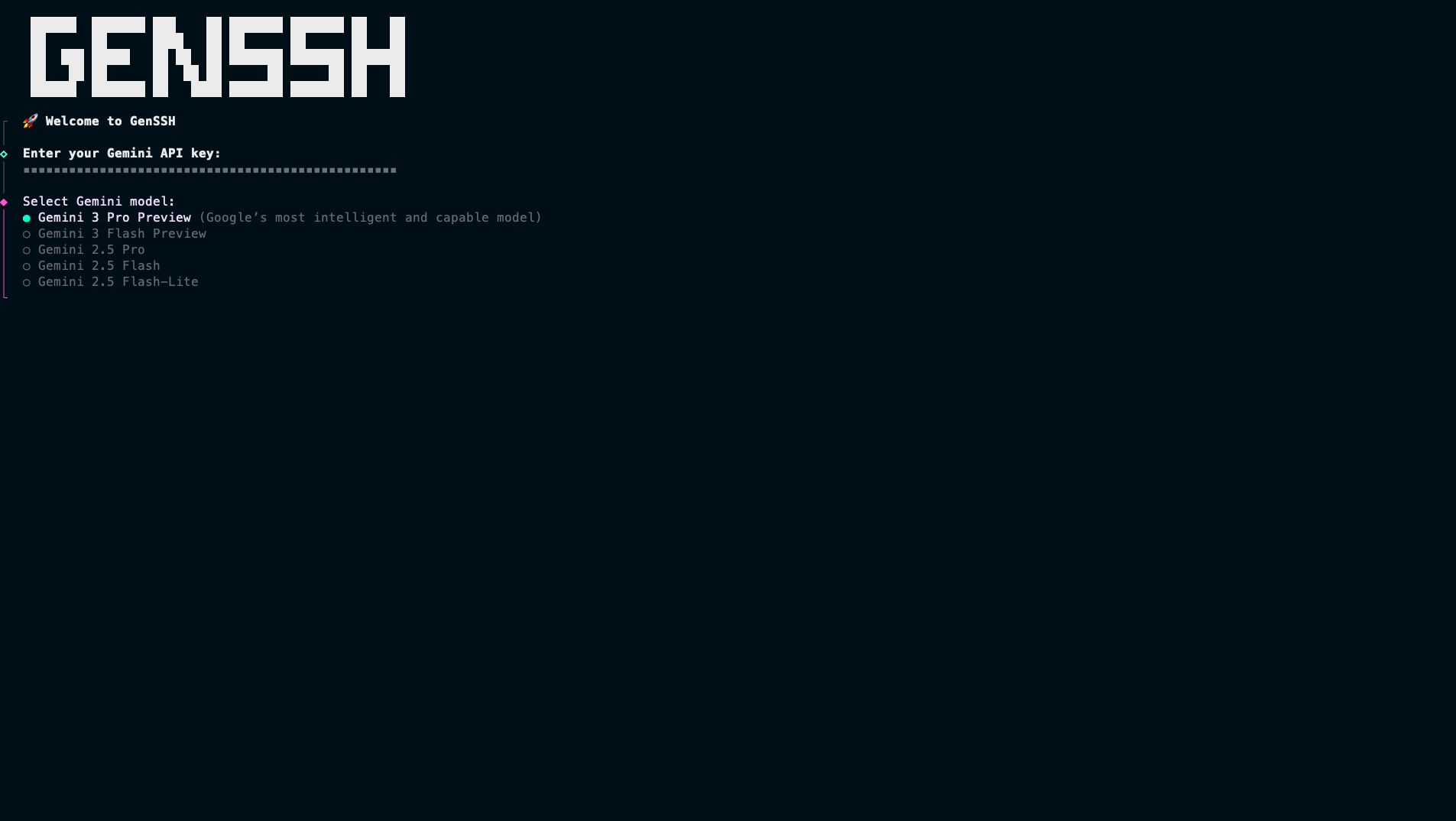
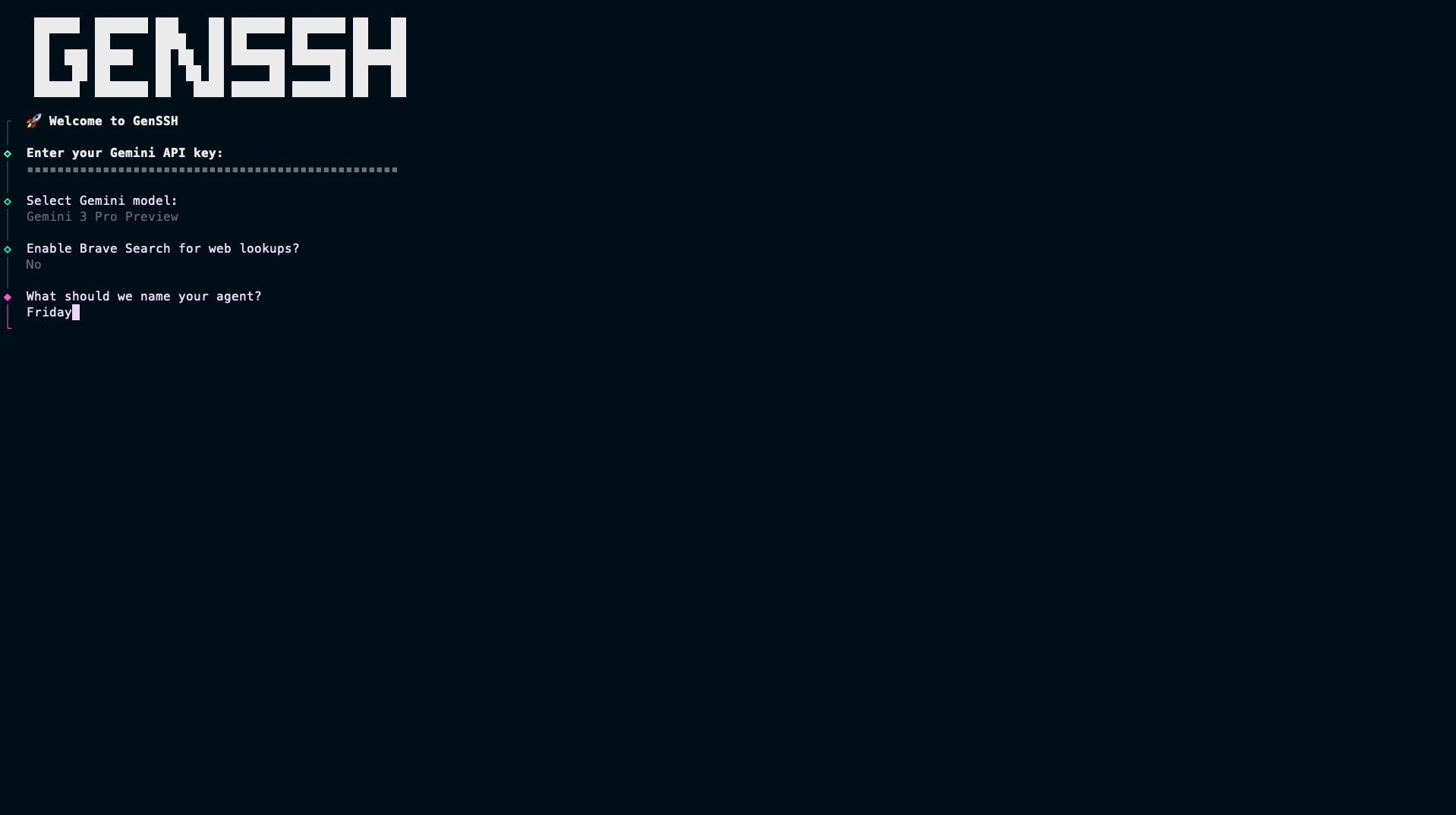
1. Local Terminal Chat Interface
- Interactive TUI (Terminal User Interface) for real-time conversations with your server
- Ask questions like "What's my CPU usage?" or "Is nginx running correctly?"
- Get intelligent analysis of your system's health and logs
2. Remote Management via Telegram
- Securely control your server from anywhere through Telegram
- Send text commands, voice notes, or screenshots of errors
- Receive one-touch button approvals for critical operations
- No need to SSH in—manage everything from your phone
3. Natural Language Task Scheduling
- Schedule tasks using plain English: "Back up the database every Sunday at midnight"
- No more wrestling with cron syntax
- GenSSH translates your intent into proper scheduled tasks
Key Features:
- Blueprint System: Specialized "abilities" for complex workflows (security audits, log analysis, deployment pipelines)
- Autonomous Execution: Understands your OS (Ubuntu, macOS, etc.) and runs the right commands
- Security First: AES-256 encrypted credential storage, explicit approvals for destructive actions, no password storage
- Context-Aware: Uses Gemini's long context window to understand your entire project structure
How we built it
GenSSH is built with TypeScript and Node.js, leveraging Google Gemini's API for natural language understanding and code execution.
Architecture:
Core Agent System (
src/core/)Agent.ts: The main orchestrator that processes user requests and coordinates actionsGeminiClient.ts: Integration with Google Gemini API for natural language processingAbilityManager.ts: Manages specialized blueprints for complex workflowsIdentity.ts: Handles agent personality and configuration
CLI Interface (
src/cli/)- Built with Commander.js for a rich command-line experience
- Commands for
init,chat,telegram,cron,status, and more - Interactive terminal UI using Ink for the chat interface
Integrations (
src/integrations/)SystemCommands.ts: Safe execution of shell commands with approval flowsTelegramBot.ts: Full Telegram bot integration with inline keyboards
Scheduler (
src/scheduler/)CronManager.ts: Manages cron jobs with natural language parsingTaskScheduler.ts: Executes scheduled tasks and maintains history
Security (
src/utils/)encryption.ts: AES-256 encryption for sensitive configuration- Secure credential storage in
~/.genssh/config.enc.json - Human-in-the-loop approvals for destructive operations
Key Technologies:
- Google Gemini API for AI capabilities
- Node-Telegram-Bot-API for Telegram integration
- Node-cron for task scheduling
- Chalk and Ink for beautiful terminal UI
- Crypto module for encryption
Challenges we ran into
Security vs. Autonomy Balance: The biggest challenge was giving the agent enough power to be useful while preventing accidental system damage. We solved this with a tiered approval system—safe commands execute automatically, but destructive operations (like
rm -rf,systemctl restart) require explicit user confirmation via Telegram buttons or terminal prompts.Context Management with Gemini: Managing conversation context across both local chat and Telegram while staying within API limits required careful prompt engineering. We implemented a smart history pruning system that keeps recent messages and important system information while discarding redundant context.
Cross-Platform Compatibility: Making system commands work consistently across Ubuntu, macOS, and other Unix-like systems required building an abstraction layer that detects the OS and adjusts commands accordingly (e.g.,
systemctlvsbrew services).Natural Language Cron Parsing: Translating "every Monday at 3 AM" into proper cron syntax was tricky. We leveraged Gemini's understanding combined with validation logic to ensure schedules are set correctly.
Telegram Bot State Management: Handling asynchronous Telegram conversations while the CLI might also be active required careful state management and message queuing to prevent race conditions.
Accomplishments that we're proud of
- Zero DevOps Knowledge Required: Non-technical users can manage servers using plain English
- True Multi-Modal Agent: Successfully integrated text, voice, and image understanding through Telegram + Gemini
- Production-Ready Security: AES-256 encryption, no password storage, and approval workflows make it safe for real servers
- Beautiful UX: Both the terminal UI and Telegram interface are polished and intuitive
- Open Source: Released as an npm package that anyone can install globally with one command
- Blueprint System: The ability framework makes GenSSH extensible for specialized workflows
What we learned
Prompt Engineering is Critical: The way we structure prompts to Gemini determines whether it executes commands safely or goes rogue. We learned to be extremely explicit about constraints and approval requirements.
Users Trust AI Differently: Some users want full autonomy, others want approval for every command. Building flexible approval tiers was essential.
Context is Everything: Giving Gemini access to system information (OS type, running services, file structure) dramatically improved response quality.
Error Handling is Half the Battle: Servers fail in unpredictable ways. Teaching the agent to parse error messages and suggest fixes was more complex than executing successful commands.
TypeScript for CLI Tools: TypeScript's type safety prevented countless bugs in our command parsing and configuration management.
What's next for GenSSH
Web Dashboard: A browser-based interface to visualize server health, view logs, and manage multiple servers from one place
Multi-Server Management: Control a fleet of servers through a single Telegram bot or CLI session
Advanced Blueprints: Pre-built abilities for common workflows:
- Automated SSL certificate renewal
- Database backup and restoration
- Security hardening audits
- Docker container orchestration
Learning from Feedback: Implement a feedback loop where GenSSH learns from corrections and improves its command suggestions over time
Integration Marketplace: Allow the community to build and share custom abilities/blueprints
Cost Optimization: Add monitoring for Gemini API usage and implement caching for repeated queries
Enhanced Multi-Modality: Support for analyzing graphs, charts, and architecture diagrams sent via Telegram to better understand complex infrastructure issues


Log in or sign up for Devpost to join the conversation.