-
-
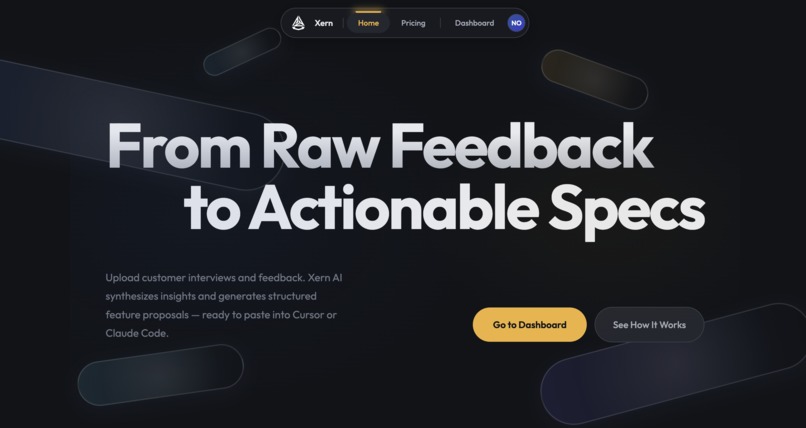
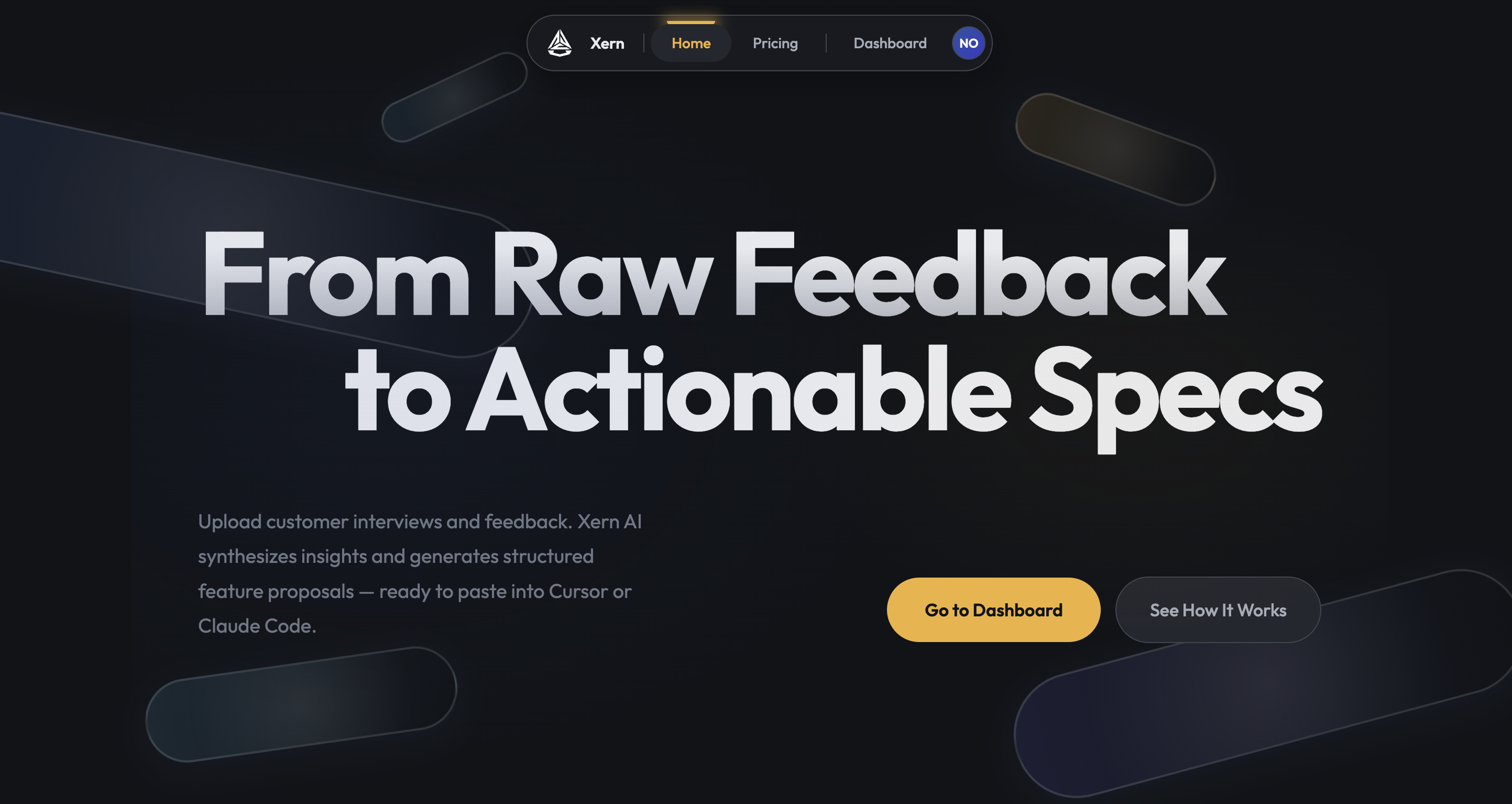
Hero Section
-
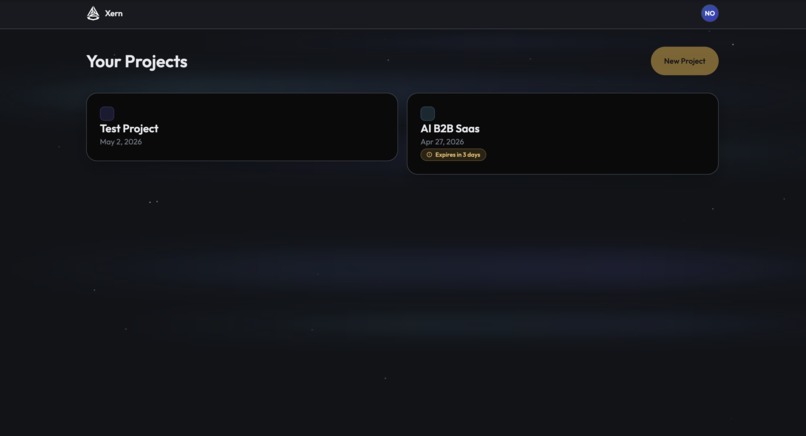
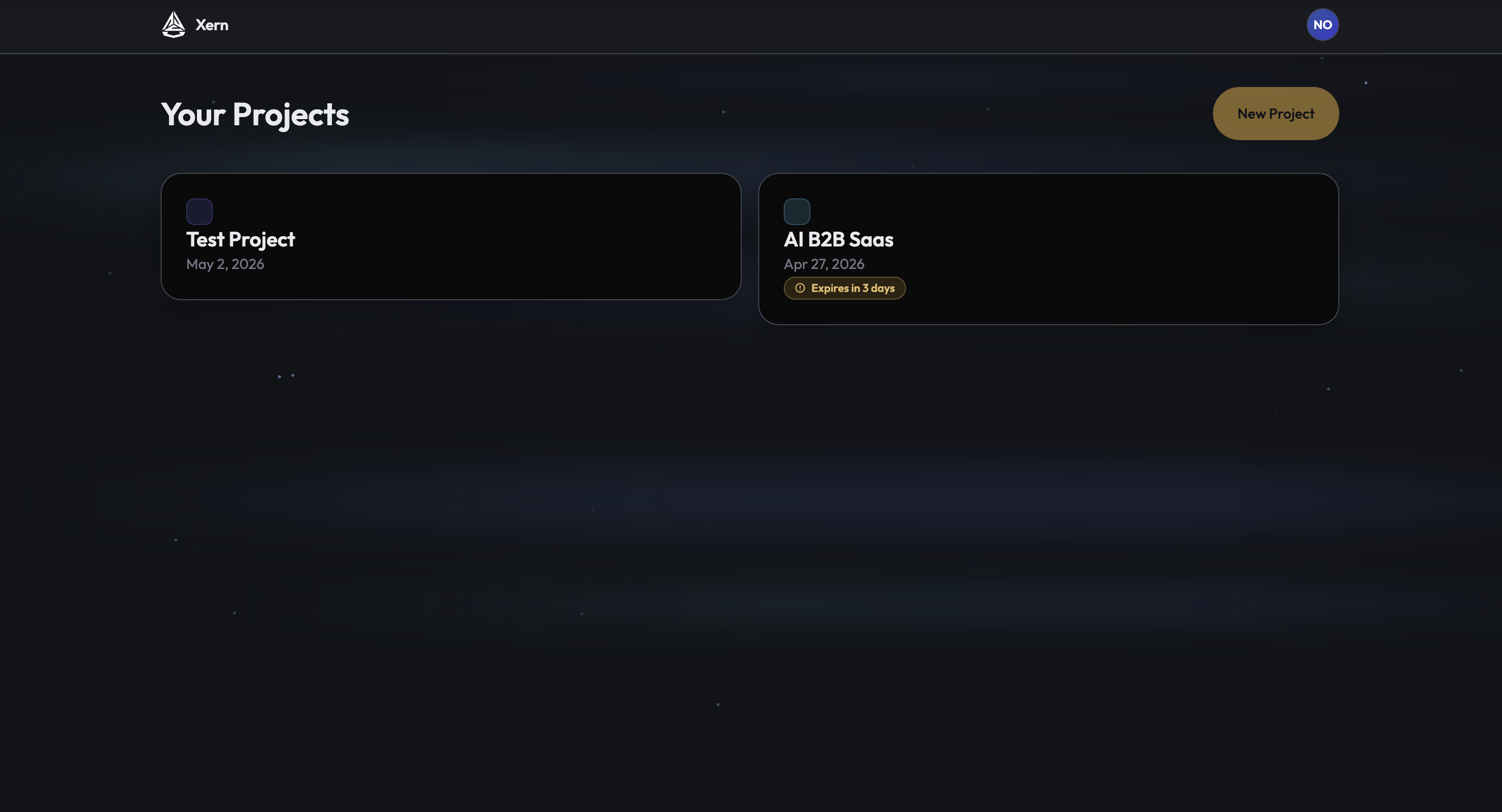
Project Dashboard
-
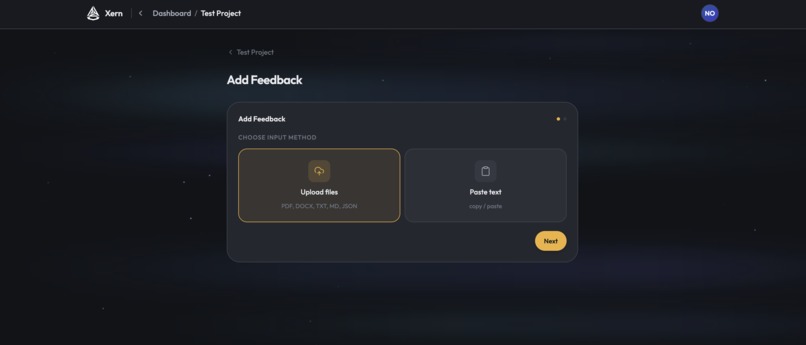
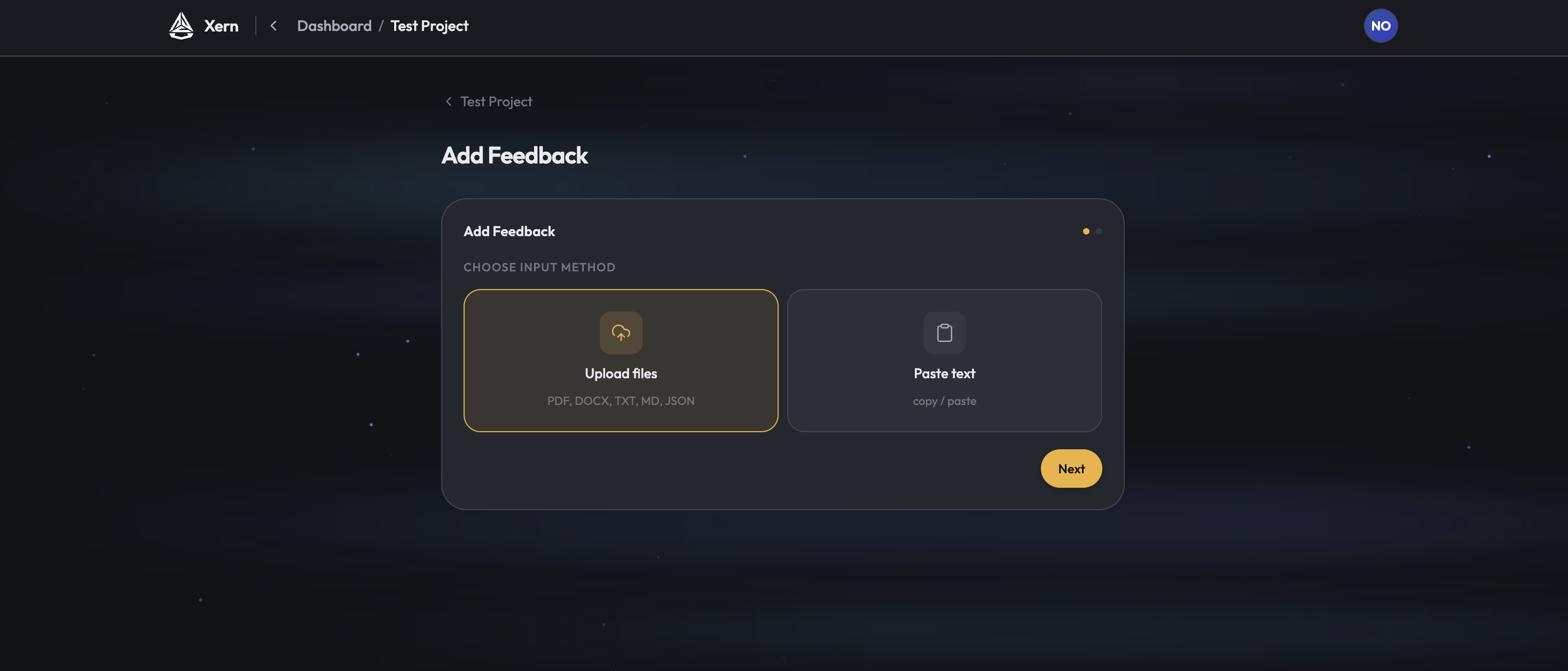
Add Inputs
-
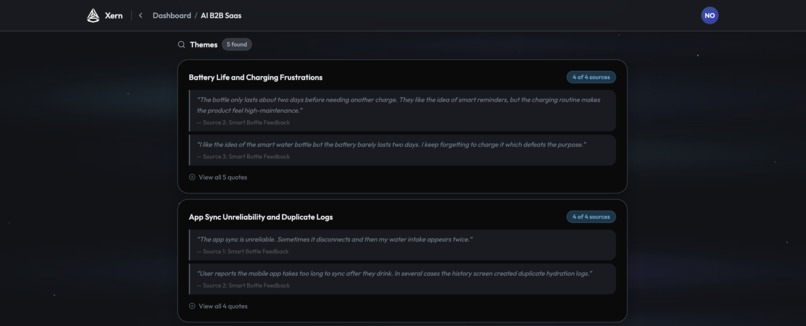
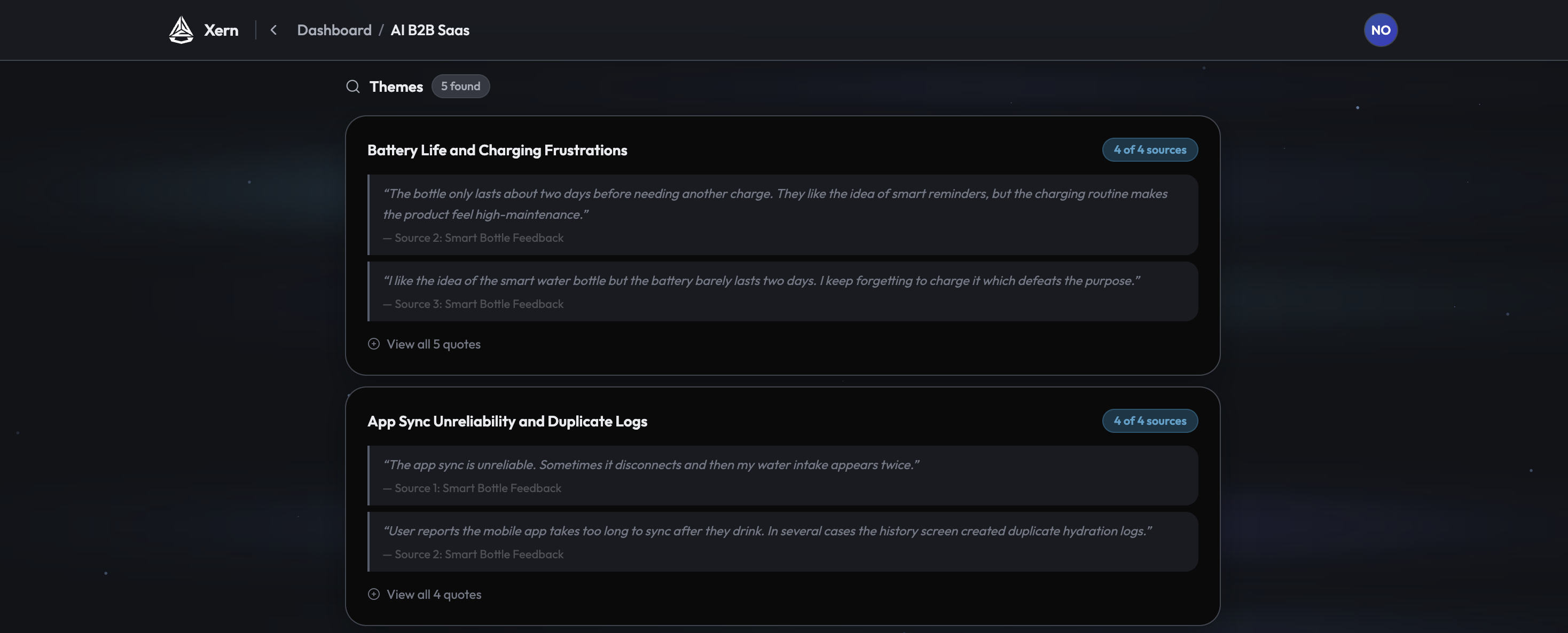
Synthesize Themes
-
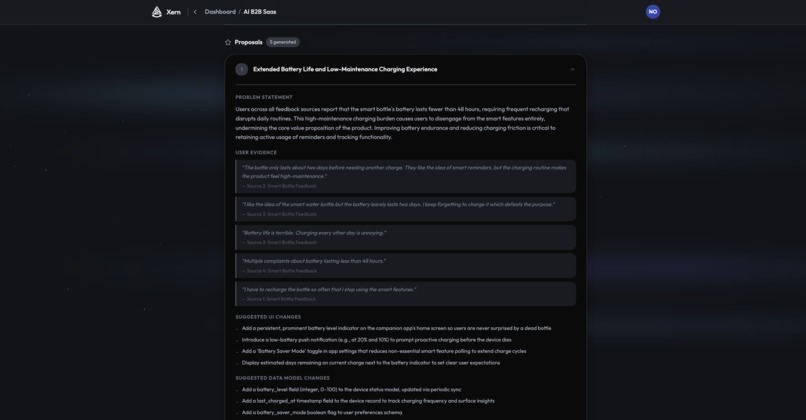
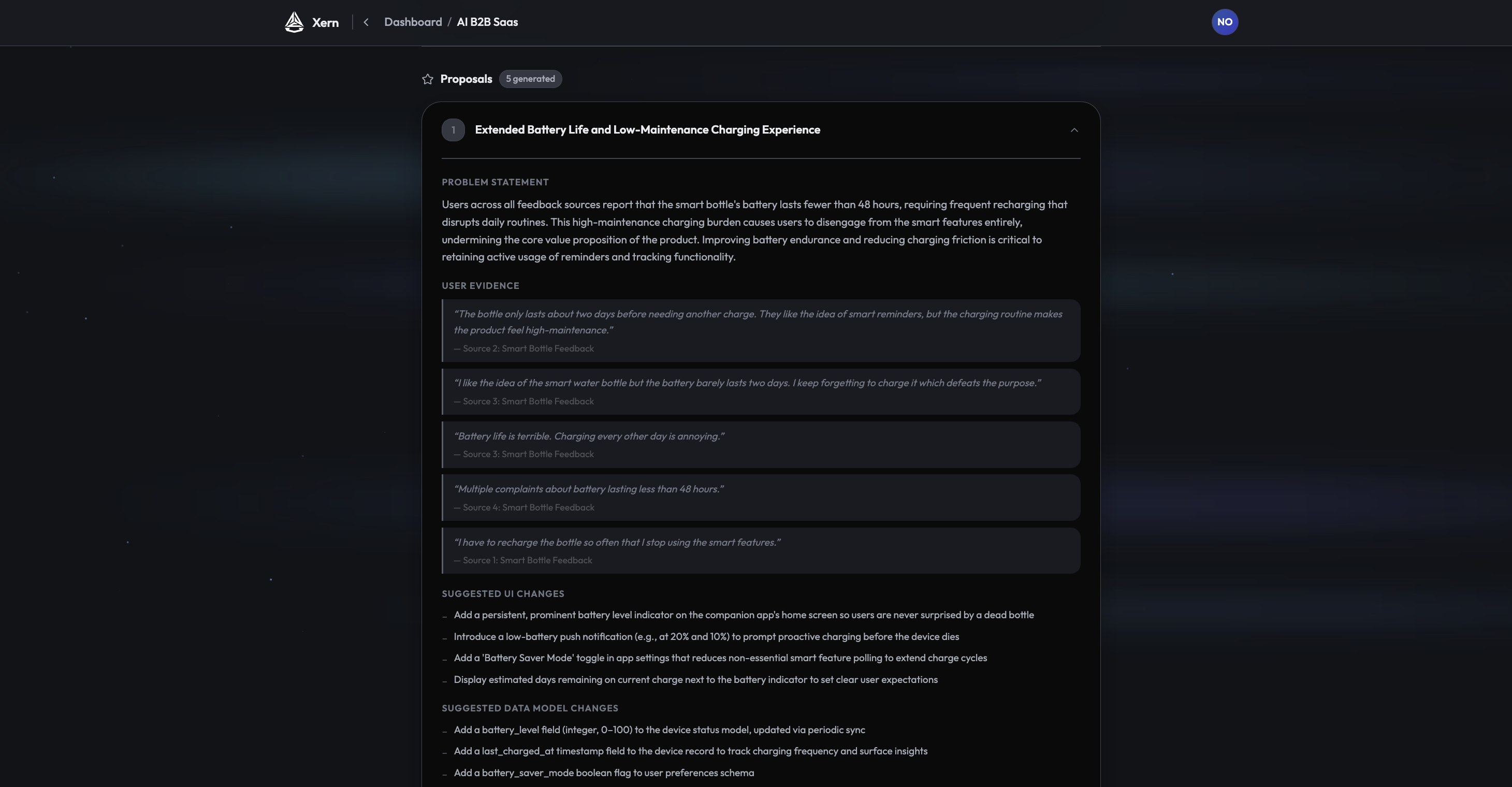
Generate Specs
Inspiration
Today, AI has revolutionized the way we build products and software. What once took large engineering teams months to build can now be done by a single builder in days. Cursor, Replit, Claude Code, and other AI coding tools have made shipping software faster than ever.
But building faster only matters if you are building the right thing.
Product managers and founders still rely on customer feedback, user interviews, support tickets, and product notes to decide what to build next. That process is still slow, manual, and inefficient. Teams spend hours combing through messy feedback, trying to identify patterns, extract user pain points, and turn those insights into clear feature ideas.
The bottleneck is no longer just building. The bottleneck is upstream, at the exact moment where customer feedback becomes a product decision.
That is why I built Xern AI: to help founders and product teams turn messy customer feedback into build-ready product specs, so they can move from user insight to execution faster.
What it does
Xern AI turns messy customer feedback into build-ready product specs.
Users can create a project, upload multiple feedback files, or paste text directly into the app. Xern AI currently supports .docx, .md, .json, .txt, .pdf, and copy/pasted input. After the user runs an AI analysis, the app synthesizes common themes across the feedback and generates structured feature proposals.
Each proposal includes real user evidence, common pain points, suggested UI changes, data model changes, workflow changes, and engineering tasks. The output is designed to be exported as clean Markdown, making it easy to paste directly into AI coding tools or share with a product/engineering team.
How we built it
I built Xern AI solo over three weeks using Next.js, TypeScript, Supabase, Vercel, Stripe, and Tailwind.
The frontend is built with Next.js and Tailwind to create a clean project-based workflow for uploading feedback, reviewing analysis, and exporting proposals. Supabase handles authentication, database storage, and uploaded project files. The app processes different document types, extracts the feedback content, and sends it through an AI analysis pipeline that identifies recurring themes and converts them into structured product proposals.
I also integrated Stripe to support subscription-based usage and deployed the app on Vercel for a fast, production-ready web experience.
Challenges we ran into
One of the biggest challenges was turning unstructured, messy feedback into outputs that are actually useful for builders. Customer feedback is inconsistent: some files are detailed interviews, some are short notes, some are support-style complaints, and some contain overlapping or conflicting ideas. Xern AI needed to synthesize those inputs into clear product themes without losing the nuance of what users actually said.
Another challenge was designing the AI output format. I did not want Xern AI to generate vague summaries. I wanted it to create proposals that felt actionable: specific UI changes, data model suggestions, workflow changes, and engineering tasks that could realistically help someone start building.
On the technical side, one of the hardest parts was managing subscription plan permissions and integrating Stripe. Xern AI has different usage limits across plans, so I had to think through how to enforce project limits, file limits, analysis runs, and access to paid features in a way that felt clear and reliable. Connecting those permissions to Stripe subscriptions added complexity because billing state, user access, and product behavior all had to stay in sync.
What we learned
I learned a lot about what it actually takes to build an end-to-end AI SaaS-style product: authentication, file uploads, database persistence, AI pipelines, pricing infrastructure, deployment, and product UX.
Because I built this solo, I also had to take on the role of product manager, designer, engineer, and tester at the same time. A big part of the challenge was learning how to think through edge cases myself: what happens if a user uploads the wrong file type, hits a plan limit, leaves and comes back, reruns an analysis, or expects their work to be saved? I had to constantly put myself in the user’s shoes and ask, “What would I expect this product to do here?” That forced me to stress test the product beyond just making the main flow work.
What's next for Xern AI
Next, I want to make Xern AI support more input types and deeper integrations. That includes connecting directly to tools like Slack, support platforms, customer interview repositories, and other places where feedback already lives.
Built With
- next.js
- stripe
- supabase
- tailwind
- typescript
- vercel

Log in or sign up for Devpost to join the conversation.