-

-
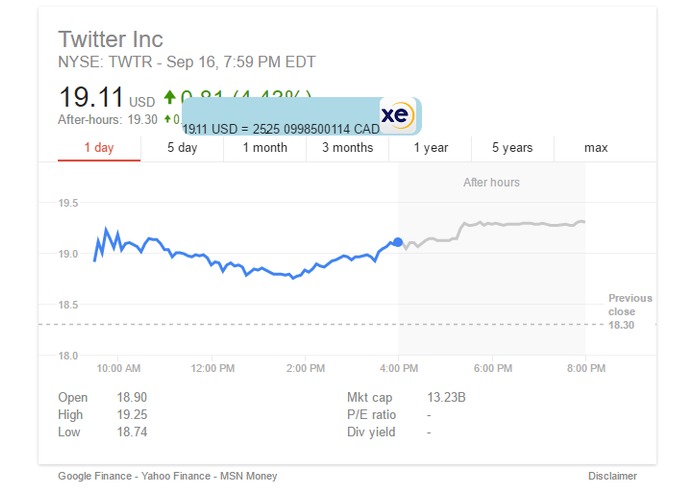
A screenshot in action
-
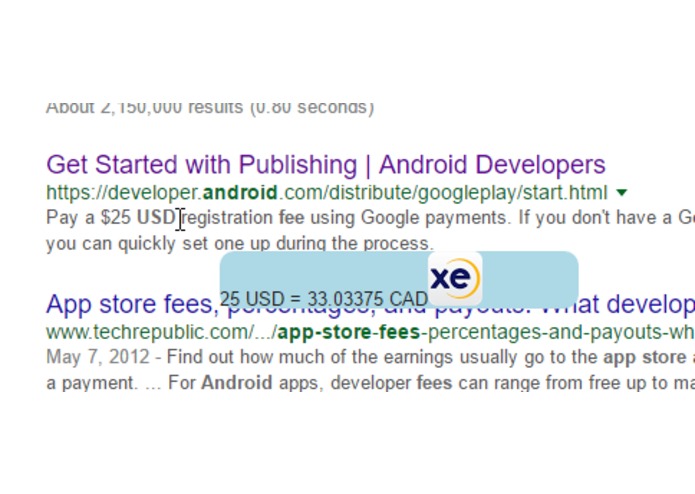
A screenshot in action (2)

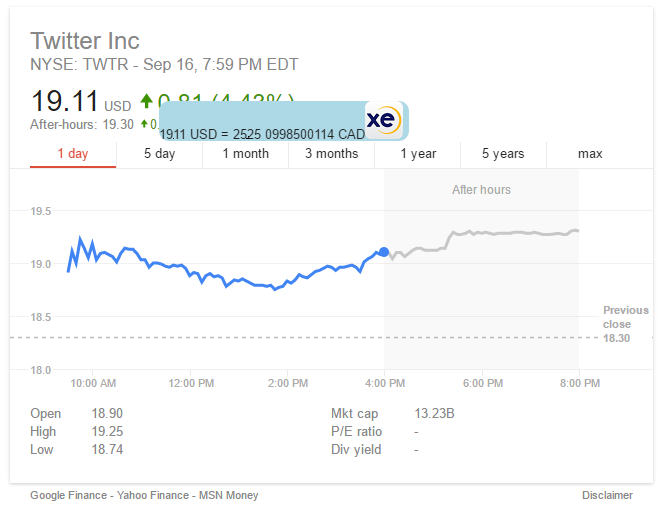

Update: the extension has now been removed as the API has been disabled. If you would like to use it, please edit the background.js to your XE credentials. The source code is available on github.
Inspiration
Currency conversion should be as easy as selecting text and hovering. We wanted to know how many dollarydoos 9000 rubles would convert to without having to Ctrl-T, Ctrl-K, type in "9000 rubles to Trump Bucks", and Ctrl-W.
What it does
Detects and converts currency on highlighted text in the browser, in your current tab. Ever wanted to know know how many CAD you had in your Japanese investment account? Just select the amount and hover.
How we built it
JavaScript on the client side, packaged in a chrome extension, placed for your convenience on the Chrome Web Store: https://chrome.google.com/webstore/detail/gjjdemhpacikdjaemhngimchncdkcdkg/
Challenges we ran into
Currency conversion is generally a dry subject. We wanted to make it as efficient as possible so you could spend that much more time watching your cat gifs. #priorities
We didn't have enough redbull. Thanks Obama.
Accomplishments that we're proud of
We've wanted to build a chrome extension for a while now, it wasn't until HtN that we realized we could do something that would make our lives just that much easier.
It works fam
What we learned
JavaScript async isn't nice, gotta make sure you do those callbacks properly
Regex: don't forget the decimal.
Chrome extension specific knowledge, thanks Google
What's next for XE-Overlay
Settings page to set default currency other than CAD
our notes
find match in iso or currency name check valid get numbers pass numbers and currency.iso to fetchXE function retrieve the exchanged amount original iso original iso amount converted iso converted iso amount pass to content.js display if button hit
on mouse down nothing until mouse up, selected text, overlay
on mouse down, remove on mouse up, nothing


Log in or sign up for Devpost to join the conversation.