Inspiration
Many online developer tools send sensitive data to remote servers, creating privacy risks for developers working with API keys, passwords, or proprietary code. The goal was to build a comprehensive toolkit that processes everything locally in the browser.
What it does
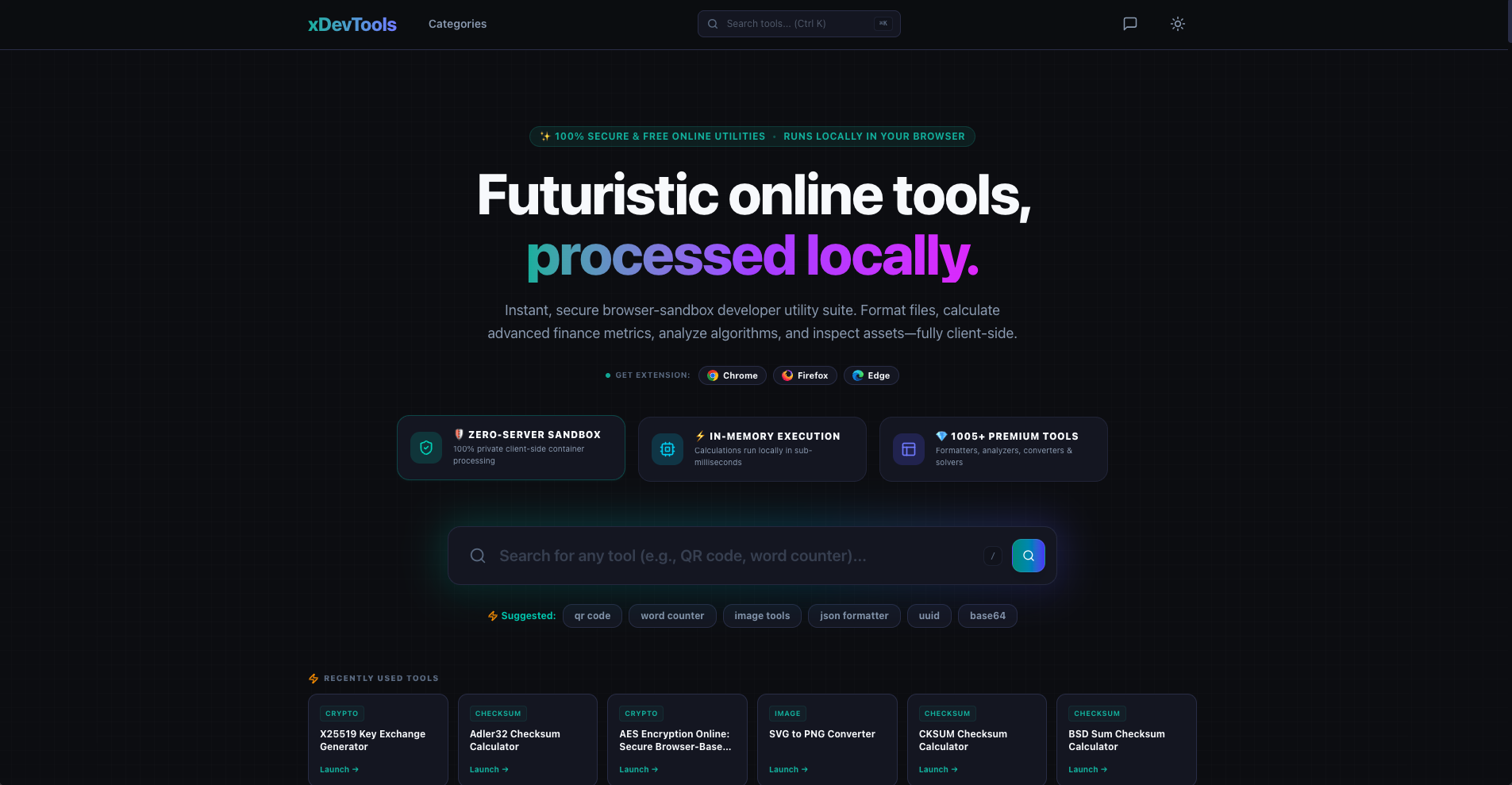
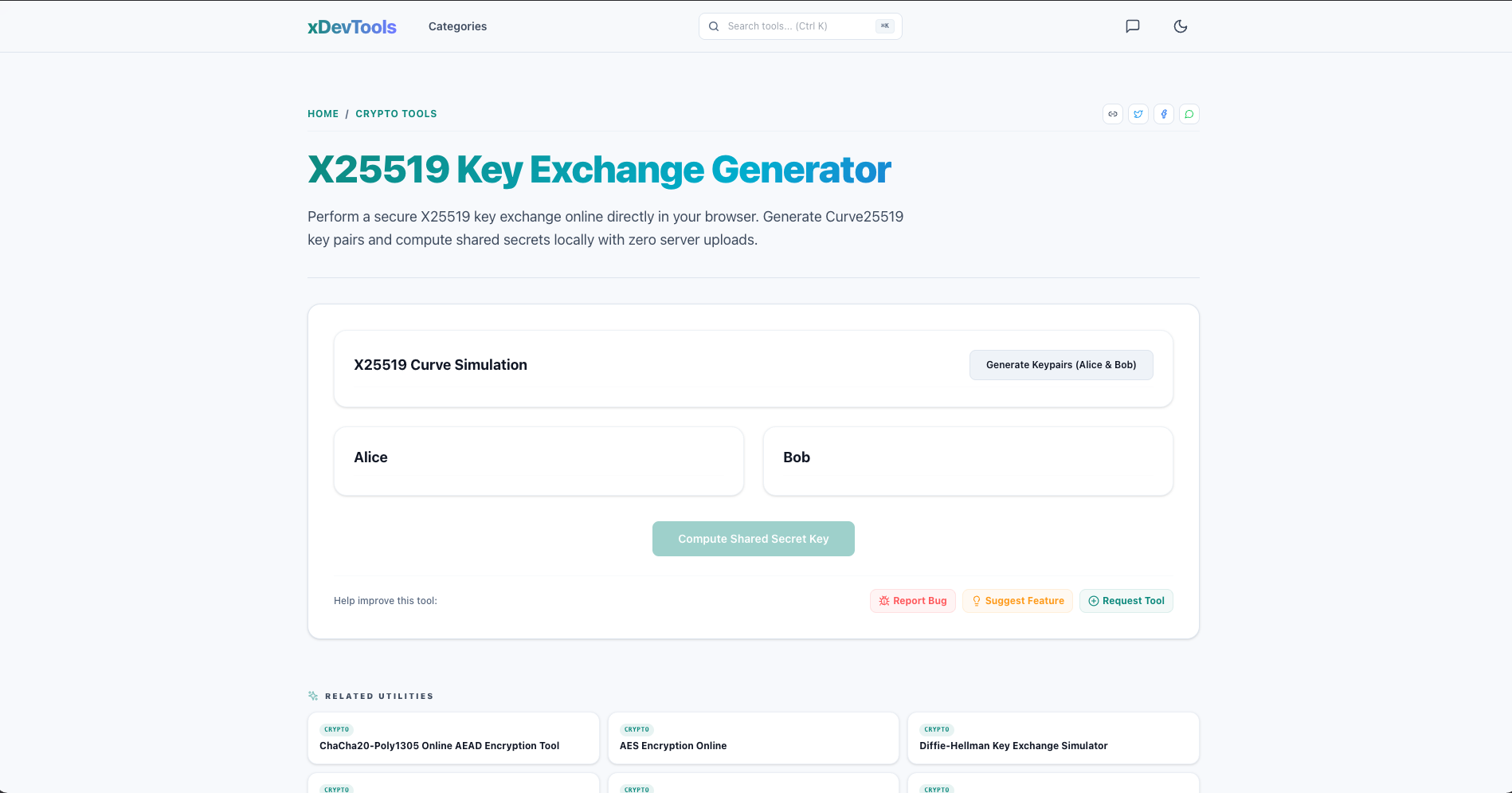
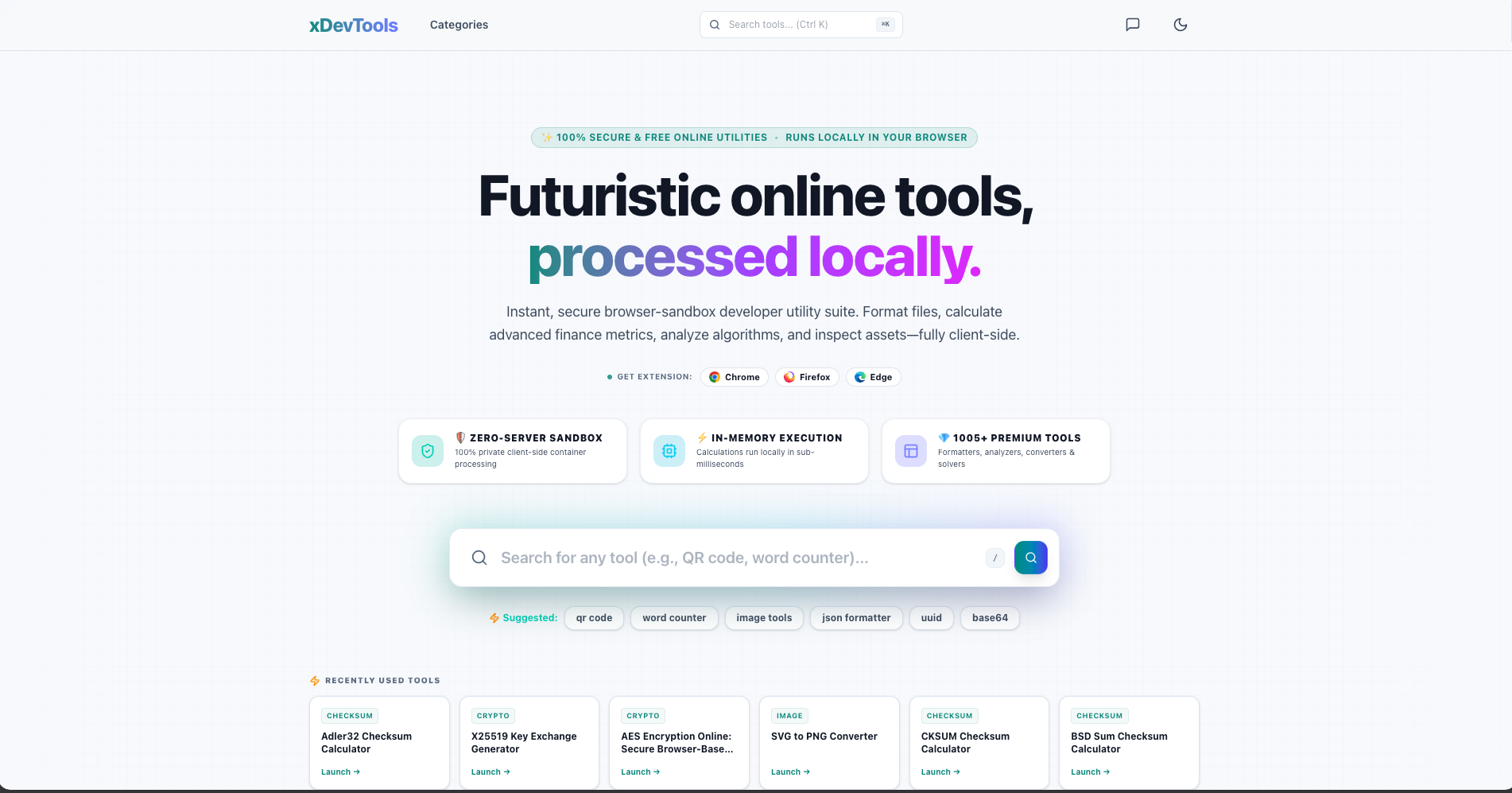
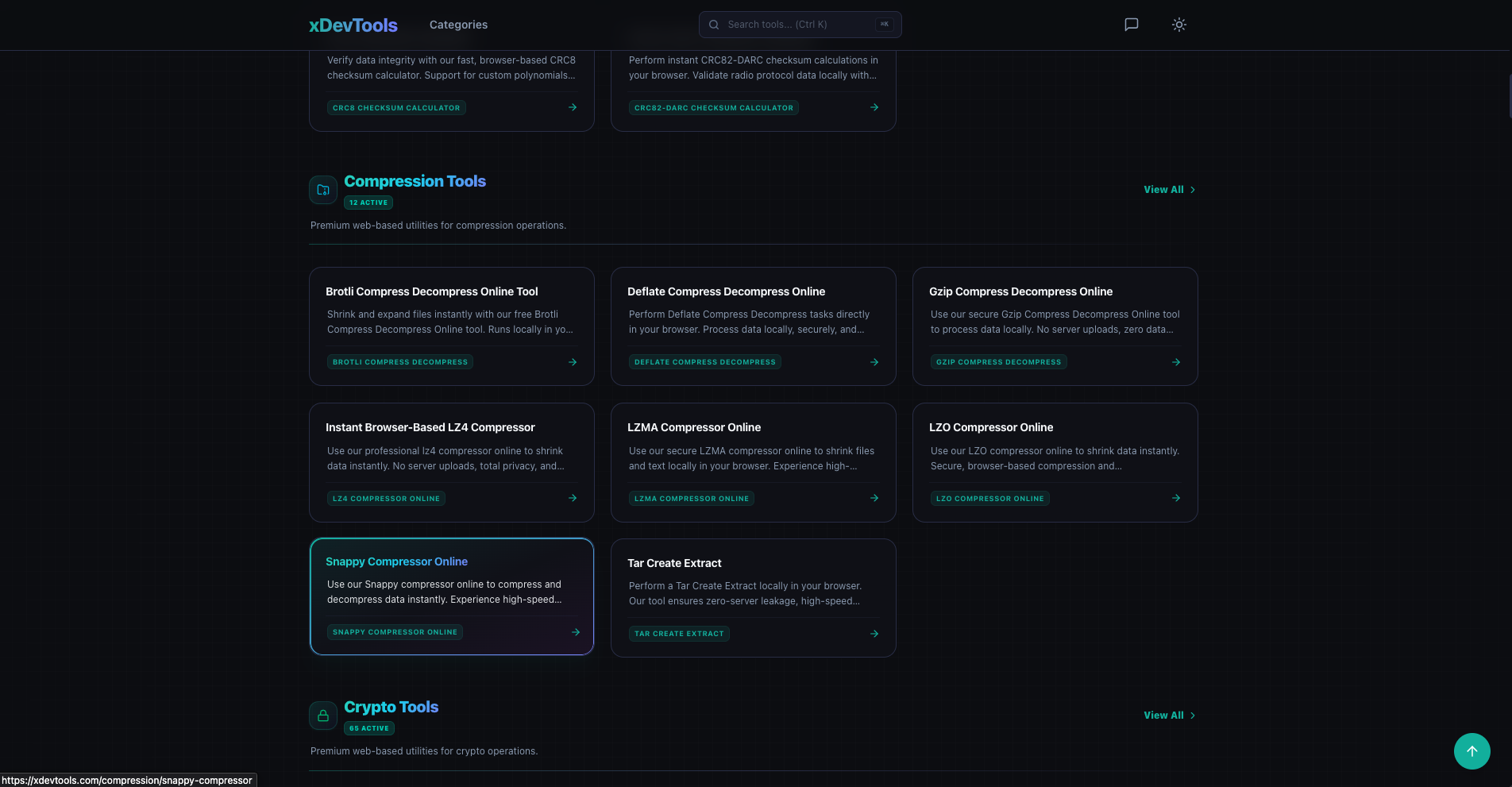
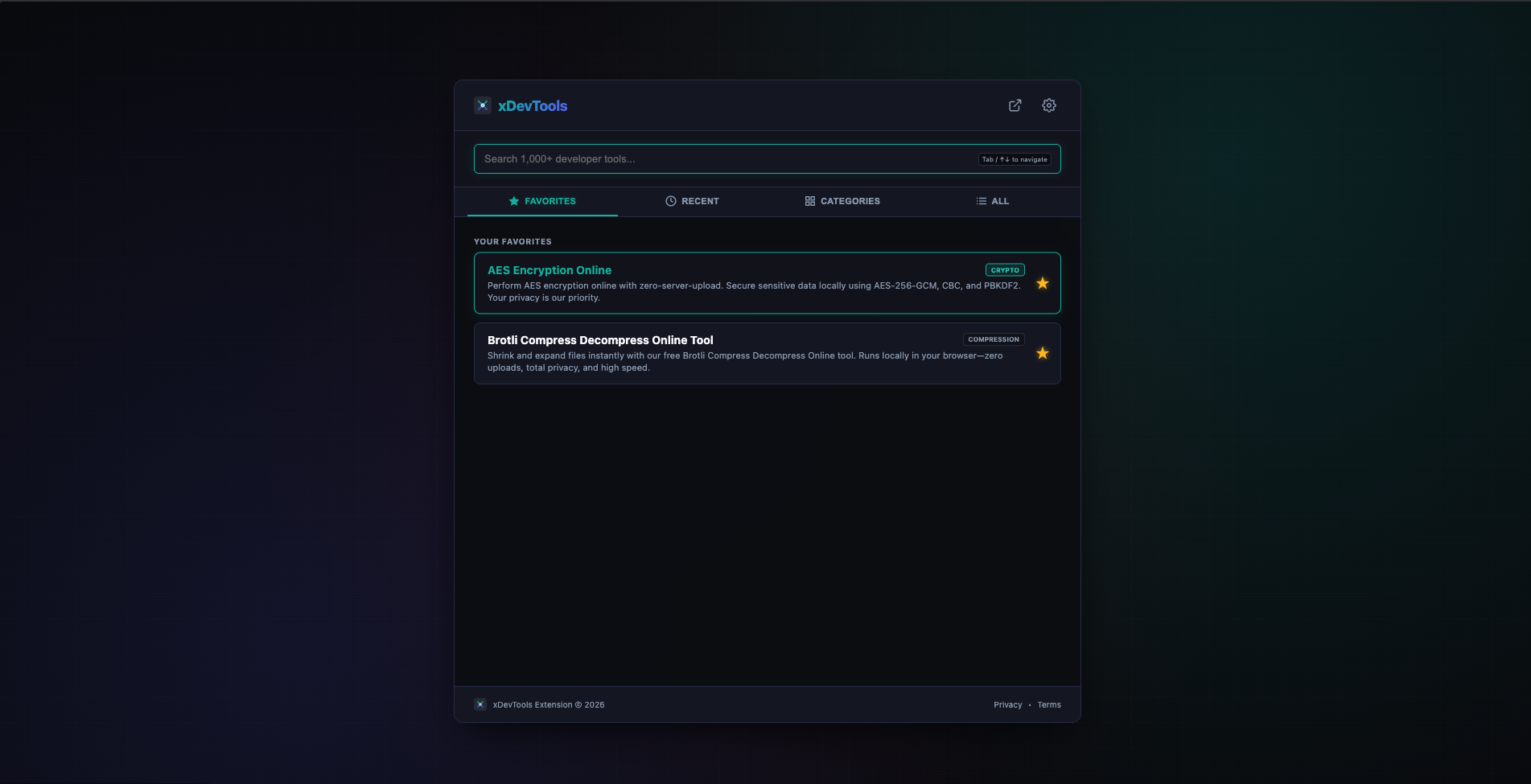
xDevTools provides over 1,000 utilities for formatting code (JSON, HTML, CSS, SQL, XML), encoding/decoding (Base64, URL, JWT), cryptography (MD5, SHA-256, bcrypt), password generation, and web design (CSS gradients, contrast checkers). Tools are organized into categories including Checksum, Compression, Crypto, Date, Dev, Docs, Encoders, Finance, Formatters, Game, Hash, Health, Image, Math, Network, Random, Text, and Web.
How it was built
The platform is built with vanilla JavaScript and modern browser APIs. Each tool runs client-side using WebAssembly and native browser capabilities. Service Workers enable offline functionality after the initial load. LocalStorage is used for user preferences like theme settings. No data is ever transmitted to external servers.
Challenges faced
Ensuring all 1,000+ tools work consistently across different browsers and devices was a significant challenge. Performance optimization for complex operations like cryptographic hashing and image processing required careful implementation. Maintaining offline functionality while keeping the platform lightweight required efficient caching strategies. Designing a clean, accessible interface that scales across desktop and mobile was also a priority.
What I learned
Building a fully client-side platform at scale deepened understanding of browser security models, performance optimization, and Progressive Web App techniques. The importance of clear category organization and search functionality became evident as the tool count grew beyond 1,000.

Log in or sign up for Devpost to join the conversation.