-
-
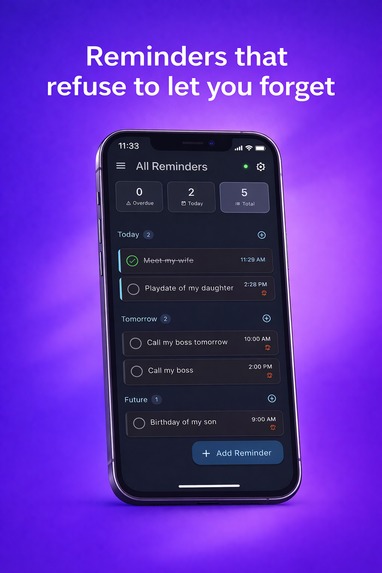
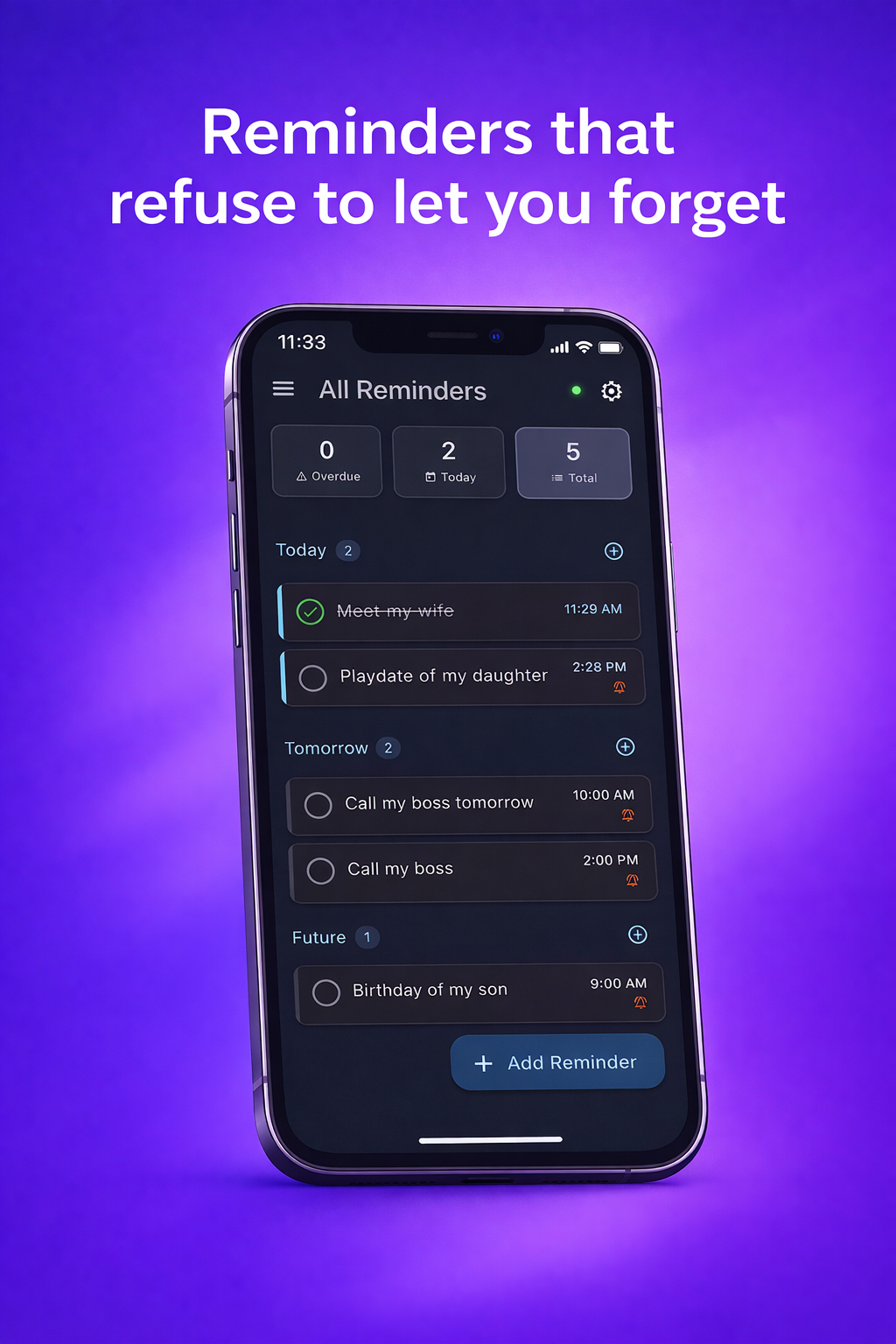
Reminders that refuse to let you forget
-
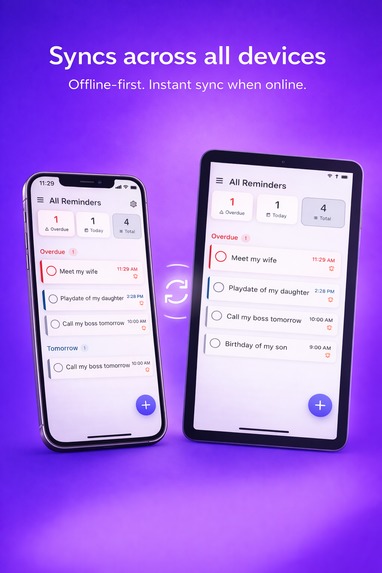
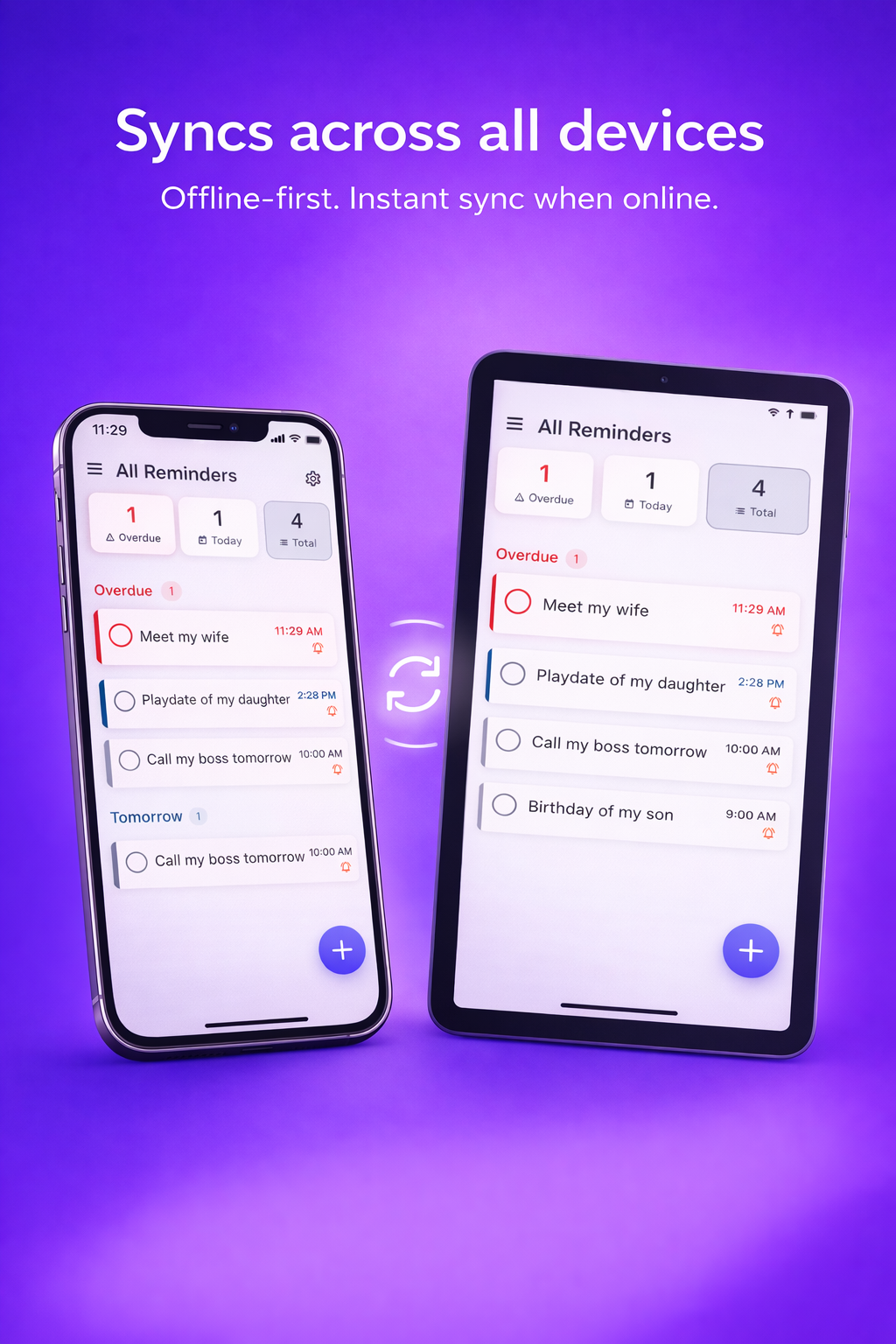
Sync across all devices
-
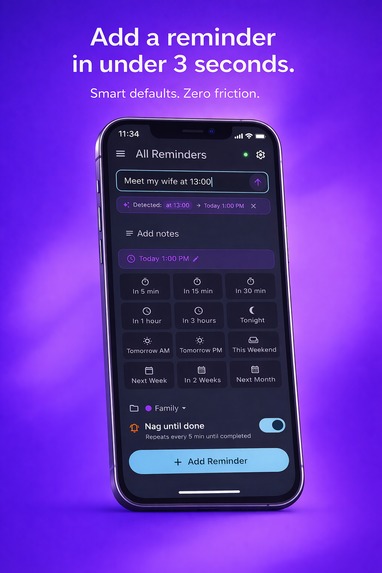
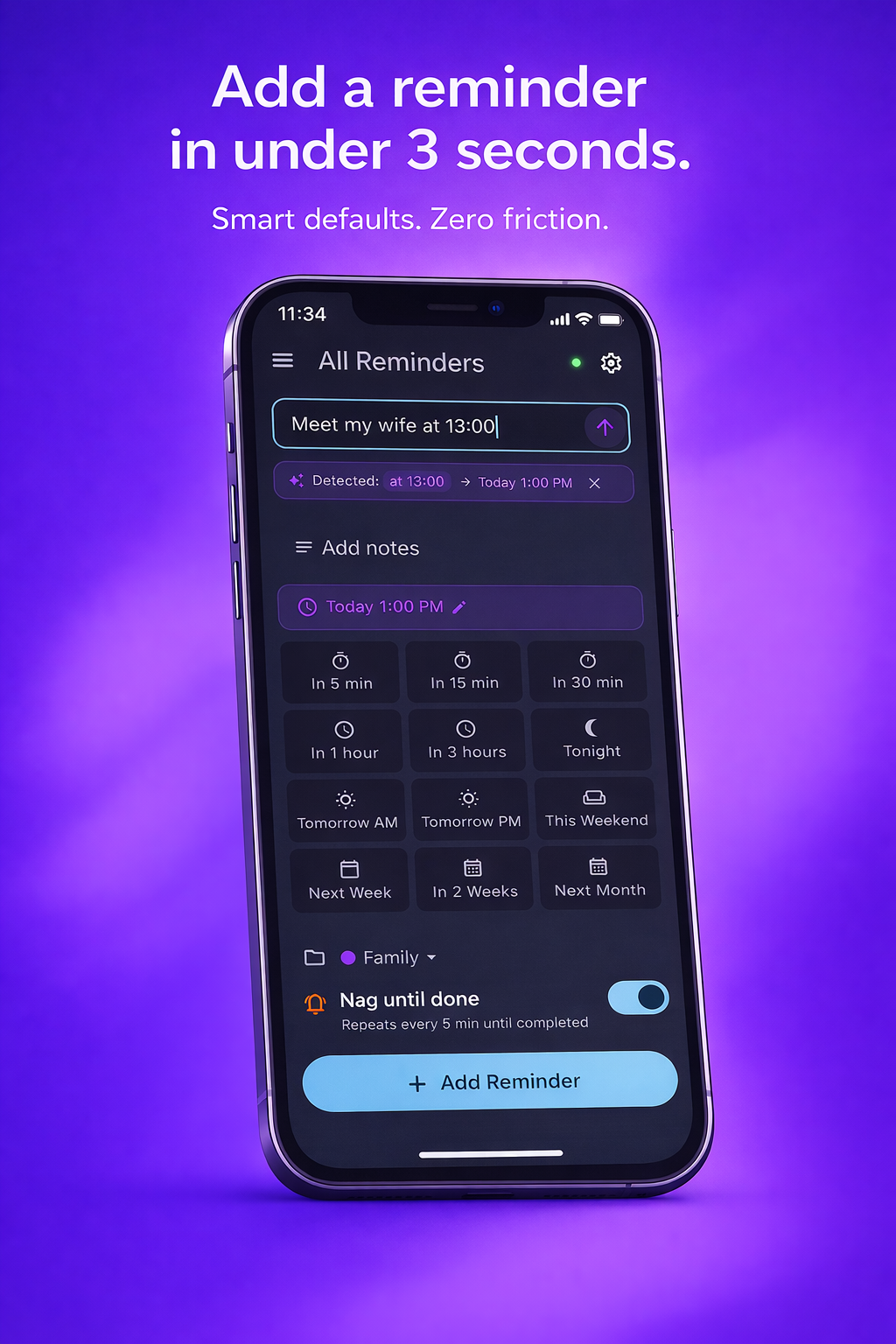
Add a reminder in under 3 seconds
-
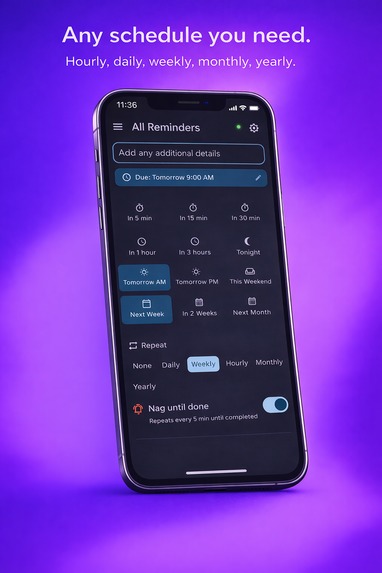
Any schedule you need
-
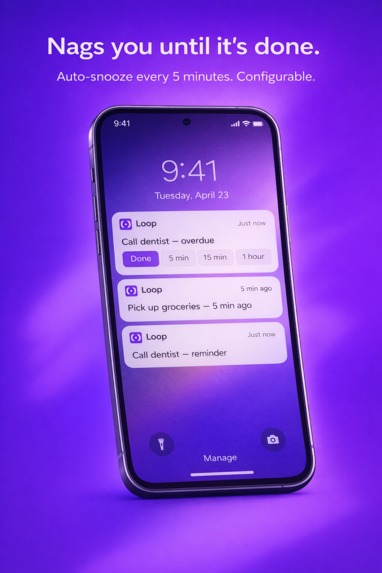
Nags until it's done
Inspiration
I kept missing reminders. Not because I forgot to set them — but because they were too easy to dismiss. One swipe and gone. If you use multiple devices, it gets worse: dismiss on your phone, still buzzing on your tablet.
I wanted a reminder app that actually refuses to let me forget. Something that nags persistently until I act on it. And I wanted it to work across all my devices — iOS and Android — with real-time sync.
The RevenueCat Shipyard hackathon was the perfect push to build it.
What it does
Loop is a cross-platform reminders app with three core features:
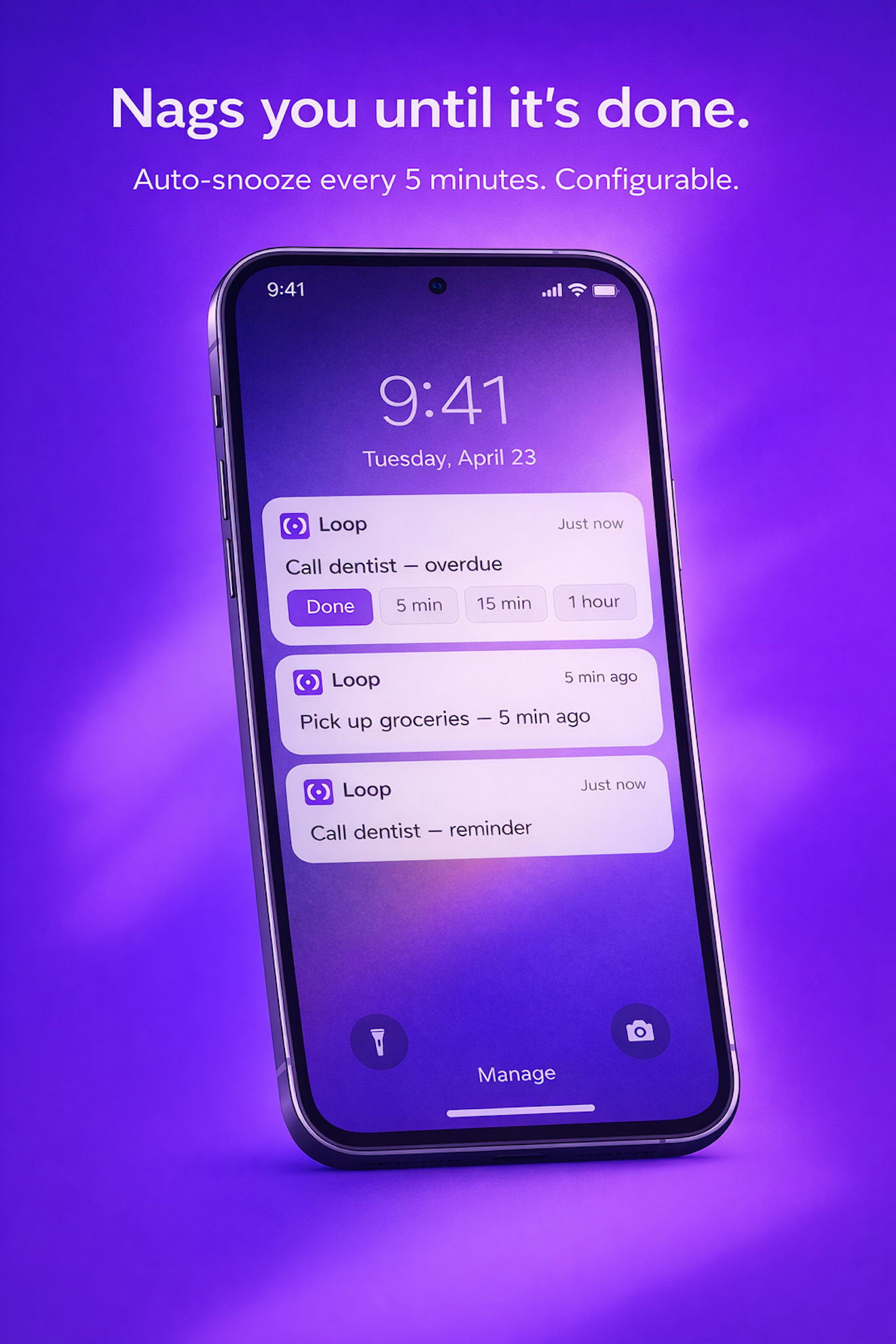
- Persistent Nagging — Reminders re-alert at configurable intervals (default: every 5 min) until you explicitly mark them done or snooze. No more "swipe and forget."
- True Cross-Device Sync — Create on your phone, see it on your tablet in seconds. Complete it anywhere, cleared everywhere. Works offline too.
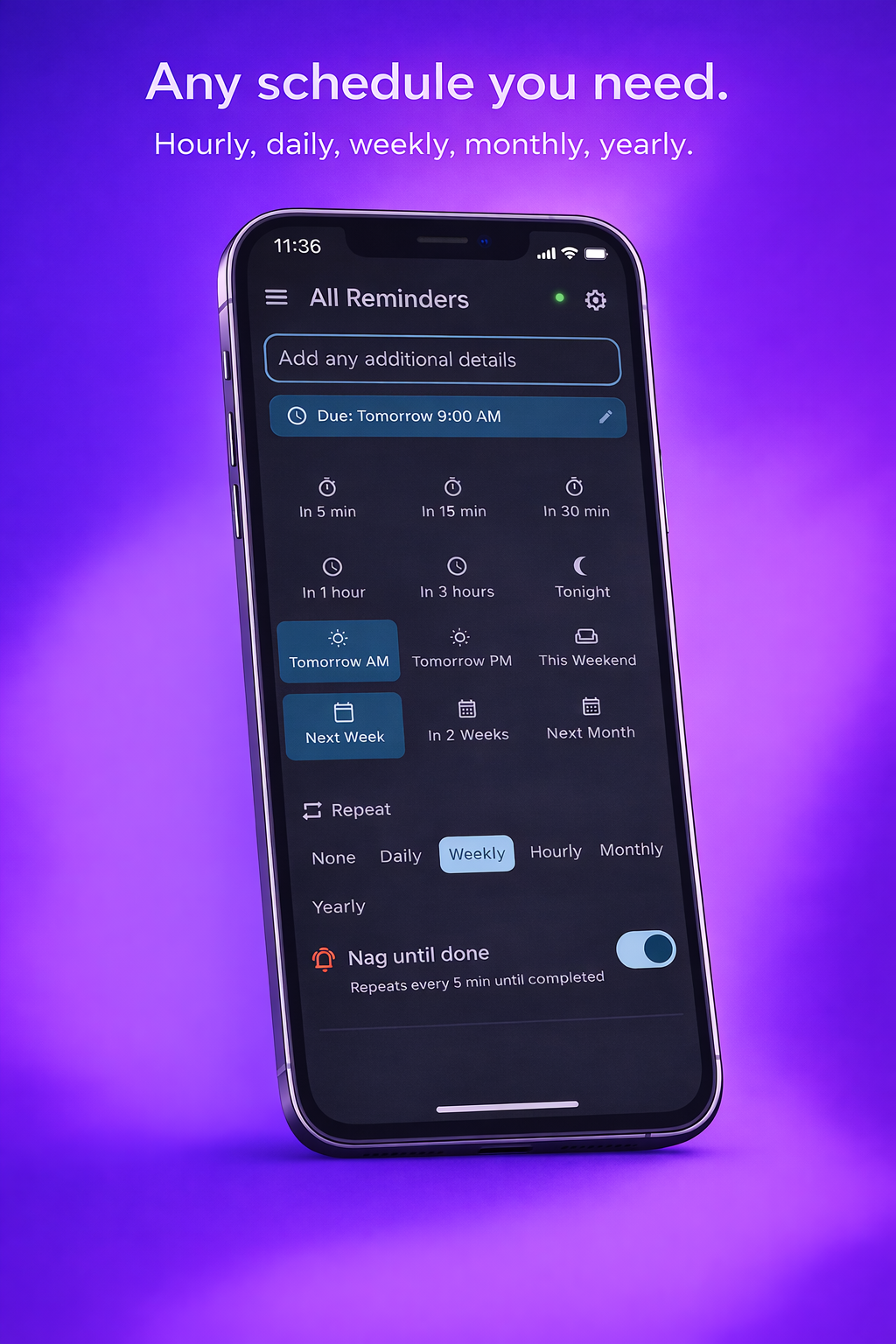
- Powerful Recurrence — Daily, weekly (specific days), monthly, yearly, or hourly intervals. Far beyond "repeat daily."
Plus sub-3-second task entry, custom notification snooze actions (5 min / 15 min / 1 hour) directly from the notification shade, and organized lists.
How I built it
- Flutter + Dart for cross-platform (iOS & Android from one codebase)
- Drift (SQLite) as the local database for offline-first, zero-latency UI
- Cloud Firestore for real-time cross-device sync with conflict resolution
- Firebase Auth (Google, Apple, Anonymous sign-in)
- RevenueCat for subscription management — freemium model with monthly/yearly plans and a 7-day free trial
- Clean Architecture with flutter_bloc for state management
The offline-first approach was key: every action writes to the local DB immediately, then queues for Firestore sync. The UI never waits for the network.
Challenges I faced
- iOS 64-notification limit — Had to build a smart scheduling system that prioritizes the soonest reminders and reschedules on app resume
- Background notification actions — Making "Done" and "Snooze" buttons work when the app is terminated required careful Dart isolate handling
- Offline sync conflicts — Implementing last-write-wins with proper reconciliation, especially protecting default lists from accidental deletion
- Anonymous-to-authenticated migration — Preserving all local data when a user signs in for the first time
What I learned
Building an offline-first sync system is significantly harder than a simple cloud-backed app. The edge cases around conflict resolution, queue processing, and cross-account data isolation taught me a lot about distributed systems at the mobile level.
What's next
- Home screen widgets (iOS + Android)
- Siri / Google Assistant integration
- Location-based reminders
- Shared lists for family and teams
- Apple Watch / Wear OS companion apps

Log in or sign up for Devpost to join the conversation.