-
-
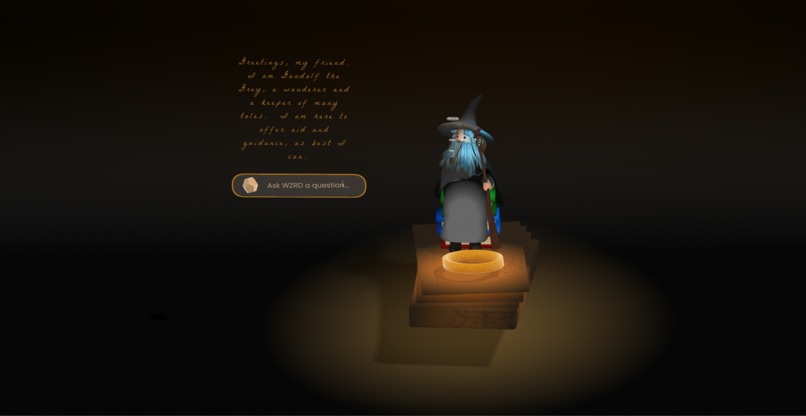
wzrd.work
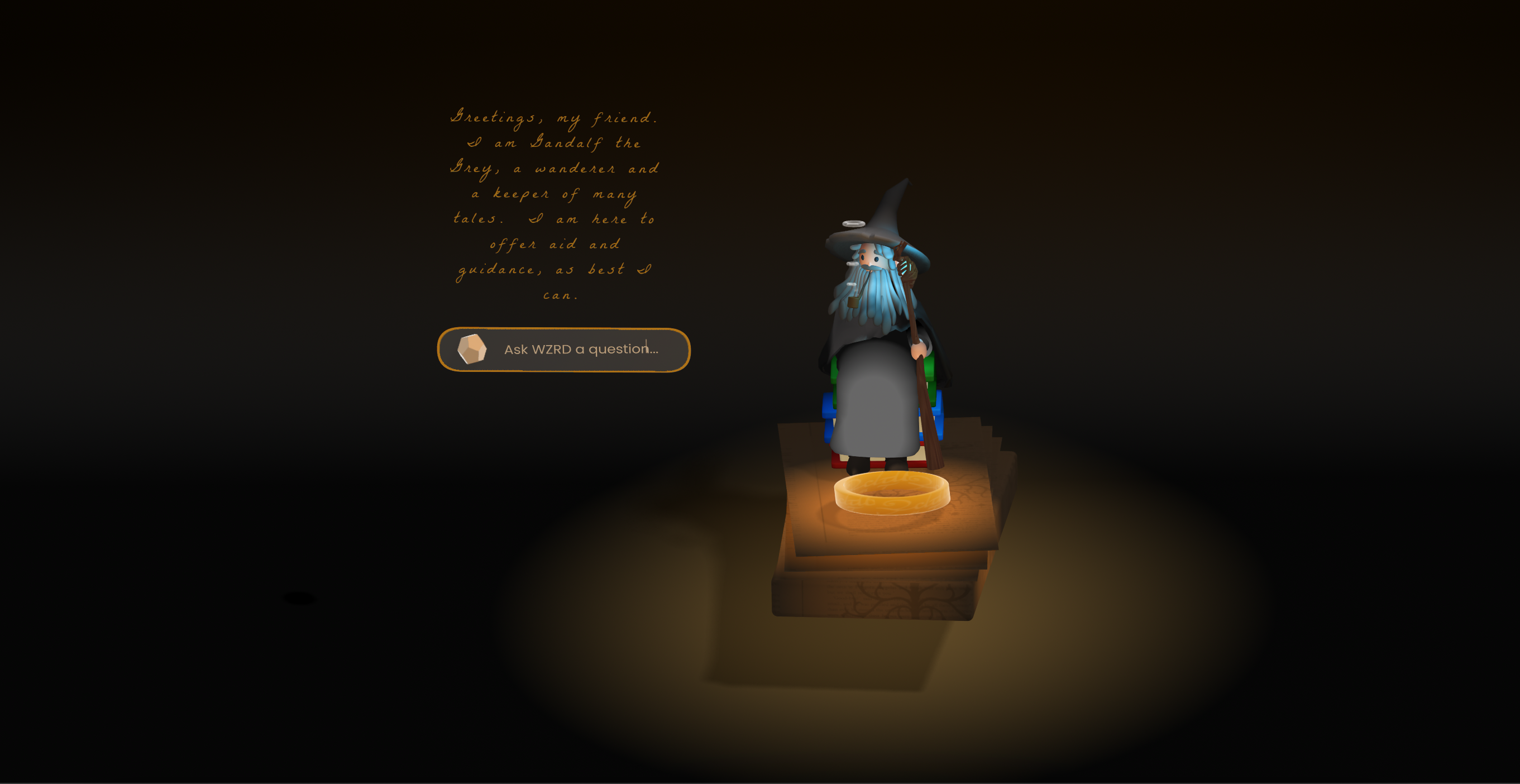
WZRD.WORK
AI-Powered Workflow Capture and Analysis System
WZRD.WORK is an AI-driven platform designed to observe, learn from, and augment knowledge workers’ computer interactions. By capturing screen recordings through Screepipe, reasoning about user actions with the Computer Use API (e2b surf), and facilitating real-time communication via Tavus and ElevenLabs, WZRD.WORK enables enhanced digital productivity through contextual understanding of user behavior.
⸻
Table of Contents 1. Overview 2. System Architecture 3. Core Components 4. Integration Points 5. User Flow 6. Development Setup 7. Operation Intent 8. Next Steps 9. Contact
⸻
Overview
WZRD.WORK provides an intelligent digital assistant that learns from your daily workflows. By monitoring screen activity, identifying patterns, and applying reasoning to user actions, the system can offer real-time suggestions, automate routine tasks, and provide valuable insights into optimizing your digital processes.
Key features include: • Context-Aware Learning: Captures and analyzes screen recordings to understand user workflows. • Intelligent Reasoning: Identifies behavior patterns and suggests improvements. • Seamless Communication: Integrates Tavus and ElevenLabs for conversational interactions with a digital knowledge worker.
⸻
System Architecture
LEARN (Screepipe) → VIDEO LOGGER → BROWSER → CHECKOUT → SUCCESS ↑ (Step-by-step ↓ ↓ ↓ | actions) Analyze Process Feedback └───────────────────────────────────────────────────────────┘
1. LEARN (Screepipe)
Observes the user’s screen and captures raw data (clicks, navigation, text inputs). 2. VIDEO LOGGER Converts raw screen data into step-by-step action logs for subsequent analysis. 3. BROWSER Interface where the user interacts with the system and receives feedback. 4. CHECKOUT → SUCCESS The flow that describes analyzing user actions, processing them, and providing real-time assistance or insights.
⸻
Core Components 1. Screepipe • Captures screen recordings and user interactions. • Generates raw data feeds that provide context for user actions. • Produces action sequences for further analysis. 2. Video Logger • Processes screen captures into step-by-step logs. • Timestamps and categorizes user activities. • Identifies workflow patterns for the Computer Use API. 3. Computer Use API / e2b Surf • Applies reasoning to the recorded user actions. • Extracts and maps workflow patterns. • Surfaces optimization opportunities and creates searchable metadata. 4. Digital Knowledge Worker • AI assistant interface built with Tavus. • Communicates through ElevenLabs voice synthesis. • Provides task automation, workflow guidance, and context-aware suggestions.
⸻
Integration Points • Tavus Facilitates interactive communication between the user and the Digital Knowledge Worker. • ElevenLabs Delivers natural-sounding voice synthesis, enabling conversational interactions with the AI assistant. • Container Architecture (SLM 20) Deploys the entire system in a scalable and isolated environment. • Ensures smooth integration of all microservices. • Simplifies versioning and deployment.
⸻
User Flow 1. Capture: Screepipe continuously records screen data and user actions. 2. Logging: Video Logger processes raw recordings into structured event logs. 3. Analysis: The Computer Use API (e2b surf) interprets these logs, detecting patterns and potential optimizations. 4. Assistance: The Digital Knowledge Worker (via Tavus + ElevenLabs) provides context-specific feedback, automation, and voice-based assistance.
⸻
Development Setup 1. Clone the Repository
git clone https://github.com/wzrd-work/wzrd.work.git cd wzrd.work
2.  Install Dependencies
• Ensure you have Node.js (or your preferred runtime) installed.
• Install project dependencies:
npm install
• Alternatively, use Docker to build the container.

3.  Configure API Keys
Create a .env file (or use environment variables in your deployment system) with the following keys:
SCREEPIPE_API_KEY= E2B_SURF_API_KEY= TAVUS_API_KEY= ELEVENLABS_API_KEY=
Adjust variable names to match your implementation.
4.  Deploy with SLM 20 Container
• Build and run the container:
docker build -t wzrd.work . docker run -d -p 3000:3000 --name wzrd_work wzrd.work
• Confirm the container is running:
docker ps
⸻
Operation Intent
WZRD.WORK is designed to: • Capture & Analyze: Observe user actions in real time and log them for pattern recognition. • Map & Optimize: Identify repetitive or inefficient workflows, then propose improvements. • Search & Discover: Provide an intelligent search layer for retrieving past actions or reference points. • Assist & Automate: Act as a digital assistant that can automate common tasks, give context-aware suggestions, and communicate through voice or text.
⸻
Next Steps • Expand Action Recognition Refine the detection of complex, multi-step workflows for more accurate suggestions. • Improve Reasoning Engine Enhance the Computer Use API’s ability to interpret user intent in varied contexts. • Enhance Assistant Communication Further integrate Tavus/ElevenLabs for more natural, intuitive conversations. • Develop Additional Integrations Connect with popular productivity tools, project management systems, and third-party APIs.
⸻
Inspiration
What it does
How we built it
Challenges we ran into
Accomplishments that we're proud of
What we learned
What's next for wzrd.work
Built With
- elevenlabs
- gemini
- screenpipe
- solana
- tavus
- typescript
- windsurfer

Log in or sign up for Devpost to join the conversation.