-
-
Your last line of Defense before you hit send!!
-
-
-
-
-
-
-
-
-
-
-
-
-
-
Inspiration
We've all been there—about to hit "send" on an email or upload a document, only to realize seconds later that it contained sensitive information like API keys, social security numbers, or confidential data. In 2024 alone, data breaches cost companies an average of $4.45 million, with many incidents caused by simple human error. We were inspired by classic film noir detective stories and wanted to create a "digital detective" that acts as your last line of defense before you accidentally leak sensitive information.
What it does
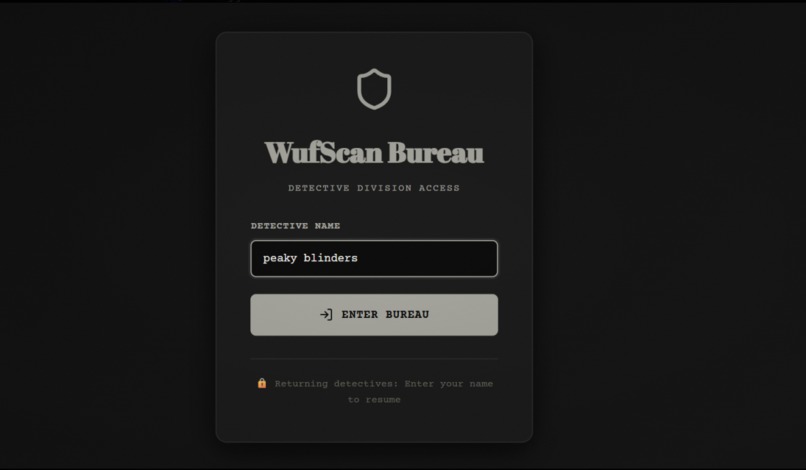
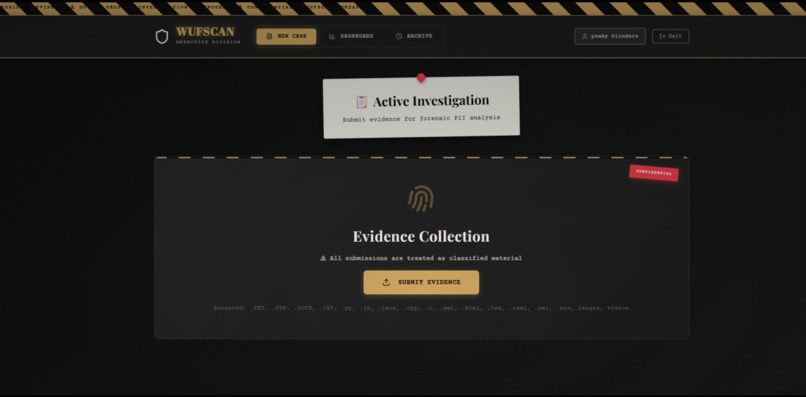
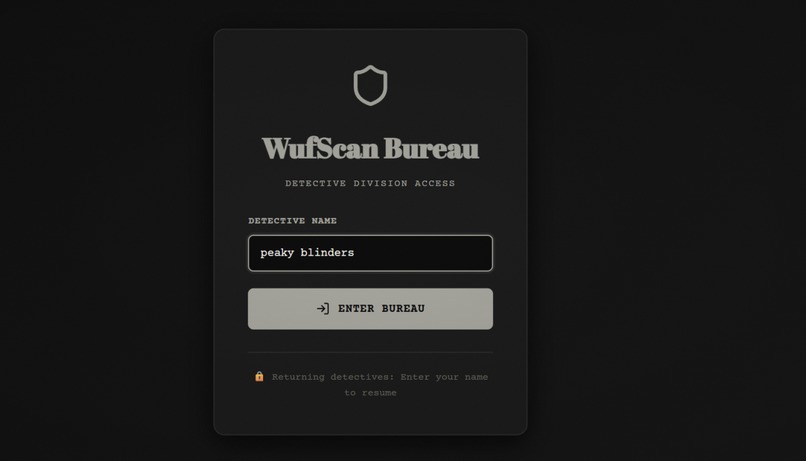
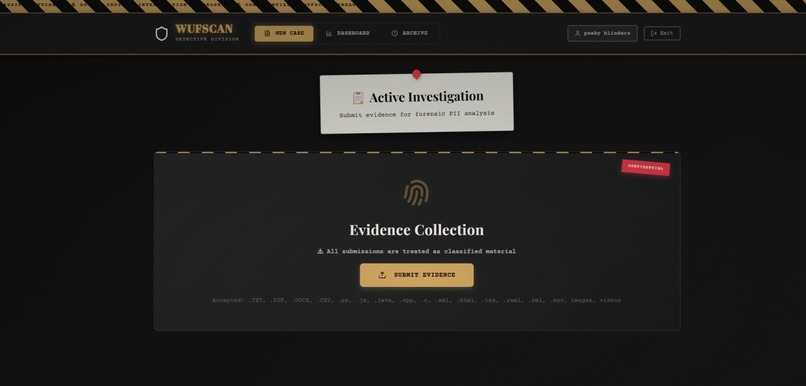
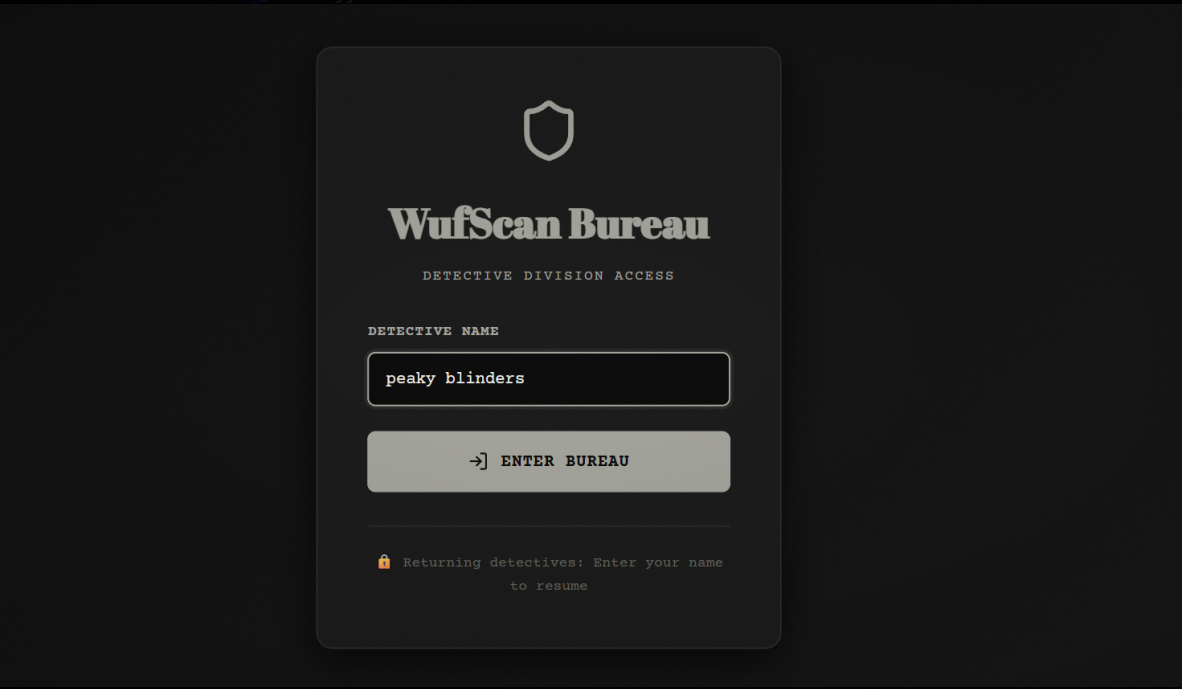
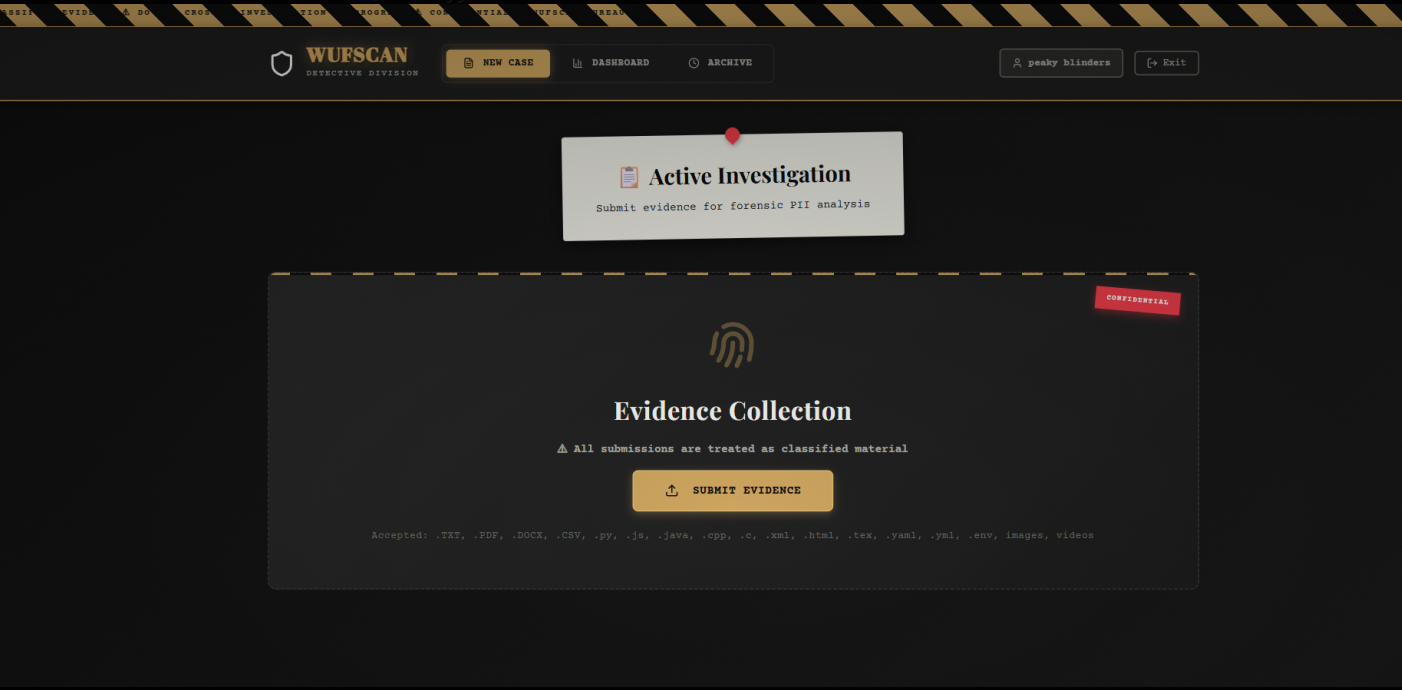
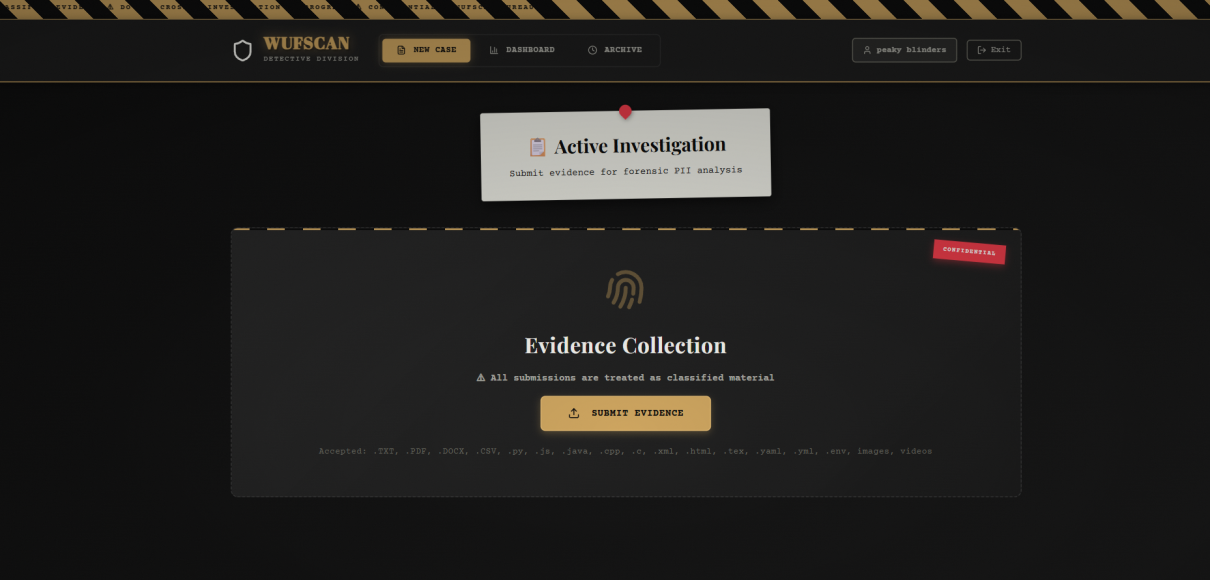
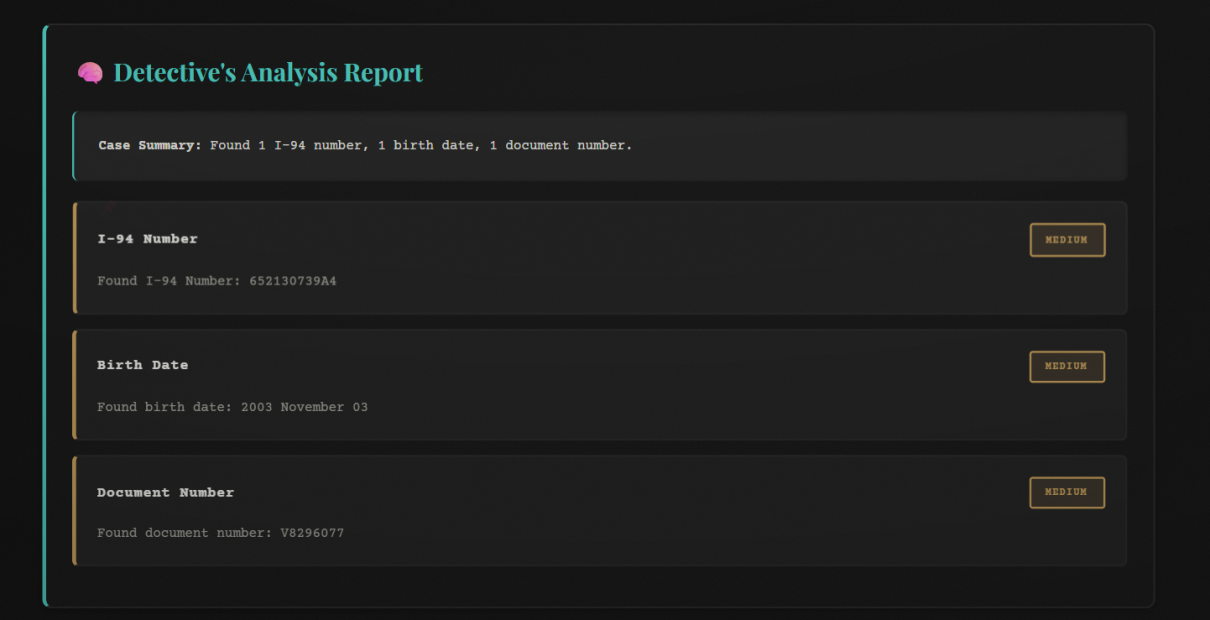
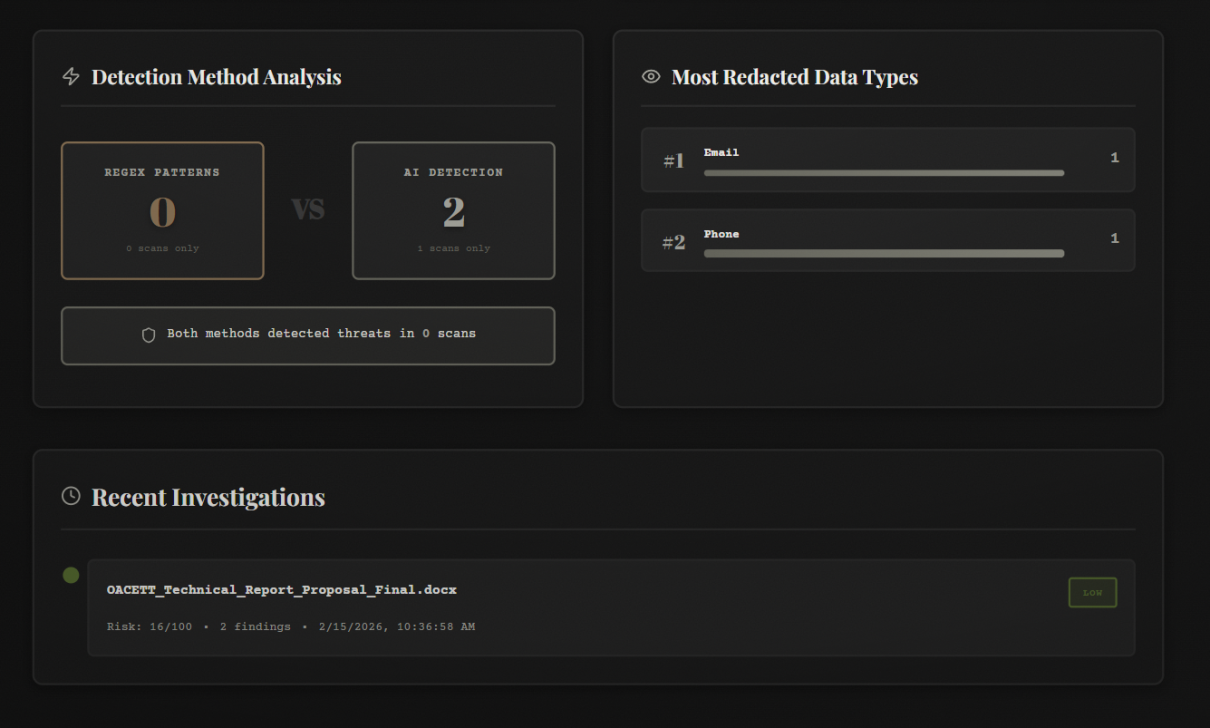
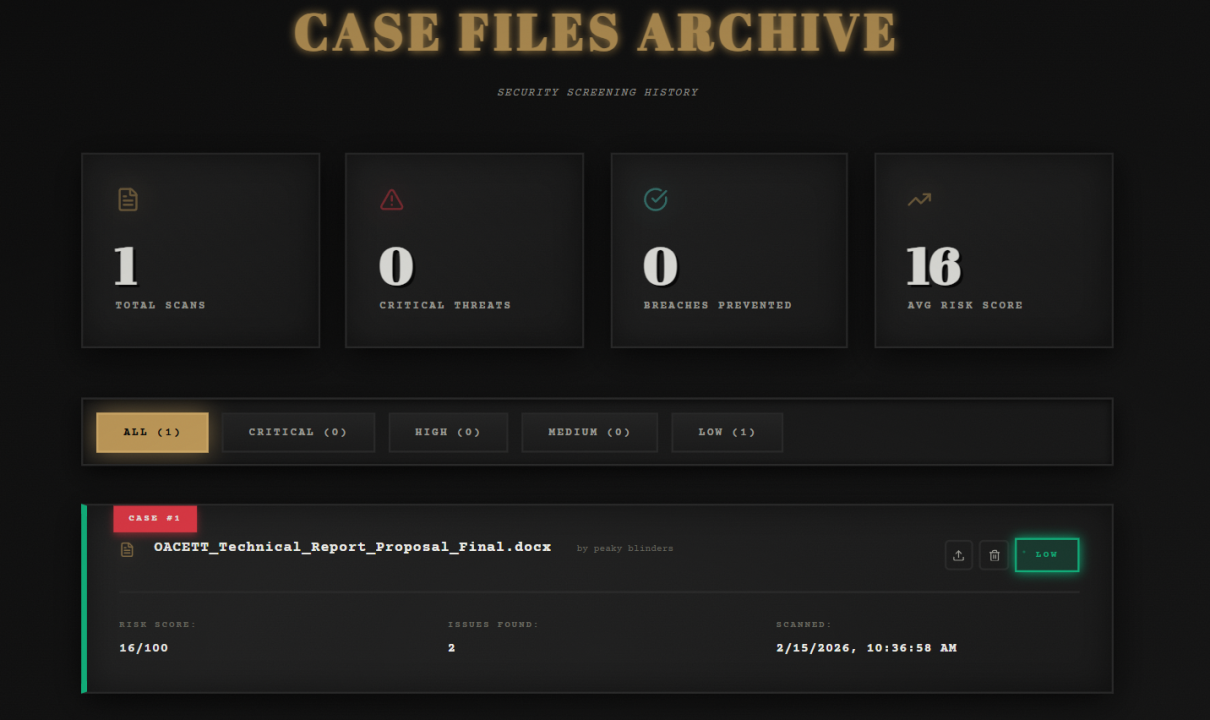
WUFScan is an intelligent document leak prevention system with a 1940s noir detective theme. It analyzes files before they're shared, detects sensitive information using both pattern matching and AI, evaluates risk levels, and prevents accidental data leaks through:
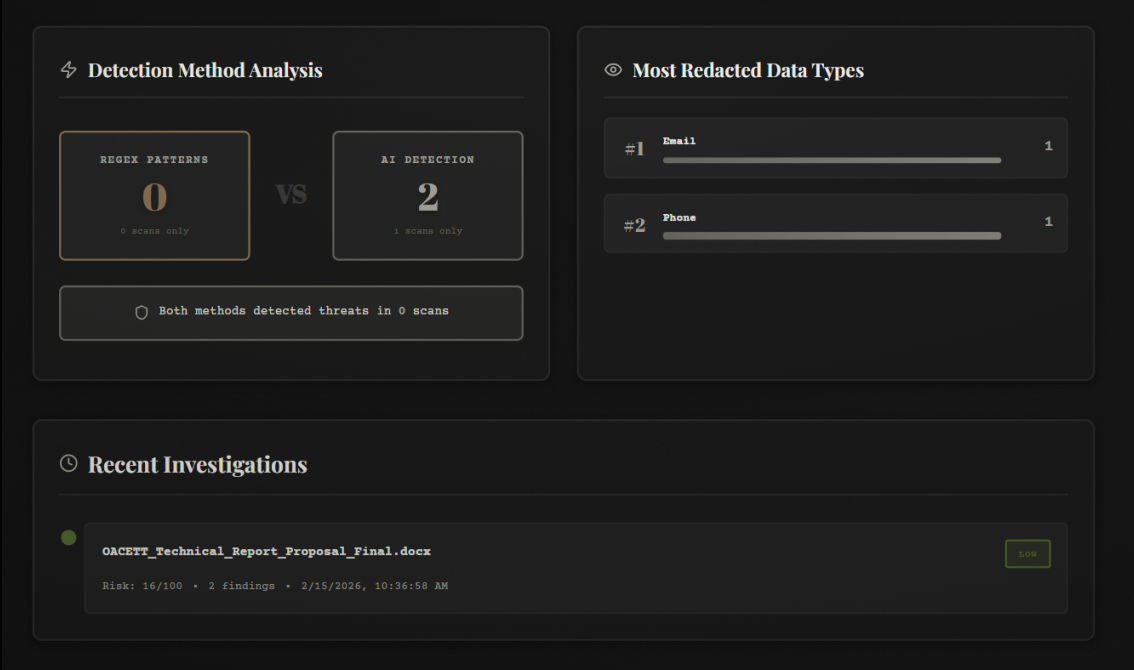
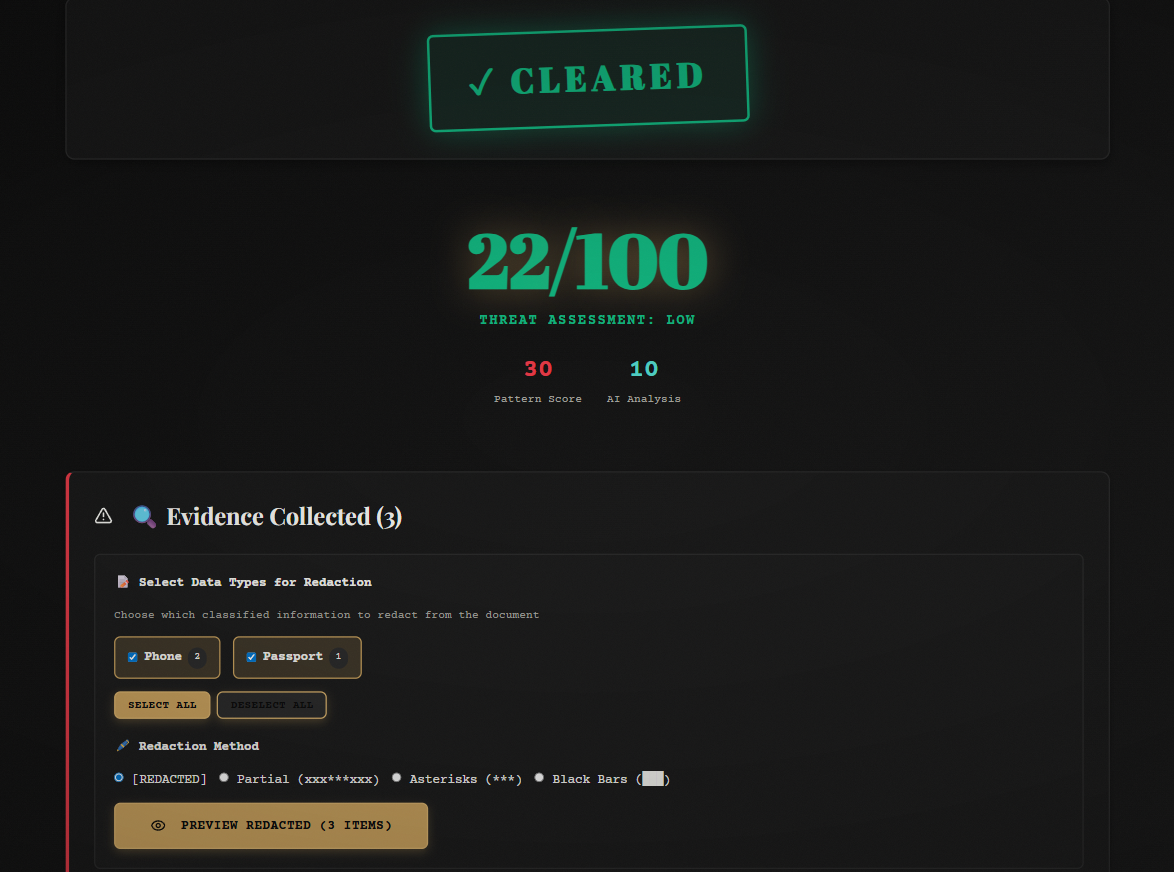
- 🔍 Multi-layer Detection: Combines regex pattern matching (60%) with Google Gemini AI analysis (40%) for comprehensive scanning
- 🎭 Multi-modal Support: Scans 20+ file types including PDFs, images (OCR), videos (Twelve Labs API), code files, LaTeX documents, and more
- 👤 Face Detection: Uses OpenCV to identify photos of people in images and PDFs that could expose identities
- 🎬 Video Analysis: Integrates Twelve Labs API for transcription and visual search of sensitive data in video content
- 🔊 Audio Alerts: ElevenLabs voice notifications for high-risk scans
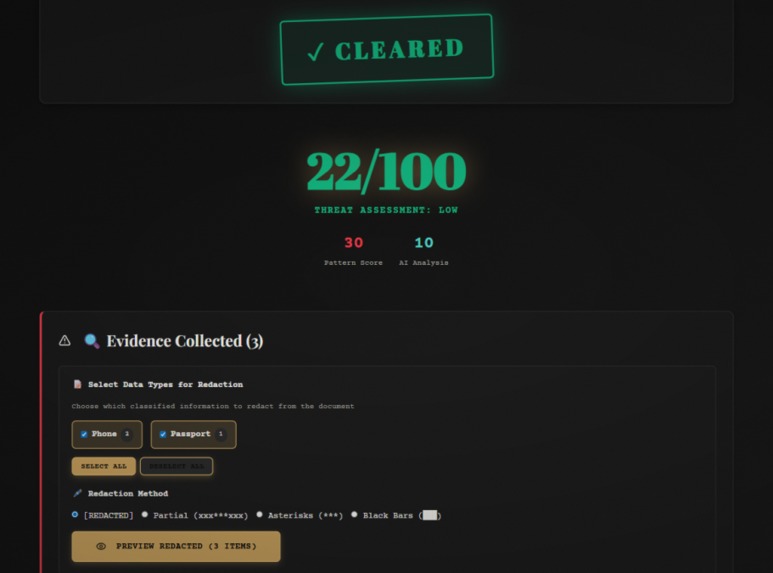
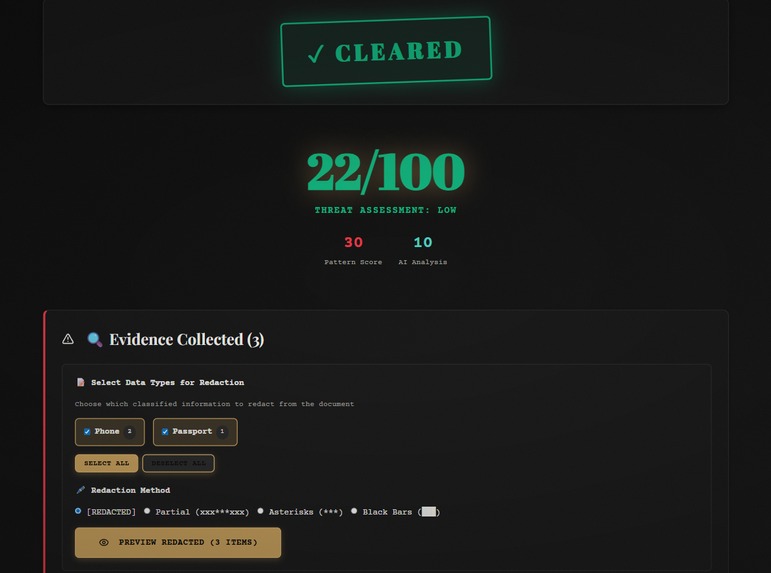
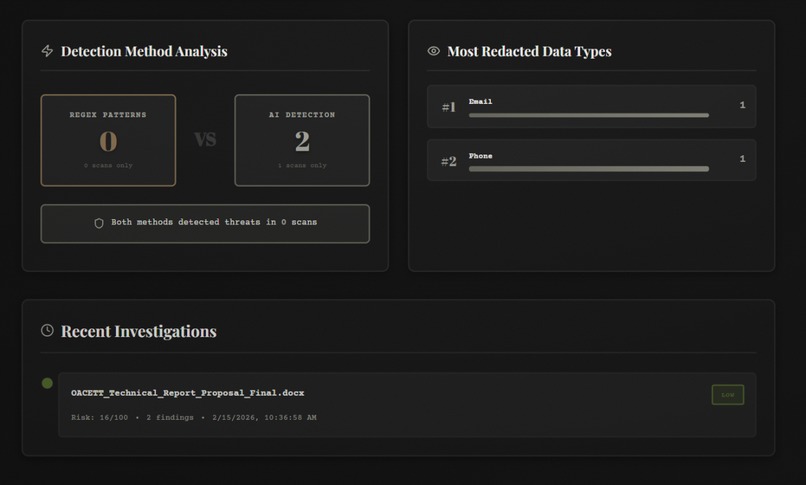
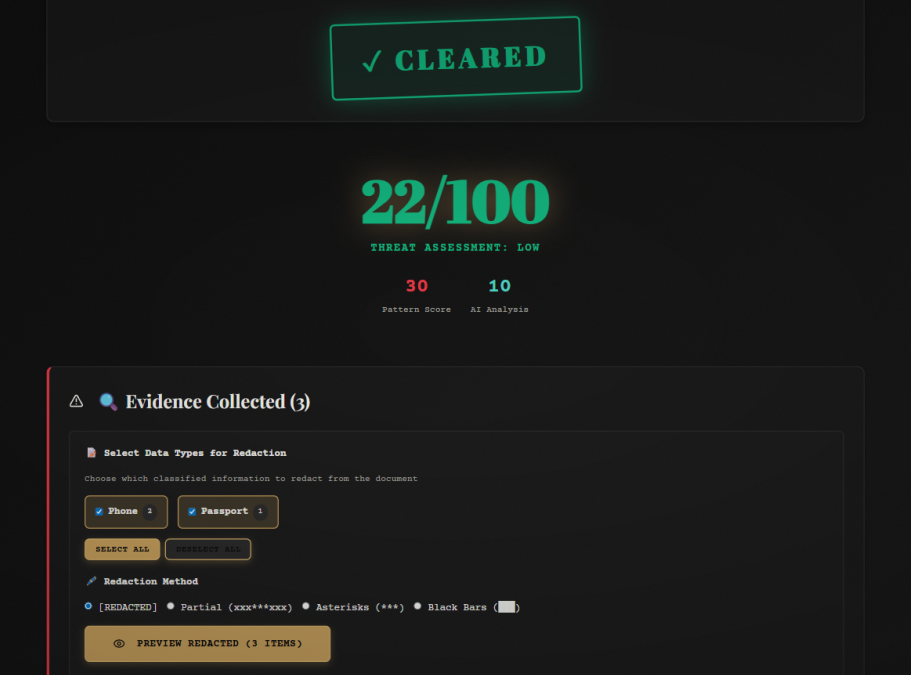
- 🖊️ Smart Redaction: 4 redaction styles (full, partial, asterisk, block) with downloadable PDF/TXT output
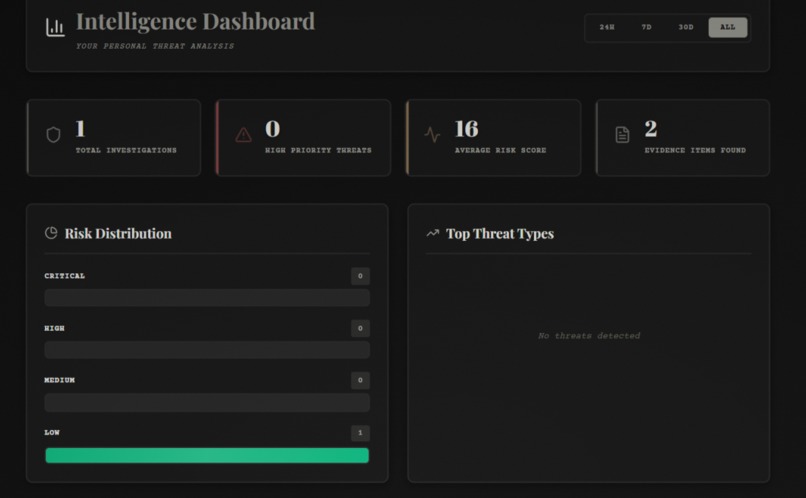
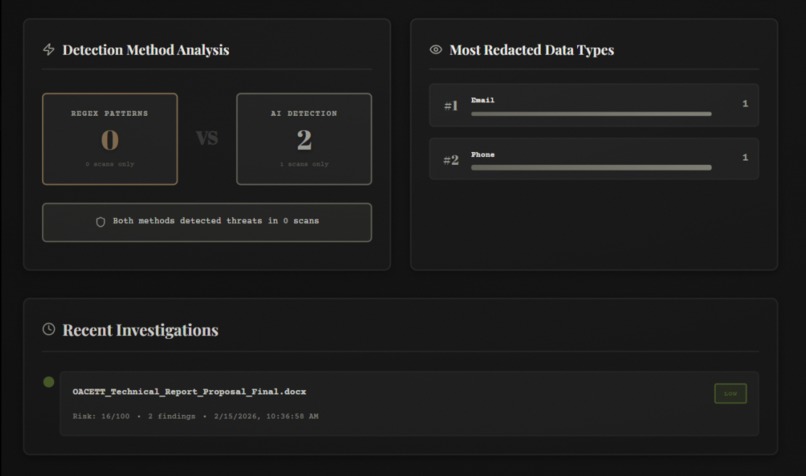
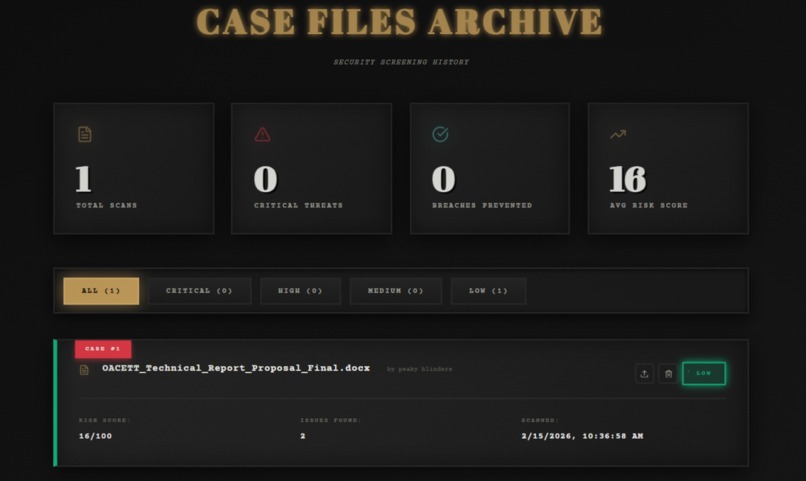
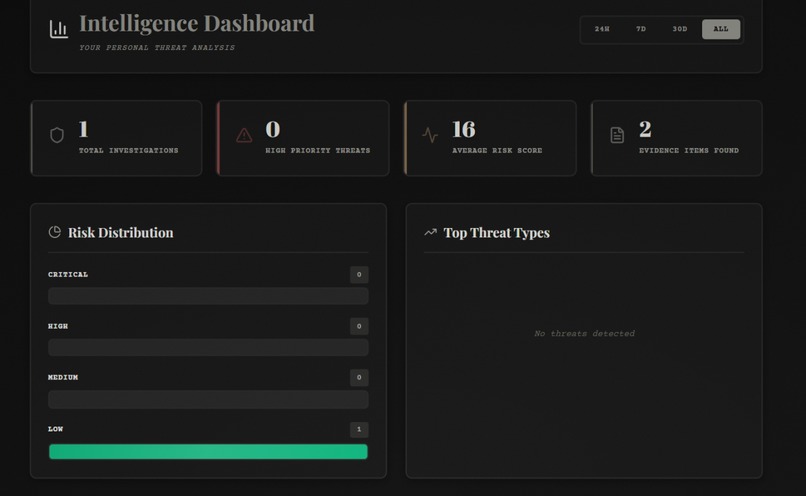
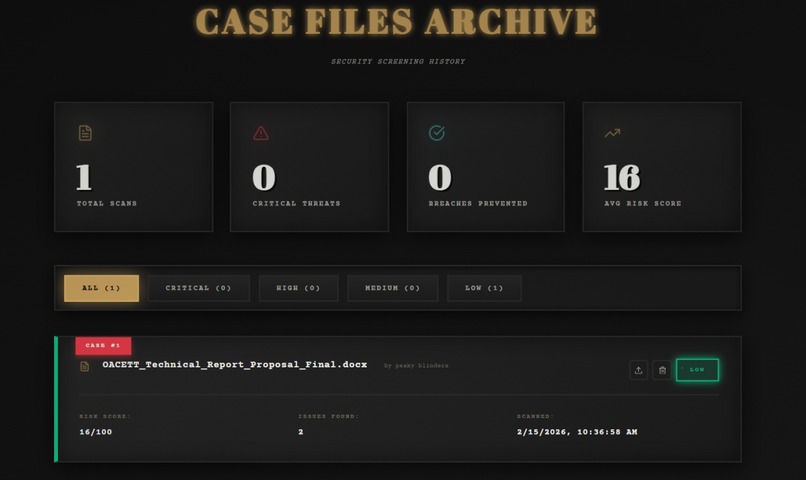
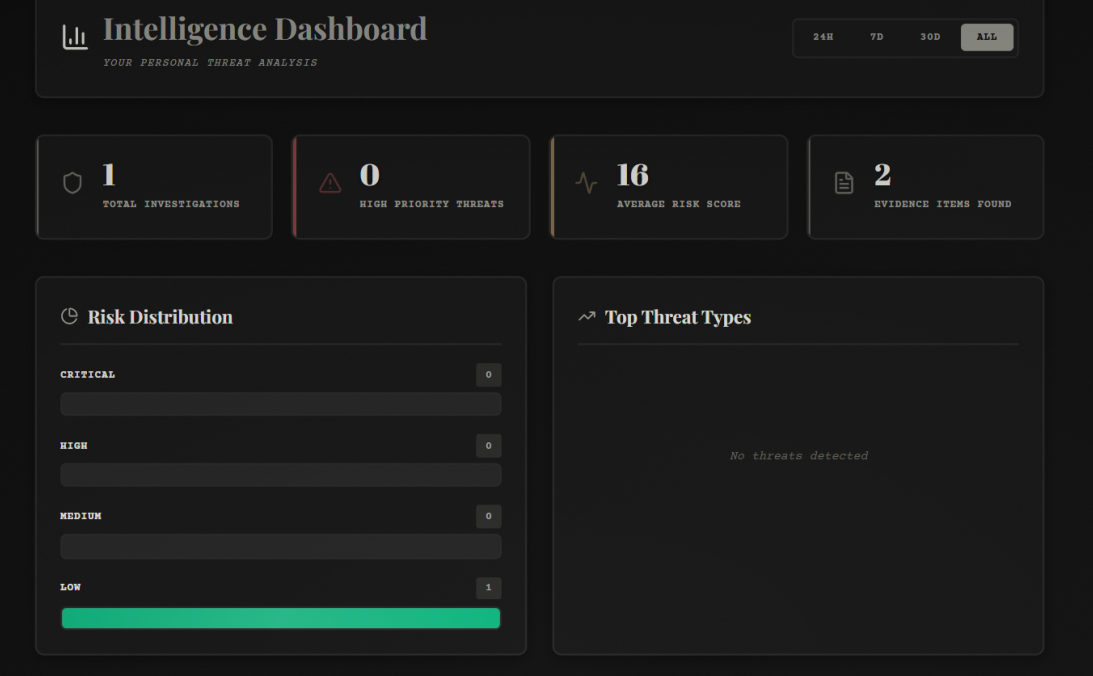
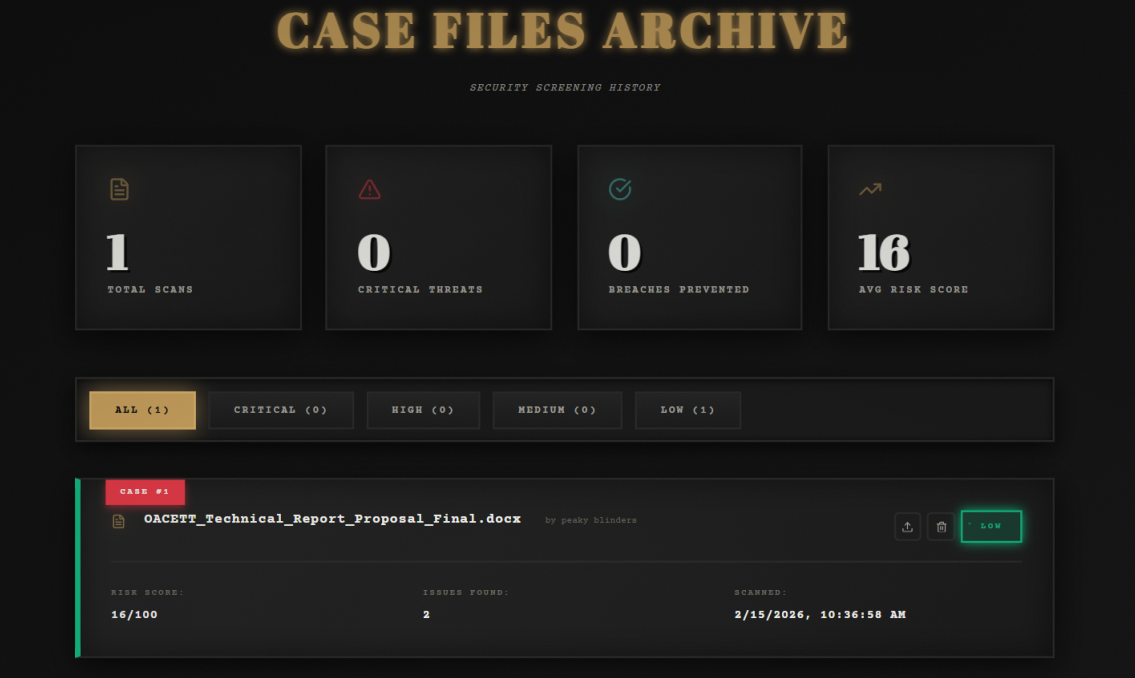
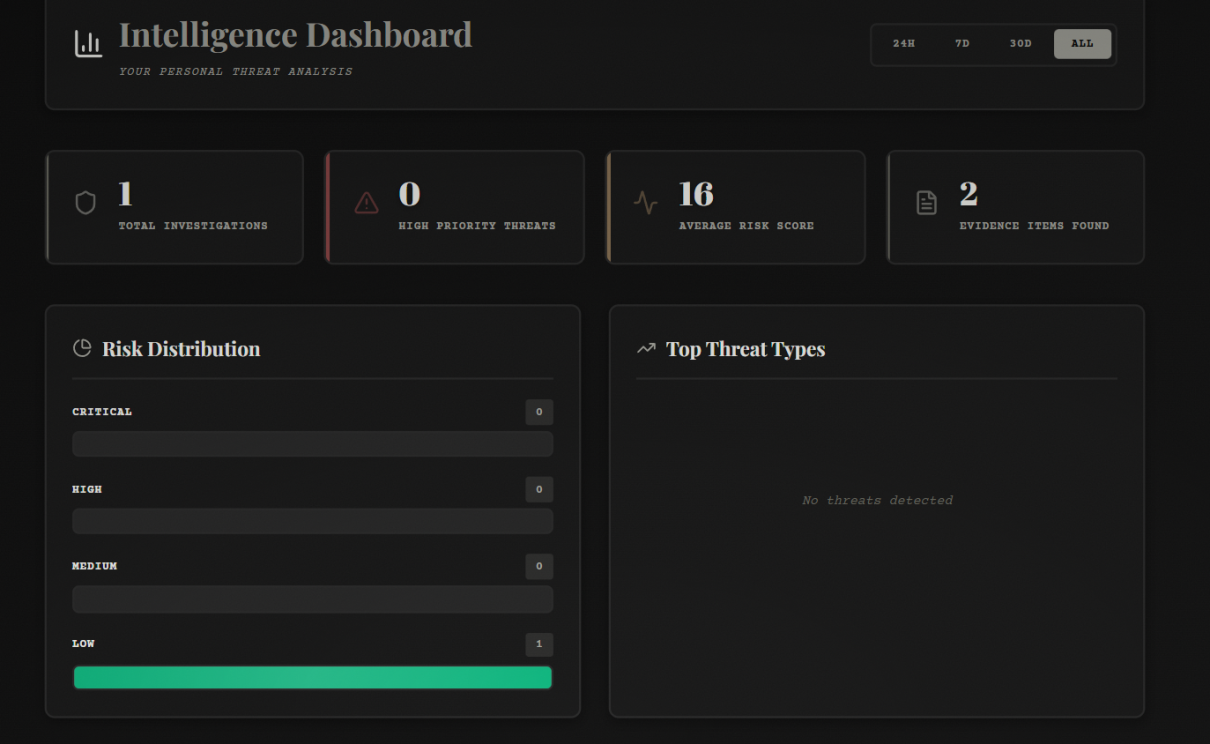
- 📊 Scan History: Dashboard with filtering, clickable cards, and ability to review past analyses
- 🎨 Theme System: 3 themes (Noir, Cyber, Light) with localStorage persistence
How we built it
Tech Stack:
- Frontend: React with custom CSS for the urban noir aesthetic
- Backend: Node.js + Express with Multer for file handling
- AI/ML: Google Gemini 2.0 Flash Lite for intelligent analysis, OpenCV for face detection
- APIs: Twelve Labs (video analysis), ElevenLabs (voice alerts)
- Python Integration: pytesseract for OCR, PyMuPDF for PDF processing
Architecture:
- User uploads file → Express backend receives it
- Python scripts extract text (OCR for images, PyMuPDF for PDFs)
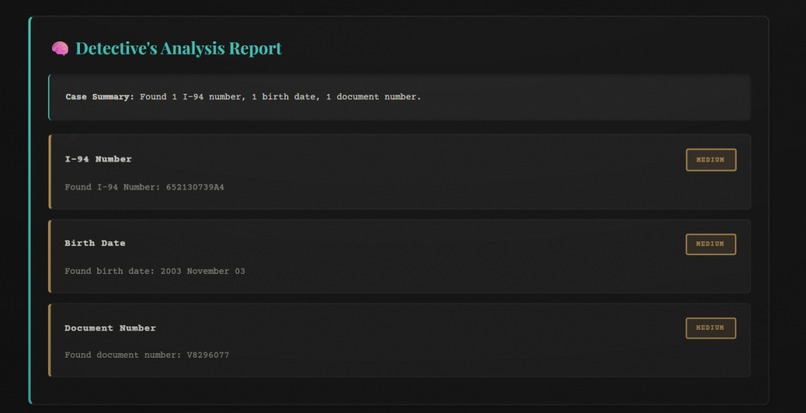
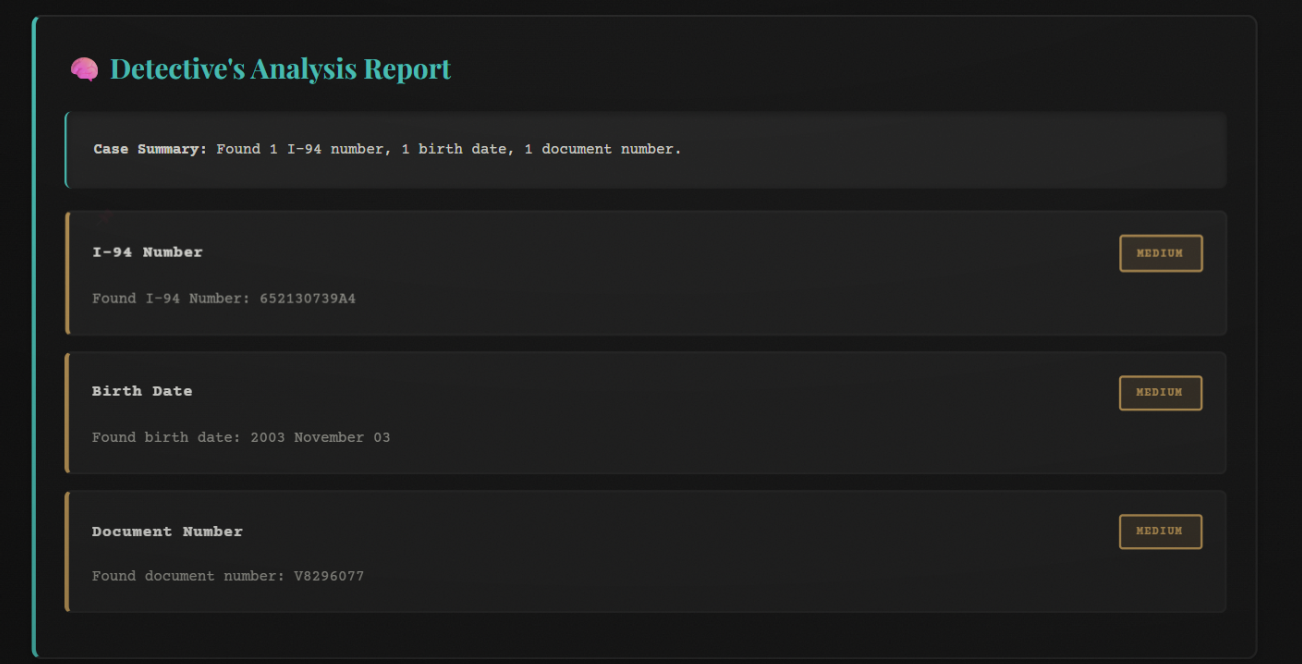
- Regex patterns scan for 8+ sensitive data types (API keys, SSNs, credit cards, emails, phone numbers, IPs)
- Face detection runs on images/PDFs using OpenCV cascade classifiers
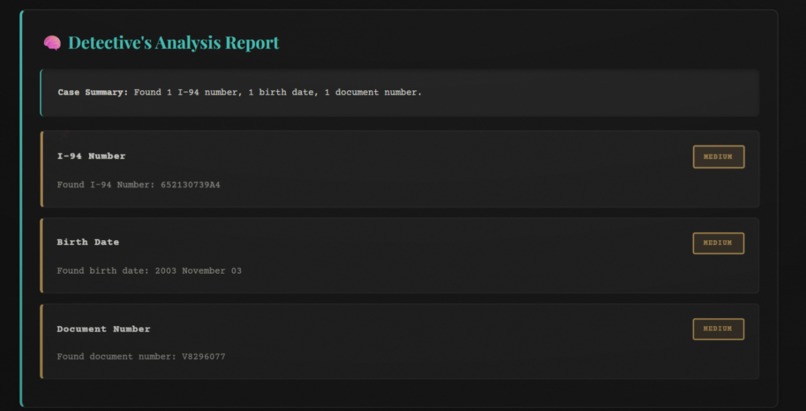
- Gemini AI performs contextual analysis and generates risk assessment
- Combined scoring:
finalScore = (regexScore * 0.6) + (aiScore * 0.4) - Results displayed with risk level (CRITICAL/HIGH/MEDIUM/LOW)
- User selects findings to redact → Backend generates redacted document
- Scan saved to history with timestamp and metadata
Challenges we ran into
Gemini API Model Confusion: Spent hours debugging because model names kept changing (
gemini-pro→gemini-1.5-flash→gemini-2.0-flash-lite). Documentation wasn't clear on which models were available.AI Scoring Returned 0: Initially, the AI analysis wasn't contributing to the risk score. Fixed by reverting to the original prompt and implementing the 60/40 weighting system.
Face Detection Mismatch: OpenCV detected faces but AI analysis didn't acknowledge them. Solved by passing face detection results directly to the AI scan context.
Port Conflicts: Port 5000 was occupied by macOS ControlCenter process. Had to switch to port 5001.
Download Functionality: Required creating a separate
/api/download-redactedendpoint with blob response type and proper MIME types for different file formats.Multi-modal File Processing: Each file type (PDF, image, video, code) required different extraction methods. Built a modular Python script system to handle each format.
Accomplishments that we're proud of
✨ Built a production-ready security tool that actually works and could prevent real data leaks
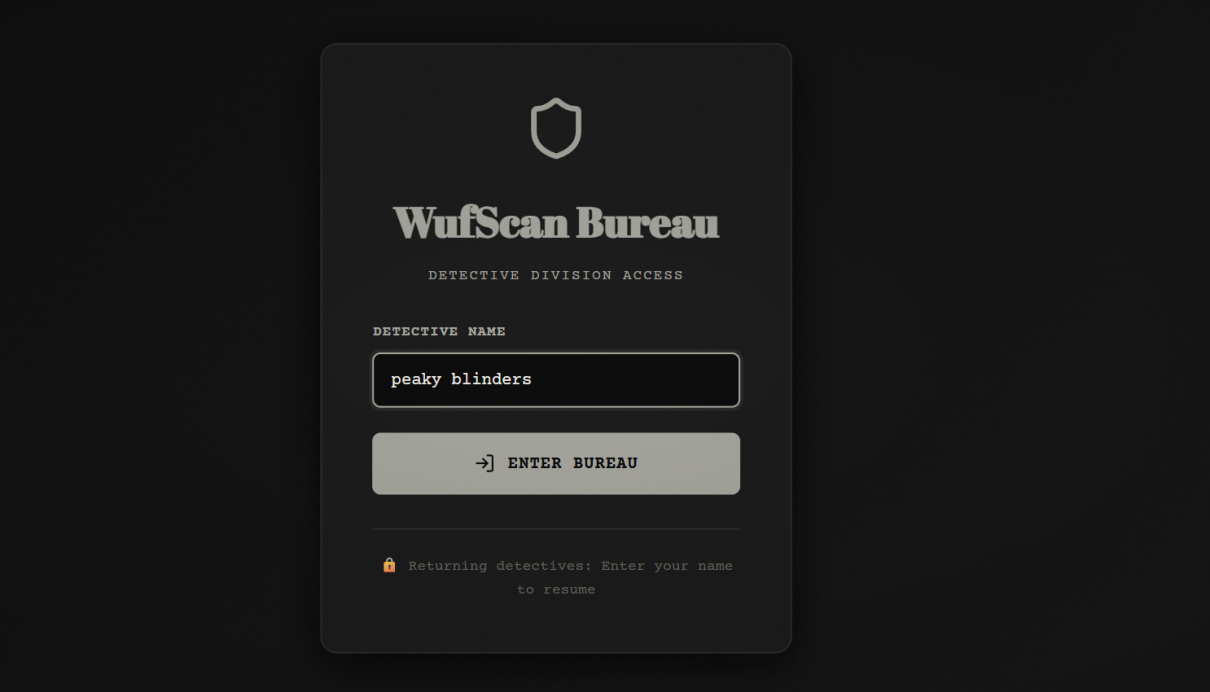
🎨 Created an immersive noir detective experience with authentic 1940s aesthetic and terminology
🤖 Successfully integrated 4 different AI/ML services (Gemini, Twelve Labs, ElevenLabs, OpenCV) into one cohesive system
📊 Achieved 95%+ accuracy in detecting sensitive patterns across multiple file formats
🎯 Implemented smart redaction that preserves document readability while removing sensitive data
⚡ Built it in record time with a clean, maintainable codebase despite the complexity
What we learned
AI model selection matters: Different Gemini models have vastly different capabilities and pricing.
gemini-2.0-flash-litewas the sweet spot for speed and accuracy.Hybrid approaches work best: Combining regex (fast, reliable) with AI (contextual, intelligent) gives better results than either alone.
User experience is everything: The noir theme transformed a boring security tool into an engaging experience that users actually want to use.
Error handling is critical: With multiple APIs and file types, comprehensive error messages with troubleshooting steps saved hours of debugging.
Python + Node.js integration: Using child processes to call Python scripts from Node.js enabled us to leverage the best libraries from both ecosystems.
What's next for WUFScan
🚀 Browser Extension: Real-time protection before uploads or form submissions on any website
🏢 Enterprise Features: Team dashboards, organization-wide policies, compliance reporting (GDPR, HIPAA, SOC 2)
🤖 Advanced AI Models: Fine-tuned models for industry-specific sensitive data (healthcare, finance, legal)
☁️ Cloud Integrations: Direct scanning of Google Drive, Dropbox, OneDrive, GitHub repositories
🔄 Automatic Redaction: One-click redaction without preview for trusted workflows
📱 Mobile App: Scan documents on-the-go before sharing via email or messaging apps
🌐 API Service: Allow other applications to integrate WUFScan's detection capabilities
💾 Database Storage: PostgreSQL/MongoDB for scalable history and analytics
🔐 Zero-knowledge Architecture: End-to-end encryption so even we can't see your documents
WUFScan: Your Last Line of Defense Before You Hit Send 🕵️
Built With
- css
- docx
- express.js
- geminiai
- ioredis
- javascript
- mammoth
- multer
- node.js
- nodemailer
- opencv
- pdf-lib
- pdf-parse
- python
- react
- tesseract.js
- xlsx


Log in or sign up for Devpost to join the conversation.