Inspiration
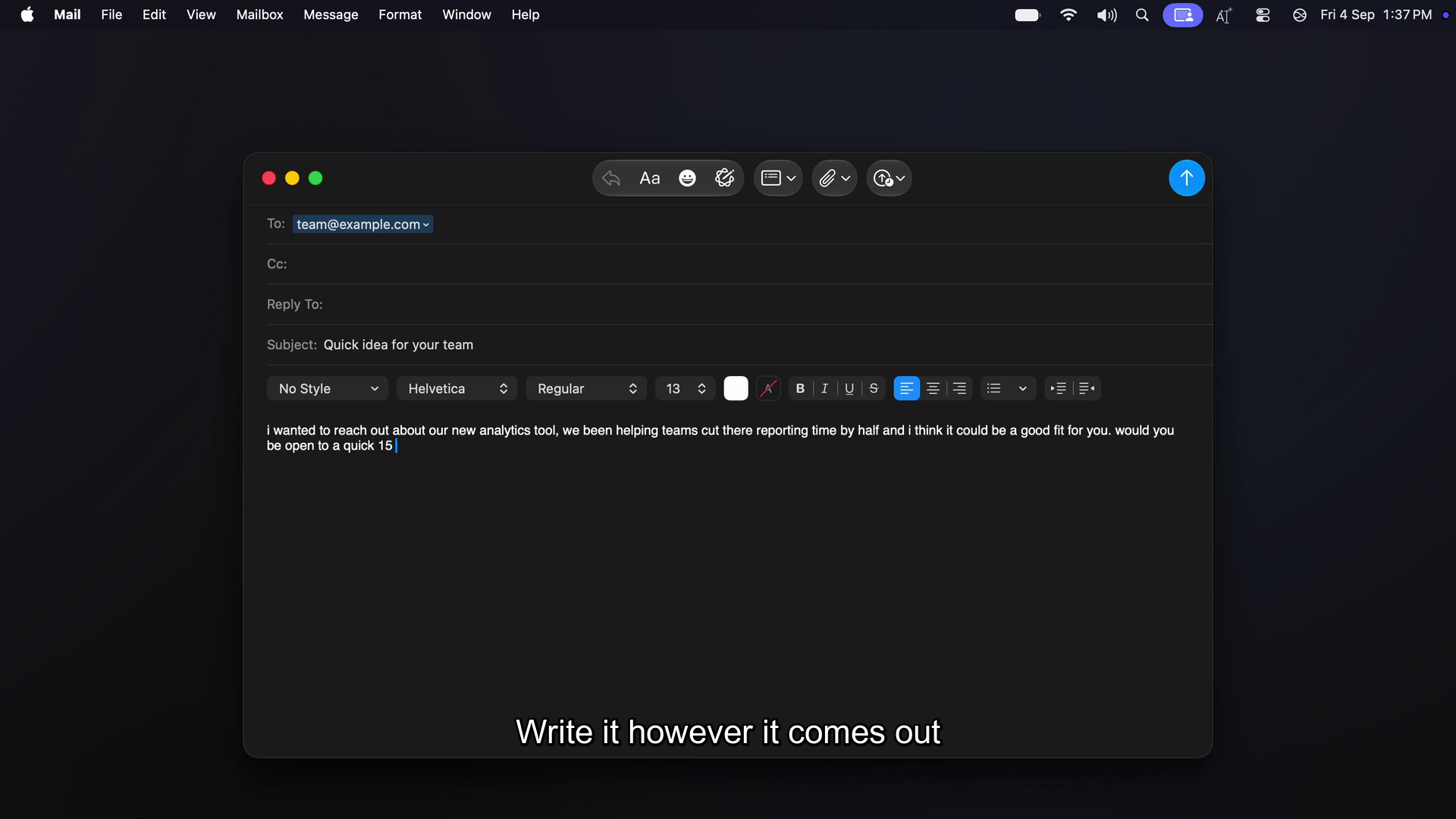
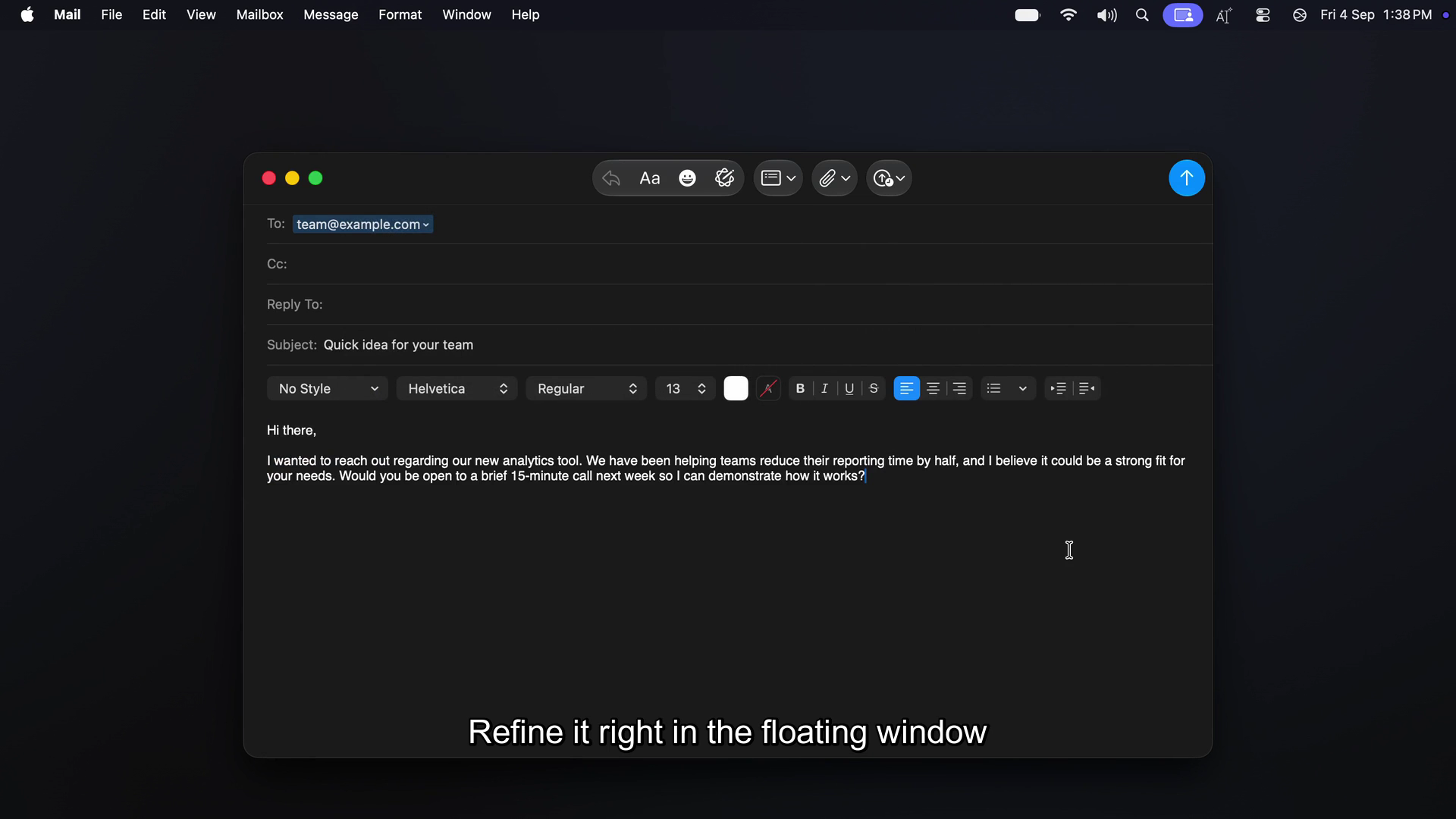
Rewriting text today means copy → switch to ChatGPT/Claude tab → paste → wait → copy result → switch back → paste over original. Every fix, every tone change, every translation costs an app-switch. WriterBar exists to collapse that loop to one keystroke: select text in any Mac app, hit a hotkey, AI rewrites it in place. No clipboard, no context switch.
What it does
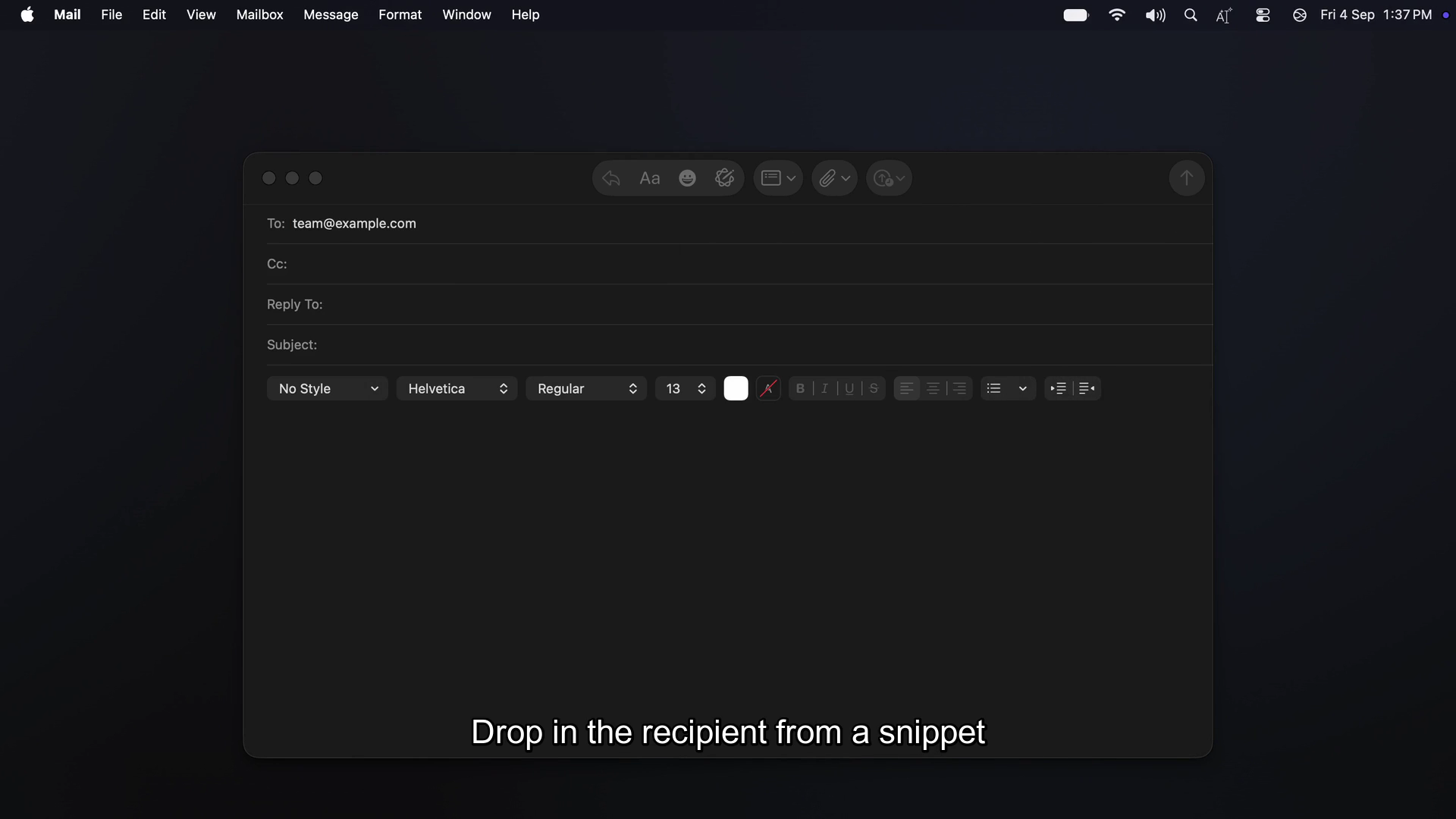
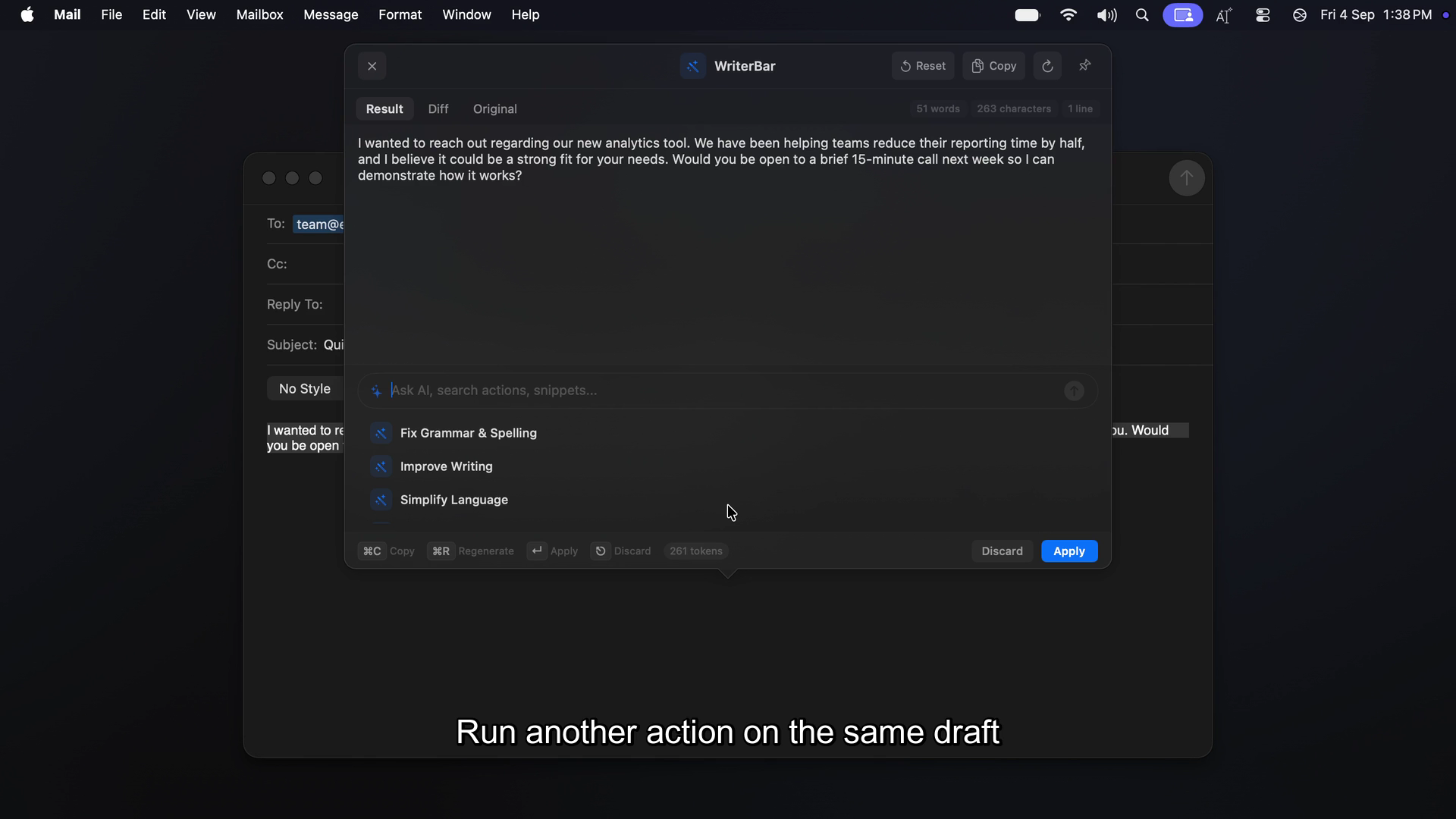
WriterBar is a macOS menu bar app (+ iOS companion) that reads your current text selection via the Accessibility API, sends it to an AI model, and writes the rewrite back into the same field — Mail, Slack, Notion, VS Code, your browser, anywhere.
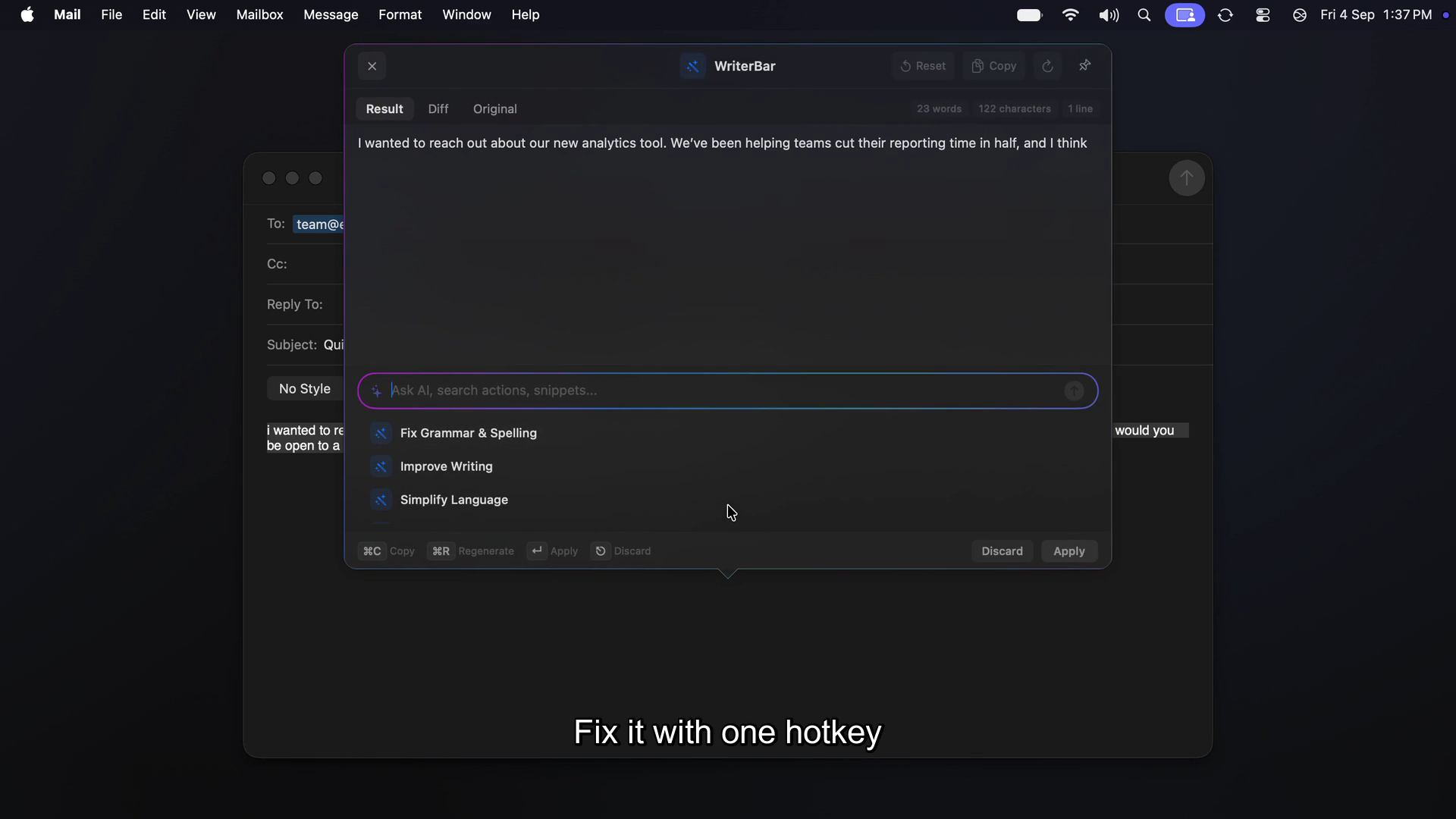
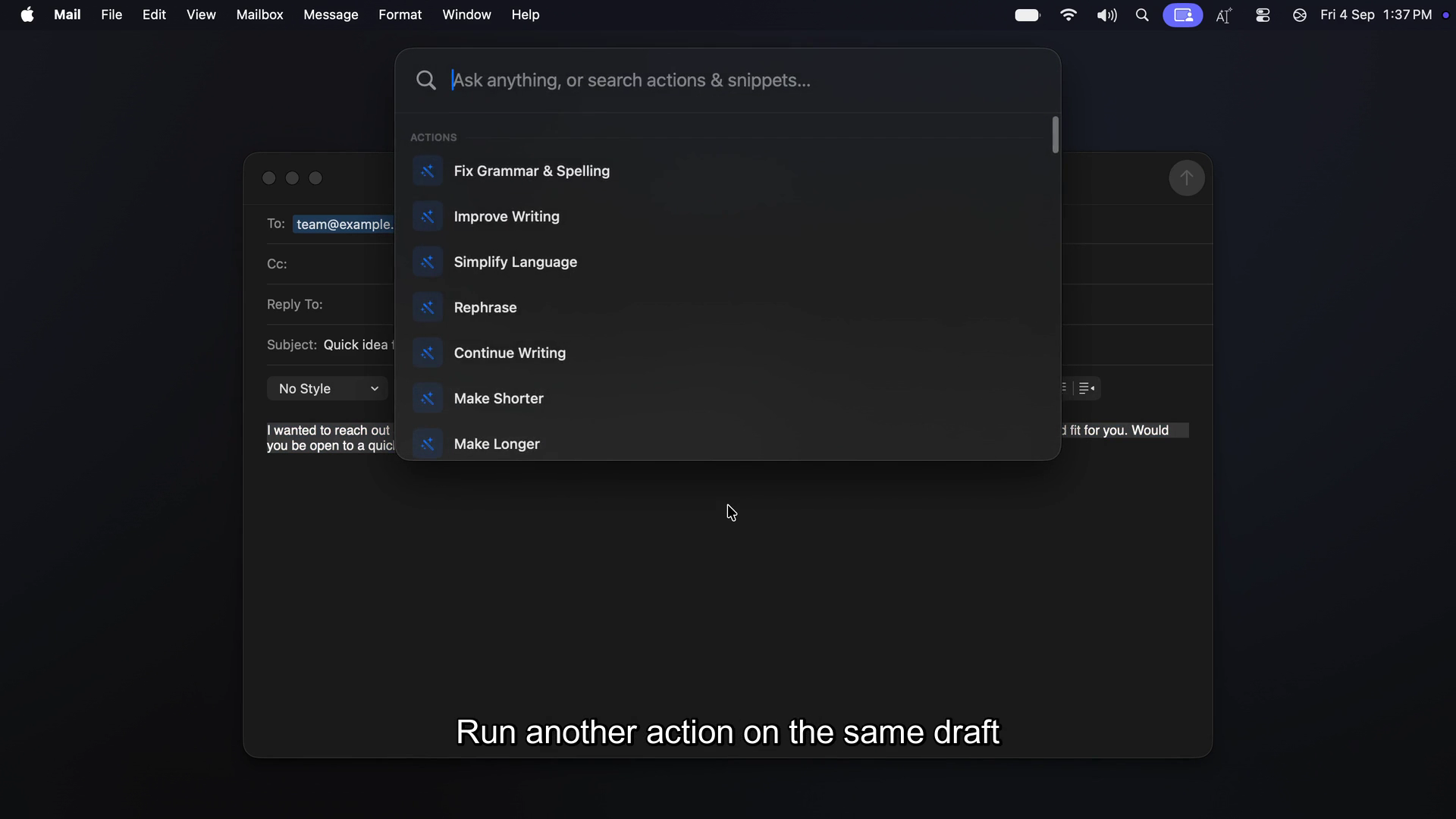
- Built-in actions: fix grammar, improve tone, shorten/expand, translate, summarize
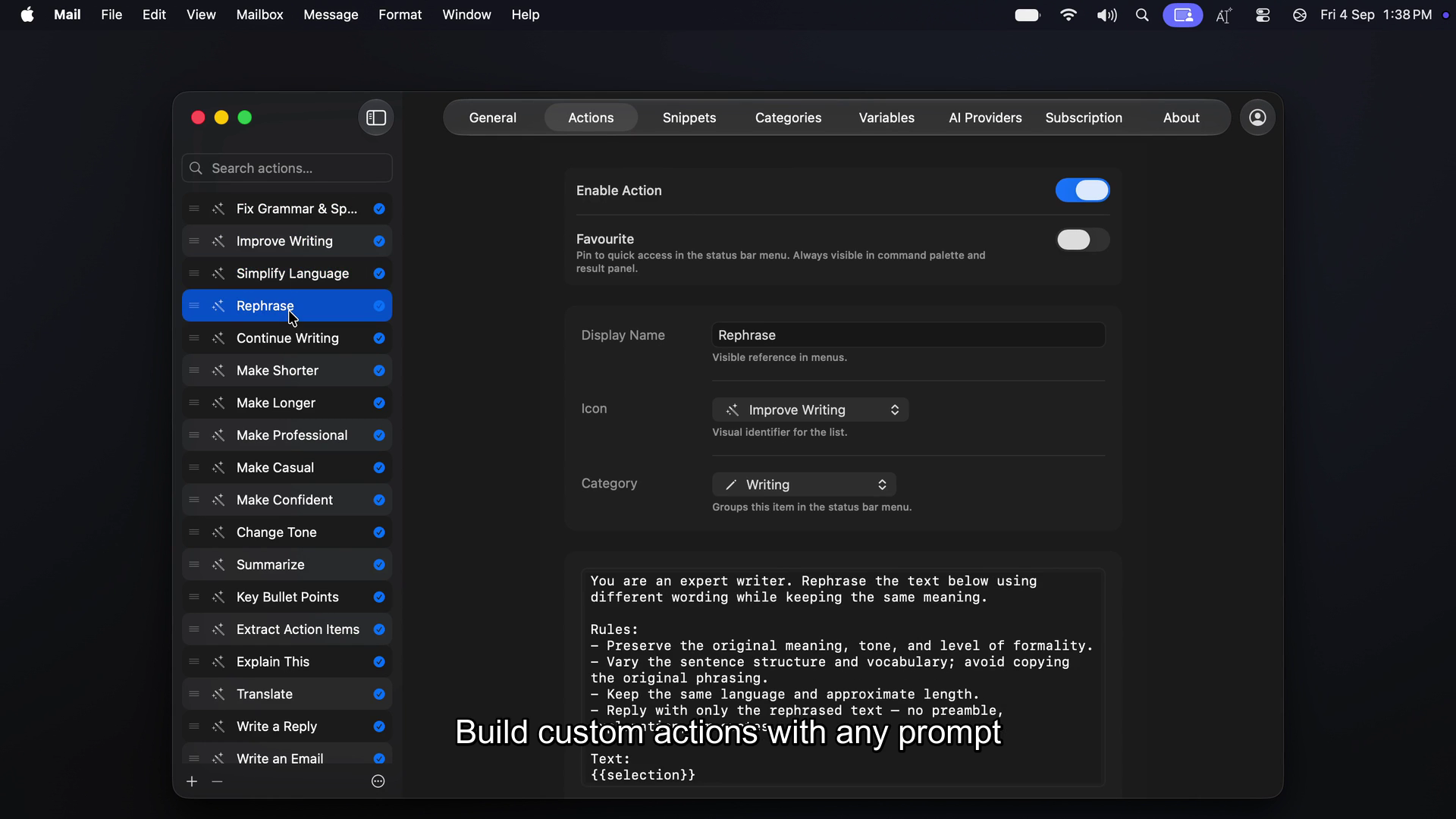
- Custom AI workflows: write your own prompt, pick an icon, assign a hotkey — runs exactly like a built-in
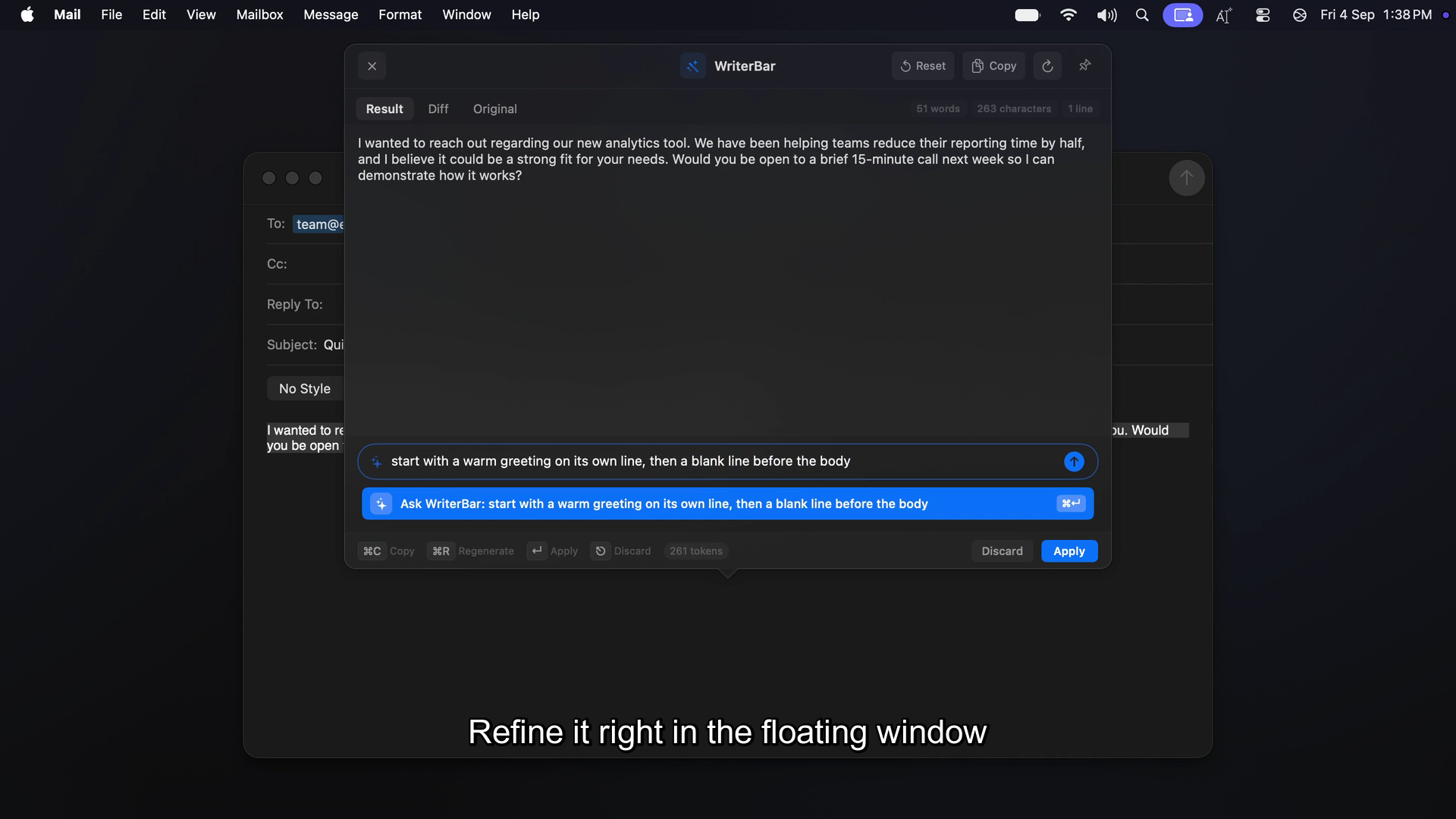
- Ask WriterBar anything: free-form instruction instead of a preset, with follow-up refinement in the same panel
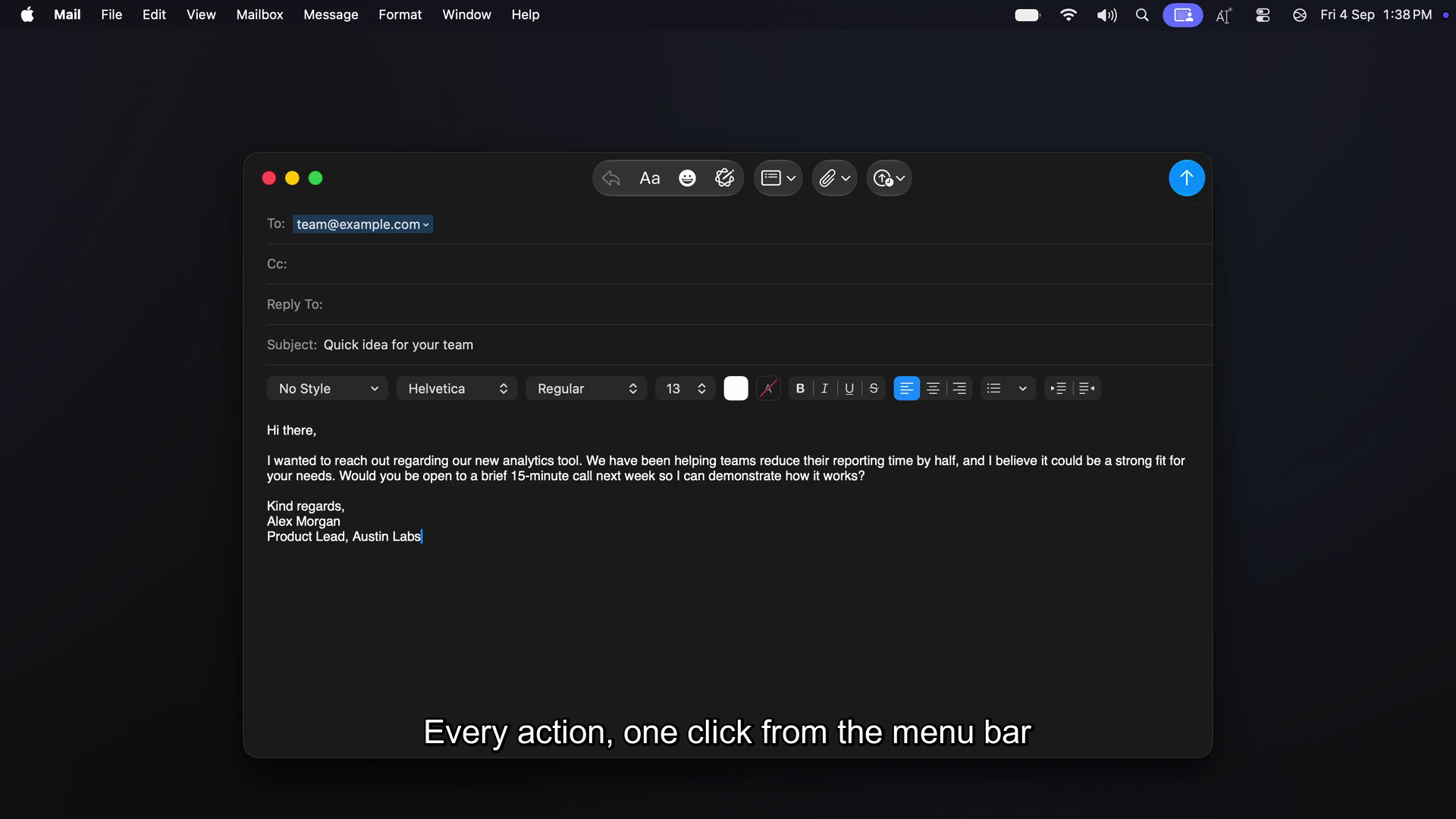
- Snippets & templates: signatures, boilerplate, reusable snippets with variables, synced across devices
- Command Palette: ⌥Space to search/run/edit any action or snippet from anywhere
- Diff & history: see exactly what changed before accepting, browse and re-run past rewrites
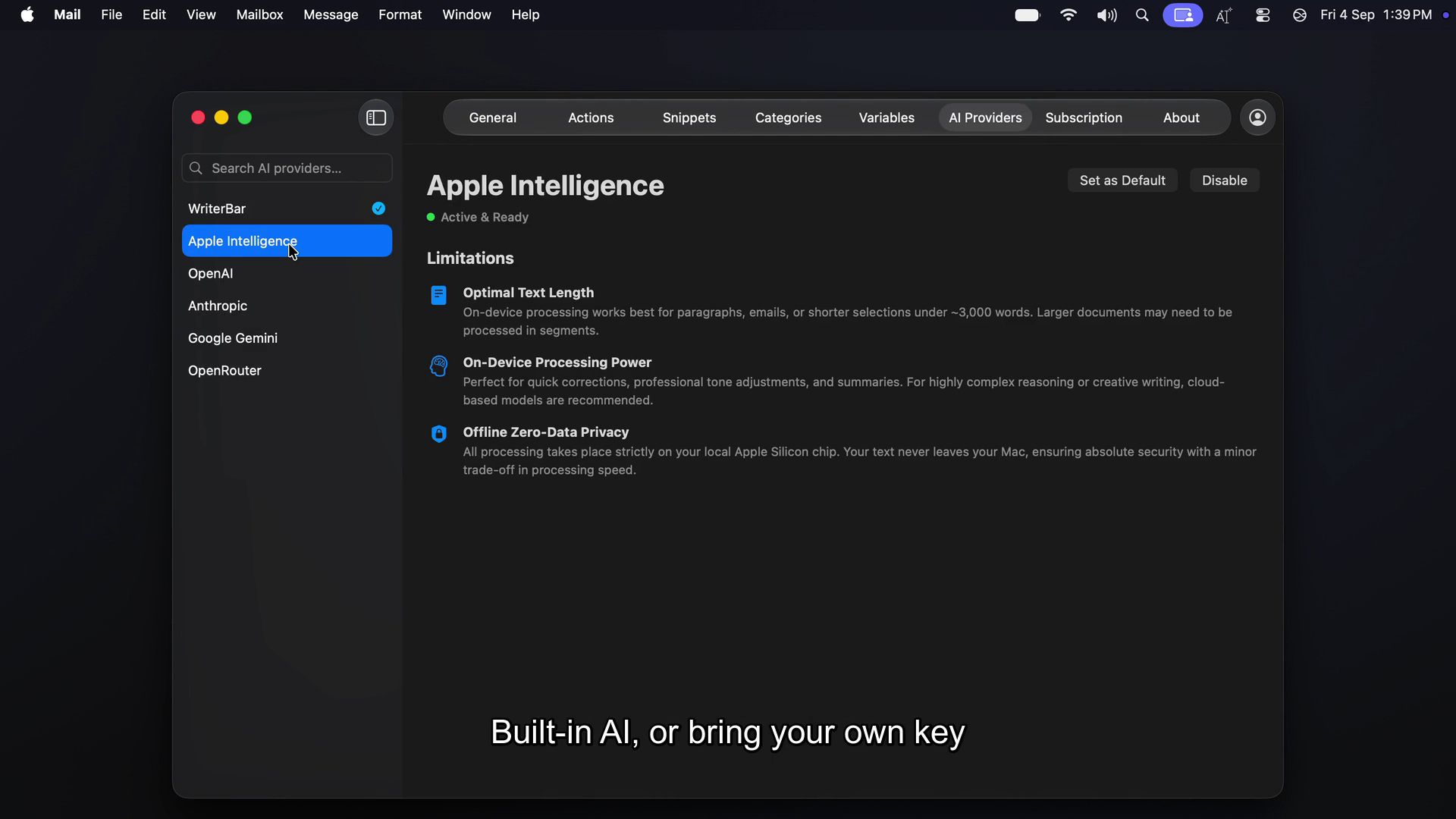
- Multi-provider AI: built-in model works out of the box; bring your own key for Anthropic, OpenAI, Google Gemini, OpenRouter (300+ models), or stay fully on-device with Apple Intelligence
- Privacy: selections stream to the provider and back — nothing logged, nothing stored server-side; BYOK requests go straight to the provider
Built With
- accessibility-api
- anthropic-claude
- appkit
- apple-intelligence
- carbon
- cloudflare-d1
- cloudflare-kv
- cloudflare-workers
- google-gemini
- hono
- jwt
- next.js
- openai
- openrouter
- paddle
- react
- revenuecat
- sse
- swift
- swiftdata
- swiftui
- tailwindcss
- typescript
- vite
- xcodegen


Log in or sign up for Devpost to join the conversation.