-
-

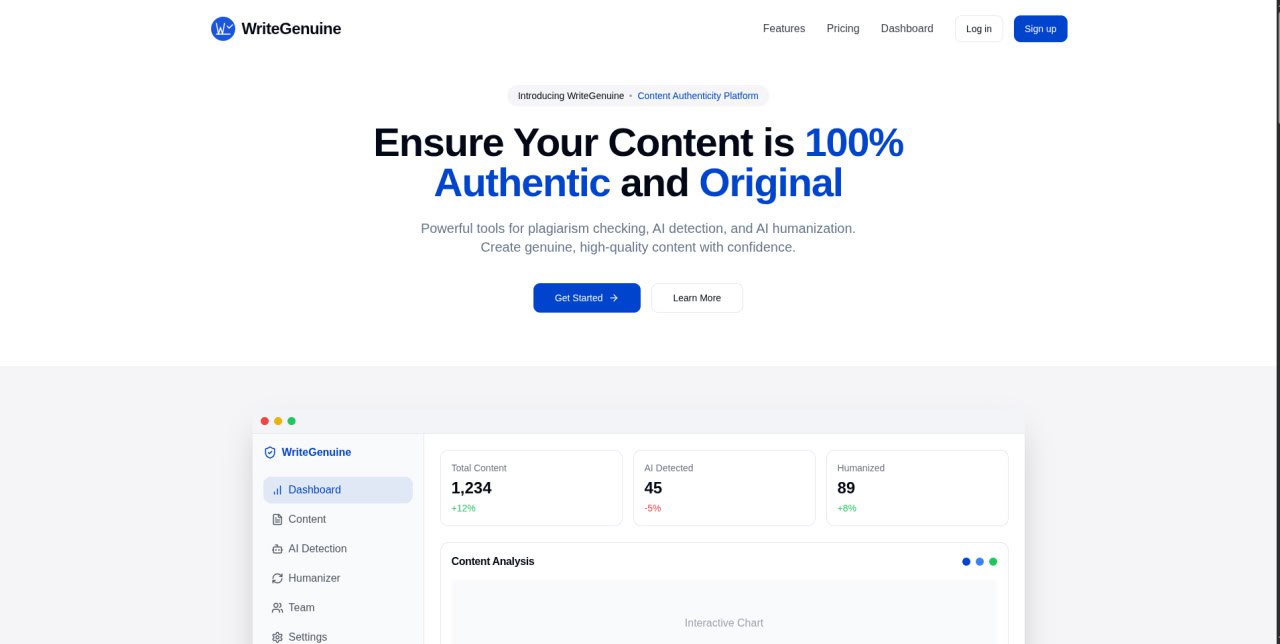
Landing page
✅ WriteGenuine
A comprehensive text analysis platform for detecting AI-generated content, checking plagiarism, and humanizing AI text.
✨ Features
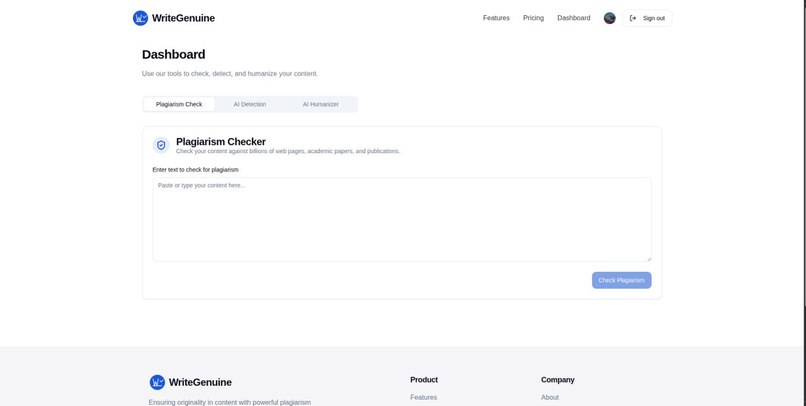
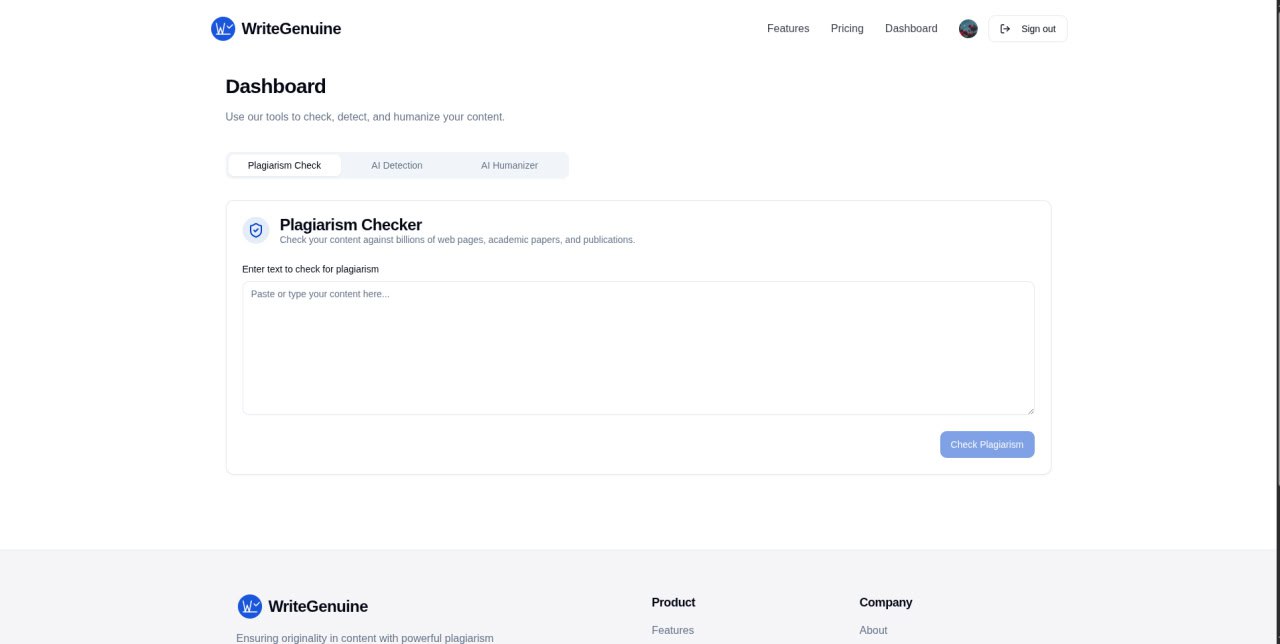
- 🔍 Plagiarism Checker: Compare your content against billions of web pages to identify potential plagiarism
- 🤖 AI Detection: Analyze text to determine if it was written by AI or a human
- 👤 AI Humanizer: Transform AI-generated text into natural human writing that bypasses detection
🛠️ Technology Stack
- ⚛️ Frontend: React, TypeScript, Vite
- 🎨 UI Components: shadcn/ui, Tailwind CSS
- 🧠 AI Integration: Google Generative AI (Gemini)
🚀 Getting Started
📋 Prerequisites
- Node.js (v16 or later)
- npm or yarn
📥 Installation
Clone the repository
git clone https://github.com/midlaj-muhammed/WriteGenuine.git
cd authenticity-haven
Install dependencies
npm install
# or
yarn install
Start the development server
npm run dev
# or
yarn dev
Access the application at
http://localhost:5173
🔑 API Key Configuration
This project uses Google's Generative AI (Gemini) API. An API key is already preconfigured in the application, so you can start using all features immediately without needing to obtain your own API key.
If you want to use your own API key:
- Get an API key from Google AI Studio
- Open
src/lib/api-key-manager.ts - Replace the value of
DEFAULT_API_KEYwith your own API key
📝 Usage
- Navigate to the dashboard
- Select the tool you want to use (Plagiarism Checker, AI Detection, or AI Humanizer)
- Enter or paste your text
- Click the corresponding action button to analyze or transform your text
🏗️ Building for Production
npm run build
# or
yarn build
The build artifacts will be stored in the dist/ directory, ready to be deployed.
⚖️ License
This project is licensed under the MIT License - see the LICENSE file for details.
🙏 Acknowledgments
- Built with shadcn/ui components
- Powered by Google Generative AI

Log in or sign up for Devpost to join the conversation.