Inspiration
As a product designer who didn't have a dedicated UX writer I was collaborating with at work, I often struggled to refine UI copy – improving wording, adjusting tone, and iterating drafts. Conversations with other designers revealed this as a common pain point. That's why I created Write Better – an AI-powered assistant that streamlines the copywriting process within Figma.
What it does
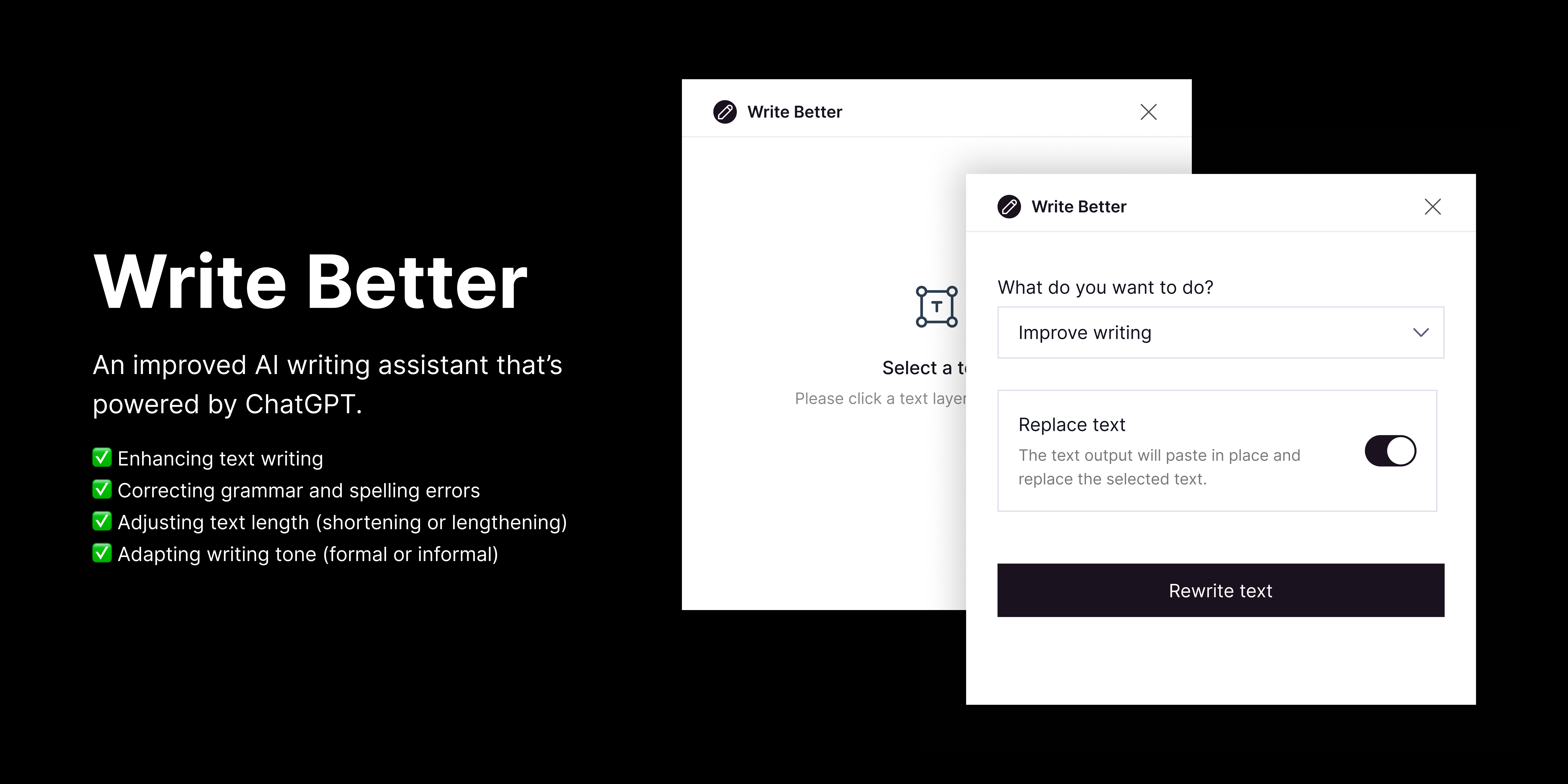
Write Better is a Figma plugin powered by Gemini Pro. It provides a suite of features directly within Figma, eliminating the need for external editing:
- Enhancing Text Writing: Improve clarity, conciseness, and overall impact of your UI content with AI-powered suggestions.
- Correcting Grammar and Spelling Errors: Ensure polished and professional UI copy with automatic error detection and correction.
- Adjusting Text Length: Effortlessly shorten paragraphs or expand key points while maintaining content flow and meaning.
- Adapting Writing Tone: Switch seamlessly between formal instructions and user-friendly prompts with AI-driven tone adjustments.
How we built it
Figma plugins are essentially mini-applications built using web technologies like HTML, CSS, and JavaScript (or TypeScript). They leverage Figma's Plugin API, a set of tools that allows plugins to interact with Figma's functionalities and data.
Here's a breakdown of Write Better's construction:
Building the User Interface (UI) Design: We designed the UI on Figma and after coming up with different designs we settle for what we use now.
Implementing the User Interface (UI): We created the interface users see within Figma based on our UI design using HTML, CSS and React. This includes elements like buttons, dropdown menus, and text fields for user interaction.
Interacting with Figma: The code was written in the index.ts file that bridges the gap between the plugin UI and Figma's functionalities. When a user selects text and chooses an action (e.g., enhance writing), the plugin extracts the text and sends it (via the API) to Figma's editing tools.
Integrating Gemini Pro: This is where the magic happens. We implemented code that utilizes Figma's API to send the selected text to Gemini Pro's AI. Gemini Pro then analyzes the text and returns its suggestions (e.g., improved wording, corrected grammar) based on the action the user chose.
Displaying Results: Finally, the plugin receives the processed text from Gemini Pro and displays it within the Figma interface.
Challenges we ran into
The initial hurdle of "where do I even begin?" and "How do I begin?" was daunting. Learning JavaScript from scratch while navigating Figma's plugin API presented a steep learning curve. Another major challenge was making sure the response we got from Gemini was presented to the Figma workspace in the same text format or style as the original text and we are glad we did it!
Accomplishments that we're proud of
Write Better not only addresses a pain point for designers but also opens doors to new technical knowledge. It serves as a testament to the power of stepping outside your comfort zone and fostering creativity. We publish it to the Figma Community and the comments and feedbacks we received made our effort worth it.
What we learned
This project pushed me to dig deeper into Figma's capabilities and work with new programming languages. It highlighted the power of AI in streamlining design workflows and the importance of tackling challenges head-on.
What's next for Write Better - AI Text Editor
The future of Write Better is bright. We envision expanding its feature set to include advanced functionalities like plagiarism detection and content translation within Figma. We're also exploring integrations with other design tools to make AI-powered text editing even more accessible.
Built With
- css
- figma
- genimi
- html
- javascript
- react
- typescript

Log in or sign up for Devpost to join the conversation.