
Inspiration
We started from a simple, familiar moment: you are standing in a store holding a jacket, and you have no idea whether it suits you or whether it goes with anything already in your closet.
Worn is built for men who hate spending time on clothes. They shop two or three times a year, buy in a hurry, and get home with pieces that match nothing they own. They do not want a styling hobby; they want to stop wasting afternoons and money on the wrong purchases.
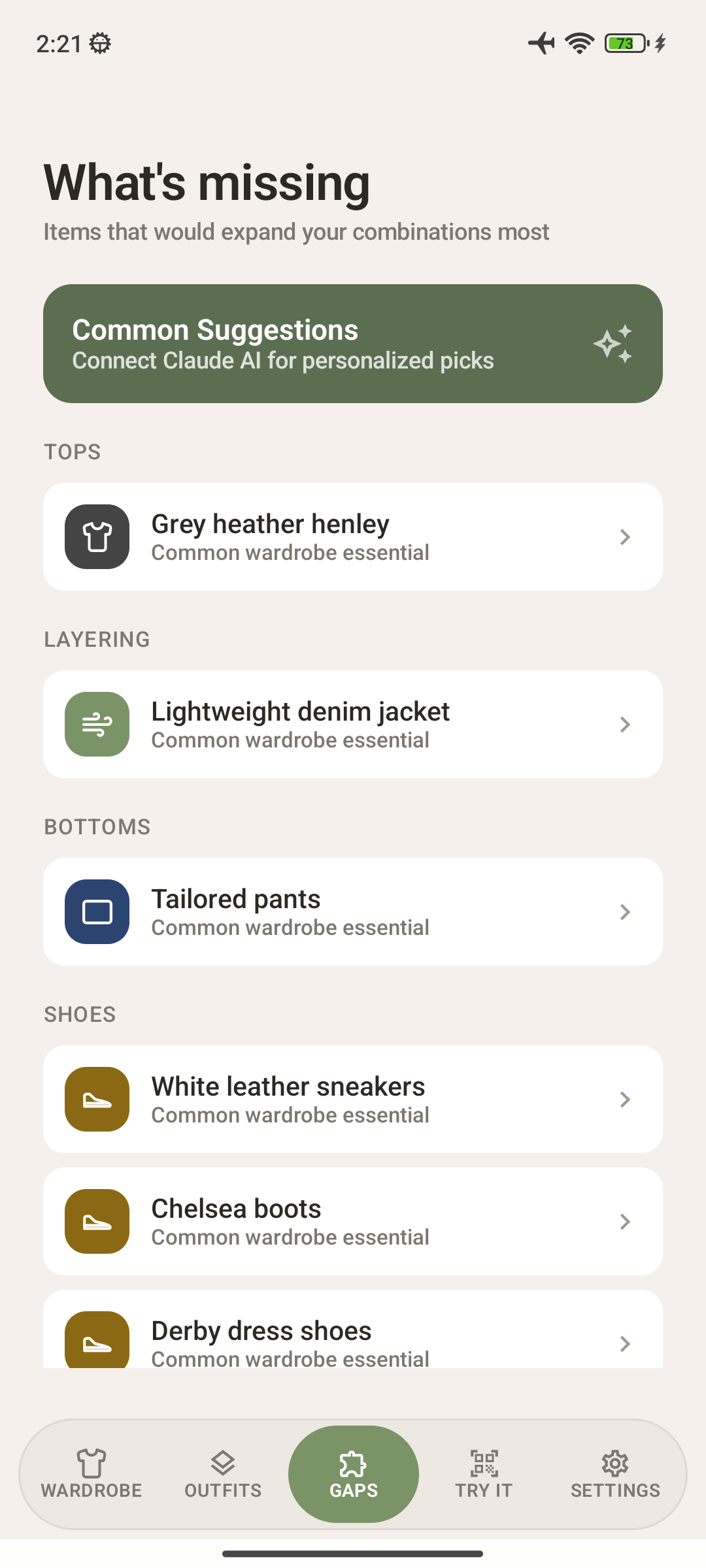
Worn's first version could catalog your clothes and tell you what was missing, but it could never answer the real question, "how would this actually look on me?" YouCam's try-on API answers exactly that, so this release was built around it. One photo of yourself, one photo of the item, and the decision is made in seconds instead of a fitting room queue.
What it does
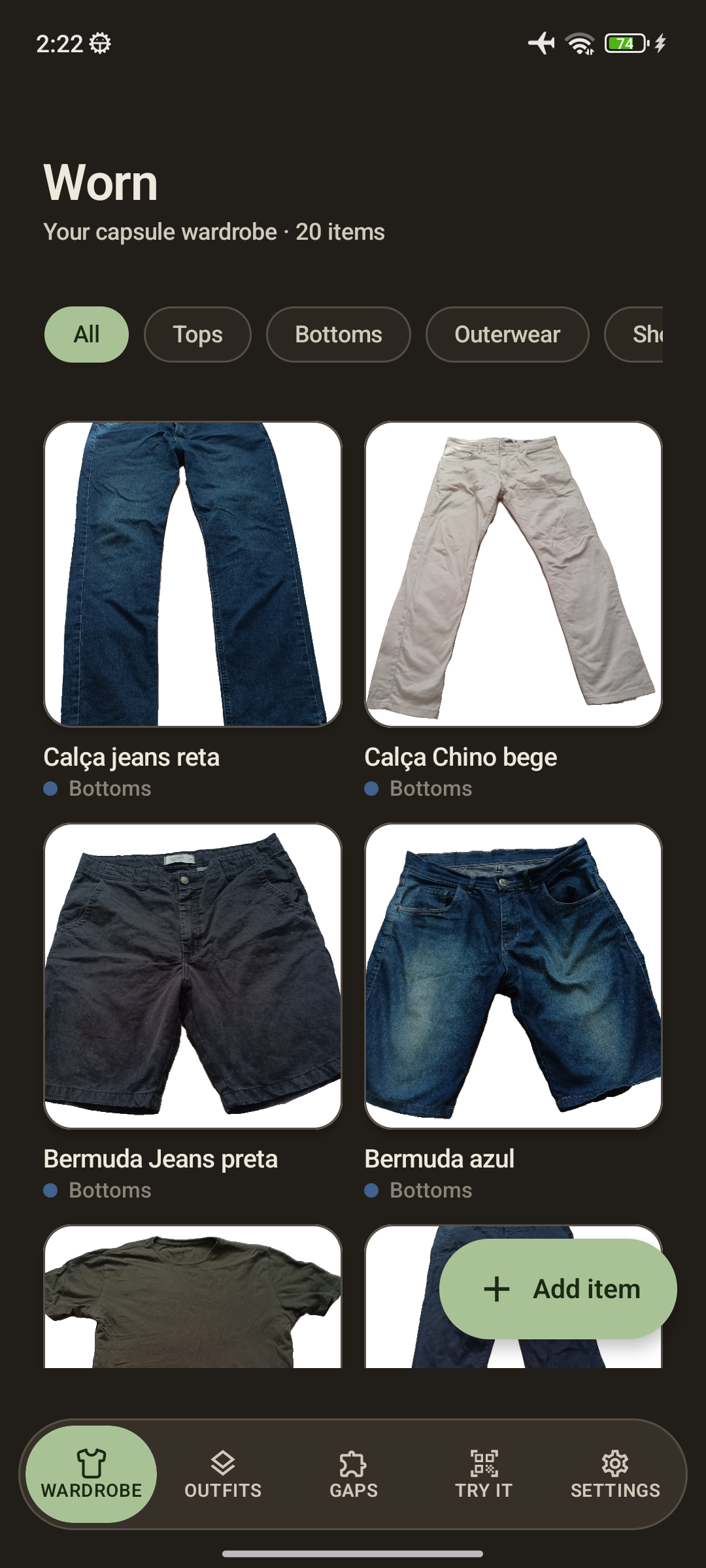
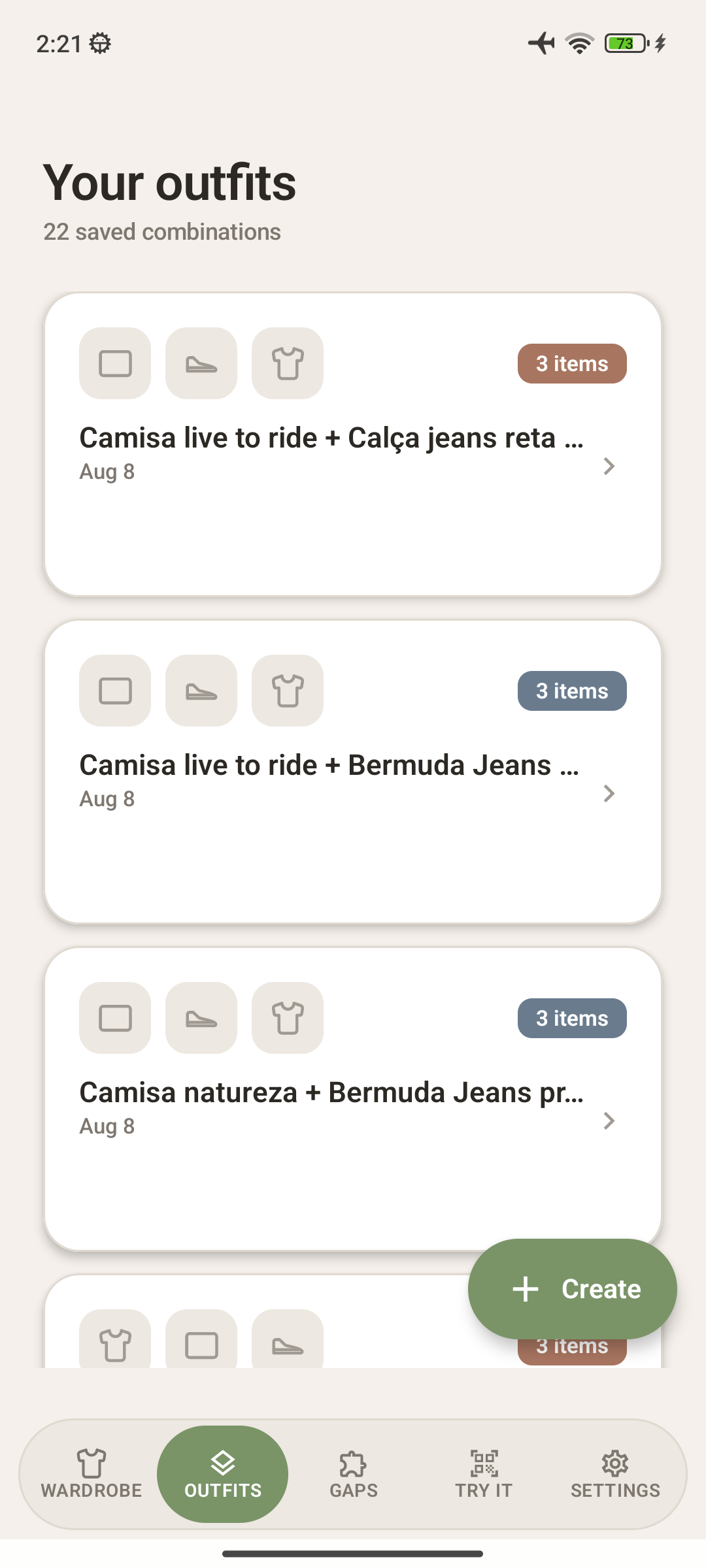
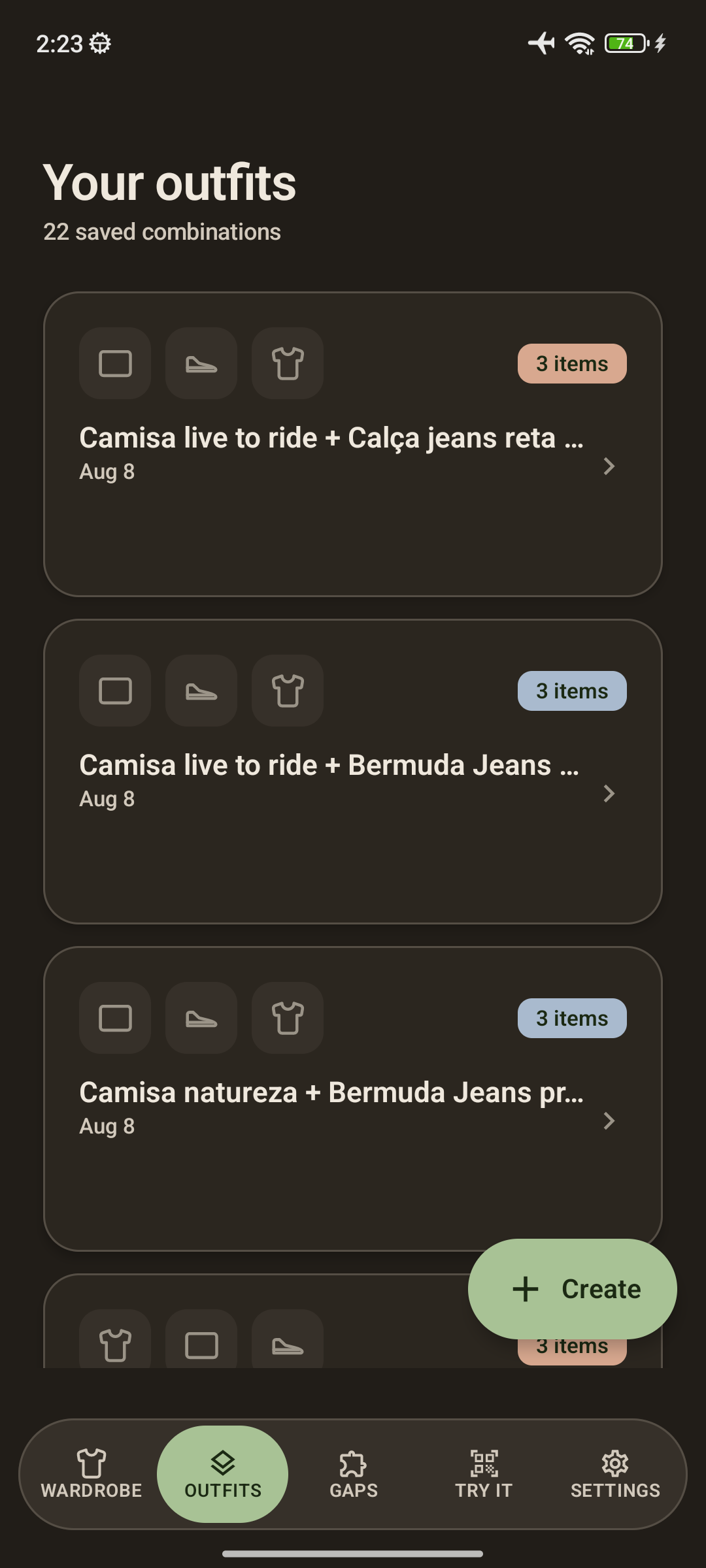
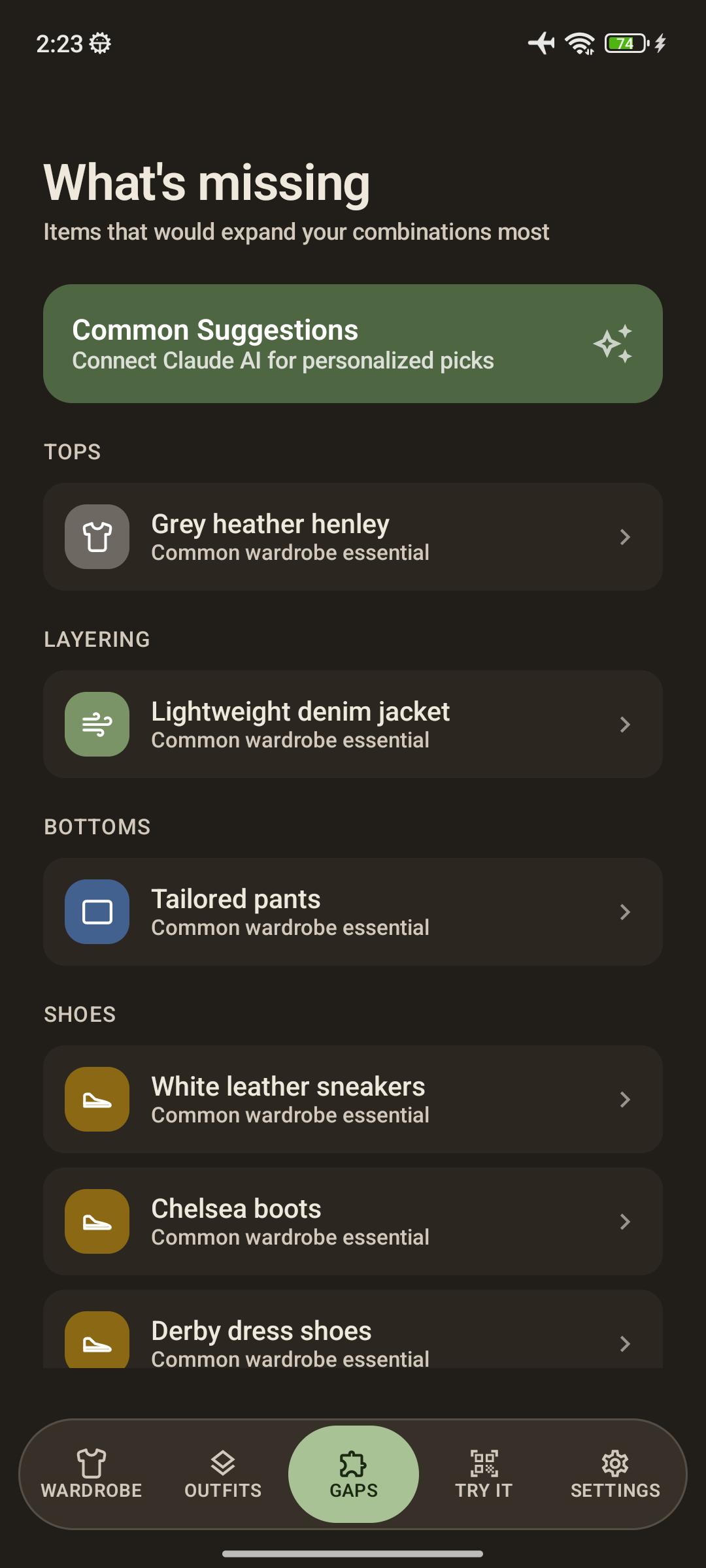
Worn is a wardrobe manager for Android and iOS built with Kotlin Multiplatform, made for men who want to dress well without turning shopping into a project. You photograph your clothes, AI tags them, and the app builds outfits and tells you which pieces your wardrobe is missing.
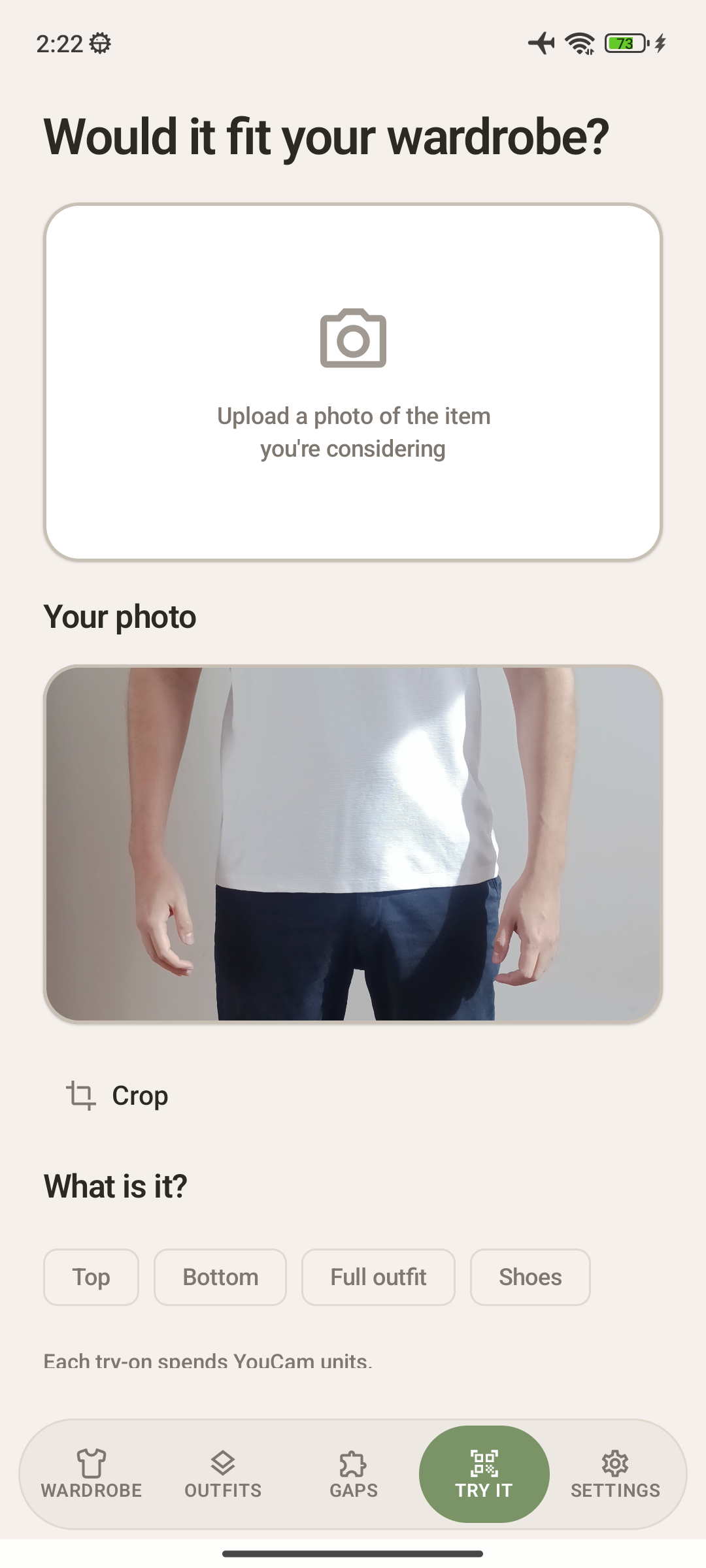
The headline feature of this version is virtual try-on powered by YouCam:
- You save one full body photo of yourself, once. It stays in app private storage and is reused for every try-on.
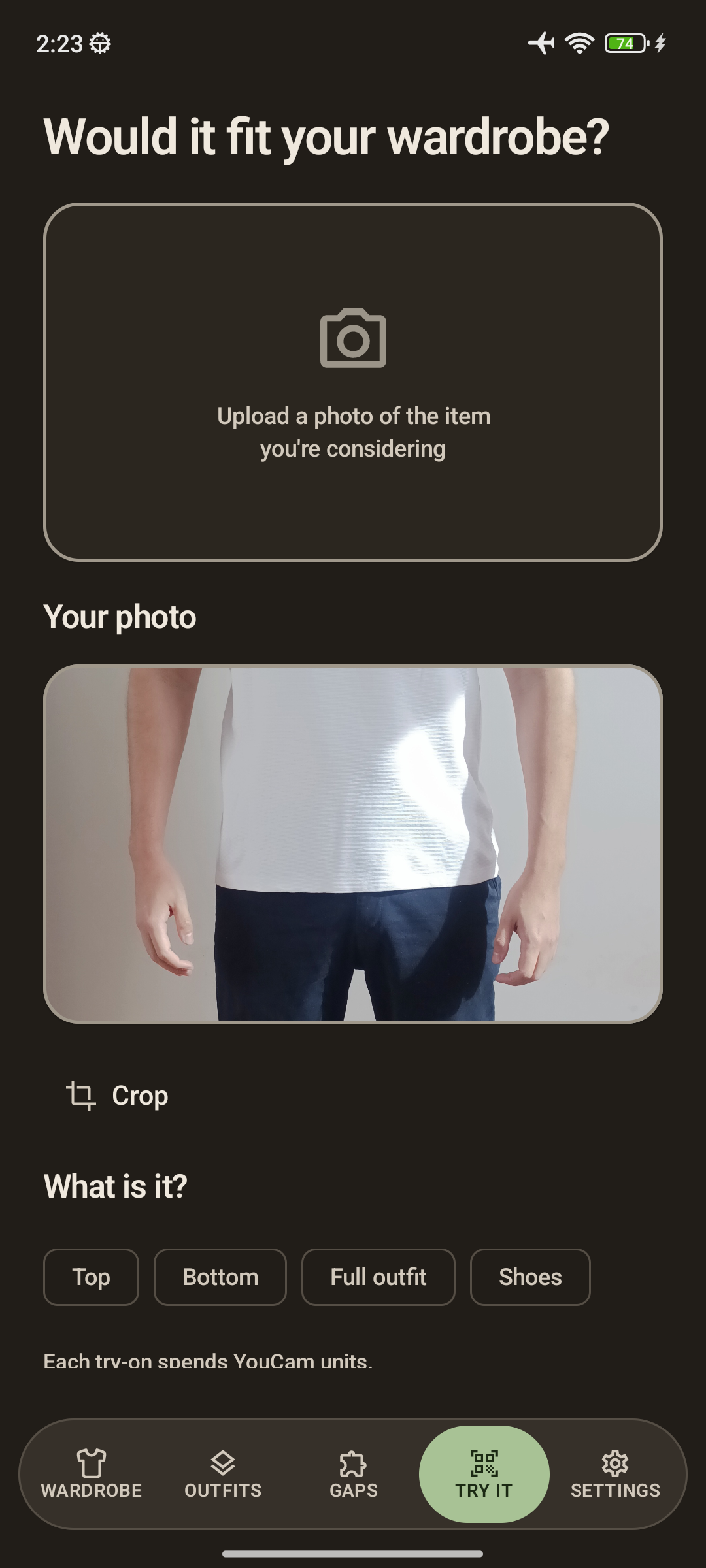
- Point Try It at any garment photo, pick what it is (Top, Bottom, Full outfit, or Shoes), and tap "See it on me."
- Worn sends the photos to YouCam, which renders you wearing the item and hands back the result.
- Clothing goes through YouCam's cloth try-on with the right garment category (upper body, lower body, or full body), and shoes go through the dedicated shoes endpoint.
- It works from anywhere: share a photo from a shopping app or your camera roll straight into Worn and choose "See it on me."
Everything else in the app now feeds that flow. Background removal and a crop editor clean up the garment photo before it goes to YouCam. Claude analyzes the same item against your existing wardrobe, so you get both answers side by side: how it looks on you, and how many outfits it would unlock. No store trip, no guessing.
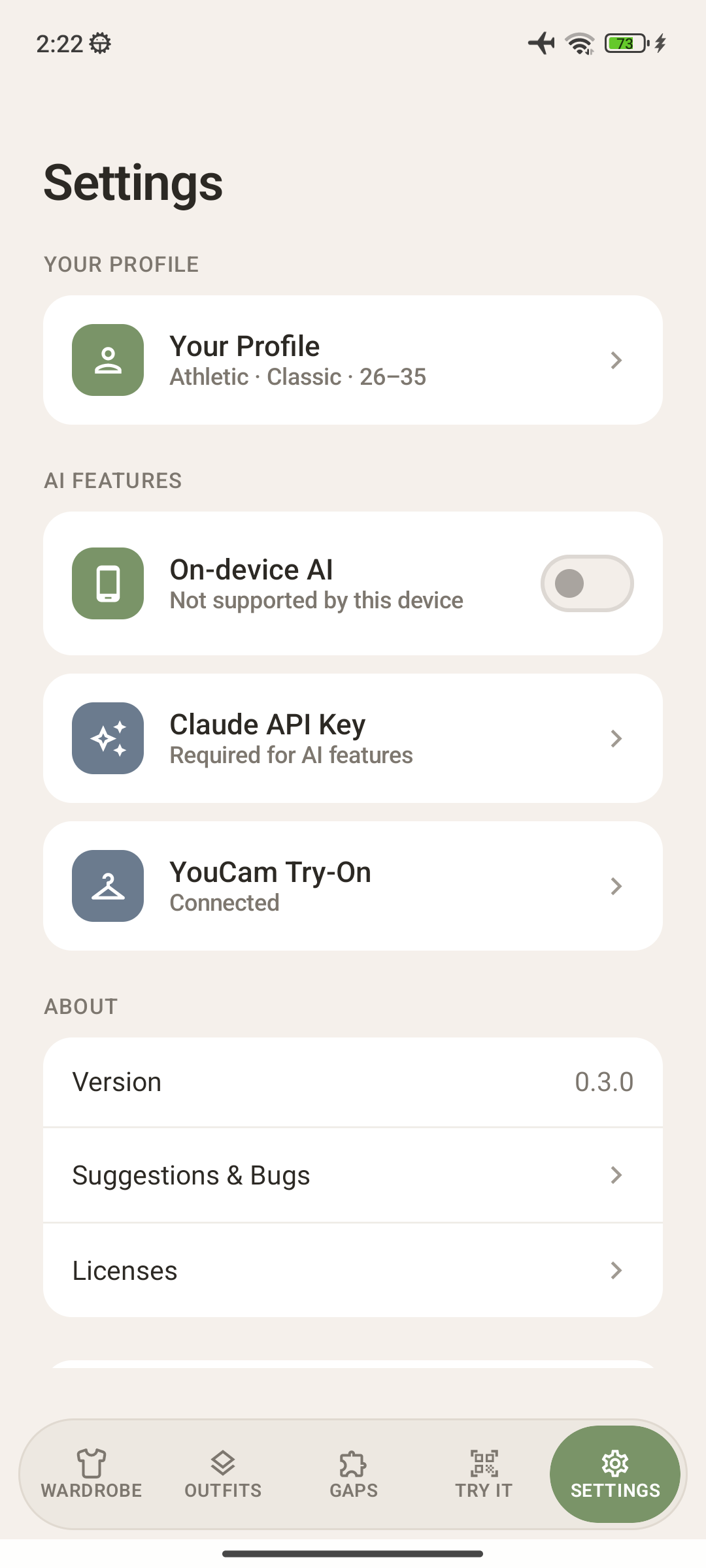
Also new: on device AI (Gemini Nano on Android, Apple Intelligence on iOS) for photo tagging and gap suggestions without an API key, iPad and tablet layouts, home screen shortcuts, faster screens, and signed release builds.
How we built it
The YouCam integration lives in one shared Kotlin client used by both platforms, so Android and iOS got try-on from a single implementation.
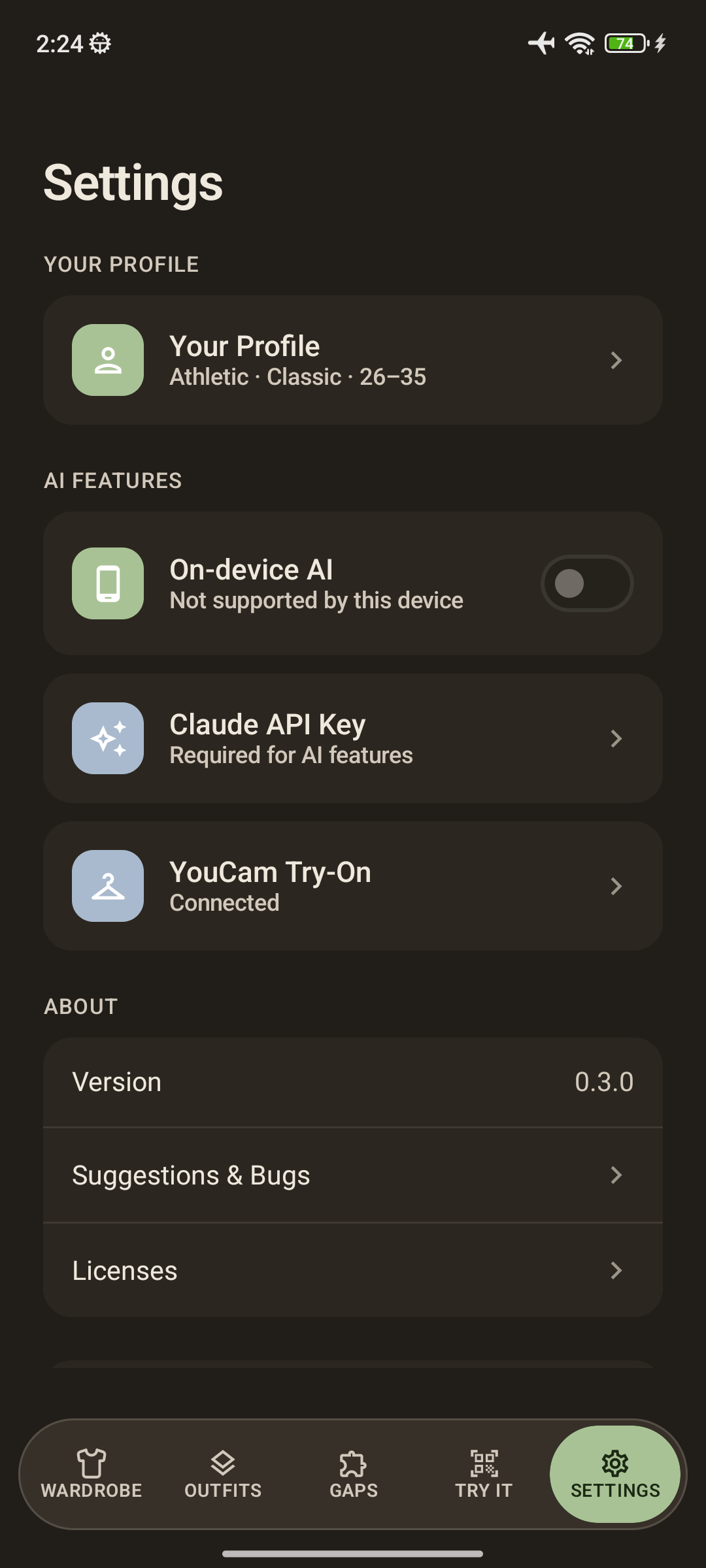
It is bring your own key. You paste your Client ID and Secret Key into Settings, and Worn verifies them immediately by running a real auth handshake, so you find out right away if something is wrong instead of at the moment you try something on. The credentials go into the Android Keystore and the iOS Keychain, never into plain storage.
The full flow, all in shared code:
- Auth. Worn builds YouCam's id_token by RSA encrypting client_id plus a timestamp with your secret key, posts it to the auth endpoint, and caches the access token for its lifetime with a refresh margin. RSA is the one piece that cannot be shared, so it sits behind an expect/actual interface: Java crypto on Android, Security framework on iOS.
- Upload. The File API hands back presigned upload slots, and Worn PUTs the person and garment JPEGs to them.
- Task. It creates a try-on task with the two file IDs and the garment category, choosing the cloth or shoes endpoint family based on what the user picked.
- Poll and fetch. It polls the task every two seconds until it succeeds, then downloads the rendered JPEG and shows it.
Every HTTP failure is mapped to something a person can act on: invalid credentials, rate limited, service error, timed out. The client itself holds no business logic; the repository wraps it in runCatching and the ViewModel just reflects loading, result, or error.
Around that, the app is MVI plus repositories in a shared Kotlin Multiplatform module, with Compose on Android and SwiftUI on iOS. We also moved all AI prompts and JSON parsing into shared code so Claude and the on device models return identical domain objects, added end to end journey tests for the try-on and credential flows, unit tests for the YouCam client and the RSA encryptor, and iOS builds on every pull request.
Challenges we ran into
- Learning the API's real response shapes. Several responses were nested differently than we first assumed: some wrapped in data, others in result, the poll status arriving as task_status, and the finished result coming back as an object holding a URL rather than a list. We worked through it one endpoint at a time with temporary logging, then cut that logging back to safe breadcrumbs.
- Uploads failing until we sent file_size. The upload slot request needs the byte size up front. Once we sent it, the presigned PUT worked first try.
- The RSA handshake. Getting id_token right meant implementing the same encryption twice, once per platform, and handling the common mistake of pasting the key with its BEGIN/END lines. That case now produces a clear message instead of a cryptic auth failure.
- Keeping secrets out of the logs. Our first debugging pass was printing the client ID and the token. We removed it and now log only lengths and step names.
- Apple Intelligence is not reachable from Kotlin. FoundationModels exposes no Objective C interface, and Kotlin/Native interop only reaches C and Objective C, so the on device engine had to be written in Swift behind a shared interface and weak linked for iOS 26.
- iOS parity took real work: getting the project to compile and link again, wiring a share extension with App Group entitlements so shared photos reach Try It, and laying out every screen for iPad.
- Our test phone could not dump the view tree (a known MIUI bug), which broke journey testing, so we documented a screenshot based fallback.
Accomplishments that we're proud of
- A complete YouCam try-on flow, auth through rendered image, written once in shared Kotlin and shipped on Android and iOS at the same time.
- Try-on that fits into a real shopping moment: share a product photo from any app, pick a category, and see it on yourself in a few seconds.
- Credentials that are verified when you save them and stored in the platform's secure store, with clear, human error messages for every failure the API can return.
- Try-on and wardrobe analysis in one place, so you learn both how an item looks on you and whether it is worth owning.
- Cleanup tools (background removal and cropping) that make the garment photo good before it is ever uploaded.
- Test coverage that grew with the features, including journey tests for connecting YouCam and for the locked state before you do.
What we learned
- Integrating a real image generation API is mostly about the unglamorous parts: token lifetime, presigned uploads, polling, and turning every error code into something a user can act on.
- A single shared client is a genuine multiplier. One YouCam implementation, one set of tests, two platforms, and no chance of the two drifting apart.
- Only the truly platform bound pieces need to be platform code. For try-on that was exactly one thing, RSA encryption, and everything else stayed shared.
- Asynchronous, task based APIs need their waiting designed, not just handled. Sensible poll intervals, a hard timeout, and a progress state make the difference between feeling fast and feeling broken.
- Debug logging on a credentialed API needs a rule from the first line: log shapes and sizes, never values.
What's next for Worn
- Try on items already in your wardrobe, not just new ones, so you can preview a full outfit before you get dressed.
- Multiple saved photos, so you can see items on yourself in different poses or settings.
- More YouCam features, including accessories and other try-on categories as we expand the garment picker.
- Saving try-on results into the item's page, so your favorite looks stay with the piece.
- Outfit suggestions for the day, using try-on to show the recommendation instead of describing it.
- Play Store and TestFlight releases now that release signing is in place, plus more languages beyond English and Brazilian Portuguese.
Built With
- kmp
- kotlin
- swift
- youcam


Log in or sign up for Devpost to join the conversation.