-
-
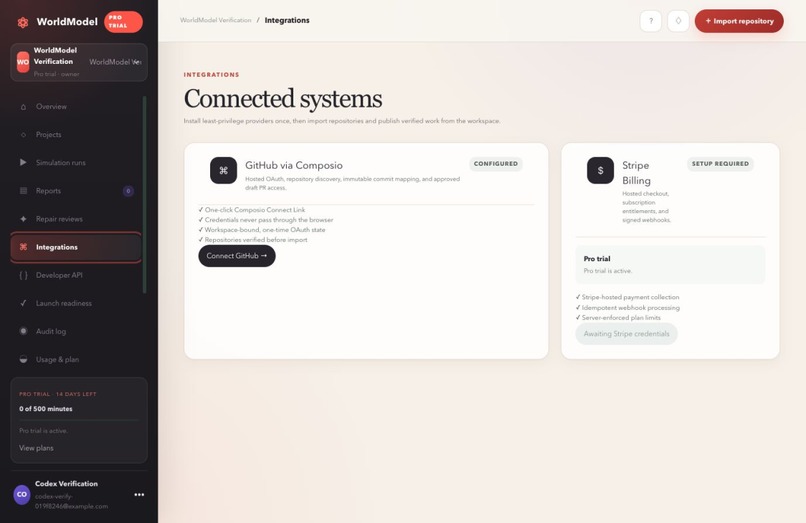
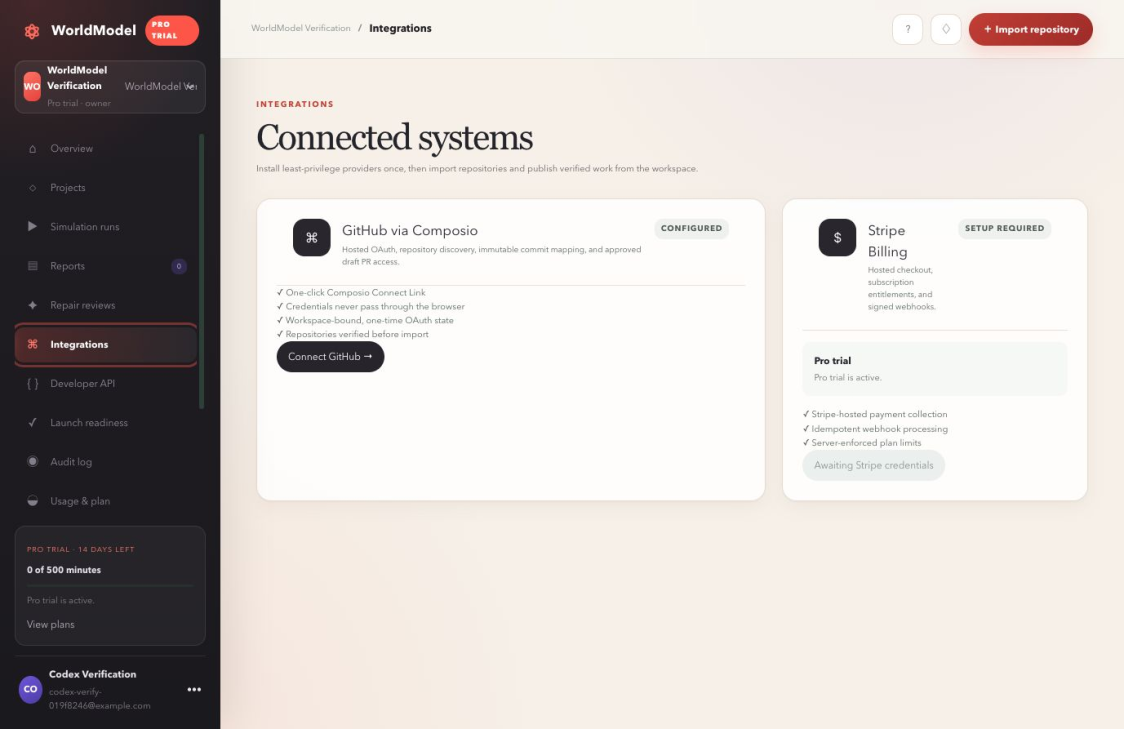
Integrations
-
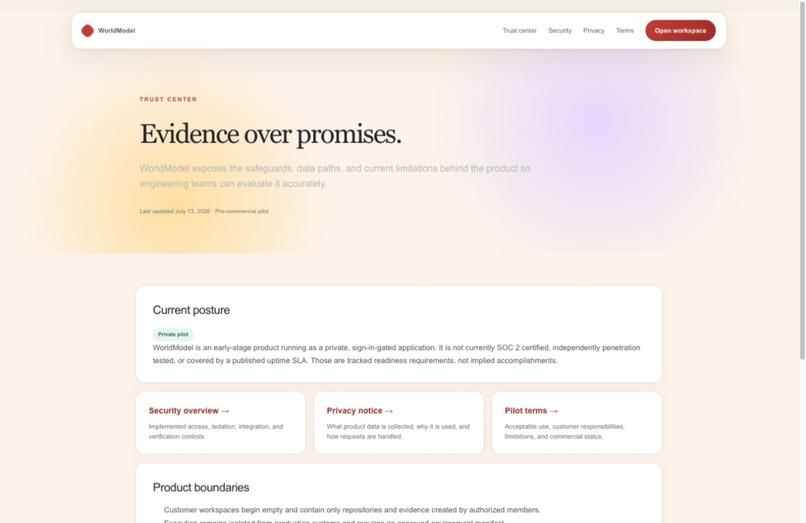
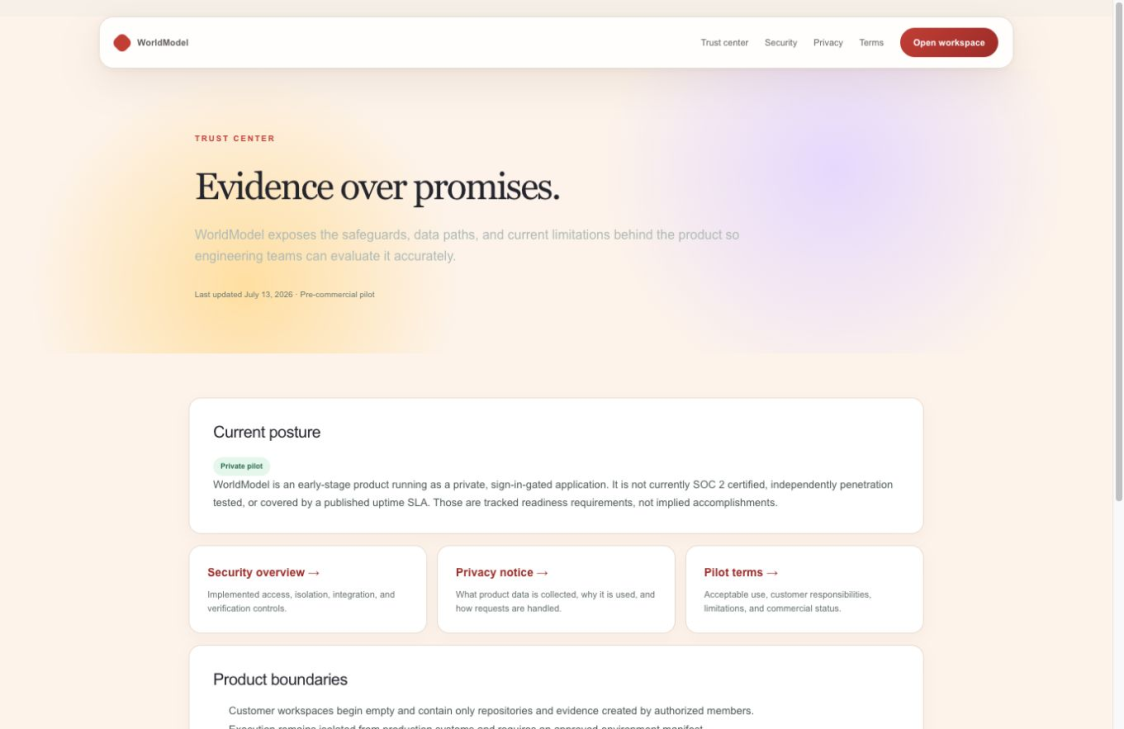
Trust Center
-
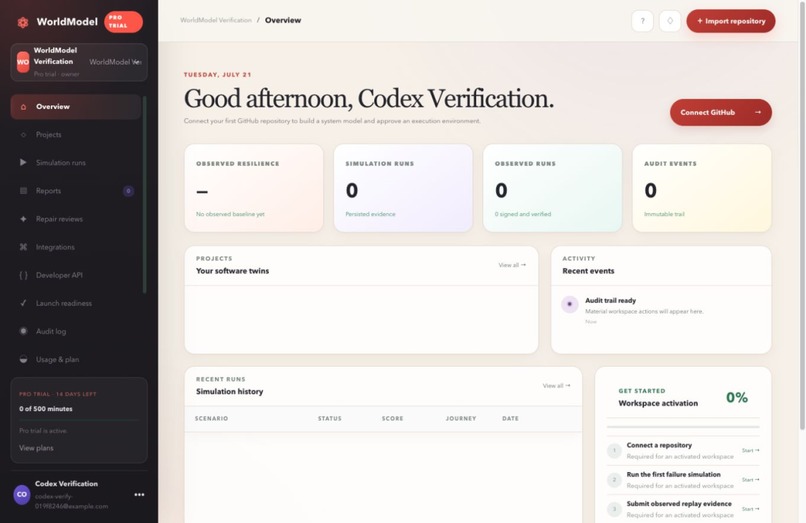
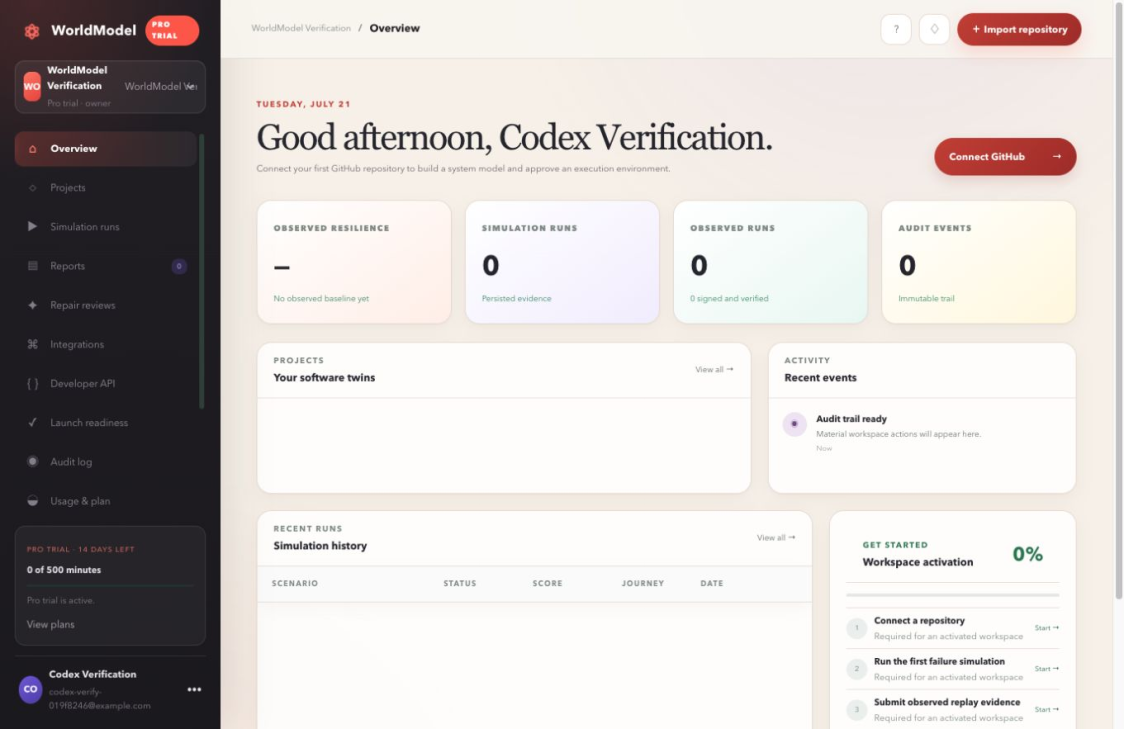
Dashboard
-
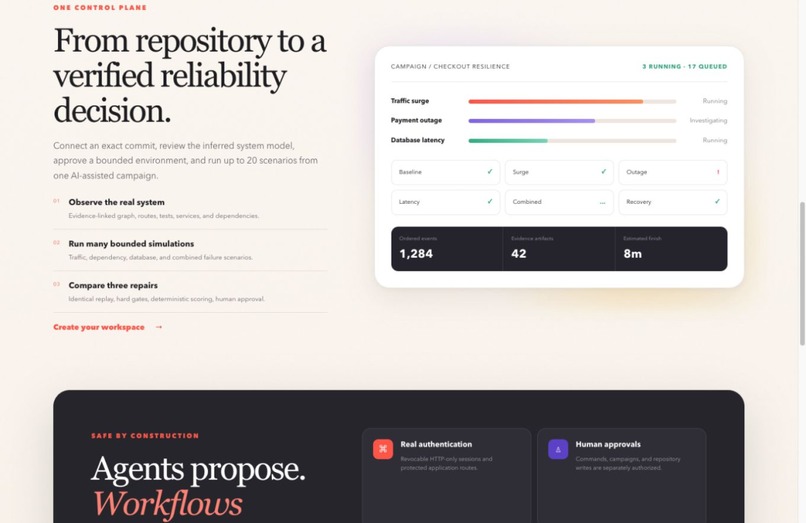
Workspace
-
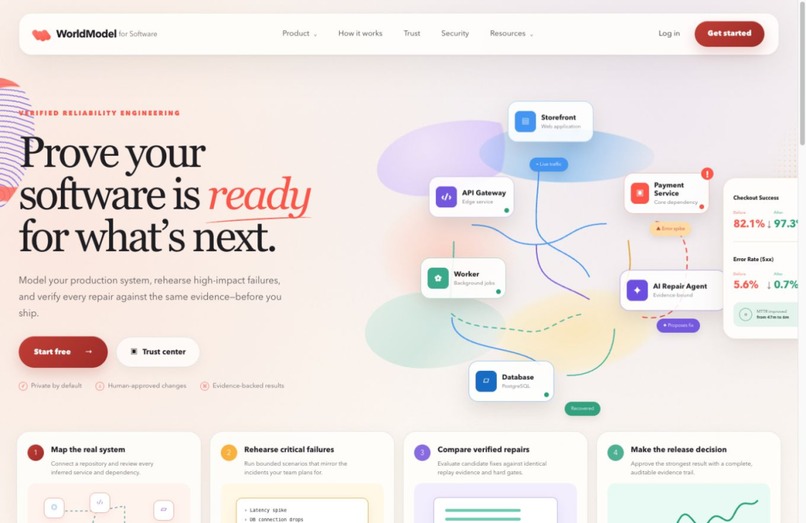
Landing Page
Inspiration
We have worked on student clubs, hackathons, and team projects where planning an event quickly became messy.
Information was spread across group chats, spreadsheets, calendars, and random notes. Someone had to manually figure out every task, deadline, dependency, and responsibility. Even with a planning tool, we still had to build the entire plan ourselves.
That was the problem we wanted to solve with World Model.
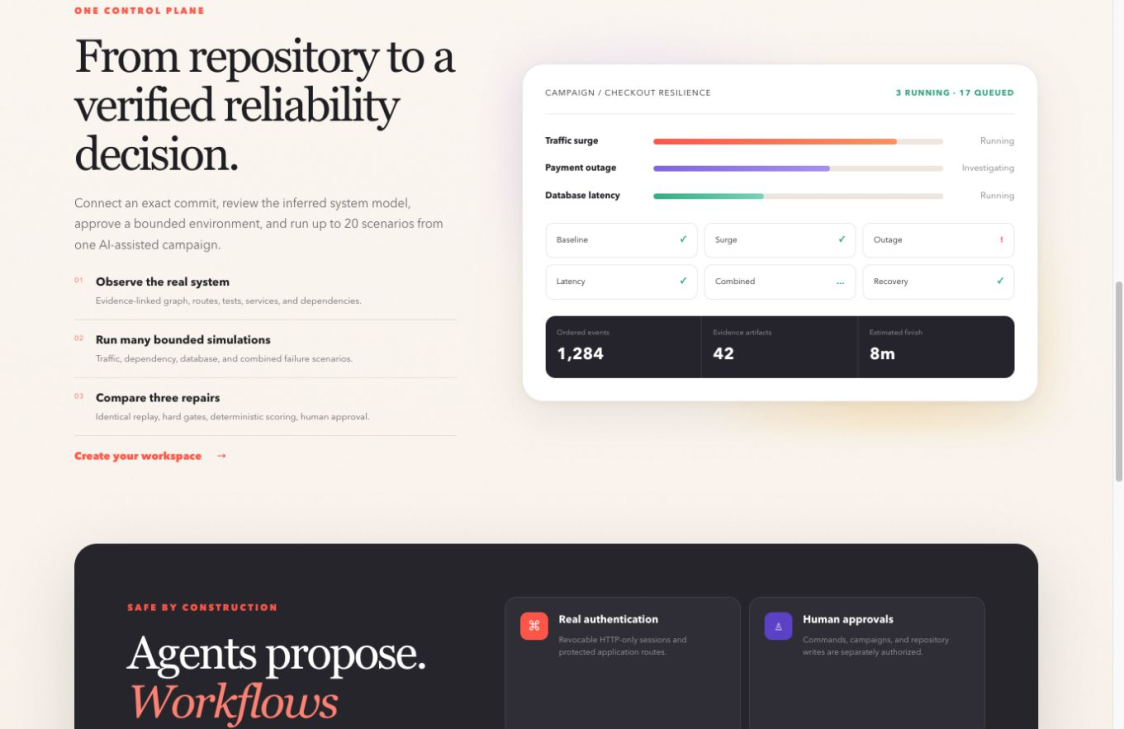
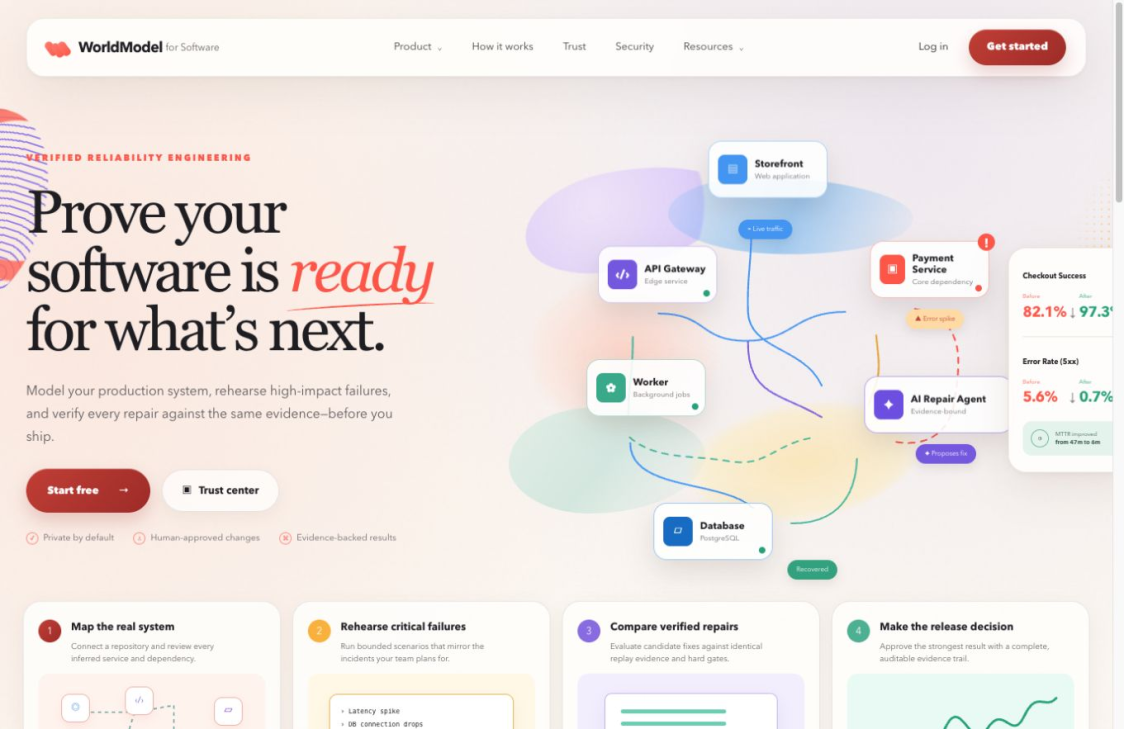
Instead of starting with an empty checklist, a user can describe an event and receive a structured plan showing what needs to happen, when it should happen, who should handle it, and what is currently blocking progress.
The main idea behind the project is simple:
Describe the event once, and let World Model build the plan.
What it does
World Model helps student clubs, nonprofits, volunteer groups, and small teams organize events without creating everything manually.
The user enters details such as the event name, date, format, expected attendance, goal, and available team members. World Model uses that information to create an operations plan covering areas such as planning, promotion, logistics, event-day preparation, and follow-up.
The generated plan includes:
- Tasks and deadlines
- Suggested task owners
- Critical and overdue task tracking
- Dependencies between tasks
- Blocked-task warnings
- Outreach messages
- Calendar exports
- An automation activity log
- A live readiness score
For example, a user could enter:
“A hybrid AI workshop for 100 students with four organizers and a goal of 75 registrations.”
World Model could then generate tasks for confirming the venue, setting up registration, contacting speakers, promoting the event, preparing equipment, organizing volunteers, and sending follow-up messages.
The tasks are connected rather than being placed into a basic checklist. If promotion depends on the venue being confirmed, the promotion task remains blocked until that requirement is completed. Once the venue task is finished, the dependent task automatically unlocks.
The readiness score also gives the organizer a quick way to understand how prepared the event is. It considers task completion, assigned owners, overdue work, critical tasks, and unresolved dependencies.
How we built it
We built World Model using React, TypeScript, and Tailwind CSS.
The main part of the project is a workflow engine that converts event details into a structured plan. It uses event templates, task categories, date offsets, required roles, and dependency rules.
When a user submits an event brief, the system:
- Identifies the type of event.
- Reads important details such as the date, attendance, format, and team size.
- Selects a matching event template.
- Generates the necessary tasks.
- Calculates each deadline backward from the event date.
- Connects tasks that depend on one another.
- Suggests owners and highlights missing assignments.
- Creates the dashboard, activity log, messages, and readiness score.
Each task stores more than just a title. It can also include its category, due date, owner, status, importance, dependencies, and an explanation of why it was created.
We wanted the readiness score to be easy to understand, so it is based on visible factors rather than a hidden number:
- Critical tasks completed: 40%
- All tasks completed: 25%
- Tasks with owners: 15%
- No overdue tasks: 10%
- Critical dependencies cleared: 10%
We also made generated content editable. World Model creates the initial plan, but the user can still change tasks, dates, owners, and messages based on how their organization works.
Challenges we ran into
One of the hardest parts was making the generated plans useful for different kinds of events.
A hackathon, fundraiser, workshop, club meeting, and community-service event all require different tasks. We needed a system that could reuse the same basic workflow while still creating a plan that felt specific to the event.
We solved this by creating separate event templates with their own tasks, roles, timelines, and dependencies.
Another challenge was scheduling. Some tasks need to happen weeks before an event, while others only make sense a few days before it. We created relative date rules so deadlines are calculated backward from the event date and update when that date changes.
Dependencies also took careful planning. We needed the system to recognize when one task could not begin until another was completed. We built blocked-task relationships that update as the user makes progress.
The readiness score was another challenge. A single percentage can feel meaningless if users do not know how it was calculated. We made the score transparent so organizers can see what is lowering it and what they should work on next.
We also wanted the project to remain dependable during the hackathon. Because of that, the main workflow runs through structured rules and templates instead of relying completely on an external model.
Accomplishments that we're proud of
We are proud that World Model creates more than a list of tasks.
It turns one event description into a connected workflow with deadlines, owners, dependencies, blockers, messages, exports, and readiness tracking.
The dependency system is one of the features we are most proud of. When a user completes a prerequisite, related tasks can automatically unlock. This makes the plan react to the team’s progress instead of staying static.
We are also proud of the readiness score because it is explainable. Users can see why their score is high or low and which actions would make the biggest difference.
Most importantly, the project addresses a problem we have experienced ourselves. Student groups often have strong ideas but not enough time or structure to turn those ideas into successful events. World Model helps reduce that planning work.
What we learned
The biggest thing we learned is that useful automation is not just about doing something faster.
A good planning system must understand how tasks relate to one another. It needs to know what should happen first, what is blocked, who is responsible, and how close the team is to being ready.
We also learned how important explainability is. Users are more likely to trust a generated plan when they can understand why a task exists, why it has a certain deadline, and what is preventing it from moving forward.
Another lesson was that automation should not remove control from the user. Every team works differently, so the generated plan needs to be a strong starting point rather than a set of fixed instructions.
Technically, we learned how to build reusable workflow templates, calculate dates from relative offsets, manage dependency relationships, update application state, and organize a TypeScript project around a planning engine.
What's next for World Model
The next step is to make World Model more collaborative and connect it to the tools that teams already use.
We would like to add:
- More event and organization templates
- Shared team workspaces
- Real-time collaboration
- Smarter owner recommendations
- Email and Discord integrations
- Google Calendar integration
- Automatic reminders
- Volunteer shift planning
- Budget and resource tracking
- Risk warnings for upcoming events
- Reusable plans from previous events
- Post-event reports
We also want World Model to learn from completed events. After an event ends, the organizer could review which tasks were late, what caused delays, and what should be improved the next time.
Our long-term goal is for World Model to become an operations assistant for student clubs and small organizations.
Instead of opening another blank spreadsheet, a team should be able to describe what they want to organize and immediately receive a complete, editable plan for making it happen.
Built With
- github
- node.js
- openai
- playwright
- react
- tailwindcss
- typescript
- vercel


Log in or sign up for Devpost to join the conversation.