-
-
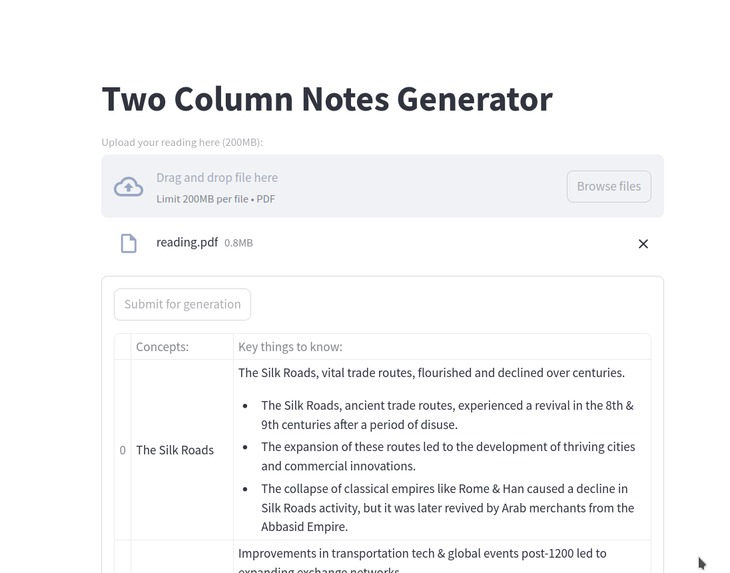
Application UI
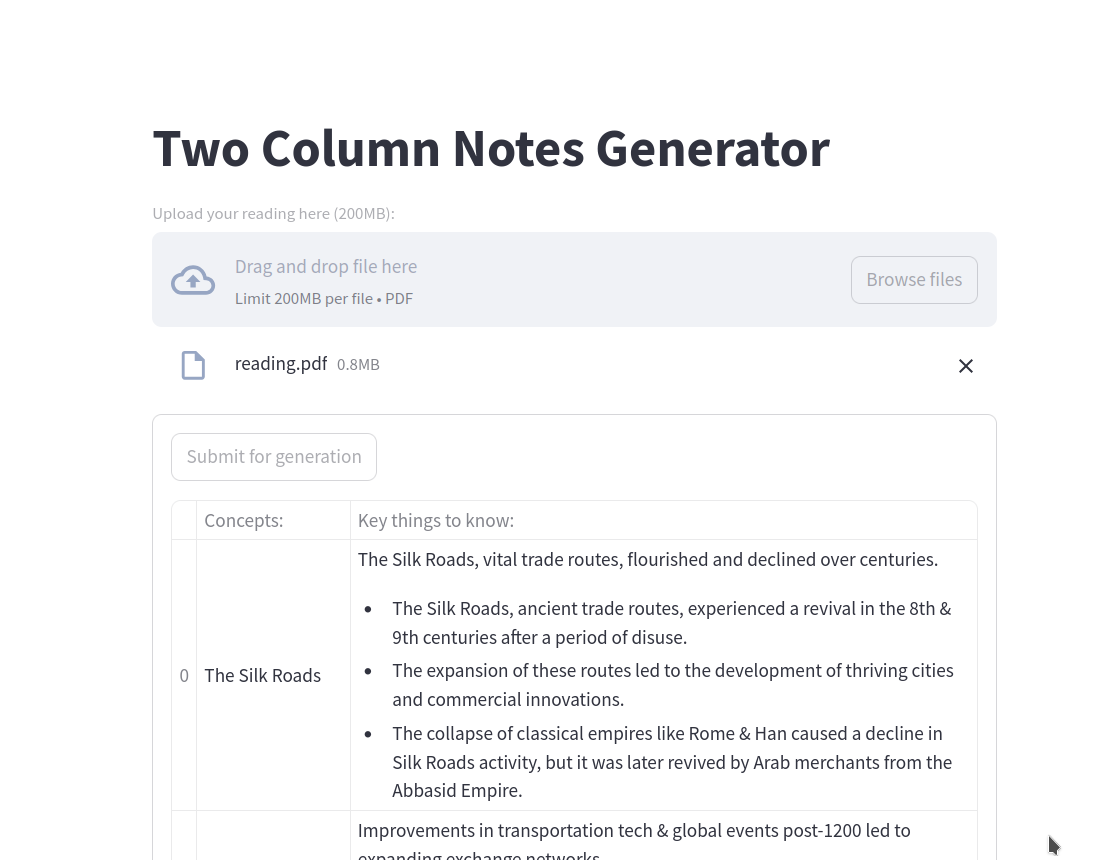
RAG Based Note Generation Tool Project Overview
QUICK OVERVIEW
This project is a tool that generates two-column notes based on the contents of a PDF file. It is developed to work specifically in the context of my world history course.
Tools
- Python
- LangChain
- Cohere API
- Unstructured
- Streamlit
- Pandas
Concepts
- Retrieval Augmented Generation (RAG)
- Vector databases
- LLMs
PROBLEM
Right around the time the hackathon began, I entered a world history course with many readings. Taking notes is mentally straining, as I have to extract key points and decide which to keep. Additionally, our notes had to follow a strict format:
Column 1:
Title or Subheading (For every title or subheading, there must be one row)

Column 2:
Summary Sentence
- Bullet one (key point)
- Bullet two (key point)
This added unnecessary workload. AI can vastly improve efficiency in this process.
PROPOSED SOLUTION AND PROBLEMS WE FACED
I built a Retrieval Augmented Generation Application that:
- Scans the PDF for text
- Splits text into segments
- Generates a vector database for retrieval
- Filters out titles and subheadings using LLMs
- Retrieves relevant data to create notes
- Outputs notes in an intuitive frontend UI
Now, I no longer have to worry about making "the best" notes—the tool automates everything in the required format.
The core application is built using LangChain, which orchestrates the note generation pipeline. We use Cohere API for embeddings and note generation, and it performs well.
Challenges and Solutions
1. Extracting Information from Non-Searchable PDFs
Some readings were scanned pages, making text extraction difficult. We solved this using the Unstructured module, which leverages Tesseract to extract text. This also helped filter out document titles, crucial for formatting the notes correctly.
2. Improving LLM Reliability and Consistency
- Separation of Concerns: Initially, a single monolithic prompt handled extraction, title detection, note generation, and summarization. This overwhelmed the model, producing inconsistent results. Splitting these steps into separate LLM subchains improved reliability.
- Prompt Engineering: We implemented k-shot prompting, providing examples to guide the LLM in generating well-structured outputs. We also used chain-of-thought to make the LLM reason better.
3. Creating a Frontend UI Efficiently
Given the time constraints, we used Streamlit, which allows for quick and declarative UI development. Our frontend has fewer than 50 lines of code and looks great.
FINAL RESULT
The application successfully addresses the problem while providing a smooth UI and high reliability. Some improvements can be made in error handling, but overall, it works well.
Final Application Pipeline
- Streamlit UI: Upload a PDF, store it as a temporary file, analyze it with Unstructured, and split text into a vector database.
- Title Extraction: Run an LLM subchain using k-shot prompting to extract potential titles. This works alongside Unstructured’s title detection.
- Title Filtering: Process extracted titles to remove duplicates and format them as a structured list.
- Document Retrieval & Note Generation: For each title, retrieve the top 5 relevant document sections and use another LLM chain to generate a raw version of the notes.
- Concise-ifier: Use the LLM again to shorten the notes while maintaining meaning (e.g., "Exchange" → "xchange").
- Final Output: Display the structured notes as a formatted table in Streamlit.
With all these steps combined, we get a fully functional two-column notes generator.
FUTURE IMPROVEMENTS
- Improve LLM Processing: Currently, too many pages overwhelm the model, causing inconsistent results. We could apply separation of concerns per page, but this would require a higher-tier API.
Built With
- cohere
- langchain
- llms
- python
- rag
- streamlit
- vectordb

Log in or sign up for Devpost to join the conversation.