-
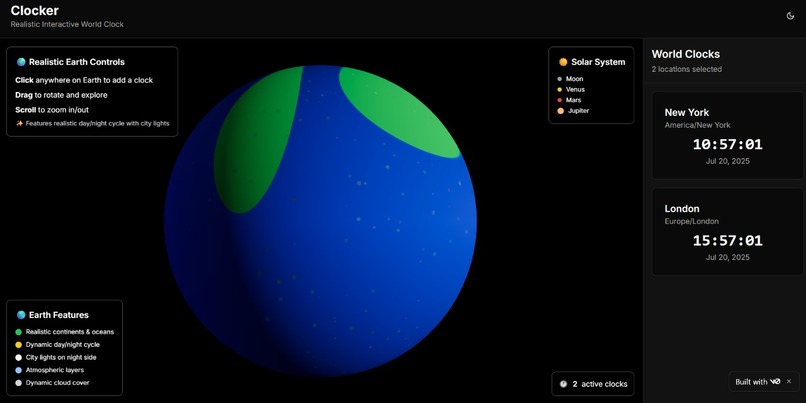
Dashboard
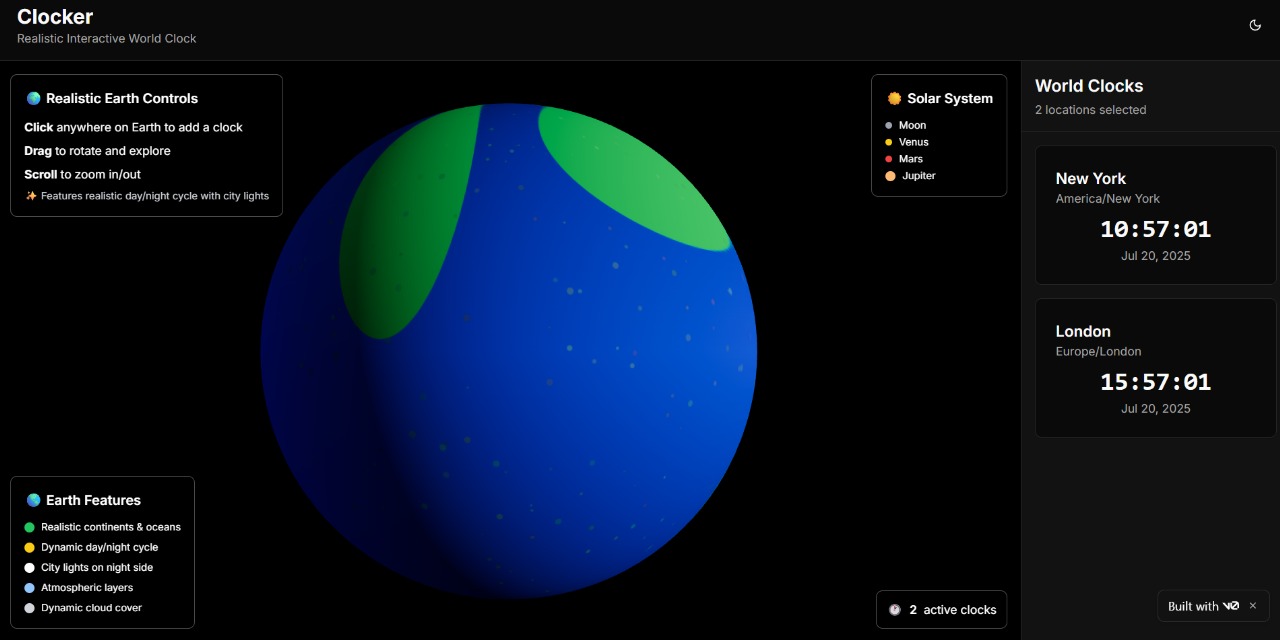
🌍 Inspiration
We often need to know the time in different parts of the world — whether for virtual meetings, travel planning, or just curiosity. Many apps use APIs to get this data, but we wanted to create a beautiful, offline-friendly solution that runs entirely in the browser using local data and intelligent time calculation. The idea of seeing the time around the world on a 3D globe, with real-time updates, sparked the creation of World Clock.
🕒 What it does
World Clock is a web app that shows:
A 3D interactive Earth 🌐 (built using Globe.gl or Three.js).
Real-time clocks for selected cities around the world.
A sidebar that holds a list of user-selected cities with live-updating time.
All done without using any external time APIs — powered only by JavaScript and Luxon with a static timezone database.
🔧 How we built it
Frontend: Built with React and styled using Tailwind CSS for a clean, modern UI.
3D Earth: We used Globe.gl (Three.js under the hood) for rendering an interactive Earth model.
Time Handling: Used Luxon, a powerful JavaScript library for date/time handling. We matched clicked globe coordinates to the nearest city from a local static city-timezones.json file.
State Management: Managed selected cities and their clocks using React hooks.
🚧 Challenges we ran into
Finding a way to accurately map coordinates (from globe clicks) to the closest known city and its timezone.
Handling real-time clock updates efficiently for multiple cities at once.
Ensuring smooth performance with 3D rendering + real-time clocks on lower-end devices.
Making it look good and still keep the design responsive and minimal.
🏆 Accomplishments that we're proud of
We built a full world clock system without relying on any APIs — a rare approach!
Implemented aesthetic and interactive globe-based UI that users enjoy rotating and exploring.
Designed a scalable system: new cities can easily be added to the JSON file.
Got it to work 100% offline after initial load, including time updates.
📚 What we learned
How to use Luxon for timezone-aware time calculation.
How to build and manage 3D visualizations with Globe.gl and Three.js.
How to work with geospatial data and map it to real-world applications.
How to make a web app fully functional without backend or APIs.
🚀 What's next for World Clock
Add a search bar to manually search for and add cities.
Support for sunrise/sunset times, and possibly weather info for each city.
Implement day/night shading on the globe in real time.
Enable export/share feature so users can save their favorite clock panels.
Make it a PWA (Progressive Web App) so it works perfectly offline.

Log in or sign up for Devpost to join the conversation.