Inspiration
I was inspired by some of the Chrome Developer Web AI summit videos about thinking of new interaction patterns with websites. I also drew some inspiration from some of the node based editors in 3D already (like unreal blueprints and unity visual scripting), I wanted to experiment how dynamic an AI controlled UI could be, allowing it to invoke dynamic highly variable user defined macros.
What it does
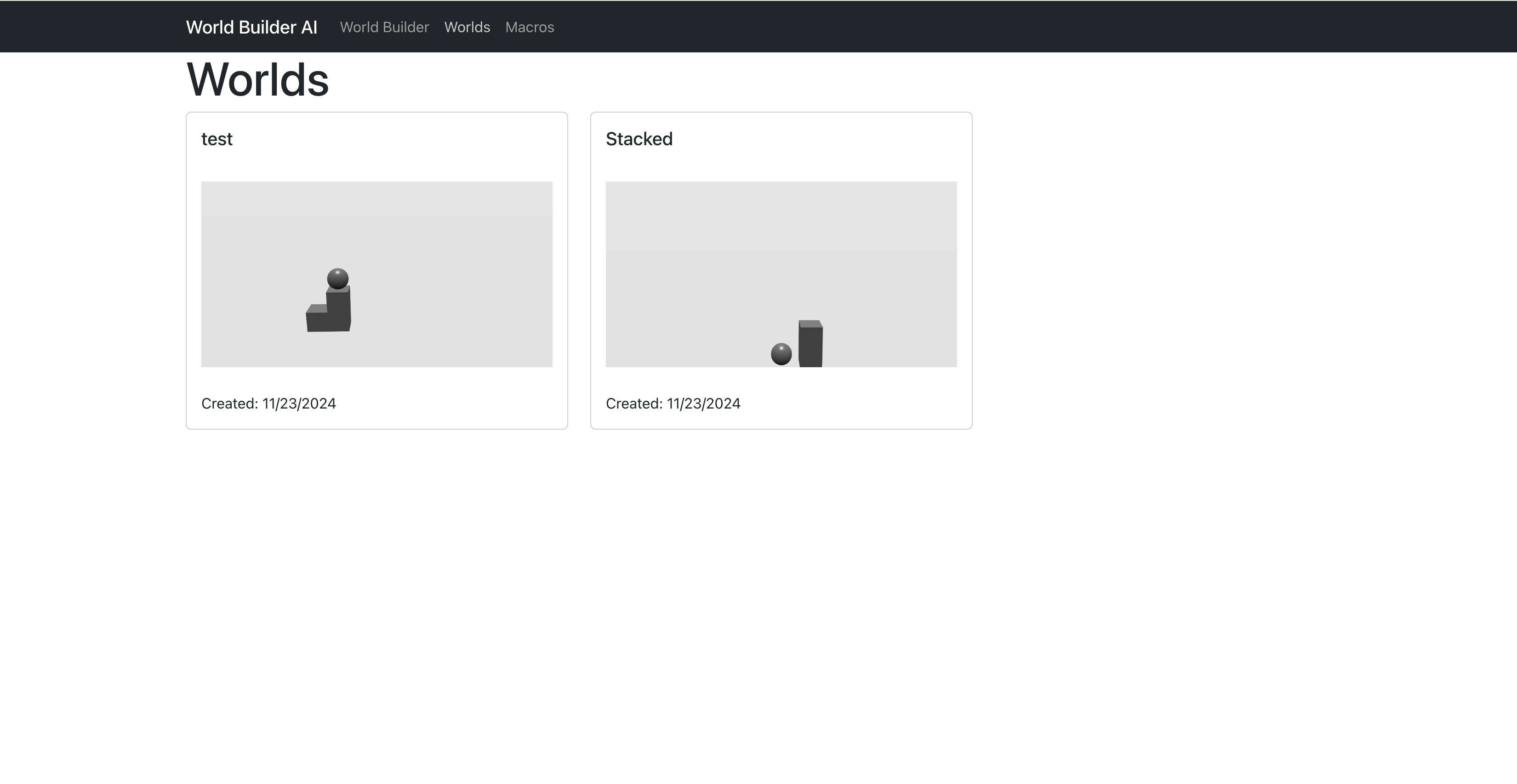
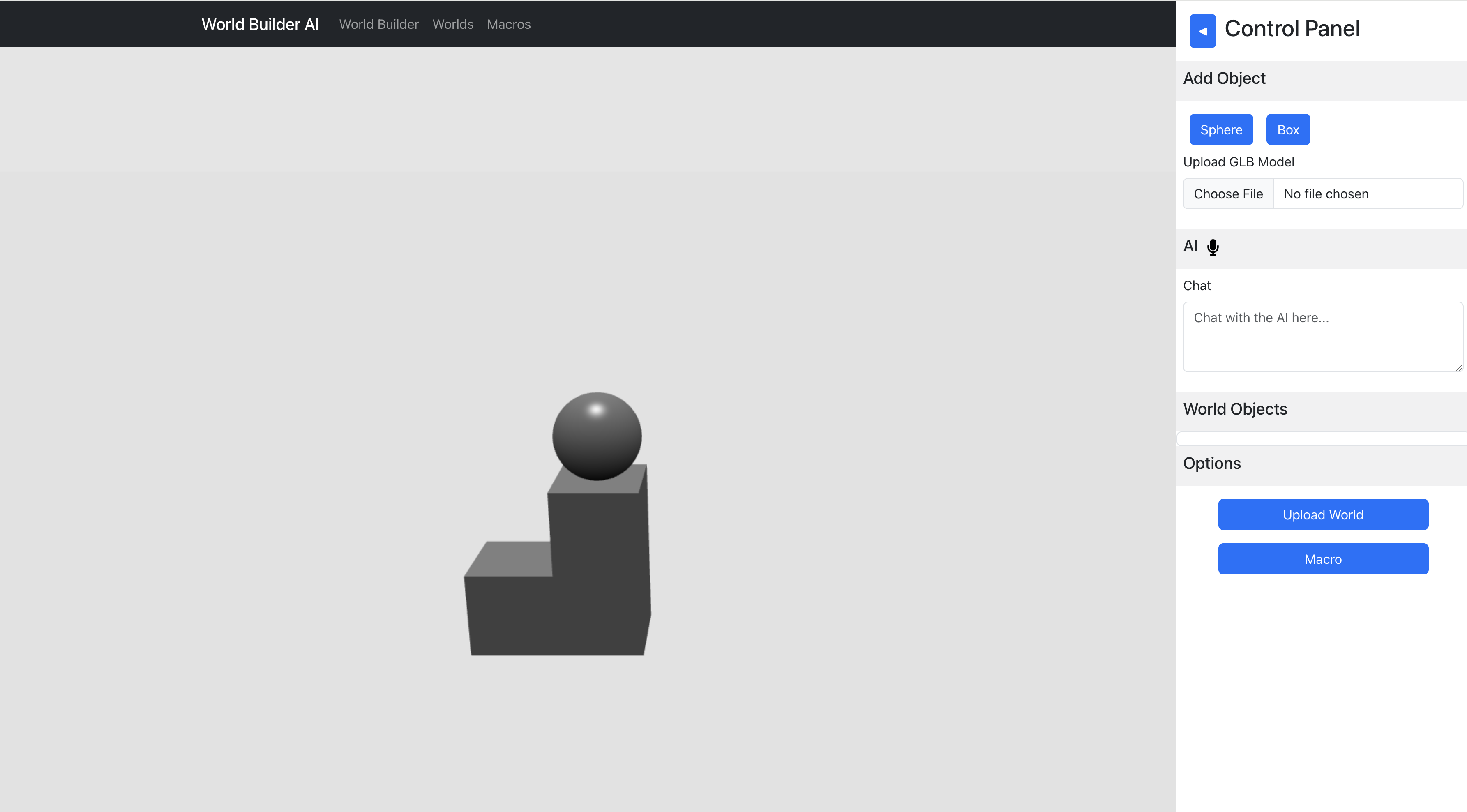
World builder AI is a 3D world creation platform to build glTFx files for any use case.
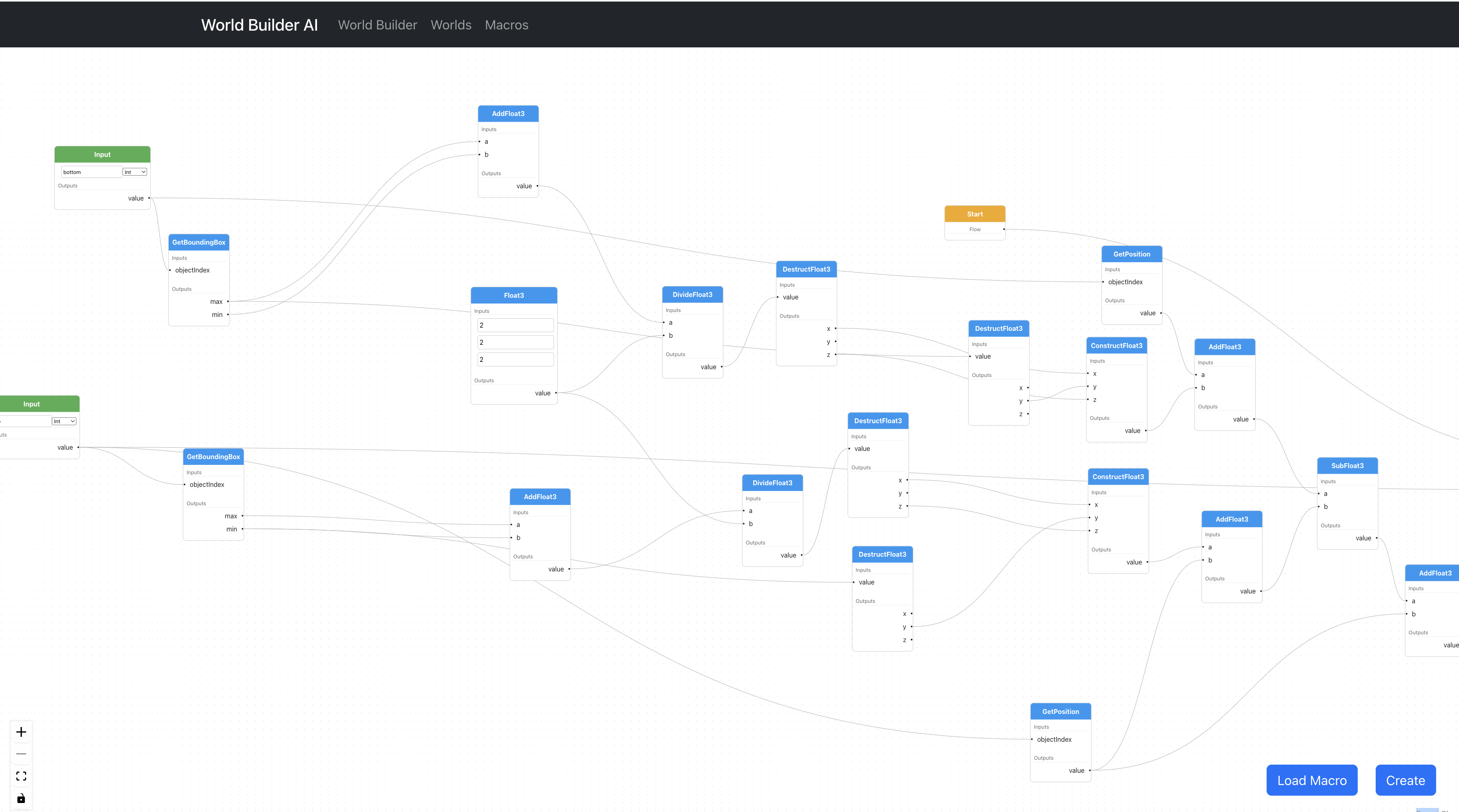
It leverages sharable macros to allow users to share and use macros for commonly used actions – define it once and use it anywhere (think Figma components). Macros are defined in a JSON Unreal blueprint like execution graph with a single start point and connections to operations to run and inputs to take in.
The Builder can invoke macros and build the world they want manually, OR leverage built in AI to execute built in actions (e.x. scale, translate, delete) and user defined macros. The universe of macros is filtered down to relevant ones based on the vector embedding of the user's query and running cosine similarity on example macro trigger phrases to create a more context informed prompt. The AI will then spit out JSON which the front end will read and use to execute some front end action (like executing a macro, selecting and object, etc...)
How we built it
I used Convex to store the glTFx files for the worlds, glbs for the assets, pngs for the world thumbnails and macro JSONs. I also have databases in convex for world and macro metadata.
The Macro Builder page uses ReactFlow to build an easy to use node construction page. The World Creator page uses Babylon JS for displaying and interfacing with the world. I used transformers JS to create the vector embeddings for the macro phrases and query phrase and used chrome built in AI as the work horse agent which spits out the actions to preform on the front end.
Challenges we ran into
As I added more macros, my context grew very large for my prompt which made the LLM spit out unknown functions or confuse multiple functions, I addressed this using a vector similarity filter to only pull in the top three relevant actions and avoid overwhelming the agent.
Building and specing out an executable JSON graph system for my macro system was quite difficult and required a lot of revisions to get it working properly with inputs and mapping into the actual world for some of the getter nodes.
Accomplishments that we're proud of
I am very proud of my macro creation system, it was a lot of functionality to implement and it is extremely extensible and can be used to create lots of cool and interesting functions using basic building block operations.
I am proud of my solution for creating context aware prompts using vector similarity and example activation phrases for macros and built in actions, this approach worked a lot better than my original implementation which would only use the function name specifications and a short description.
What we learned
I learned that small models need a lot more hand holding but can get the job done if you provide very good context.
I learned how to build around highly unstable and potentially failing interfaces
What's next for World Builder AI
- better error message surfacing
- allow the AI agent to "plan" and turn text prompts into a chain of actions
- enable VR mode
- AI for helping in the Macro creation page

Log in or sign up for Devpost to join the conversation.