-
-
-
time tracker auto option
-
Inspiration
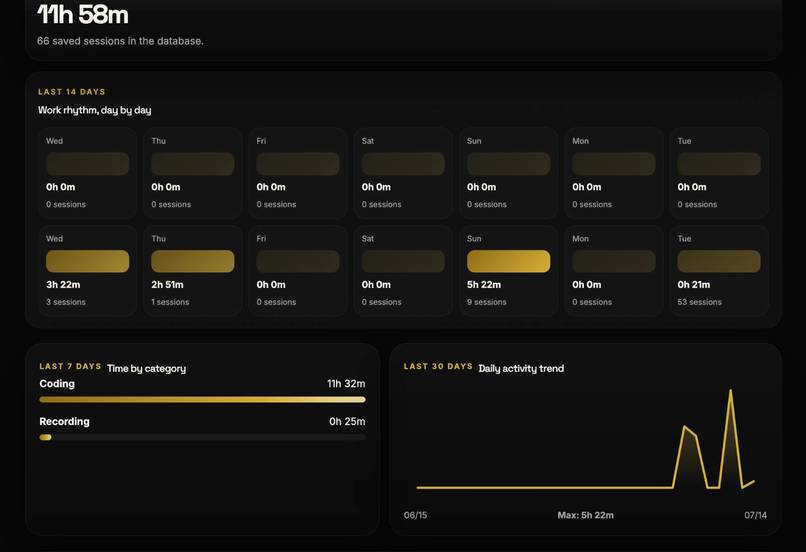
I built Worktimer after realizing that I could spend ten hours at my computer and still struggle to explain where the day had gone. I was working a lot—often too much—but at the end of the day, the main thing I knew was that I was tired. I wanted to understand whether I was actually making progress, constantly switching context, getting distracted, or simply staying at my desk longer than I should.
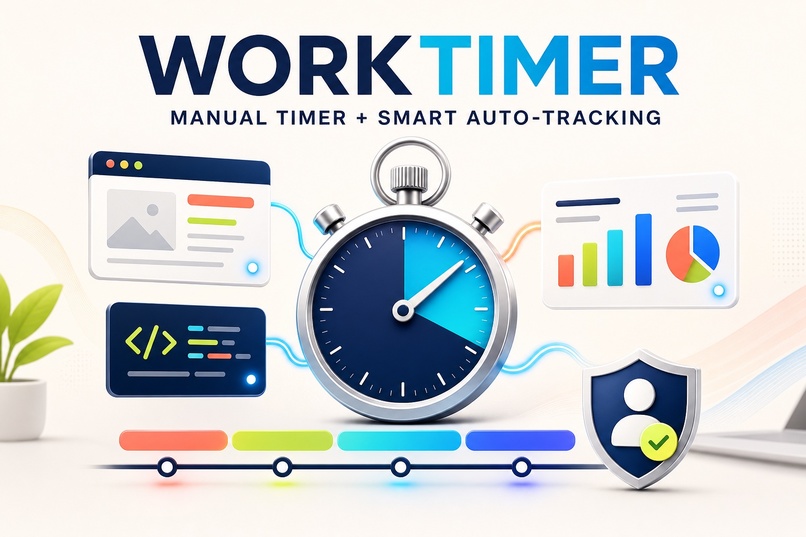
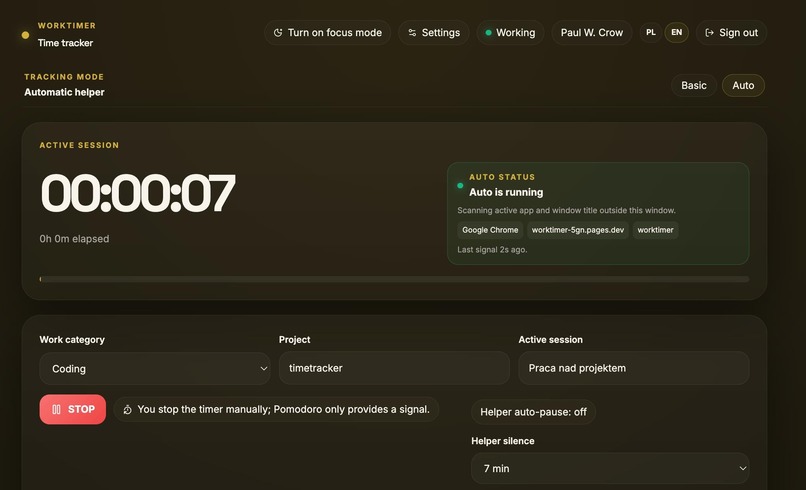
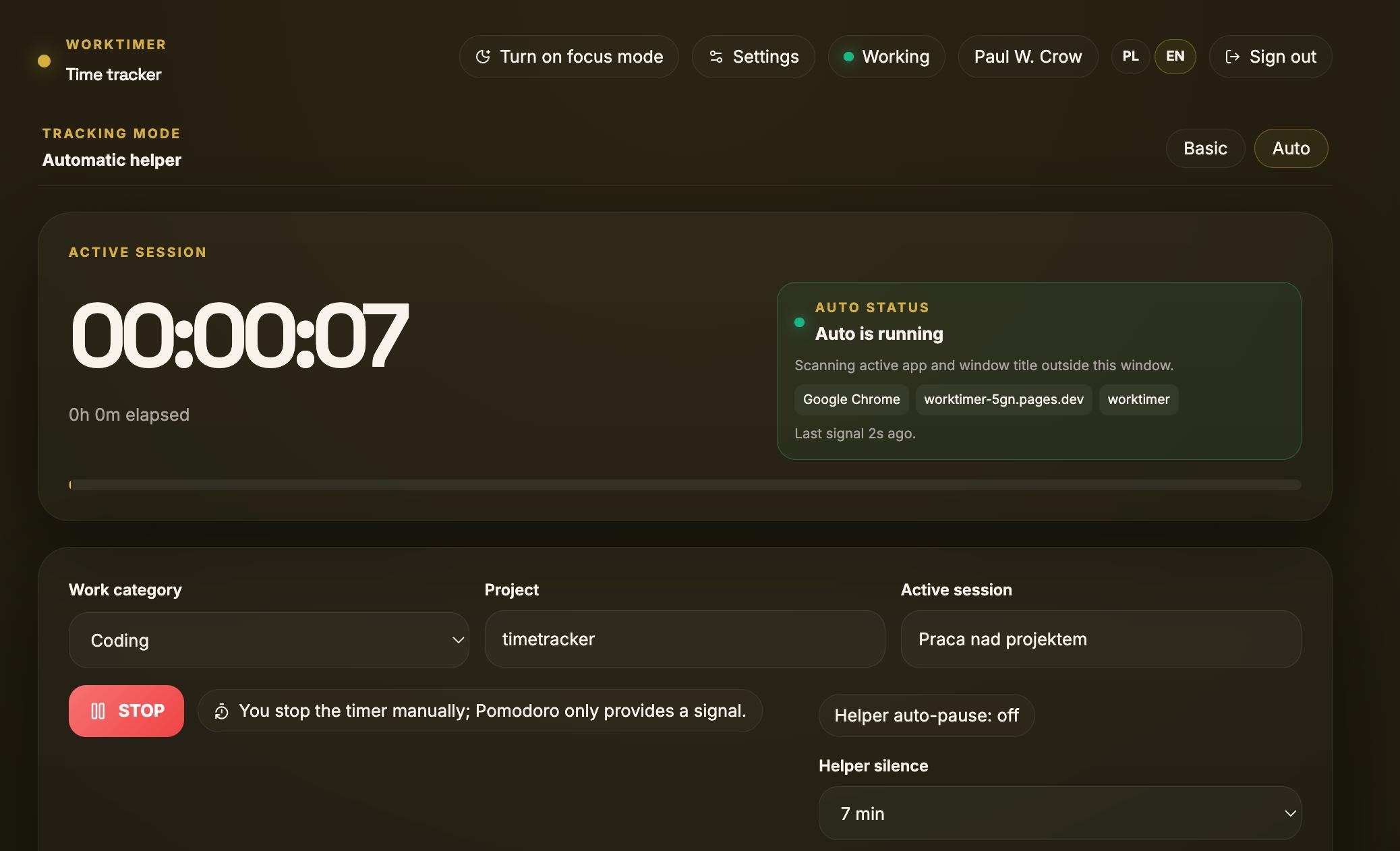
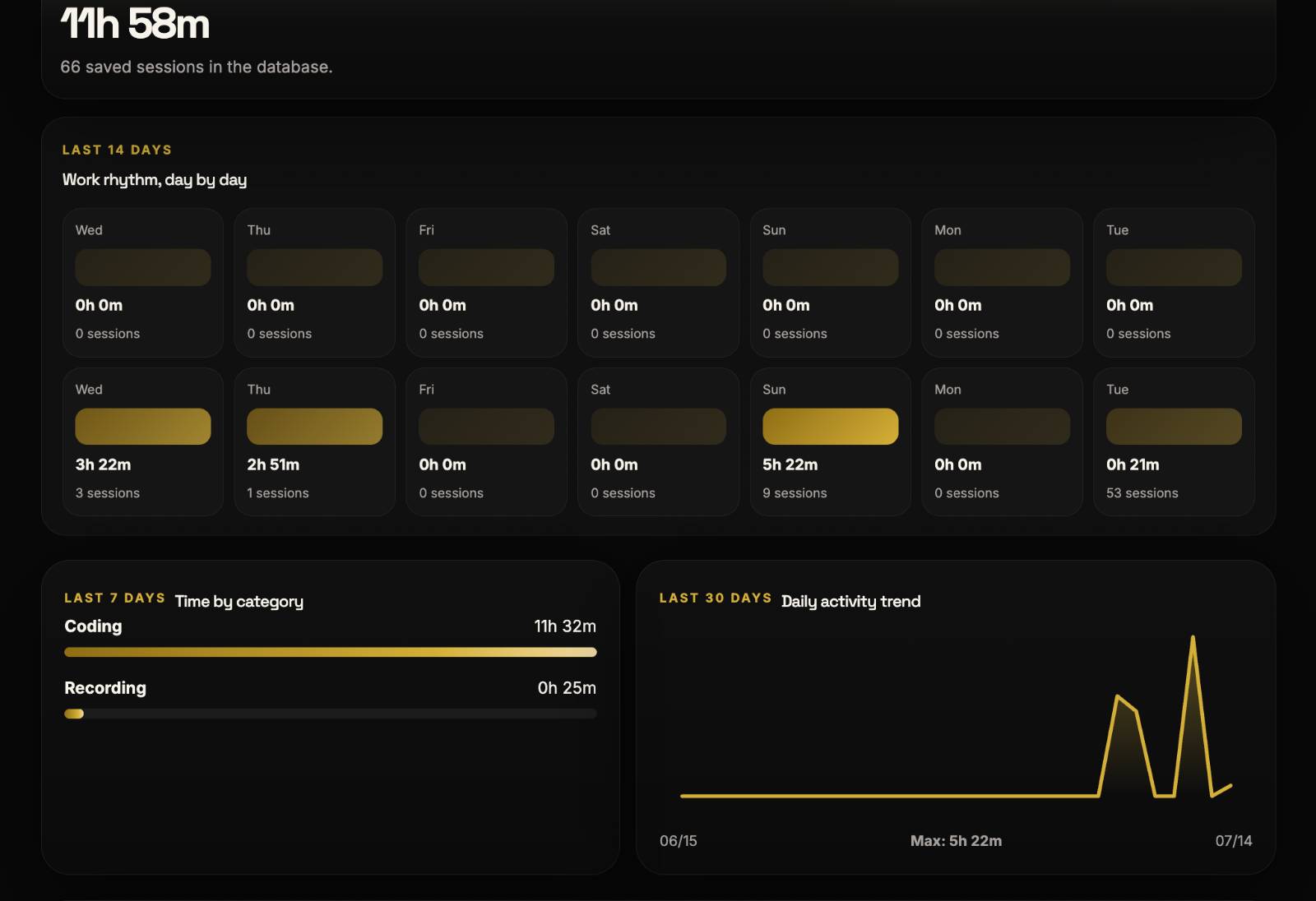
The first version was a manual START/STOP timer. I liked the control it gave me, but I hated the extra work around it. I had to remember when I changed tasks, describe everything afterward, and reconstruct parts of the day from memory. Tracking my work started to feel like another job. I did not want to remove the manual timer because pressing START is a clear decision: I am working now. Instead, I added an optional desktop helper that handles the remembering for me. While the timer is running, the helper can notice the foreground app, window title, and browser domain. When I press STOP, Worktimer turns that activity into a draft summary of the session. The summary can show focused work, distractions, context switches, private time, breaks, gaps, and moments where I may have lost concentration. It can also make it easier to notice when a normal workday has quietly turned into another evening of overwork.
Worktimer does not assume that every open window means productive work. It is built for the person doing the work, not for a manager silently watching them. I can review, edit, relabel, or delete every generated block before saving anything. Private domains can also be masked. The goal is not to squeeze more work out of the day. It is to understand where my time actually went—and know when I have done enough.
What I built during OpenAI Build Week
Worktimer existed before Build Week, but it was mainly a manual START/STOP timer. During Build Week, I used Codex and GPT-5.6 to turn it into the version submitted here. I built the optional desktop automation layer for macOS and Windows, connected foreground app, window, and browser context to the running timer, and created the editable summary shown after pressing STOP.
I also added privacy masking, automatic grouping of raw activity into readable work and distraction blocks, safer activity uploads, and an interactive demo that judges can try without installing the desktop helper. The commits from July 15–18, 2026 show how the original manual timer grew into this automated, privacy-conscious workflow.
How I used Codex and GPT-5.6
I used Codex with GPT-5.6 much like I would work with another developer sitting next to me.
I would explain a real problem, ask Codex to trace the relevant part of the existing code, read its proposed approach, and then review the changes. After that, I ran the tests and checked the result in the browser or with a real desktop-helper session. When something did not match how I actually worked, I adjusted the product decision and repeated the process.
One concrete example was the summary created after pressing STOP. The helper produced many small activity signals, but showing those raw signals directly would have been noisy and difficult to understand. I asked Codex to follow the complete path from the desktop helper to the timer, then help me group that activity into readable session blocks and connect them to an editable review screen.
Codex helped implement the changes and update the tests. I checked the result using my own work sessions to see whether it correctly represented time spent in Codex, the browser, and other applications. GPT-5.6 was especially useful when reasoning about uncertain situations. An open Codex window may represent focused development, but an open browser does not automatically mean distraction. A short visit to another app might be wasted time, or it might be necessary for the task.
That led to the most important design decision in Worktimer: automation should provide evidence, not pretend to know the absolute truth. The computer remembers the context, but I decide what actually counts as work.
Built With
- cloudflare-pages
- codex
- gpt-5.6
- macos
- pwa
- react
- typescript
- vite
- windows
