-
-
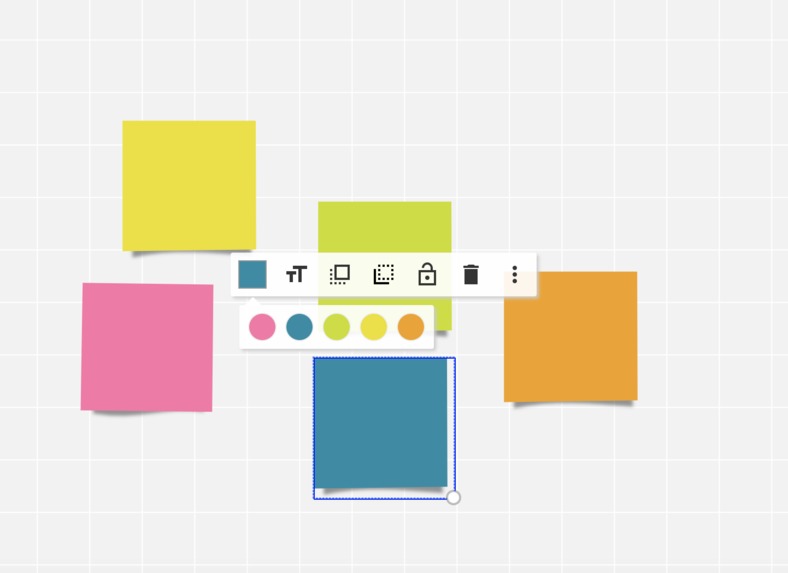
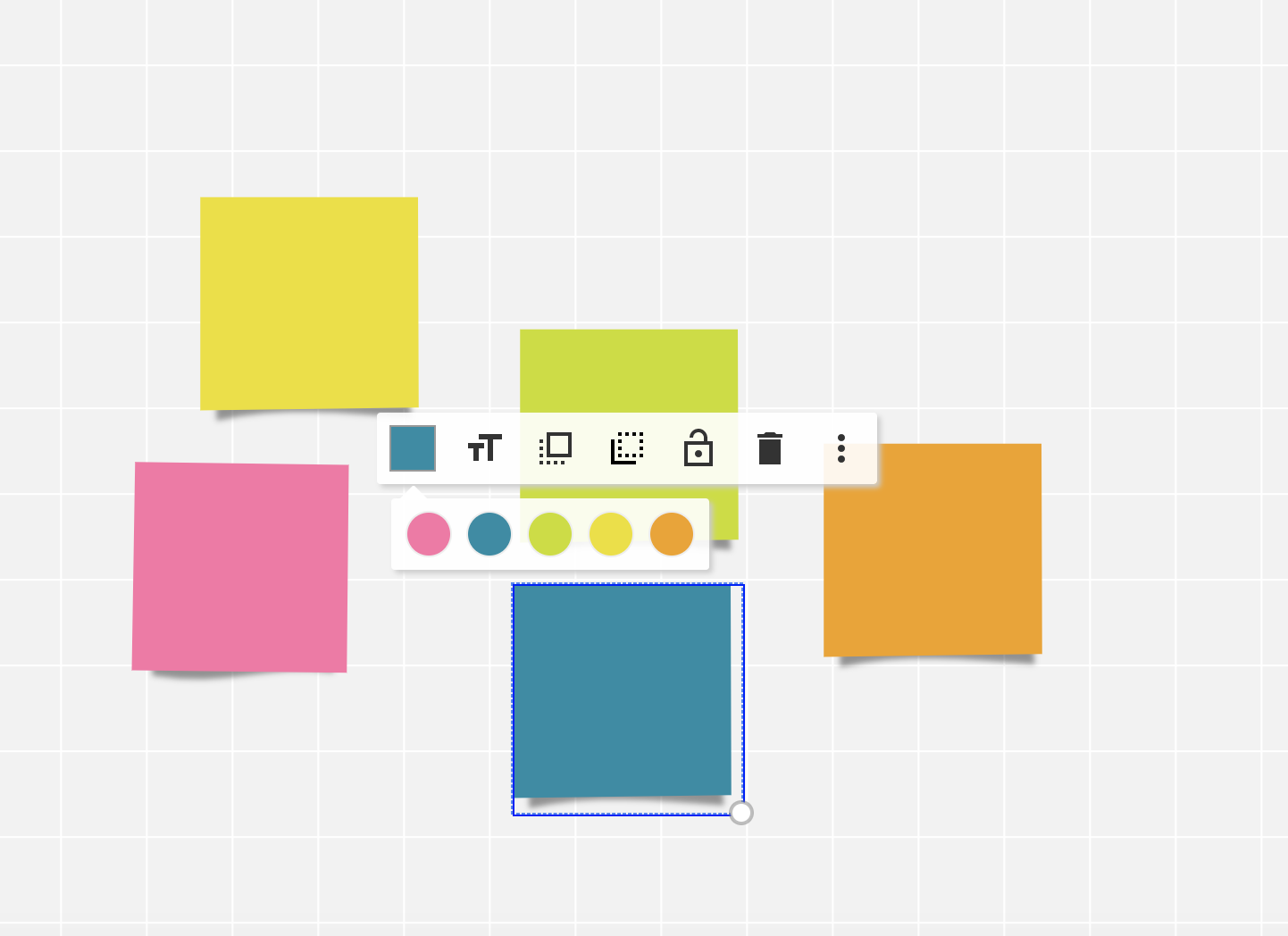
add and use post-it notes to collect your thoughts.
-
Take advantage of an infinite canvas, create as many elements as you like.
-
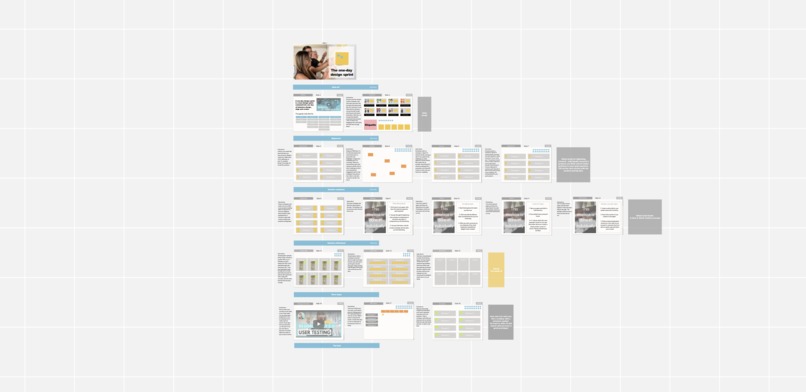
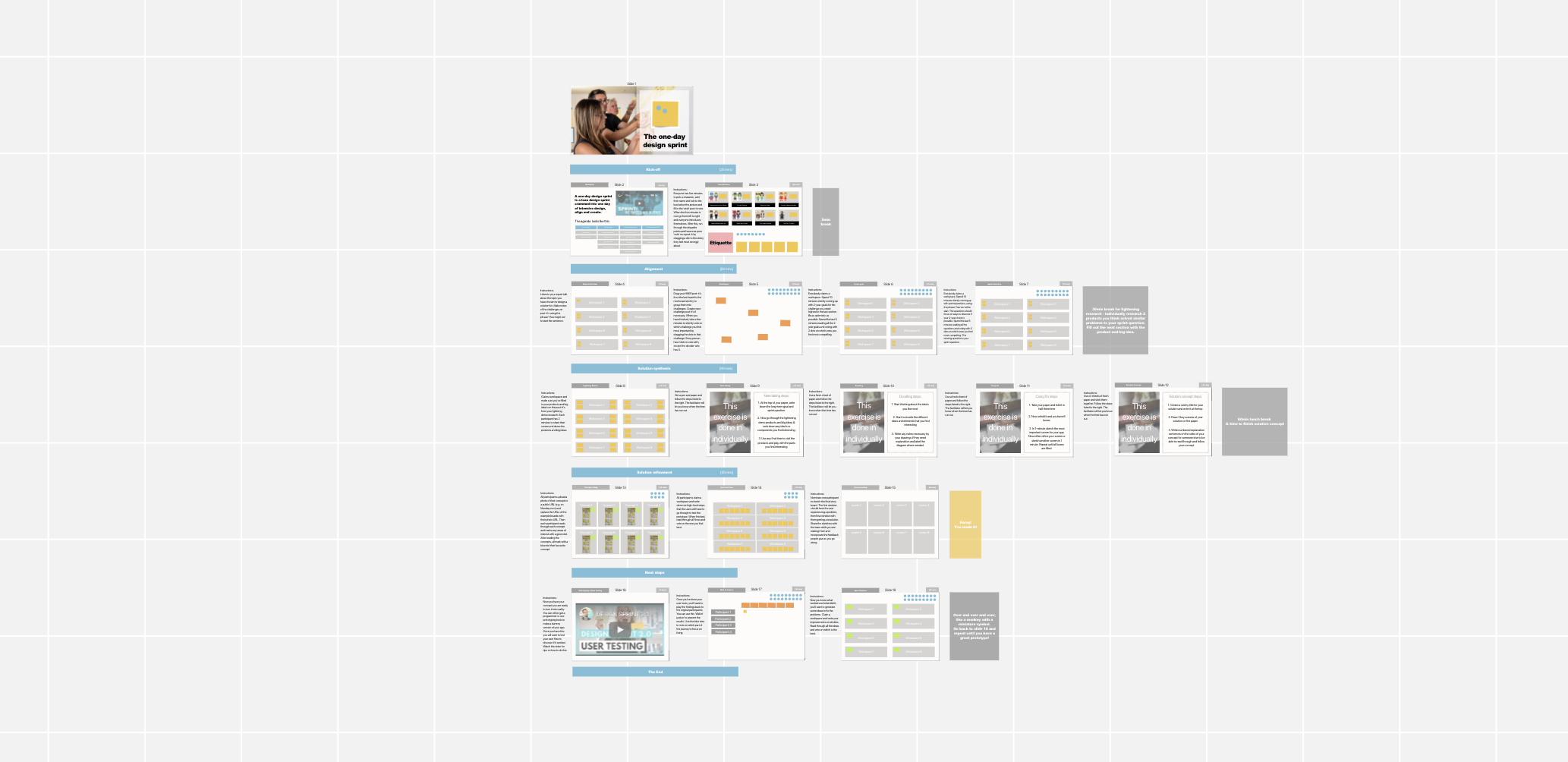
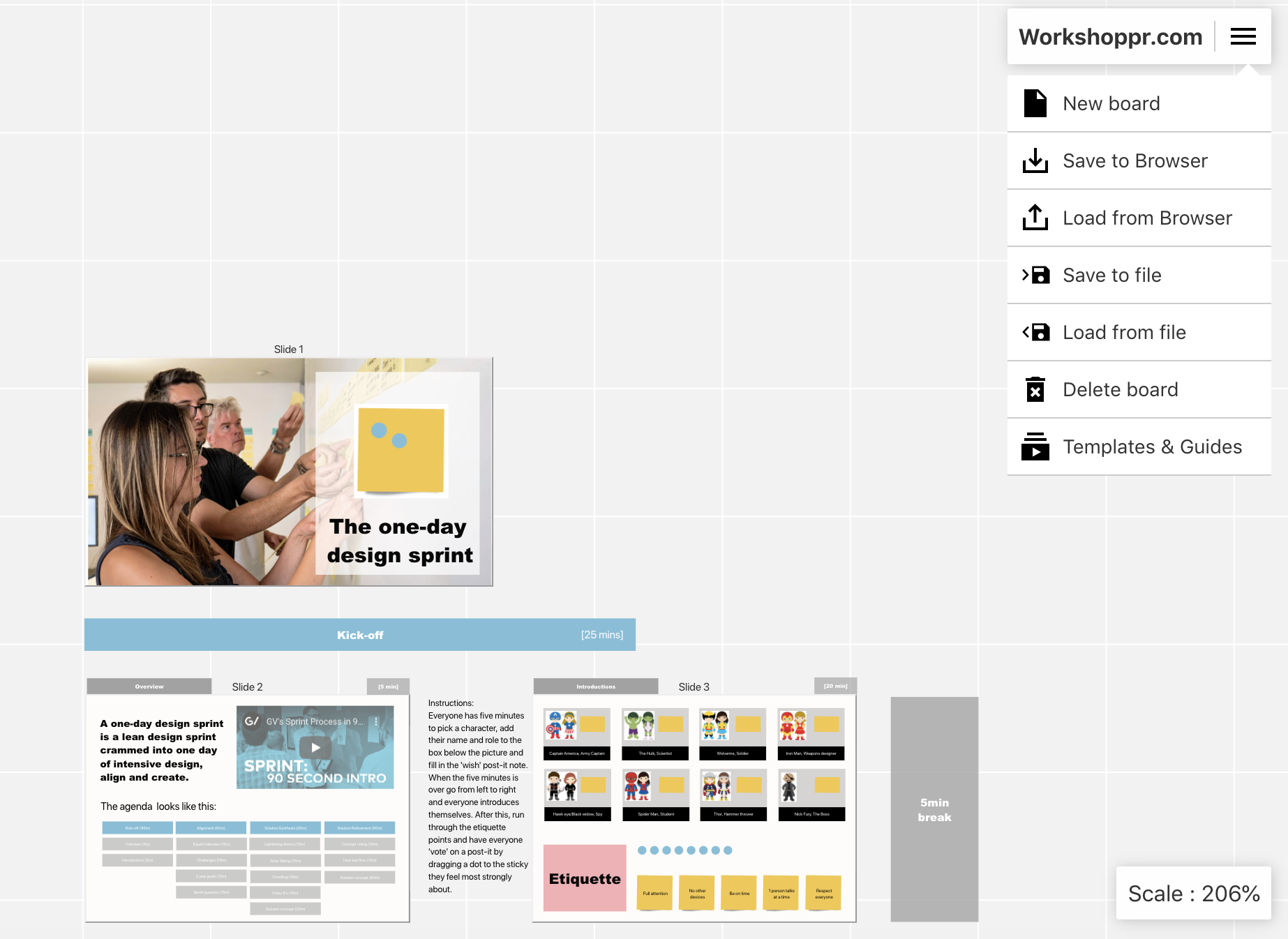
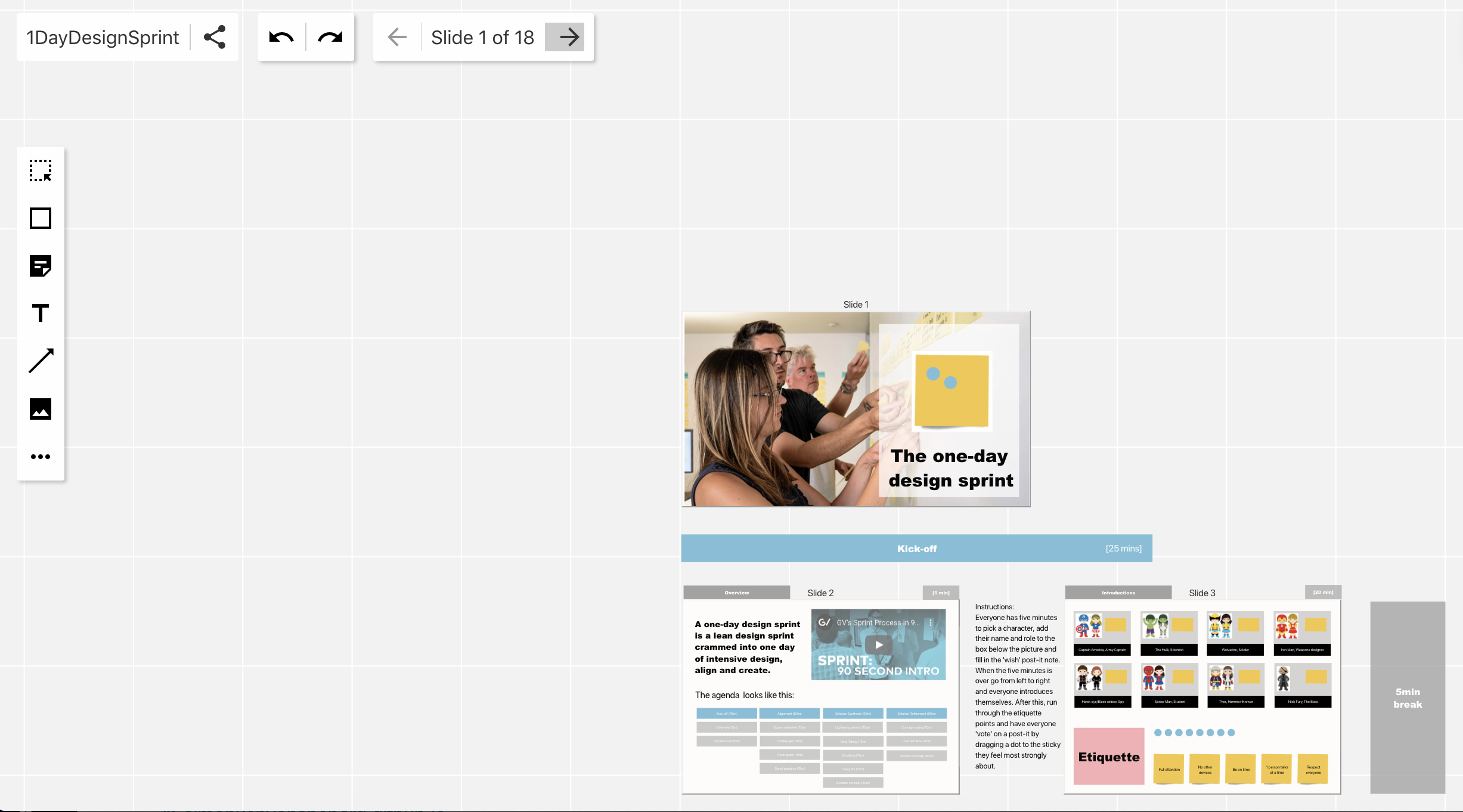
Our bespoke "1-day design sprint template" that allows hardcore teams to do intensive design sprints in a day
-
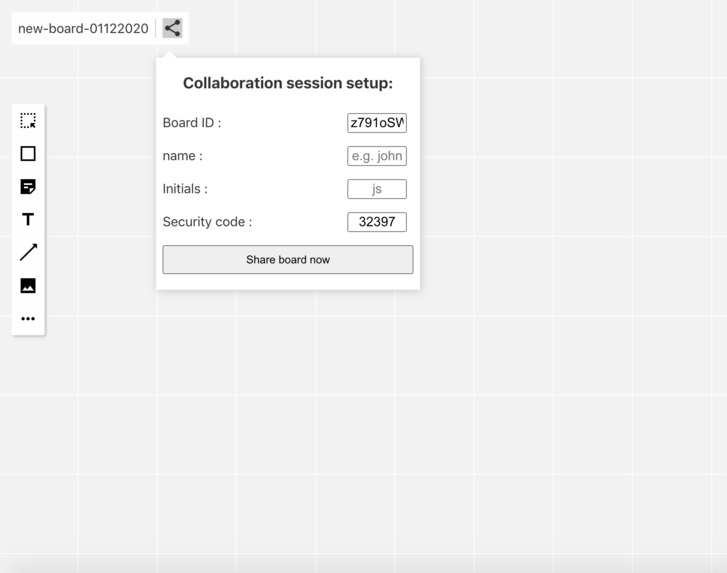
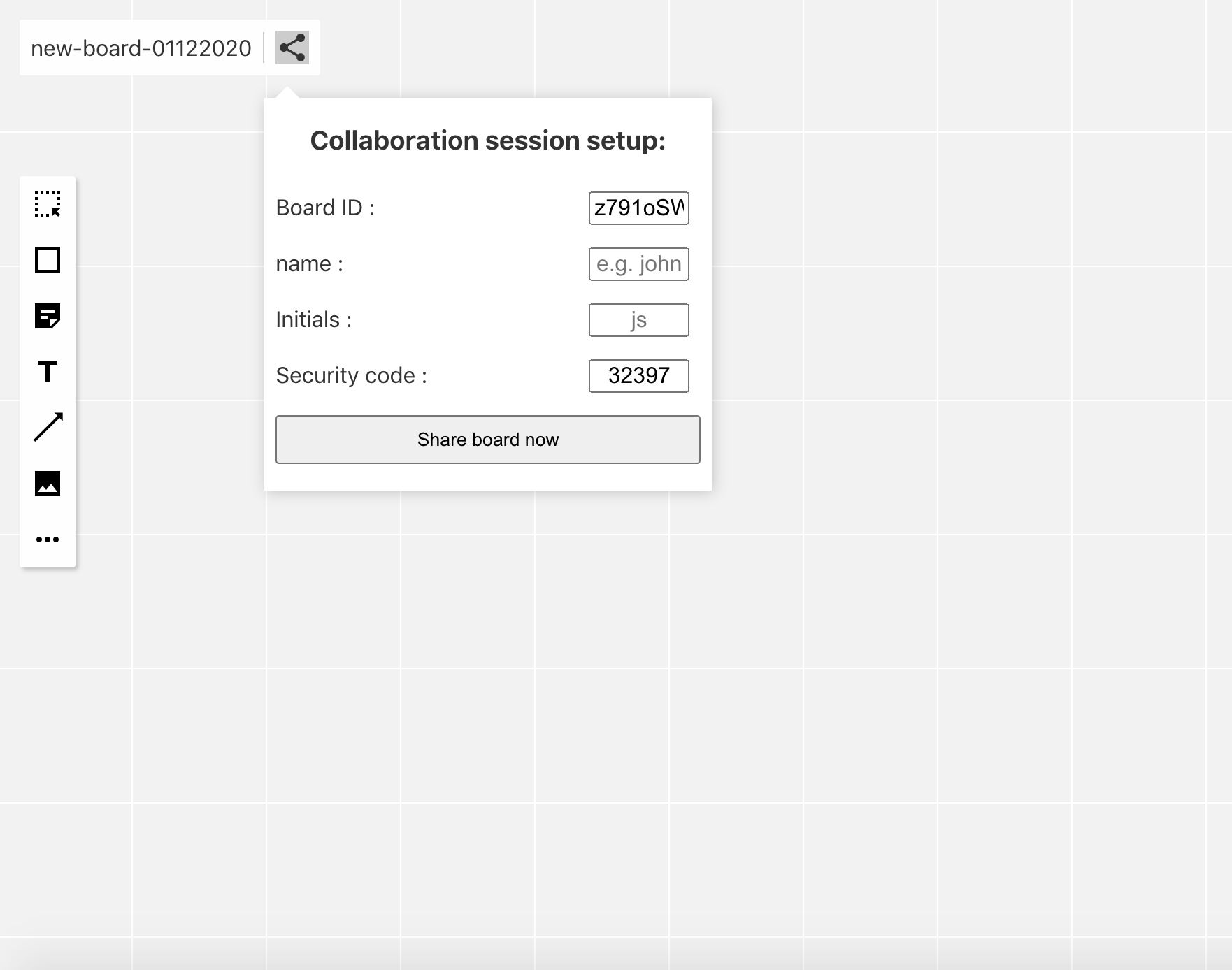
Share your board and invite other team members to participate in your workshops
-
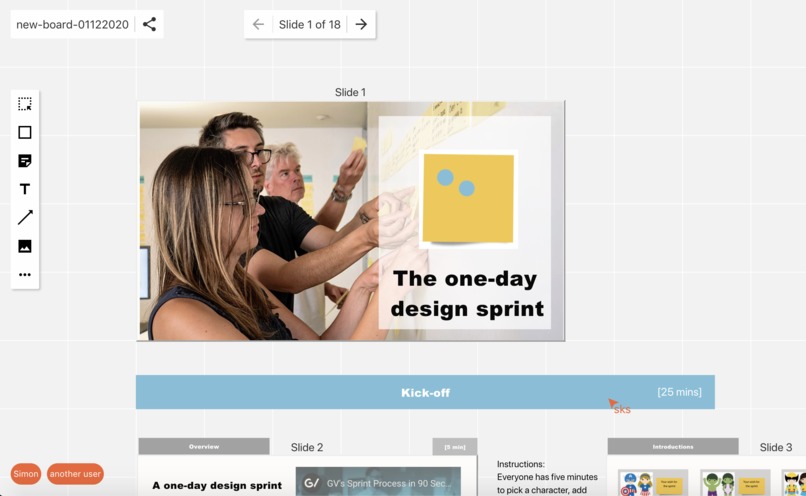
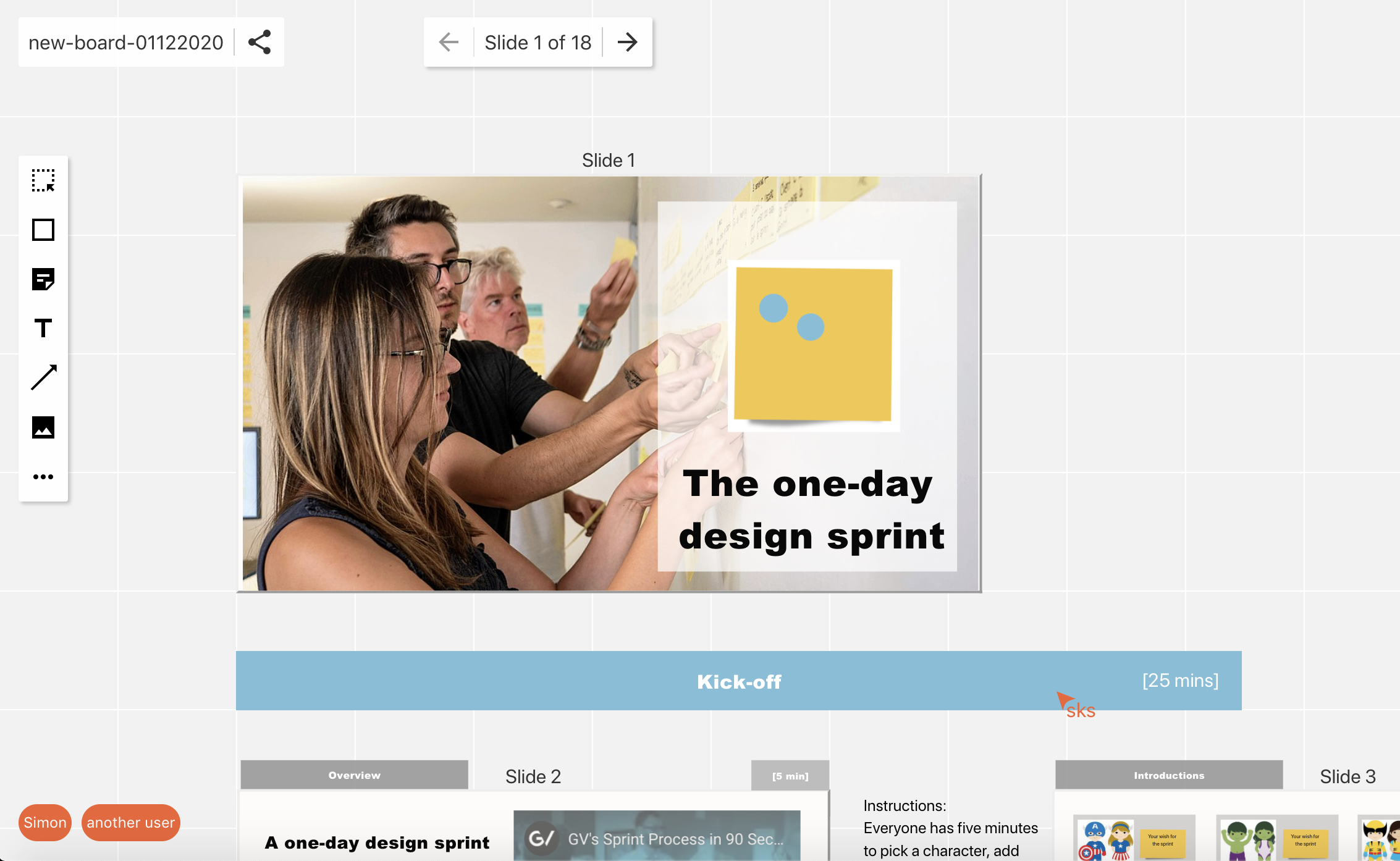
interact and collaborate with other users in realtime
-
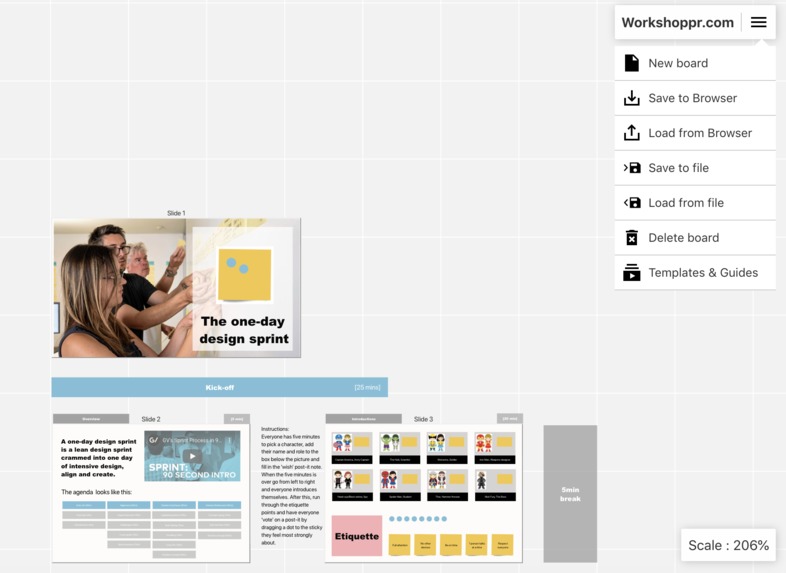
Save your work as files or into a cloud storage like Monday.com
-
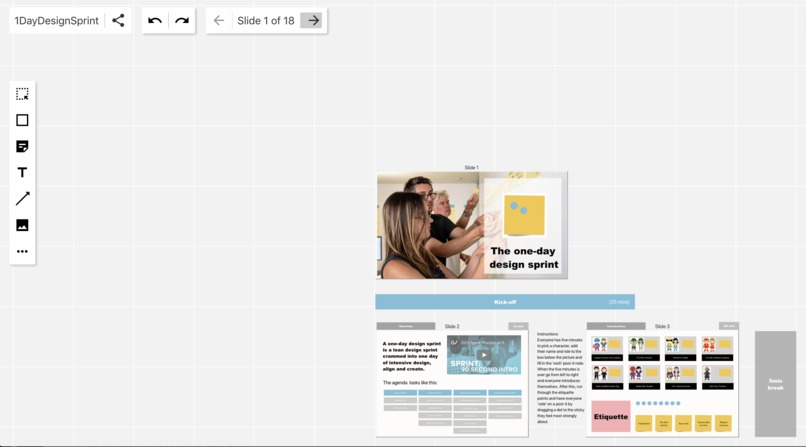
Navigate using inbuilt slide navigation to scroll around the board seamlessly
Inspiration
After working hard on a previous project, I realised that the power of digital whiteboards are not in the whiteboard themselves, but the templates that come with them. These templates allow facilitators, scrum masters, agile coaches, tech leads, product owners, designers and just about anyone else to conduct remote workshops and support their teams in making decisions better, faster & cheaper for their projects. I saw firsthand how remote design sprints had turned teams around in their startups and product creating and prototyping process and could be just as good as their onsite brothers. So I decided to to try and replicate some of the most powerful workshop templates for use in Monday.com to help teams get back to collaborating and delivering value as a team.
What it does
Workshoppr is an embeddable whiteboard that focusses on the tools needed by workshop facilitators. As such it offers : *Infinite zoomable working canvas *Fully formattable geometric shapes (rectangle, circle, triangle) *Skeuomorphic formattable post-it notes in different shapes *Formattable text areas *Customisable lines and freehand drawing tool *Embeddable images *Lines and connectors *Slides with automatic navigation *Embeddable youtube videos *Embeddable links and hotspots *REMOTE COLLABORATION IN REALTIME *Undo & redo *Saveable to local and cloud files *A UNIQUE DESIGN SPRINT TEMPLATE
How I built it
All existing solutions seemed to rely on either DOM manipulation or canvas, Miro for example always makes my laptop fan go crazy and get really hot if I leave the tab open too long. I wanted to make sure, Workshoppr was performant and not resource-heavy, so I decided to use browser native SVG to do the rendering it turned out to be a great choice, coupled with using react and the virtual dom as a control plane to manipulate and manage events, the two came together in a really elegant way.
Challenges I ran into
The sheer amount of features present that needed to be built, was the biggest problem. Then creating an architecture that allowed for a decentralised approach that enabled putting the functional logic as close to the components as possible. Getting the resizing, selection and interaction events all working together in a harmonious non-spaghetti way was super hard. After performance/load testing it with a lot of elements, I had to introduce some performance modifications to downscale the SVG rendering when there are a lot of elements on screen at one time. The realtime sharing was also tricky to engineer in a way that sharing events between machines did not feel clunky, but after some tweaks and performance modifications that also turned out quite well.
Accomplishments that I'm proud of
The performance modifications really worked and were tested quite hard with the design sprint template. The design sprint template itself I'm really proud of, it took a lot of effort to go through existing templates and reduce it to it's bare minimum and then test it on friends and family.
What I learned
A ton about making workshops very lean and a ton about building fully-fledged front end applications.
What's next for Workshoppr
More templates! Including :
Strategy Sprints, Marketing Sprints, Tech Sprints, Lean Inceptions, Lead discovery, Wardley maps, Team trust and team charters so so many more...
There's also still a long long backlog of features the big ones I'm looking forward too now are :
*Beautiful timers *Guides *Mini canvas map *Comments *Tables *Presenter mode & attention management *Voting and quizzes *Export to image *Import PDF *Import from Miro *Import from Mural
Actually, though, the most important thing I need to do next is write a giant automated UI test suite to make sure all the features still work how they are supposed to...

Log in or sign up for Devpost to join the conversation.