-
-
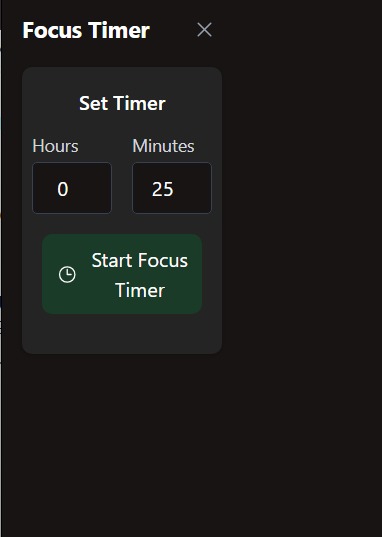
Deep-Work-Timer
-
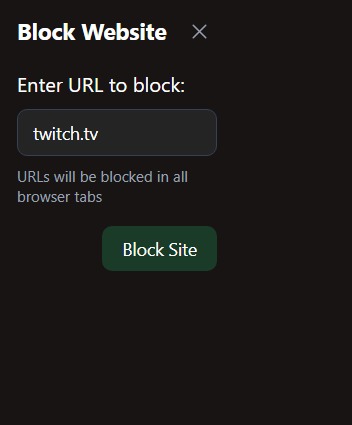
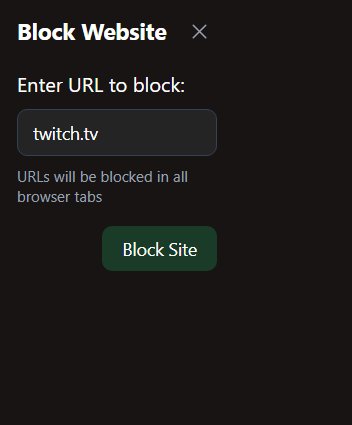
Block website functionality
-
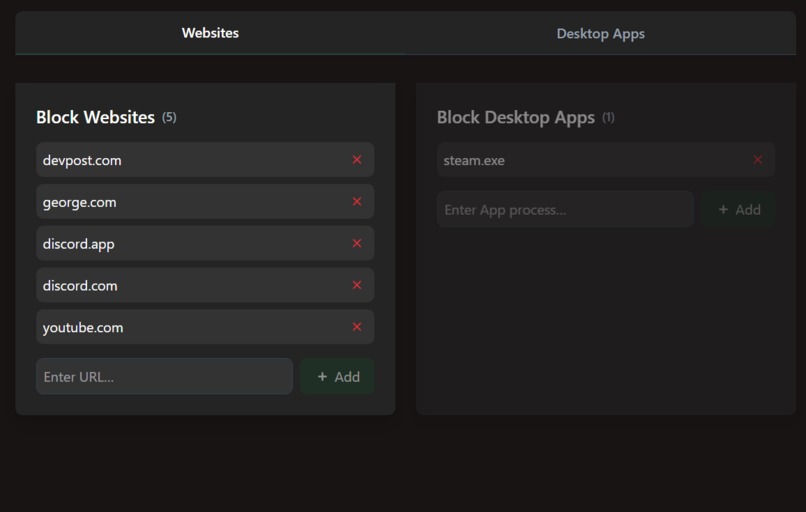
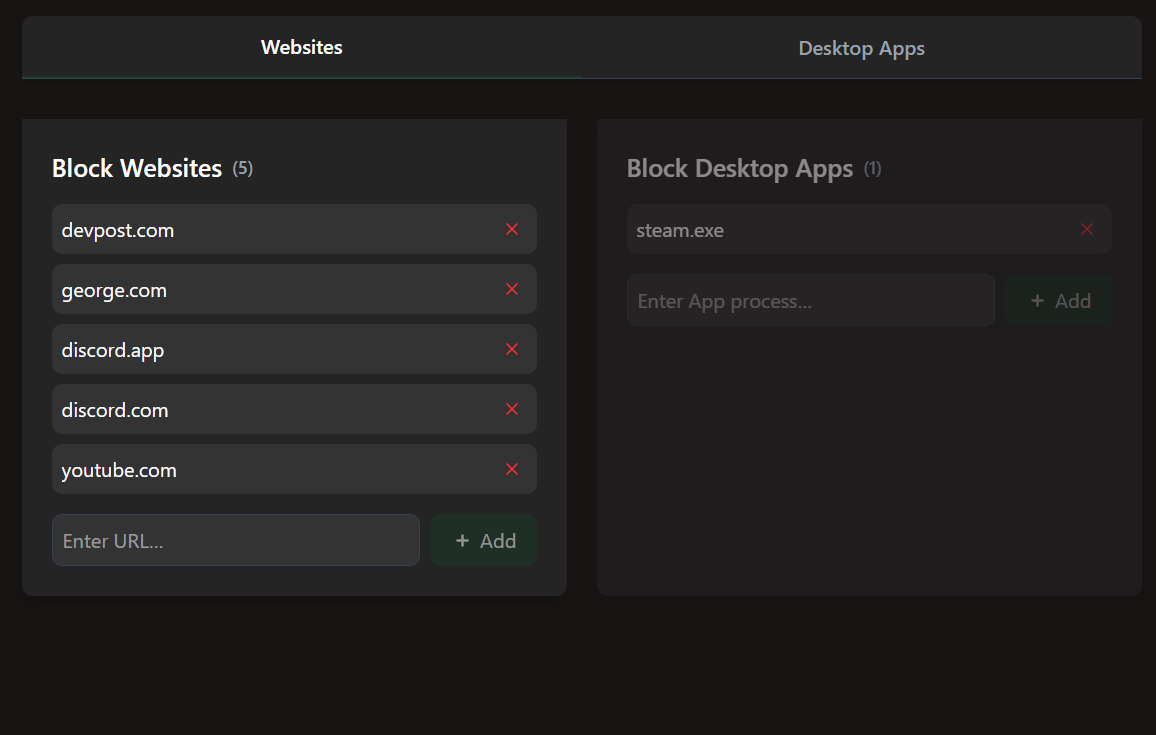
Block websites and desktop apps
-
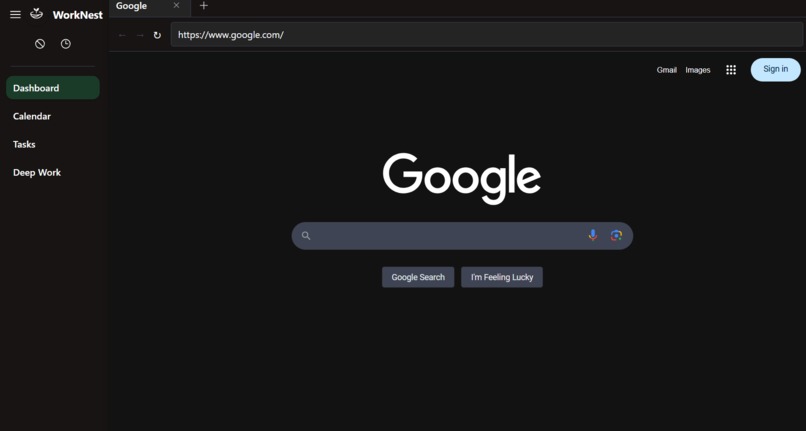
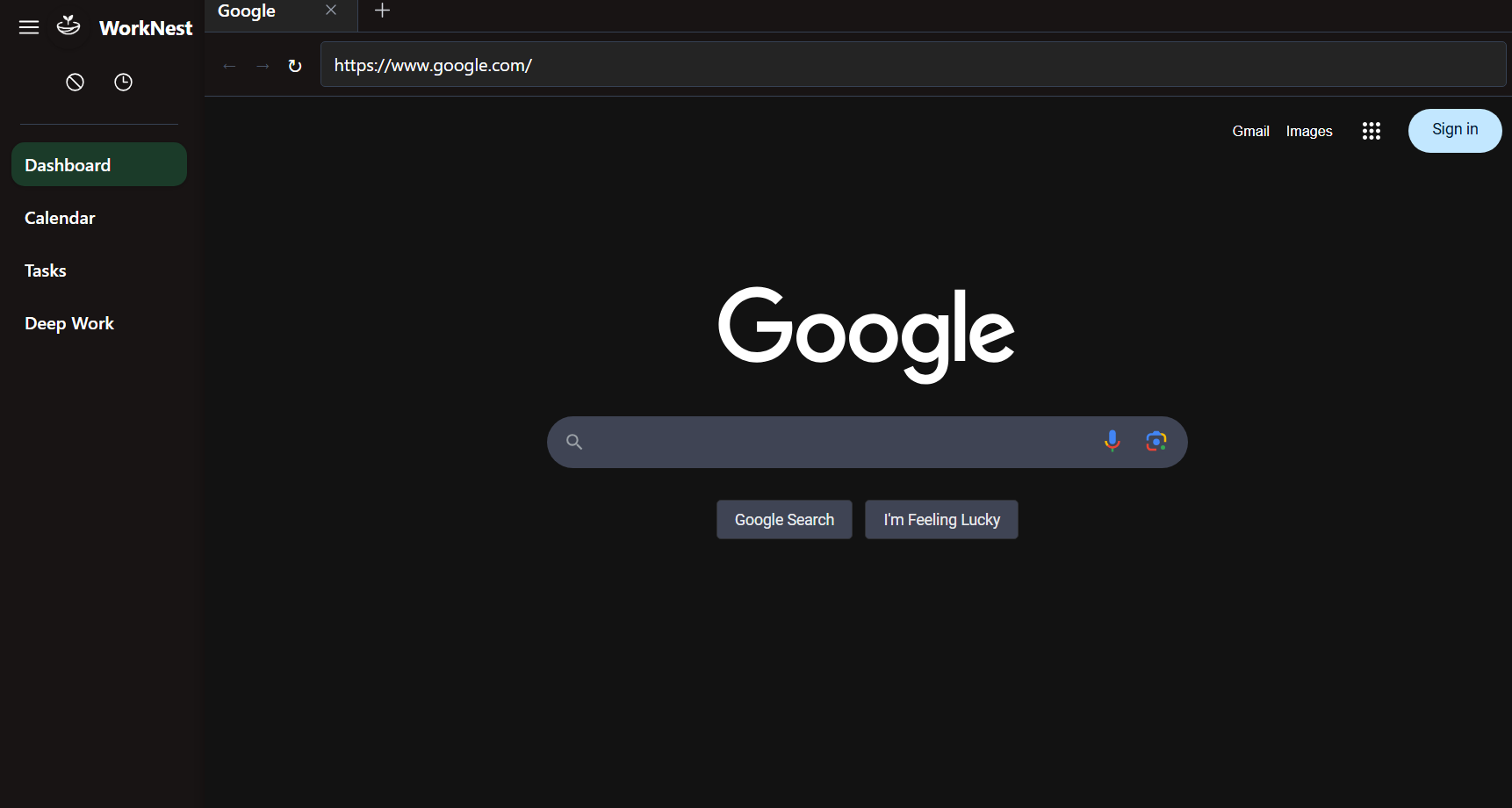
Dashboard
-
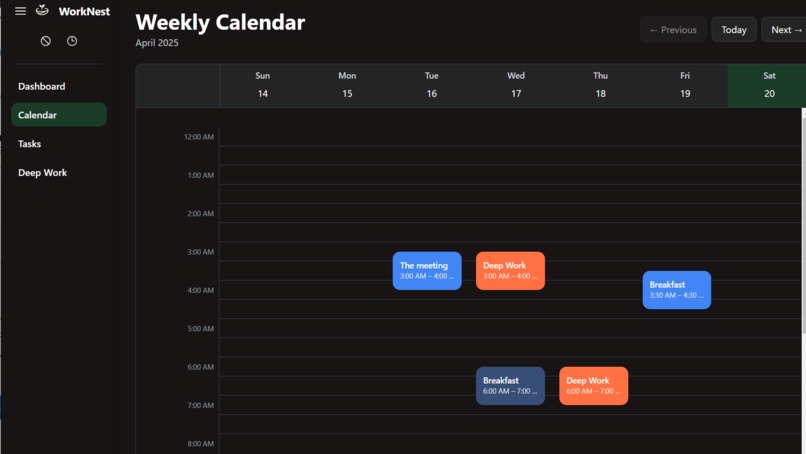
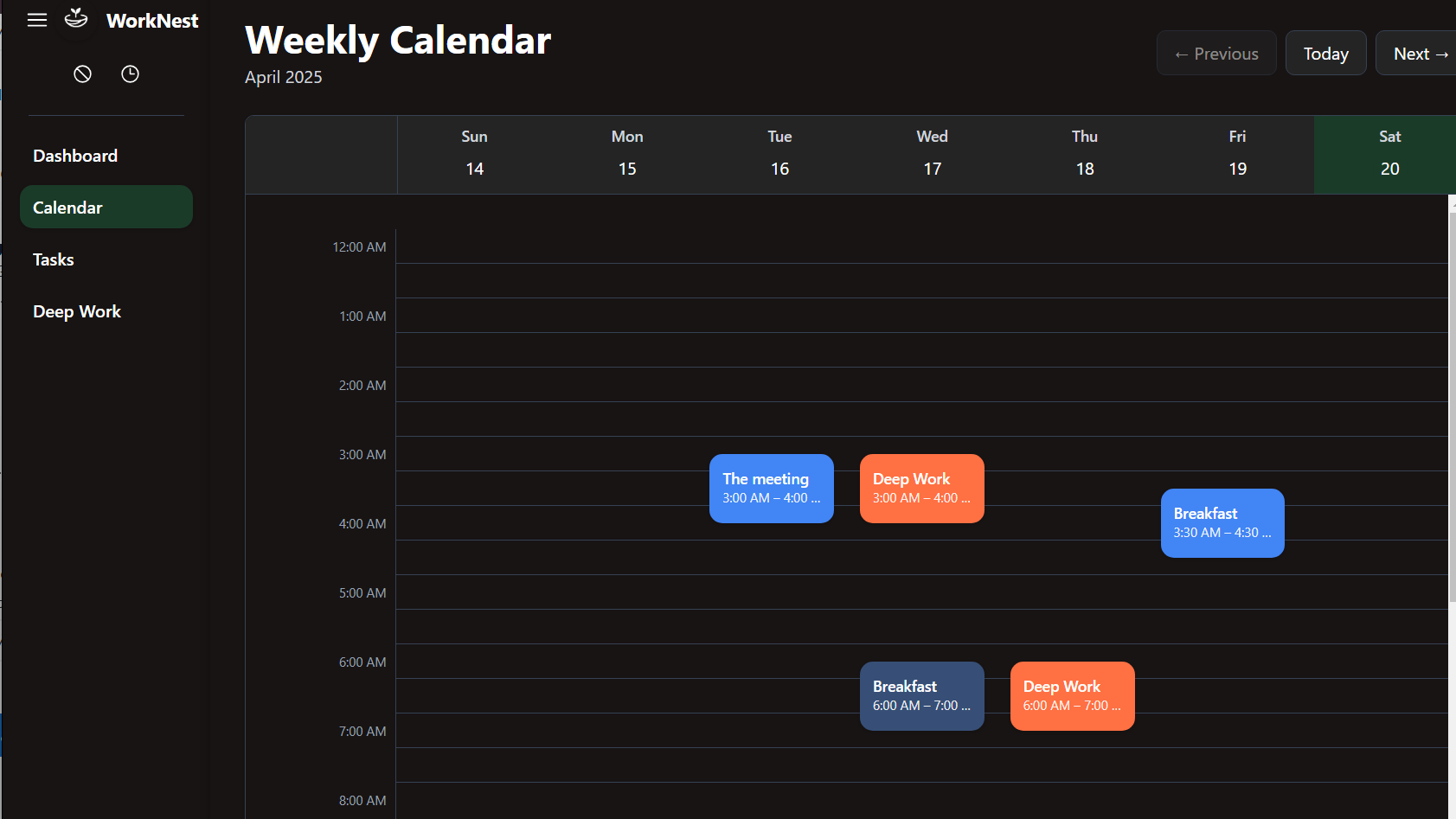
Calendar
-
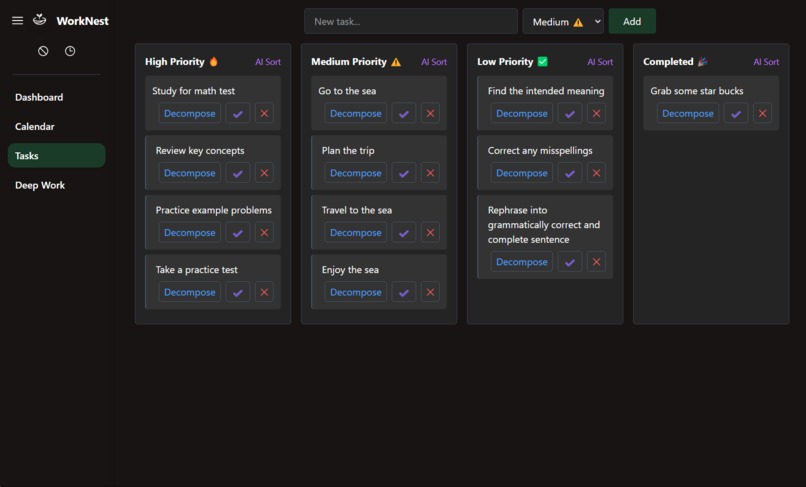
AI-Priorities-List
-
Landing Page
About the project
Inspiration
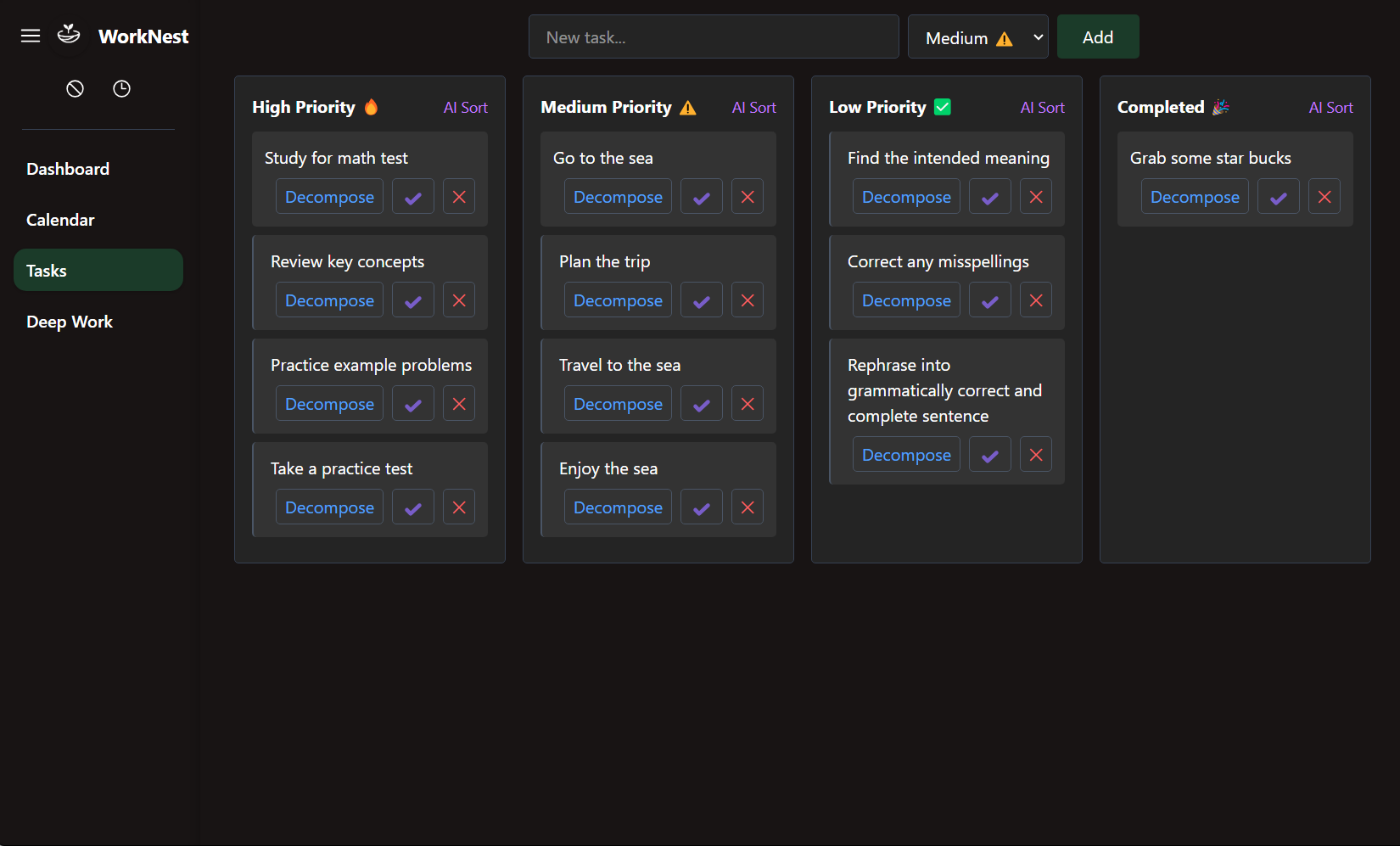
I built WorkNest after feeling overwhelmed by constant context‑switching between tasks, calendars, and focus sessions. Inspired by Zen productivity philosophies (and apps like Headspace), I wanted a single desktop command center that seamlessly blends AI‑powered planning with robust Deep Work support. During a hackathon, I sketched a wireframe of a minimal UI overlaying my schedule and realized that integrating AI suggestions and app/site‑blocking could solve my biggest productivity hurdles.
How I Built It
- Electron Shell & Embedded Browser – Laid the foundation with Electron.js and BrowserView to create a desktop container that hosts both React UI and a controlled Chromium instance.
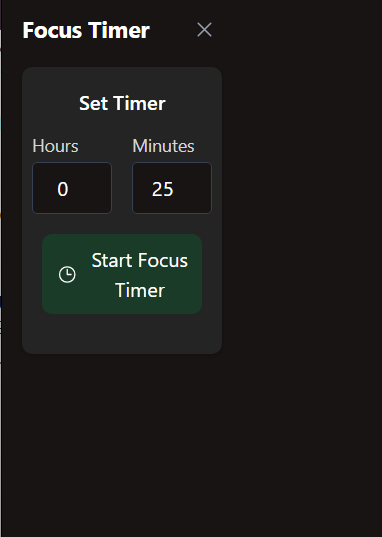
- UI & Styling – Used Vite, React.js, and TailwindCSS to craft a Zen‑minimalist interface with soft pastel accents and dark forest green highlights. Components include a task panel, calendar view, focus timer, and notification tray.
- AI Integration – Integrated the Gemini API (with a local LLM fallback) to power event suggestions (“Study Session at 4 PM?”) and task breakdowns. Developed middleware to parse natural language and update React state seamlessly.
- Blocking Logic – Employed
node-window-manager,active-win, androbotjsto detect and block distracting apps (Discord, Chrome, Slack). Implemented site‑blocking in the embedded browser with a whitelist/blacklist approach. - Data Persistence – Chose SQLite (electron-sqlite3) for reliable storage of tasks, events, and focus session logs. Designed a lightweight schema and built a simple ORM layer to sync UI actions with the database.
What I Learned
- Cross‑Platform Desktop Development – Navigating Electron’s quirks on Windows, macOS, and Linux taught me to handle OS‑specific behaviors and packaging.
- AI‑First UX Patterns – Balancing proactive suggestions without intruding on user flow sharpened my sense for timing, relevance, and fallback handling.
- Robust Blocking Techniques – Building reliable app and site blockers underscored the importance of edge‑case handling (e.g., app renaming, system dialogs).
- Team Collaboration – Coordinating with frontend, AI, and shell specialists refined my communication and git workflow skills.
Challenges Faced
- API Consistency – Ensuring Gemini’s suggestions remained contextually accurate required prompt engineering and caching strategies.
- Blocking Edge Cases – Some apps resisted window hooks, so I had to explore multiple libraries and fallback methods to guarantee a distraction‑free mode.
- State Synchronization – Keeping the database, UI state, and embedded browser in perfect sync during rapid focus‑mode toggles demanded careful debouncing and transaction handling.
- Performance Tuning – Balancing real‑time blocking checks, AI calls, and React rendering without draining resources pushed me to optimize event loops and lazy‑load components.
Built With
- electron
- javascript
- json
- react
- sqlite
- tailwindcss
- typescript

Log in or sign up for Devpost to join the conversation.