-
-
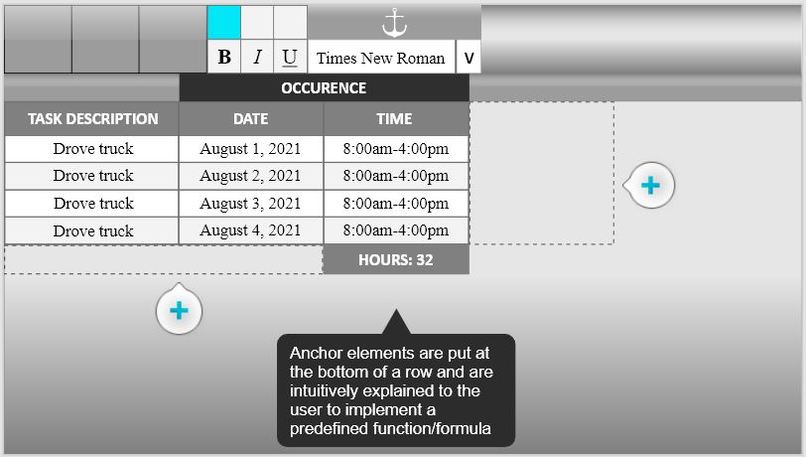
Default screen
-
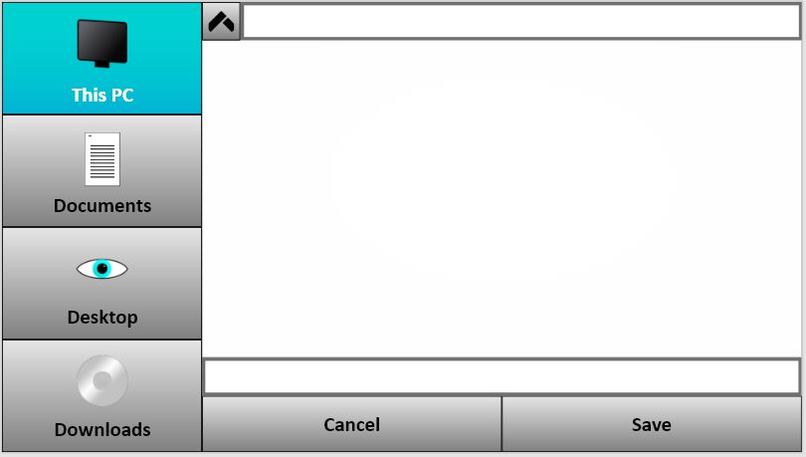
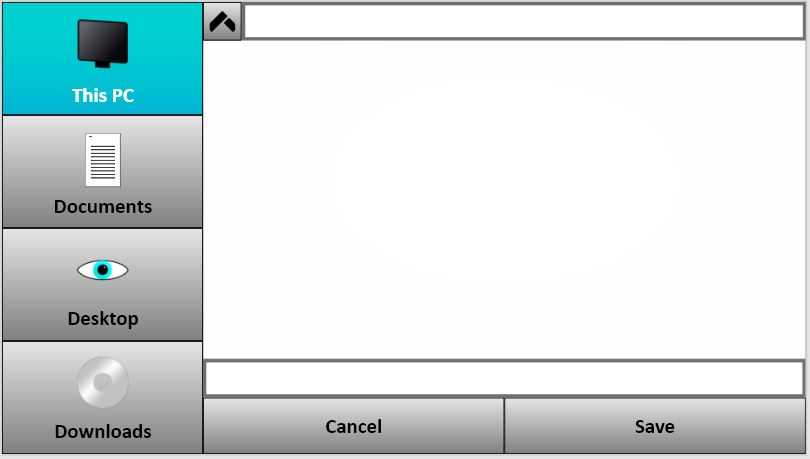
File explorer
-
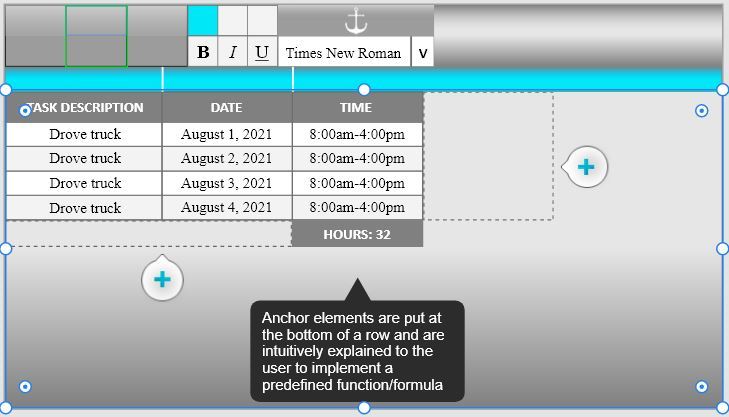
Interactive screen
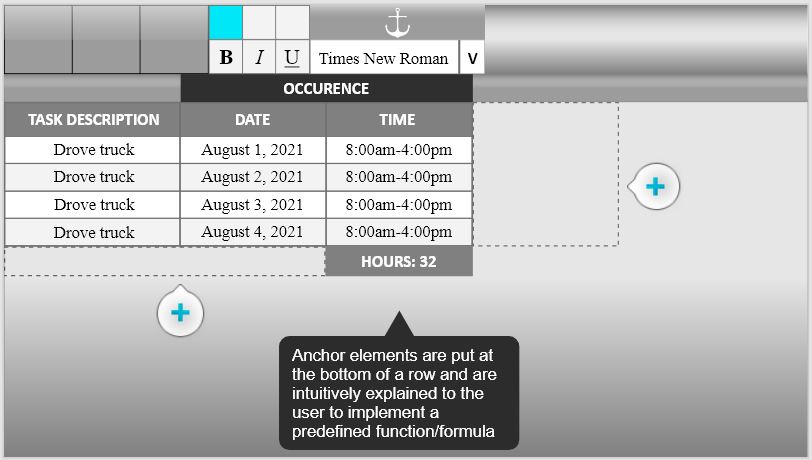
Inspiration
Steve Jobs said it best when presenting the macintosh: He said, “The genius of the macintosh is that you don’t have to be a genius to use it.” This is the ideology I tried to incorporate into this product. Not only for this product but my business as well, Intiva Technologies, which is a stem for intuitive technologies.
What it does
Work Log is a spreadsheet program that helps you keep track of your budgets, charts, and calculations. Unlike the spreadsheet software in practice today, Worklog is practical and simple. It provides a user-friendly interface for those not accustomed to the syntax and formulas needed today in more popular spreadsheet software.
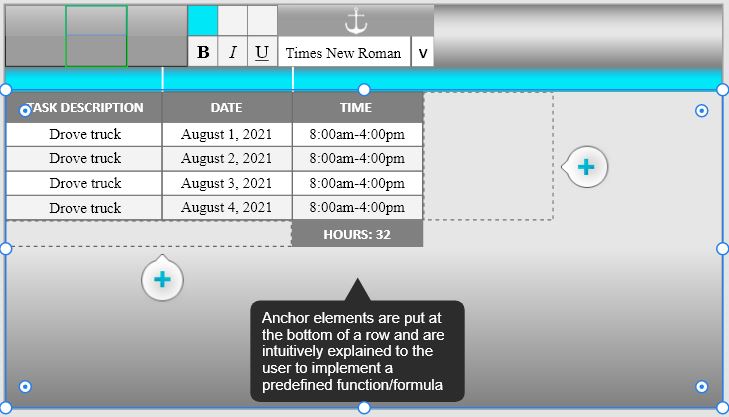
My plan for it is that it will run smooth, and play with the eye through seeing tools they haven’t seen before. Part of the problem I mentioned earlier is that spreadsheet programs can be quite difficult to manage as the spreadsheet gets larger. This is not an issue with Worklog, where you can enter your entry in the top bar, and have your data automatically added to the spreadsheet. In the right picture, you can see the blue entry bar where you can enter your data above the column headers.
How we built it
C++ Library used: SFML (Simple Fast Multimedia Library) In the design, I started by programming and designing all the widgets before plugging them in onto the screen. This made the building of the page seamless although building the widgets was not. Being on a team by myself, I've spent likely 40 hours on this project.
Challenges we ran into
The spreadsheet widget and its cells are likely the most difficult to work with.
Accomplishments that we're proud of
Got 75% of a product I've been wanting to build all year done in 2 days!
What we learned
When it gets too hard, reapproach your problem.
What's next for Worklog
Polish things up and get this product 100% done. Then I'm planning to post it on my website to be downloaded for free. Eventually, if I can get the ball rolling with office software, I may sell a subscription package.
Built With
- c++
- sfml

Log in or sign up for Devpost to join the conversation.