-
-
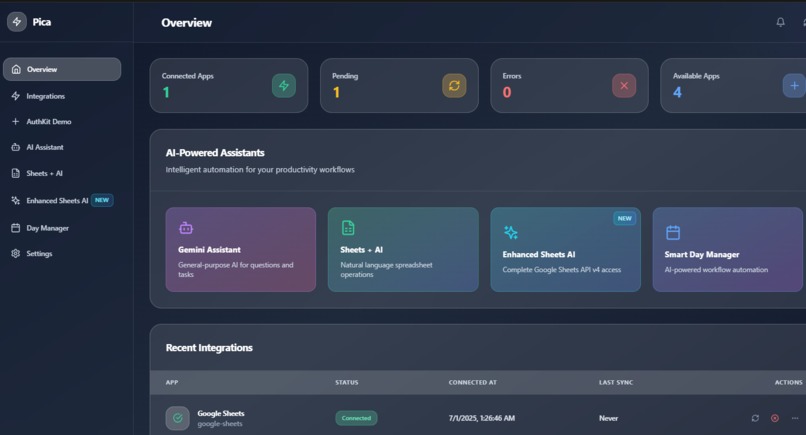
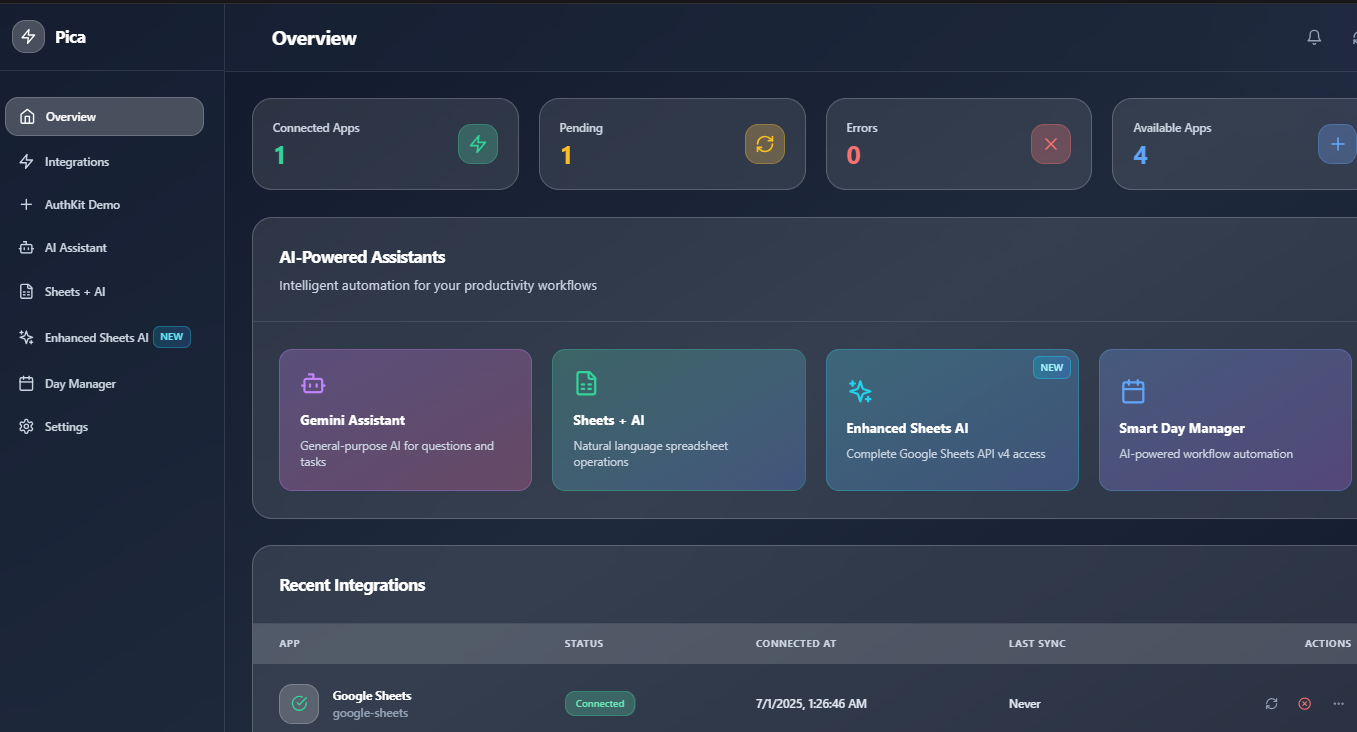
overview
-
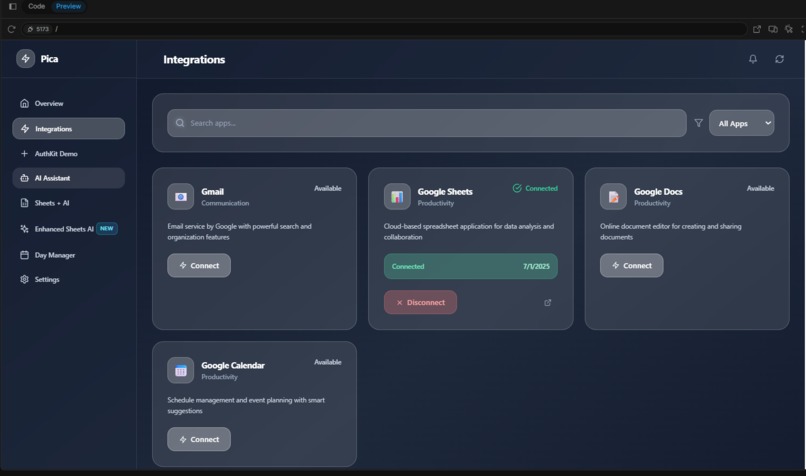
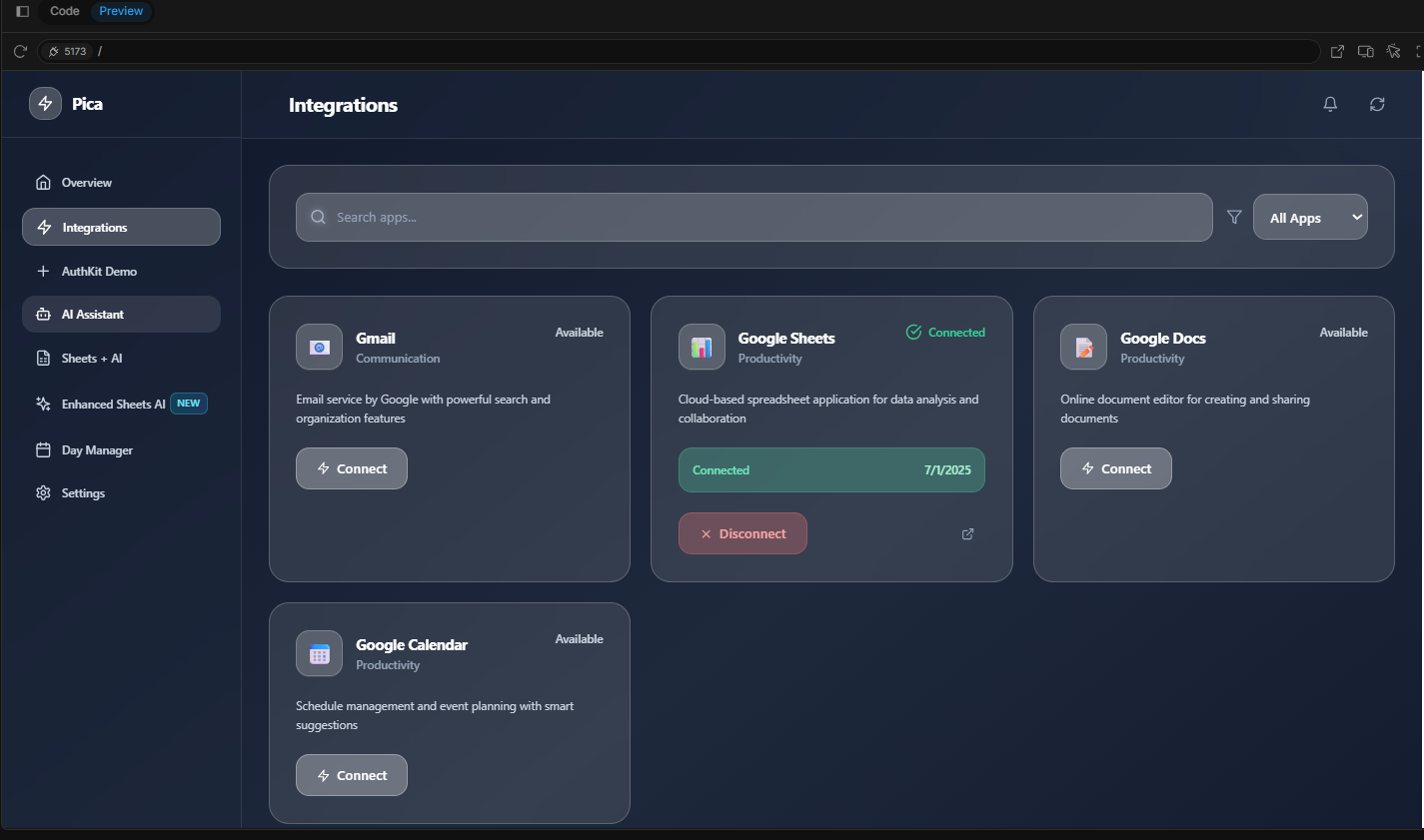
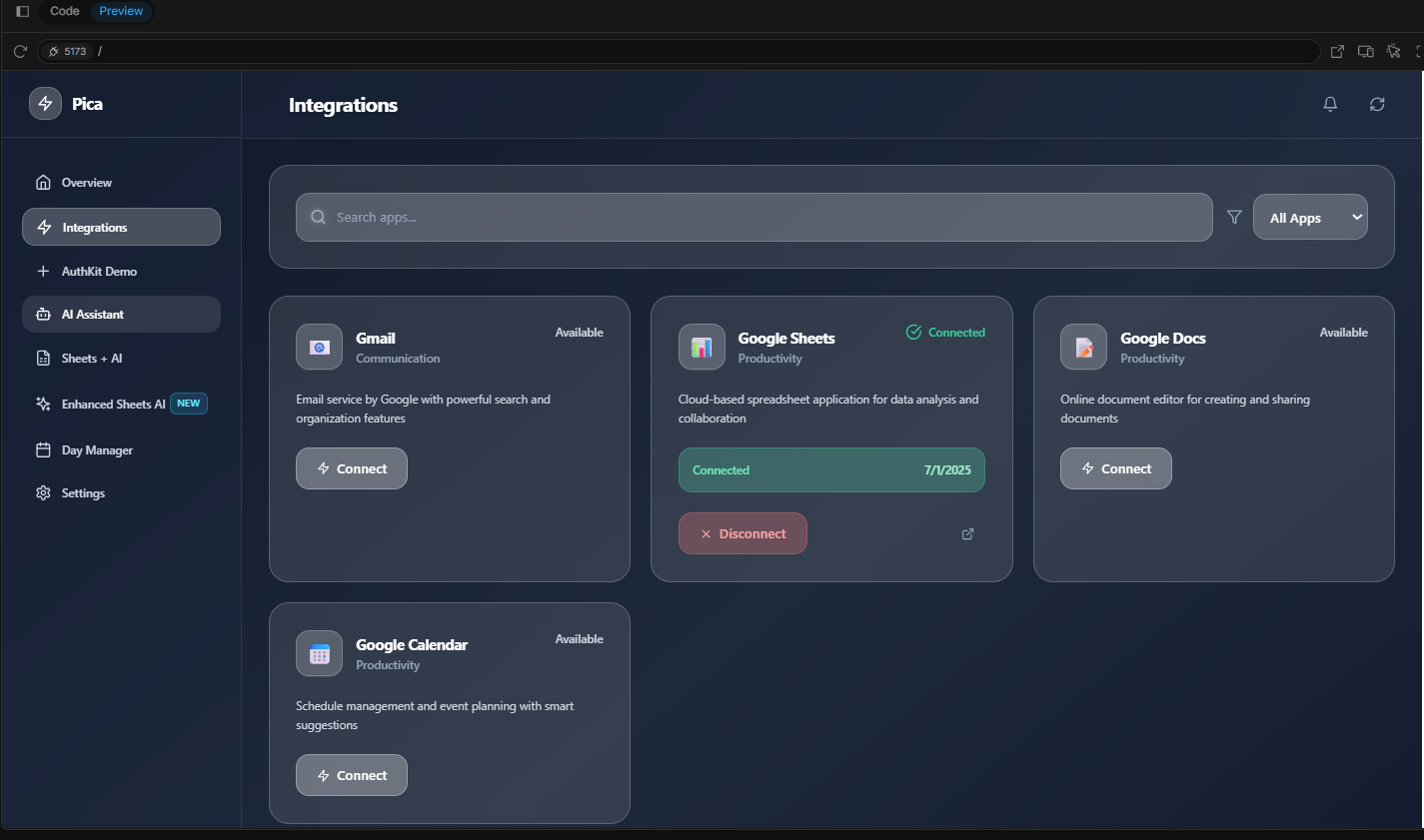
integration page
-
WorkFlow: Workflow Automation Made Effortless
Inspiration
In today’s fast-paced, digital-first world, professionals juggle dozens of tools daily—calendars, spreadsheets, task managers, and communication apps. But these tools often exist in silos, requiring repetitive manual updates, data transfers, and constant context-switching. We’ve felt this pain ourselves—lost time, scattered focus, and diminished productivity. That’s what inspired us to create WorkFlow: a smarter way to connect your favorite tools and streamline your workday.
What it does
WorkFlow is an intelligent app integration platform that allows users to:
- Seamlessly connect their essential productivity apps (like Google Calendar, Notion, Google Sheets, Slack, and more).
- Automate complex, multi-step workflows using natural language or visual triggers.
- Perform actions like “summarize this spreadsheet,” “schedule a follow-up,” or “sync tasks across platforms” with a simple prompt.
- Manage their entire digital workspace from a single, unified dashboard—powered by AI and built for real productivity.
It’s not just automation. It’s a central nervous system for your daily work.
How we built it
We combined the power of:
- Pica for seamless integration with third-party tools like Google Sheets and Gemini.
- Supabase for user authentication, database management, and secure Edge Functions.
- Bolt as our core development framework for building fast and scalable backend services.
We focused on building an experience where users can speak or type a need ("summarize this sheet", "remind me next week")—and WorkFlow turns it into action.
We focused on building an experience where users can speak or type a need ("summarize this sheet", "remind me next week")—and WorkFlow turns it into action.
Challenges we ran into
- Ensuring secure, tokenized OAuth flows across multiple third-party apps.
- Translating natural language into specific, parameterized API actions with high accuracy.
- Making real-time integrations feel instant and reliable, even under variable network conditions.
- Designing a UI that’s powerful yet approachable for both technical and non-technical users.
Accomplishments that we're proud of
- Built a fully working prototype capable of integrating and automating workflows across 4 major platforms.
- Enabled natural language to drive automation without requiring users to learn complex workflows.
- Created a visual interface with smart suggestions, improving onboarding for first-time users.
- Developed a plugin system for easy expansion into new apps and tools.
What we learned
- Users don't want just automation—they want clarity and control. Building a product that makes invisible processes understandable is key.
- Contextual AI prompts significantly reduce setup time and increase engagement.
- Managing third-party integrations at scale requires solid backend architecture and permission handling strategies.
What's next for WorkFlow: Daily Tasks Made Easy
- Voice-activated workflows using Whisper for true hands-free automation.
- Team collaboration features, allowing shared workflows and triggers within organizations.
- Mobile app for on-the-go automation and push-based smart reminders.
- Marketplace for pre-built flows, making it even easier for users to get started.
- Expanding to support enterprise-grade platforms like Salesforce, SAP, and Microsoft 365.
WorkFlow is more than a productivity tool—it’s your AI-powered digital assistant, making your everyday tools work in harmony. We’re excited about the future and can’t wait to empower even more people to work smarter, not harder.
Built With
- bolt
- javascript
- pica
- supabase
- typescript

Log in or sign up for Devpost to join the conversation.