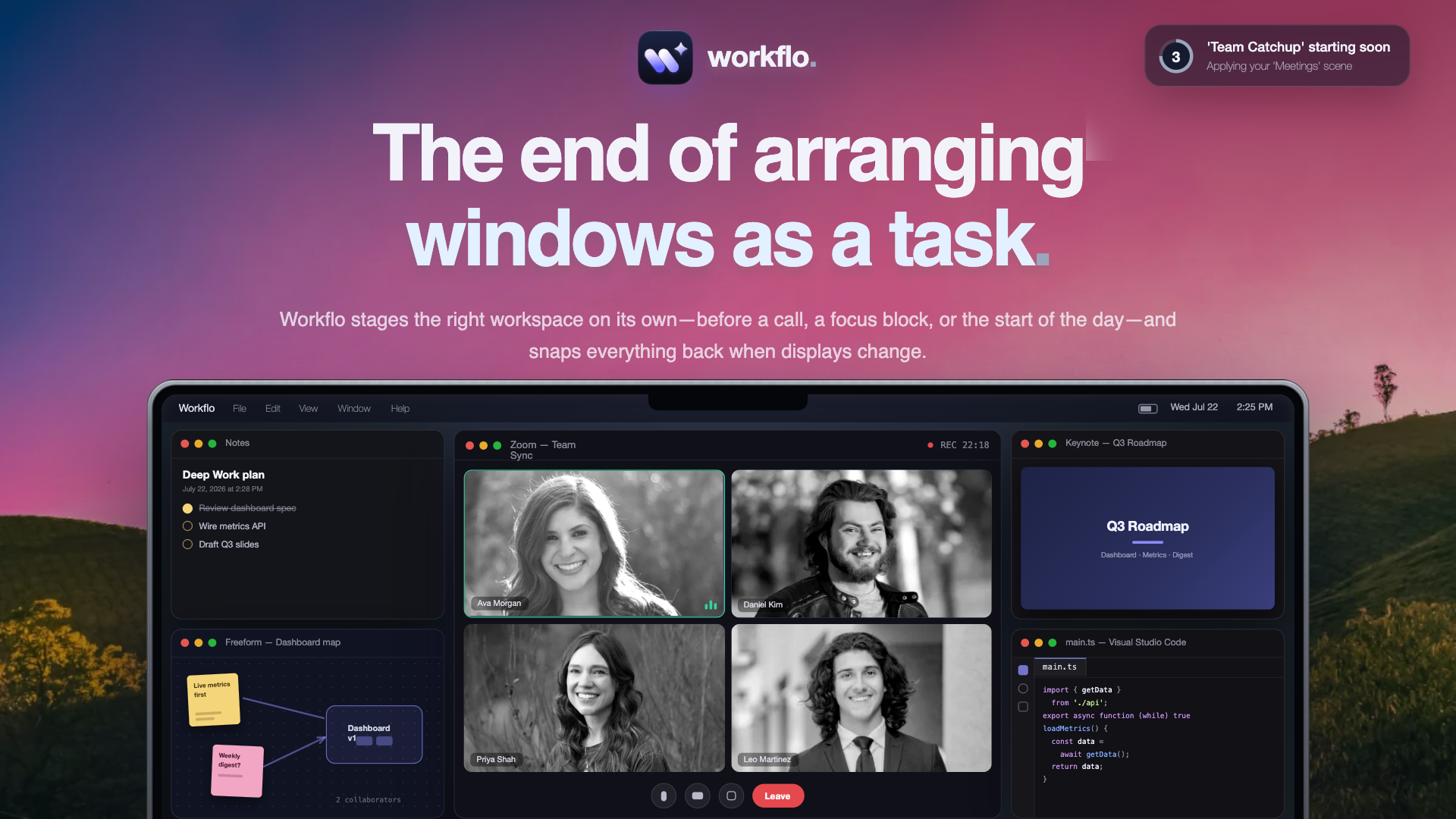

Your workspace, set before you ask.
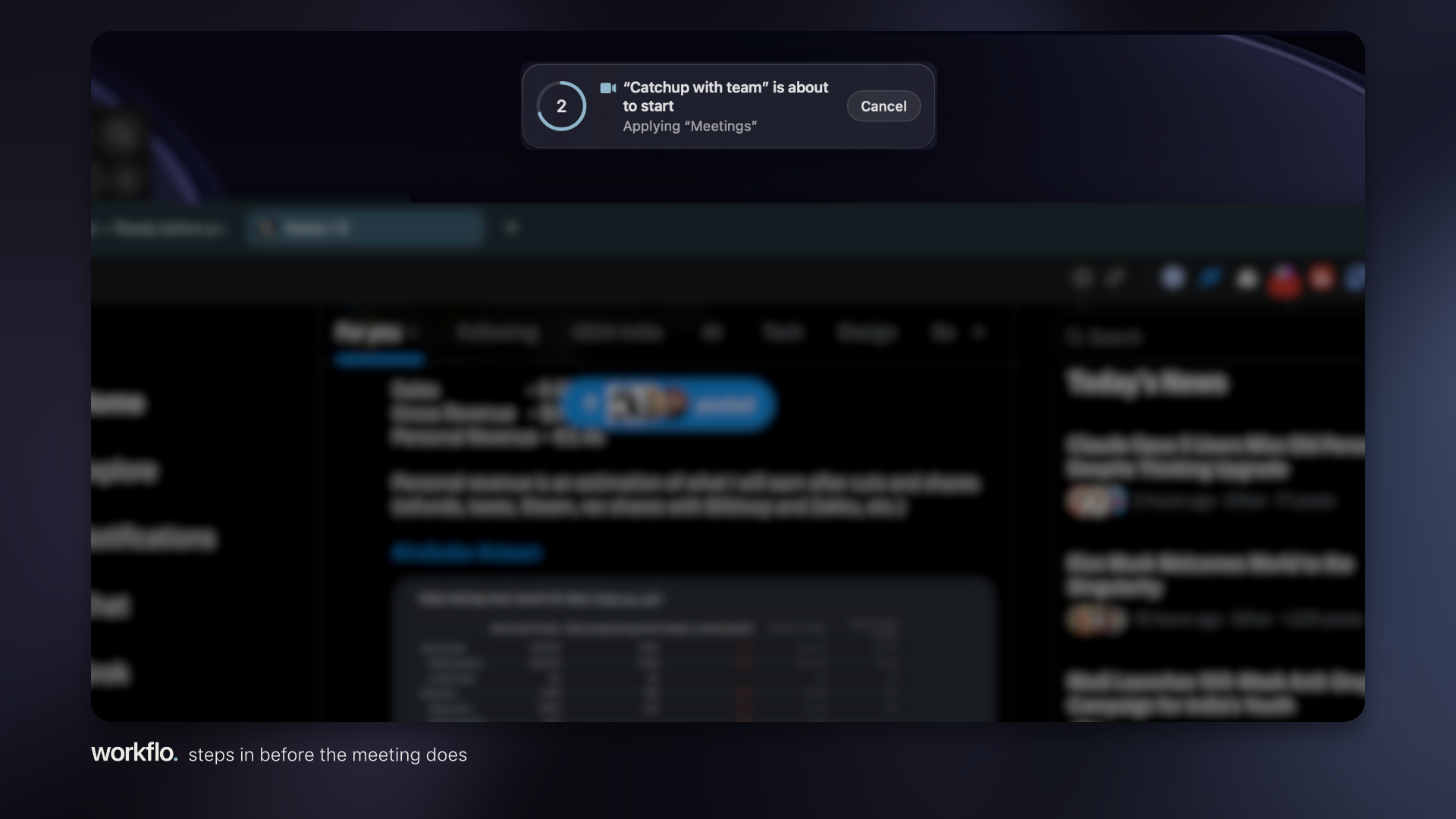
It is 2:55. Your 3 PM call has a Scene. The call app, your notes and the calendar are open and placed across both displays, everything else closed. You never touched a button.
Not a window manager.
A window manager moves the windows you already have open, when you ask. Workflo decides what's open in the first place, and doesn't wait to be asked.
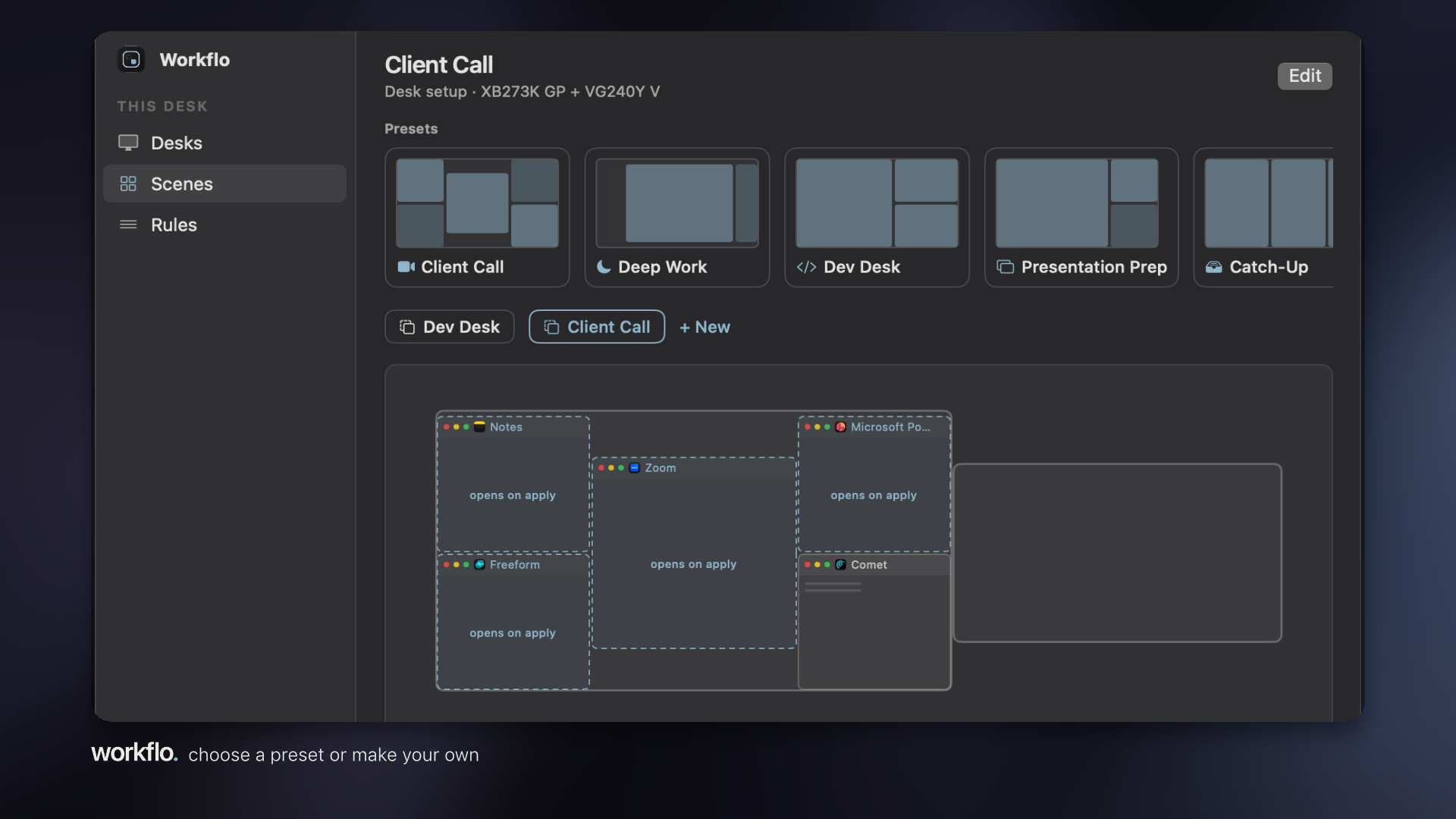
A Scene is a whole workspace: which apps, which windows, which display, which spot. Apply it and Workflo opens the apps that aren't running, closes the ones that aren't part of it, and places every window where you designed it. Two displays or one. Docked or not.
It fires on its own.
A Trigger applies a Scene from your calendar or the clock: minutes before a call with a video link, or at 9:00 on weekdays. A countdown you can cancel runs first. Then the workspace is up before you sit down.
Everything snaps back.
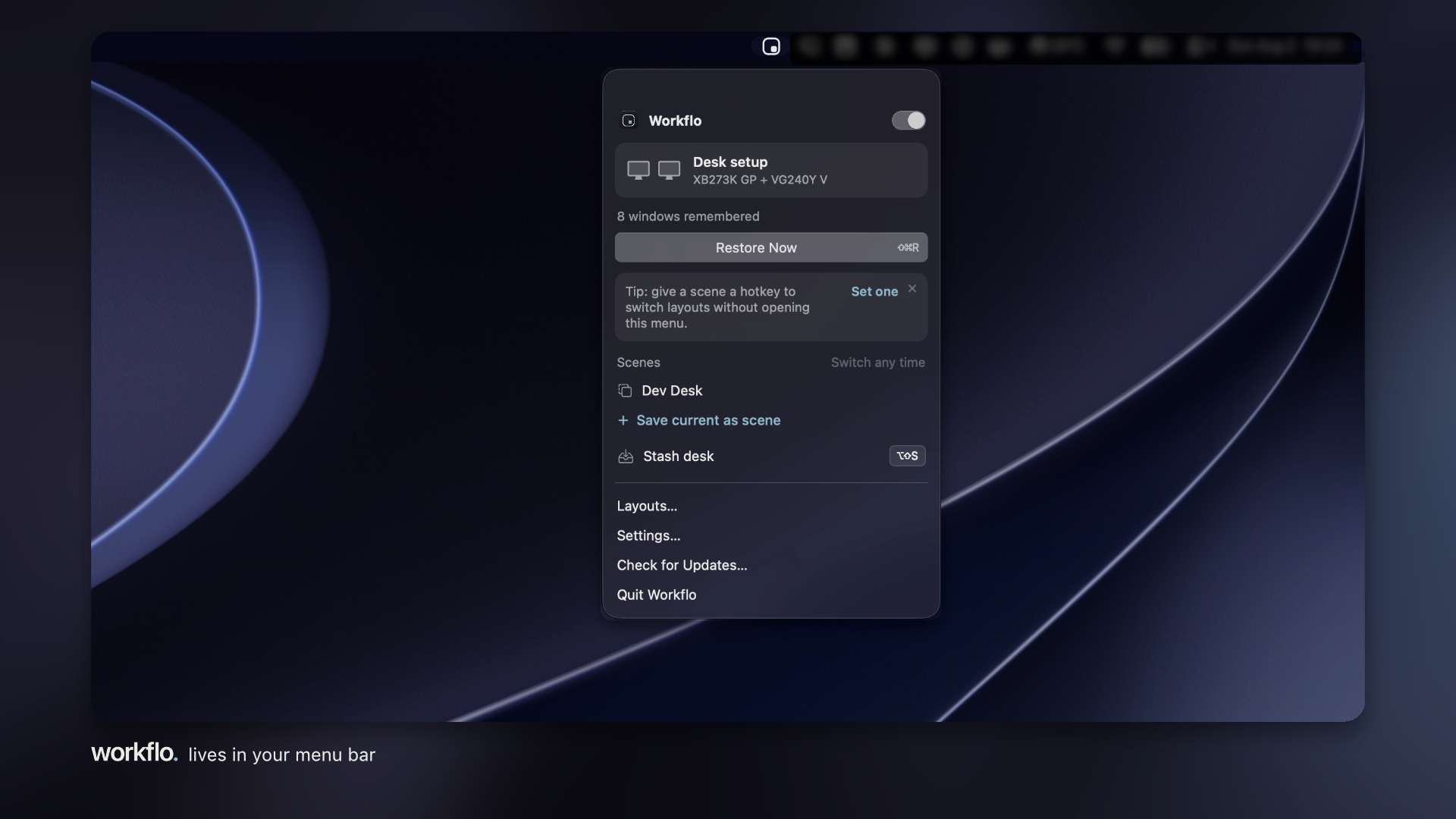
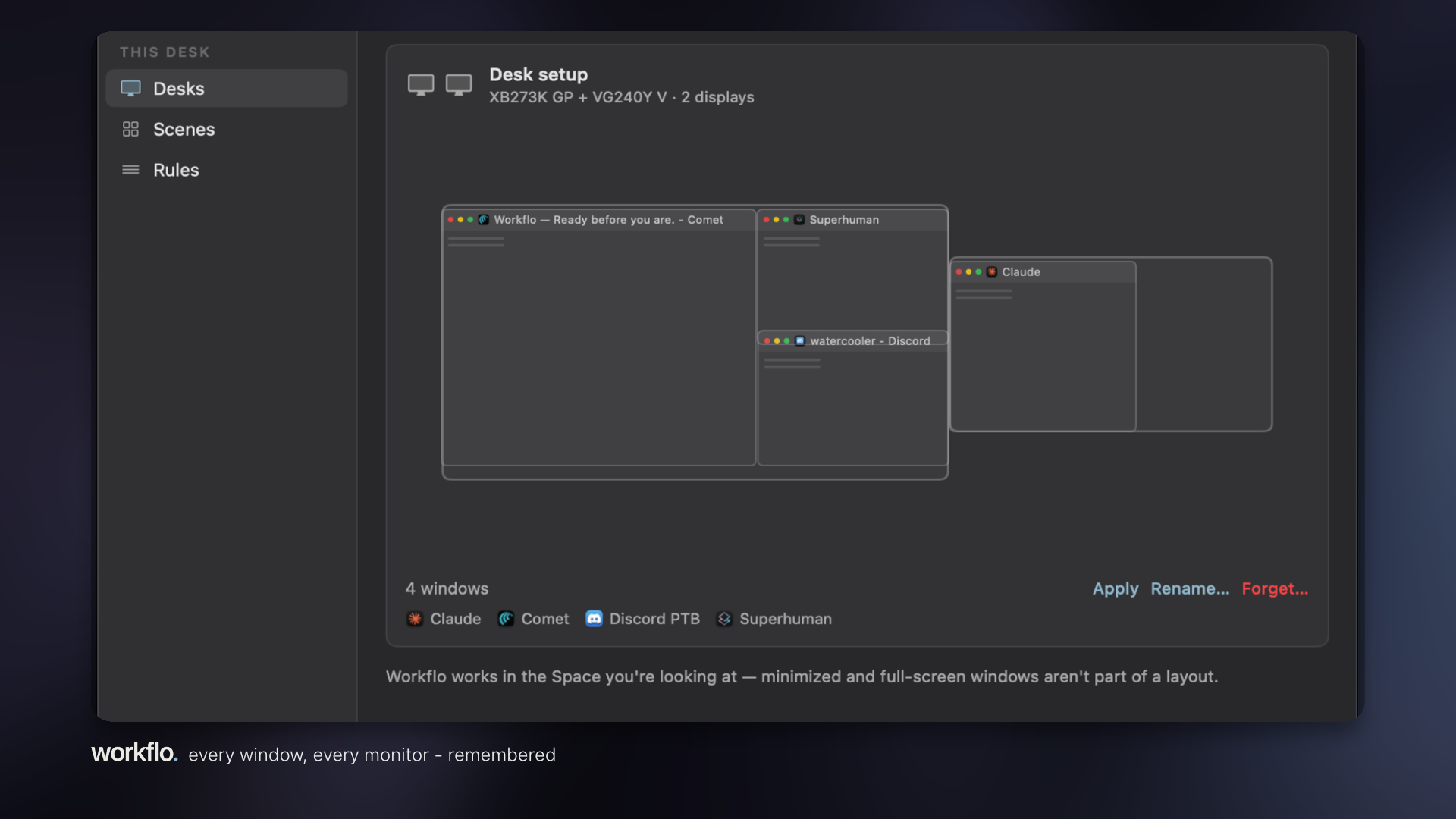
Workflo learns a Desk for every display setup on its own: MacBook alone, the desk with two displays, the meeting-room TV. Unplug and the windows fold onto the laptop screen. Plug back in and every window returns to its spot, on the display it belongs to. You don't touch anything.
Design layouts without touching your windows.
Scene Studio is a drag-and-resize canvas of your actual display arrangement. Sketch the call layout on the left display and the notes on the right while the real windows stay where they are. Apply when you're ready.
One hotkey clears the screen.
Stash hides every window for a screen share. Press it again and the Desk returns. New windows open where you last left them, and per-app rules let you ignore an app or always restore its size.
No Accessibility. No Screen Recording. It works anyway.
Window tools usually run on two permissions: Accessibility to move windows, Screen Recording to preview them. App Review would not grant this sandboxed build Accessibility, and Workflo has never asked for Screen Recording on any build. So it runs with neither. Every window move is a Shortcut, run by your own Shortcuts app, behind one consent prompt you can revoke in System Settings. It cannot see what is on your screen, by construction. It took six review submissions over five weeks to get there, and the build that passed carries no temporary entitlement exception at all.
Yours, and only yours.
Desks, Scenes and rules are plain JSON in a folder you own. No account, no cloud. Calendar access is requested the moment you add a calendar Trigger, never before.
Pay once. Use forever.
One purchase through the App Store. No subscription. Seven days free first, every feature on, no card.

Log in or sign up for Devpost to join the conversation.