-
-
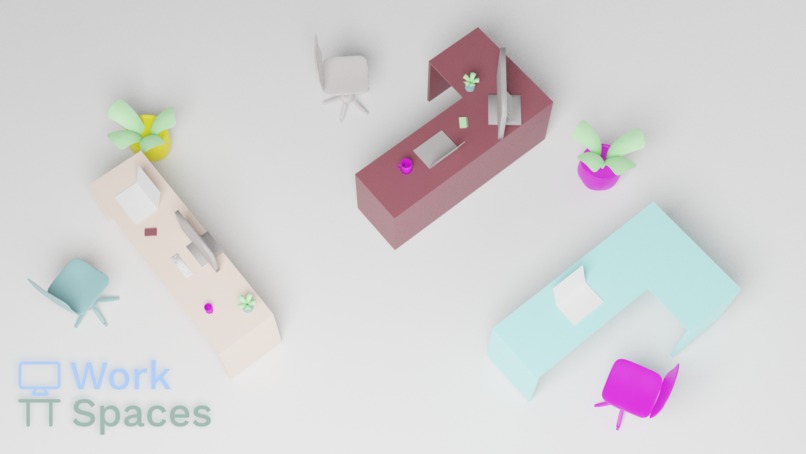
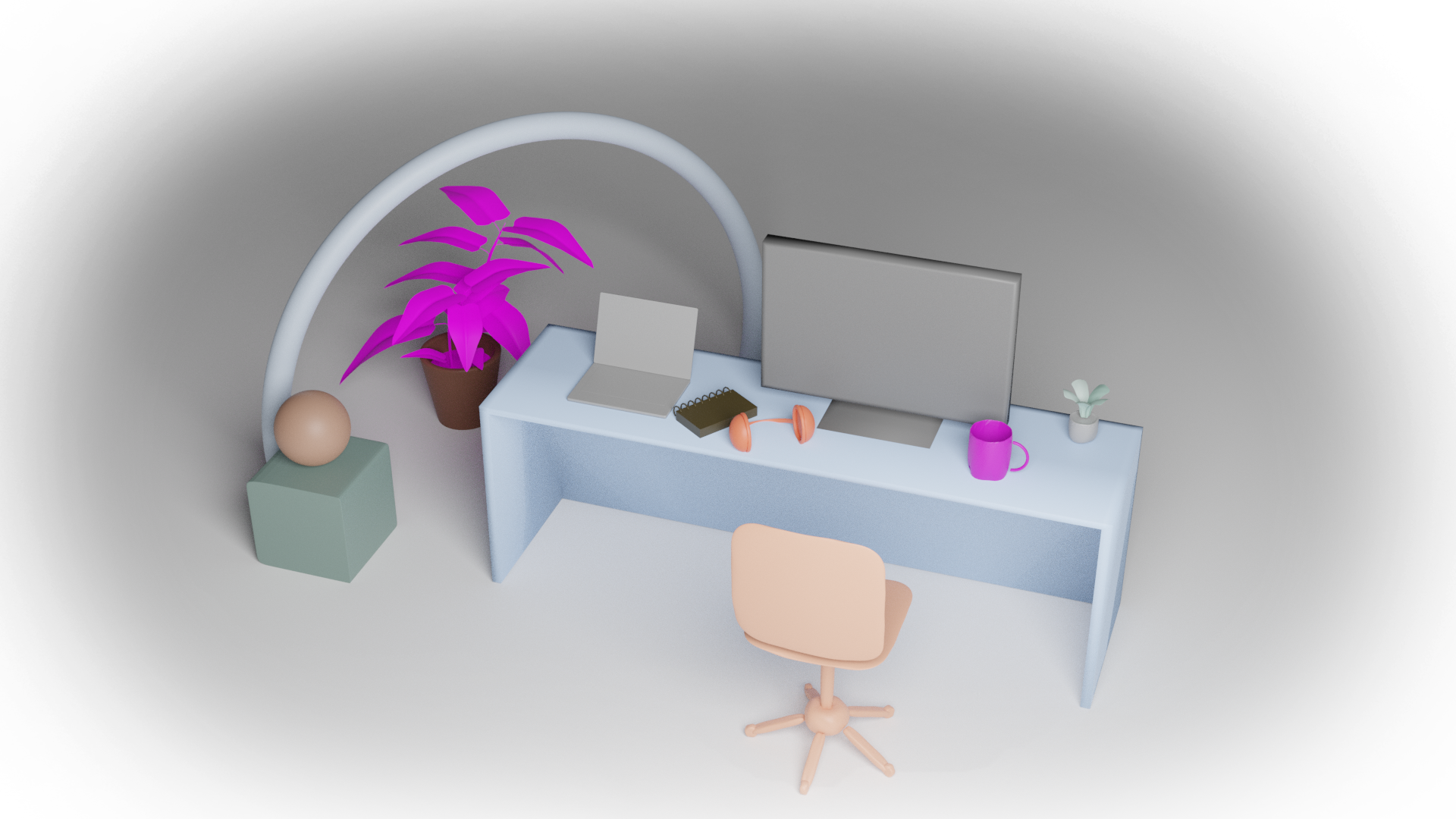
Office mockup
-
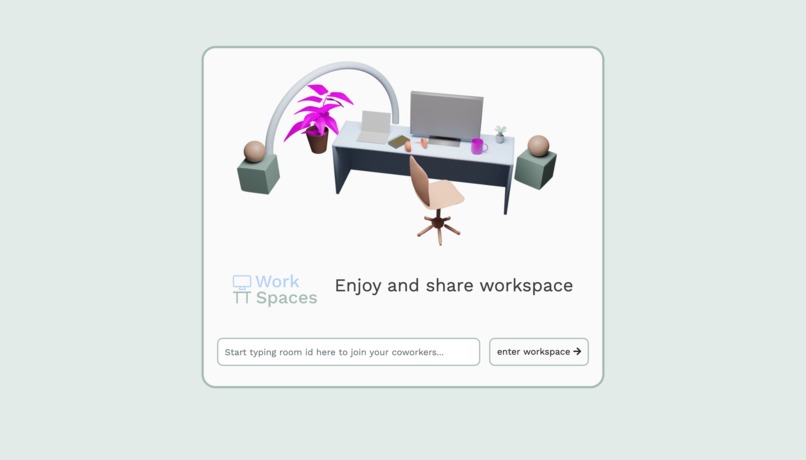
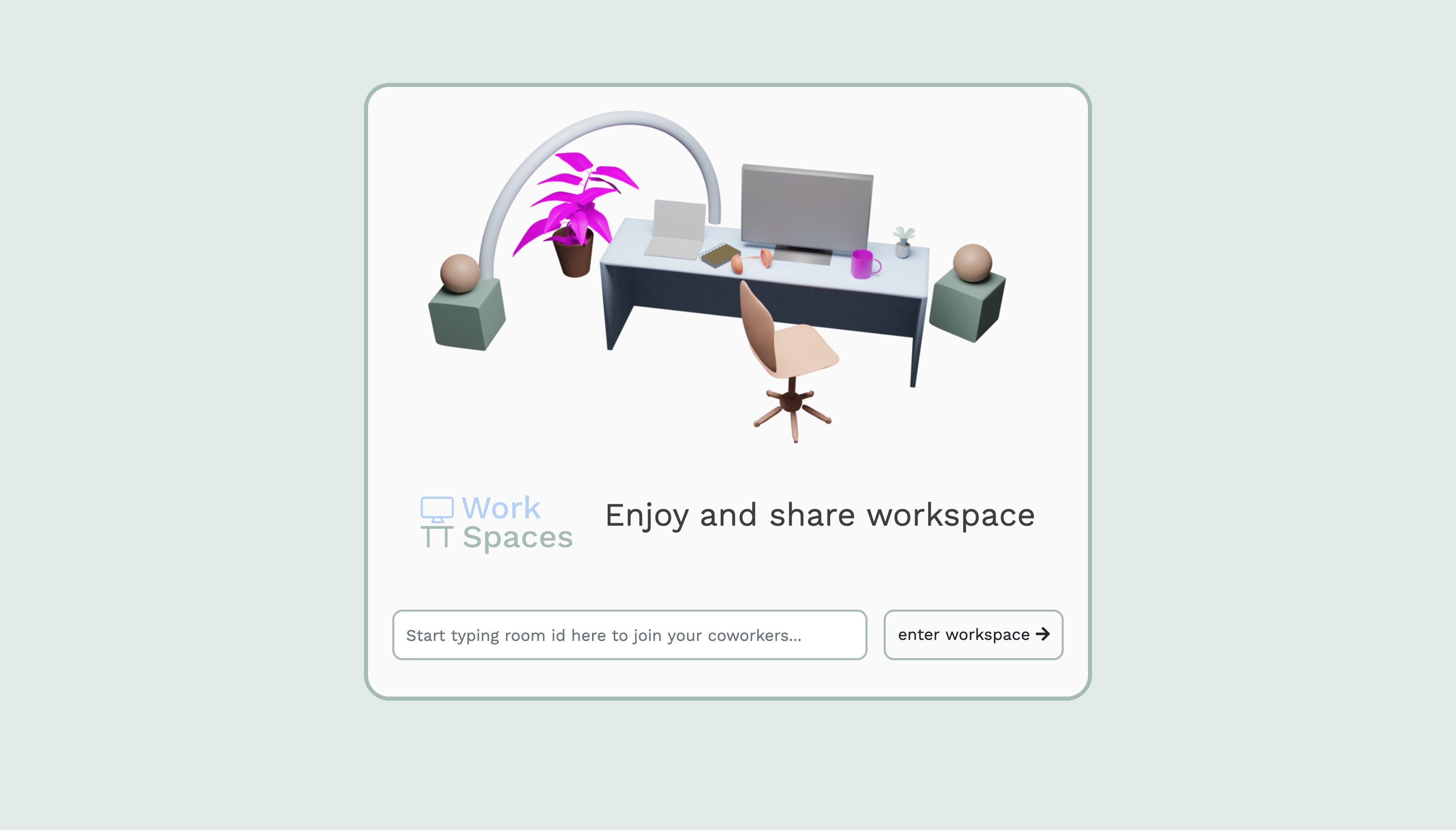
Landing Page
-
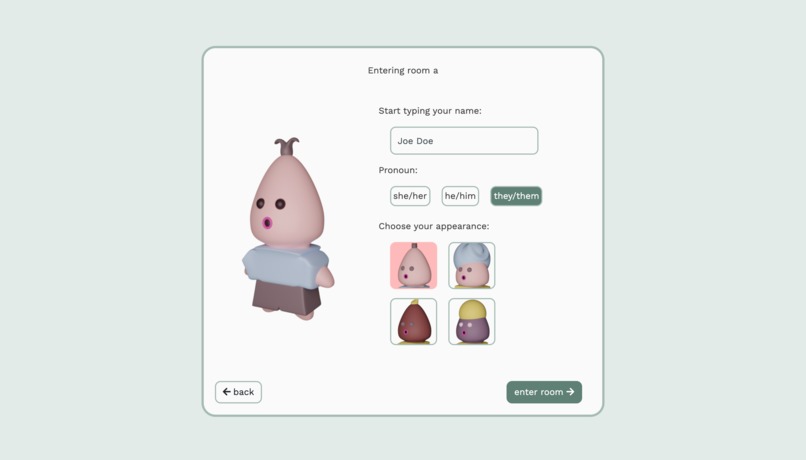
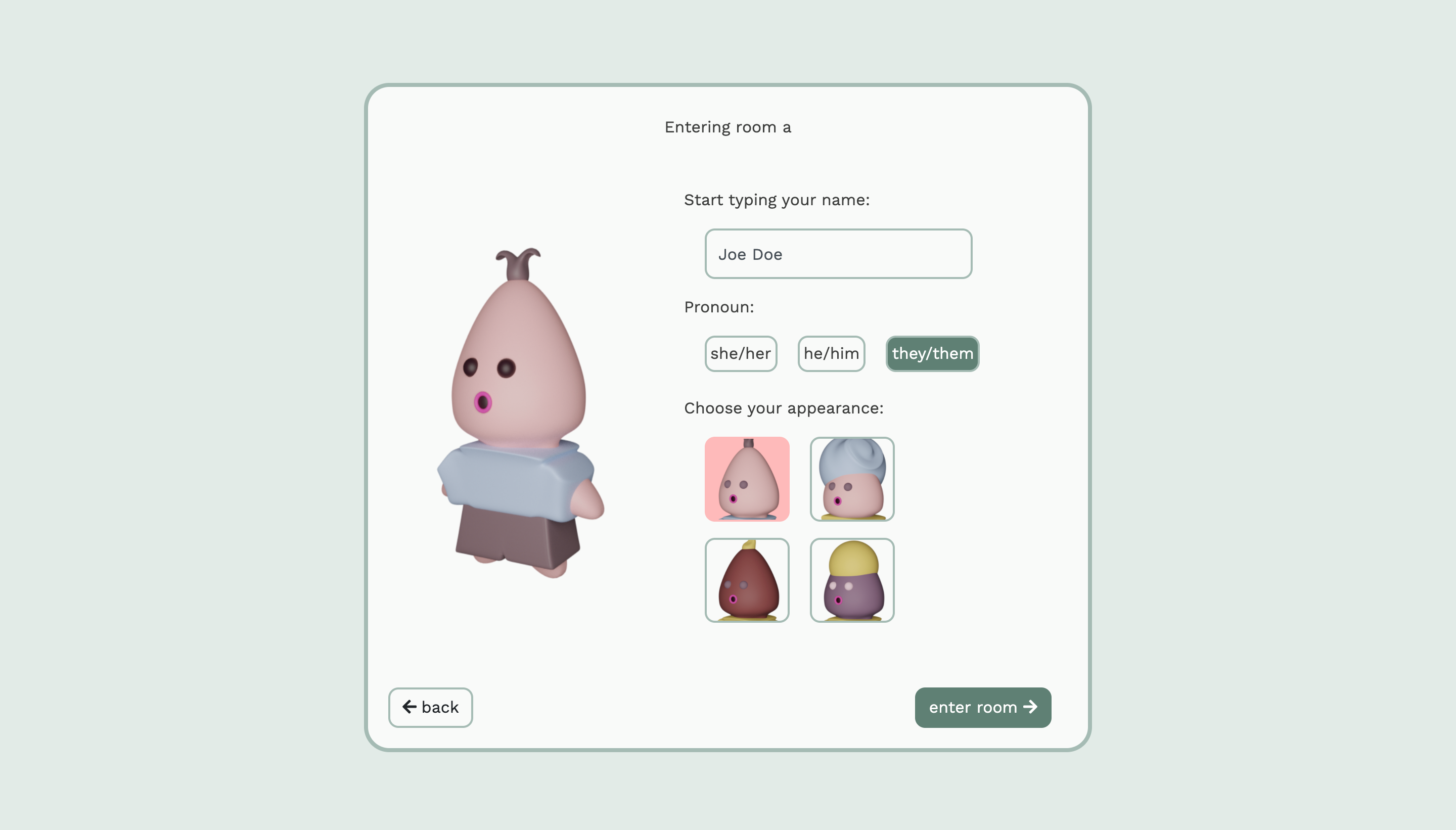
Customization
-
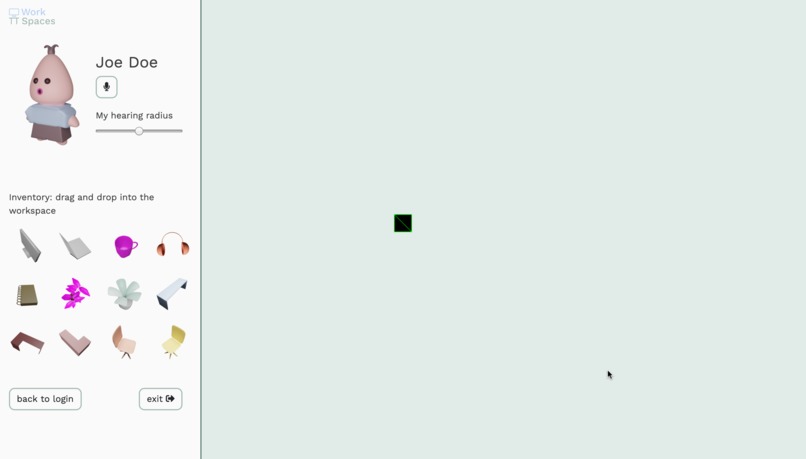
Main Workspace
-
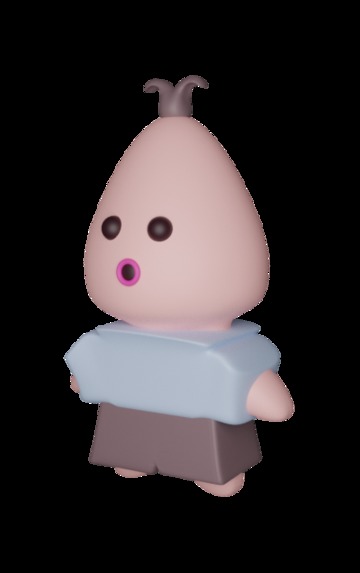
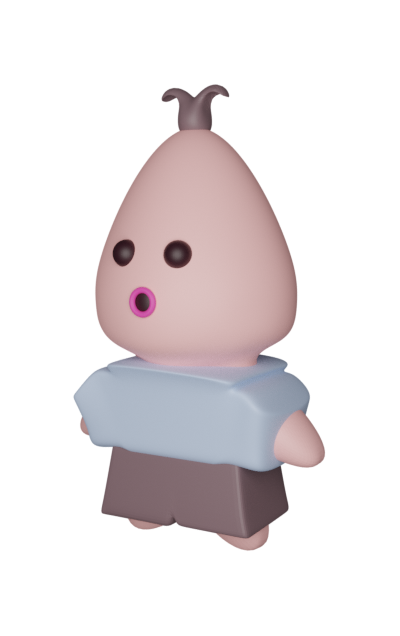
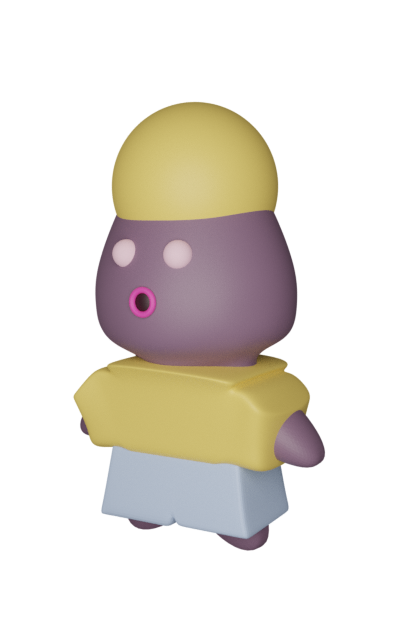
Character model 1
-
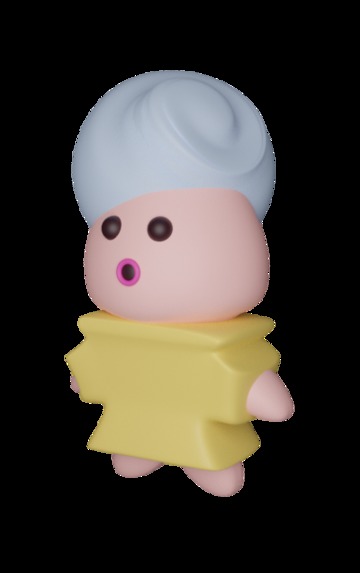
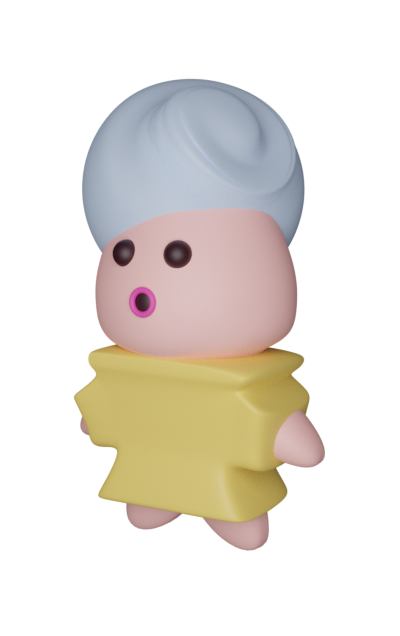
Character model 2
-
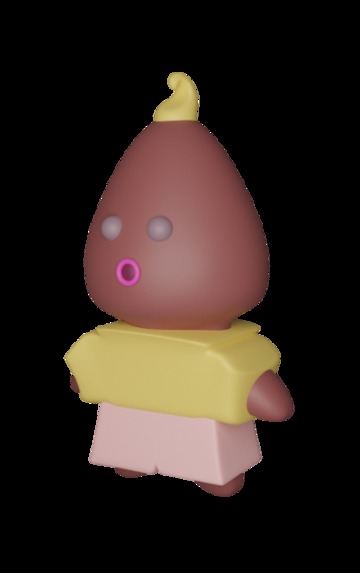
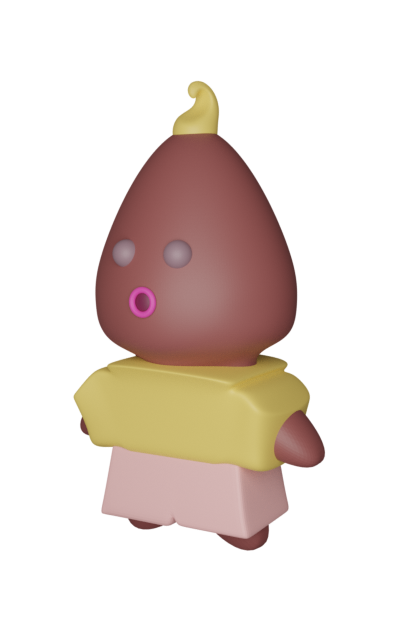
Character model 3
-
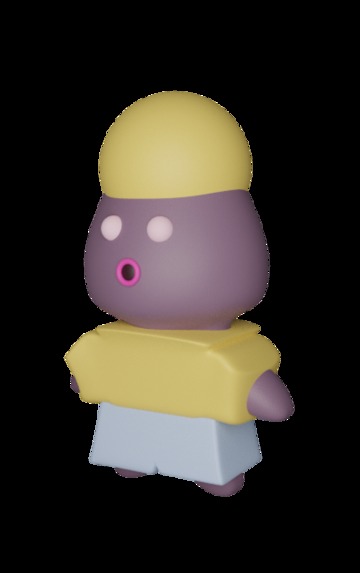
Character model 4
-
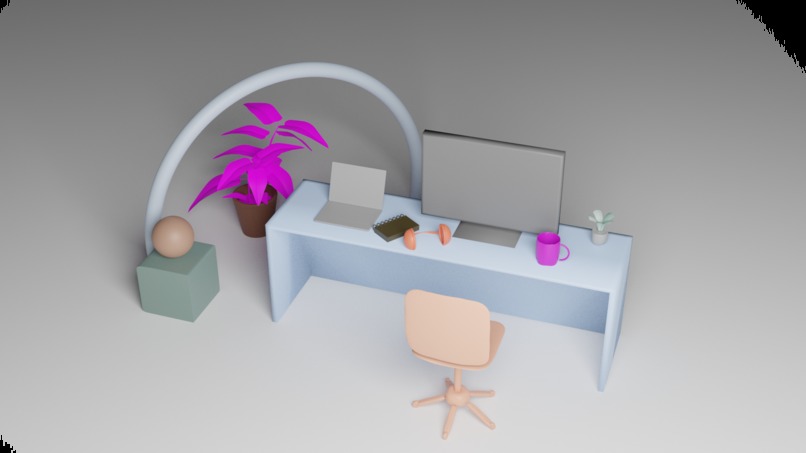
Early concept of customized workspace
Inspiration
Human connection in the office provides a way to relieve stress and bond during crunches, sprints, and of course, long hours of debugging and client revisions. But the world has changed and we won’t be working side-by-side for quite a while.
How might we reproduce the positive aspects and motivating elements of a physical workspace in a remote environment to relieve stress and enable team-bonding?
What it does
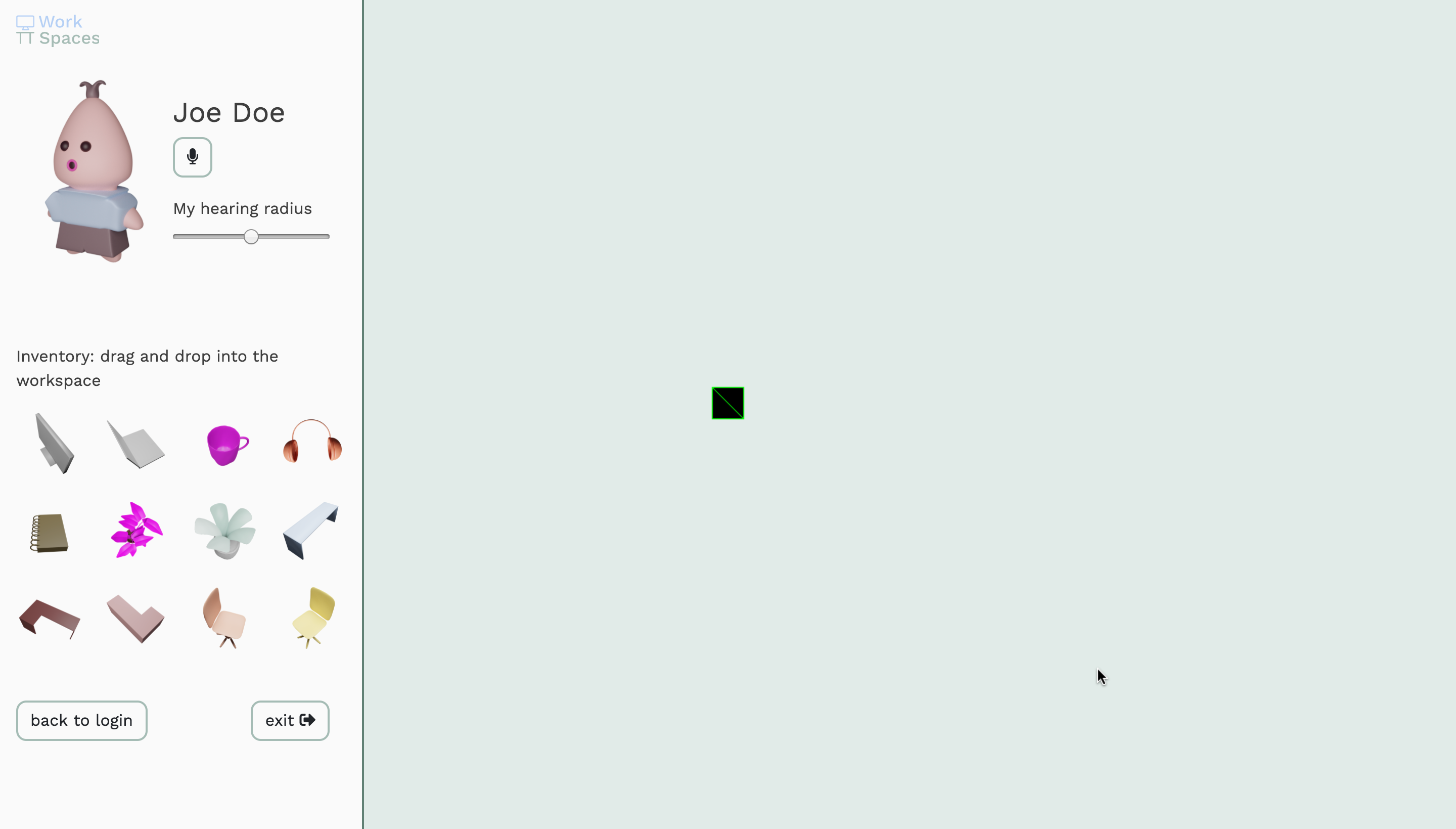
Workspaces is a web-app that creates a customizable digital office space for users and their teams to interact with each other. Organizations and teams create a “room” that functions as a pseudo office. Team members create an avatar, join an office space, and sit down at their customizable desk.
An Avatar in WorkSpaces acts as a digital extension of the worker. Sitting at your desk, integrated voice chat allows you to share your frustrations, successes, and bad jokes with anyone listening in. Want to focus up? Mute yourself, minimize the window and your avatar will appear hard at work. Bored and want to know what your co-workers are up to? Take a look around the office and find out. Slack integration provides an easy way to keep up on other office communications.
Much like in a real office, a desk in Workspaces serves as an extension of the worker. Users can place accent items like plants, headphones, sketchbooks, and more on their desk to better reflect their role, personality or mood.
How we built it
Our team was made up of two designers and two developers which gave us a good mix of skills and experiences.
After ideating as a team and coming up with the broad idea for our solution, Wesley and Valeriia got to work on crafting a user experience. To facilitate this, we sought out input in a Google Form and asked people to share their experiences in the workplace. The form heavily influenced what content we set out to create, as well as allowed us to confirm some of our assumptions and cast aside others based on user feedback. Wes then worked on the initial 3D models, while Val worked on the project's UI and then the character models
Wes and Val used Google Forms, Adobe XD, Figma, Blender, and 3DS Max.
After ideation, Alec and Martin quickly went to work on setting up the infrastructure required for the project. Martin got to work on setting up a Phaser environment and Alec set up our Google Cloud services. Alec and Martin worked in tandem for about 12-16 hours total getting everything integrated.
Alec and Martin used HTML / CSS, Typescript, Phaser, WebRTC, Socket.io, Node.js, GitHub, and Google Cloud Services for the project.
Challenges we ran into
3D Modelling & Phaser
Working within the constraints of the Phaser framework was hard for Wes and Val. Early on, we had decided to use image sprites and had to be careful to understand how they would actually appear in the viewport in the browser. Matching angles and separating the layers appropriately required careful positioning in our 3D modelling software.
Office Model & Viewport
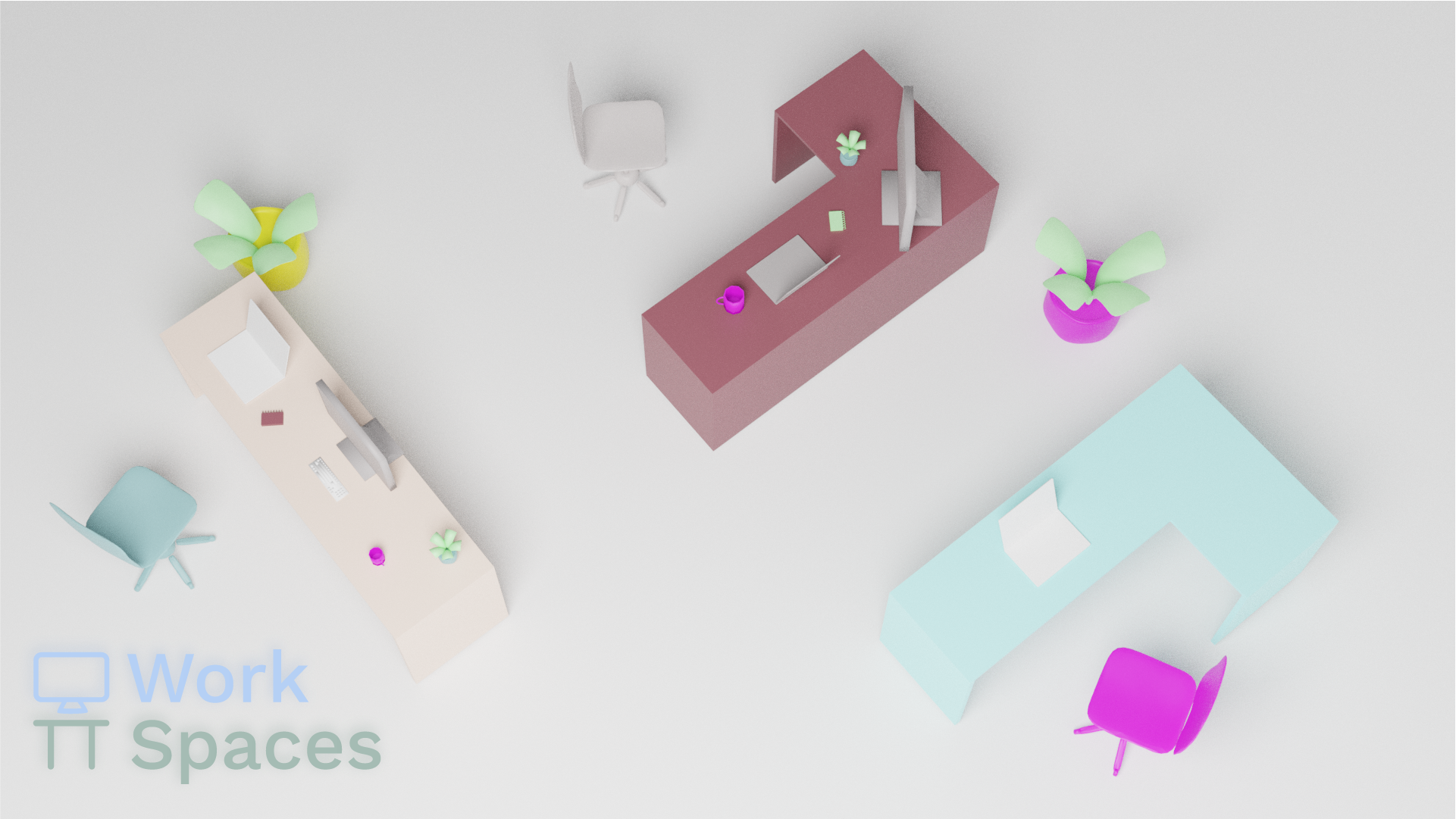
In the time allotted, we could not get the physical office space implemented in the viewport in time. In the project gallery there are screenshots of the mockups we were trying to achieve. While the UI is about where we wanted it to be, it was a challenge to get all the customization options implemented in a reasonable amount of time.
Accomplishments that we're proud of
Completing a virtual hackathon and keeping the workflow going was something that we knew would be difficult coming in. Our devs had to work closely together for many hours because of how tight-knit the code is between the frameworks we were using.
What we learned
WebRTC
Alec worked with WebRTC for the first time, and judging from the 2am elated all-caps Discord messages he was sending the team, he was pretty happy with how much he learned and implemented in the short time-frame he had.
Blender & Character Design
Valeriia spent a lot of time working in Blender for this project, and ended up learning a lot more about it and 3D modelling in general than she knew before. She’s pretty happy with how “cute” the characters she designed are.
Logo & Content
This was one of Wes’s first time being charged with the creation of the logo, branding, and content for a hackathon project. He’s content with what he came up with in the time-frame but knows he needs to keep grinding on his visual design skill to level up.
What's next for Work Spaces
Implementing the viewport we intended is the key part of the experience missing at time of submission. This will be our first step taken in improving the project (after we all get about 12 hours of sleep). From there, implementing controls to allow customization of the office space itself, not just the individual desks, is a key feature that was beyond the scope of the hack.


Log in or sign up for Devpost to join the conversation.