-
-
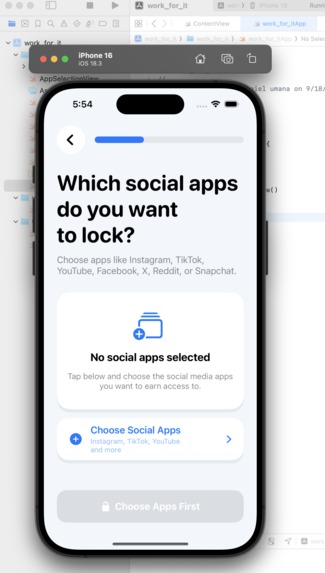
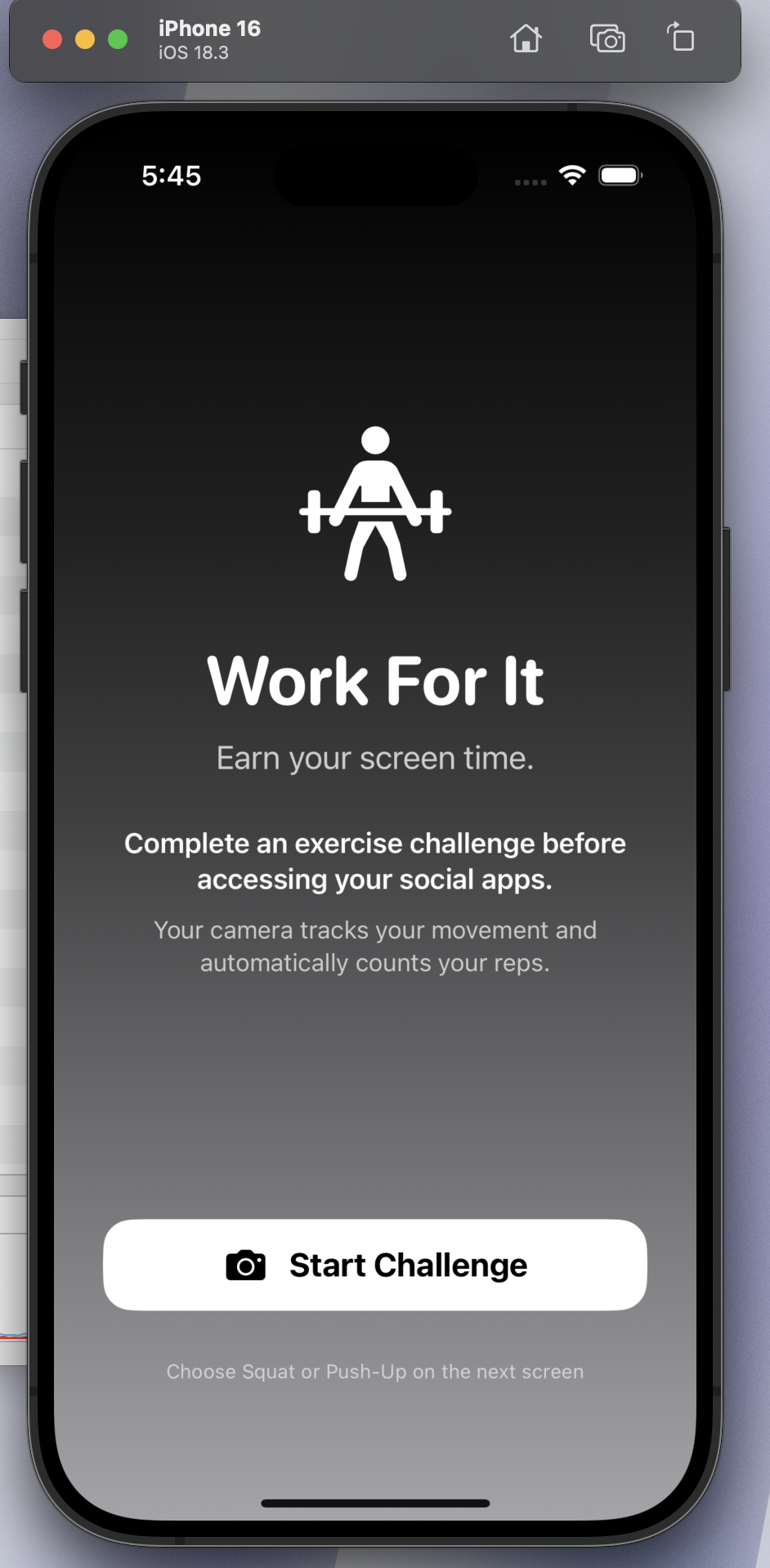
Home Page
-
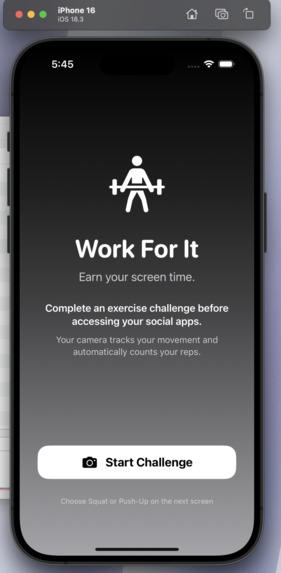
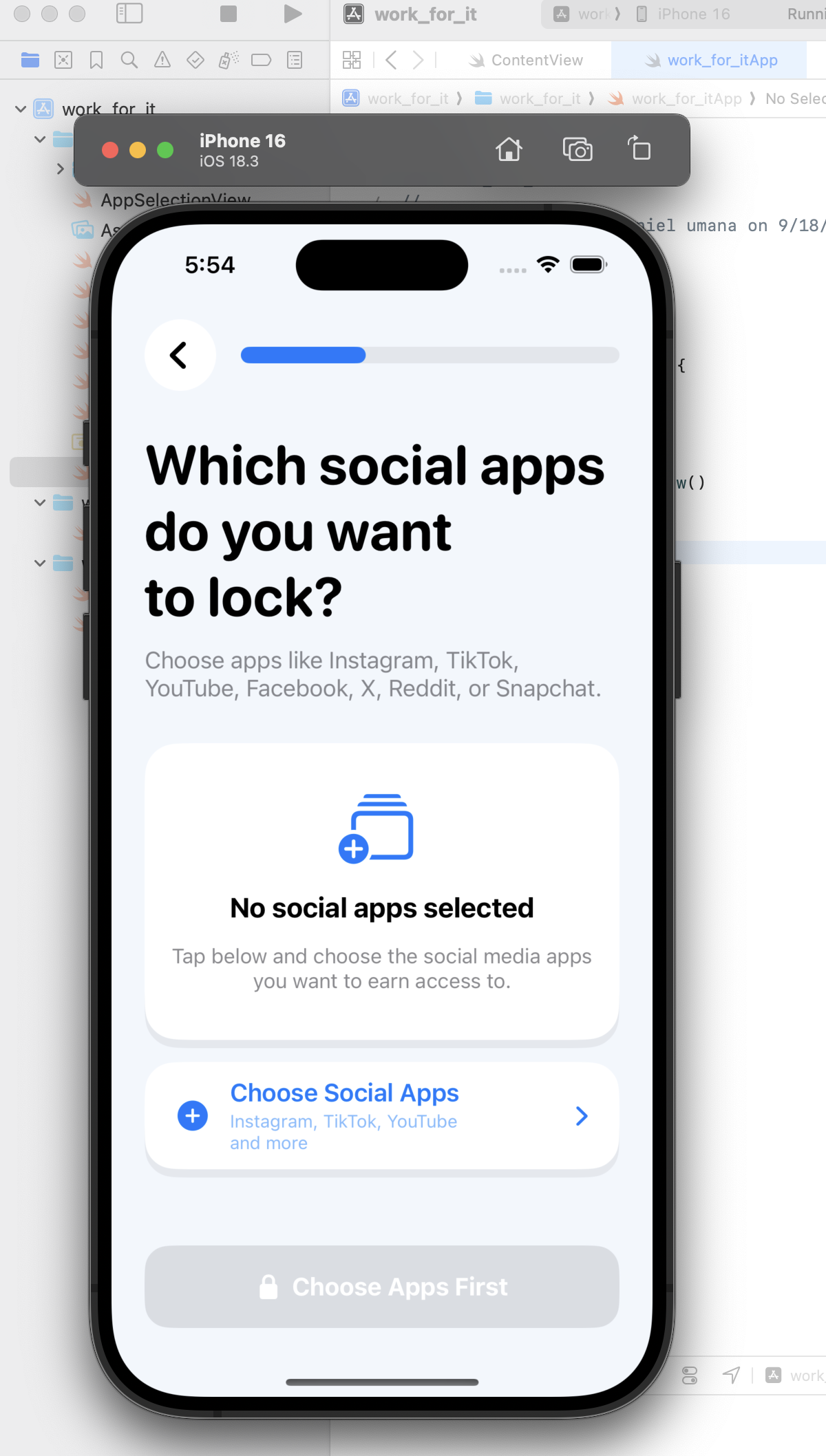
Lock Screen
-
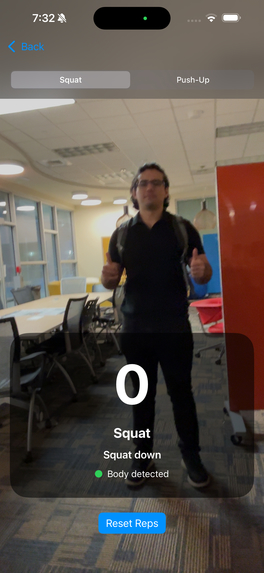
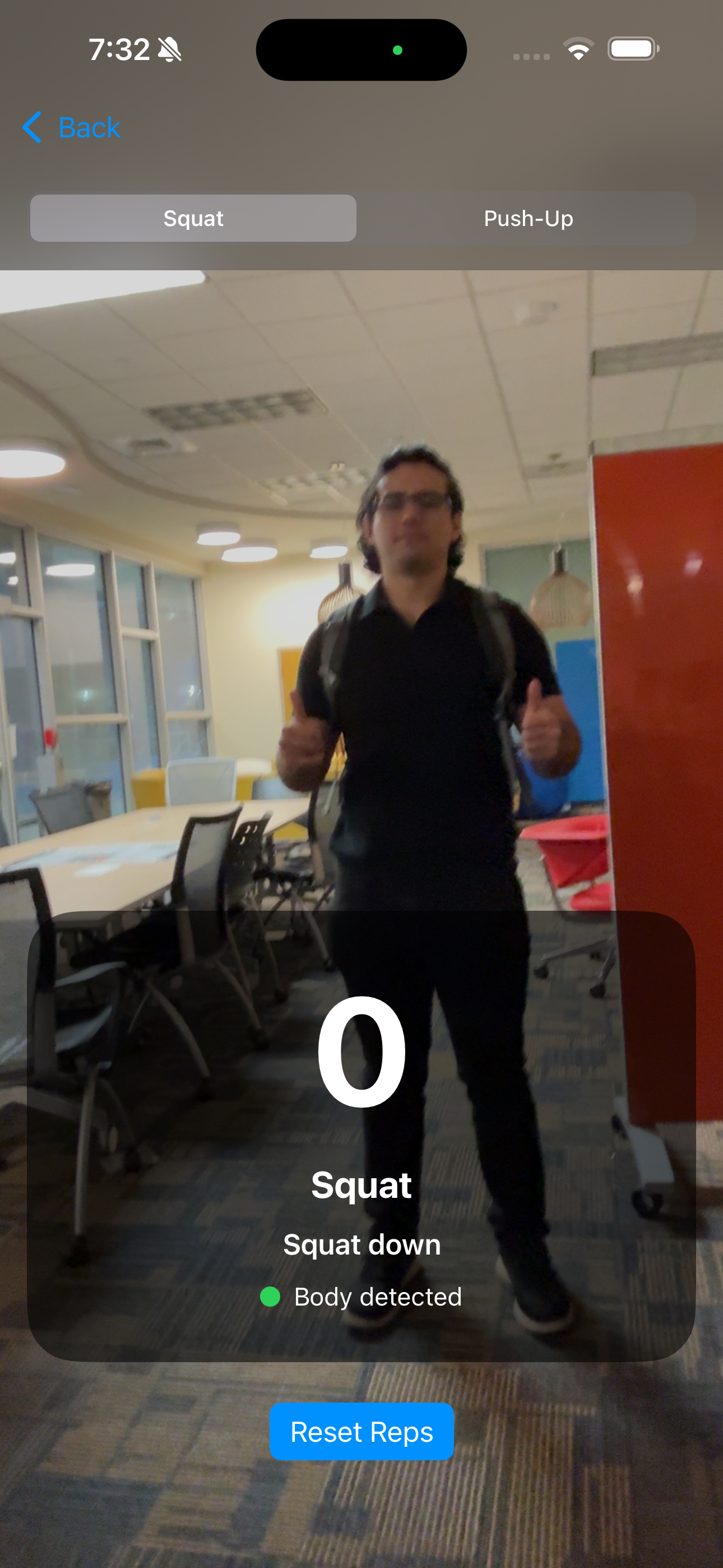
Squat Lover
-
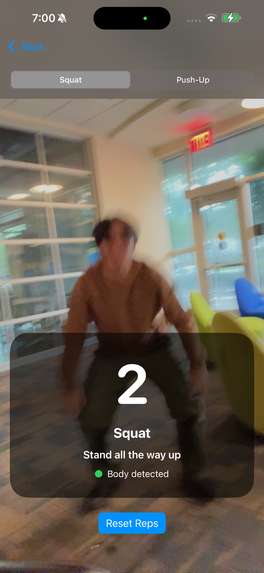
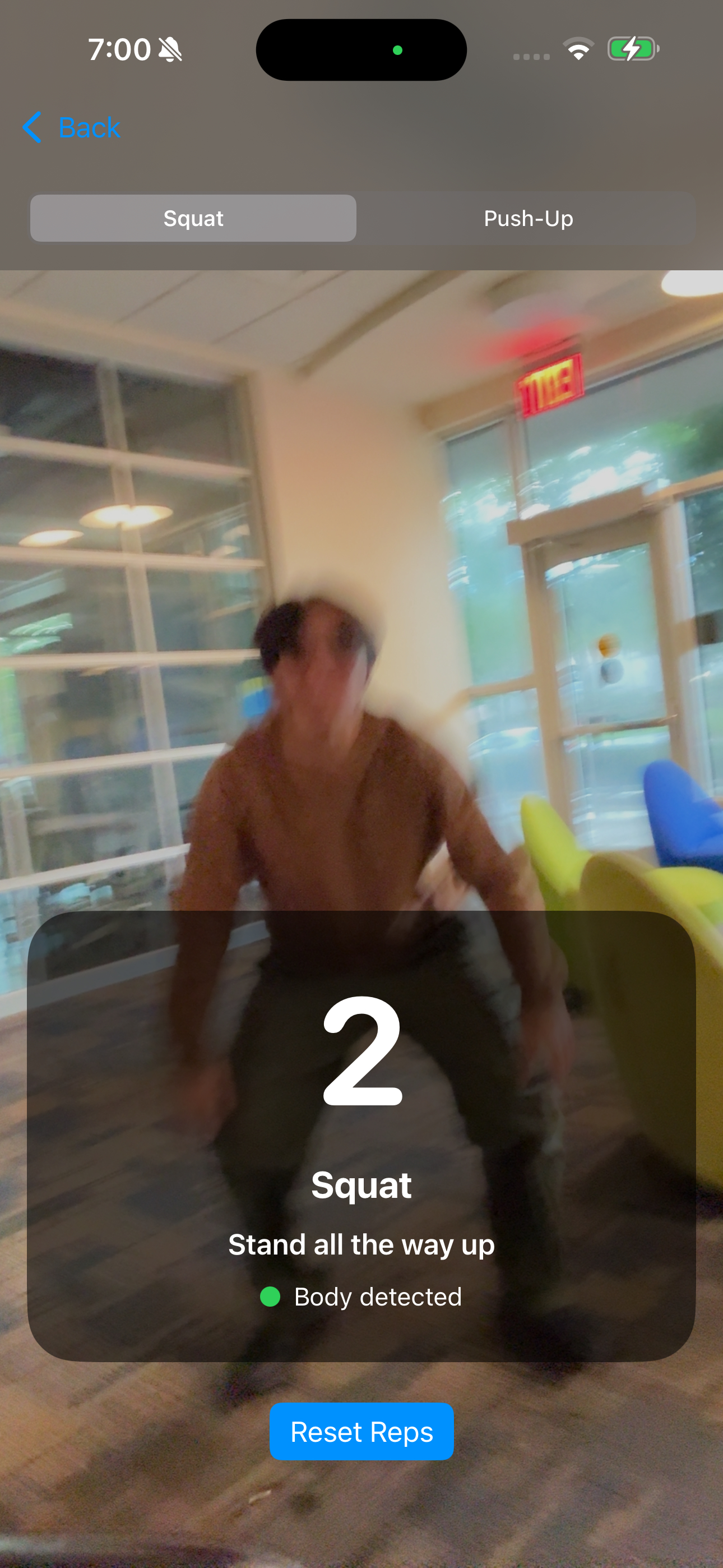
Squat Jumper
Inspiration
We've all opened TikTok or Instagram "just to check something" and looked up twenty minutes later. Built-in screen time limits don't really work — you just tap "Ignore Limit" and keep scrolling. At the same time, most of us aren't moving enough during the day. We wanted to build something that turns those two problems into each other's solution: if you want your screen time, you earn it with your body.
What it does
Work For It lets you pick which apps you want to restrict and set a time limit for them. Once that limit hits, the app locks you out — but instead of just blocking you, it gives you a way back in: complete a quick exercise challenge (push-ups or squats) and the camera verifies your reps in real time. Finish the set, and you get more time. No reps, no scrolling.
How we built it
The app itself is built in SwiftUI, using Apple's Screen Time and Family Controls APIs to actually restrict app access at the system level. For the exercise verification, we use AVFoundation to get camera access, feeding frames into a computer-vision/pose-estimation model that detects and counts reps live. On the AI side, I focused on gathering exercise-form data, testing a few different model approaches, and comparing them on accuracy and speed before landing on the one we shipped.
Challenges we ran into
Getting Apple's Screen Time APIs to actually restrict apps reliably (and re-lock them after a challenge) took a lot of trial and error — the documentation is thin and a lot of it is iOS-version-dependent. On the AI side, getting rep-counting to work consistently across different body types, camera angles, and lighting was harder than expected — a model that looked great on clean test data would miscount reps the second someone moved off-center.
Accomplishments that we're proud of
We got a real, working end-to-end loop: restrict an app, trigger a challenge, verify reps with the camera, and unlock — all running live on a phone, not just a demo video. Landing on a model that counts reps accurately enough to actually trust felt like a big win given how messy real camera input is.
What we learned
A lot about how tightly Apple locks down Screen Time controls, and how much more finicky real-world computer vision is compared to a clean training set. We also learned a lot about the tradeoffs between model accuracy and speed — a model that's slightly less accurate but runs fast enough for live camera feedback usually beats a more accurate one that lags.
What's next for Work For It
More exercise types beyond push-ups and squats, difficulty levels, streaks and rewards to keep people motivated, a workout history view, smarter form detection so reps only count when done correctly, and eventually Android support so it's not iOS-only.
Built With
- fastapi
- javascript
- llm
- pandas
- python
- pytorch
- react
- root
- scikit-learn
- swiftui
- typescript
- uvicorn
- websockets

Log in or sign up for Devpost to join the conversation.