-
-
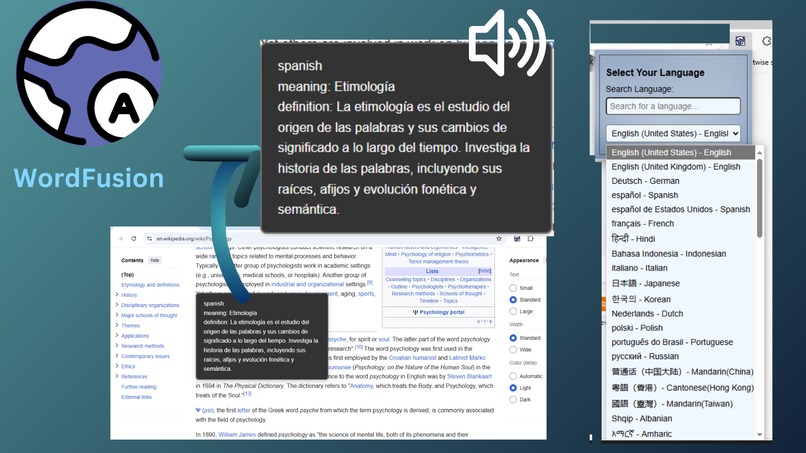
-
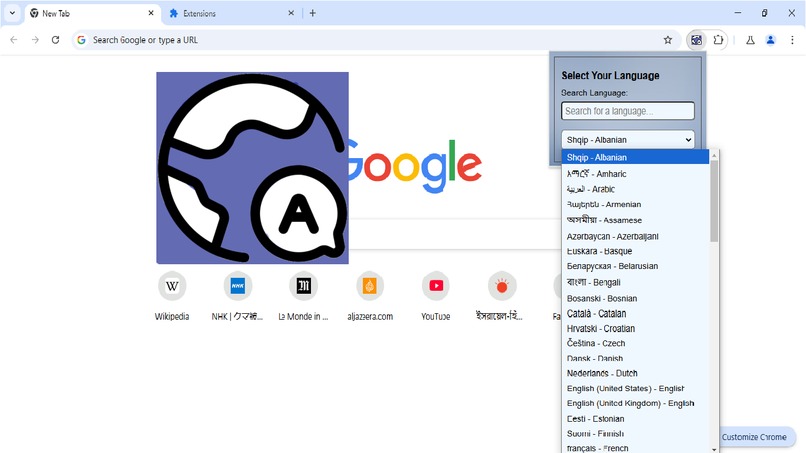
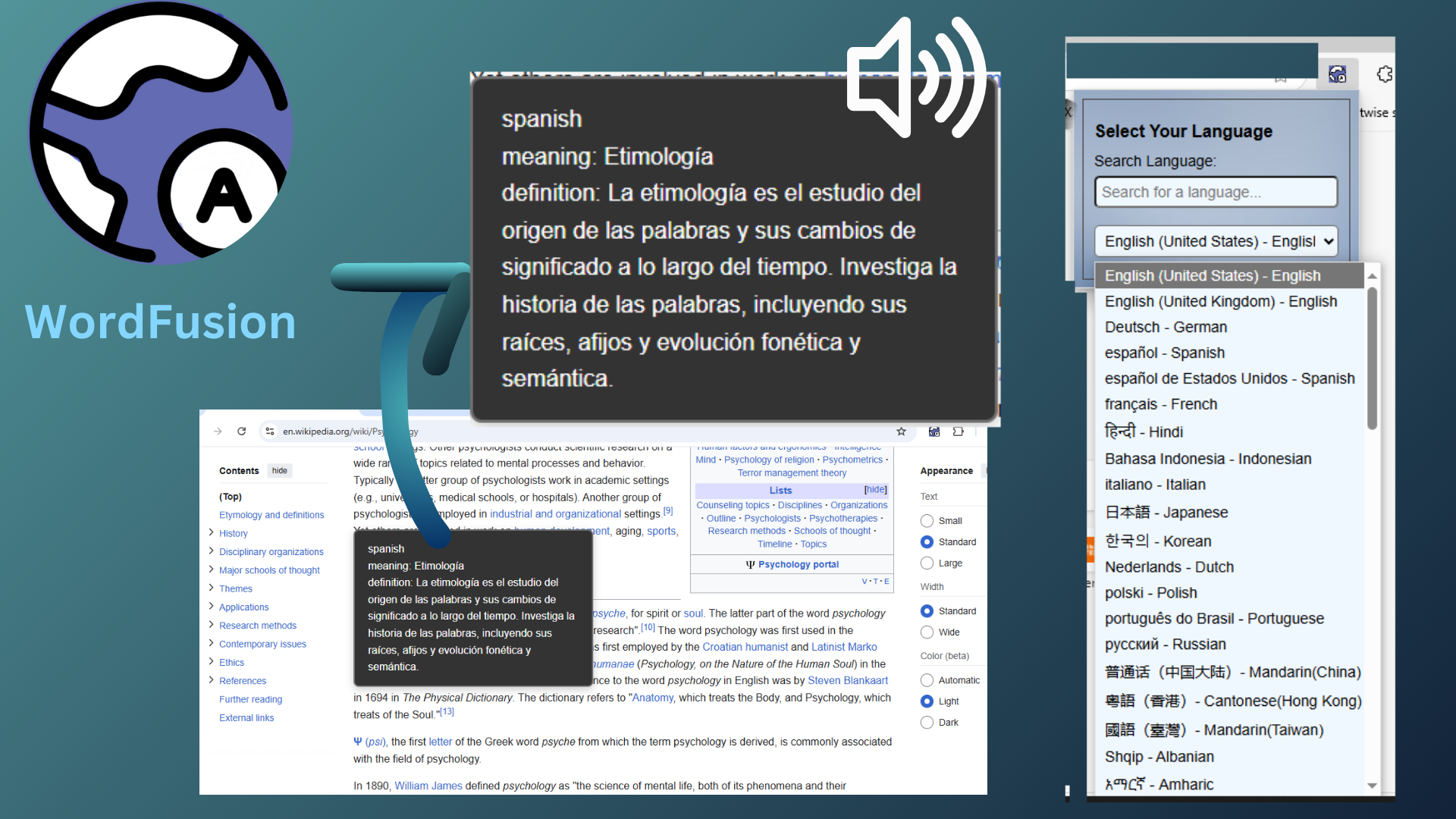
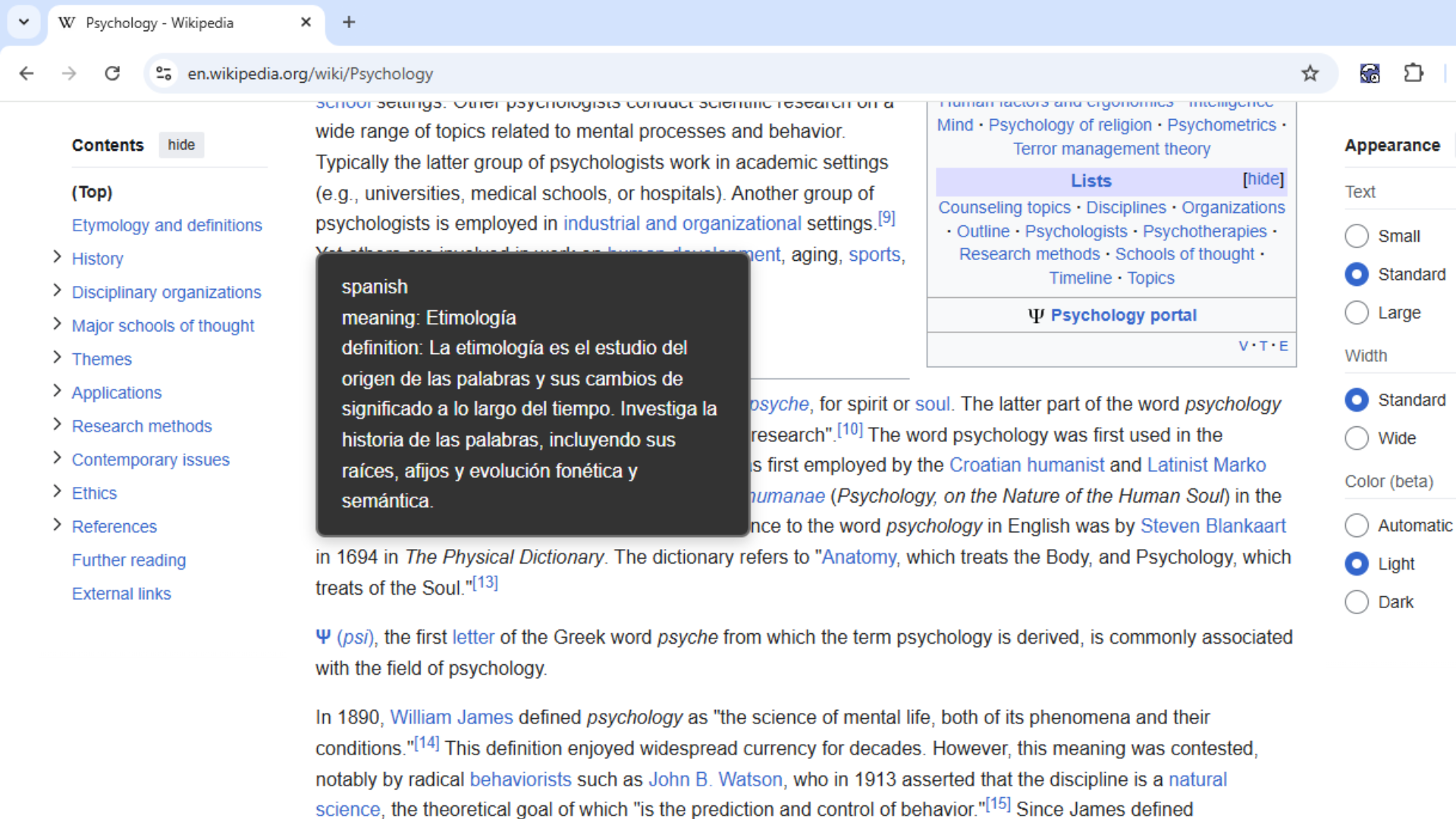
Wordfusion popup
-
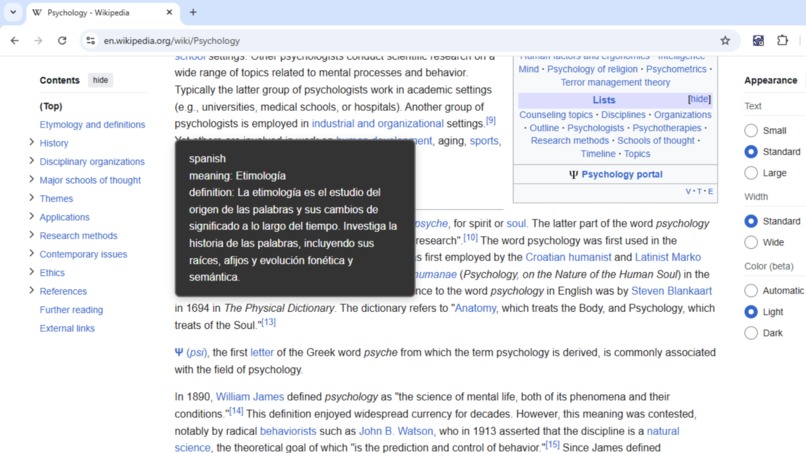
translation with audio
-
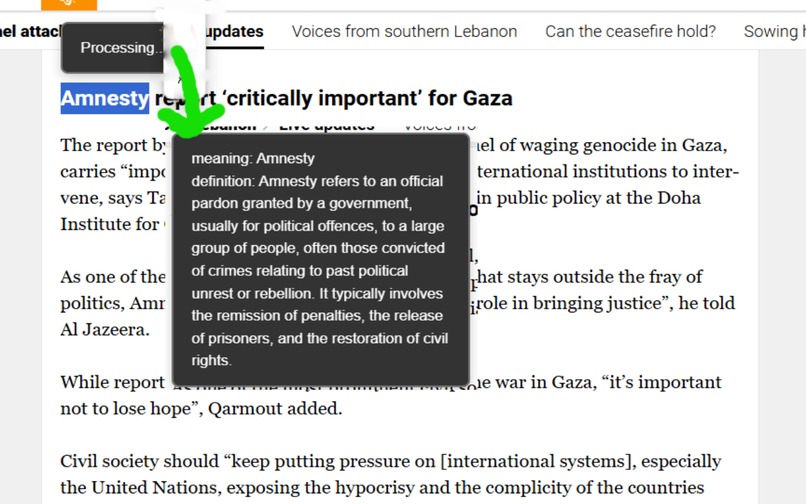
Defining noun
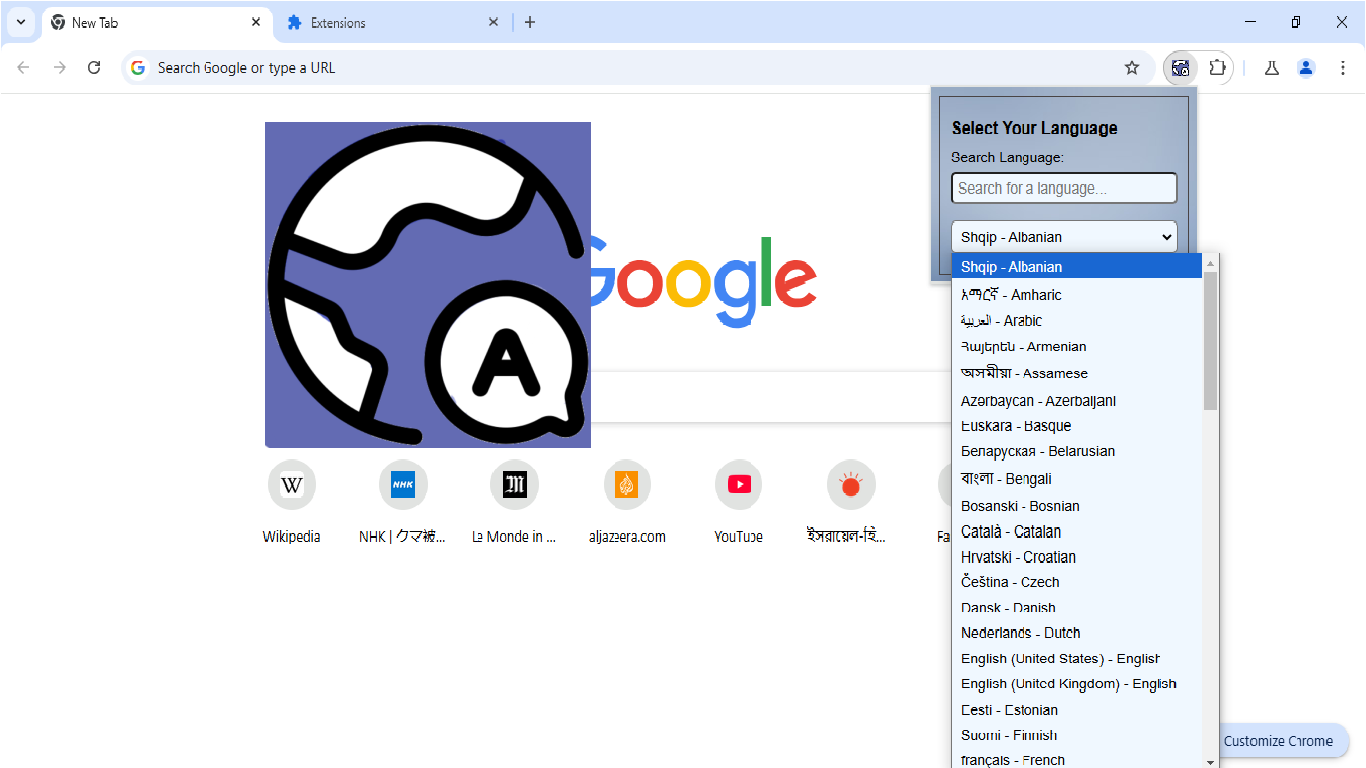
Inspiration
As someone who is non-native to English, we often come across many words while browsing that we do not understand. We seek help from dictionaries or translators. However, these tools only give the word meaning and often require navigation, which can cause us to lose the context of the page.
Since we want to learn new words, getting definitions can help us a lot to memorize them. Getting audio in my language along with the definition can help a lot of people with auditory memory.
WordFusion Overview
The concept is simple:
- WordFusion translates any word you want to know the meaning of. It not only provides the translation but also gives a clear definition of the selected word.
- If you select a sentence or a paragraph, WordFusion offers both a translation and a brief summary of the content.
Additionally, it provides an audio translation in your native language, helping you better understand and memorize the word or phrase, all in one click.
| Note | |
|---|---|
| WordFusion will be available on the webstore soon. Once published, you can find it here. | |
| https://chromewebstore.google.com/detail/wordfusion/jchoghihefchfjocdphokfdfpnhcgckn?authuser=0&hl=en-GB |
How we built it
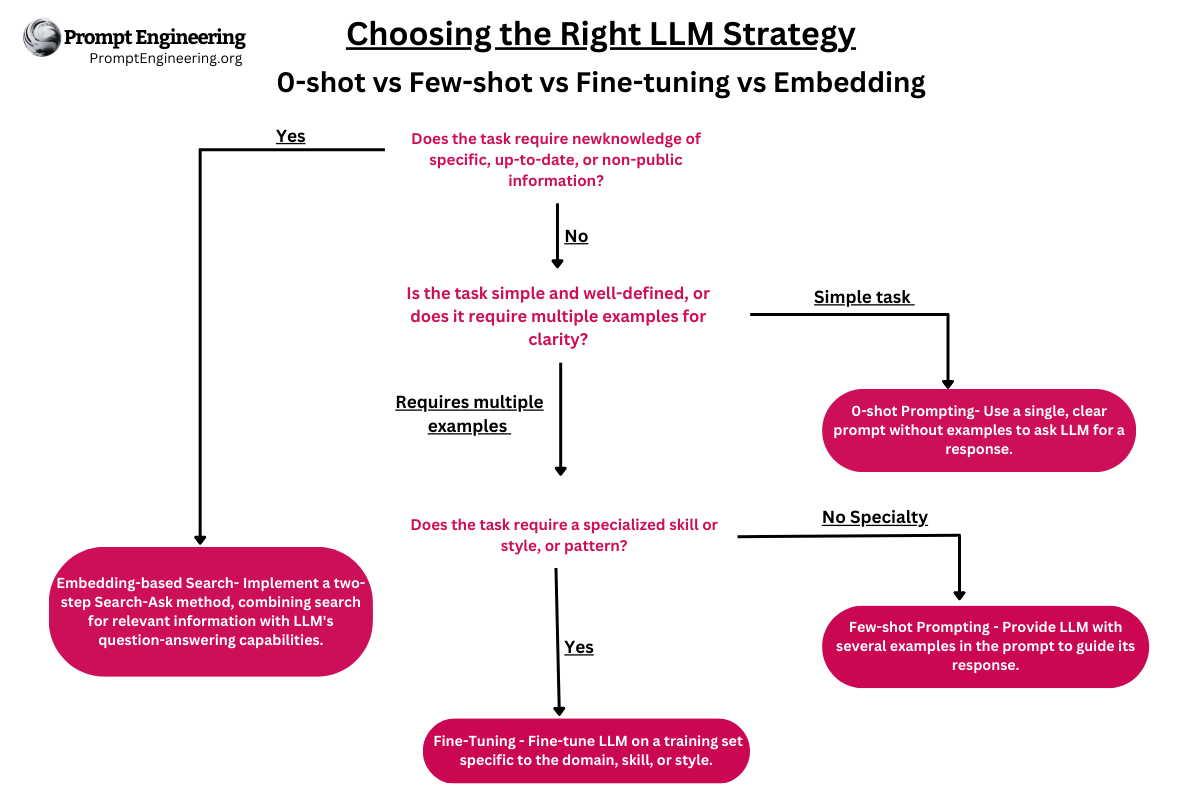
At the core of WordFusion, it relies entirely on Gemini's multilingual capabilities. To address Gemini's non-deterministic behavior, the prompt is carefully engineered with a few-shot approach.
| Prompts |
|---|
 |
Accomplishments that I'm proud of
As an undergraduate, I am continuously learning, and this is the first extension I've built that addresses a real need. Many of my friends are eager for its publication so they, too, can use it and enjoy a seamless browsing experience.
What is different about WordFusion
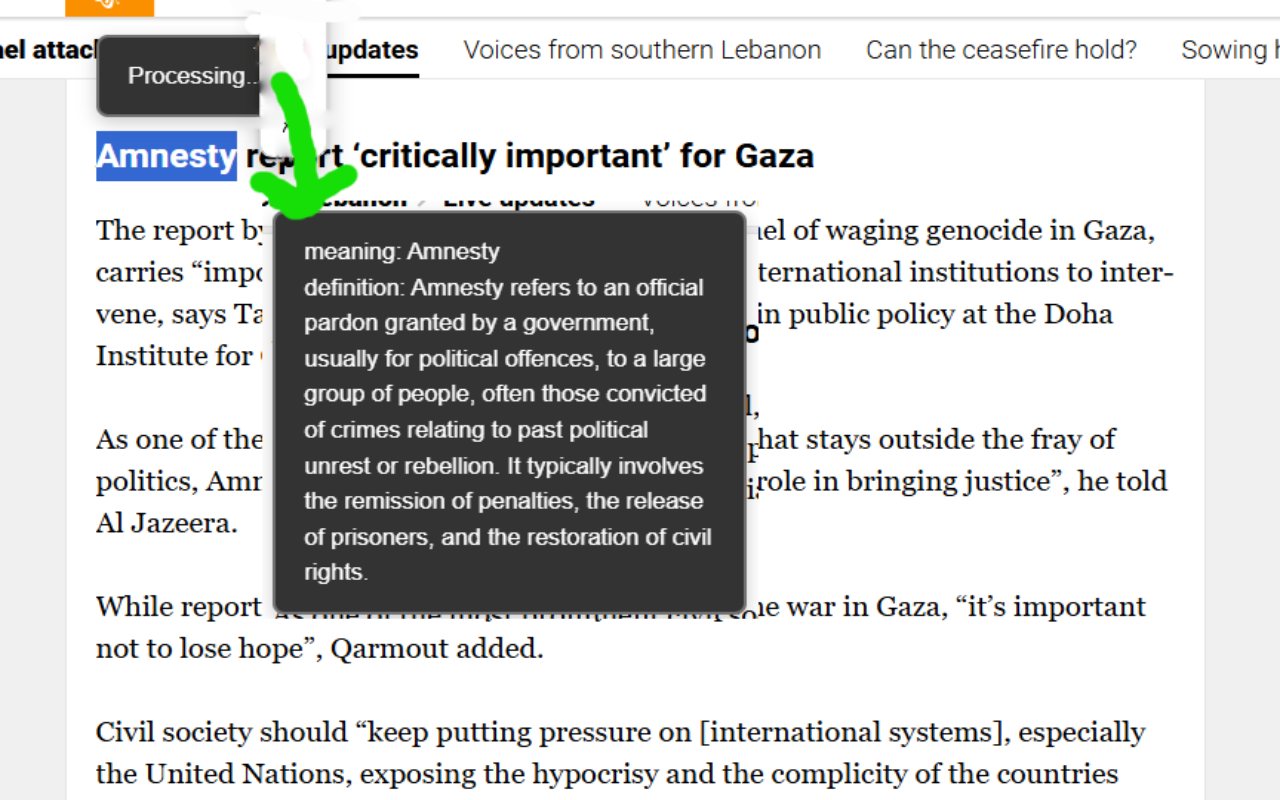
WordFusion can recognize parts of speech and provide translations accordingly. Below is an example in English-English.
What's next for WordFusion
In the near future, I am planning an update that will include:
- Learner's Section: A space to learn more words similar to the one you selected for translation, with multiple-choice questions (MCQs).
- Image and Video: An option for image descriptions and video summarization, designed to help people with special needs connect with the internet more easily.

Log in or sign up for Devpost to join the conversation.