-
-
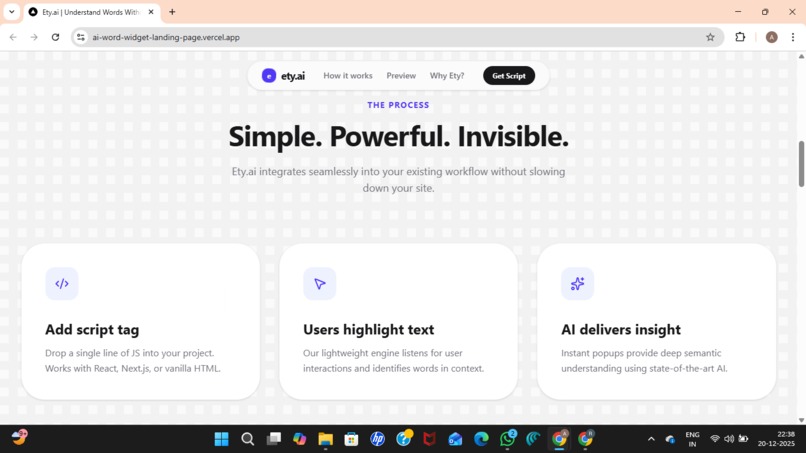
Steps to use
-
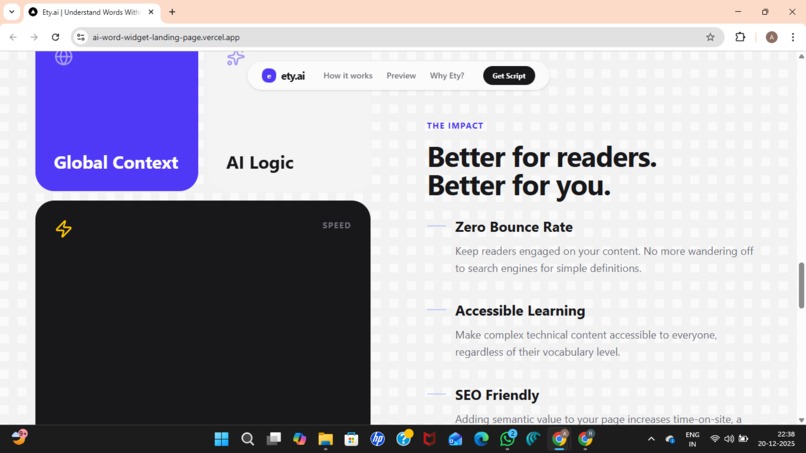
Why WordFlow
-
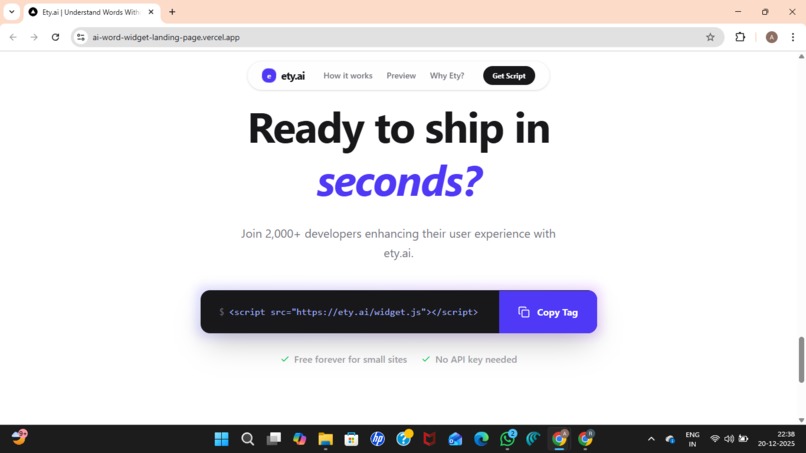
Way to use directly
-
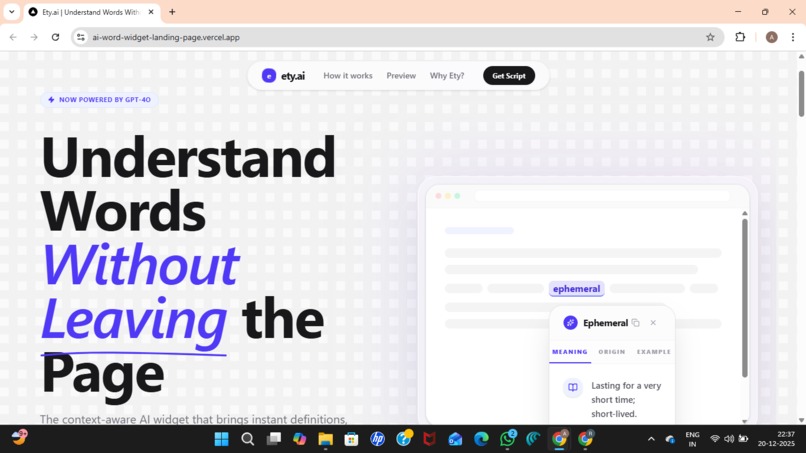
UI interface
-
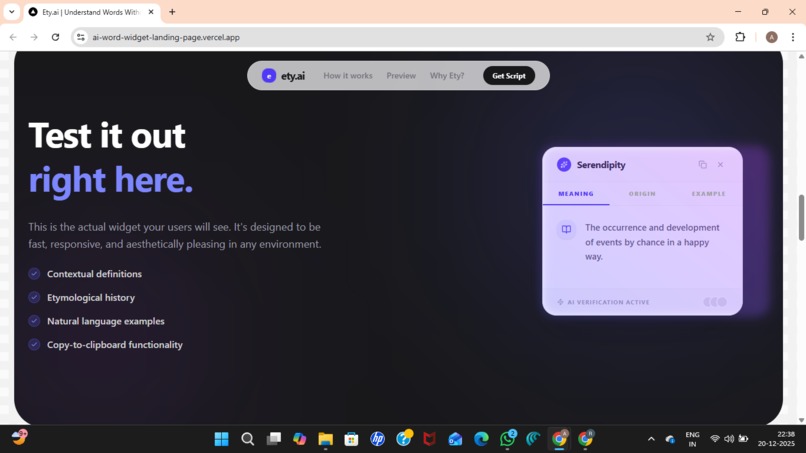
Live Demo
-
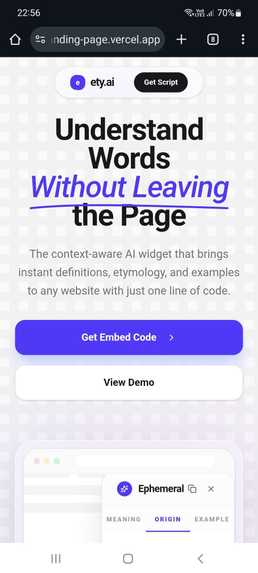
Responsiveness


Inspiration
While reading articles, blogs and documentation, we repeatedly encounter unfamiliar or complex words. The usual solution is to open a new tab, search for the meaning, and then try to return to the original content. In reality, this constant context switching breaks focus, interrupts learning, and often leads users to abandon the content altogether. We were inspired to solve a simple but underestimated problem: understanding words should not interrupt reading. If etymology and words meanings could appear exactly where the reader is, learning would feel natural instead of disruptive.
What it does
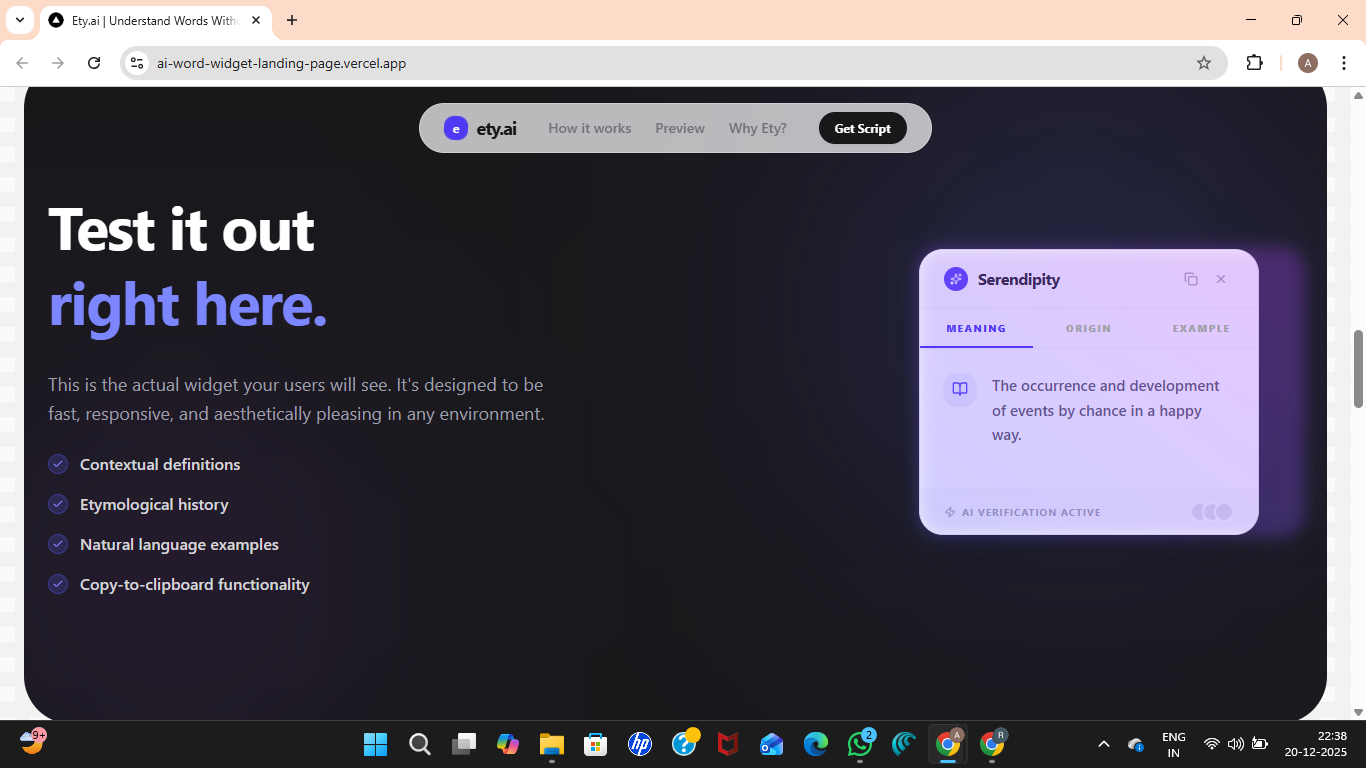
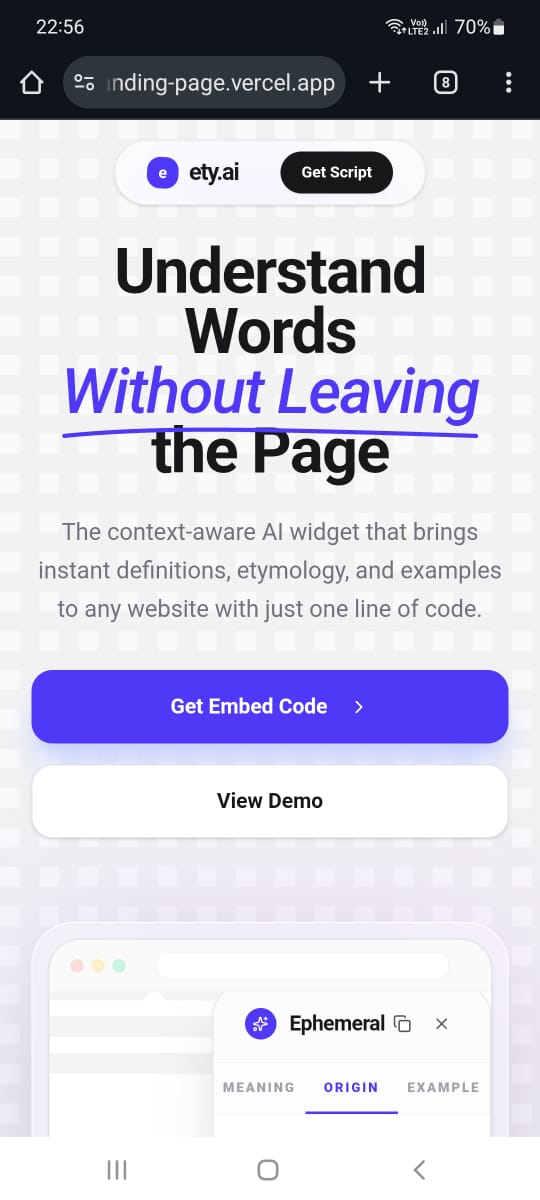
WordFlow is a lightweight, embeddable AI-powered widget that allows users to instantly understand word meanings, origins, and examples without leaving the page. Once the widget script is embedded into a website: -Users can click or select any word -A clean popup appears directly on the page -The popup shows the word's meaning, etymology and usage No new tabs. No app switching. No broken reading flow.
How we built it
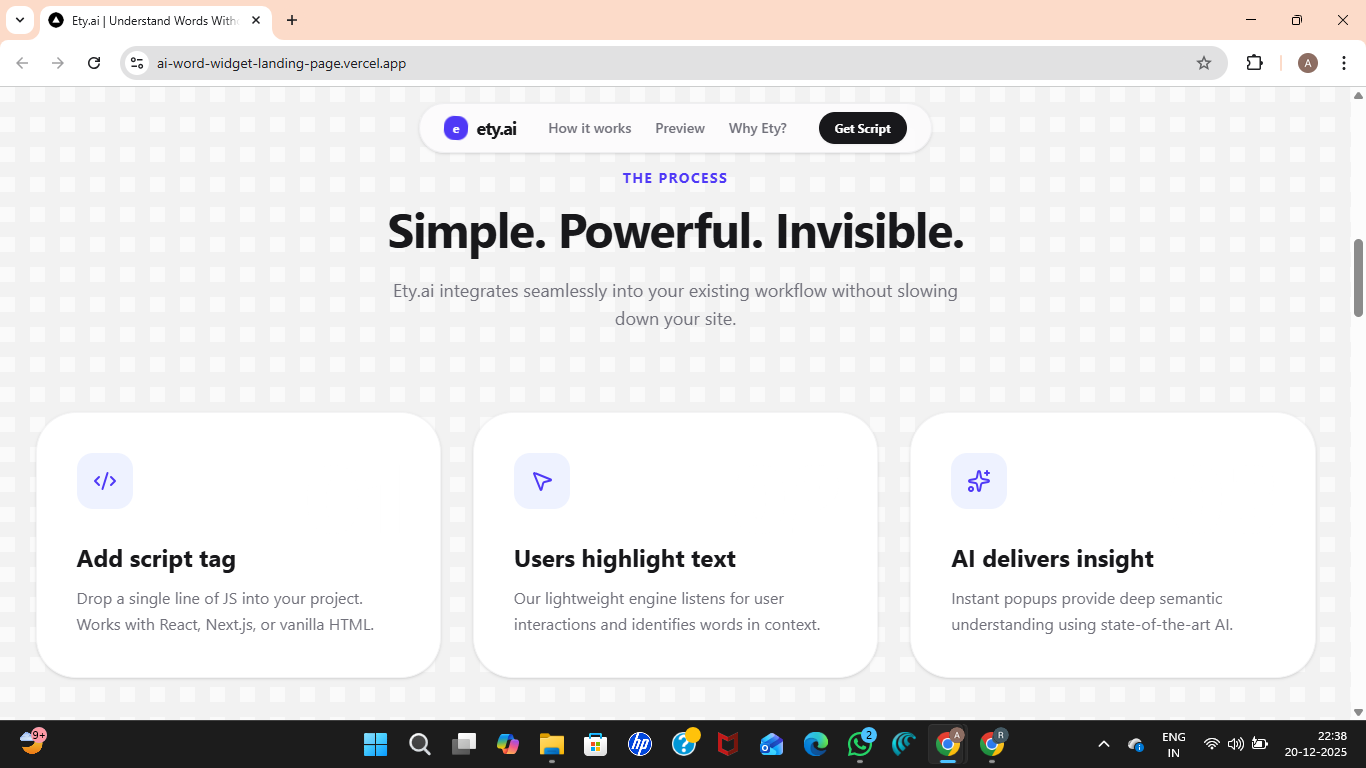
WordFlow was designed with simplicity and speed in mind, focusing on one core user experience. -A minimal frontend renders a floating, non-intrusive widget popup -The widget captures the selected word contextually -The backend fetches AI-powered explanations using ety.ai capabilities -The entire system works through a single embeddable script that can be added to any website We intentionally avoided unnecessary features to ensure the experience remains fast, intuitive, and distraction-free.
Challenges we ran into
One of the biggest challenges was balancing depth vs clarity. Word explanations needed to be informative without overwhelming the reader. Another challenge was designing a widget that feels native on any website, regardless of layout or theme, while saying visually lightweight and readable. We solved this by keeping the UI minimal and prioritizing concise, human-like explanations.
Accomplishments that we're proud of
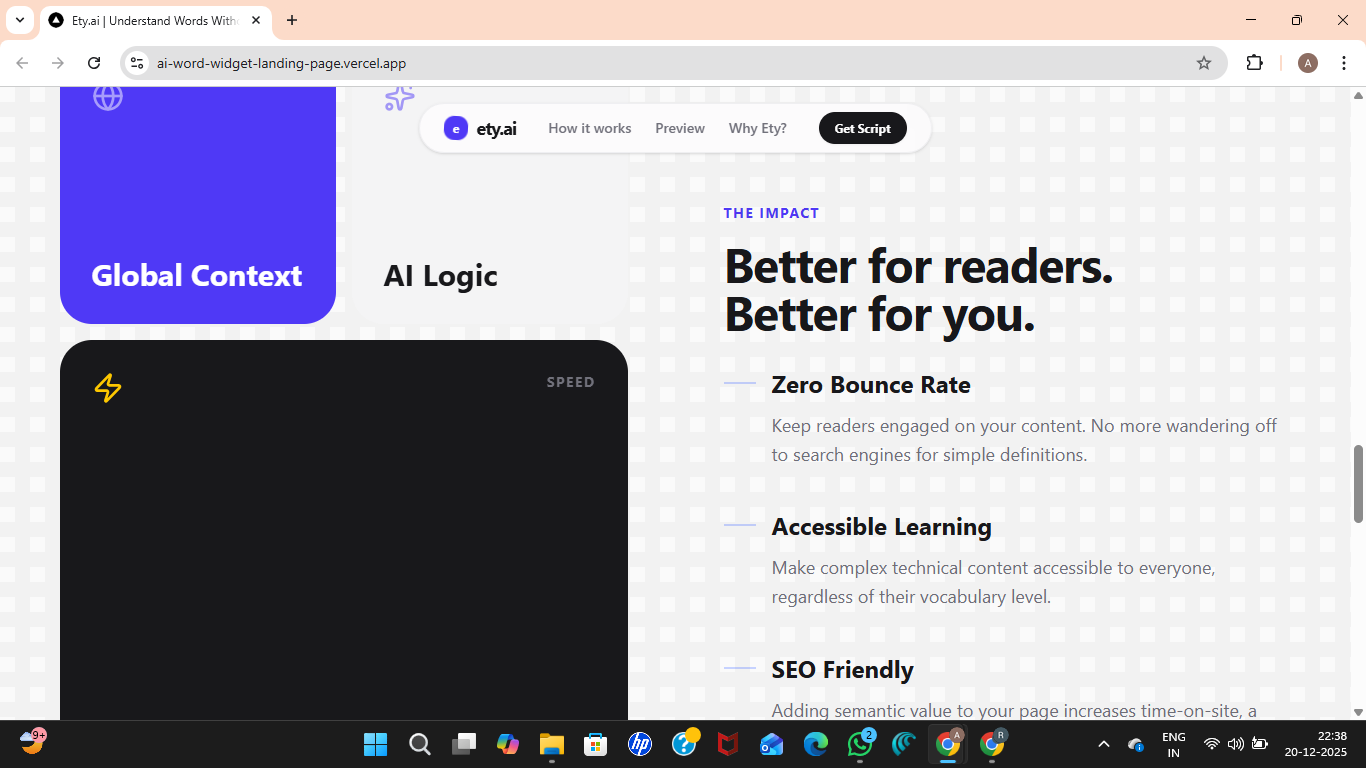
-Built a fully working embeddable widget withing hackathon constraints -Created a zero-context-switch learning experience -Designed a clean, production-ready UI instead of a prototype-style interface -Aligned closely with ety.ai's mission of making etymology accessible and contextual
What we learned
This project reinforced an important lesson: small friction points create big learners barriers. We learned that impactful products don't always require complex systems-sometimes removing one unnecessary step can significantly improve user experience. We also gained hands-on experience designing AI-powered tools that prioritize Usability over raw technical complexity.
What's next for WordFlow
Future improvements include:
- Difficulty-based explanations (student vs expert)
- Multilingual word support
- Deeper contextual understanding based on sentence usage
- Analytics for content creators to understand reader engagement WordFlow has the potential to become a universal layer for contextual learning across the web.
Built With
- css
- ety.aiapi
- html
- javascript
- node.js
- react
- restapi
- vercel

Log in or sign up for Devpost to join the conversation.