-
-
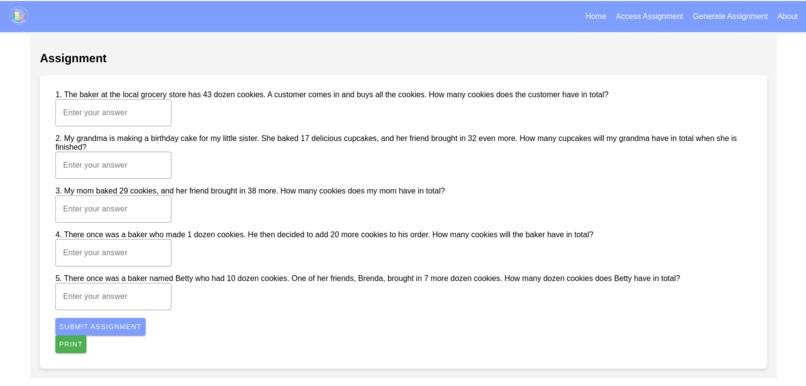
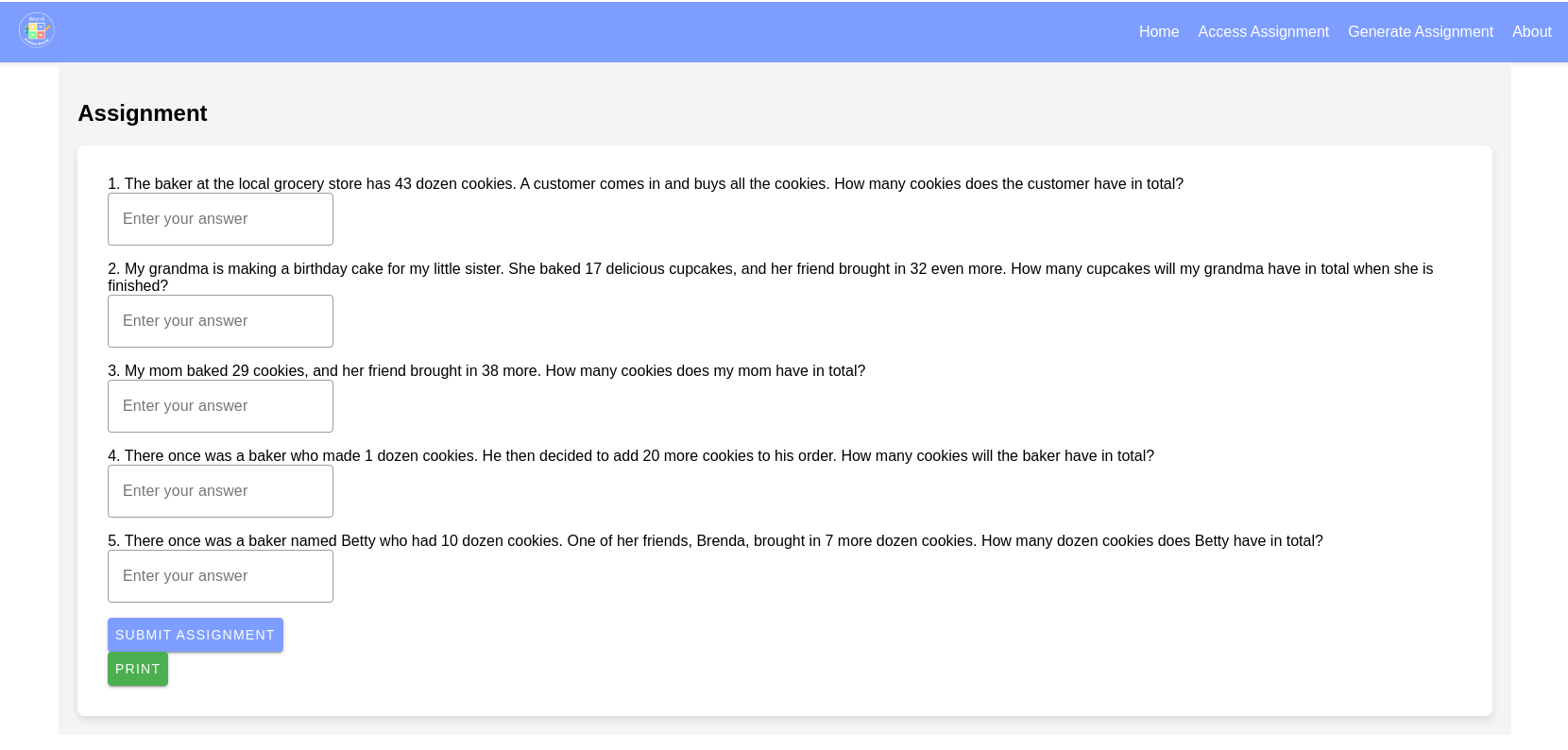
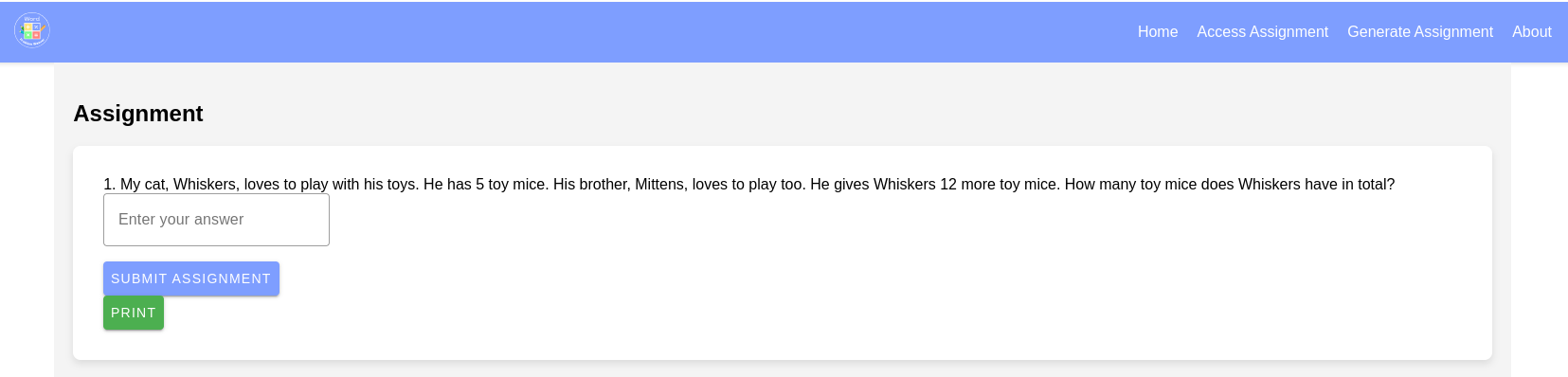
Sample problem set created with the Writer API
-
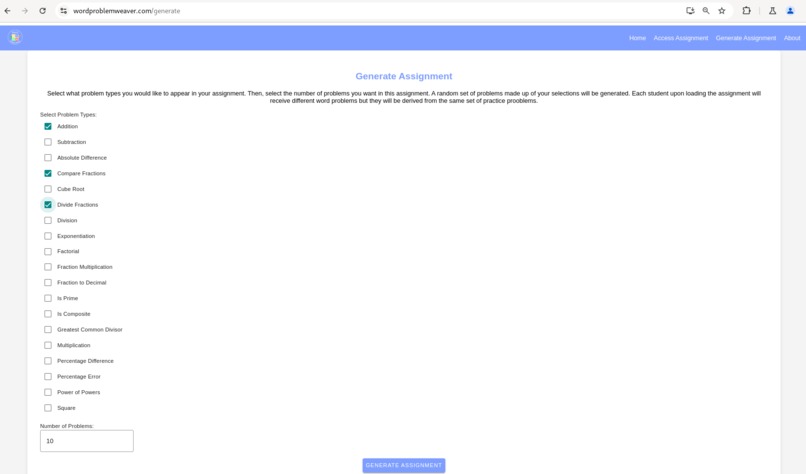
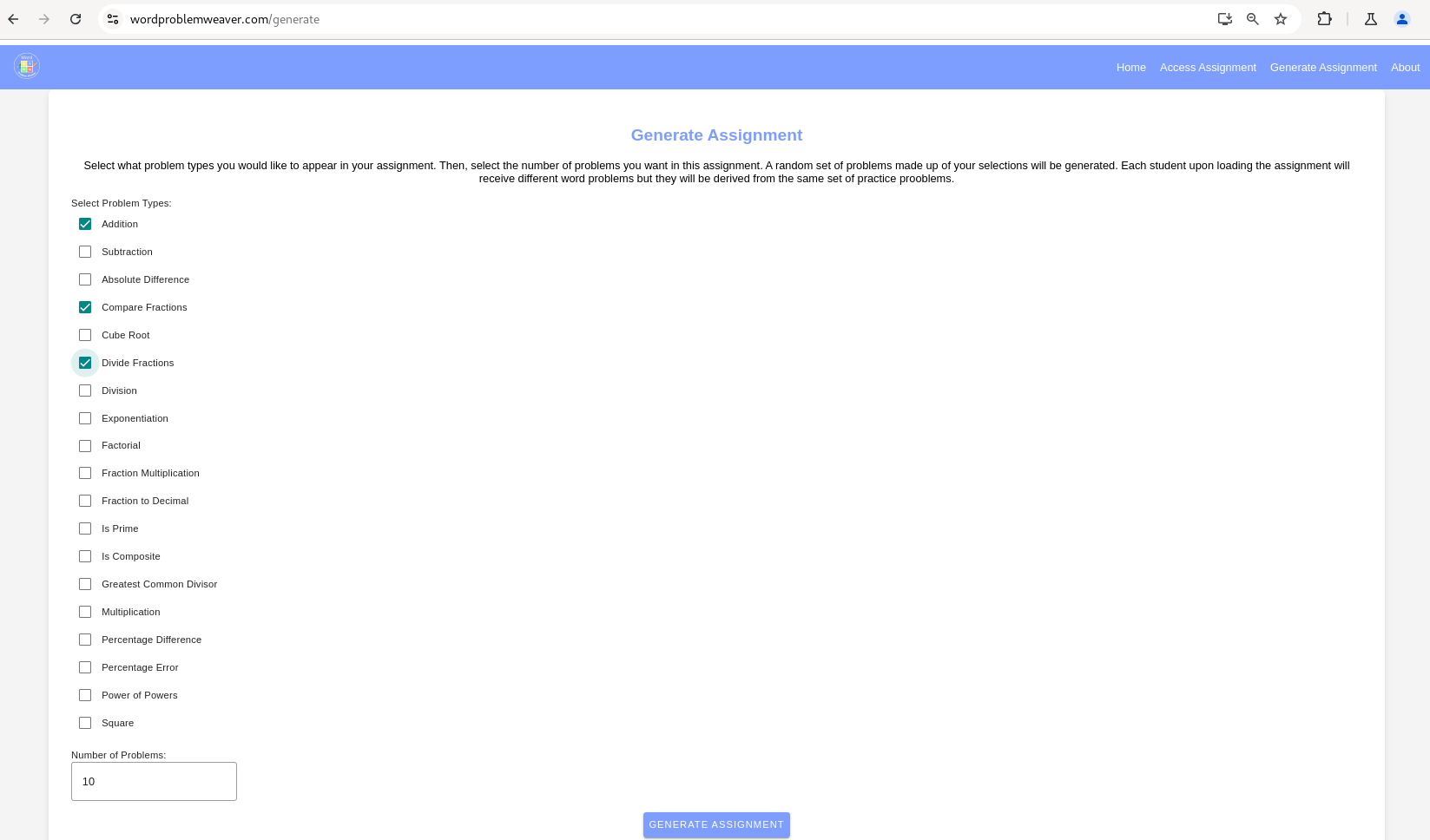
Teachers can select from many different types of problem sets and have creative assignments generated for them.
-
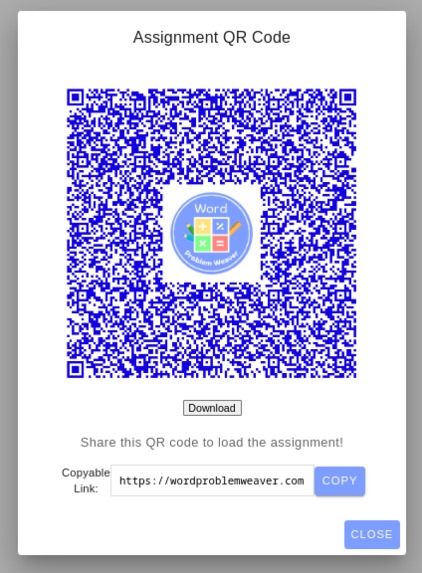
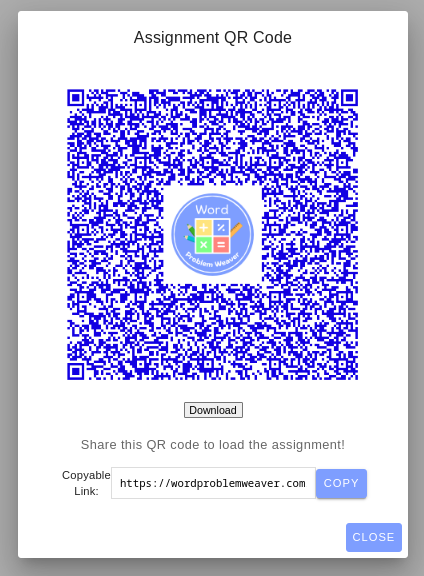
Teachers are given a QR code and links. As long as the user has visited Word Problem Weaver once, they can access assignments offline.
-
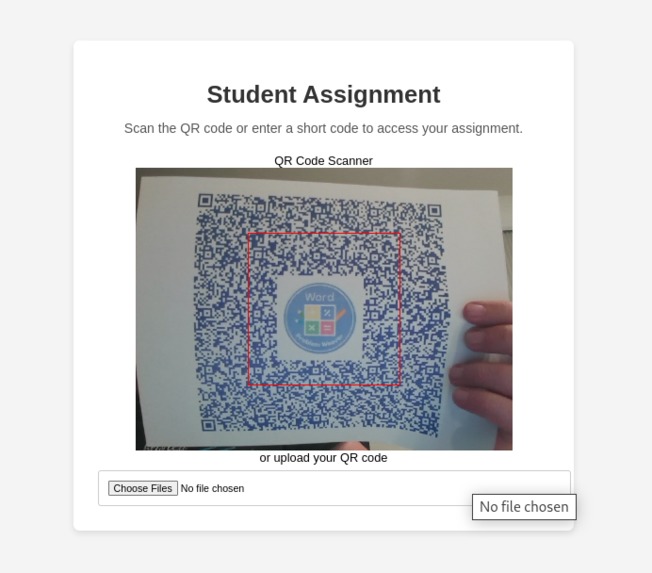
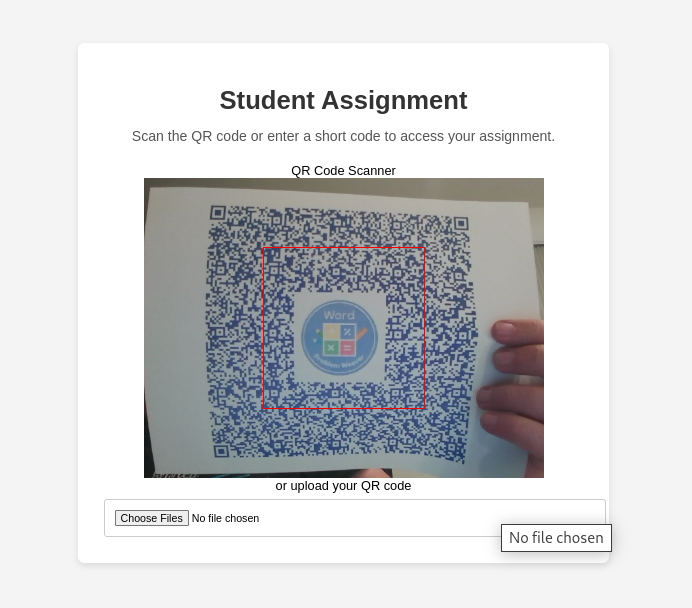
Users can scan QR codes to access assignments, even offline
-
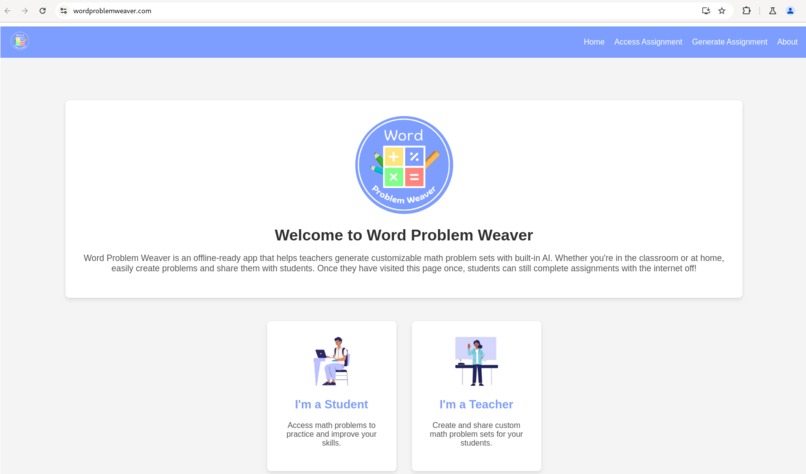
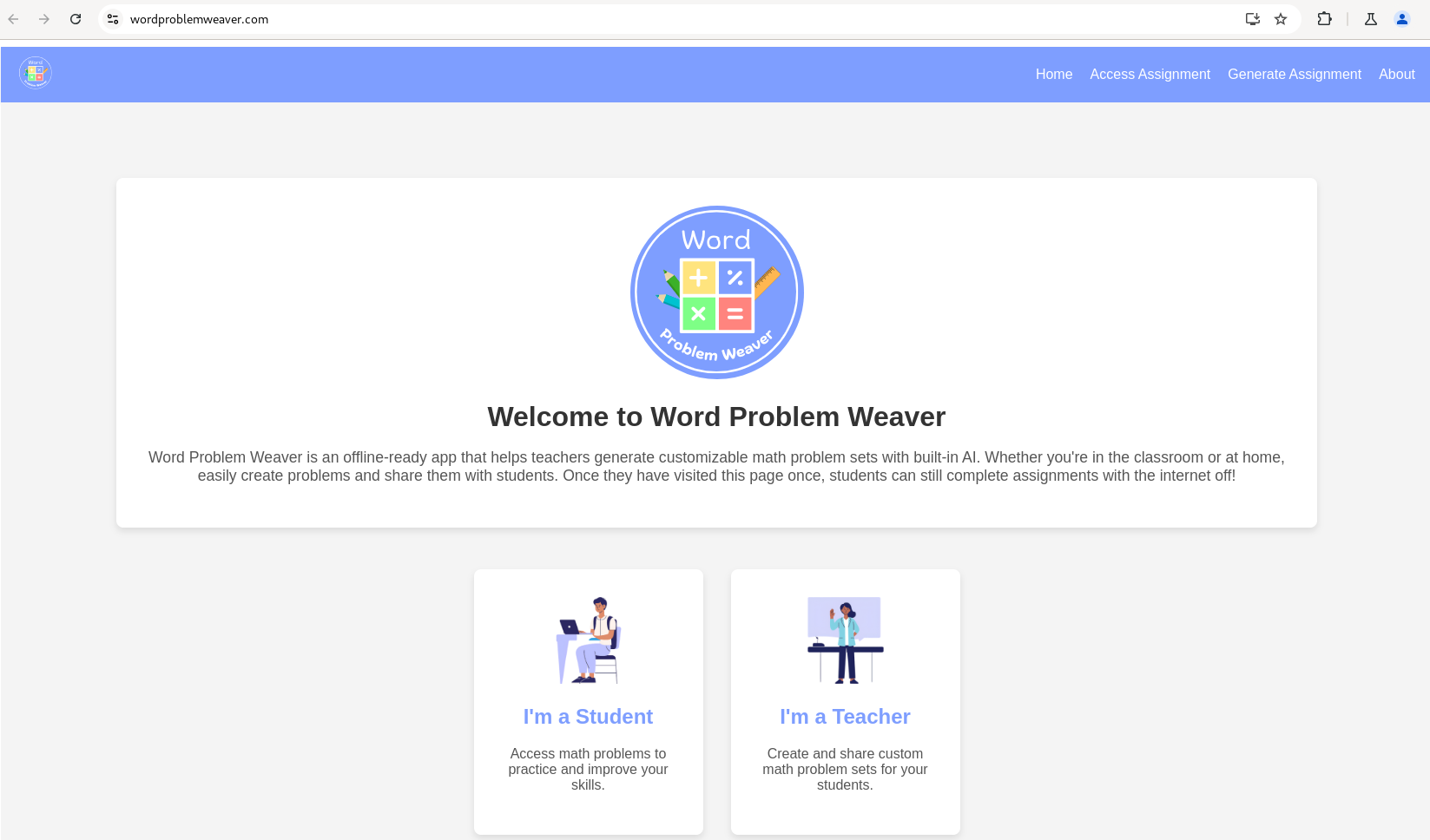
The homepage guides users to the appropriate area of the application.
Inspiration
As a volunteer in classrooms, I observed how unreliable internet connections could disrupt lessons that rely heavily on digital tools. In fact, when the internet went down or became unbearably slow (which happened a lot!) classrooms could grind to a halt! Teachers and students struggled when apps or websites went down, affecting lesson flow and engagement. Pivoting to pen and paper is more difficult than you would think as resources have been allocated to technology and away from paper copies and materials needed. Additionally, as many as 3.7 million households with children do not have access to the internet at home in the USA, requiring any lessons sent home to run offline which frequently is not possible with modern ed-tech applications. This experience inspired me to build a tool that ensures continuous learning, even in environments with poor or no internet connection. Importantly it needed to run on Chrome, as 85% of schools in the United States of America have a Chromebook program. When these exciting built-in AI tools make their way to these devices, I wanted to build an ed-tech tool that would be ready to make full use of them!
What it does
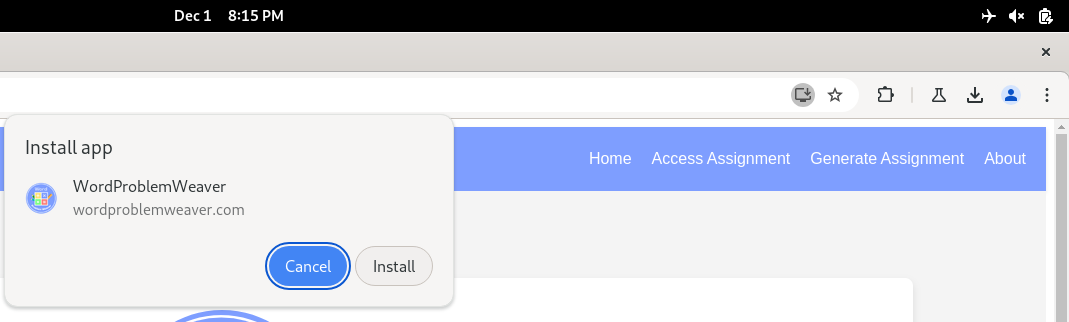
Word Problem Weaver is an offline-ready Progressive Web App (PWA) that helps teachers generate customizable math problem sets. By leveraging Gemini Nano for client-side built-in AI, the app uses the Writer API to generate word problems and level-appropriate hints for students. These problems are tailored to problems that are programmatically generated based on topics the teacher selects, and the app allows easy sharing via QR codes or custom links. These links and QR codes can be shared on learning management platforms like Seesaw or Canvas and can be scanned/clicked offline to still access lessons. This is because the lessons are actually digested and compressed into these special links, and reconstituted for each student using built-in AI when accessed!
How I built it
I built Word Problem Weaver using Vue 3 as my web framework with BalmUI for Material Design UI components and Vite as the build tool. It is deployed as a static website to Render. The app uses Google Chrome's Built-in AI to generate engaging and relevant word problems using the Writer API and Gemini Nano. The app's offline capabilities are powered by PWA technology, allowing it to function fully without internet access. Using Vite's PWA plugin the site's images, JavaScript, HTML, and CSS are cached for offline use in the browser. Additionally, it incorporates features such as QR code generation for sharing assignments and LZ-based compression for compressing assignments into URI-safe strings.
Challenges I ran into
One major challenge I faced was ensuring that the AI-generated content was both accurate and meaningful in a classroom context. Fine-tuning the prompts for the Writer API to create appropriate word problems that followed the mathematical formulas exactly was a delicate balance. I learned a great deal about prompt engineering and applying constraints when asking for specific outputs from a large language model. I appreciate the Built-in AI EPP for its assistance navigating the Writer API and finding workarounds to common exceptions, such as the untested language exception. Working in an offline-ready architecture is difficult because many design patterns and libraries assume you have an internet connection. Learning how to use the browser cache and store state in URIs was critical to making this application work. Finally, using AI ethically and safely was another challenge. In addition to thoughtfully crafting prompts, content disclosures have been added to the About page and to the repository readme to make it clear that this application includes AI generated content.
Accomplishments that I'm proud of
I am particularly proud of the app’s offline-ready functionality, which allows it to fully operate without needing a constant internet connection. This feature is essential for classrooms where internet reliability is an issue. This could not have been accomplished without the use of client-side AI. Additionally, the integration of AI for generating word problems is an exciting accomplishment, offering teachers a powerful tool to automate assignment creation.
What I learned
Through this project, I learned how to effectively integrate Google Chrome's Built-in AI into a web application, ensuring that the AI's output is both accurate and contextually relevant for educational purposes. I also gained valuable experience in creating a robust PWA that provides offline functionality, an essential feature for digital education tools for classrooms that have unreliable, slow, or restricted internet access.
What's next for Word Problem Weaver - Your Offline-ready Math Tutor
Looking ahead, I plan to expand the app's capabilities by incorporating more AI-powered features such as a broader range of mathematical operations and different types of activities. As the built-in AI capabilities are expanded I would love to add images and use them in simple games designed to make learning mathematics fun. I plan on adding integrations with learning management systems to make it easier to generate and then post assignments for students to access. My long-term goal is to make Word Problem Weaver a go-to solution for mathematics education, providing a powerful, AI-driven tool that works even when the internet doesn't.


Log in or sign up for Devpost to join the conversation.