-
-
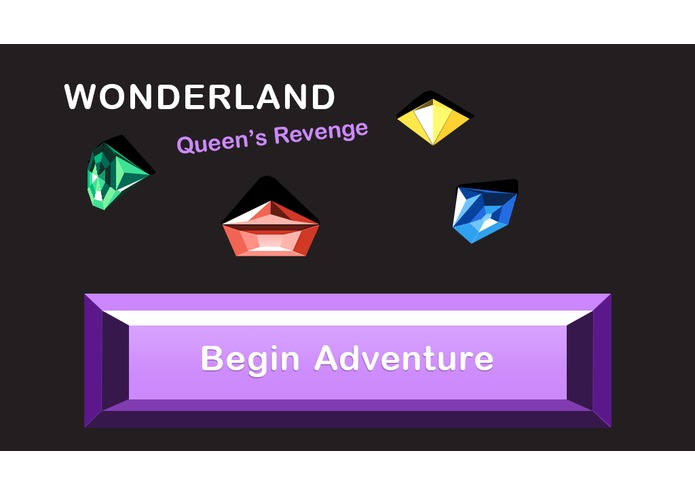
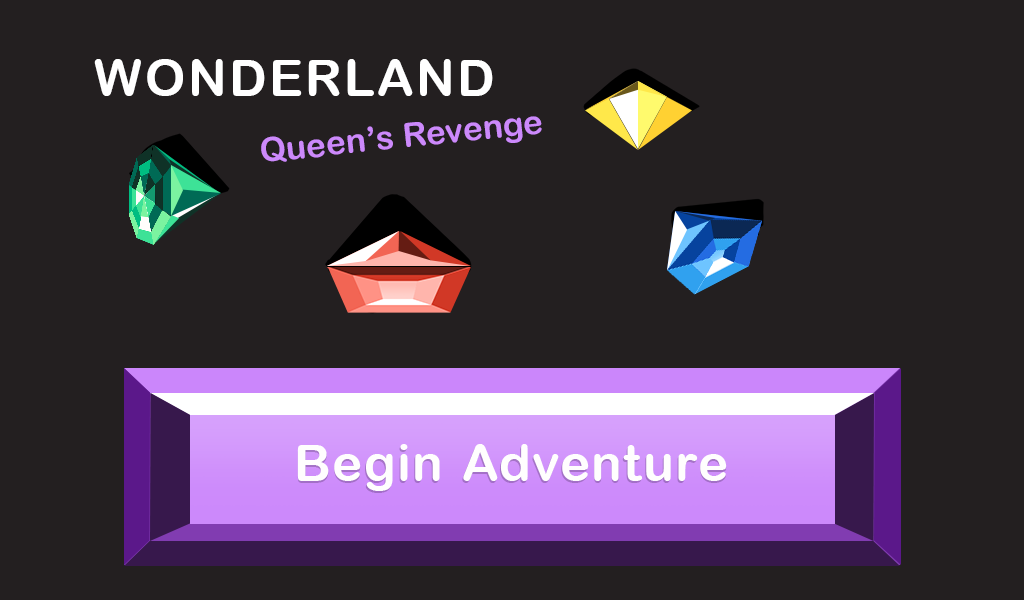
Title screen
-
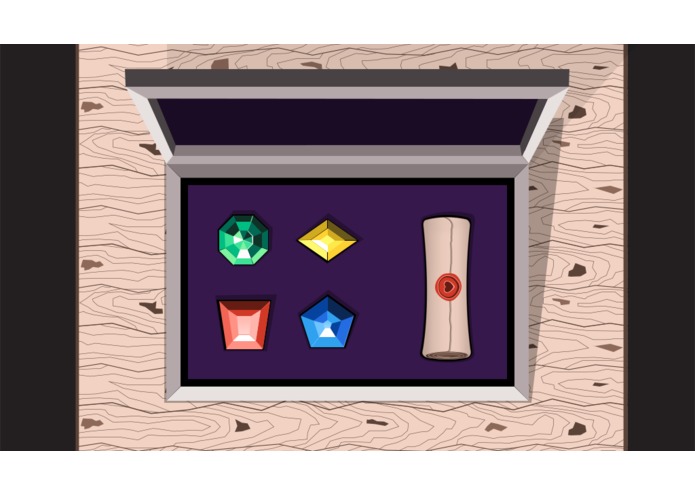
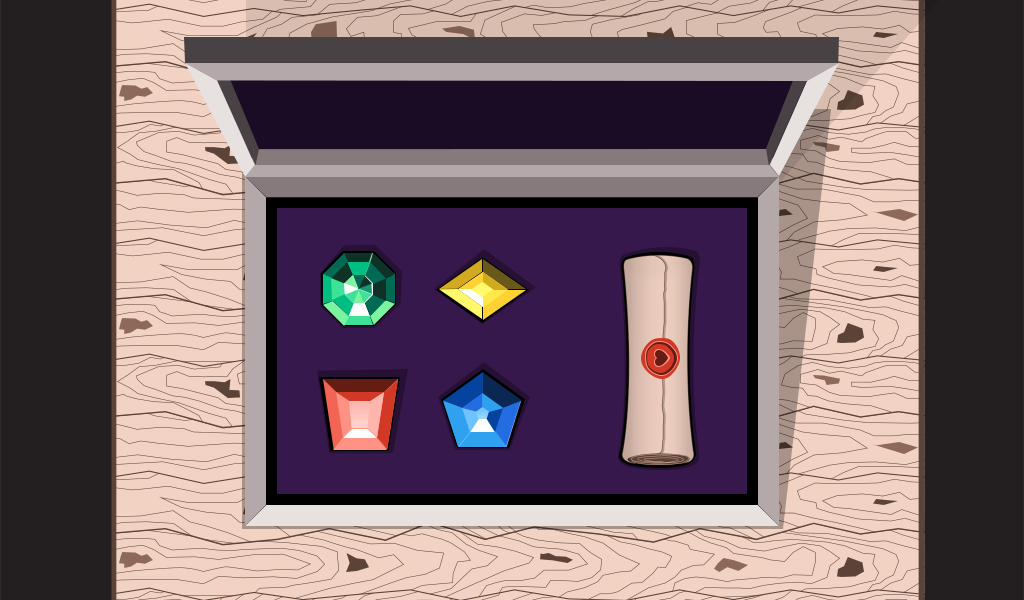
Wooden box
-
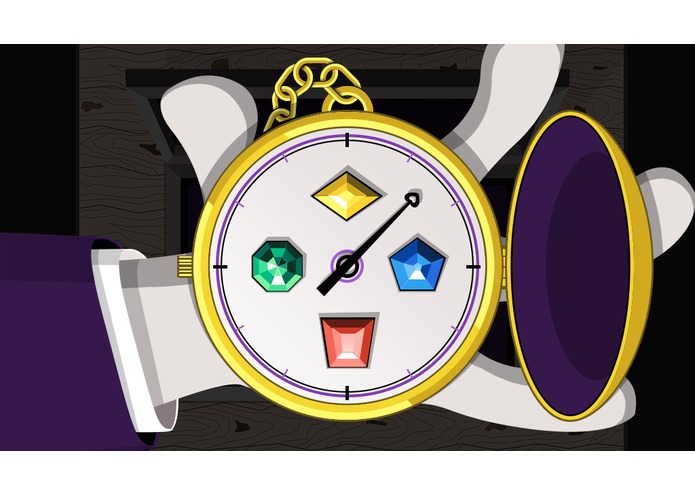
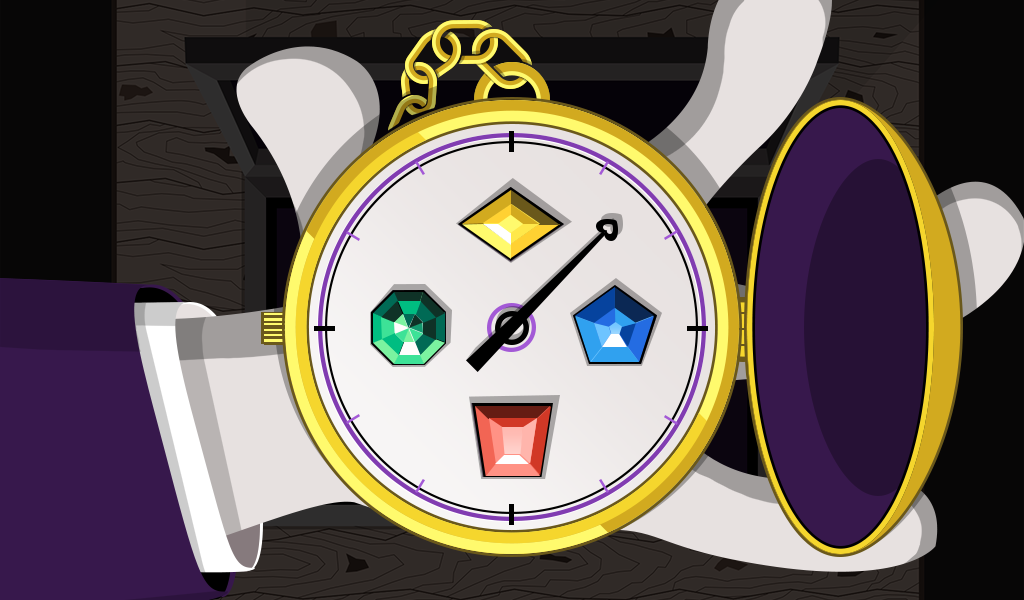
Gems and watch
-
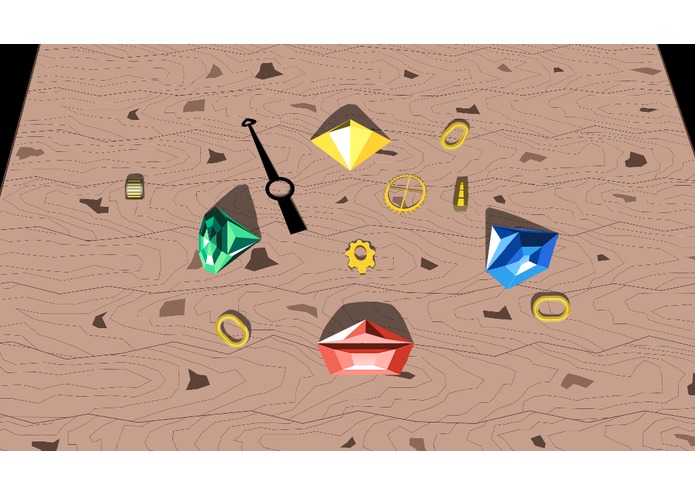
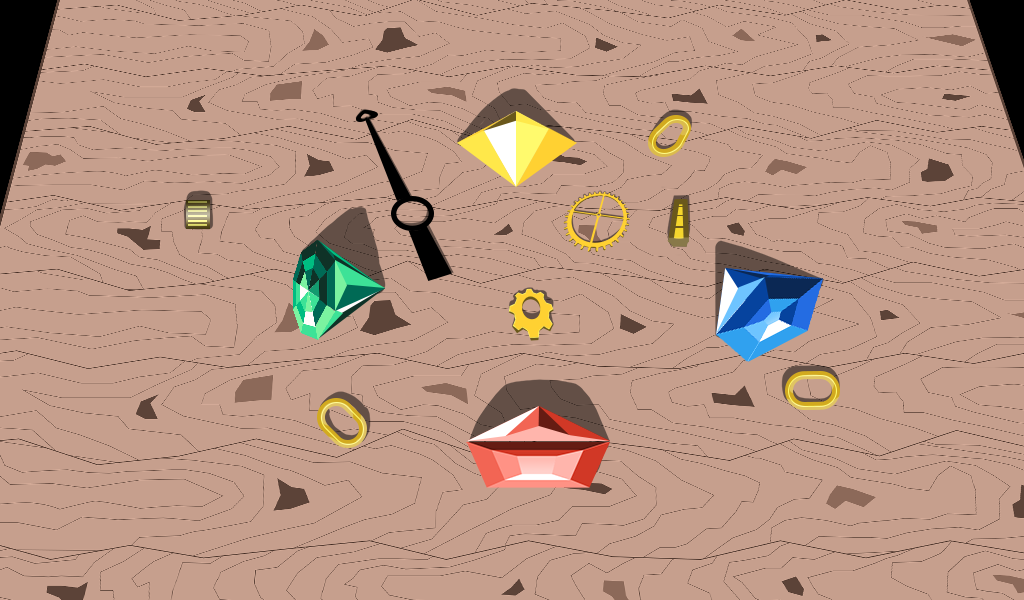
Watch exploded
-
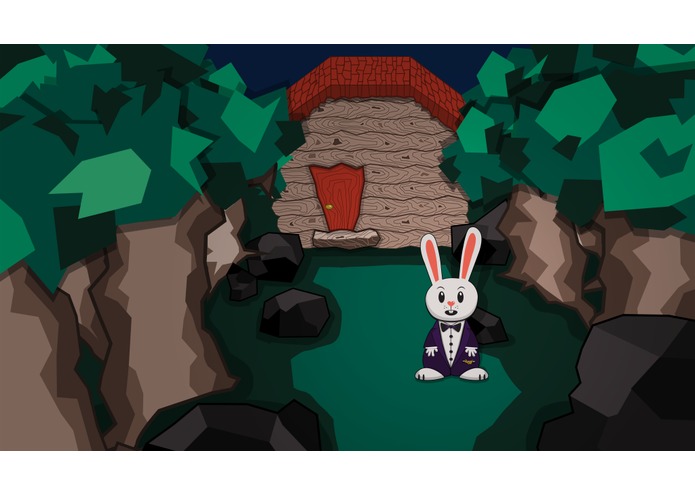
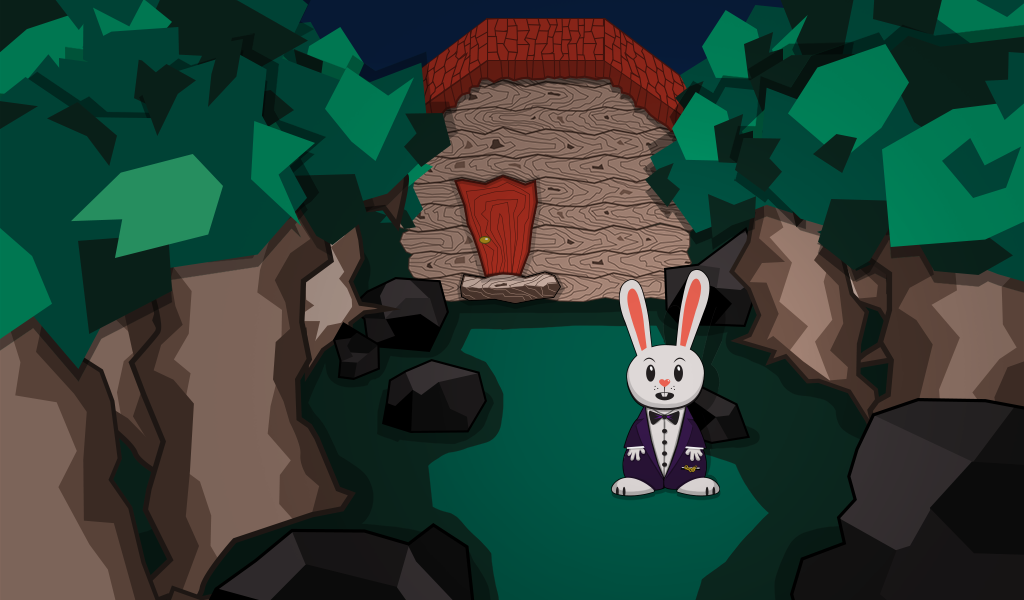
Rabbit and cottage
Inspiration
Wonderland: Queen’s Revenge is an adventure game where players can complete voice puzzles and play mini-games to help the creatures of Wonderland regain their stolen magic. We originally created this game as a Echo Buttons game, and decided to update and expand our skill using the newly released Alexa Presentation Language (APL).
For inspiration, we looked back at the history of computer gaming and focused on classic text based adventure games. We knew we had to be more innovative than a text based game, as those already exist without voice, so we thought of various ways voice and Echo Buttons could be incorporated into puzzles and narrative. As a result, we came up with the idea of creating a narrative driven adventure game that could use the buttons for both game mechanics and narrative cues.
For this hackathon we were excited to try APL, and our main focus was to innovate by using the new capabilities in novel ways.
Since we wanted the game to be story driven, we needed to pick a setting that was iconic and recognizable, so the story would really come alive for the players without needing drawn out voice descriptions. Lewis Carroll’s novel “Alice’s Adventures in Wonderland” was the perfect fit as it allowed us to build upon a well established world so we would have more time focusing on the player’s interactions with our game.
What it does
Wonderland was built around two core game mechanics: voice puzzles and touch-based minigames. Using these two interactions as focal points, the player is guided through an original story where they can find and investigate clues, and then piece them together to play a minigame to finish the level.
Clue investigation is conducted entirely through voice, with players being cued by the game narrator on what items they’re able to investigate in a given scene. Players are allowed to re-investigate clues if they wish, and the game has reprompts and help intents smartly designed to guide players back to the happy path if they’re ever confused. Successfully solving clues leads players to discover items, which are then used in the final minigame to actually beat the level. The minigame interaction is entirely done through touch interactions and presented with APL. In this way, the game blends multimodal input and presentation, while also preserving consistency to ensure players always know what actions can be taken at any time.
How we built it
- APL
- Node.js
- ASK SDK 2.0.0
- AWS Polly
- Bespoken (for local testing)
Challenges
We encountered many challenges while bringing our game to life, which really drove us to be creative with our problem solving. Since we were building a game, we wanted to ensure players were having fun first and foremost. Part of our game requires players to interact with the screen to solve puzzles and we quickly ran into some concerns regarding the design guidelines, how images could be reloaded, the pager component, and accidental screen taps.
Design
Amazon provides helpful design guidelines for Alexa skills, which we followed. However, there were certain instances where we found through player testing that due to our skill being a game, it was a better experience to deviate from those guidelines. We wanted to take a moment to explain why.
Certain sequences in our game focus solely on touch, and we chose not to build equivalent voice intents. During additional testing it was clear that players were appropriately guided to using touch input, and that the game was not expecting them to speak at those times. During these touch focused sequences we used the break functionality of SSML to introduce longer periods of delay, preventing the Alexa blue listening bar from appearing. Eventually the bar does show and the player will have to tap through the overlay, but the initial delay was added to reduce the chance that the listening overlay would distort the game visuals.
Images
Currently, APL does not allow skills to style an image’s source, hindering player feedback. First we experimented with a combination of SetState and opacity styling to create a show/hide effect but it just looked and felt strange. After some additional brainstorming, we realized that we could have our Image component’s source point to a non existent JSON Object. Once a player tapped on our TouchWrapper we would dynamically inject the JSON source object to the datasources. After the JSON object was added we would push the same APL Render Document, but this time one of the Image components would point to a new source object and render the image on load. It produced a really nice effect that allowed our players to experience feedback when they interacted with our game.
Pager
We had initially scoped out about 20 different screens with unique art, but we had to drastically reduce our screens when we ran into a major bug with Pager. We had intended to use a combination of the Sequential command along with SetPage and SpeakItem to automatically progress through the screens. When we began experimenting with the Pager component it worked flawlessly in the simulator, auto paging through the screens and speaking the text for each. But when we deployed to our Echo Show we ran into immediate issues. The device was ignoring our SpeakItem commands as well as our SetPage commands. The skill was jumping ahead, and there was no way to tell what was wrong. Upon reaching out on Slack, it was confirmed that there were bugs with Pager and that a patch would be coming on 1/22, the day the hackathon was due. We decided to scrap the Pager all together and focus on creating a streamlined experience in addition to a novel system that we created to prevent accidental interruptions.
Accidental Touches
If a player accidentally touched the screen’s device while Alexa was speaking, or during a brief bit of lag, Alexa would immediately be interrupted and eventually exit the skill. For us, this was not an acceptable user experience. When we asked on Slack if this was an intended feature of Alexa, we were surprised to hear that it was and that there was no way to mitigate this from occurring. This accidental tap affects any Alexa skill that is used on a tappable display. So we went back to the drawing board and invented a unique solution using TouchWrappers.
The TouchWrapper is a core feature of APL, it allows skill developers to detect touches on the entire screen or on specified sections. We utilized TouchWrappers extensively in our game, as we wanted touch to be a driving force of the player’s experience, and they came to the rescue when we were trying to solve this challenge.
We used TouchWrappers to detect any screen taps we were not expecting, and showed the player a resume screen. Alexa would inform the player that they accidentally tapped the screen and a resume adventure button was shown. If the player selected the button the current scene would restart, allowing the player to continue their adventure. This resume system required the use of game state to keep track of what scene the player was currently viewing. To enable this, we had to break down our code into smaller functions which were grouped together to form scenes. By creating this unique system we were able to prevent players from disrupting their adventure with an accidental tap.
Lag
In two different instances when the player would finish a touch sequence, they would experience a bit of lag. This was related to the amount of processing that was required to check the state and display the next APL document. While unable to reduce the lag, if the player tapped the screen again because of lag, we were able to utilize our new resume system to simply restart the scene without pausing Alexa.
Conclusion
Those are the main challenges we wanted to highlight while working on this hackathon. As we were working with software still in development, we expected that there would be challenges to overcome, and we’re proud of how we worked around these issues to create unique solutions. We’d also like to give a shoutout to Cami on Slack, she was super helpful in answering our questions and supporting us throughout development.
Accomplishments
Our biggest accomplishment was building our unique resume system that prevents accidental interruptions from disrupting the experience and politely guides the user back to their adventure. We’re especially proud of coming up with a novel solution to an issue that even Amazon considered to be an unchangeable interaction.
Additionally, to our knowledge, we’re among the first to create an Alexa game featuring APL. By upgrading the skill that originally used Echo Buttons, we successfully translated the button input to use touch and voice input. Additionally each member of our team learned something new which is discussed in the Learnings section.
Learnings
There were multiple learnings during this hackathon as we dove deep into APL and pushed it to its limits.
A lot goes into creating an APL document. Whether it is styles, resources, or just the overall layout, it can be quite overwhelming at first. We started with small simplistic layouts and as we became more comfortable with APL we built up our document complexity. We believe that APL is a powerful toolset that will allow developers to supercharge their Amazon Alexa Skills and it’ll be interesting to see how APL evolves over the coming months.
This was the first time our main developer worked on an Alexa skill so it was exciting to watch him take ownership over the codebase and bring it to the next level. His passion came through as he took time out of his development to explain the systems to non-developers on the team. We wanted to make sure that we all understood what was going on, even if it was from a high level. Our product manager was able to jump in and learn the basics of Git so that he could push up documents he made in the APL Authoring Tool and make copy changes using SSML. Our QA engineer expertly used her skills to dig up the sneakiest of bugs and allowed us to produce a truly polished experience. Finally our designer was able to experiment and create a new illustration style specifically for our skill. We may be biased, but we think the art style is super cool and really ties the entire experience together. Our main point of pride here was that everyone on our team learned something new in creating this adventure.
What's next for Wonderland: Queen's Revenge
Up next for Wonderland will be the creation of future levels, where players can continue their adventure. And as new features are added to Alexa, we will be incorporating them into our game to continue providing players with new and interesting adventures.
Built With
- amazon-alexa
- amazon-skills-kit-2.0.0
- ask-sdk-2.0.0
- aws-lambda
- aws-polly
- node.js


Log in or sign up for Devpost to join the conversation.