-
-
PowerPanic! Battery Builder - Logo
-
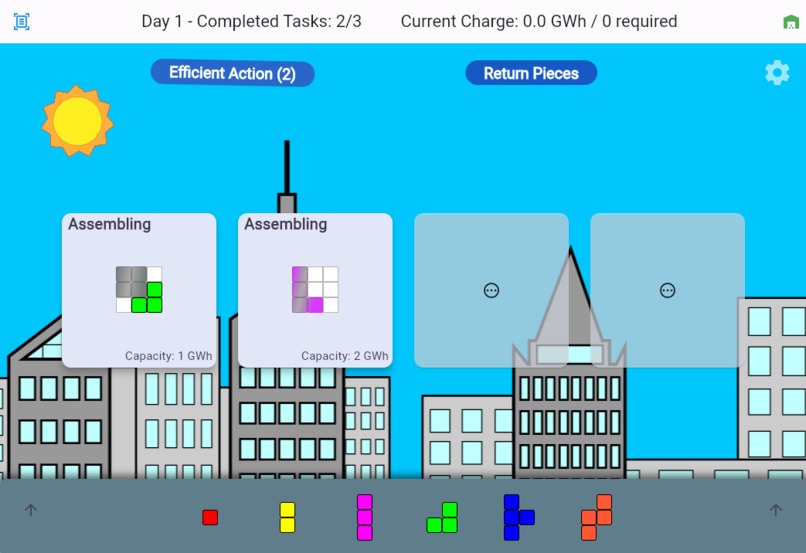
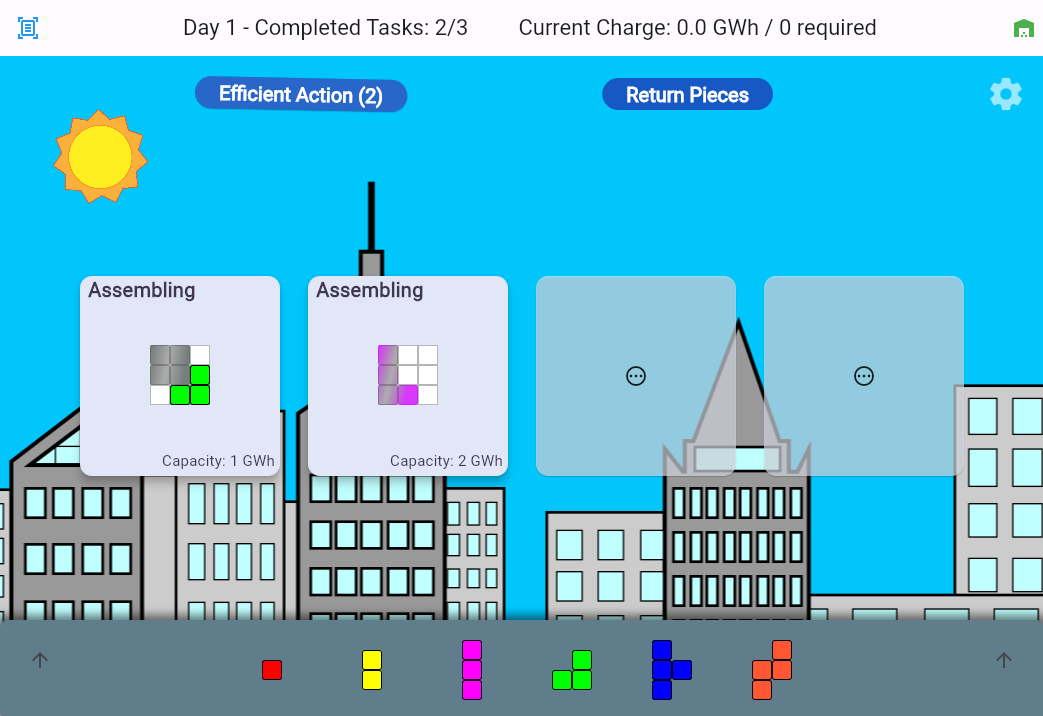
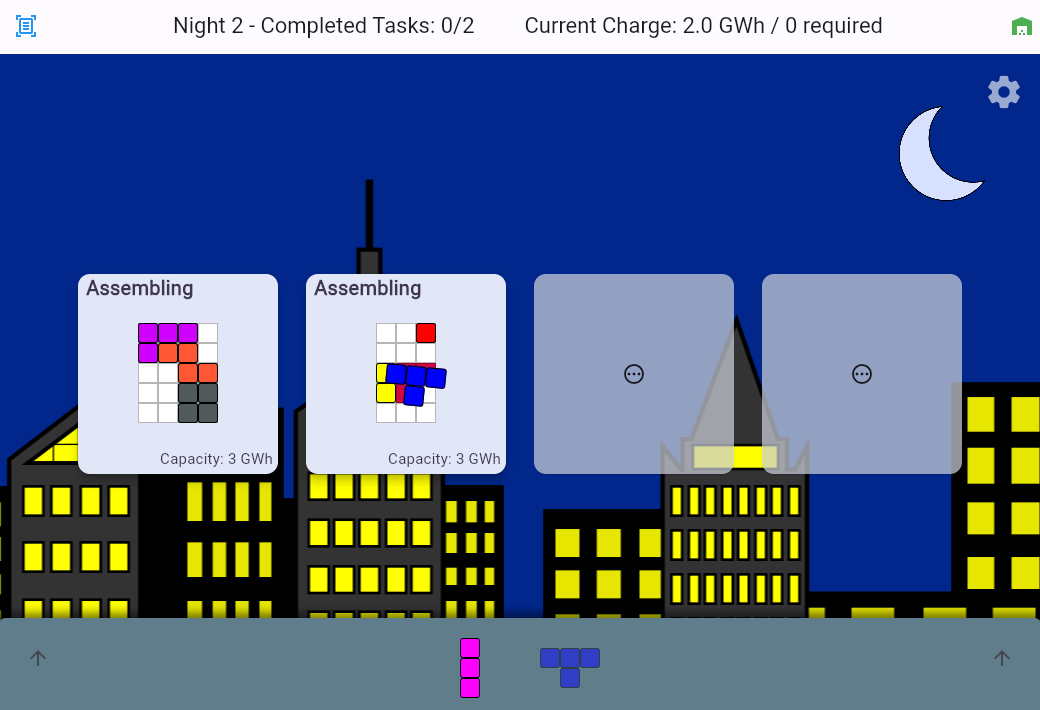
Place cells with efficient actions
-
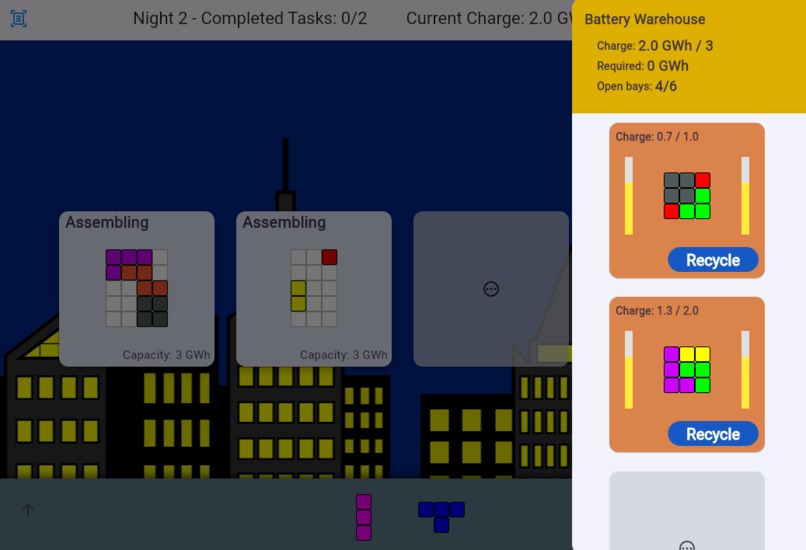
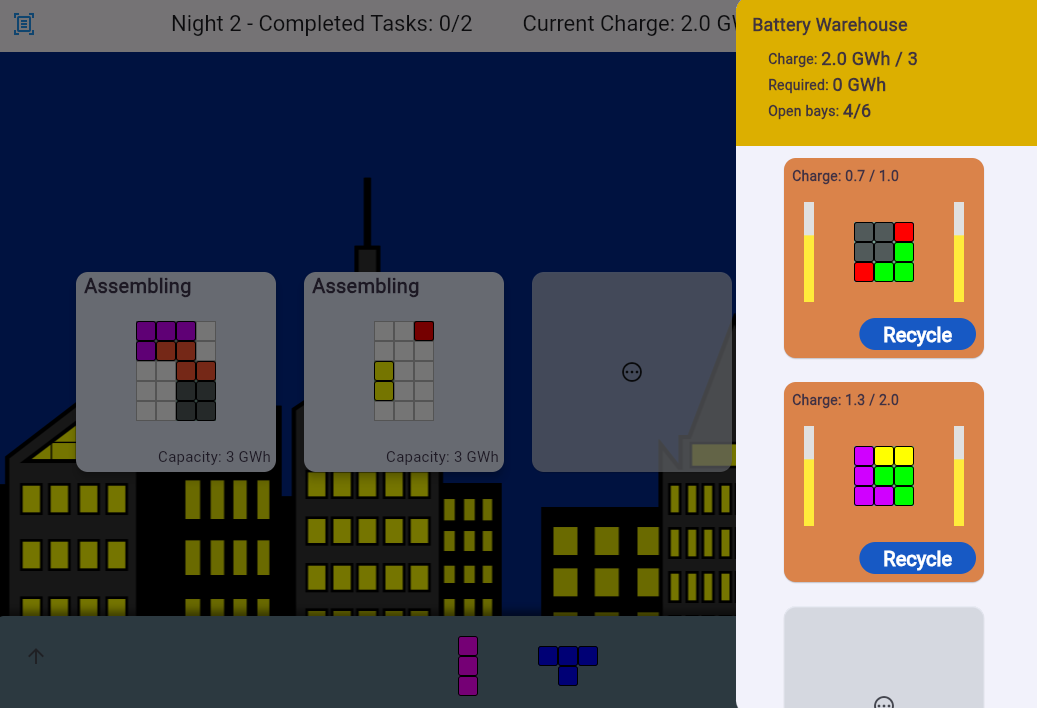
Battery Warehouse with charge indicators
-
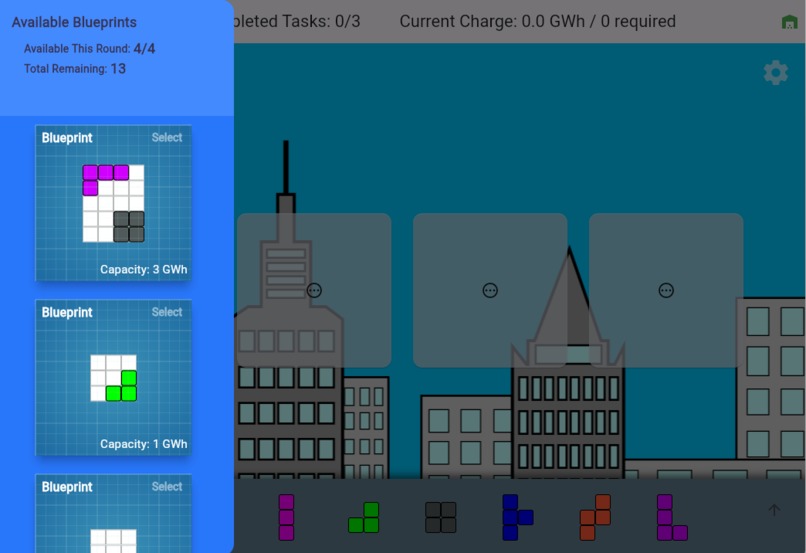
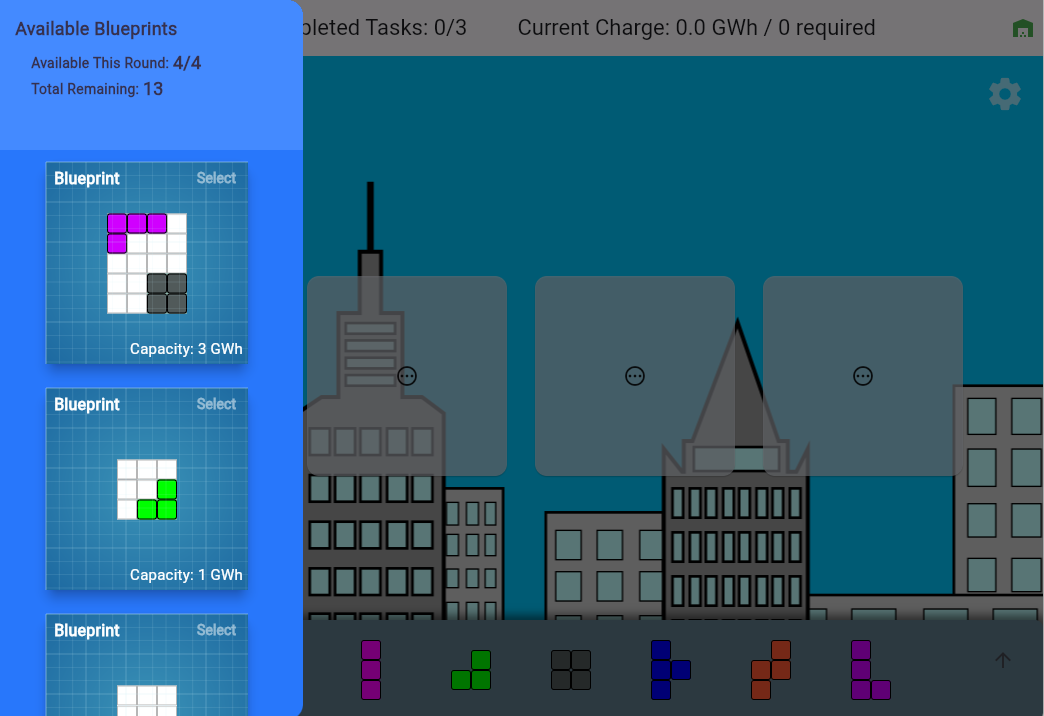
Select blueprints with pre-fit cells
-
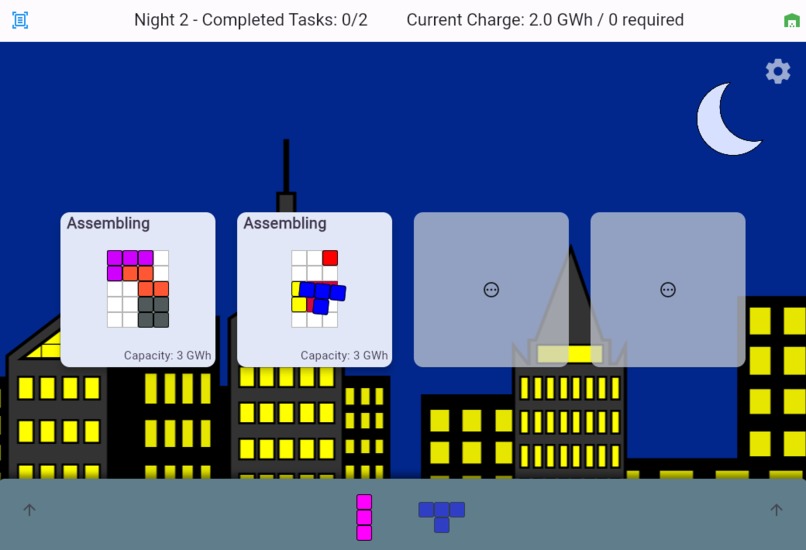
Dragging a cell piece with placement feedback
Inspiration
When thinking about sustainability and environmental responsibility we often get overwhelmed thinking about all of the huge, global scale projects proposals we hear in the news. With Power Panic! Battery Builder we wanted to focus on the incremental improvements that can be made to move us forward toward a more sustainable world. We are inspired by those who act now with the technologies that are available and continue to innovate towards greater efficiency.
What it does
Power Panic! Battery Builder you can start by building small batteries with low capacities, that meet the current targets. You are then able to upcycle some less helpful pieces, and recycle older batteries to build better, more advanced batteries as the technologies (blueprints) become available.
How we built it
We built Power Panic! Battery Builder using the Flutter framework. We were able to start with the "Casual Games Toolkit" using the card game template which had already implemented a drag and drop solution. We then handled tracking the orientation and placement of the pieces as we built out the battery circuit grids. From there we continued using the awesome Widget library available in Flutter and the great integrations with Firebase to get the game deployed.
Challenges we ran into
One of the challenges we ran into was figuring out how to display the different sections of our game in a clear and cohesive manner. The assembly area obviously needs to be front and center but you need to periodically check which blueprints are available and which batteries are in use to determine if you need to recycle and upgrade them. Flutter offers many options for this including navigating to another page or doing an overlay. We chose to use the Drawer feature which allows you to see the extra detail while still keeping your assembly area visible.
Accomplishments that we're proud of
We are proud of the constant progression that can be made as you select blueprints that come with pre-fit pieces that you can add to your toolbox as you recycle batteries. We are also proud of the in game animations that show the passage of time.
What we learned
We learned a lot about Flutter Animations, layouts and Google Wallet integration.
What's next for Power Panic! Battery Builder
Next up we are going to add a tutorial to familiarize players with the controls and concept. We will also Continue to polish the UI and add more animation feedback as the batteries progress through the game. We also plan on implementing a daily challenge puzzle that will encourage players to come back and share their success with friends and compare results each day.


Log in or sign up for Devpost to join the conversation.