-
-
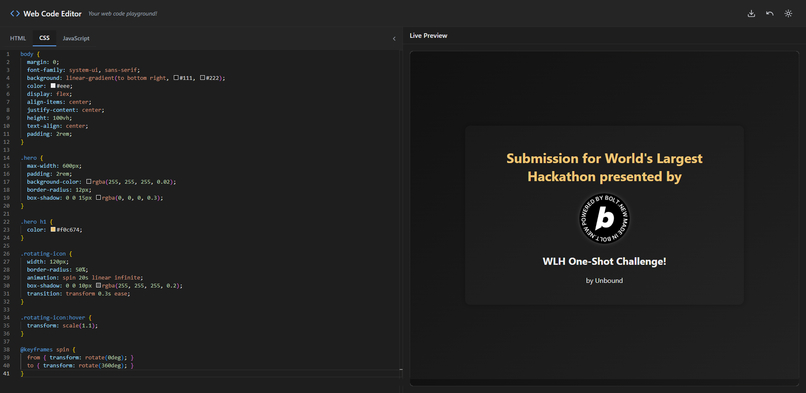
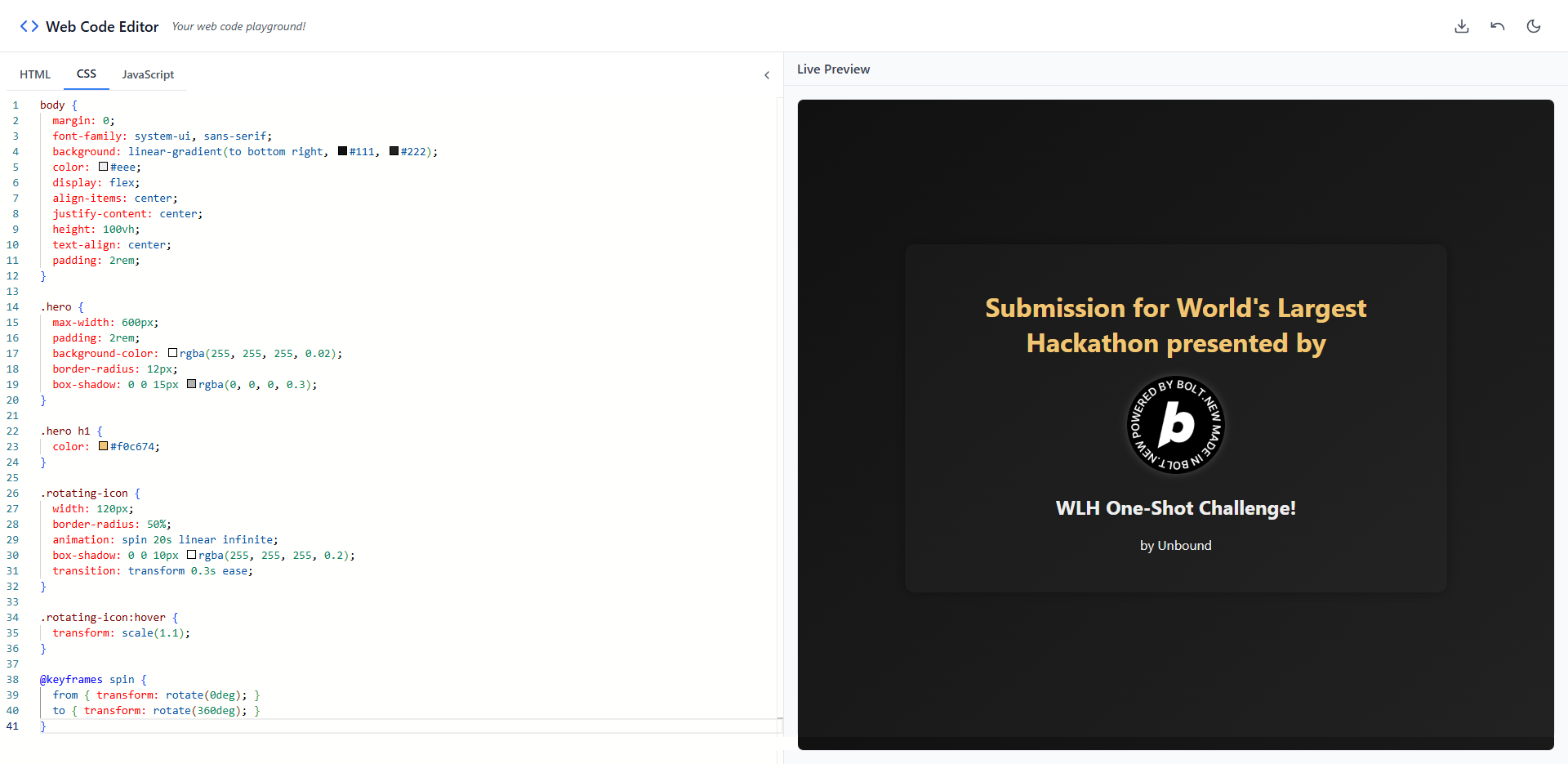
Night mode (default)
-
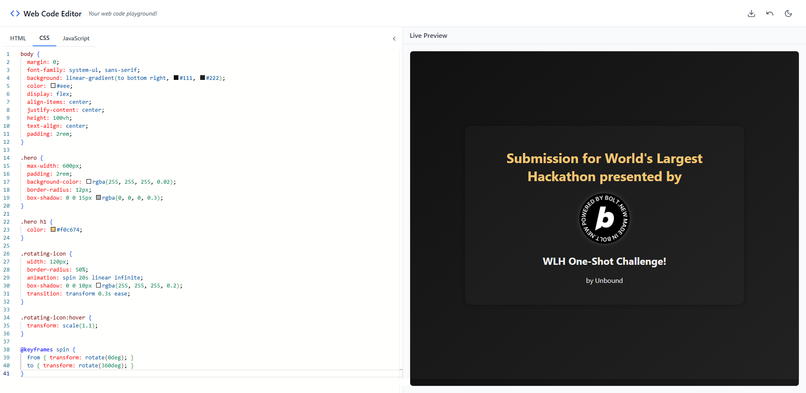
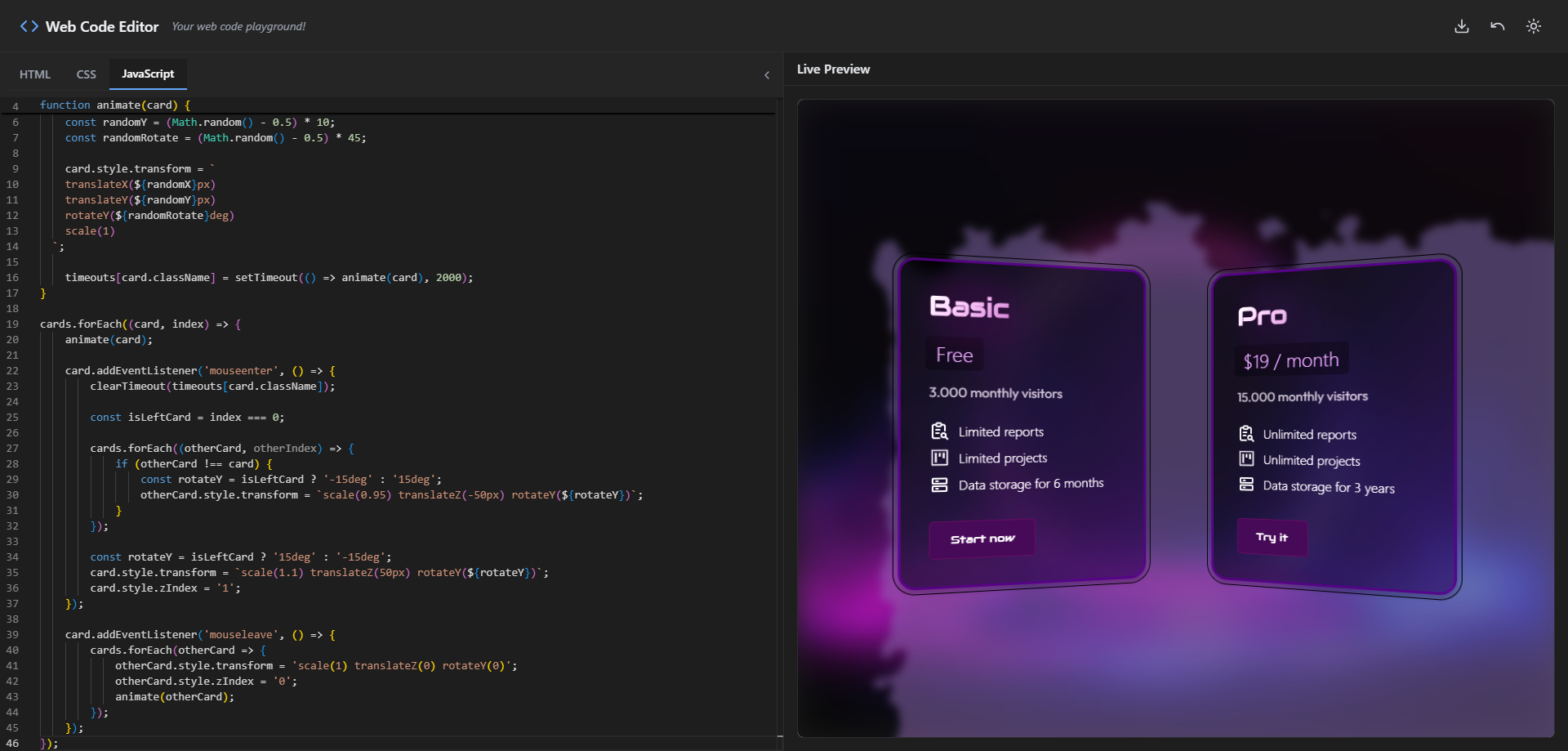
Day Mode
-
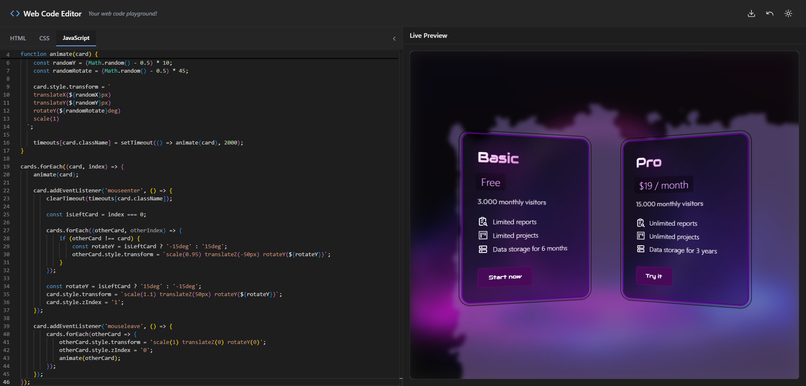
Custom project build with it
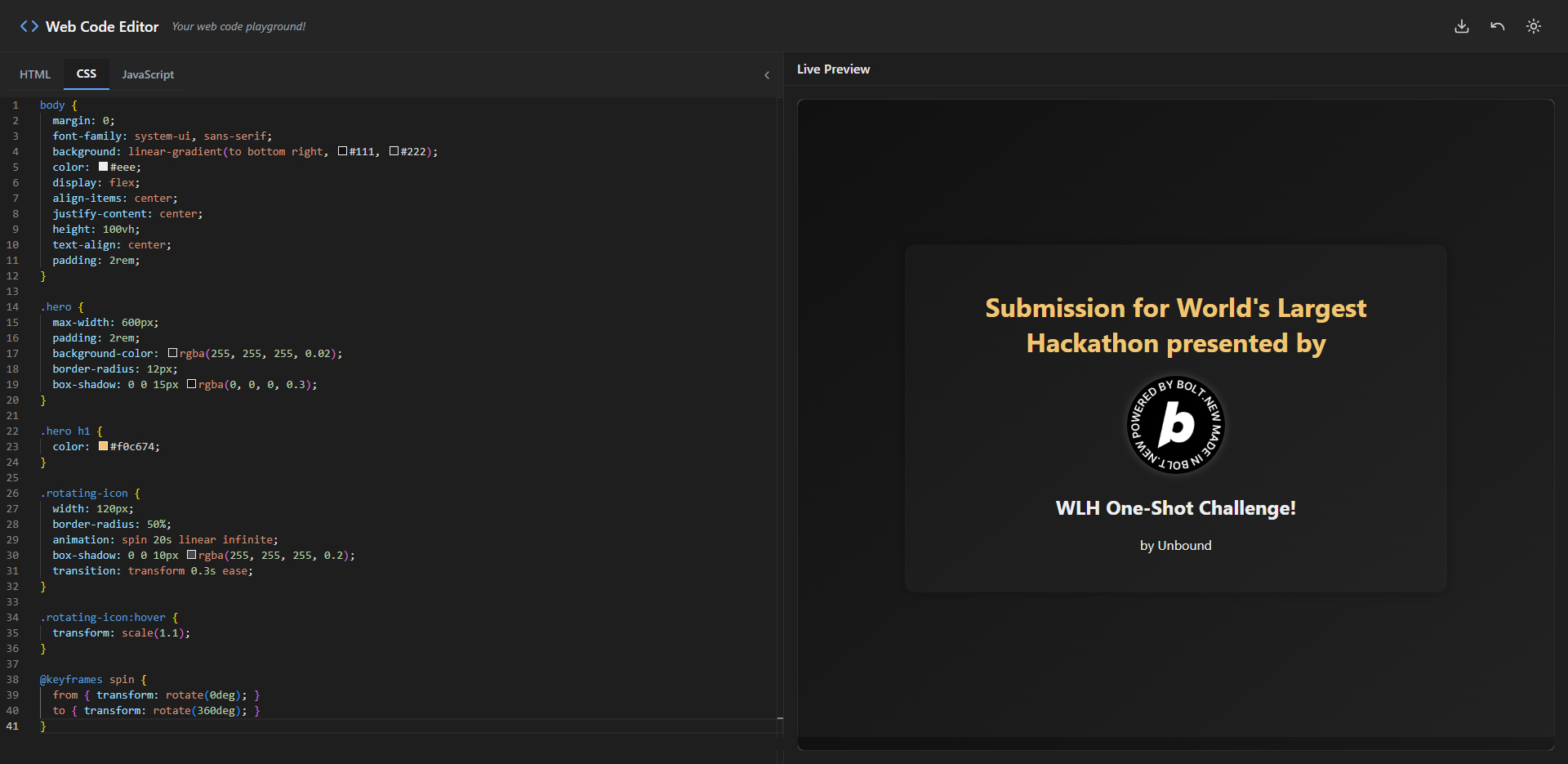
Inspiration
I wanted to create a seamless, browser-based coding environment that felt like a lightweight code editor but required zero setup. Many online code editors are bloated or too limited, so I aimed to build something modern, fast, and beautiful — especially for quick prototyping or showcasing small projects.
What it does
The Web Code Editor is a fully client-side coding playground where users can write HTML, CSS, and JavaScript in Monaco-powered tabs, instantly preview the output in a live sandboxed iframe, switch between dark and light mode, undo edits, and export their work as a downloadable ZIP package — complete with a fully wrapped index.html.
How I built it
I used:
- Bolt.new AI agent for generating scaffolding and iterations
- Vite for blazing-fast development and hot module reloading
- TypeScript for type safety and better code structure
- Tailwind CSS for utility-first styling and rapid design iteration
- ESLint for maintaining clean, error-free code
The Monaco Editor was integrated and customized to switch themes dynamically, synchronize content between tabs, and feed the live preview through a secured iframe.
Challenges I ran into
- Dynamically injecting and updating a complete HTML preview in an iframe while maintaining performance
- Ensuring the ZIP export includes properly embedded CSS/JS inside a valid
index.html - Keeping a consistent and unified dark theme across all UI elements (Monaco editor, toolbars, tabs, and preview panel)
- Creating a polished experience using only client-side technologies
Accomplishments I'm proud of
- Building a professional-grade, multi-tab Monaco editor that works entirely in the browser
- Achieving smooth live preview updates without lag or security issues
- Creating an export feature that produces a production-ready ZIP package with real-world usage in mind
- Delivering a responsive, mobile-aware interface with a consistent visual identity
What I learned
- How to integrate and customize Monaco Editor in a modern frontend stack
- Managing real-time iframe rendering safely and efficiently
- The power of combining AI-assisted prototyping with hands-on refinement
- How to maintain cohesive theming and responsiveness with Tailwind and good architecture
What's next for WLH One-Shot Challenge: Web Code Editor
- Add support for multiple project saves with download history
- Allow drag-and-drop image or asset inclusion into the preview
- Add tab autosave in localStorage/sessionStorage
- Enable GitHub Gist export for code sharing
- Improve mobile touch controls and resizable panels
- Possibly integrate collaborative editing (live share)
Built With
- bolt.new
- css
- html
- tailwind
- typescript
- vite

Log in or sign up for Devpost to join the conversation.