-
-
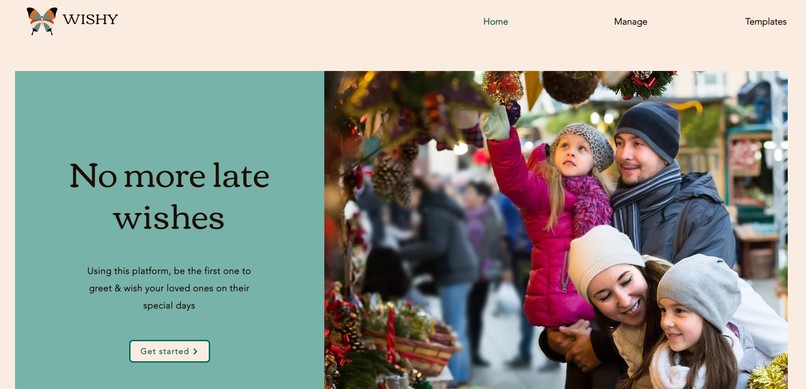
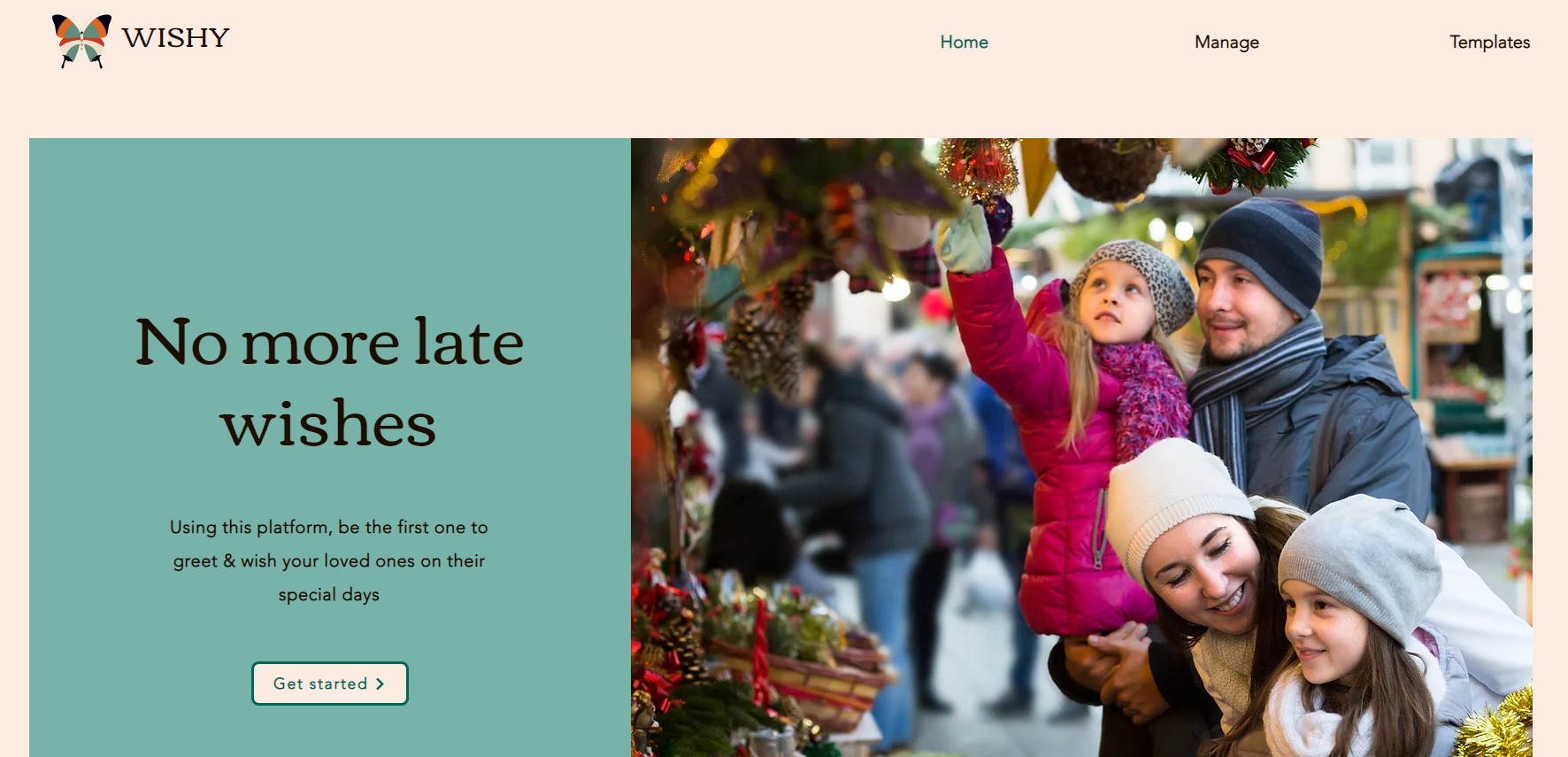
Landing page
-
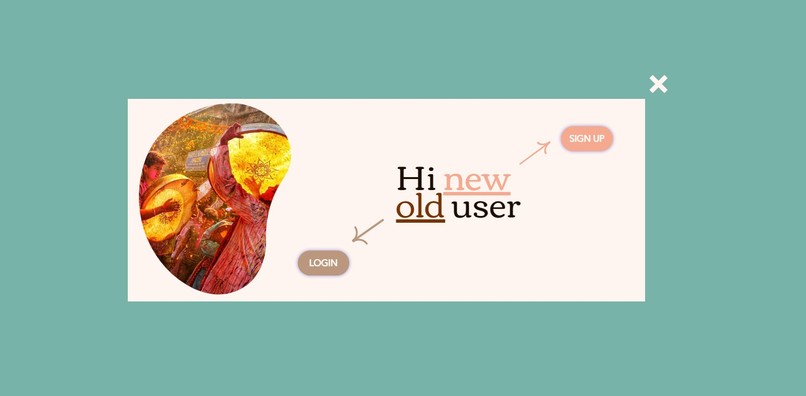
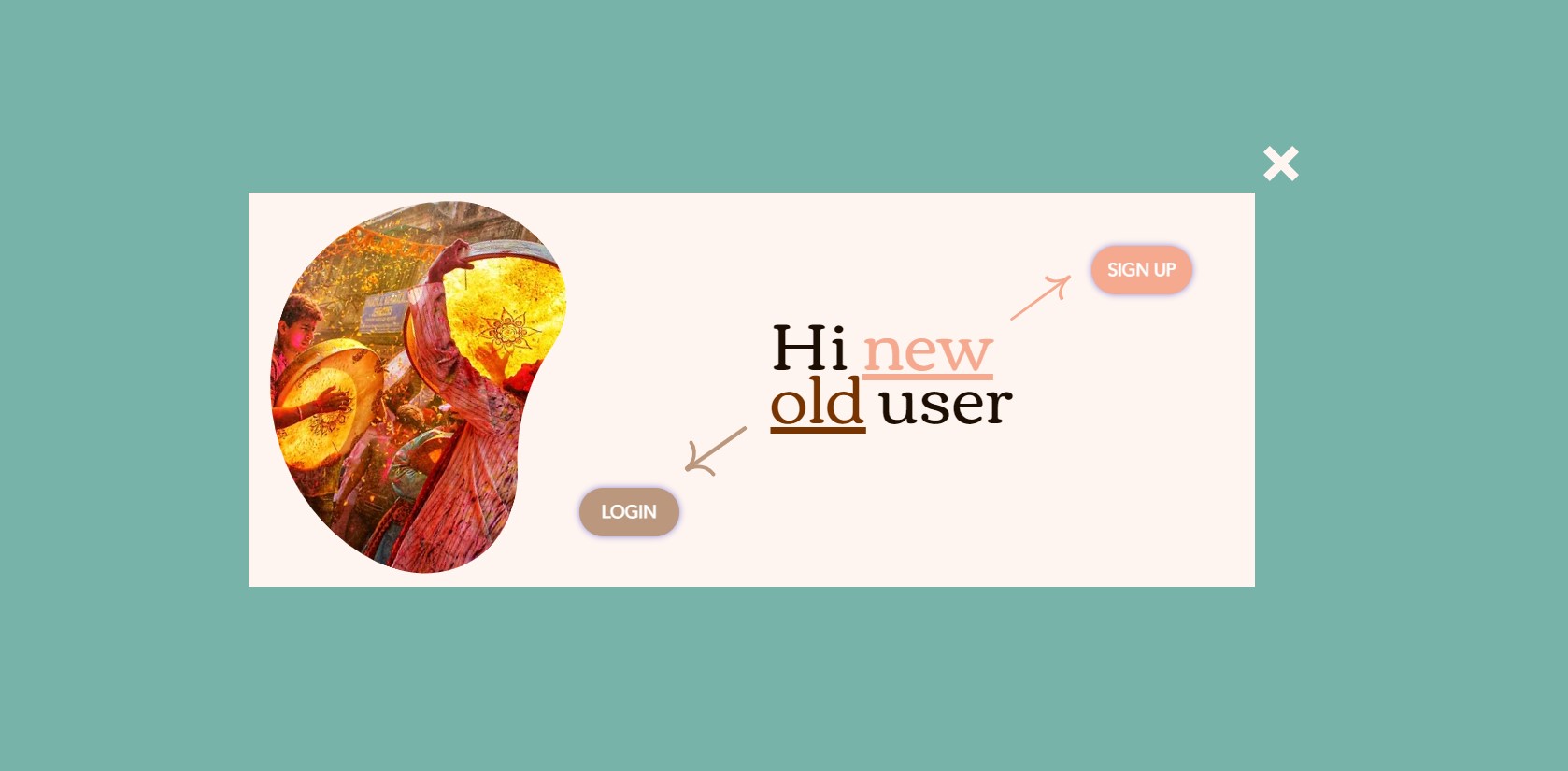
Login lightbox
-
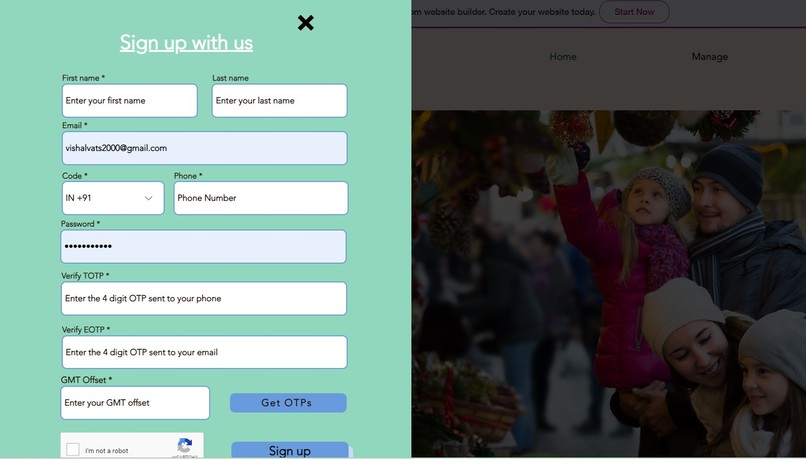
Registration form
-
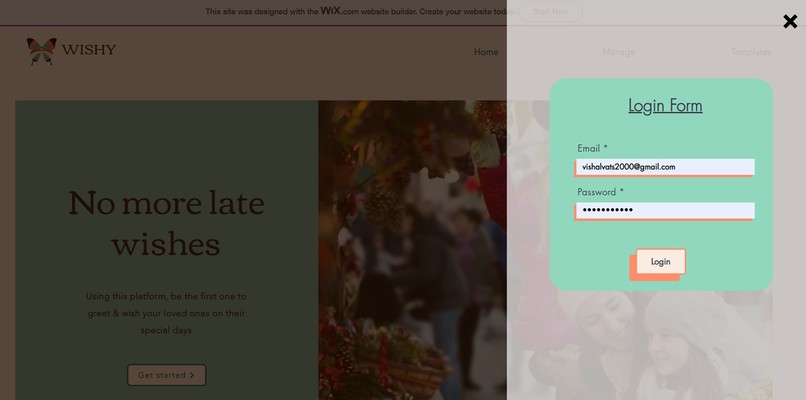
Sign in form
-
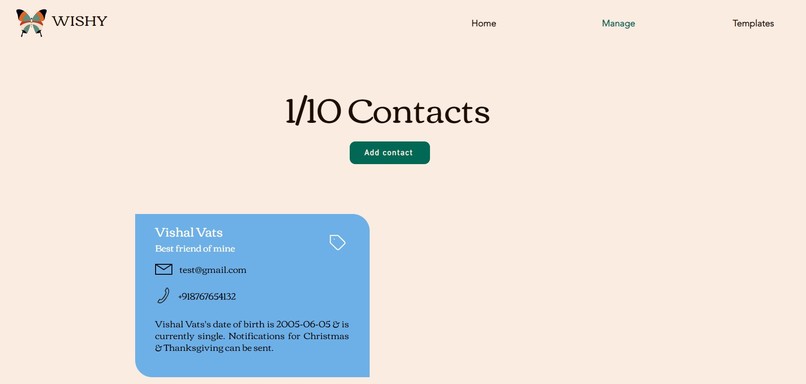
Manage page (post-authentication)
-
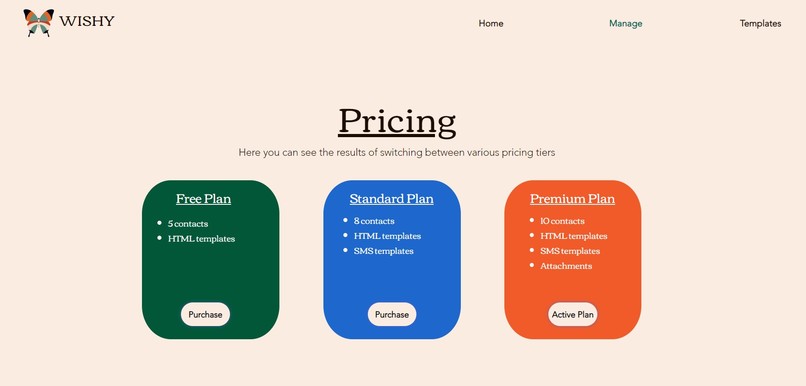
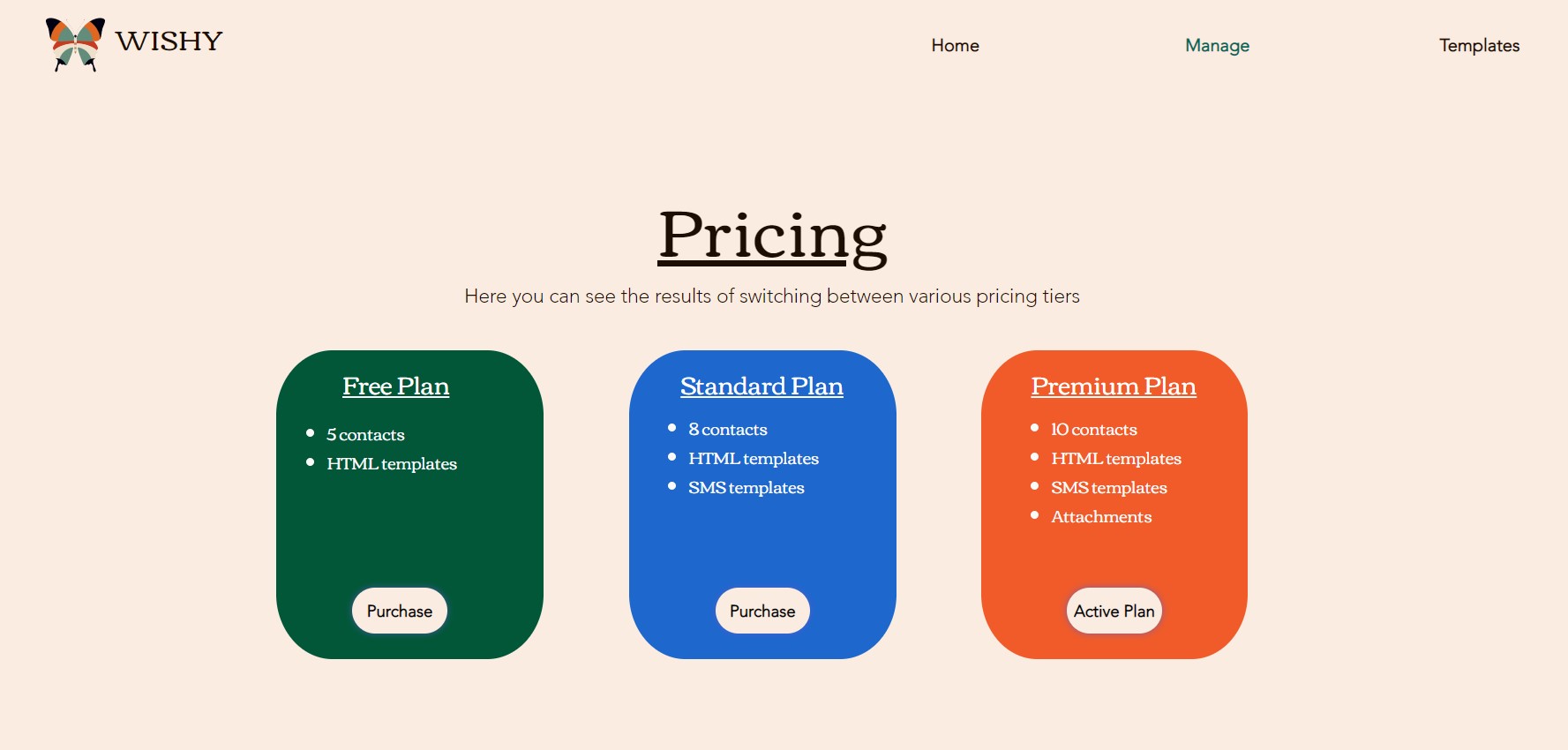
Pricing section
-
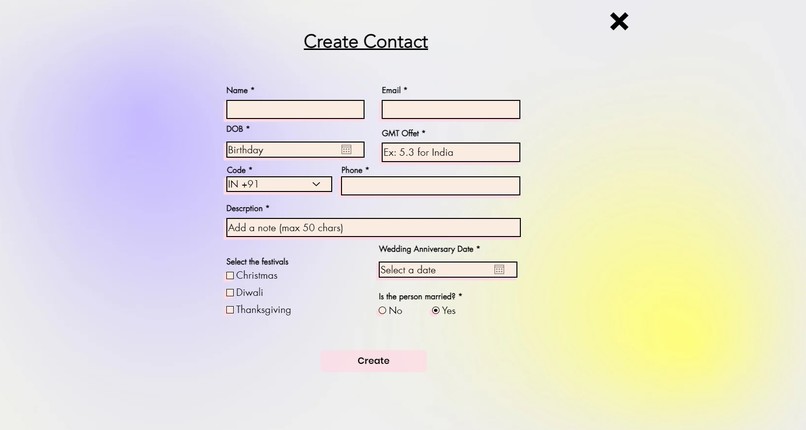
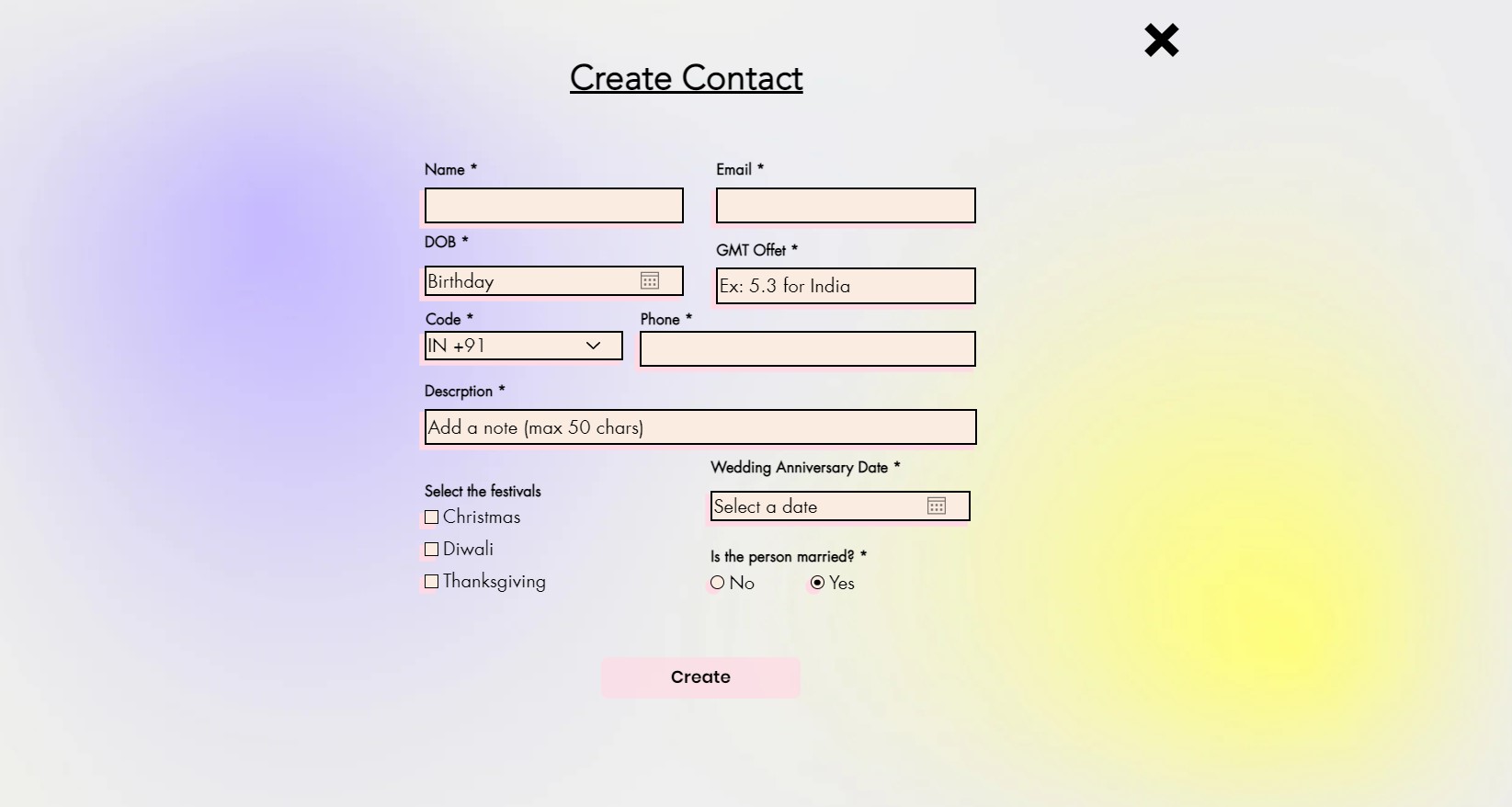
Contact addition form
-
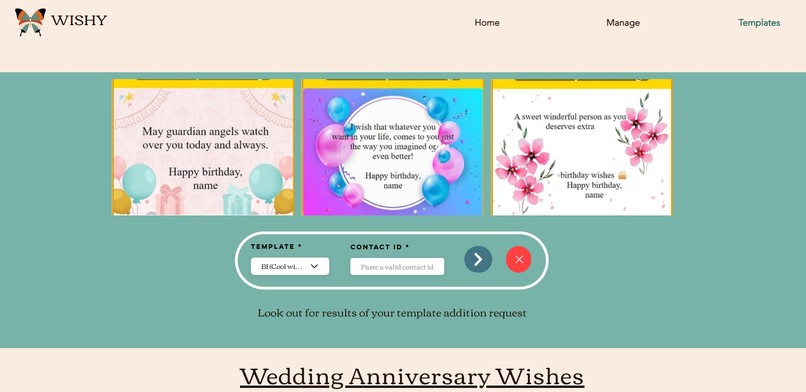
Templates page


Inspiration
Are you also one of those, who wish someone after viewing a notification from social media apps about your contact's special day (birthday/anniversary or other occasions)? I personally have experienced the embarrassment of wishing someone on their special day at the very last moment due to a variety of reasons. Everyone knows that a small wish/greeting from your loved ones can make up your day as that small piece of text/image can really lift up your spirits and change the way how you perceive things. With these thoughts in mind, I made the project Wishy
What it does
Wishy provides you with a platform through which you can add your loved ones' details and thus can send automated emails/sms to their email addresses/phone numbers. Not only it sends the message/wishes, but it also sends them at the very first minute of that special day (forget about the time constraints/time zones that we all are living in.
So, it means that even if I am living in India and want to automate a birthday wish for my friend living in the USA (there is an approx 11-hour time difference between both nations), then this project will send the wish to him on the very first minute of the special date. In this manner, there are no restrictions on time for this project and that really elevates the project.
How I built it
As I wanted to run the CRON job scheduler after every 5 minutes and in those five minutes I wanted to make sure that the data/collections related to the project should be situated as close as possible because that would ensure quick processing of the requests. As the wix job scheduler provides a minimum time frame of 1 hour between two consecutive job calls so, I opted for PHP-based external CRON jobs & database connectivity so that the data retrieval part won't require any additional API calls.
First thing was to make a registration & login form for the visitors and that required making a fetch-call bridge between wix and my external database. The backend code files came very handy because they ensured that the front end of the site won't interfere with the highly-sensitive backend processing and that provided me the freedom to easily manipulate and navigate between the database and the front-end code.
There was a lot of error handling and asynchronous fetch calls because there was a lot of data retrieval call made for the functioning. Lightboxes are my new favorite UI elements because they completely give a spin-off of how the form/any UI element can pop onto the top of other elements and thus ensures a seamless user experience and most importantly, the least number of re-directs.
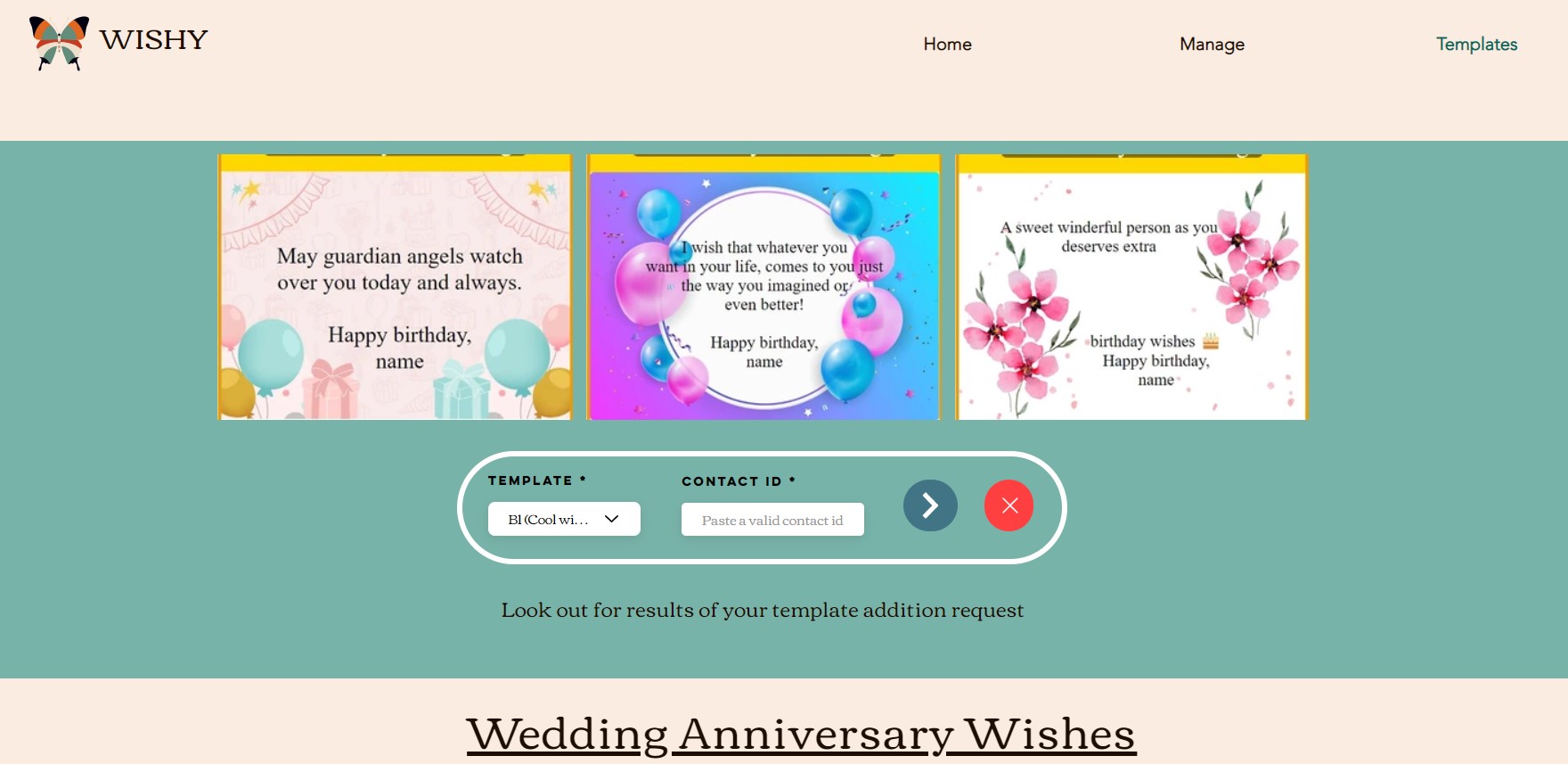
Presenting the templates to the users and allowing/disallowing them to access restricted areas of the website without registering/logging into the site was a difficult and interesting part. The website only has 3 main pages (home, manage & templates). Home can be accessed by anyone but the latter two have to be provided according to the current session storage of the browser.
With the help of wix-session API, I ensured that no unauthorized user can access the main part of the site and I think I did that pretty well.
I bet you will also be awestruck by some of the UI elements that I have used, like the double-arrowed login lightbox, different forms used all over the website, and the data boxes used for presenting things.
In order to provide the pricing tiers accessible to everyone I skipped the payment firewall and replaced it with custom logic such that only upgrading the plan is possible, whereas one can't downgrade the existing plan and that provides a consistent and more dynamic user experience.
Challenges I ran into
For no doubt, there were more challenges than the positive outcomes and thus I learned a lot while making this project and thus I am super proud of how things pan out.
Accomplishments that we're proud of
Making a project that offers automated messages-sending functionality to every user was a great thing for me. NOt only that, there are many UI elements that have been thought from scratch and are somehow enhancing the appeal of the project
What I learned
From now knowing how wix works, to making a fully-functional project, I guess I have explored pretty much how wix functions. I leaned how to work with the custom UI elements, integrated the backend files in wix and use them in the fronted, dealing with lightboxes and form submissions.
What's next for Wishy - Making wishing easy
Making a creator's section for this project where they can upload and share their templates/design with other users and thus increasing the limited number of templates that are provided as of now


Log in or sign up for Devpost to join the conversation.