-
-
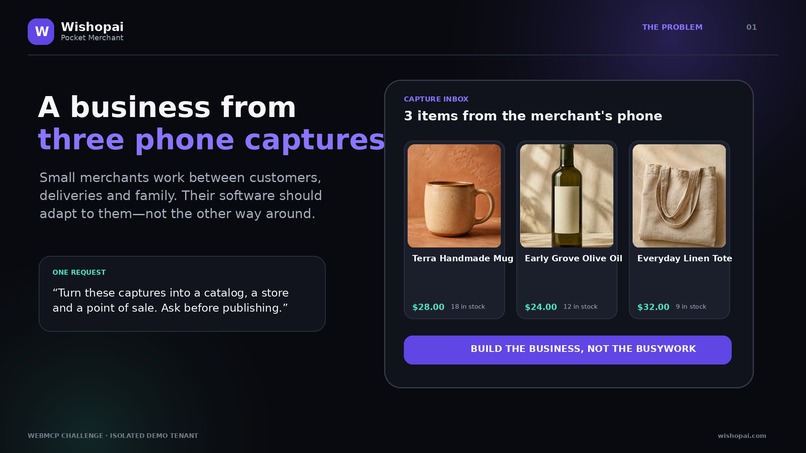
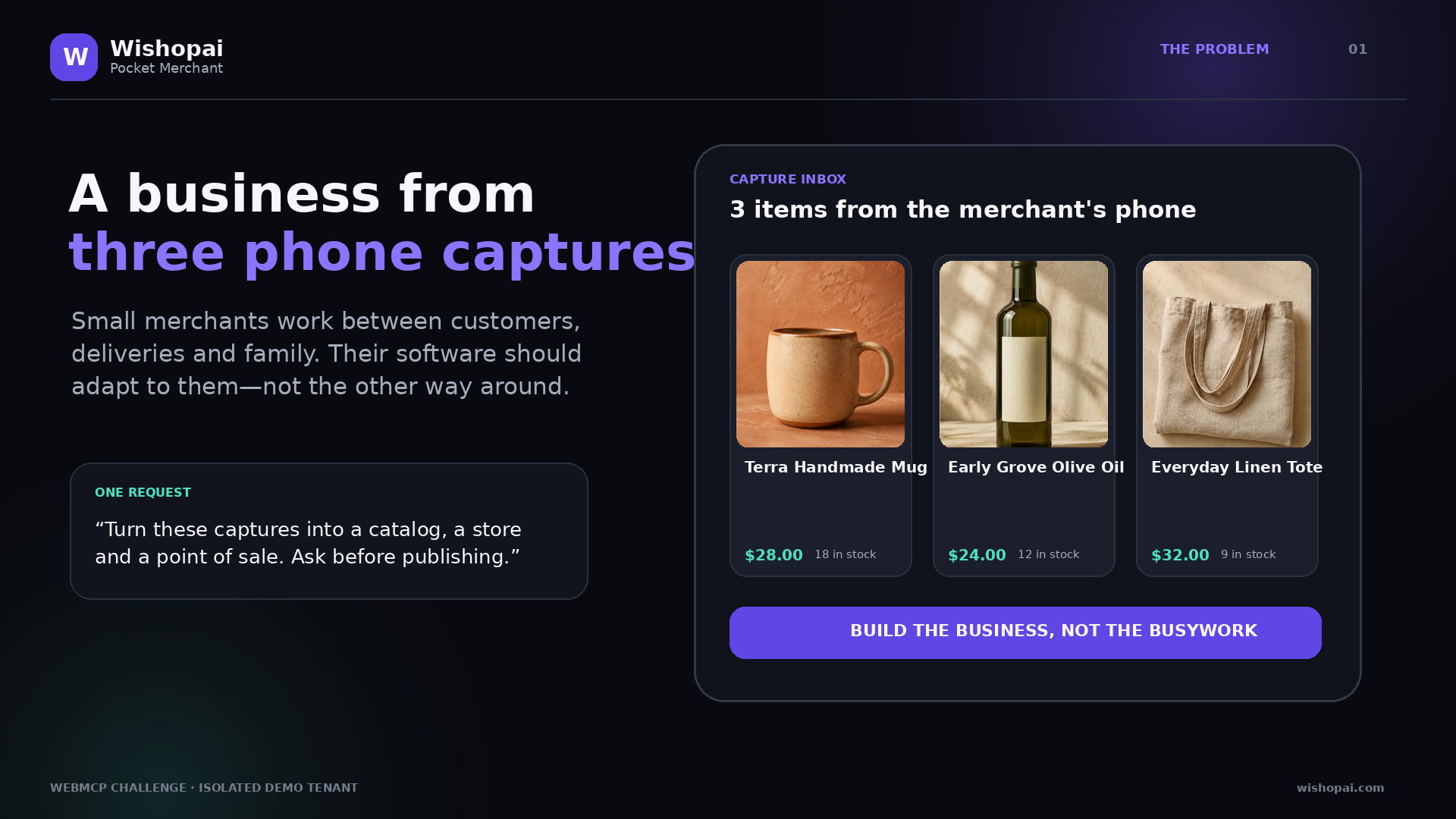
Mobile-first capture inbox: one request turns three phone captures into a catalog, storefront, and point of sale.
Inspiration
Small merchants rarely run their business from a quiet desk. They work from a phone, between customers, deliveries, and family responsibilities. Existing commerce software asks them to learn separate systems for catalog, storefront, point of sale, inventory, and reporting. We wanted the interface to adapt to the merchant instead.
WebMCP makes that possible without hiding the business behind a chat window. The merchant and the agent work on the same live page. The agent gets structured, purpose-built actions; the merchant keeps the visual context, approval, and ability to undo.
What it does
Pocket Merchant starts with three lightweight phone captures. An AI agent can:
- inspect the current business state and capture inbox;
- turn those captures into a structured product catalog;
- generate a synchronized mobile storefront preview;
- configure a point of sale that shares the same inventory;
- validate launch readiness and explain blockers;
- prepare a token-bound launch plan for human approval;
- publish only after explicit confirmation;
- record a sandbox sale and update stock everywhere; and
- undo the last mutable action.
The regular interface mirrors the agent actions, so the product remains useful in browsers without WebMCP and the merchant can take over at any moment.
How we built it
The app is a dependency-free, mobile-first web application. Its business actions are shared by the human interface, an automated guided preview, and ten top-level WebMCP tools registered with document.modelContext.registerTool.
The tool layer uses narrow JSON Schemas, clear read/write annotations, input validation, bounded values, and structured verification results. Catalog, storefront, POS, activity, sales, and inventory all use one live state model. The demo persists only in local browser storage and connects to no production commerce system.
Publishing uses a deliberate two-step protocol. prepare_launch_approval validates the complete workspace and returns an exact review summary plus a short-lived token. confirm_demo_launch accepts only that token and the literal confirmation PUBLISH. This makes the safety boundary both machine-readable and visible in the UI.
How WebMCP is essential
Without WebMCP, an agent would have to infer controls by looking at the page and clicking through a multi-step commerce interface. Pocket Merchant gives the agent semantic business operations while preserving the page as the shared source of truth.
The strongest moment is not a single tool call. It is the closed loop:
capture → structured catalog → visual preview → readiness validation → human approval → sale → synchronized stock → undo
Each tool changes or verifies the same state the merchant sees. Closing the page removes the tools; reopening it restores the isolated demo state on that device.
Challenges we ran into
- Designing tools that were powerful enough to complete a business goal but narrow enough to be safe and predictable.
- Separating preparation from consequential execution without making the workflow feel slow.
- Keeping the experience genuinely mobile-first while making the shared state obvious on a desktop judging environment.
- Creating a useful fallback interface without duplicating business logic or turning the project into a scripted mockup.
Accomplishments that we are proud of
- Ten working WebMCP tools, all backed by the same actions as the visible interface.
- A complete merchant journey instead of an isolated search or cart proof of concept.
- Explicit human approval with a time-limited, state-bound review token.
- Shared inventory demonstrated by an actual sandbox sale and receipt.
- A visible audit trail and one-step undo for every mutable demo action.
- Responsive operation from a narrow phone viewport through a wide desktop workspace.
What we learned
The biggest opportunity in agentic commerce is not removing the interface. It is making the interface and the agent collaborate. Merchants trust automation more when they can see the state, understand the pending change, approve the important step, and recover from mistakes.
We also learned that a good WebMCP tool is a product decision, not only a technical wrapper. Tool boundaries determine how well the agent plans, how clearly the user understands the result, and how safely the system can act.
What's next
- Connect the shared action layer to permission-scoped Wishopai test tenants.
- Accept real phone photos and voice notes while preserving merchant review.
- Add locale-aware taxes, currencies, and receipt rules.
- Bring the same operations to Wishopai's remote MCP integration so merchants can work both inside the live page and from a general chat.
- Add multi-user approvals and richer audit exports for growing teams.
Built With
- chatgpt
- css3
- html5
- javascript
- localstorage
- webmcp
