-
-
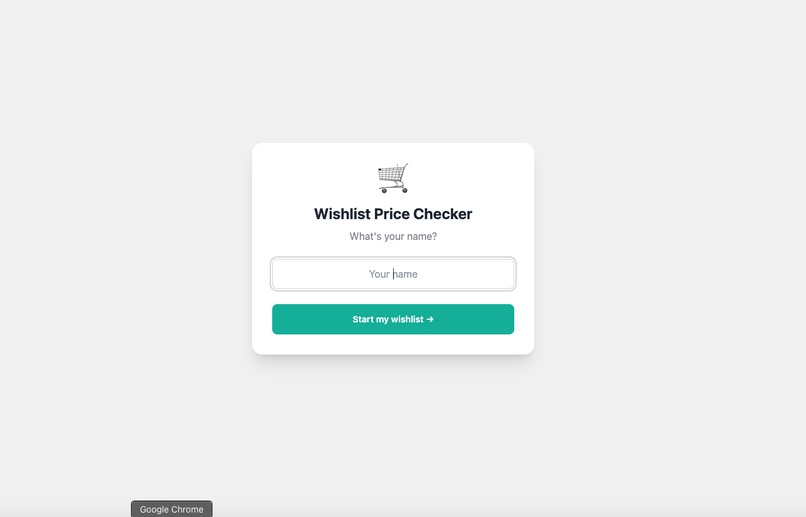
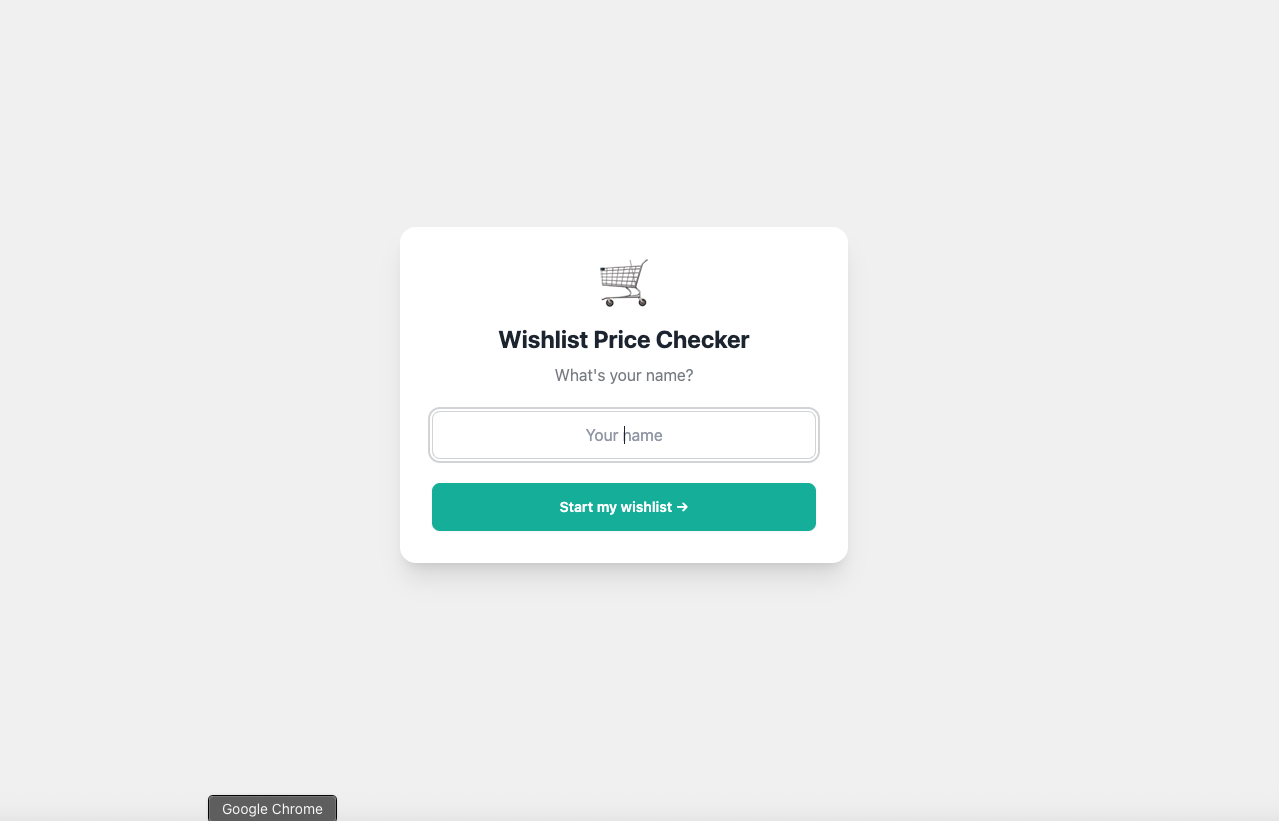
Enter name to start your own list!
-
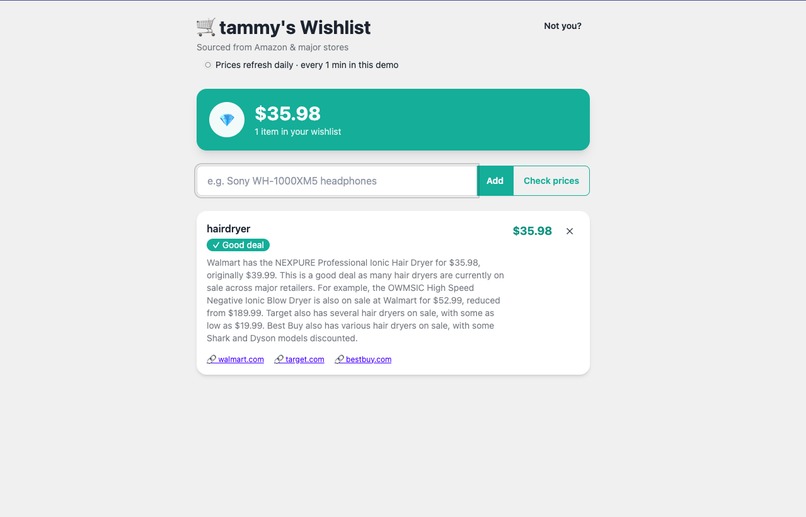
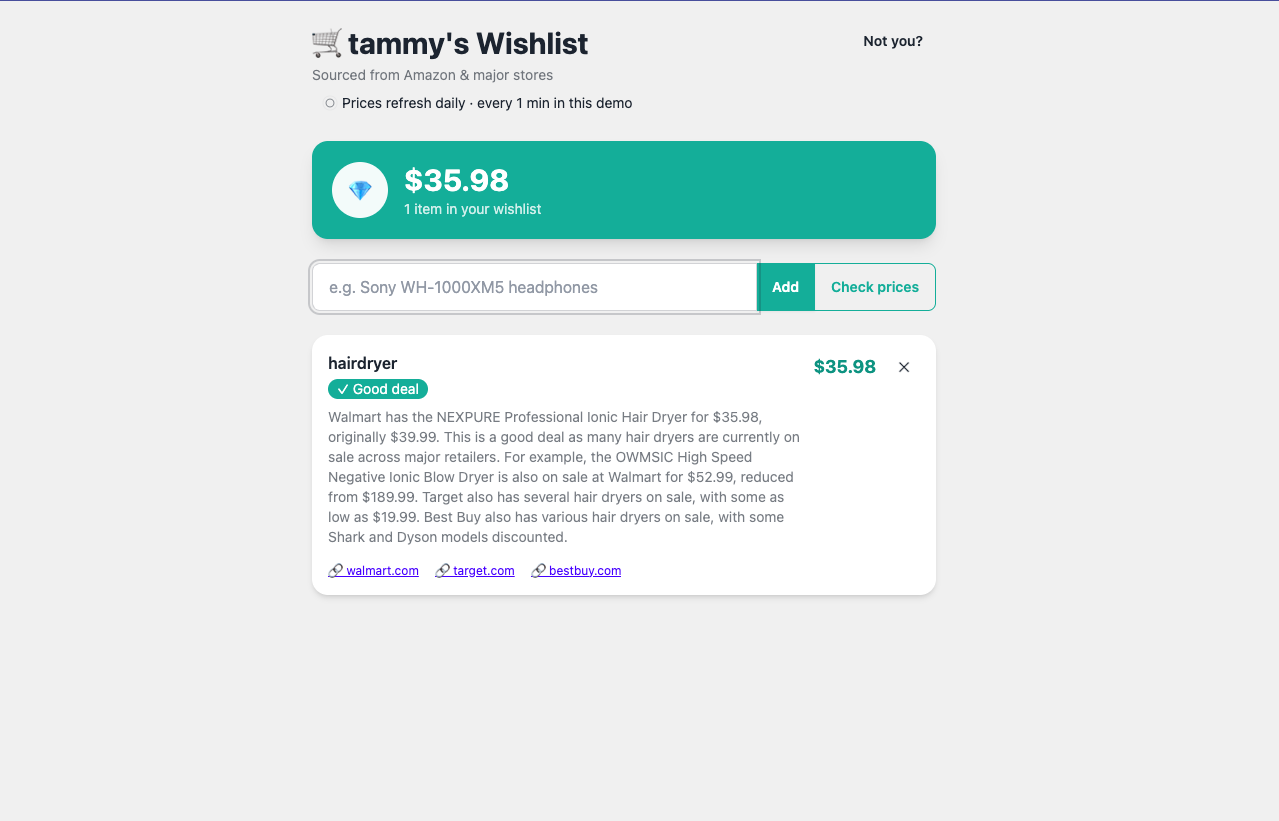
What it returns when you add an item to your wishlist - a description of good deals and real sources!
Inspiration
As students, most of what we buy comes out of a small allowance: sneakers, a game, headphones, a new phone. We'd screenshot prices into the group chat, forget to check back, and then find out the thing went on sale the week after we paid full price. Tracking prices by hand is tedious, and you never really know if now is a good time to buy. We wanted something that just watches the prices for us and tells us when to pull the trigger.
What it does
- You add anything you want to buy to a personal wishlist (keyed by your name).
- Google Gemini, with live Google Search grounding, looks up the current market price across Amazon and other major stores.
- It flags whether now is a good deal and shows a short note (which store, what discount) plus clickable source links to where it found the price.
- Prices auto-refresh in the background every minute, so the list stays current without you doing anything.
- A running total tells you exactly how much you still need to save.
How we built it
- Backend: FastAPI (Python), with an async background loop that re-checks every user's prices on an interval.
- AI: Google Gemini (
gemini-2.5-flash) with the Google Search grounding tool, prompted to return strict JSON (price, good-deal flag, note) plus the grounding sources it actually used. - Persistence: a simple JSON file (
db.json) storing{ "Name": [items] }— no database needed for the demo. - Frontend: a single HTML page with Tailwind CSS + daisyUI, a clean teal theme, instant-add UX, and live polling while a price is being fetched.
- Deploy: containerized (Docker, honoring
$PORT) and shipped to Render via a one-clickrender.yamlblueprint.
Challenges we ran into
- Rate limits: the Gemini free tier returns
429 RESOURCE_EXHAUSTEDquickly, especially with grounded search. We added retry-with-backoff that honors Google's suggestedretryDelayand surfaces a clear "try again in a minute" message instead of failing silently. - Latency: a grounded lookup took ~15s. Disabling the model's "thinking" budget for this simple task cut it to ~5s.
- UX during the wait: the add request used to block until the price came back. We made it return instantly and fetch the price in a background task, with the UI showing a "Checking…" state and auto-updating when the price lands.
- Real source links: digging the actual web URLs out of Gemini's grounding metadata so users can verify the price themselves.
Accomplishments that we're proud of
- Real, clickable source links pulled from live search grounding
- An instant, responsive add flow despite a multi-second AI call behind it.
- Full automation: prices refresh on their own, with a running savings total.
- A clean, friendly UI that a student would actually want to use.
- A working, deployed app
What we learned
- Prompt-engineering Gemini to return reliable structured JSON.
- Reading Gemini's grounding metadata to extract genuine sources.
- Running async background tasks in FastAPI and keeping the UI responsive with polling.
- Handling real-world API rate limits gracefully with retries and honest error messages.
What's next for Wishlist Price Checker
- Price-drop alerts: notify you the moment something hits your target price.
- Real per-store checkout prices via dedicated retailer/price APIs.
- Price history charts so you can see the trend before buying.
- User accounts so wishlists are private and follow you across devices.
- A mobile-friendly app and shareable wishlists.




Log in or sign up for Devpost to join the conversation.