-
-
title screen
-
-
-
-
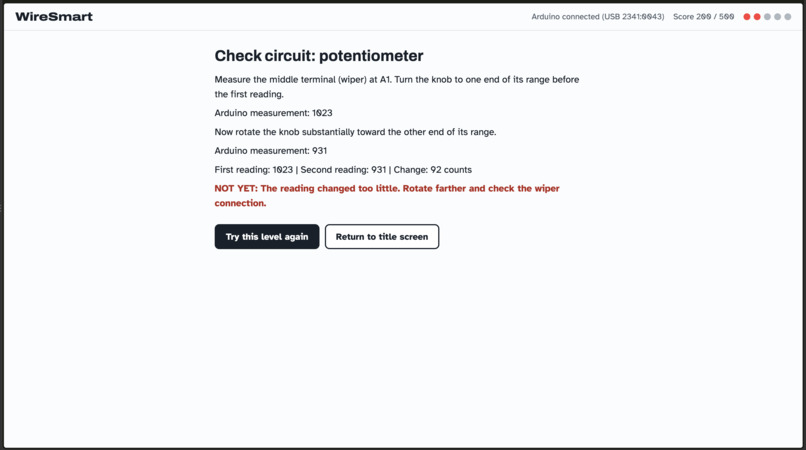
-
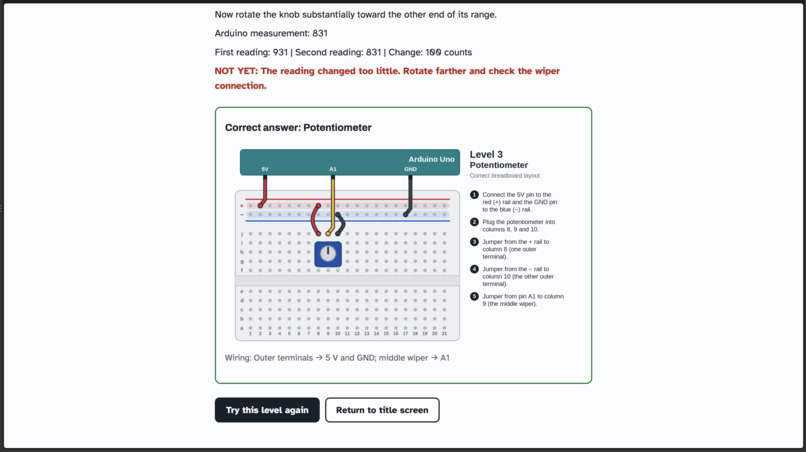
-
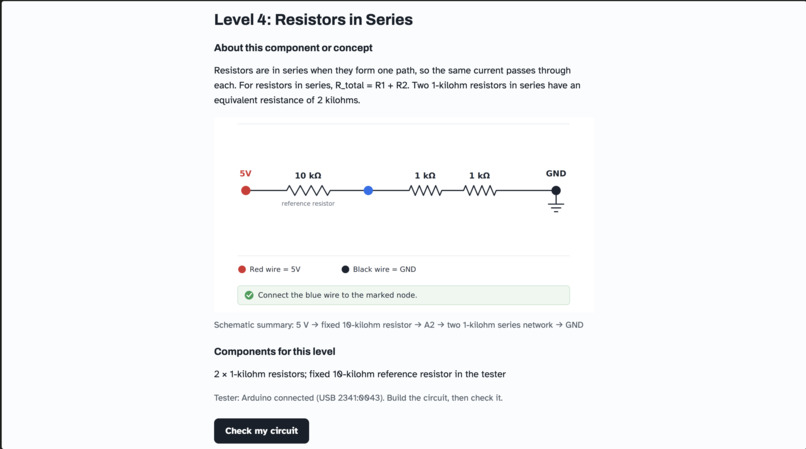
-
end screen
Inspiration
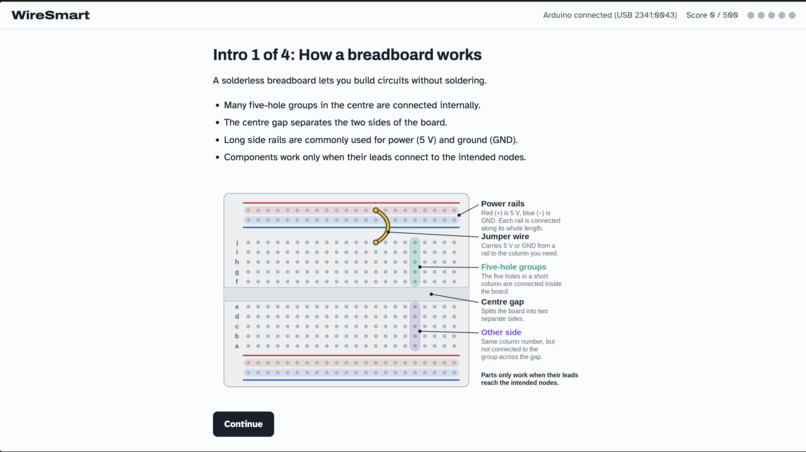
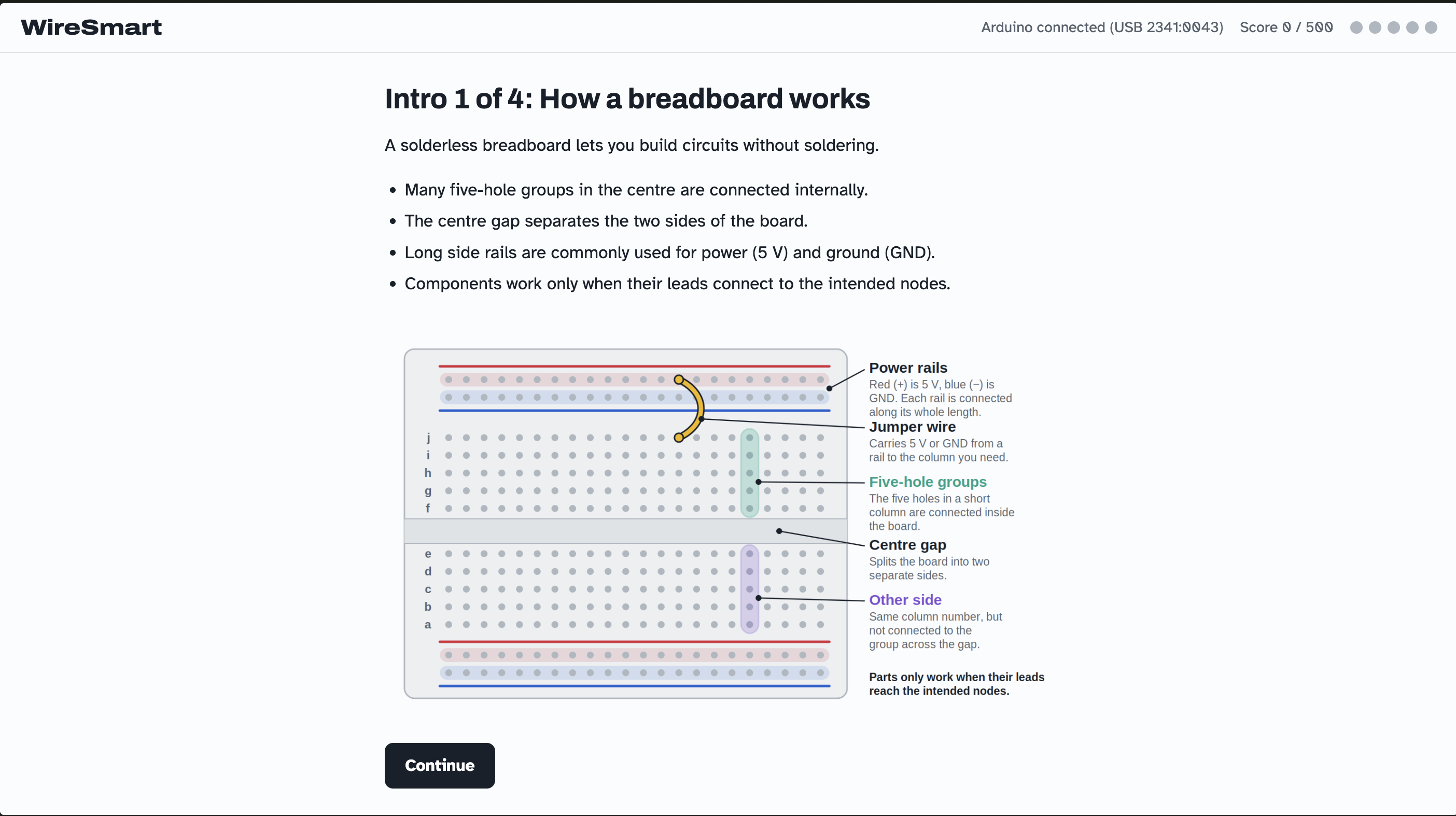
In our ENSC labs, breadboard wiring diagrams are useful to build circuits quickly during short labs. However, we noticed that they can limit your understanding of how to map a schematic onto a breadboard and can make debugging hard since there's a lack of conceptual understanding.
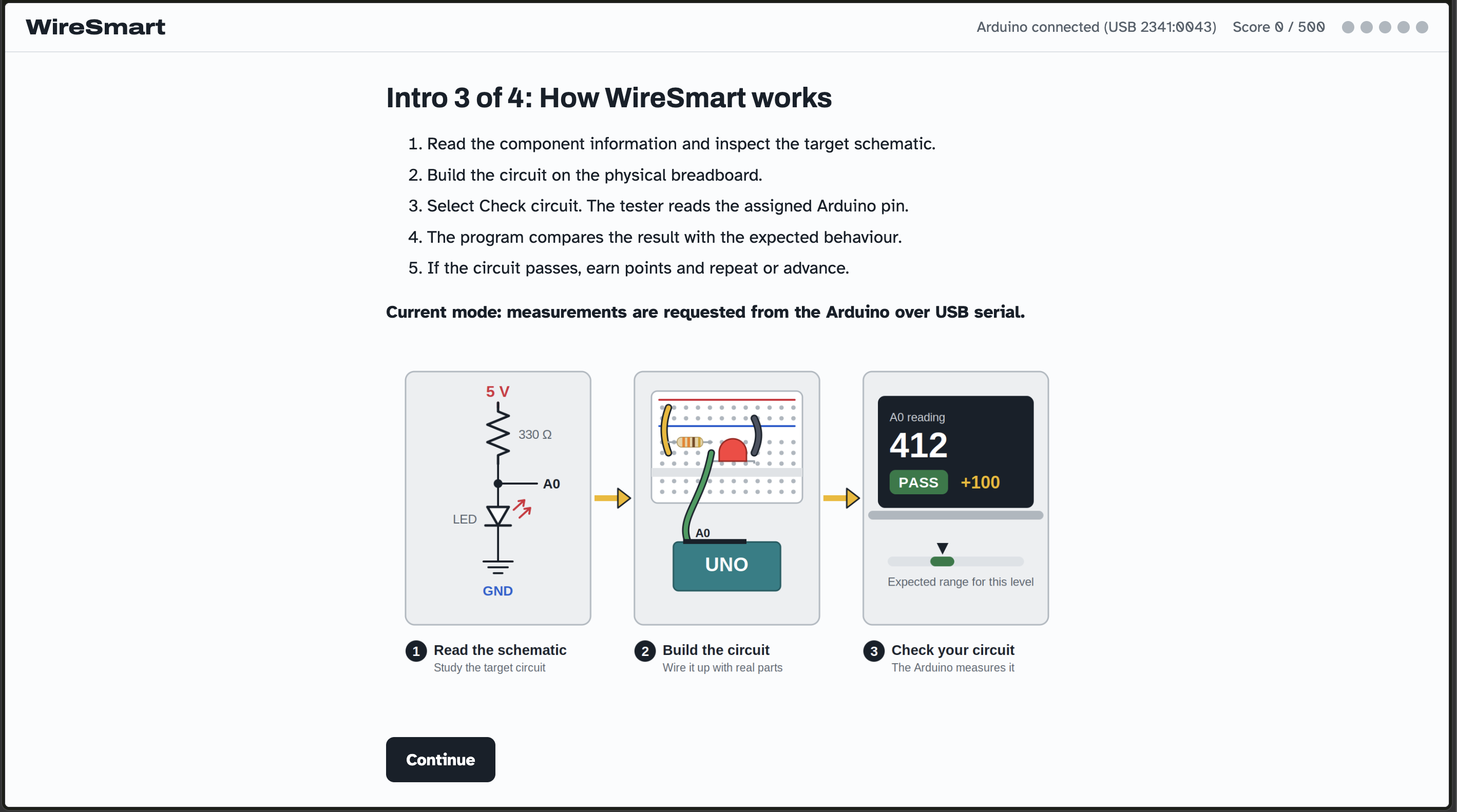
We wanted to make a game that gives you hands-on schematic-to-breadboard practice. We built WireSmart: a program that gives the learner a schematic, asks them to physically setup the breadboard, and then automatically checks whether the physical circuit behaves correctly.
What it does
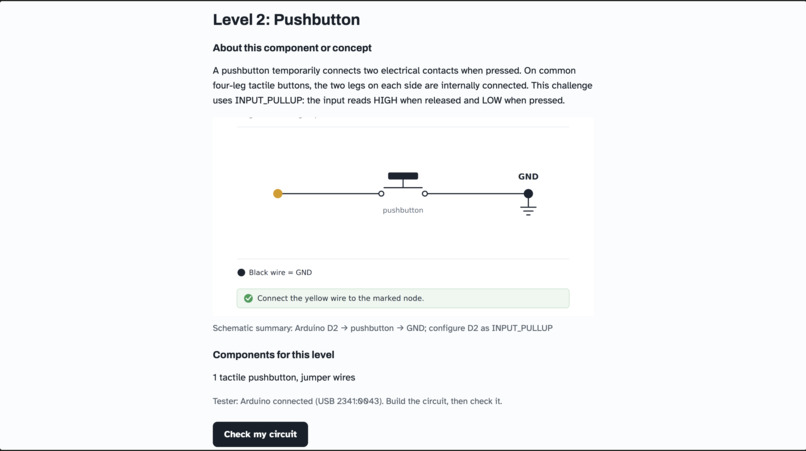
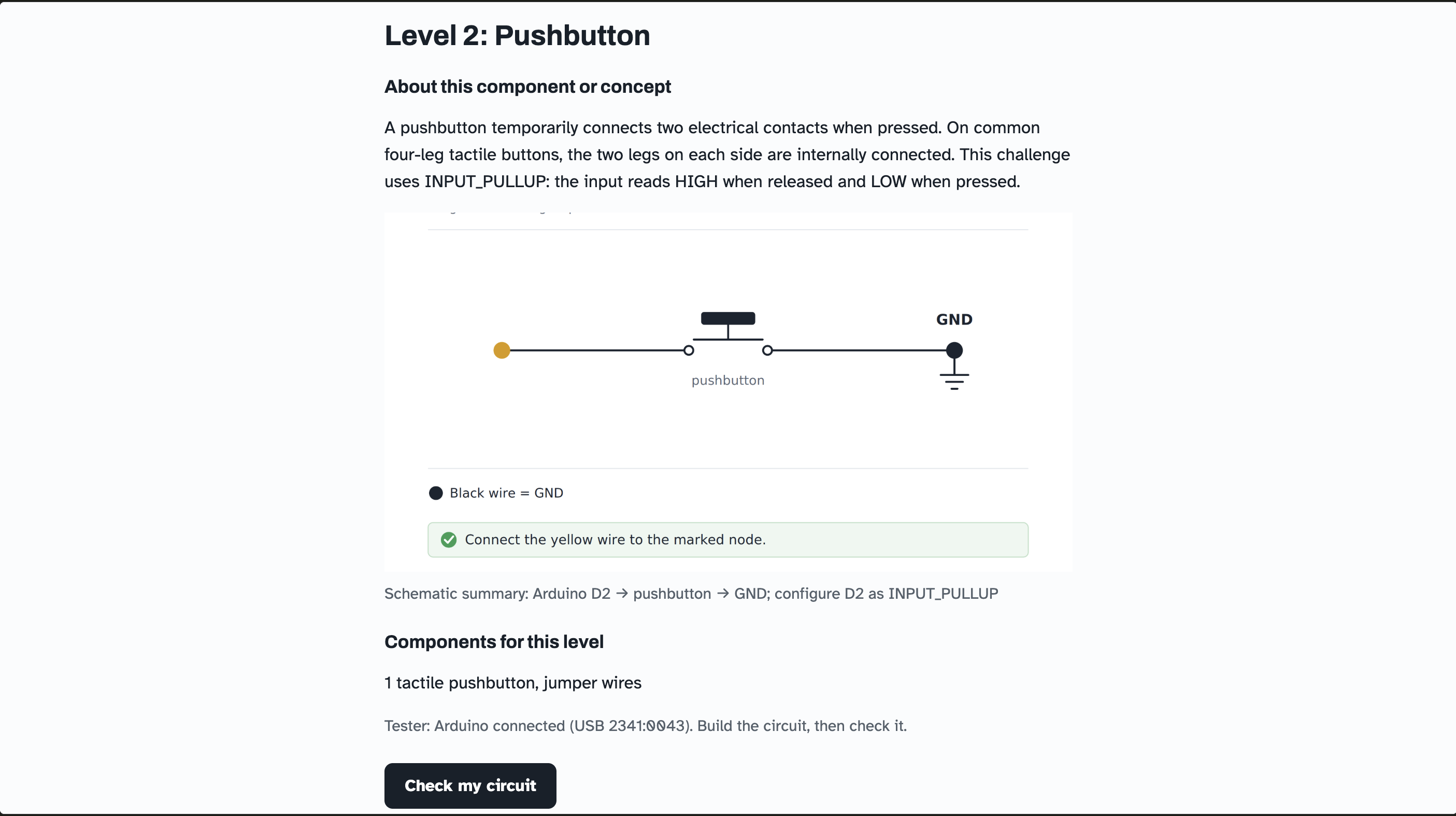
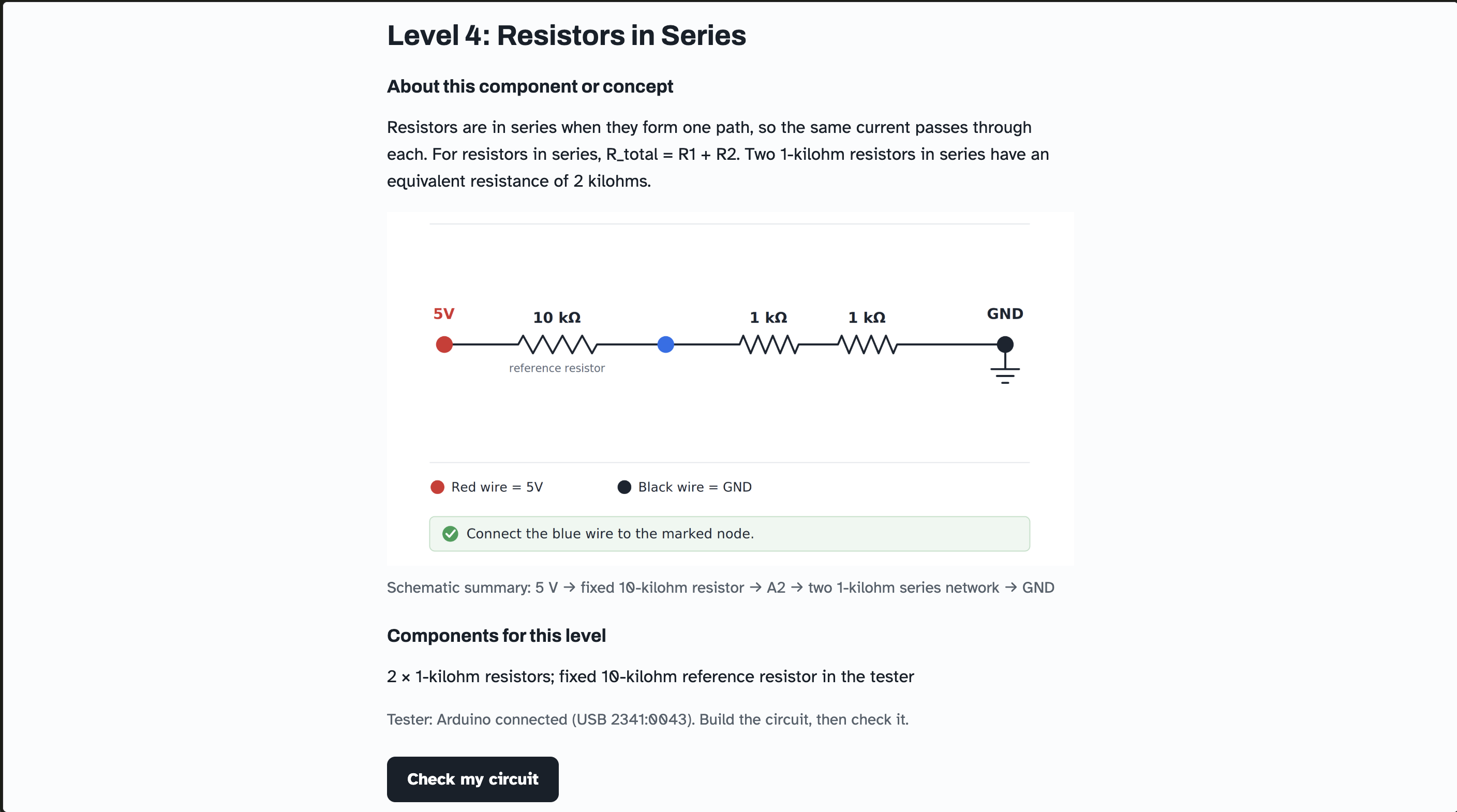
WireSmart teaches users to translate a circuit schematic into a real breadboard circuit. Instead of showing a completed breadboard layout, each level provides:
- a schematic
- the required components
- a marked testing node
- a colour-coded tester lead
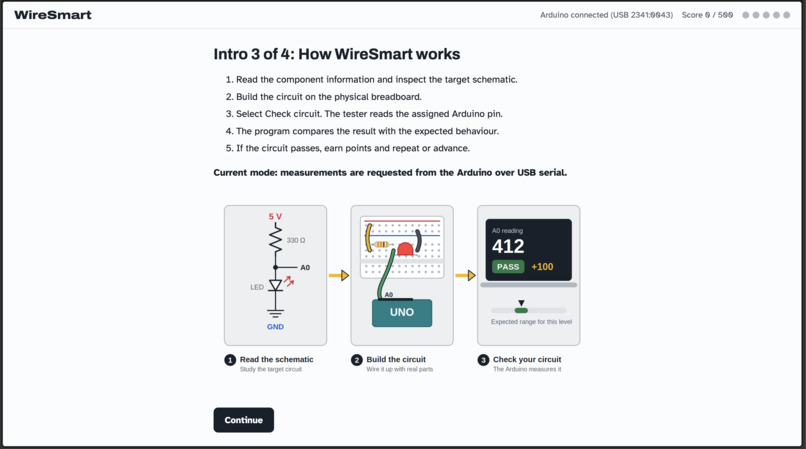
The learner must determine how to physically construct the circuit. Once built, an Arduino takes a measurement of the circuit at the testing node and provides pass/fail feedback.
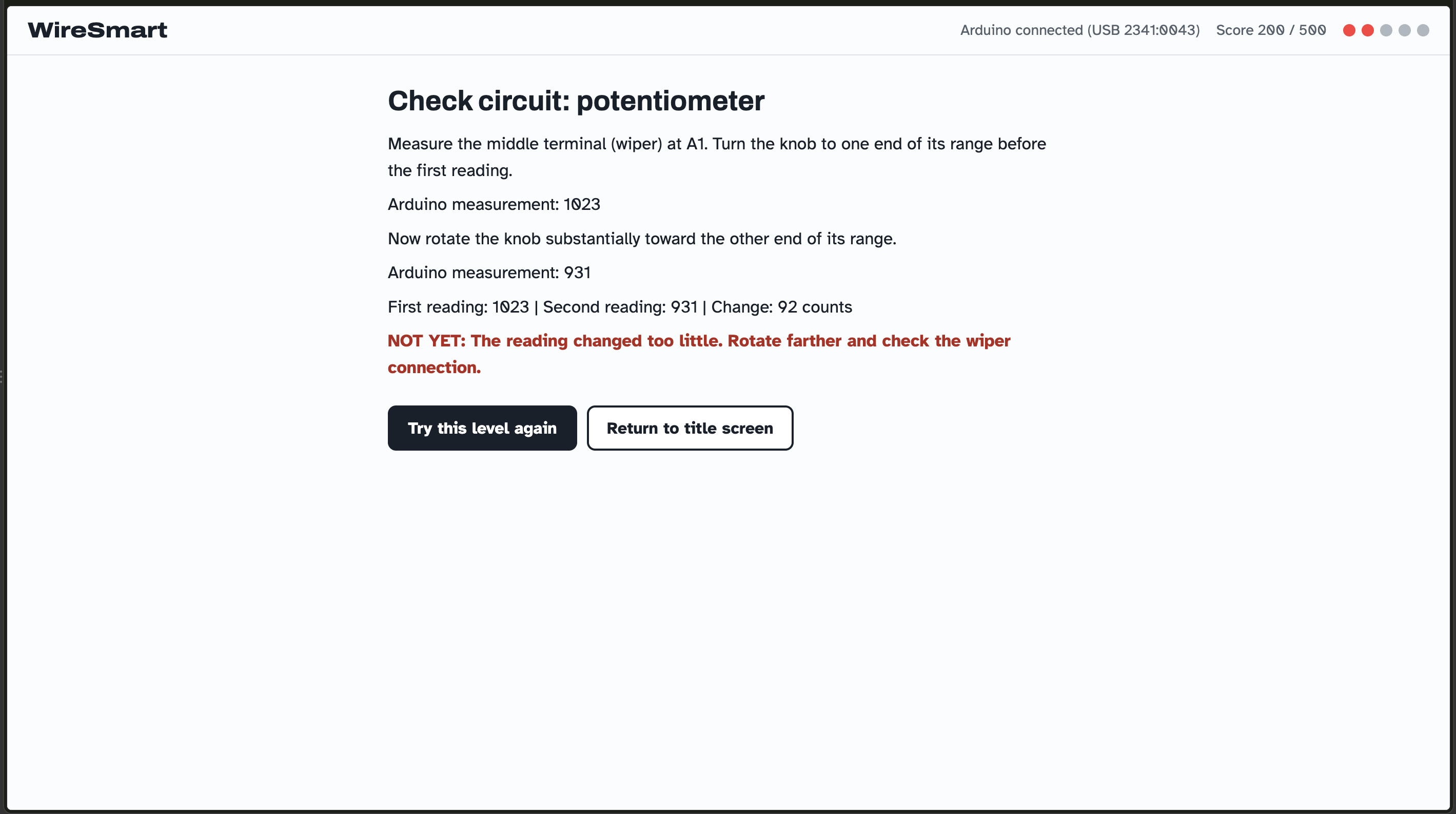
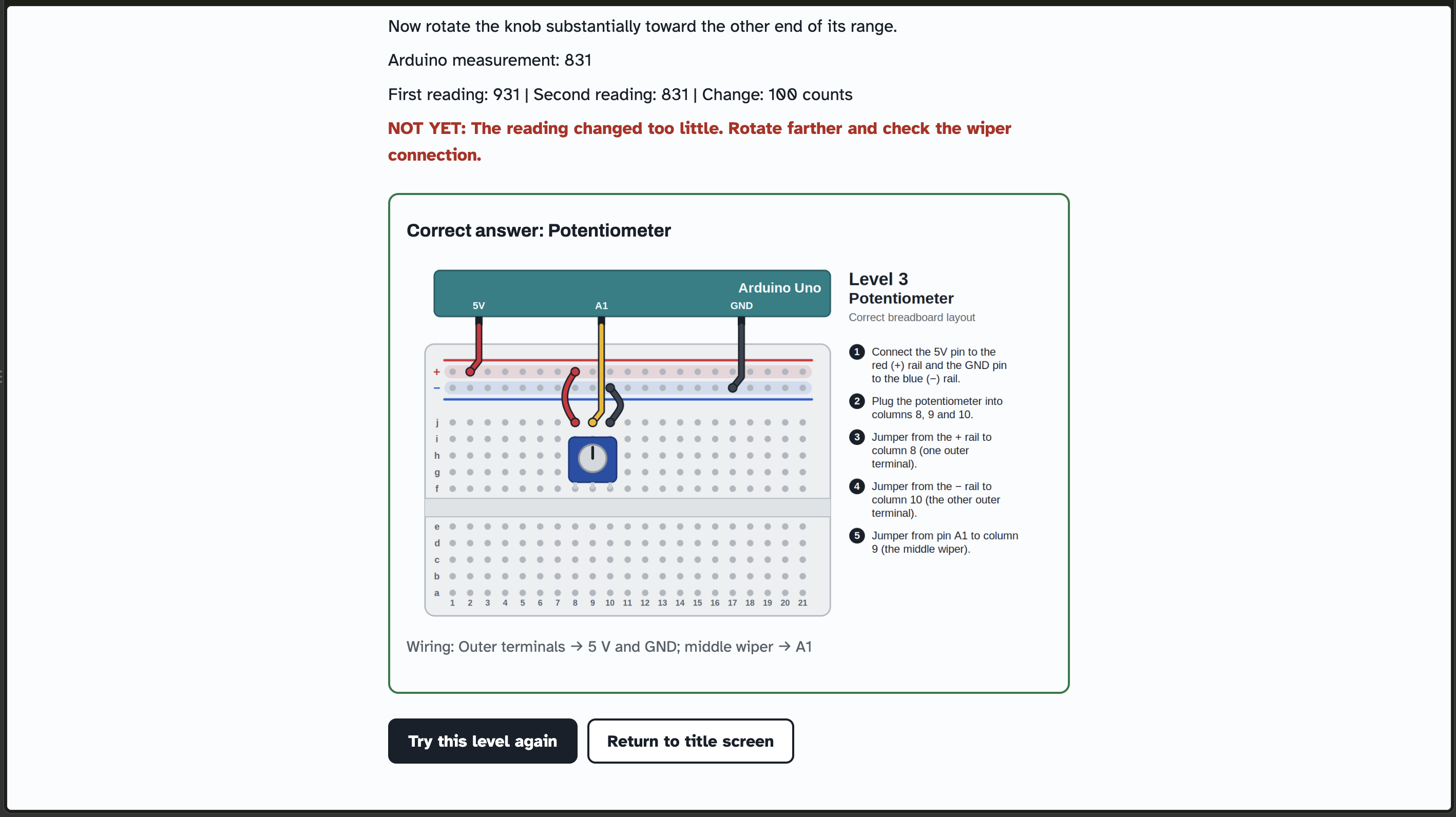
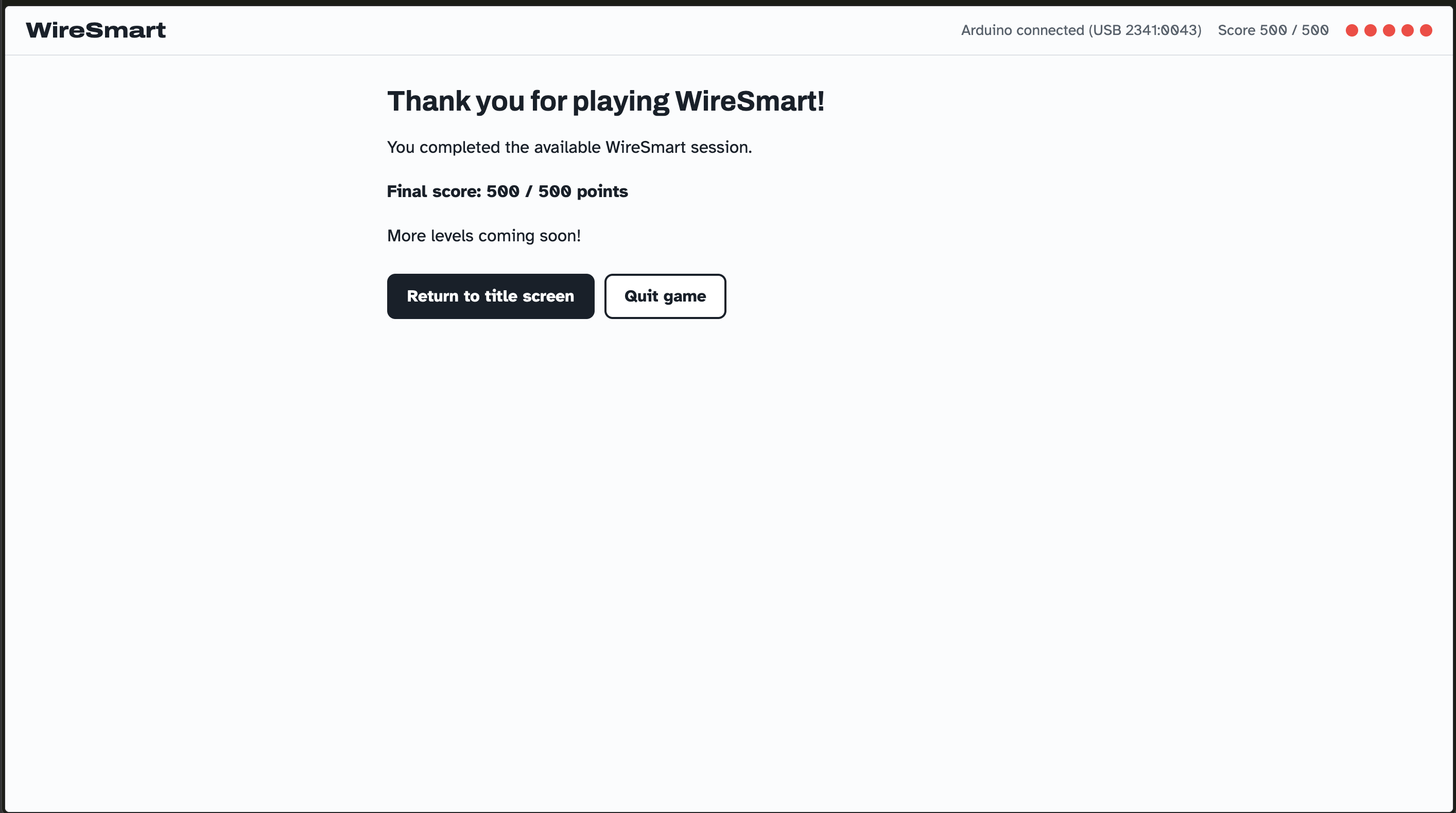
Our current levels cover: Level 1: LED polarity and current limiting Level 2: Pushbutton digital input Level 3: Potentiometer analog input Level 4: Resistors in series Level 5: Resistors in parallel
How we built it
We came up with the concept and game logic on our own, then we vibe-coded our Arduino code and a C++ program, since we have a better understanding of C++ and could easily troubleshoot it from there. After we were happy with it, we used Claude to translate the C++ to HTML for a cleaner front-end.
The Arduino provides 5 V and ground, analog voltage measurements, digital input measurements, and USB serial communication.
Preconfigured wires are colour coded: Red = 5 V (power supply) Black = GND (ground) Orange = A0 (used in Level 1: LED Polarity to measure the voltage at the node between the resistor and LED) Yellow = D2 (used in Level 2: Pushbutton to read a digital HIGH/LOW state when the button is released or pressed) Green = A1 (used in Level 3: Potentiometer to measure the voltage at the potentiometer wiper as the knob is turned) Blue = A2 (used in Levels 4 and 5: Resistors in Series/Parallel to measure the voltage produced by the resistor network)
The user simply connects the free ends to the appropriate breadboard nodes.
The Arduino takes in a measurement, and the software then compares the measurement with the expected electrical behavior for that level. If the value falls within the correct range, the user passes the level.
Challenges we ran into
The biggest challenge was deciding how much of the breadboard we needed the Arduino to register in order to verify the user's circuit. A fully smart breadboard that identifies every component and connection would require a lot more time than was given during the hackathon.
So, for our proof of concept, we instead chose strategic testing nodes for a few circuit levels. This lets us determine whether the circuit behaves correctly without monitoring every breadboard hole.
We also found that checking electrical behaviour was the most efficient for our prototype - analog voltage and digital measurements can distinguish between circuits that may look similar but function differently.
Accomplishments that we're proud of + what we learned
We learnt many things on the day of, including how to work with new components (ex. a potentiometer), how to mimic the functionality of our ENSC labs with the hardware we had, and how to do it all efficiently in the time alloted.
What's next for WireSmart
A more advanced version could have more sensors/measurements and identify specific errors, such as: “The connection between R1 and the LED is missing.” It could also have more levels, or a way to transform it from a supplemental tool to a verification tool, where the user can upload custom circuits and see what the expected outputs should be - like an online simulator, but physically interactive. This could help to assess if the user's components are faulty, or if there is a conceptual misunderstanding in the wiring.


Log in or sign up for Devpost to join the conversation.