-
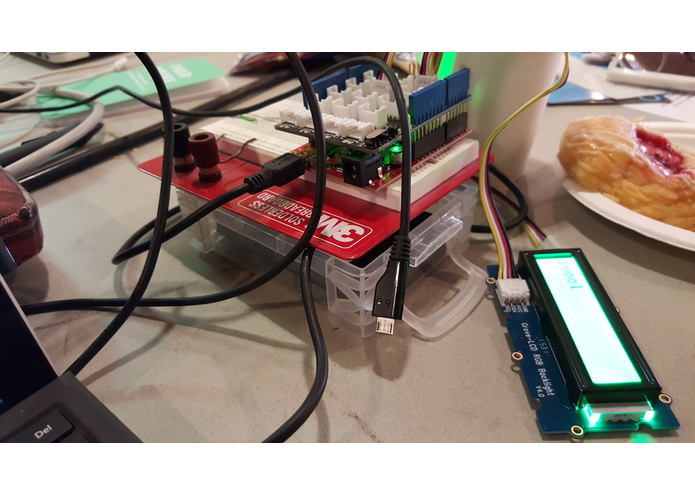
primary setup
-
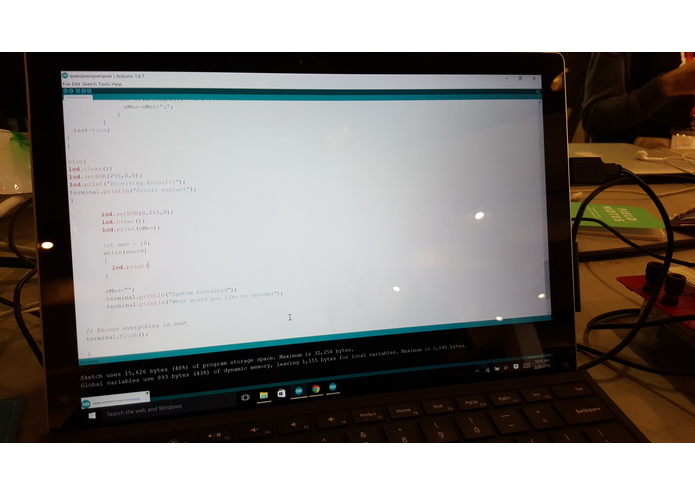
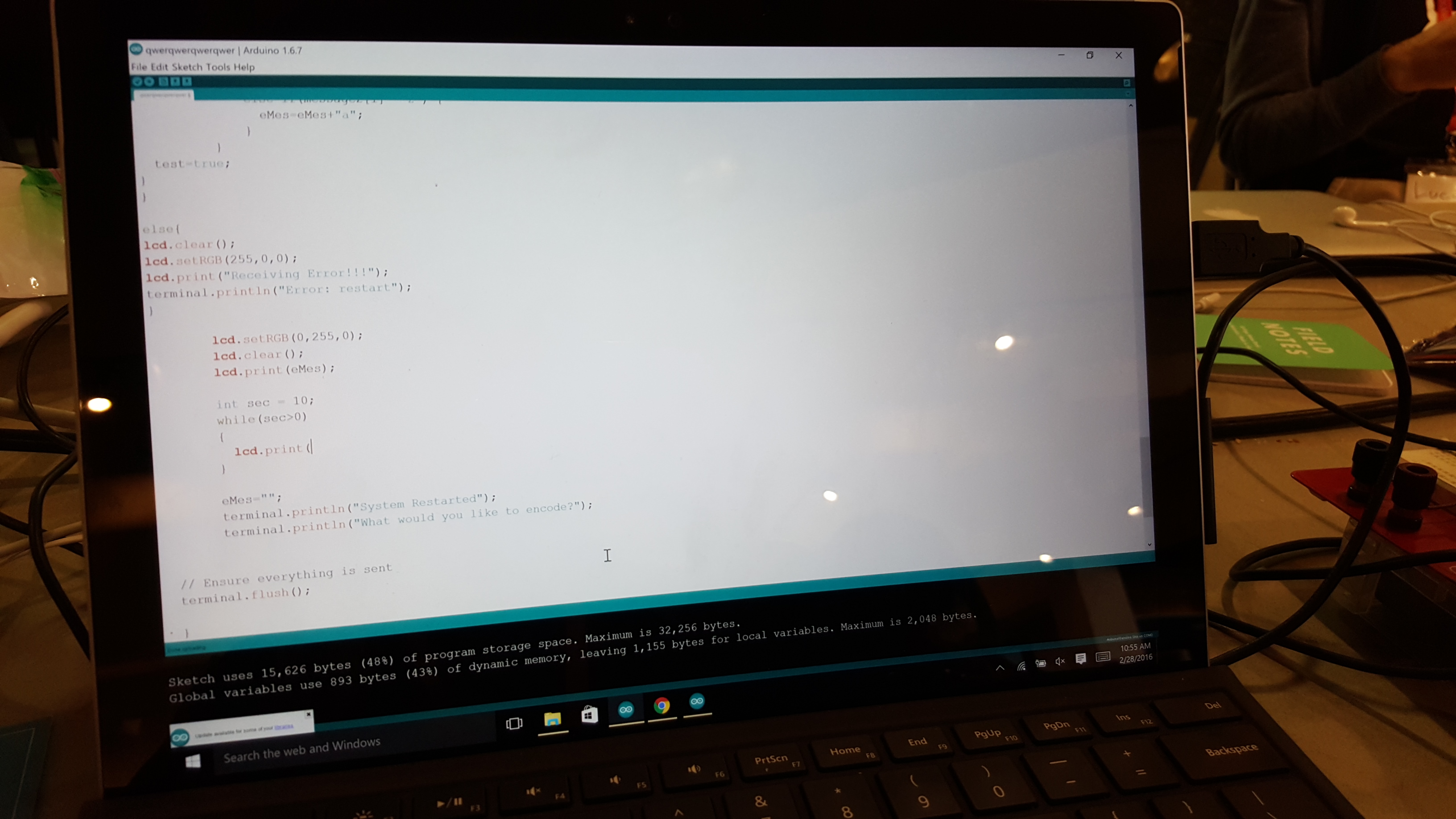
code
-
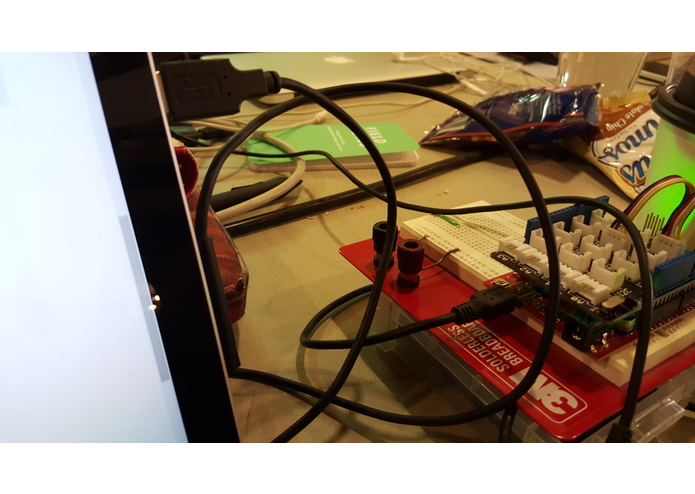
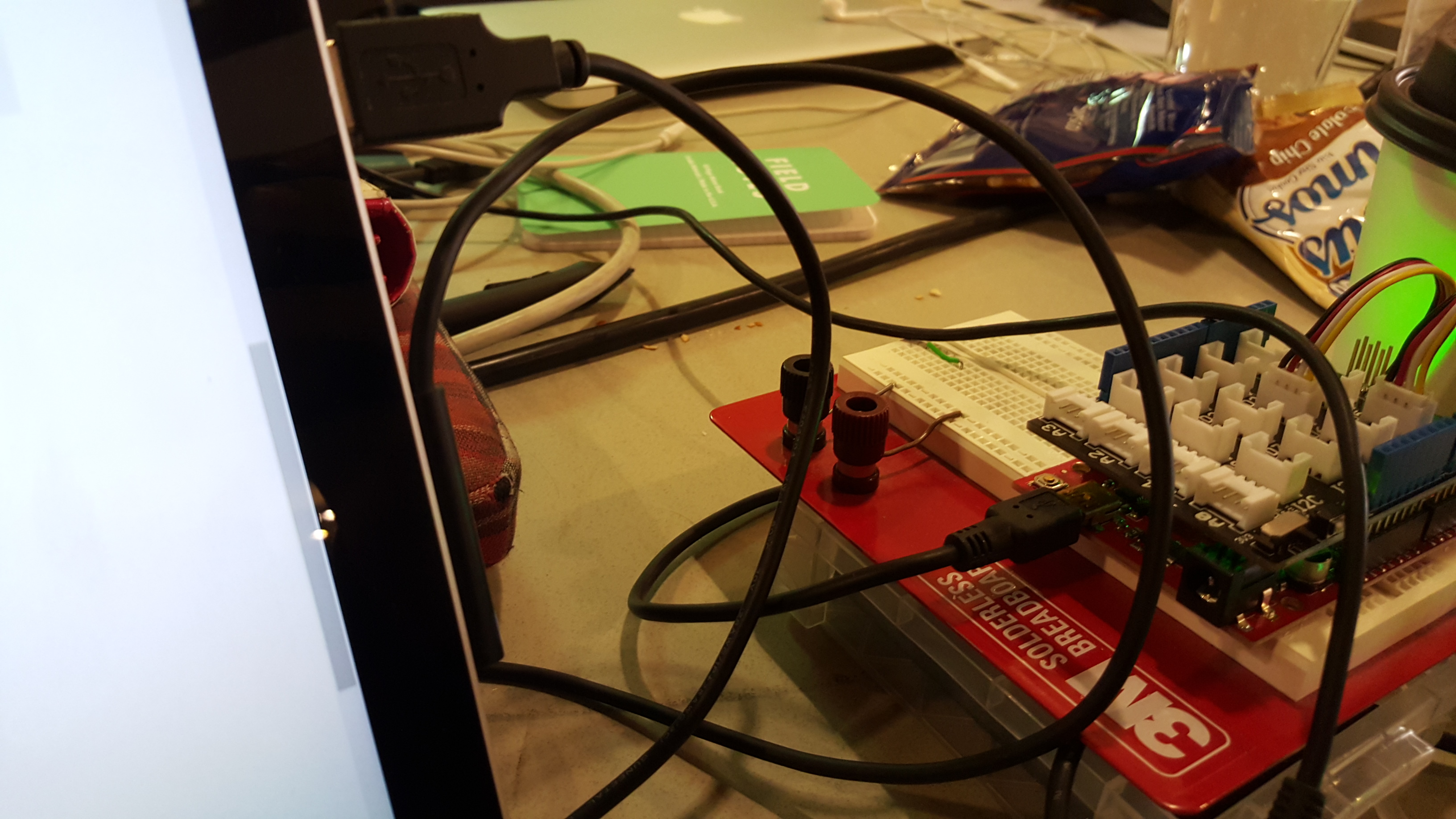
usb connection
Inspiration
I was inspired by all the personal security issues that are arising in our current society. Our technology needs to be more secure, so I thought that this project would be a fun, introductory way to approach this problem.
What it does
Using the Blynk application, users can send a short, secret message that will be encoded using Backwards Alphabet Code (which is super simple). This message is then outputted through the lcd screen that is attached to the arduino.
How I built it
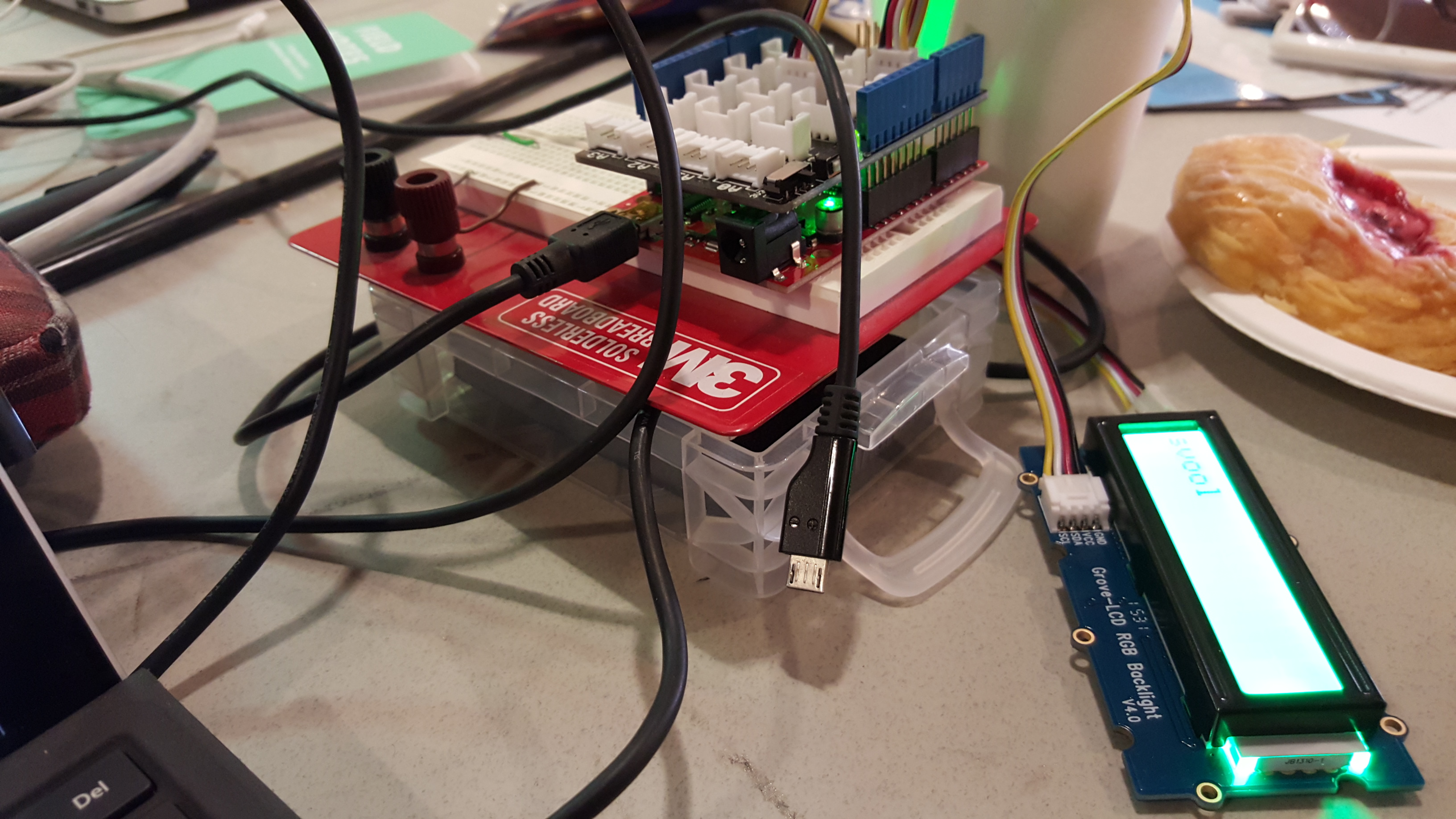
I built this by first looking into the different methods to input information for the arduino to receive. Although I could have completed this through the Arduino IDE serial monitor, I wanted to make it more useful by transmitting the message across a larger distance than across your desktop. Since my message first runs through the Blynk servers, I am able to transmit my message from any distance from the actual arduino (considering both are connected to some type of network). I attached the lcd screen to an arduino base board with ribbon cable. The base board is attached to the main arduino itself, which is connected to my computer via USB.
Challenges I ran into
One primary challenge that I ran into was poor communication with my original Blynk server. Some messages were coming through half written or incomplete. Therefore, I had to request for a new Blynk server and used a new authorization key to complete my project. Another challenge that I came across was that the terminal I used through the Blynk application did not have a specified API online. They only had posted one example code since it is a relatively new function. Therefore, figuring out what each terminal command did took a while, especially since I am not a familiar with coding since I am aspiring to enter mechanical engineering (currently a high school senior).
Accomplishments that I'm proud of
I am proud that I was finally able to establish a secure connection between my mobile device and the arduino over two separate networks. This is also the first time that I have ever used an arduino base board with an rgb lcd so I am glad I was able to learn about new arduino libraries. As mentioned before, even attending this hackathon is an accomplishment for me since I aspire to enter mechanical engineering when I enter college and I have not coded for quite a while.
What I learned
I learned that if you don't want to rely on someone else's server, you should just set on up yourself (which I luckily did not need to do since my second server worked fine). I also learned about several new arduino libraries, as mentioned before. But, most importantly, I learned how a hackathon functions!
What's next for Wireless Mobile Text Encoder
Decoding method, input via computer connected to ardunio, and more secure encoding language!
Built With
- arduino
- base-board
- blynk
- grove-lcd-rgb-backlight


Log in or sign up for Devpost to join the conversation.