-
-
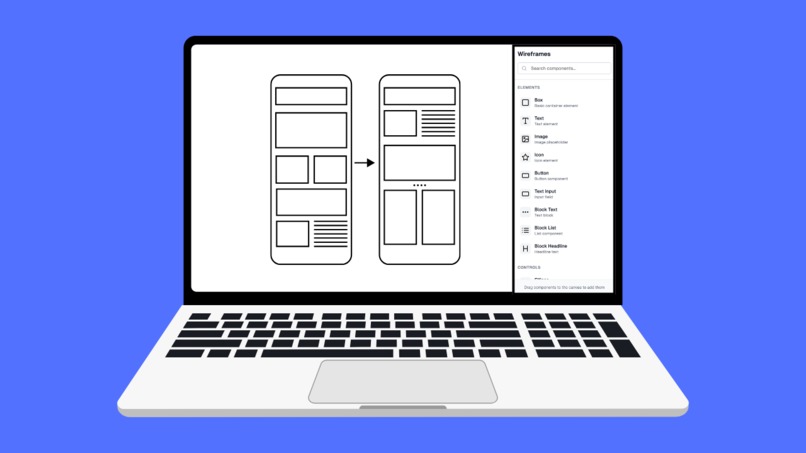
Wireframes: Build your product wireframes in minutes.
-
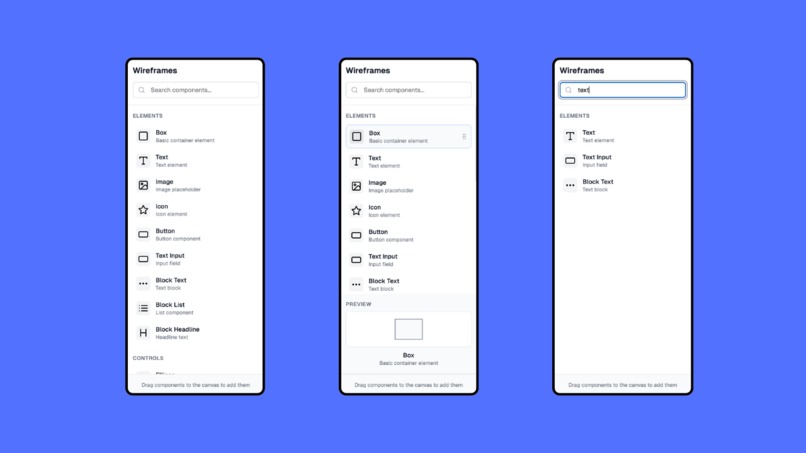
Wireframes: Easily access all wireframes components.
Inspiration
The inspiration for Wireframes came from observing the frustrating experience Product Managers face when creating wireframes.
PMs often spend valuable time searching through countless elements and components scattered across different menus and categories.
I noticed that the wireframing process, which should be quick and intuitive, was being slowed down by poor organization and discoverability of UI elements.
I wanted to create a streamlined, purpose-built solution that would make wireframing as fast as the PM's thoughts.
What it does
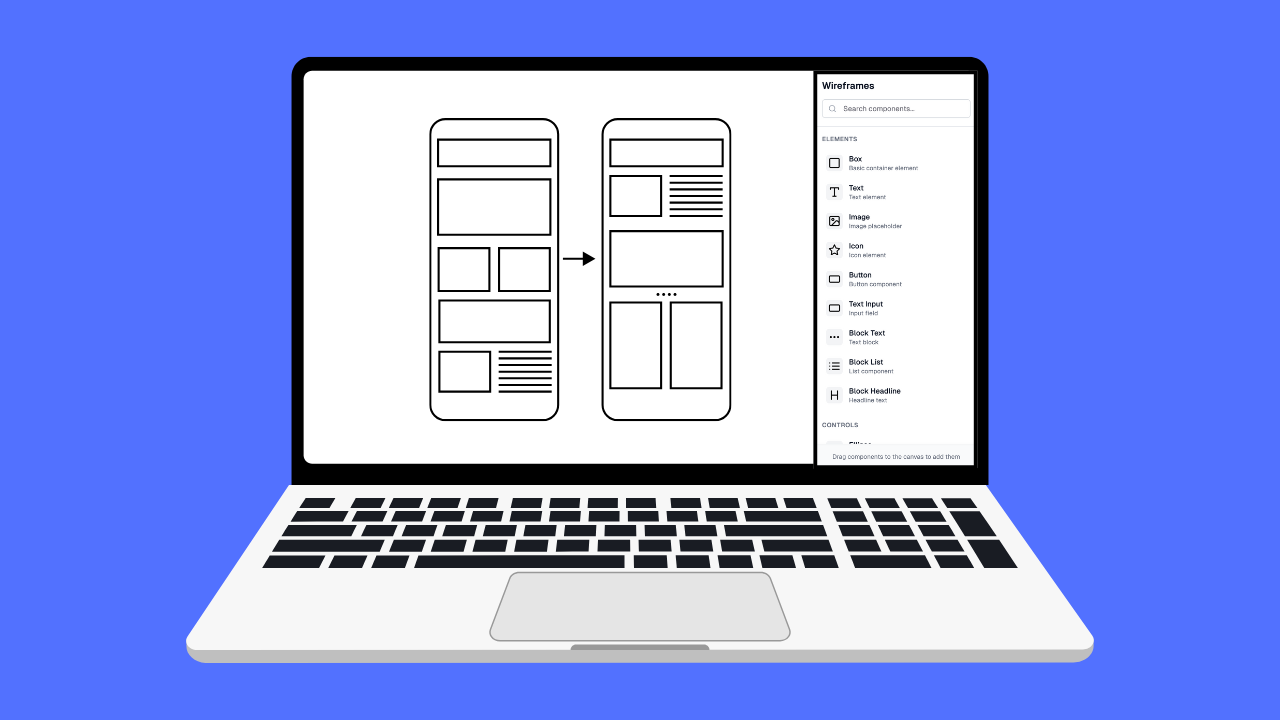
Wireframes is an Adobe Express add-on that provides a comprehensive library of wireframe components organized in an intuitive sidebar interface. Users can:
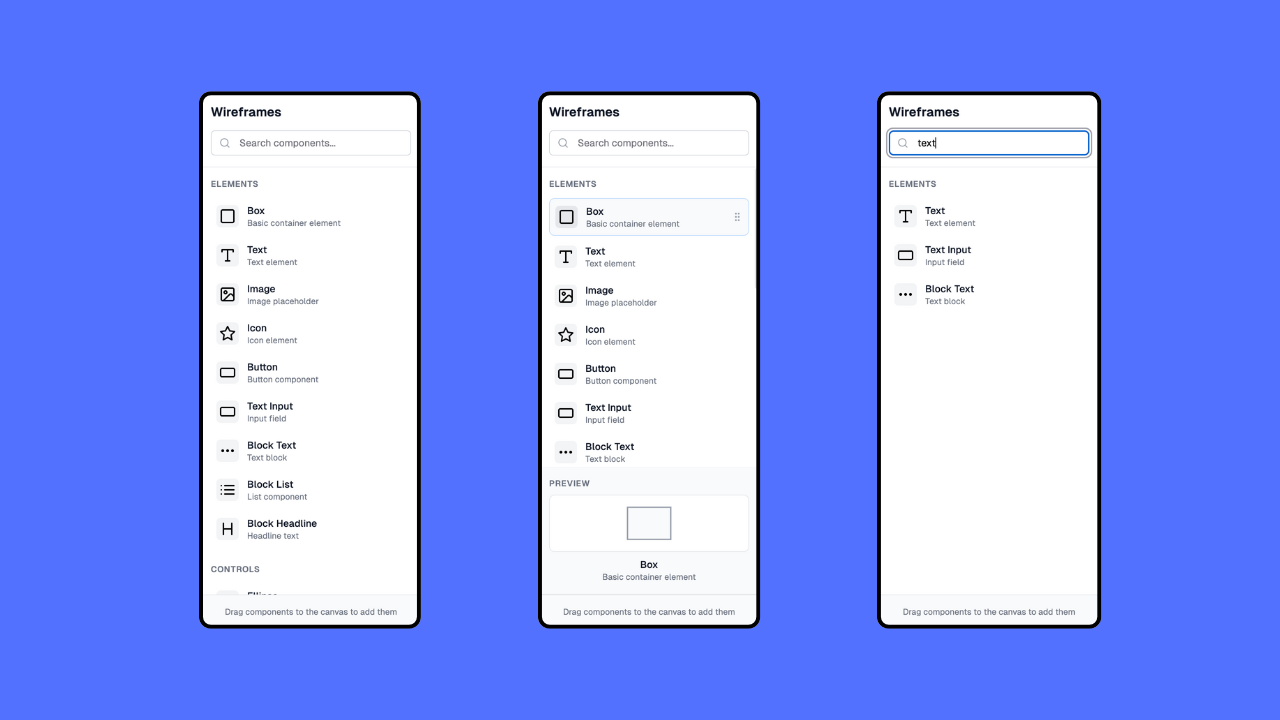
- Search and Browse: Quickly find wireframe components through a powerful search function and organized categories (Elements and Controls)
- Preview Components: Click on any component to see a detailed visual preview before using it
- Drag and Drop: Seamlessly drag components from the sidebar directly onto their mobile canvas
- Organized Library: Access categorized components including boxes, text, images, buttons, sliders, progress bars, and more
The add-on transforms the wireframing workflow from a tedious search-and-find process into a smooth, creative experience.
How we built it
I built Wireframes using modern web technologies optimized for Adobe Express add-on development:
- React & TypeScript: For a robust, type-safe component architecture
- Tailwind CSS: For consistent, responsive styling that matches Adobe Express's design language
- Custom Component Library: Created visual representations for each wireframe element with proper icons and previews
- Drag & Drop API: Implemented HTML5 drag and drop functionality for seamless component placement
- Adobe Express Guidelines: Followed Adobe's add-on development guidelines for proper integration and user experience
- Responsive Design: Ensured the sidebar works perfectly within Adobe Express's interface constraints
Challenges we ran into
Several key challenges emerged during development:
- Adobe Express Integration: Understanding and implementing Adobe Express add-on specifications while ensuring seamless integration with the existing interface
- Component Visualization: Creating accurate, recognizable visual representations for each wireframe component that would be immediately understandable to users
- Drag & Drop Complexity: Implementing smooth drag and drop functionality that works reliably across different browsers and devices
- Performance Optimization: Ensuring the add-on loads quickly and doesn't impact Adobe Express's performance
- Search Functionality: Building an intelligent search that can find components based on various keywords and use cases
Accomplishments that we're proud of
Intuitive User Experience: Created a workflow that reduces wireframing time by up to 70% through better organization and search Visual Component Previews: Developed a unique preview system that shows exactly how each component will look before placement Comprehensive Component Library: Curated and designed 17 essential wireframe components covering all common UI patterns Seamless Adobe Integration: Achieved perfect integration with Adobe Express's design language and interaction patterns Responsive Design: Ensured the add-on works flawlessly across different screen sizes and devices
What I learned
User-Centered Design: The importance of observing real user workflows before building solutions - our initial assumptions about what designers needed were refined through user feedback Adobe Express Ecosystem: Deep understanding of Adobe's add-on architecture and how to build extensions that feel native to the platform Component Design Systems: How to create scalable, maintainable component libraries that can grow with user needs Performance in Constrained Environments: Optimizing for add-on environments where resources are shared with the main application
What's next for Wireframes
Component Customization: Allow users to modify component properties (size, color, text) before placement Template Library: Pre-built wireframe templates for common app patterns (login screens, dashboards, etc.)
Built With
- react
- tailwind
- typescript


Log in or sign up for Devpost to join the conversation.