-
-
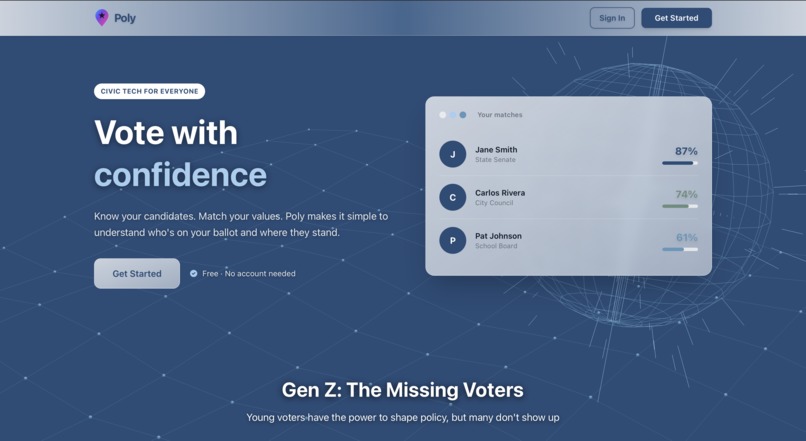
front page
-
-
-
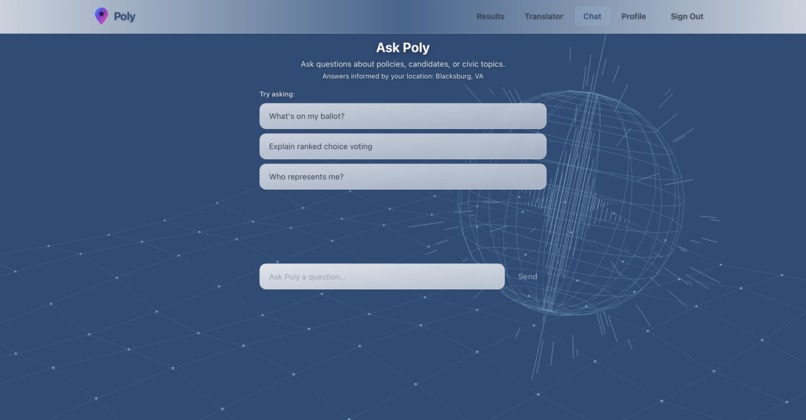
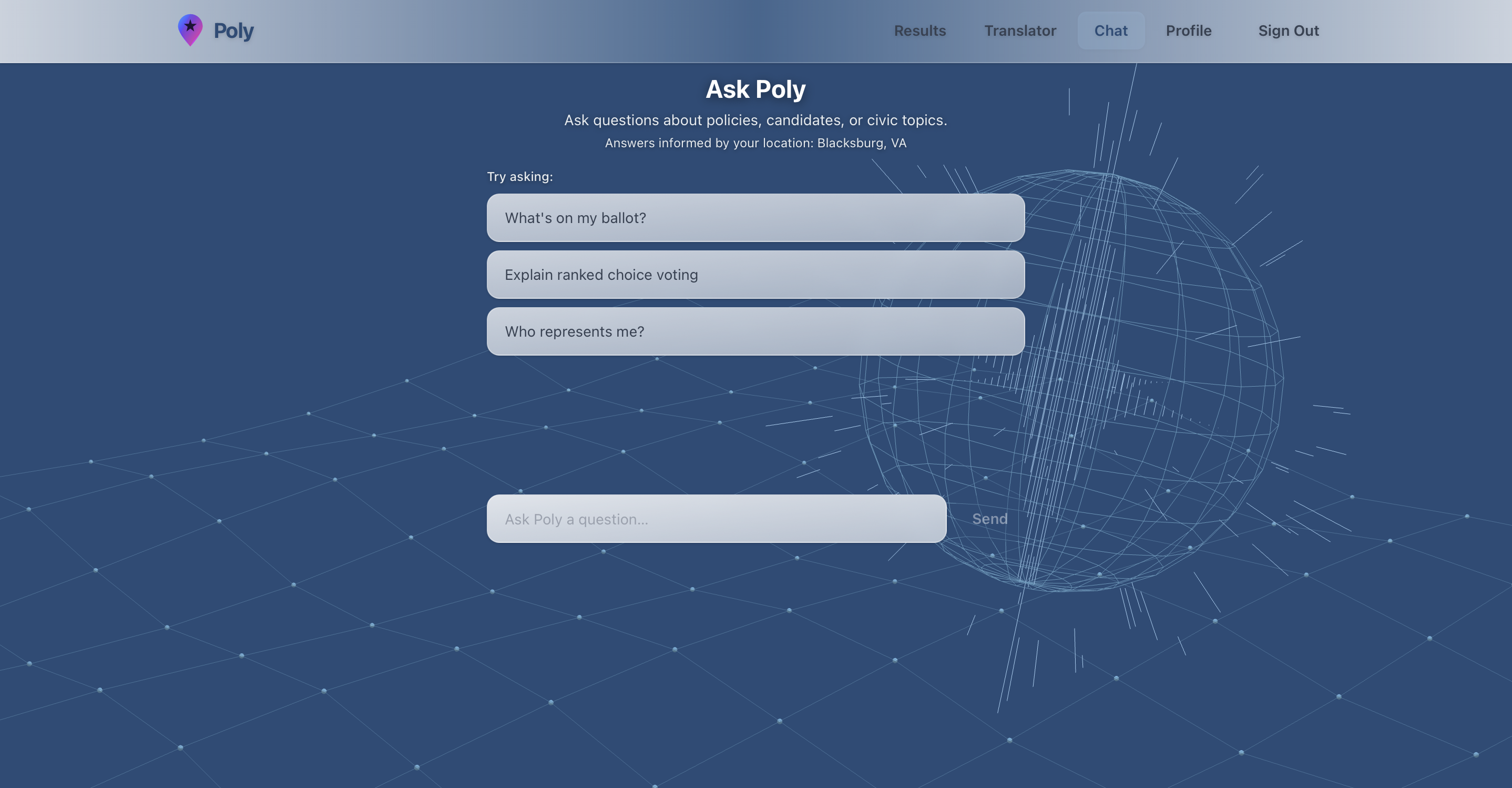
chat
-
Inspiration
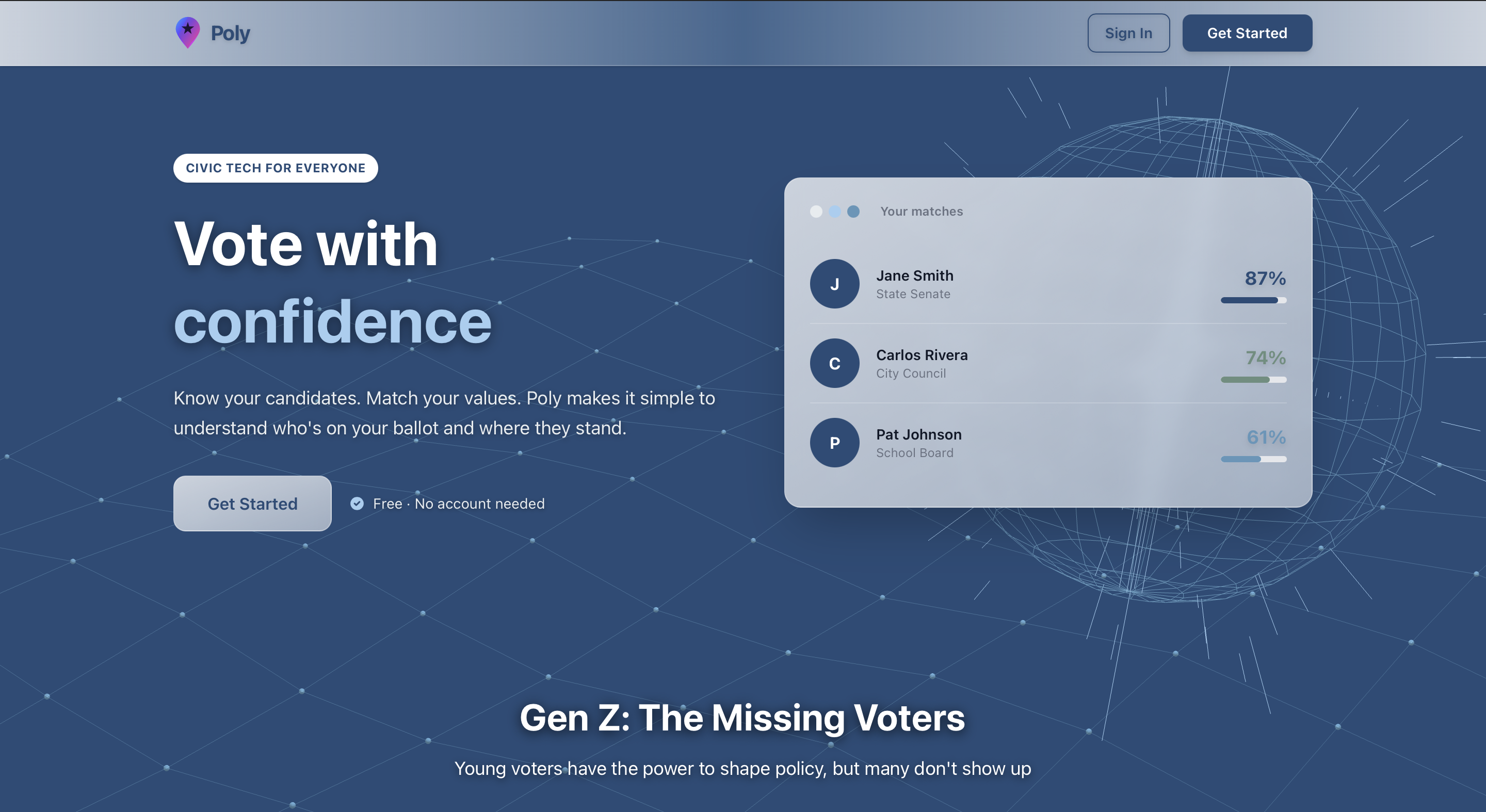
The inspiration for Poly came from a troubling statistic: only 48% of eligible Gen Z voters cast ballots in 2020, despite 85% of current policies directly impacting their future. We saw friends and peers who genuinely wanted to participate in democracy but felt paralyzed by information overload, dense policy language, and confusing ballots. Traditional voter guides are either too partisan or too dry to engage young people. We realized that civic engagement doesn't have a UX problem—it has an accessibility problem. What if understanding your ballot felt as natural as scrolling through your phone? That question became Poly: a platform that meets Gen Z where they are, with the clarity and speed they expect from modern technology.
What We Learned
Building Poly taught us that user experience is everything in civic tech—if it's not dead simple, people won't use it, no matter how powerful the features. We gained hands-on experience with multimodal AI APIs, learning the nuances of handling different data types like text and PDFs, and implementing graceful rate limiting when APIs get overwhelmed. We discovered the importance of consistent data modeling when small discrepancies in our match score calculations led to user confusion, teaching us to validate logic across all touchpoints. On the technical side, we deepened our understanding of modern web development, type-safe programming, and comprehensive testing strategies for catching edge cases. Most importantly, we learned that building for social impact requires empathy—understanding not just what users need, but how they think, what frustrates them, and what motivates them to engage.
How We Built It
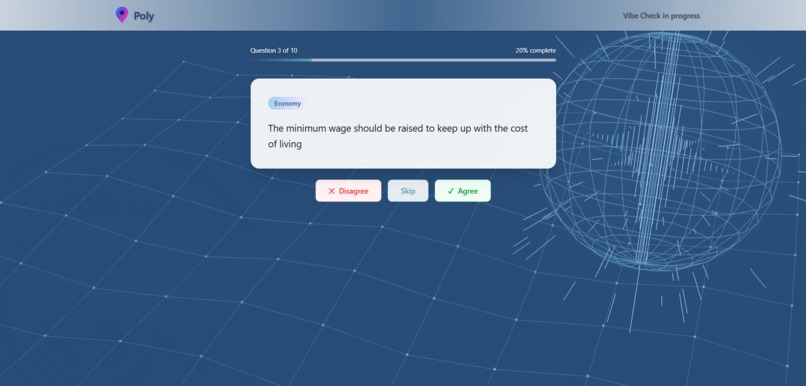
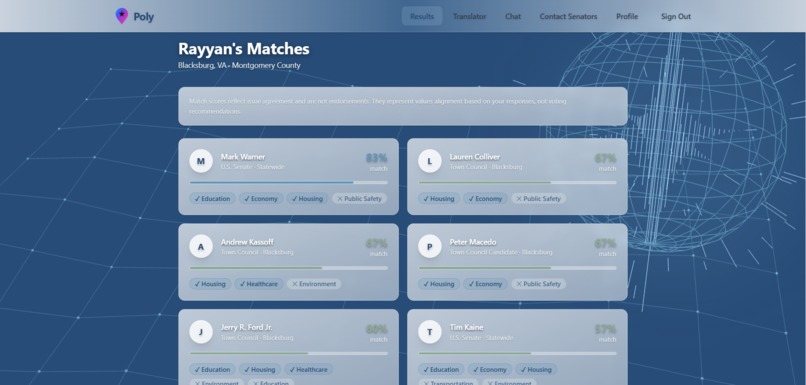
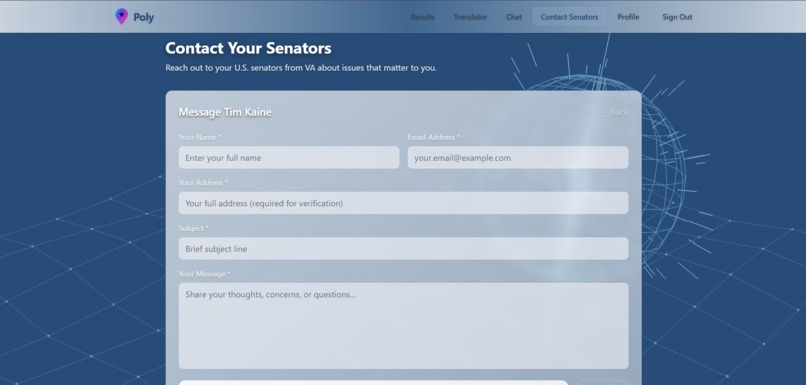
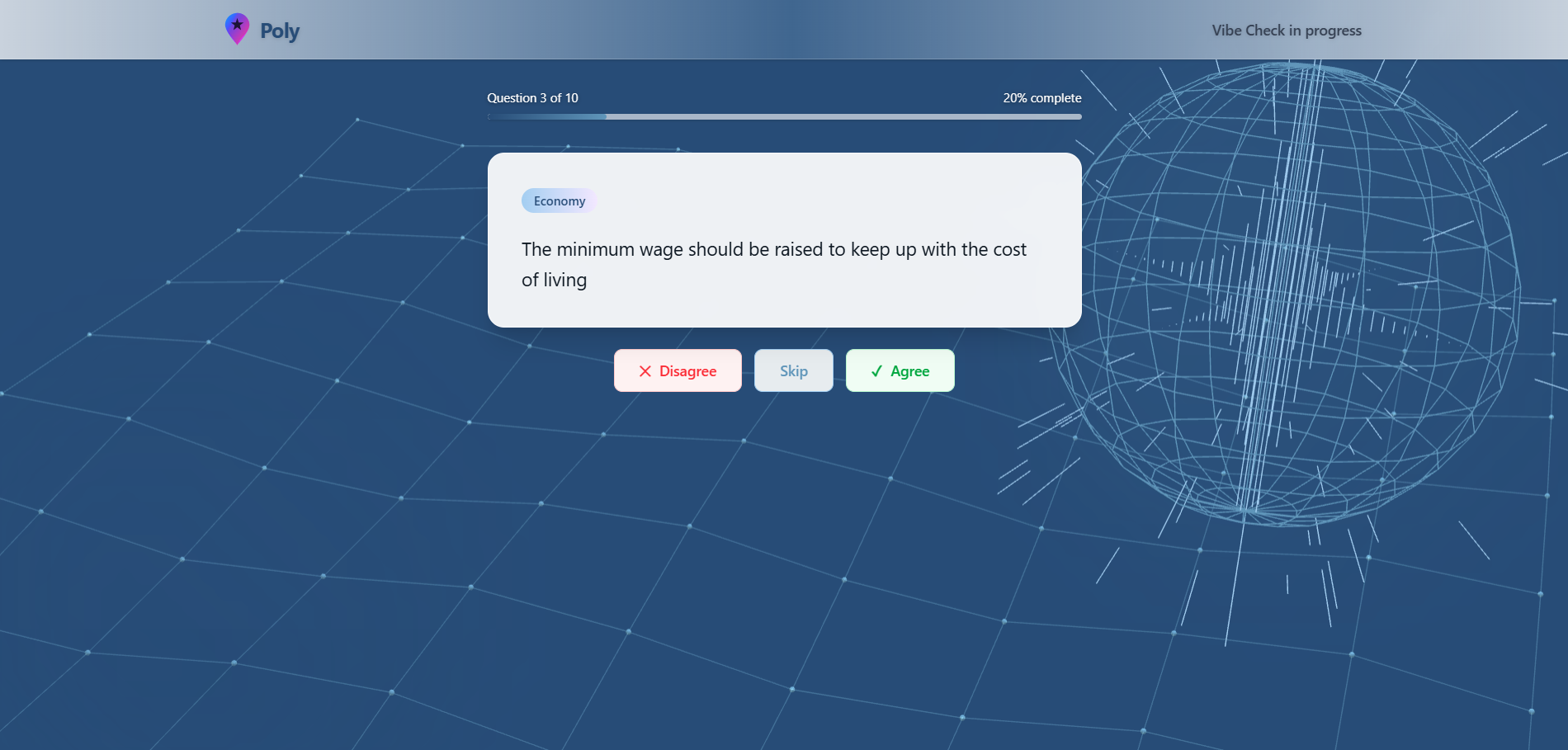
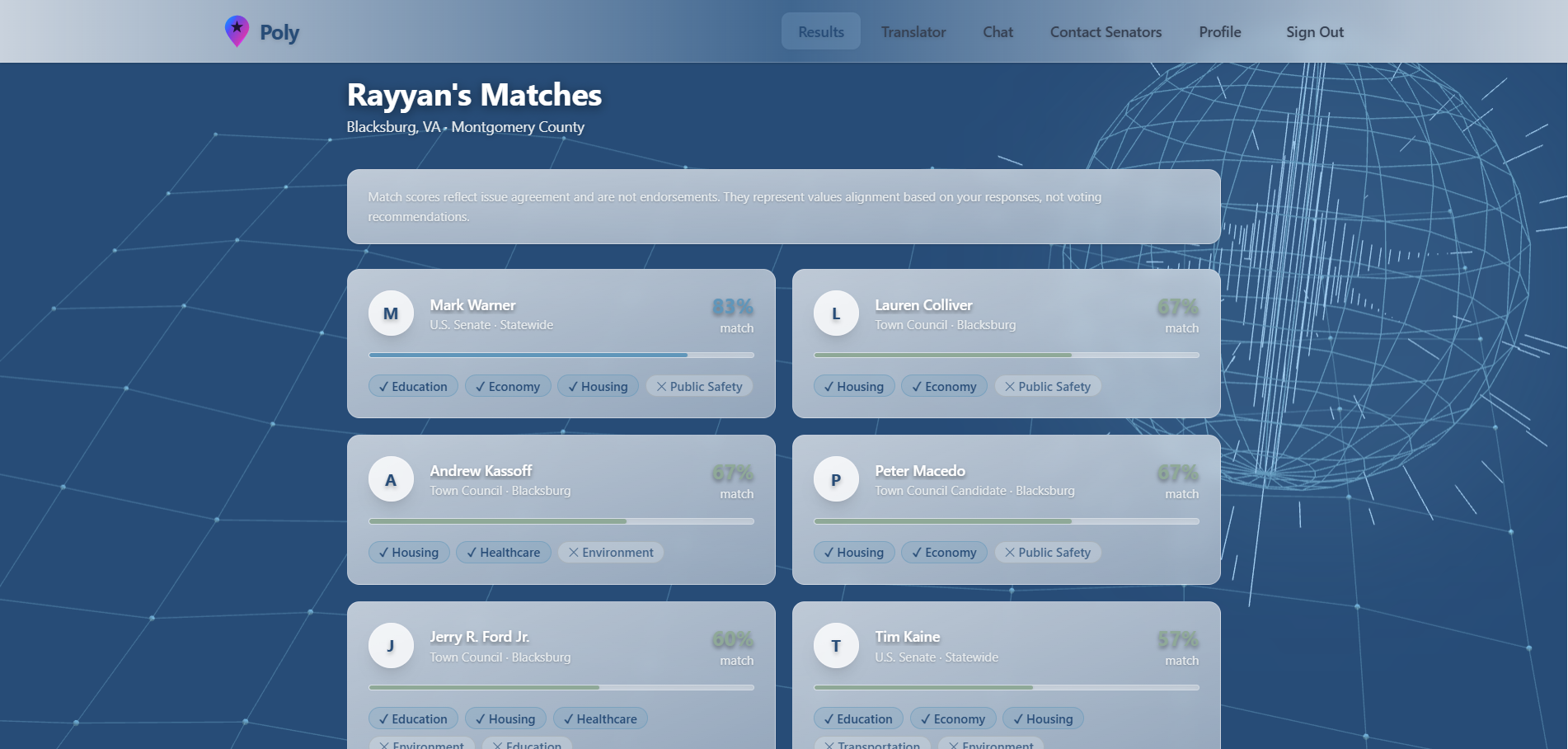
We built Poly using React and TypeScript for a robust, component-based architecture, with Vite for lightning-fast development. The UI leverages Tailwind CSS for responsive design and Framer Motion for smooth animations that make the experience feel polished and modern. For AI features, we integrated Google's Gemini 2.0 Flash API to power both the chat assistant and policy translator, handling text and PDF inputs seamlessly. We implemented a custom matching algorithm that compares user positions with candidate stances across multiple issues, calculating match percentages as \( \text{Match} = \frac{\text{agreements}}{\text{total answered}} \times 100\% \), where we only count issues both the user and candidate have taken positions on. The app uses React Context for global state management, React Router for navigation, and includes comprehensive test suites with property-based testing. We also added client-side rate limiting (minimum 2-second intervals) and caching mechanisms to respect API quotas while maintaining smooth user experience.
Challenges We Faced
One of our biggest challenges was handling PDF processing with the Gemini API. Initially, we tried reading PDFs as plain text, which completely failed because PDFs are binary files with complex structures. After debugging, we learned to convert PDFs to base64 format and send them properly to the AI—a crucial lesson in understanding how multimodal AI APIs actually work. Another challenge was match percentage inconsistency: our results page showed different percentages than the detail page because one calculated based on all user answers while the other only counted mutually answered questions. We standardized the calculation to ensure consistency across the entire app. We also struggled with API rate limiting—hitting "too many requests" errors even with single requests. We implemented client-side throttling to space out requests and added better error messaging to guide users. Finally, UI/UX refinement was iterative: we went through multiple rounds of adjusting transparency levels, color schemes (moving from harsh red/green to calming blues that match our theme), and spacing to ensure readability against our animated globe background. Each challenge taught us something valuable about production-ready development and the importance of testing edge cases early.
Built With
- css
- gemini
- react
- tailwind
- typescript


Log in or sign up for Devpost to join the conversation.