-
-
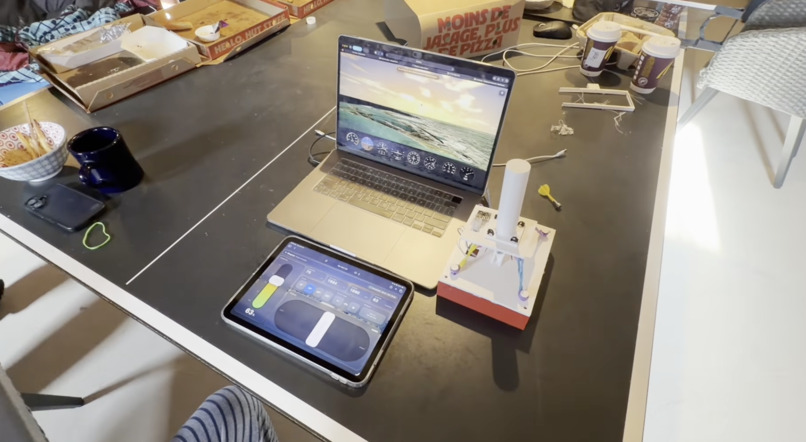
REAL
-
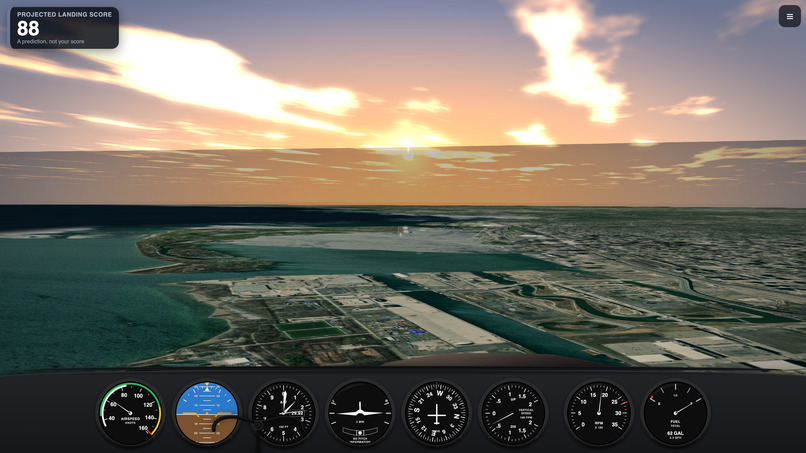
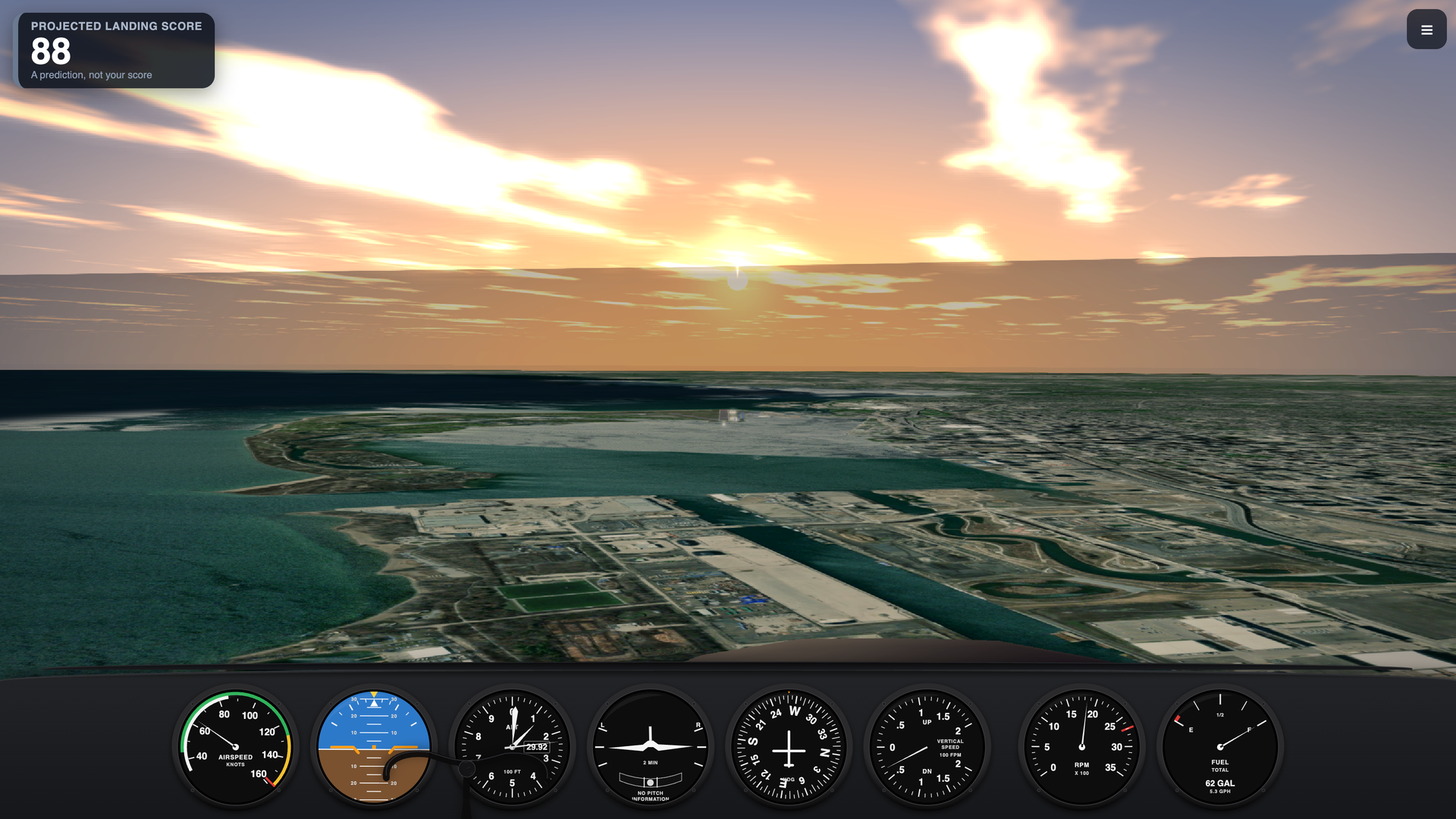
first person view
-
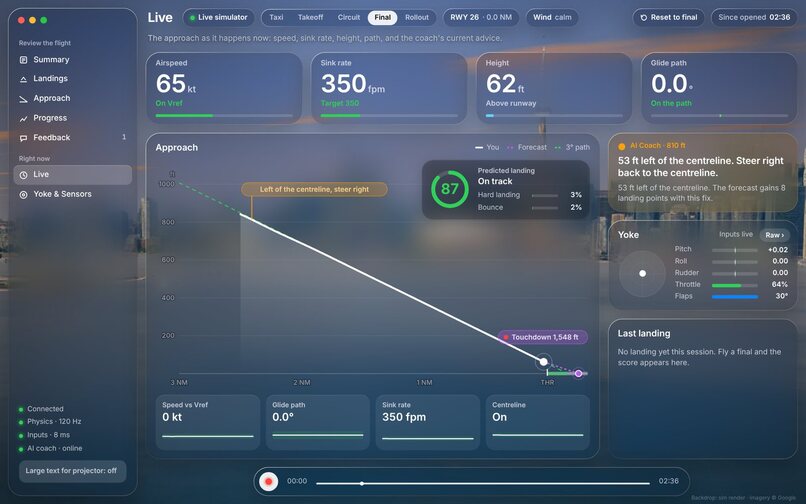
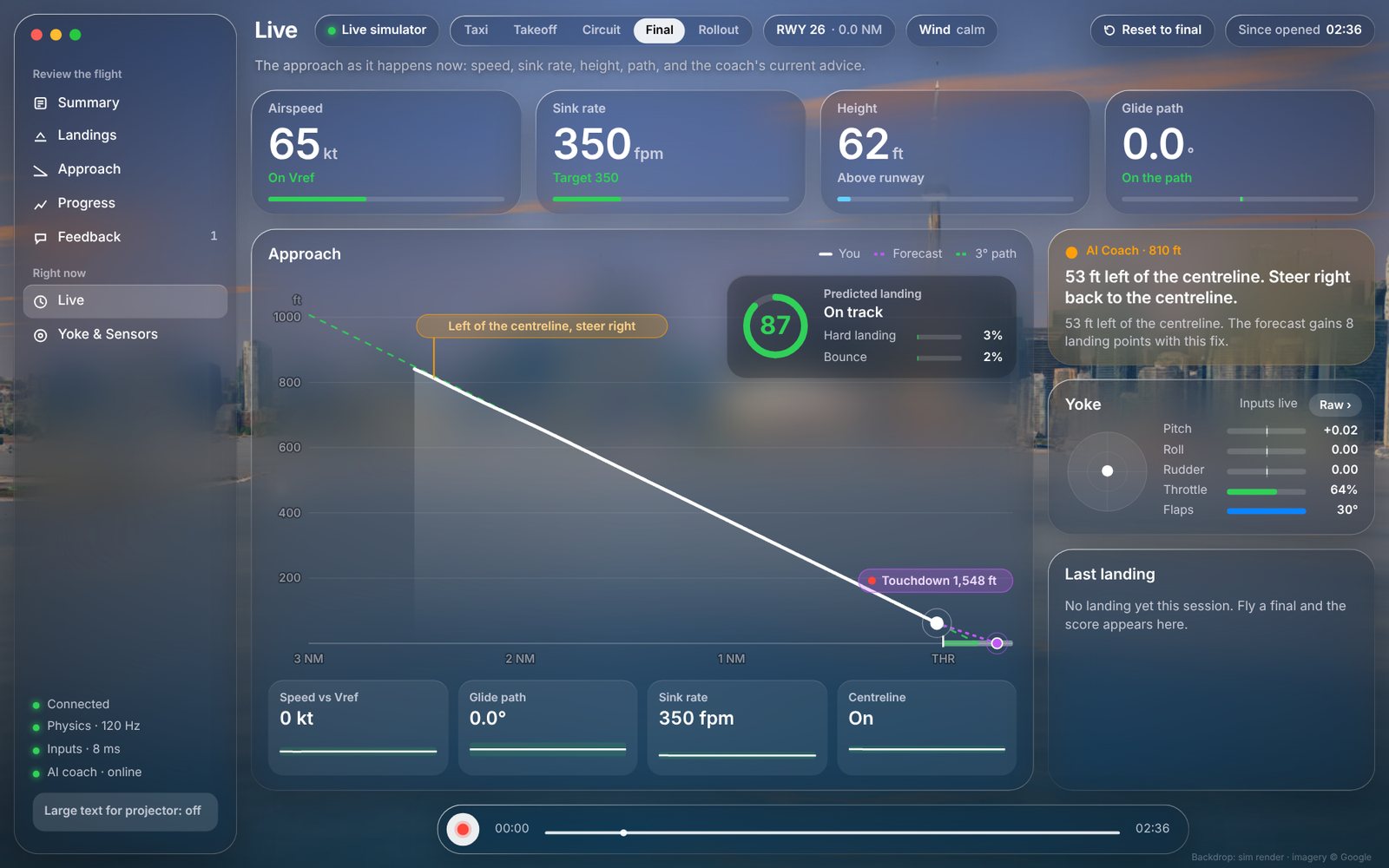
dashboard
-
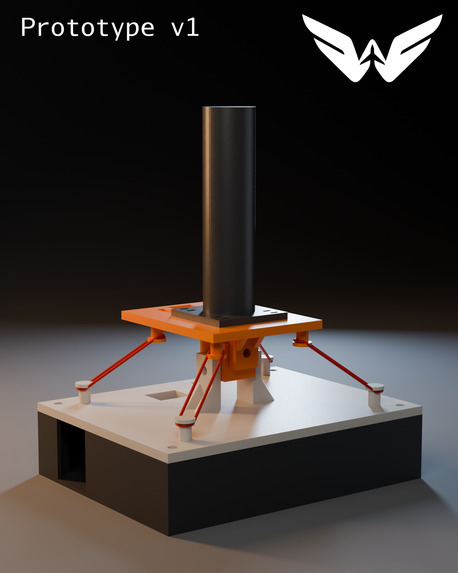
renders
-
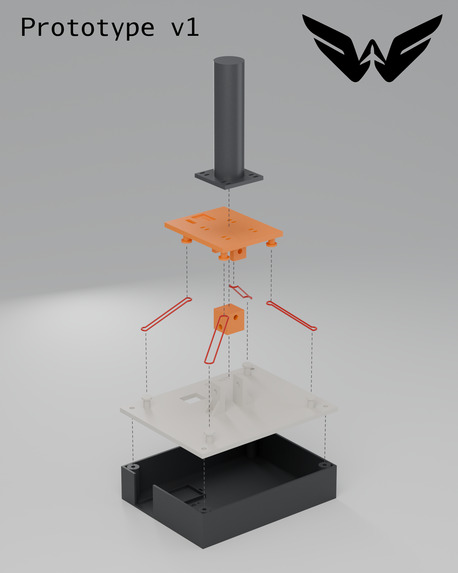
renders
Inspiration
"This summer, my flight instructor asked me to use a flight simulator to practice my landings. The problem is most flight sims are expensive, and they feel more like games than something you'd actually train on. The real trainers are too expensive to use, so we decided to make an easily accessible, realistic, flight simulator with student pilots in mind." - someone on the team
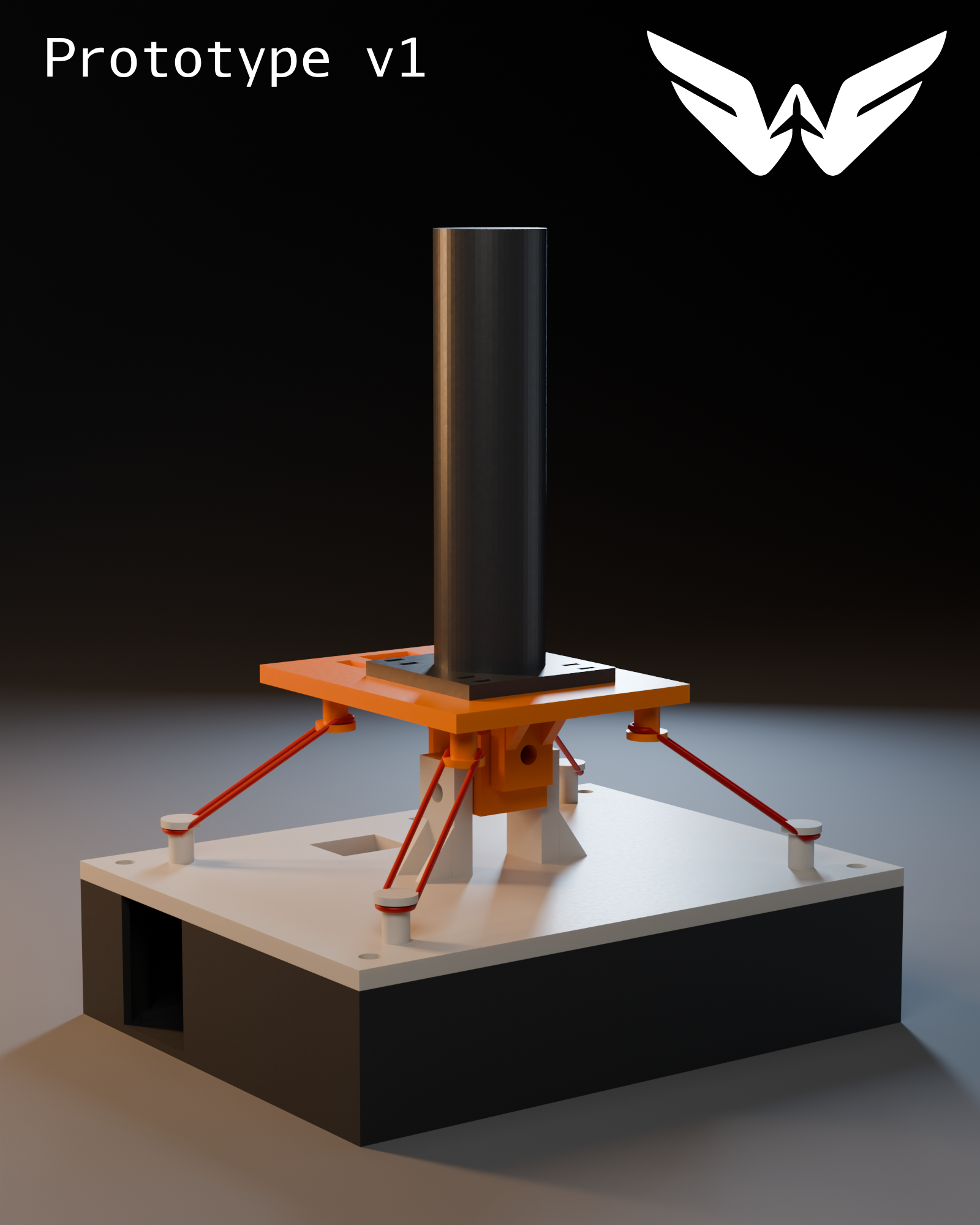
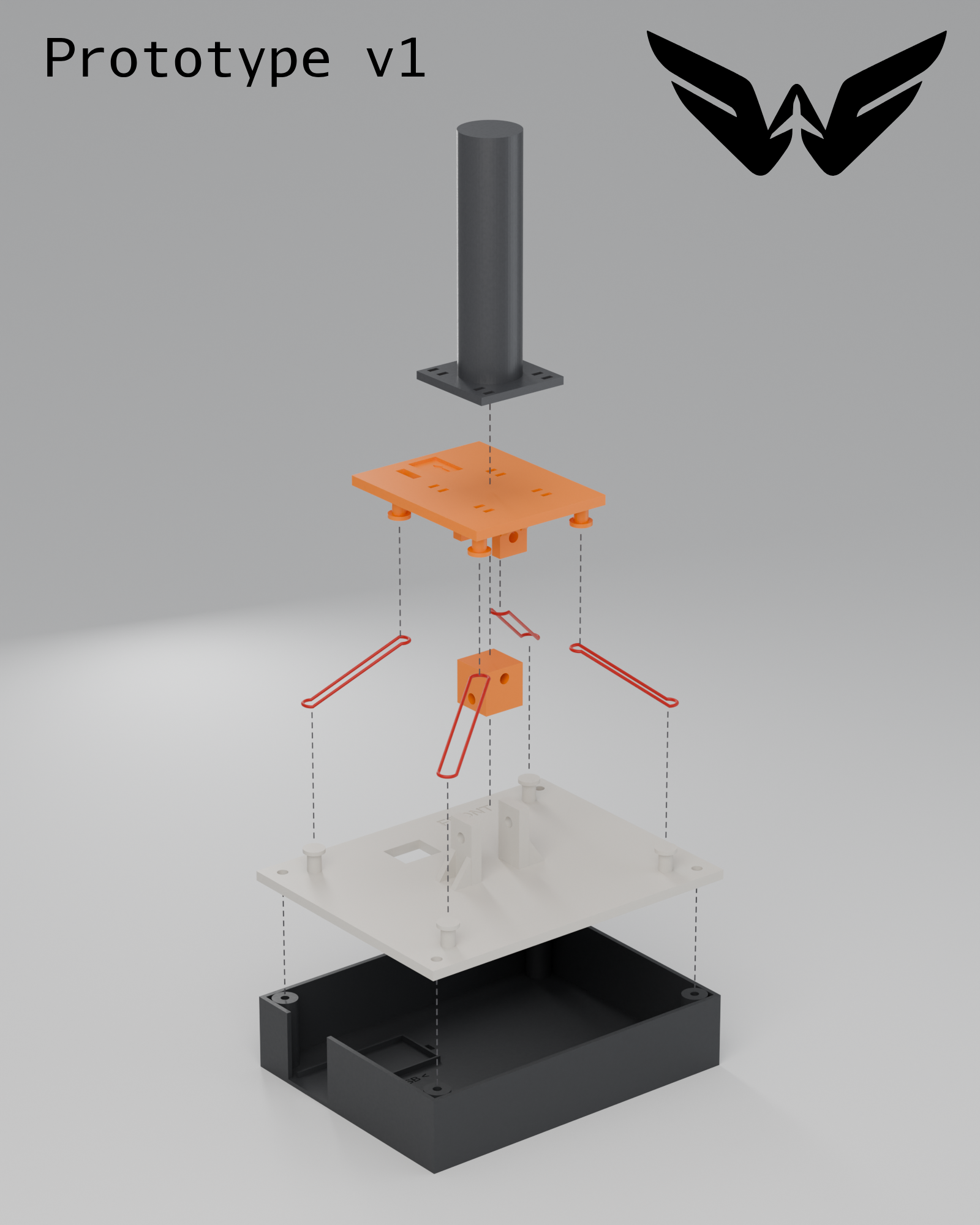
Wingman was inspired by our teammate’s experience being asked by a flight instructor to practise landings at home, only to find a gap between consumer flight sims and costly training systems. We set out to make realistic, guided practice more accessible to student pilots.
What it does
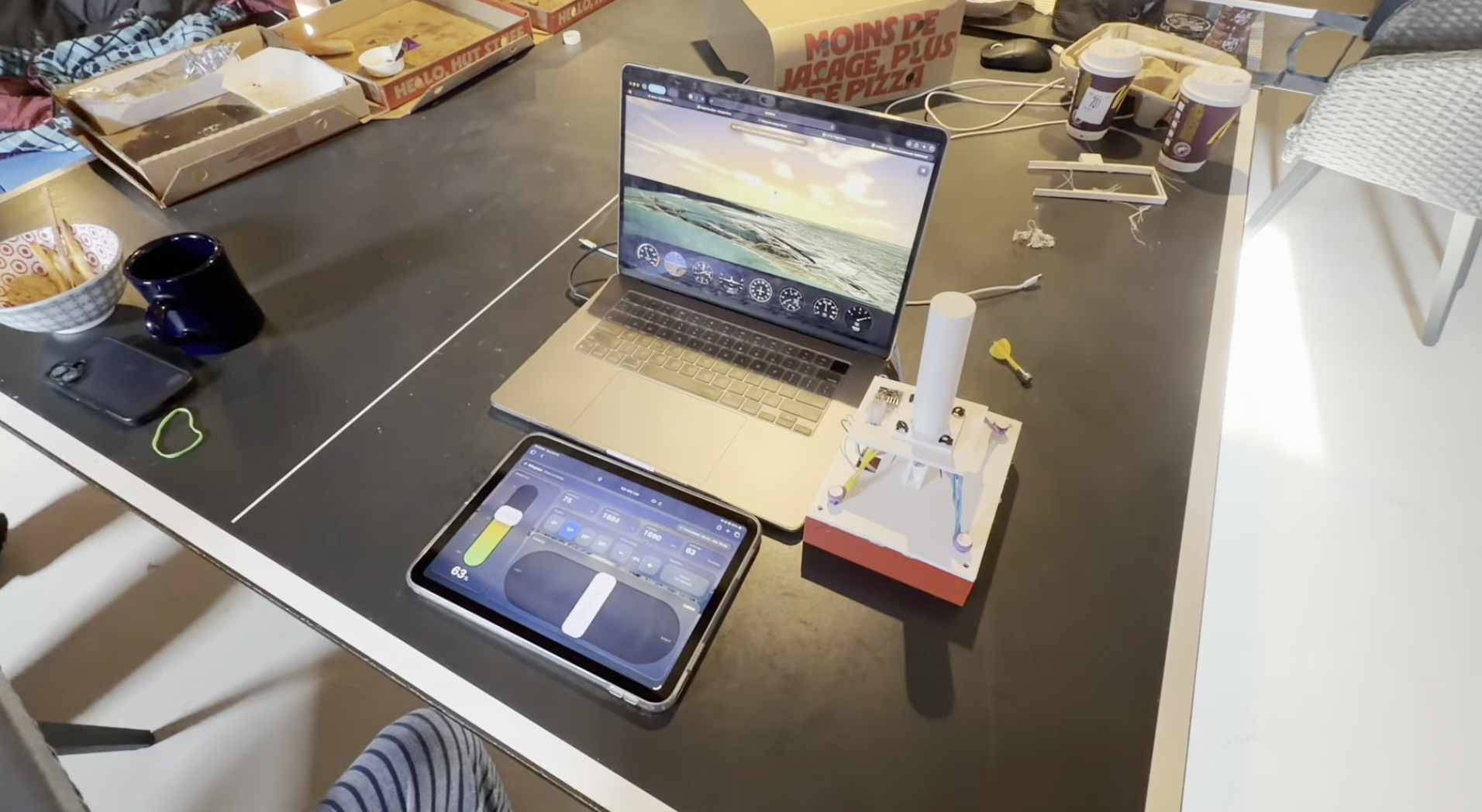
Wingman pairs a homemade flight controller with realistic flight physics, real-time AI coaching, and post-flight feedback to help beginners practise flying fundamentals.
How we built it
We built a 3D-printed controller with an Arduino and MPU6050 motion sensor, then connected it to a simulator powered by Python, JSBSim, CesiumJS, and a lightweight machine-learning model.
Challenges we ran into
Warped prints, limited parts, soldering issues, and a last-minute switch from ESP32 to Arduino challenged us to keep adapting our design.
Accomplishments that we're proud of
We combined custom hardware, flight simulation, and AI coaching into one prototype with an estimated controller parts cost of under $35 CAD.
What we learned
Impressive features only go so far, only until your users actually are properly onboarded are those features truly valuable.
What's next for Wingman
Rudder petals, new controller prototypes, even cheaper devices, ESP32 based chip rather than Arduino, different types of aircraft (e.g. sailplanes, different models/manufacturers), different locations.
Built With
- arduino
- cesiumjs
- css
- html
- javascript
- jsbsim
- postgresql
- python
- scikit-learn
- vite
- websockets


Log in or sign up for Devpost to join the conversation.