-
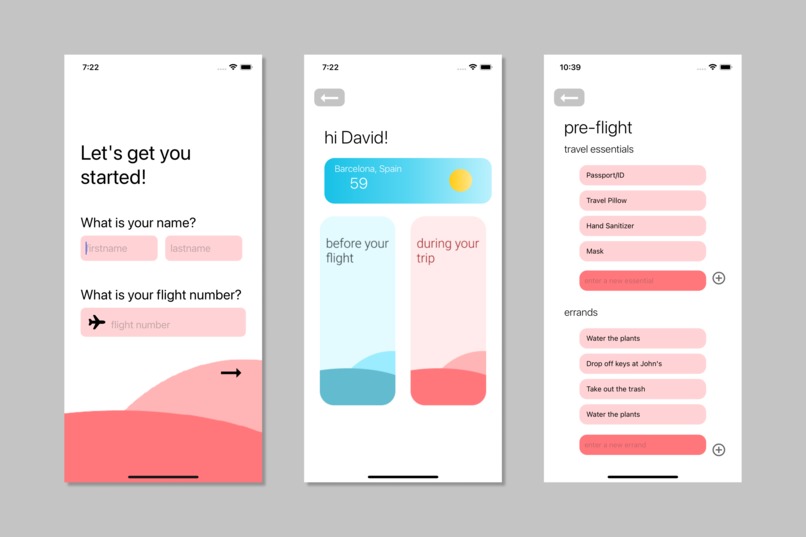
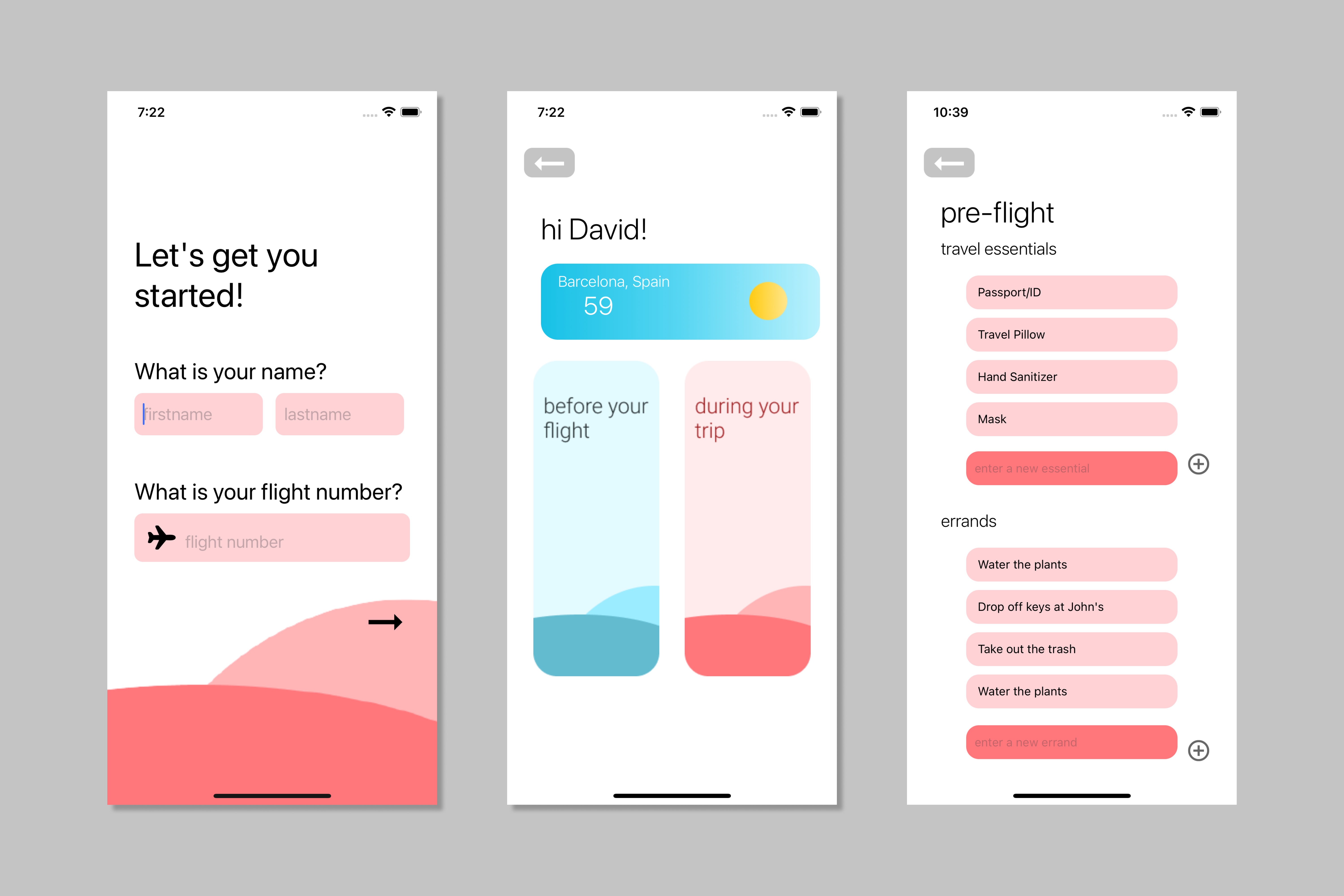
Set-Up Screen, Dashboard Screen, Pre-Flight Screen
-
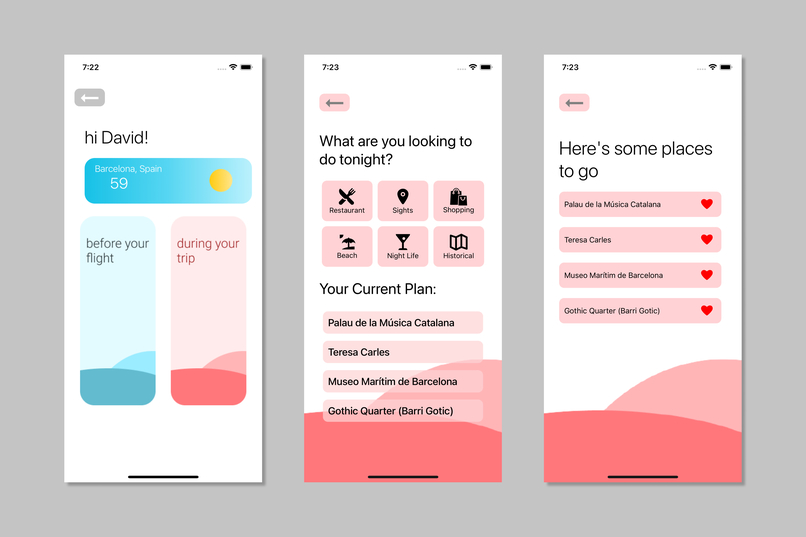
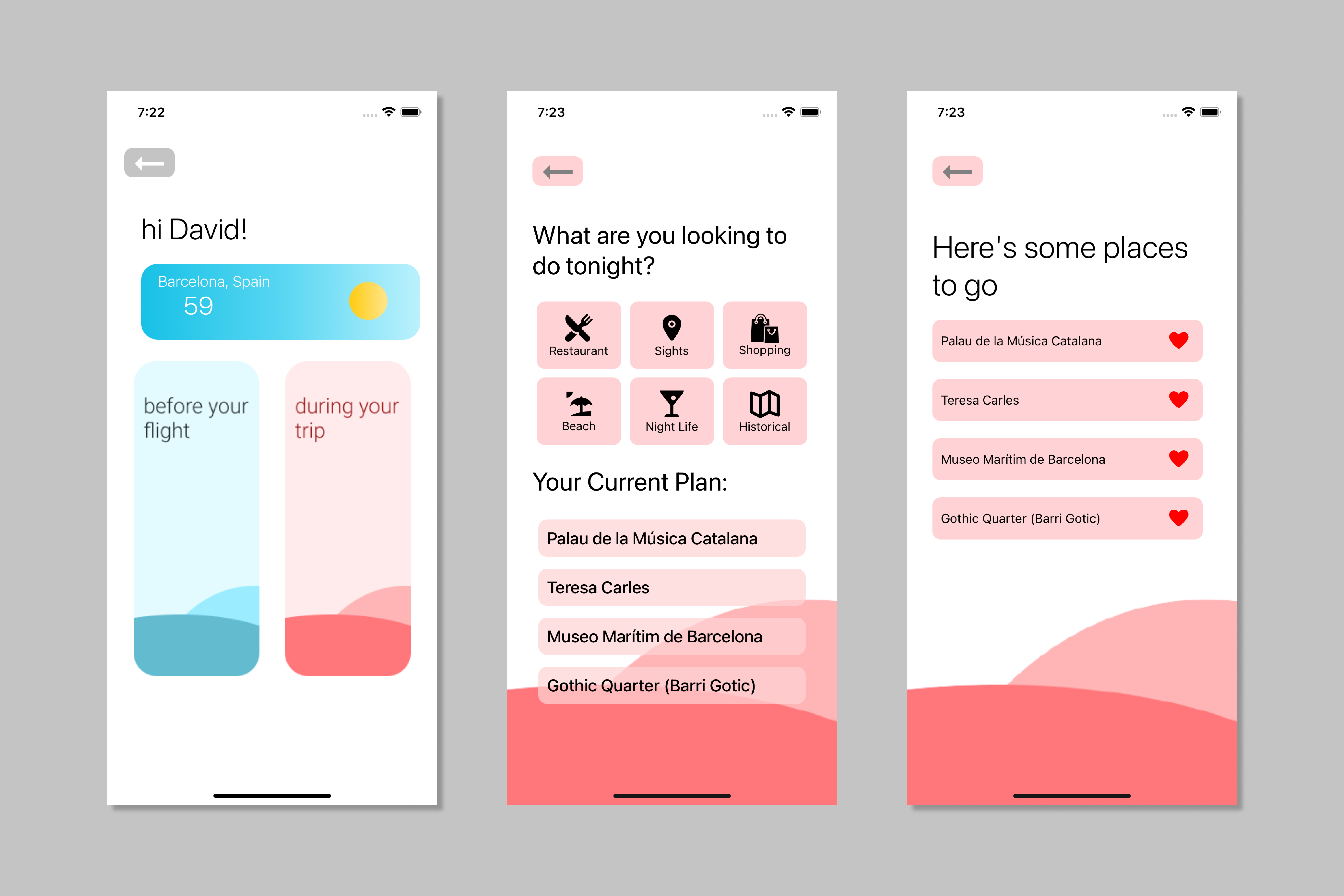
Dashboard Screen, During Your Trip Screen, Suggestions Screen
Inspiration
While looking at American Airlines' challenge, we thought to ourselves, how can we improve the one's travel experience? When travel is upon us, a good portion of us tend of to leave some essentials behind or forget the errands we have to run before we leave. The rest of us are continuously on the lookout for things to do at our destinations. These problems led us to creating the ultimate travel companion, WingIt.
What it does
Our app is designed to allow users to plan their whole trip with their flight number. We have customizable lists for users of what to bring and things to do before leaving for their trip. At their destination, upon entering what type of activity they would like to do, users are provided with a list of related popular tourist attractions.
How the API works
The API was written in Python and deployed to a Gunicorn server on Heroku. The API provides the app with all of the details about the destination. The API combines information from several different APIs, and uses memorization for our use cases to minimize external API calls. The app can query the API to receive information about the user's flight number, points of interest at the destination, and the weather.
How the Mobile App works
Upon opening the app, the user is prompted with a set up page in which they enter in their name and their AA flight number. Based on this, the next screen is generated. The dashboard displays the weather at their destination, and provides the user with two different paths, "Before the flight" and "During your trip". When "Before the flight" is clicked on, the user is taken to a task screen in which they can input items they must pack and things they must do before departure. If "During your trip" is chosen, the user is taken to a screen with options of activity categories they are interested in. If they choose a category, the top 5 tourist attractions of that type in their destination city are generated. They can then heart their favorite options to save them for later.
How we built it
We built the front-end using react-native on Visual Studio Code. Back-end was made using python, flask, and heroku.
Challenges we ran into
After getting the front-end and back-end set up, integration proved the be the hardest part of our journey. We spent many hours trying to read and display information from our API call and in the last hours, we were finally able to do so.
Accomplishments that we're proud of
After hours of contemplation on ways we could improve travel, we settled upon this app. Designing, building, setting up navigation, and integrating the app all in a day at our first hackathon was a proud moment for all of us.
What we learned
As members with mostly front-end experience, learning to understand the API and the backend was quite interesting. We also learned how to communicate while working in a team by helping each other find errors, give updates, designate tasks, and come up with ideas.
What's next for WingIt
Making the back-end flow more seamlessly with the front-end and increase customizability for the users.


Log in or sign up for Devpost to join the conversation.