Inspiration
I learned many iOS techniques today, and I wanted to combine them in a unique and innovative way that would be usable and cool. I also wanted to allow the user's to express themselves and have fun while doing it. I created Wing It to help users see how their art can help them understand how they are feeling! Its pretty fantastic!
How it works
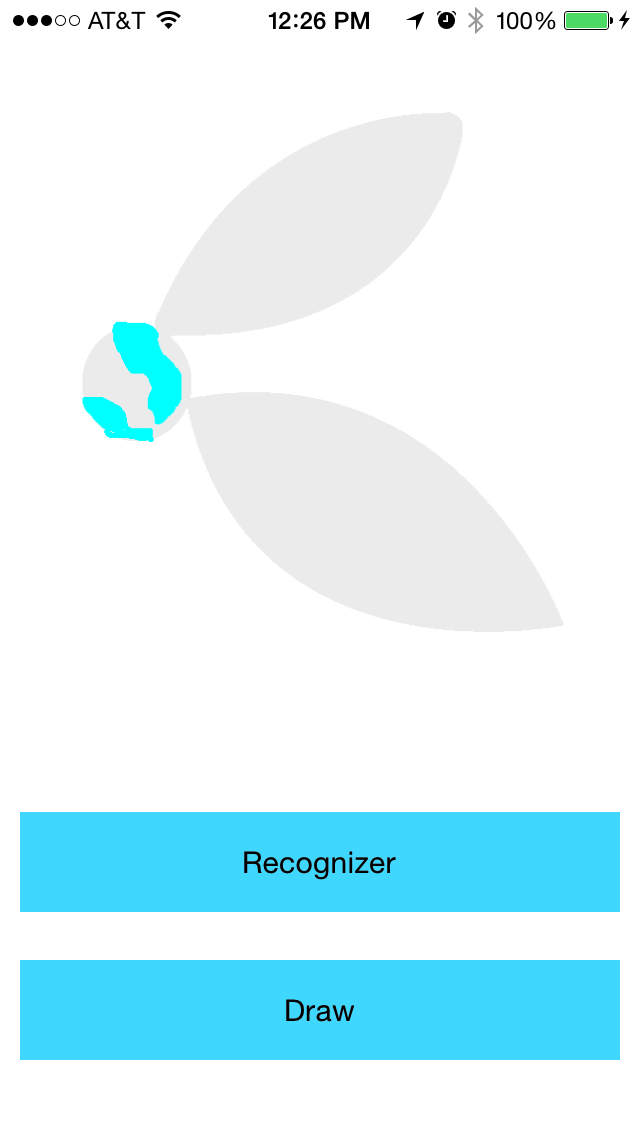
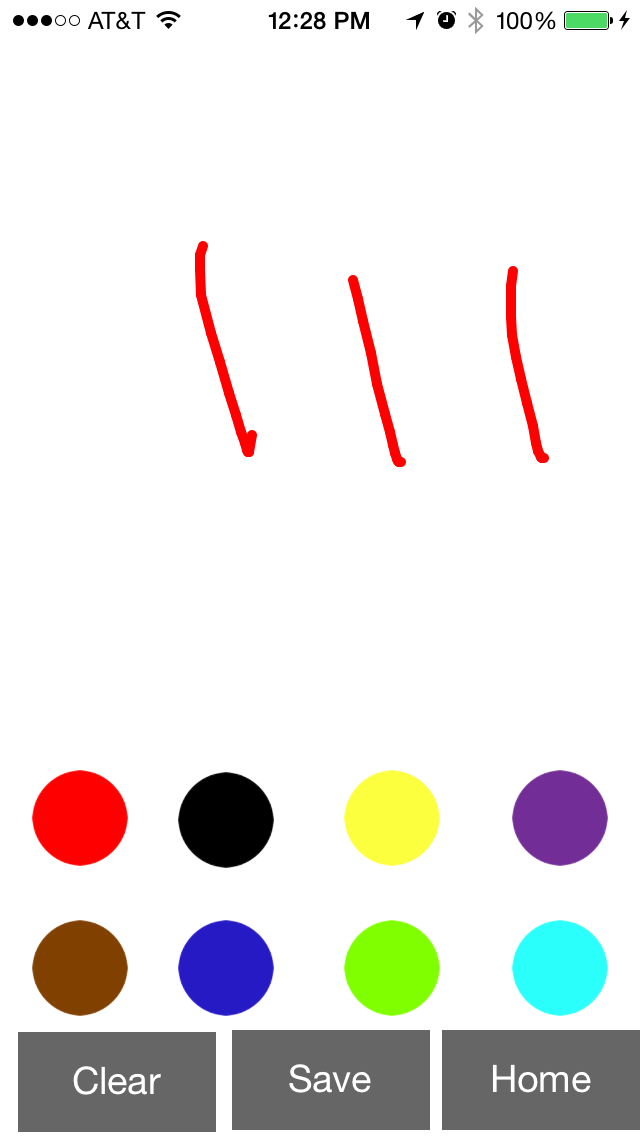
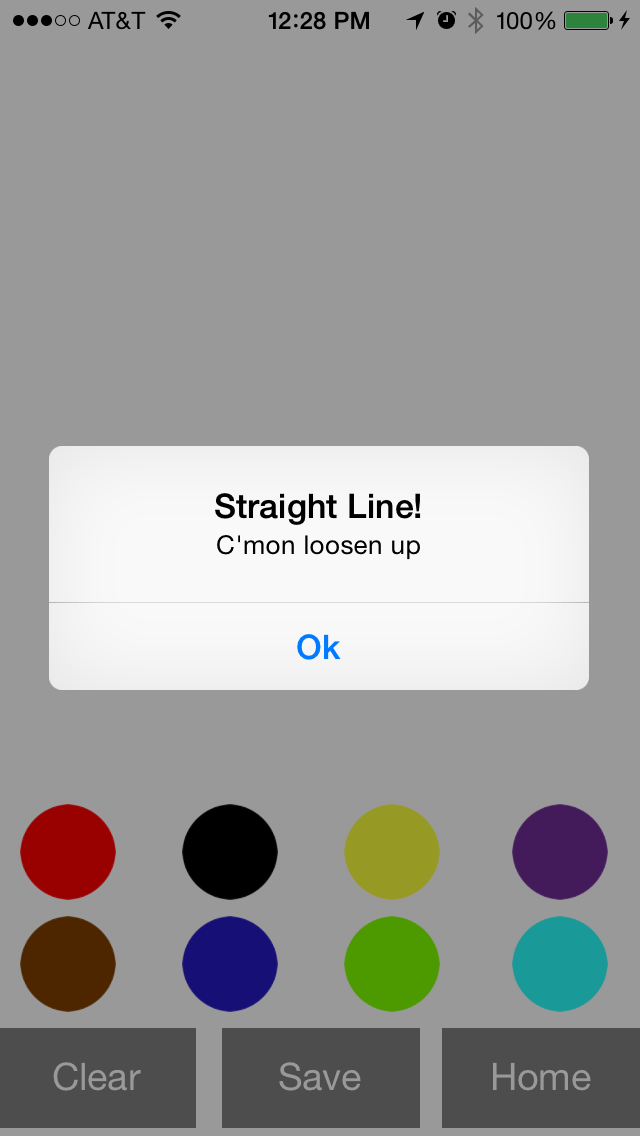
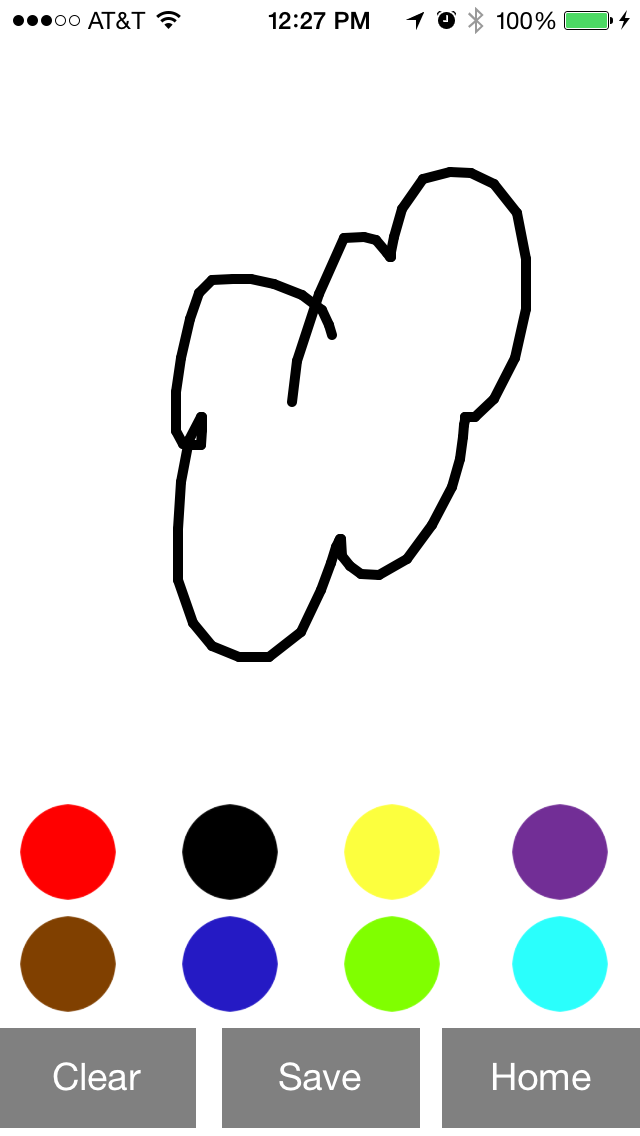
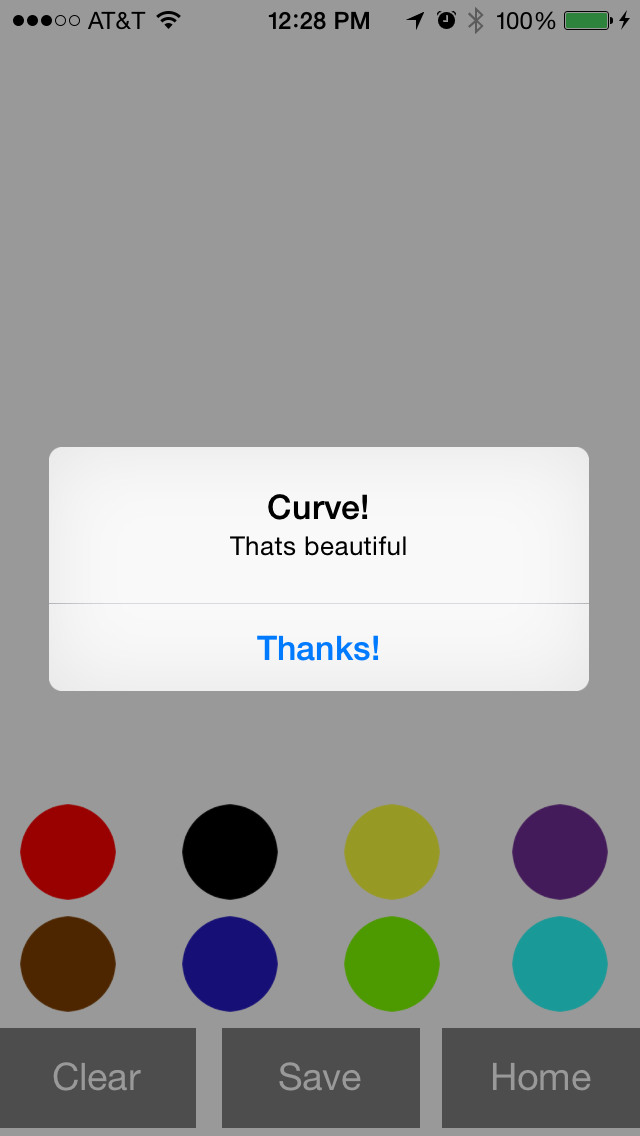
You can either just draw, or draw and get interpretation of your drawing. Lines are drawn by following the path of your finger across the screen and conclusions are made over your emotions based on the slope and standard deviations of the lines you drew.
Challenges I ran into
Developing the algorithm to interpret the user's emotion was challenging at times, particularly as it is hard to find a perfectly straight line so I had to find an adequate margin of error to ensure sufficiently accurate readings. I drew many diagrams and had many failed attempts before I figured it out.
Accomplishments that I'm proud of
I am proud of how beautiful Wing It is and how easy it is to use. I am also incredibly proud of how accurate the interpretations of the slope are.
What I learned
I learned how to trace the user's finger across the screen, interpret their strokes, save their art to their camera roll, clear the screen, and control a timer.
What's next for Wing It
I want to make conclusions about how they are feeling by interpreting the colors they use, the number of lines they draw, have them tell me how accurate these conclusions are, and develop machine learning algorithms to analyze the entire picture and actively learn from feedback. I also want to take it global, so users can share their art with the world. This algorithm could also be interesting to help understand the user's motor skills and maybe detect drunk drivers, or predict the onset of motor impairing diseases.

Log in or sign up for Devpost to join the conversation.