Inspiration
We were inspired by the 'Aerodynamics of a Cow', an image that shows how a cow fares in a wind tunnel. We thought that it was really cool, and wanted to see how it applies to other objects as well. To do this, we created Wing-It to test and compare the aerodynamic performance of any object against others.
What it does
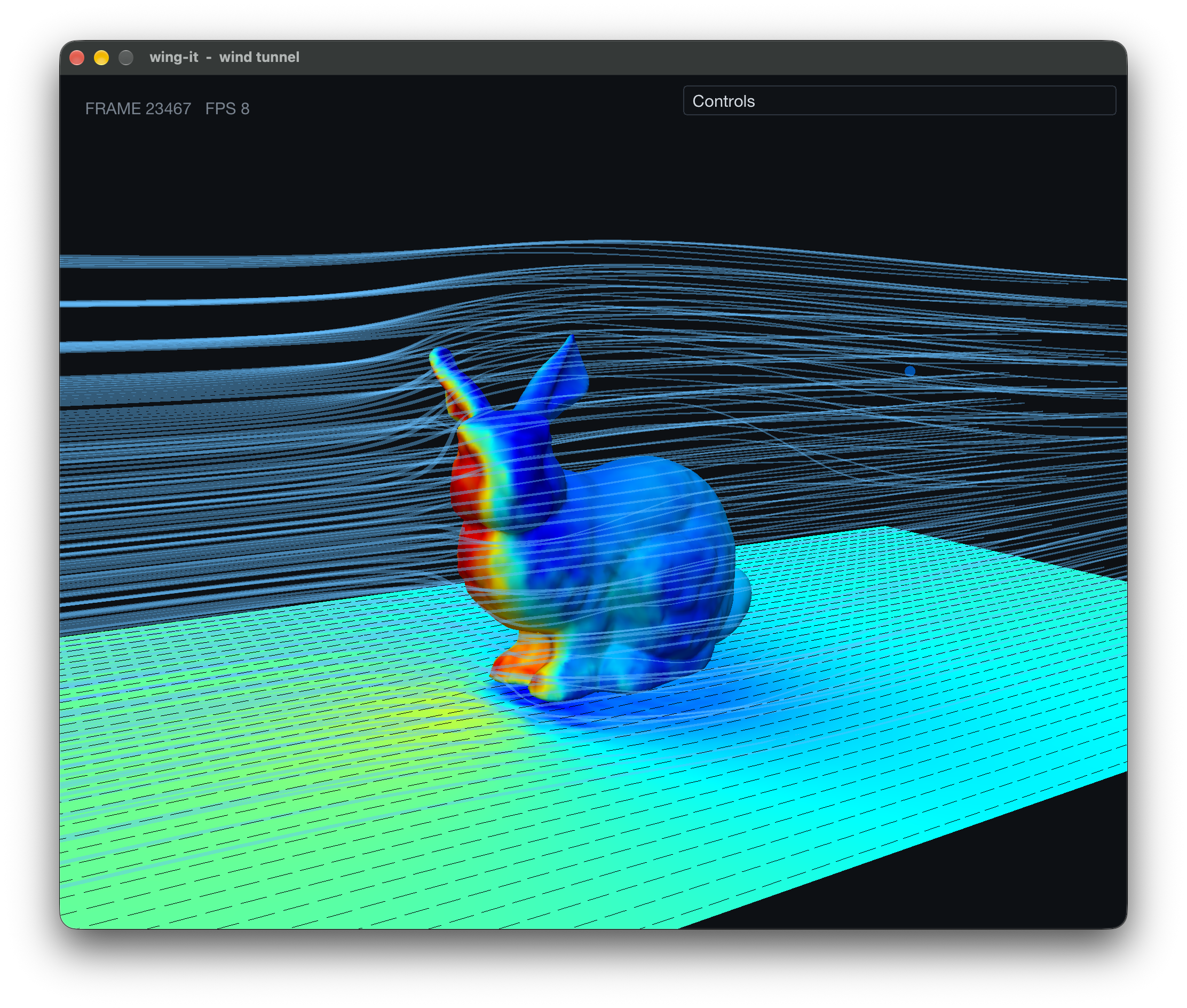
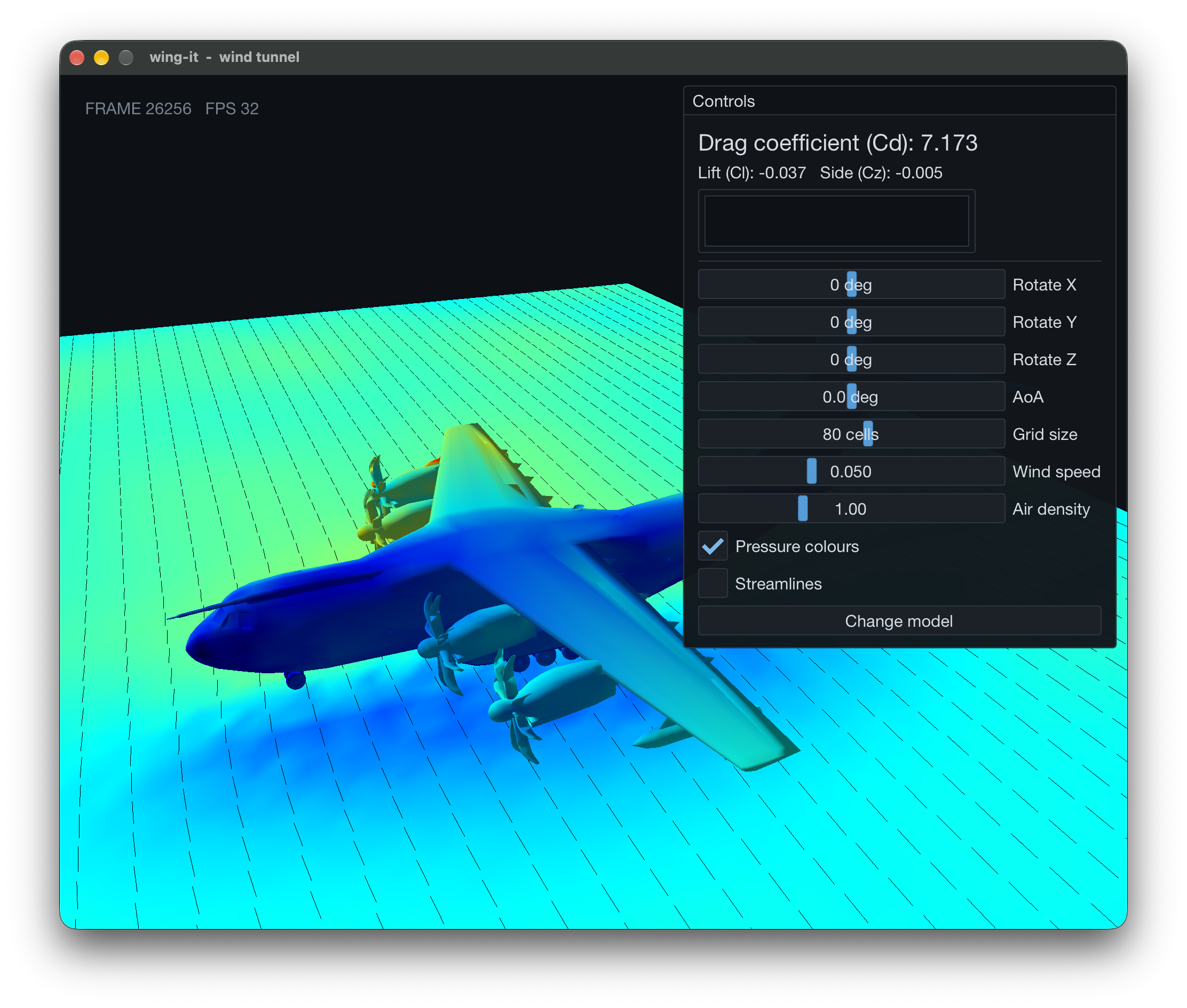
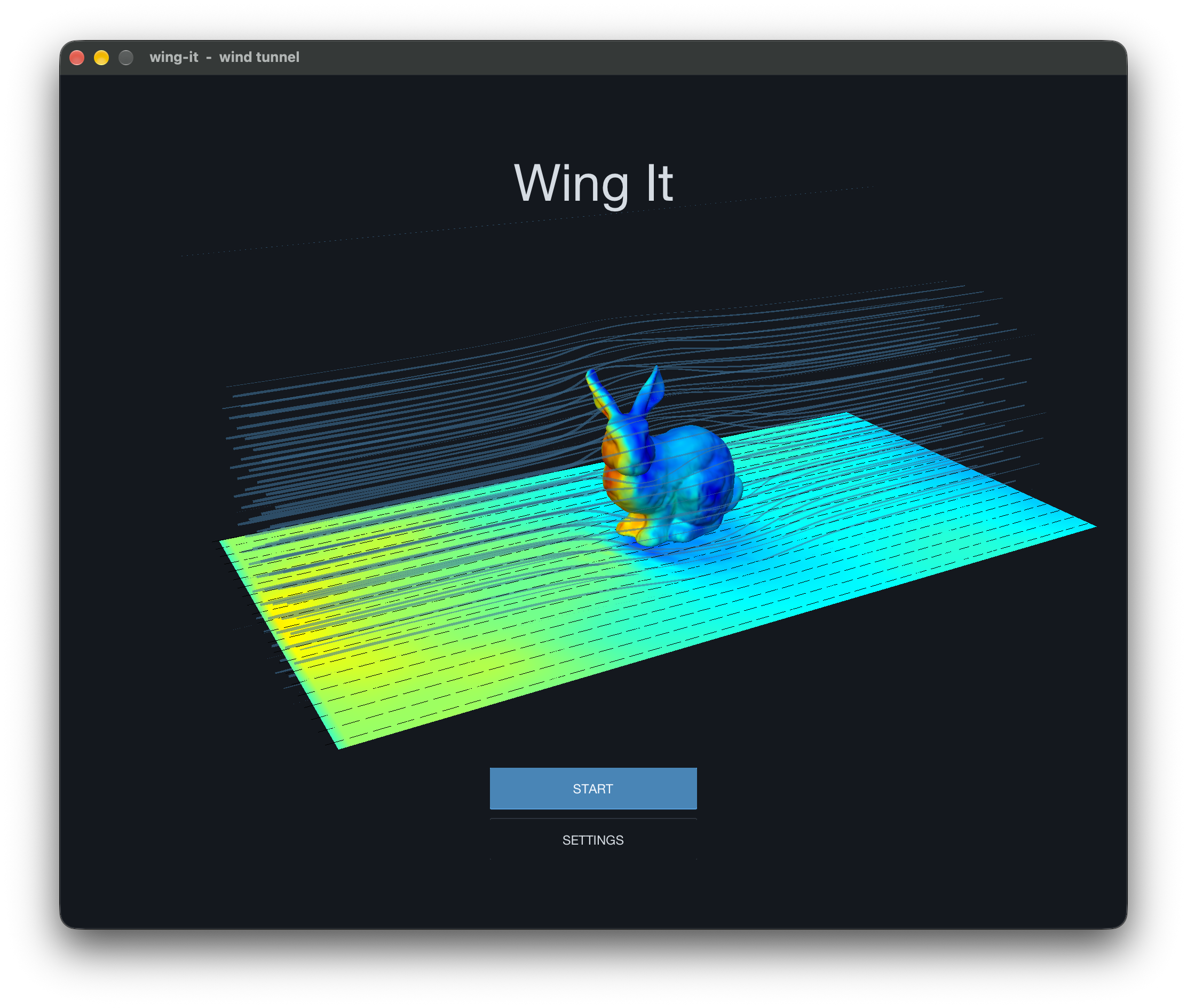
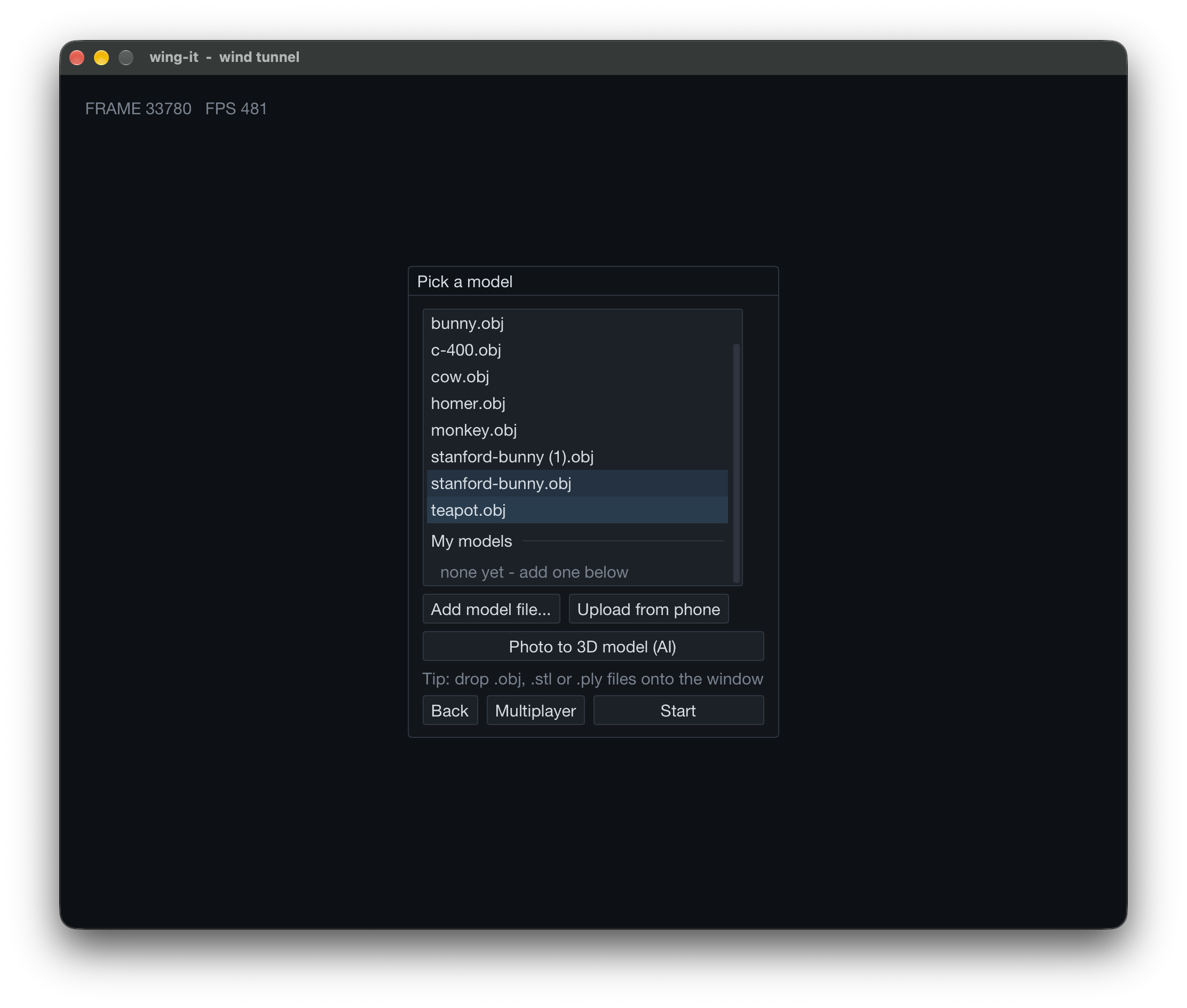
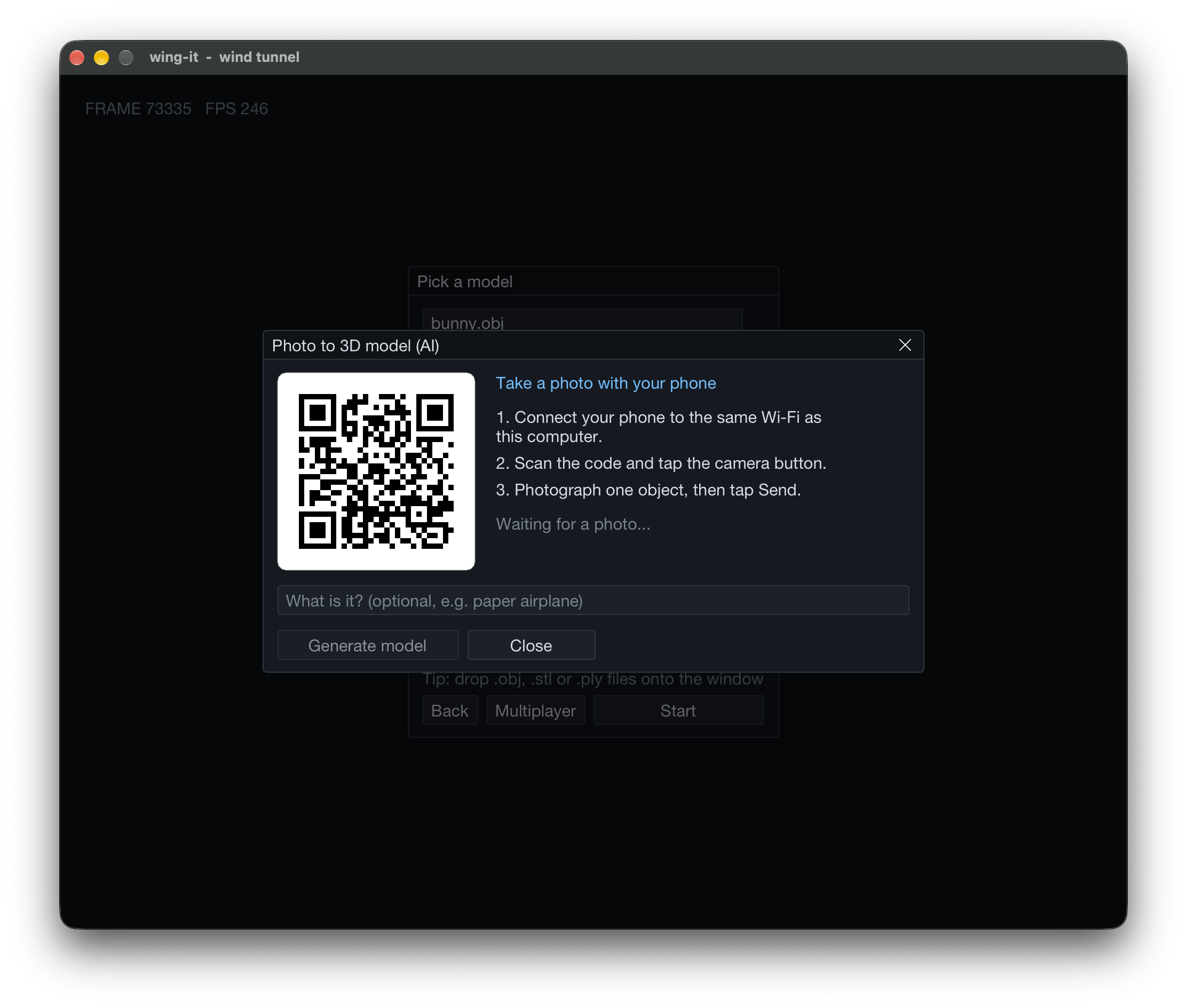
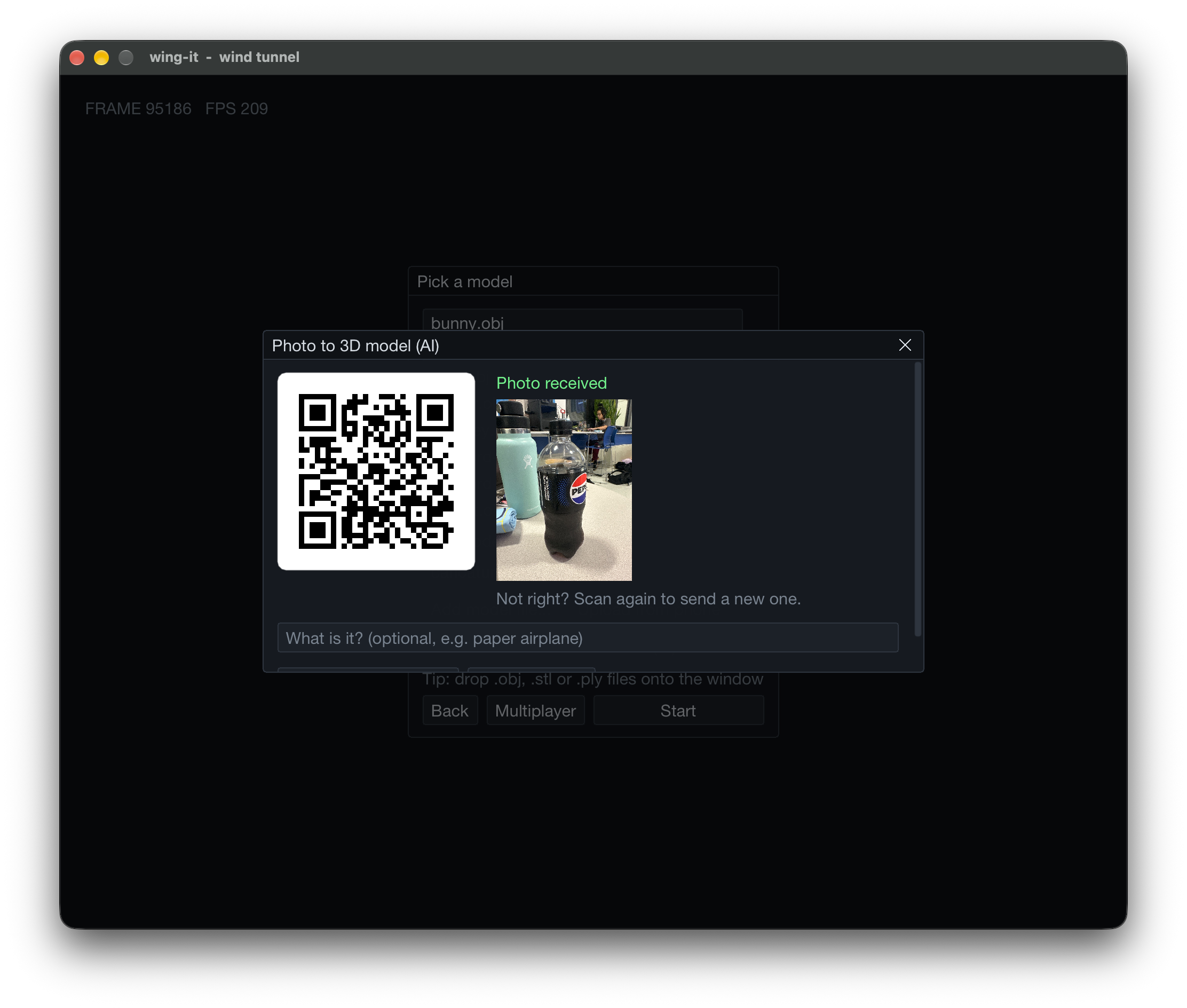
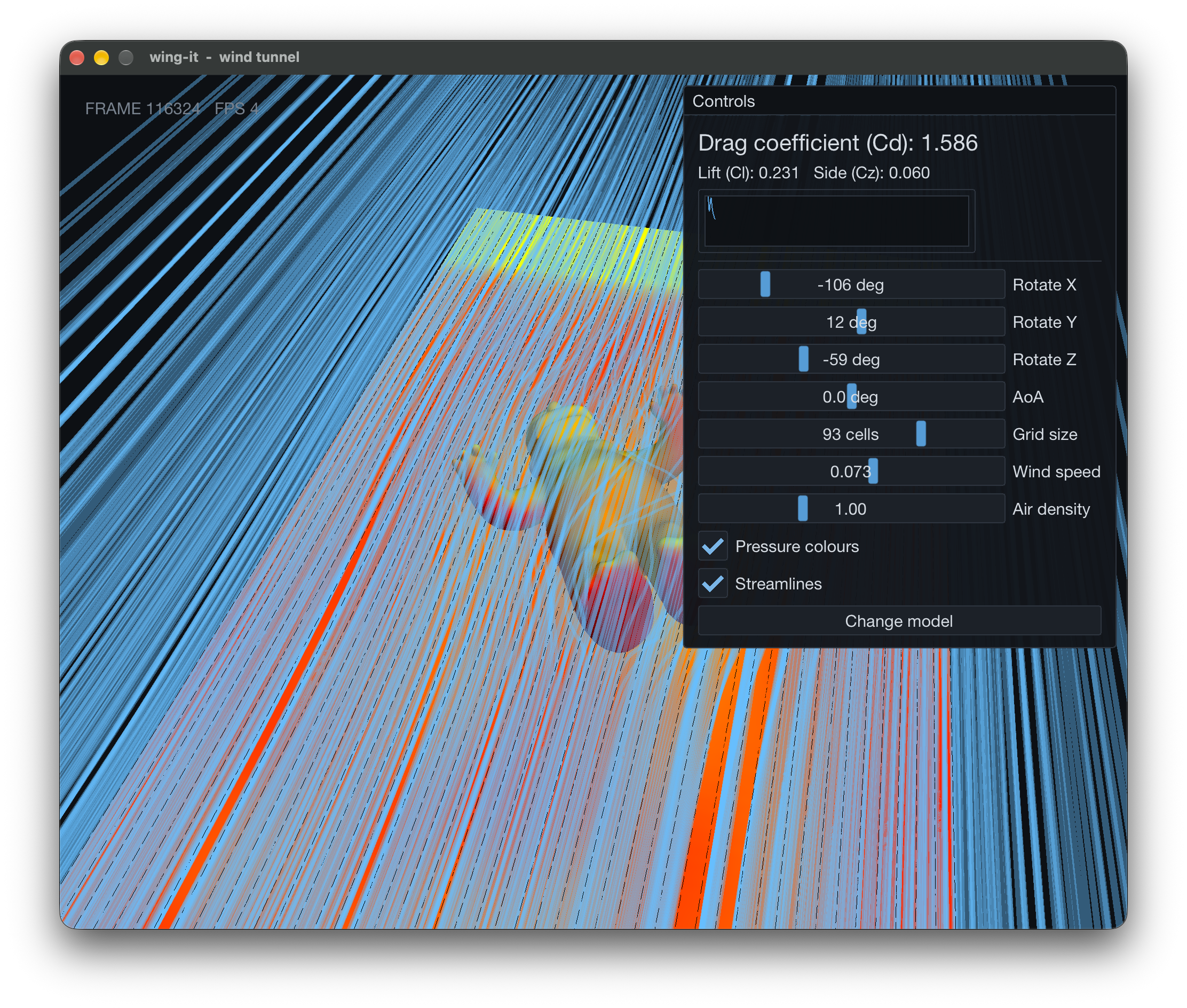
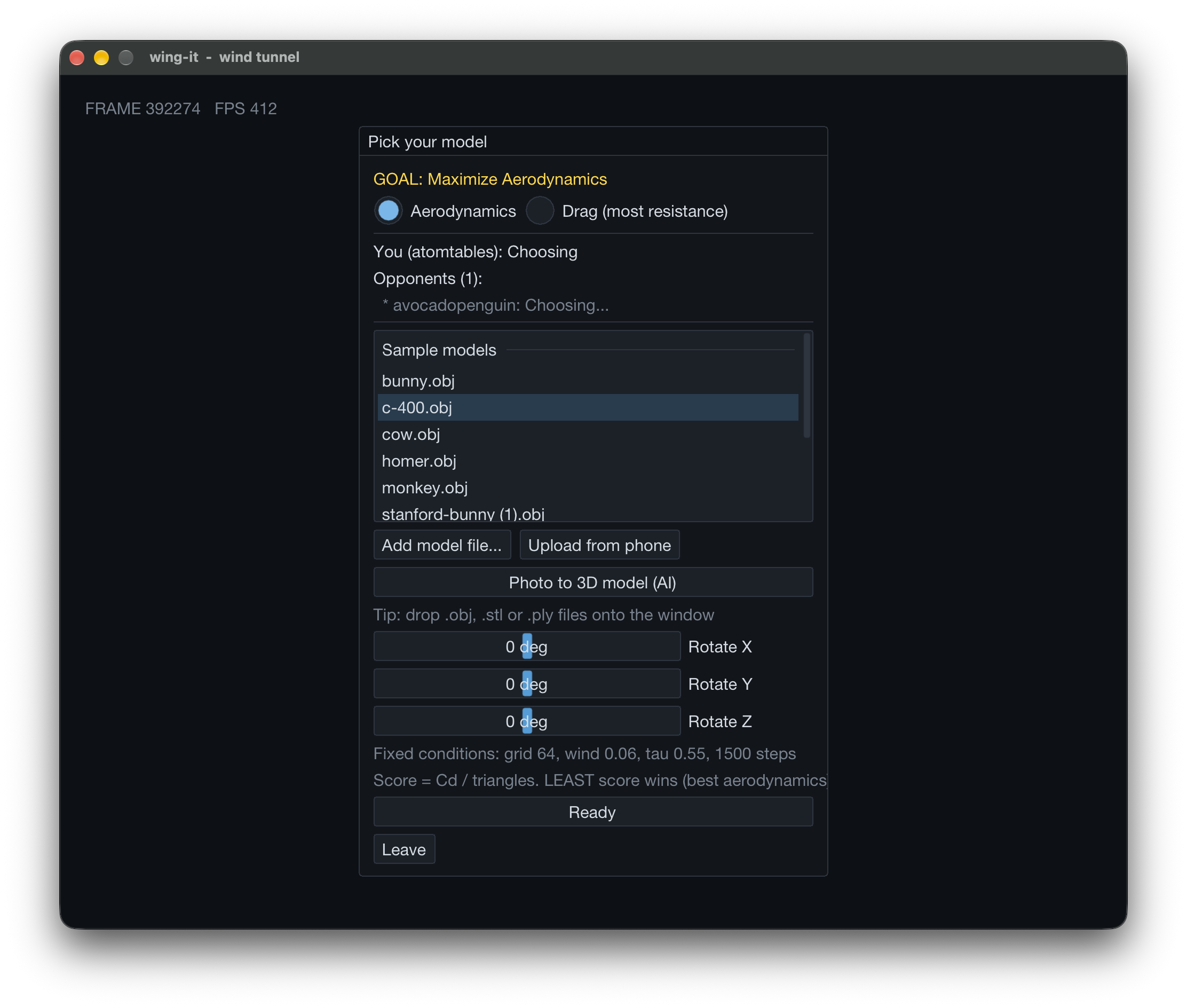
Wing-It is an app created using C++ and Raylib to simulate how air hits and flows against any 3D model we upload. It shows the air as light blue lines which flow around the 3D model. A picture can also be taken and uploaded to the app, and a 3D model will be created in accordance to it, allowing for real life objects to be seamlessly placed into the application for testing. We can also pit two 3D models against each other and compare their drag, seeing which shape is more aerodynamic and has less drag.
How we built it
We built Wing It using C++ and Raylib, using 3D voxels to handle simulations and socket networking to connect multiple devices. We first take a 3D .obj model into a mesh for the simulation through voxelization. Then, a flow field is created, where the individual voxels in the grid have their own magnitude and direction. This flow field is created to mimic the way air would move in each cell against the model. Lines are then shot out from a direction and follow the slope field, creating a clean visualization of how the wind wraps around models. The wind lines are represented using multicolored lines depending on the intensity. We also use a Hack Club AI API key to generate 3D .obj models given an uploaded image using claude-haiku. We also have a POSIX socket connection and cpp-httplib through wifi to send data between two devices, creating an apt test of how two models compare to each other.
Challenges we ran into
We had to make heavy use of version control systems in order to coordinate our code. However, a lot of the things that we made required a dependency on the other things we were working on. We coordinated between ourselves to organise merge periods, where everyone's code was shared with everyone else. This way, all of our branches were up to date and we could write the code that was most important to figure out in that moment. The backend was finished quite quickly, with the frontend finishing shortly after.
Accomplishments that we're proud of
The physics solver, which created the flow fields for each voxel, took complicated math that took a while to figure out, but once we did, it created a really accurate simulation we're proud of. It also took a while to figure out how to render the wind lines properly. Initially, when we rendered the wind lines, it lagged the computer a lot due to the method in which every line was generated sequentially. We mitigated this through batching the draw functions in the code, allowing the CPU to compile data and send it to the GPU altogether, maintaining the frame rate of the app. This took a while, so we're really proud of how it turned out!
What we learned
Throughout this project, we had to think about optimising our code early-on. Thinking about the renderer in a different way, we learnt about creating meshes from multiple GPU objects, manually creating transforms through vector summations and scales, and uploading our work to the GPU. We had to apply this same optimisation mindset throughout the app, including in the physics solver, where we took advantage of multi-threading using libOMP to optimise the steps the solver had to take to calculate the wind fields.
What's next for Wing-It
We're gonna wing it.


