-
-
WinXP back to life!
Inspiration
My 7-year-old son loves old computers and tech history, even though he’s never used Windows XP. After watching some retro tech videos and building many Linux machines, he decided to recreate the XP experience from scratch — just for fun and to learn how things used to look and feel.
What it does
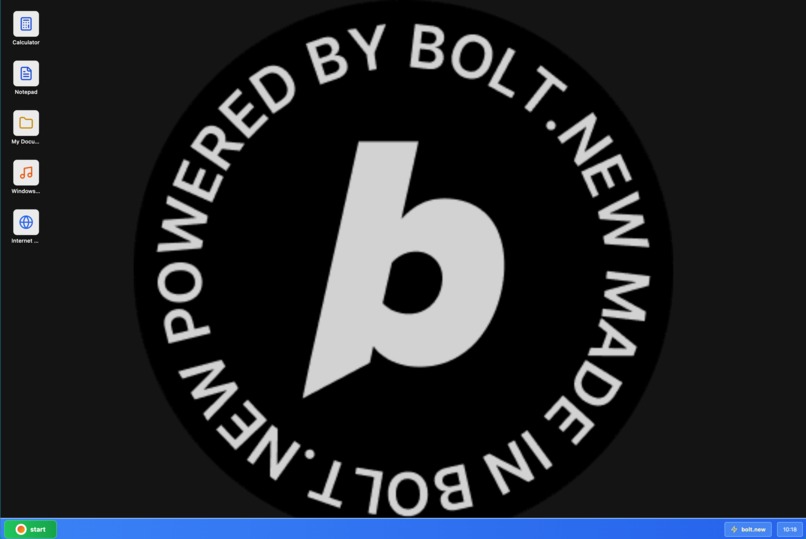
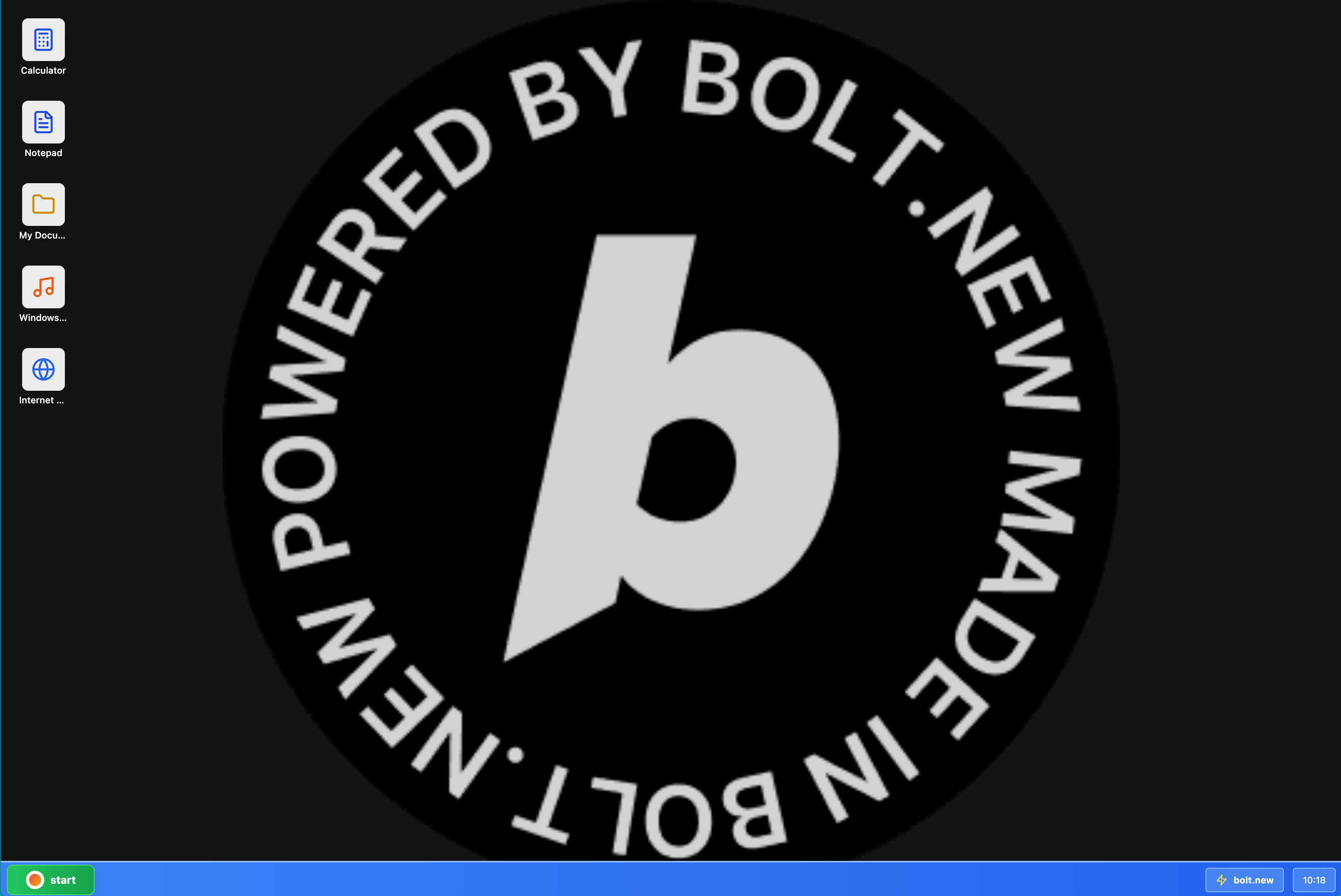
The Windows XP Simulator brings the early 2000s desktop back to life, complete with a boot screen, working start menu, and draggable windows. It even has notepad which saves and opens files. It runs entirely in the browser, so anyone can relive the XP vibe — no install required.
How we built it
He used Bolt.new and stuck with it until he had a working app.
Challenges we ran into
To start with it looks like Windows 95. A bit of extra prompting quickly got things into shape
Accomplishments that we're proud of
The fact that he stayed focused, typed the code himself, and learned how to fix bugs made it a big win. Watching his excitement as it came to life was the best part.
What we learned
Building an OS takes a lot more than a simple web app but it sure was fun to build this simulator
What's next for Windows XP Simulator
He wants to add classic XP games like Minesweeper.
Built With
- bolt


Log in or sign up for Devpost to join the conversation.