-
-
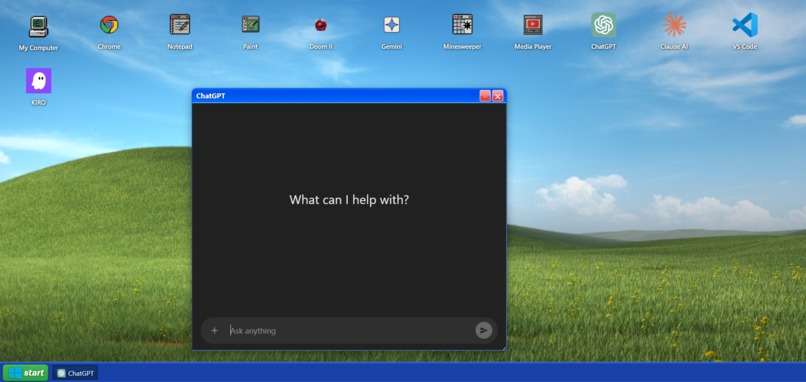
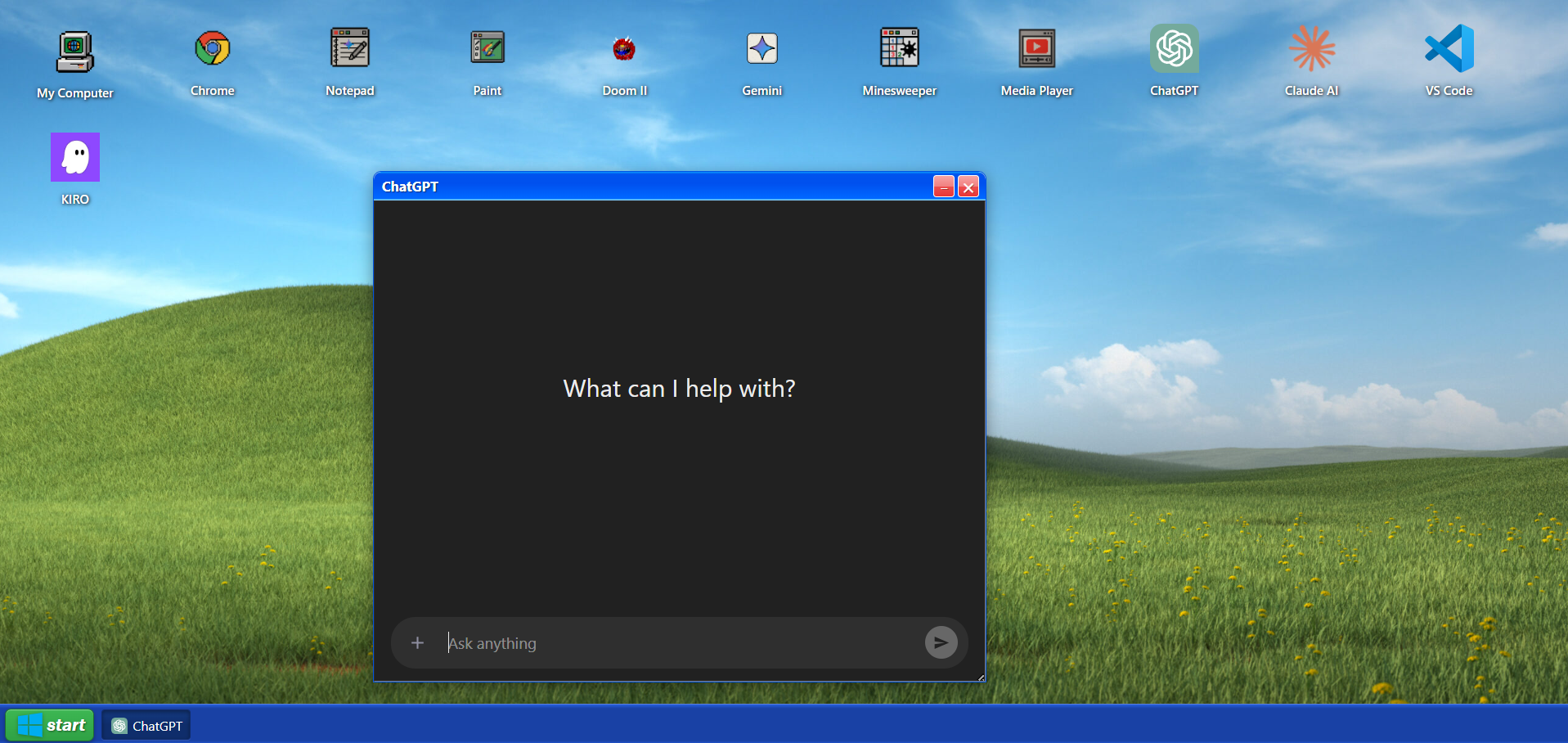
Chatgpt in Windows XP
-
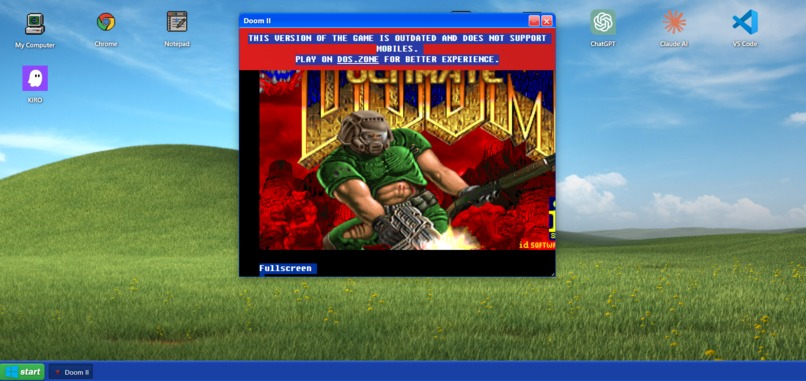
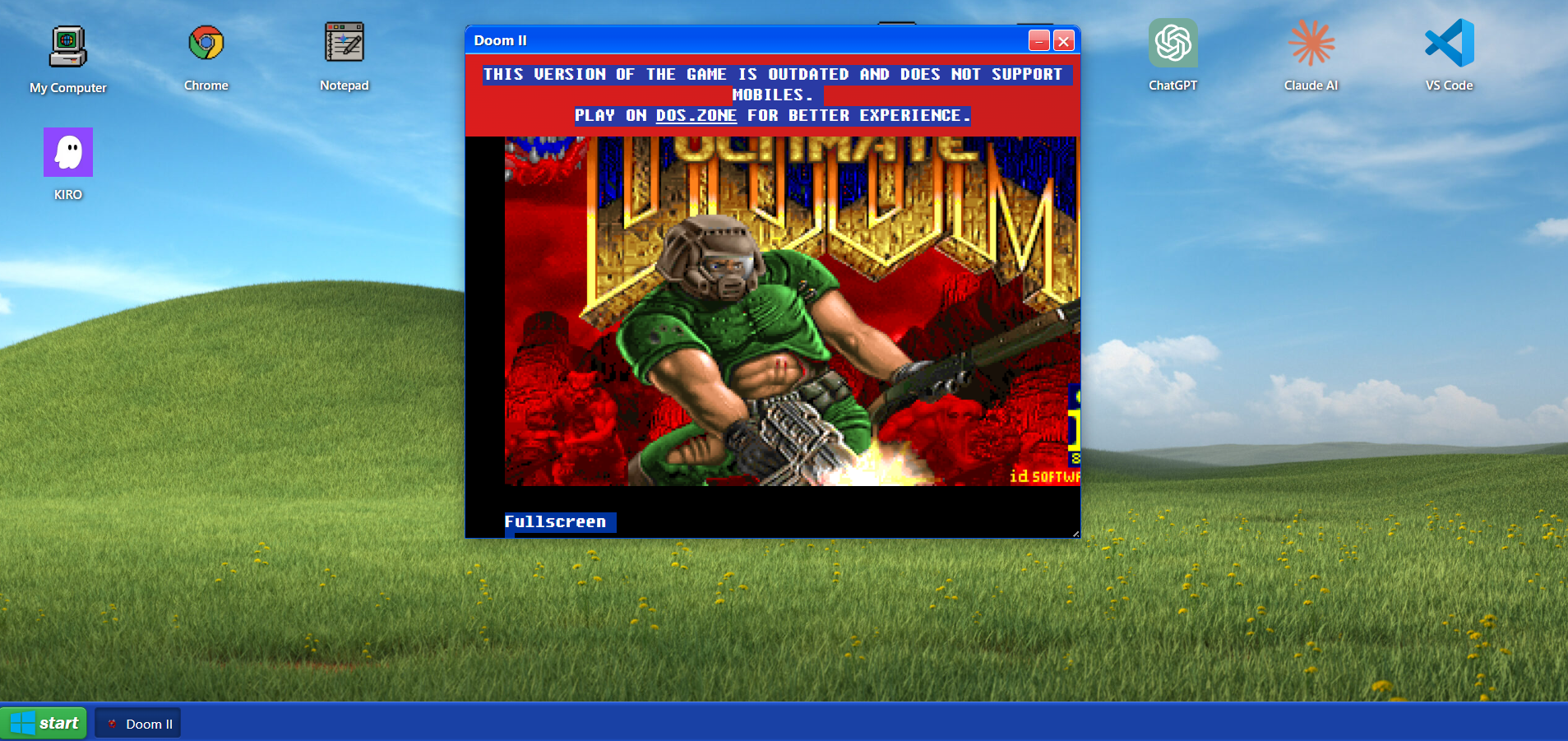
DOOM in Windows XP
-
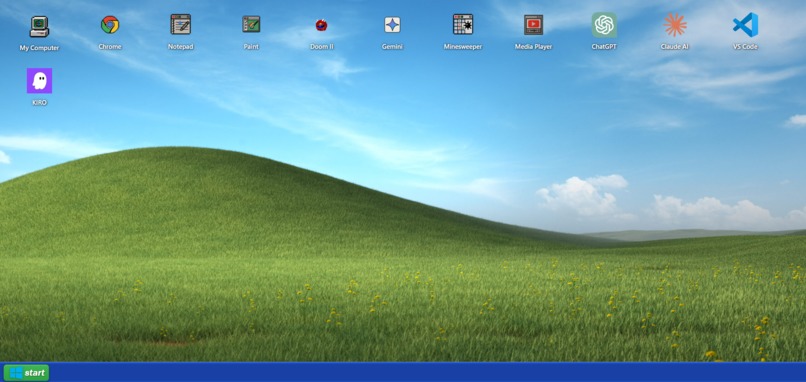
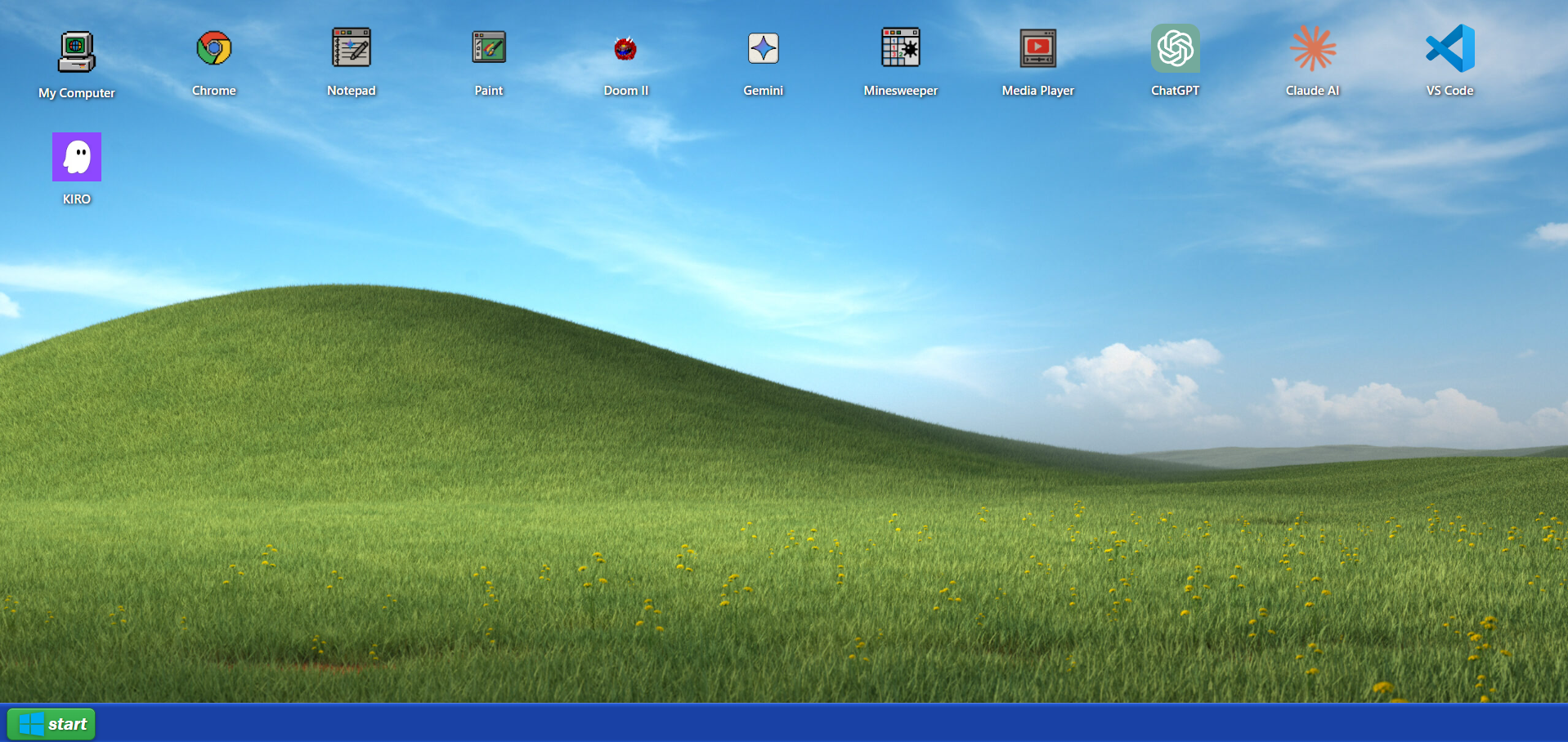
Windows XP imagined with KIRO and other Modern Apps
-
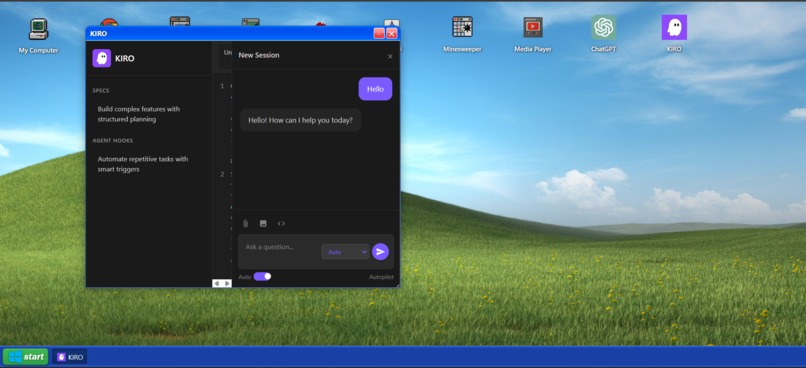
kiro in windows xp

Inspiration
The nostalgic Windows XP interface sparked our creativity to reimagine a classic computing experience for the modern web. We wanted to capture the essence of early 2000s computing—the iconic Bliss wallpaper, Luna theme with its distinctive blue gradients, and beloved applications like Minesweeper and Paint—while showcasing the power of AI in a retro environment. This project bridges the gap between computing nostalgia and cutting-edge AI capabilities.
What it does
Gemini 95 is a fully functional Windows XP desktop environment built entirely with web technologies, featuring:
- Classic Applications: Notepad with AI story generation, Paint with real-time AI critiques, Minesweeper with intelligent hints, and a retro media player supporting YouTube videos
- Modern AI Integration: Chat interfaces for Gemini, ChatGPT, and Kiro—each with custom-styled UIs matching their brand identities
- Retro Gaming: Embedded Doom II through js-dos emulation for authentic DOS gaming in the browser
- Web Browsing: Chrome browser with a retro Internet Explorer-style interface featuring the 1999 Google homepage
- File Explorer: My Computer with navigable C: drive containing hidden files
- Authentic XP UI: Draggable and resizable windows, functional Start menu, taskbar with app switching, minimize/close controls, and pixel-perfect Luna theme styling
The AI assistant provides live commentary on your Paint drawings, generates creative stories in Notepad, and offers strategic hints in Minesweeper—all within an authentic Windows XP aesthetic.
How we built it
Built using vanilla HTML, CSS, and JavaScript/TypeScript:
- CSS Mastery: Recreated the Luna theme using linear gradients, inset/outset borders, and carefully tuned shadows. Button states use multi-stop gradients to achieve the authentic 3D beveled appearance
- Window Management System: Implemented dragging with
mousedown/mousemove/mouseupevents, dynamic z-index stacking, and CSSresize: bothfor window resizing - Gemini AI Integration: Connected Google's Gemini API (
@google/genai) for intelligent features across Paint critiques, Notepad story generation, and Minesweeper hints - Canvas API: Built Paint using HTML5 Canvas with adjustable brush sizes, color palettes, and drawing state management
- Game Logic: Developed complete Minesweeper game with mine placement algorithms, flood-fill reveal mechanics, and AI-powered hint system
- YouTube API: Integrated YouTube IFrame Player API for the media player with play/pause controls
- iframe Embedding: Used iframes for Chrome browser and Doom II game emulation
- Event-Driven Architecture: Managed application lifecycle (open/close/minimize), window focus, and taskbar synchronization through a centralized state system
- Modular Code: Organized into app-specific initialization functions (
initGeminiChat,initSimplePaintApp,initMinesweeperGame, etc.)
The window position boundary checking ensures windows stay within viewport bounds using: $$\text{x}{\text{bounded}} = \max(0, \min(\text{x}{\text{drag}}, W_{\text{viewport}} - W_{\text{window}}))$$
Challenges we ran into
- CSS Gradient Precision: Matching Windows XP's exact multi-stop linear gradients required extensive color picking and testing across different lighting conditions
- Z-index Management: Ensuring proper window stacking order when opening, closing, and switching between multiple applications
- Canvas Resizing: Handling Paint canvas resizing without losing drawn content required implementing ResizeObservers and canvas state preservation
- AI Response Streaming: Managing asynchronous AI responses while maintaining responsive UI and preventing duplicate requests
- Minesweeper Logic: Implementing mine placement that ensures the first click is never a mine, plus recursive flood-fill for revealing adjacent cells
- iframe Security: Working within CORS limitations for embedded web content and managing cross-origin communication
- Memory Leaks: Properly cleaning up intervals, event listeners, and YouTube player instances when closing applications
- Retro Aesthetics vs. Modern UX: Balancing pixel-perfect XP styling with smooth modern interactions like window dragging
Accomplishments that we're proud of
- Pixel-Perfect XP Recreation: Achieved remarkably accurate visual fidelity to Windows XP using only CSS—down to the titlebar gradients, button shadows, and inset borders
- AI-Enhanced Retro Apps: Successfully merged nostalgic applications with cutting-edge AI capabilities (Paint critiques, story generation, intelligent hints)
- Smooth Window Management: Implemented fluid dragging, resizing, focus management, and taskbar synchronization that feels native
- Functional Minesweeper: Built a complete game with proper mine generation, flagging, flood-fill algorithms, and AI hints
- No Framework Dependencies: Accomplished complex state management and UI interactions using vanilla JavaScript, demonstrating deep web fundamentals
- Multiple AI Integrations: Connected three different AI services (Gemini, ChatGPT, Kiro) with distinct UI themes and interaction patterns
- Responsive Paint App: Created a drawing application with multiple brush sizes, colors, and real-time AI commentary on artwork
What we learned
- Advanced CSS Techniques: Deep understanding of gradient composition, box-shadow layering, pseudo-elements, and border manipulation for 3D effects
- Canvas API: Working with drawing contexts, coordinate systems, path rendering, and state preservation during resizes
- Event System Design: Building robust drag-and-drop, managing event propagation, and preventing conflicts between overlapping interactive elements
- AI API Integration: Handling async requests, streaming responses, rate limiting, and error handling for multiple AI providers
- Game Development: Implementing algorithms for mine placement, recursive reveal logic, and game state management
- Performance Optimization: Balancing visual fidelity with browser performance—managing multiple windows, intervals, and AI requests simultaneously
- State Management: Coordinating application state across windows, taskbar buttons, and AI instances without external libraries
- TypeScript Benefits: Type safety helped catch errors in DOM manipulation and API responses during development
What's next for Gemini 95
- Additional Applications: Solitaire, Calculator, 3D Pinball Space Cadet, Windows Media Player with full audio controls, Command Prompt
- Persistent File System: Implement LocalStorage/IndexedDB-based virtual file system for saving drawings, notes, and user-created content
- Enhanced AI Features: Voice input for Gemini chat, image analysis for uploaded files, code execution in Kiro
- Sound Effects: Authentic Windows XP startup sound, error beeps, minimize/maximize whooshes, and notification chimes
- Customization: Theme switcher (Classic, Luna, Royale), desktop wallpaper changer, icon arrangement persistence
- Multiplayer Features: Shared Paint canvas via WebRTC, multiplayer Minesweeper leaderboards
- Mobile Support: Touch-optimized controls while maintaining the desktop aesthetic
- Performance: Virtual scrolling for large file lists, lazy loading for apps, web workers for heavy AI processing
- More Games: Solitaire with AI move suggestions, 3D Pinball with score tracking
- Accessibility: Keyboard navigation, screen reader support, high contrast mode
Built With
- ai
- api
- canvas
- cloud
- css
- css3
- dom
- es6
- events
- gemini
- html5
- iframe
- javascript
- js-dos
- modules
- player
- resizeobserver
- storage
- tailwind
- typescript
- web
- youtube

Log in or sign up for Devpost to join the conversation.