-
-
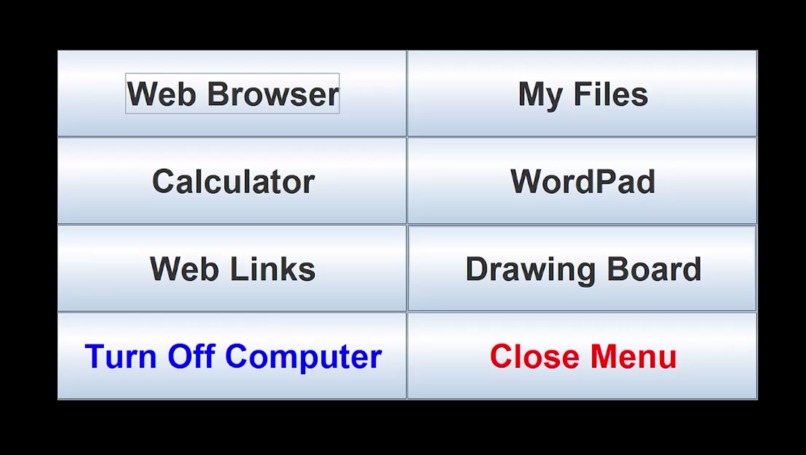
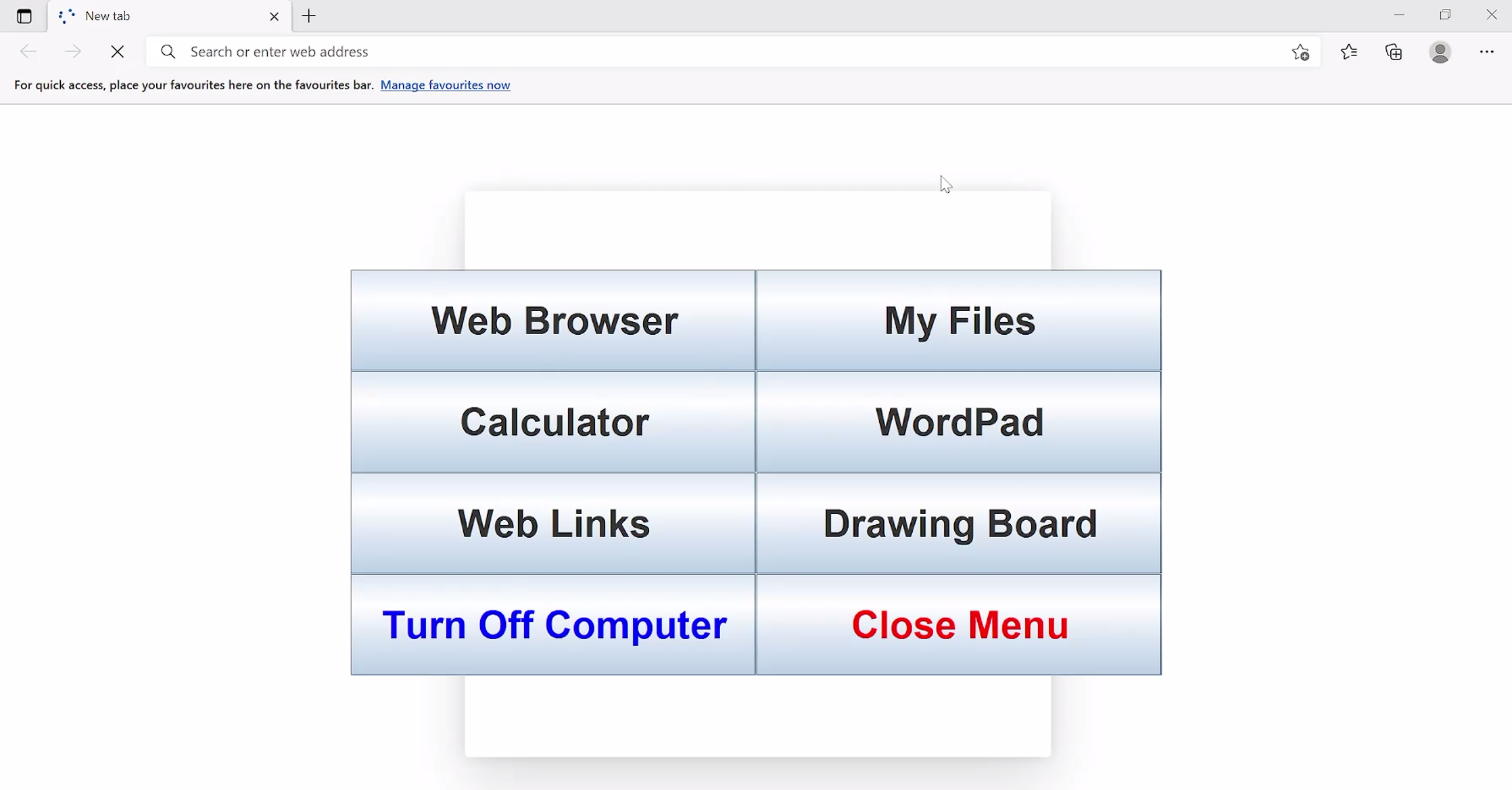
Main Menu
-
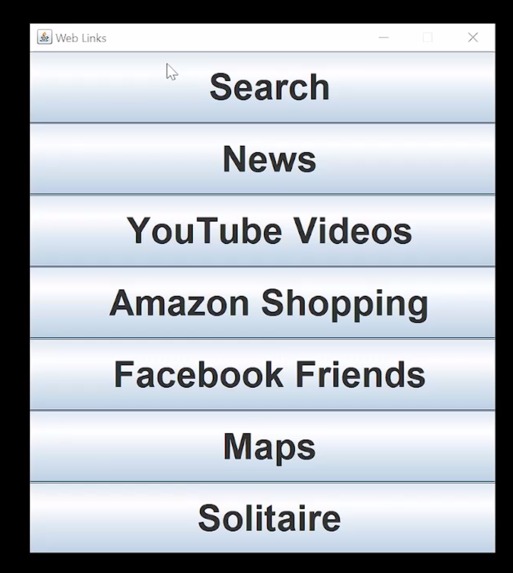
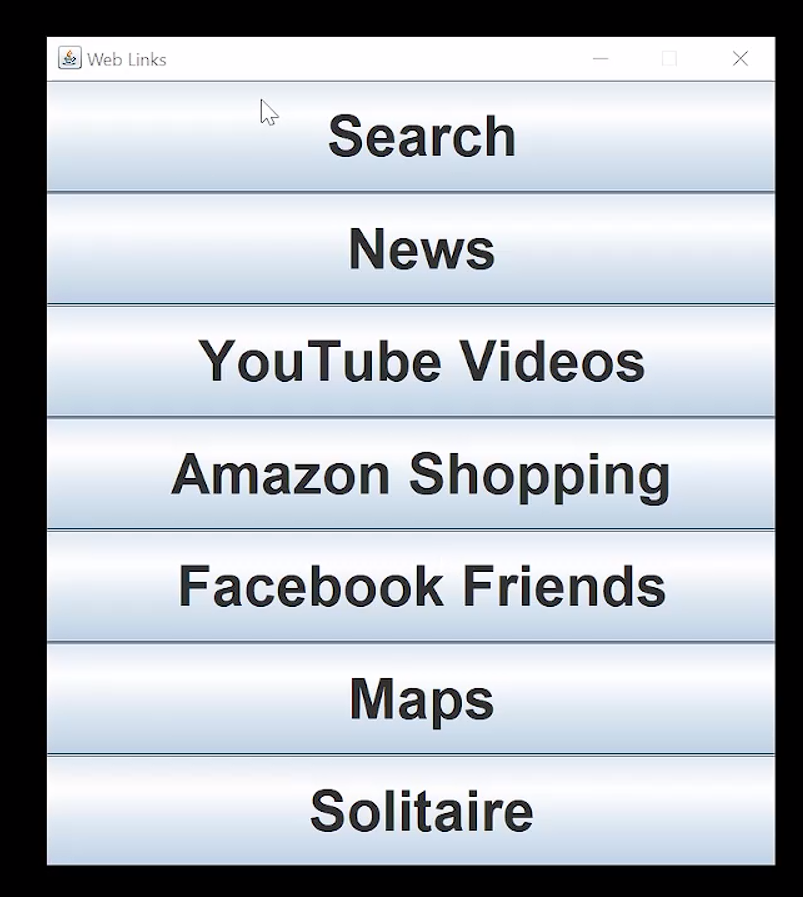
Web Links
-
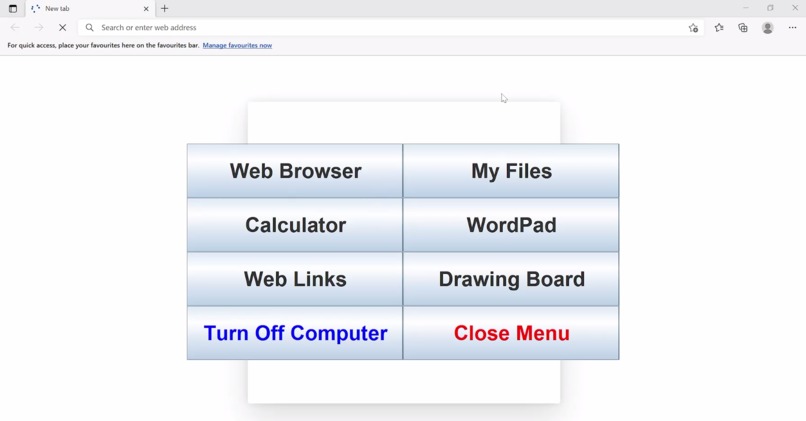
Main Menu overlaying other programs
Inspiration
When my grandpa had problems seeing his computer, I thought up of this idea that could help him easily use basic programs like browsing the web or typing in a document.
What it does
Windows Simple Interface shows only one menu with a few submenus that have enlarged text for better visibility.
How we built it
Java and Windows Batch were both used. The main GUI uses Java, which gives more freedom in button locations. Launch4J converted the .jar to an EXE, and iExpress put everything together.
Challenges we ran into
Since iExpress is a 20 year old program, getting it to work with the wonky and crazy parameters was extremely confusing. However, I finally managed to get it to work.
Accomplishments that we're proud of
Just merely getting this thing to work together made me very proud. However, if people actually use this thing as their daily driver, that is very heart-warming to know that I actually made a difference.
What we learned
I already knew a little Java and Windows Batch, but this project helped me research and add on to what I knew. I know now a LOT more of the specific details, functions and parameters.
What's next for Windows Simple Interface
This program has an infinite amount of possibilities. There are so many things to add, like more customization or small graphical details. However, things still need to remain simple and easy to use for all users.
Built With
- batch
- java

Log in or sign up for Devpost to join the conversation.