-
-
WINDOWS 12 IN ACTION - AI BUILT
💡 Inspiration
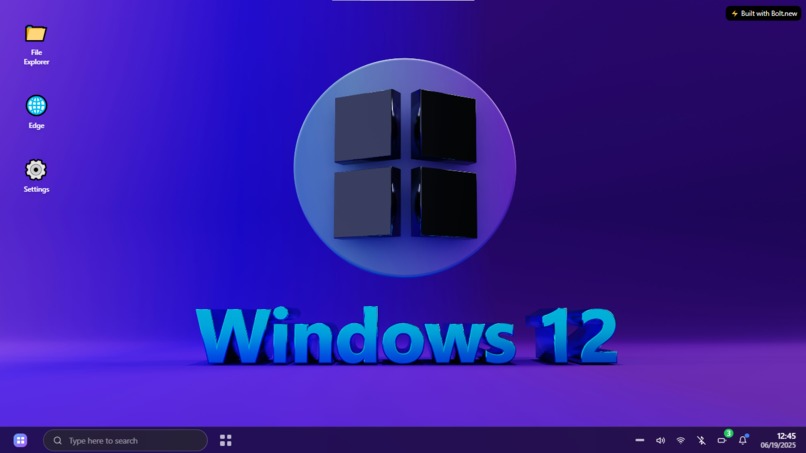
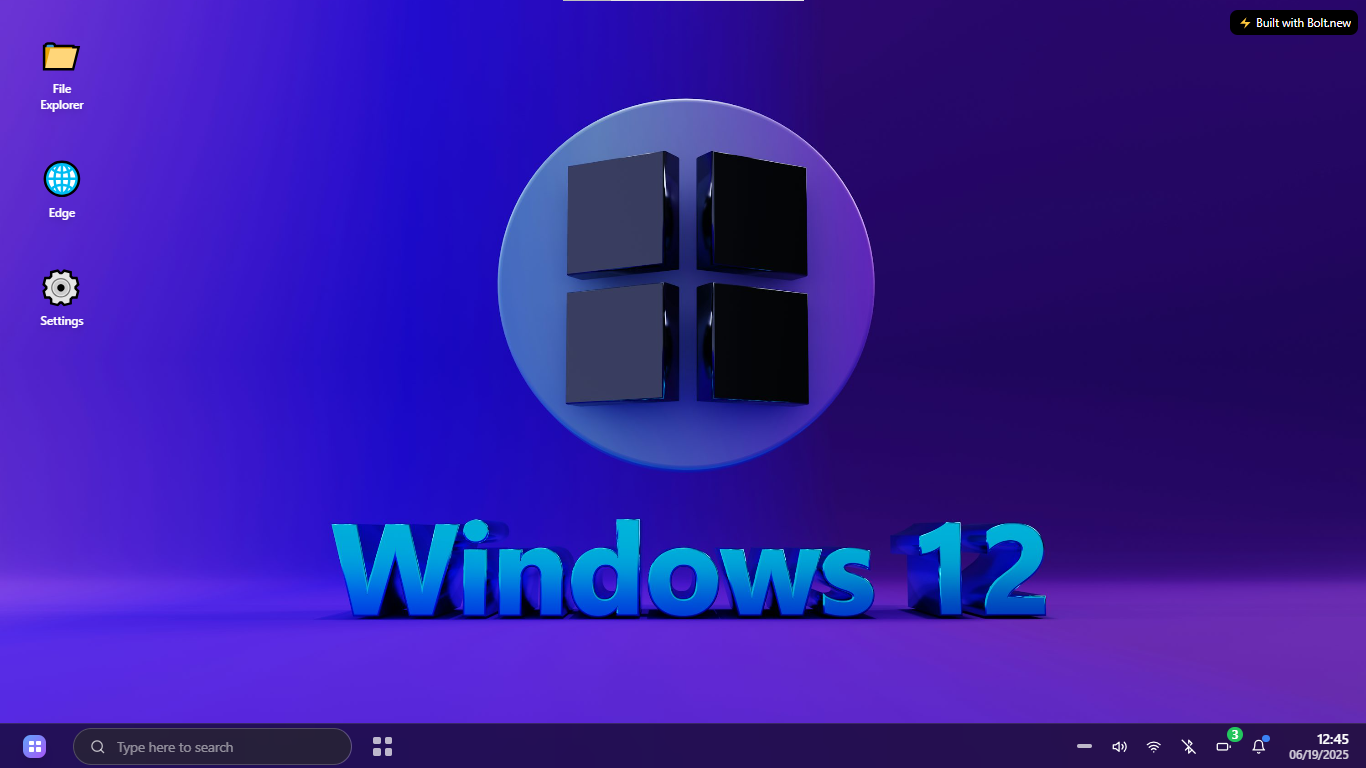
The inspiration behind Windows 12 Simulator 2025 was to recreate a futuristic desktop OS experience entirely on the web — accessible without downloads or installations. We wanted to blend aesthetic design with real interactivity, allowing anyone to simulate a Windows-like environment in their browser, with no backend or native code required.
⚙️ What it does
It simulates the look and feel of a modern Windows 12-style operating system in a browser. It includes:
A functional Action Center Wi-Fi, Bluetooth, Battery, and Volume controls A working File Explorer with real content A mock browser with tabs and search Mini games like Tic-Tac-Toe, Solitaire, and Chess Fully styled desktop and taskbar interface with dynamic icons Custom startup sound and audio feedback system
Everything is interactive — users can explore folders, launch apps, adjust settings, and more — just like on a real desktop OS.
🛠️ How we built it
Built entirely using bolt.new, a no-code/low-code visual frontend builder Leveraged custom animations, CSS effects, and component-based UI Used JavaScript logic to simulate functionality like toggle states, volume control, and file browsing Integrated Pexels API content for realistic folder previews Audio elements added for system feedback and ambiance
🧱 Challenges we ran into
Simulating native system behaviors (like Wi-Fi toggles or file browsing) without actual OS-level APIs Achieving smooth animations inside bolt.new’s component constraints Creating a responsive, fluid UI while preserving performance Managing state across different simulated "apps" without a backend
🏆 Accomplishments that we're proud of
Pulled off a realistic and interactive OS experience fully online Achieved smooth animations and transitions similar to native apps Designed a modular system with real UI/UX logic Fit all features inside one bolt.new project with no external dependencies Created a project that both educates and entertains
📚 What we learned
How to design fluid and interactive UI within the constraints of frontend-only tools The importance of micro-interactions in mimicking real systems Creative ways to simulate complex features without backend logic Bolt.new's component limitations and how to work around them How visual aesthetics and performance must be balanced carefully in simulations
🔮 What's next for Windows 12 Simulator 2025
Add multi-window support with draggable, resizable windows Introduce real-time theming (light/dark/custom color modes) Integrate file upload support in File Explorer Build a login screen and user profile simulation Add productivity tools like a simulated Notepad or Calendar Package the app as a progressive web app (PWA) for installable experiences Enable voice assistant mockup with basic command recognition Submit it as a featured template on bolt.new and launch a live public version


Log in or sign up for Devpost to join the conversation.