-
-
Win95 Mock App
Inspiration
The inspiration for Win95 Mock came from the nostalgia and iconic design of Windows 95, one of the most influential operating systems in computing history. We wanted to capture the authentic feel of the classic desktop environment while showcasing what's possible with modern web technologies. The challenge was to recreate not just the visual appearance, but the actual functionality and user experience that made Windows 95 so memorable - from the satisfying click of the Start button to the familiar sounds and window management behaviors.
What it does
Win95 Mock is a pixel-perfect, fully functional recreation of Windows 95 that runs entirely in a web browser. It features:
- Complete Desktop Environment: Draggable icons, authentic Start menu, working taskbar with system tray
- Functional Applications: Internet Explorer for web browsing, Notepad for text editing, Paint for digital artwork, Calculator, Minesweeper game, Image Viewer, and more
- File System: Create, save, edit, and manage files with persistent storage using localStorage
- Window Management: Full window operations including minimize, maximize, resize, drag, and proper z-index handling
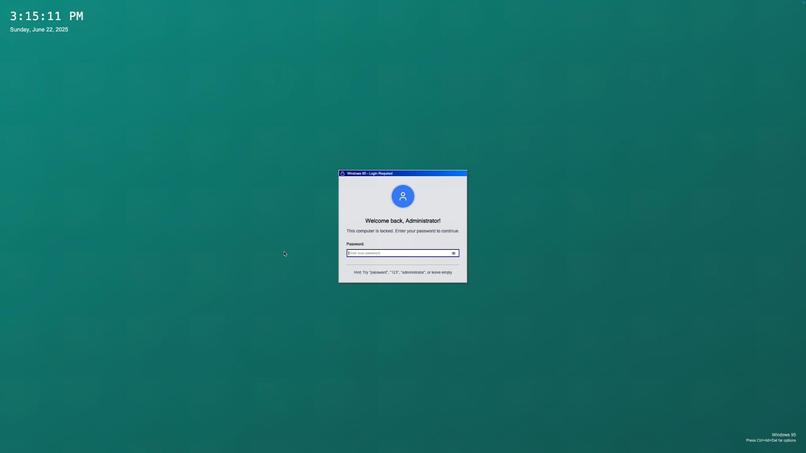
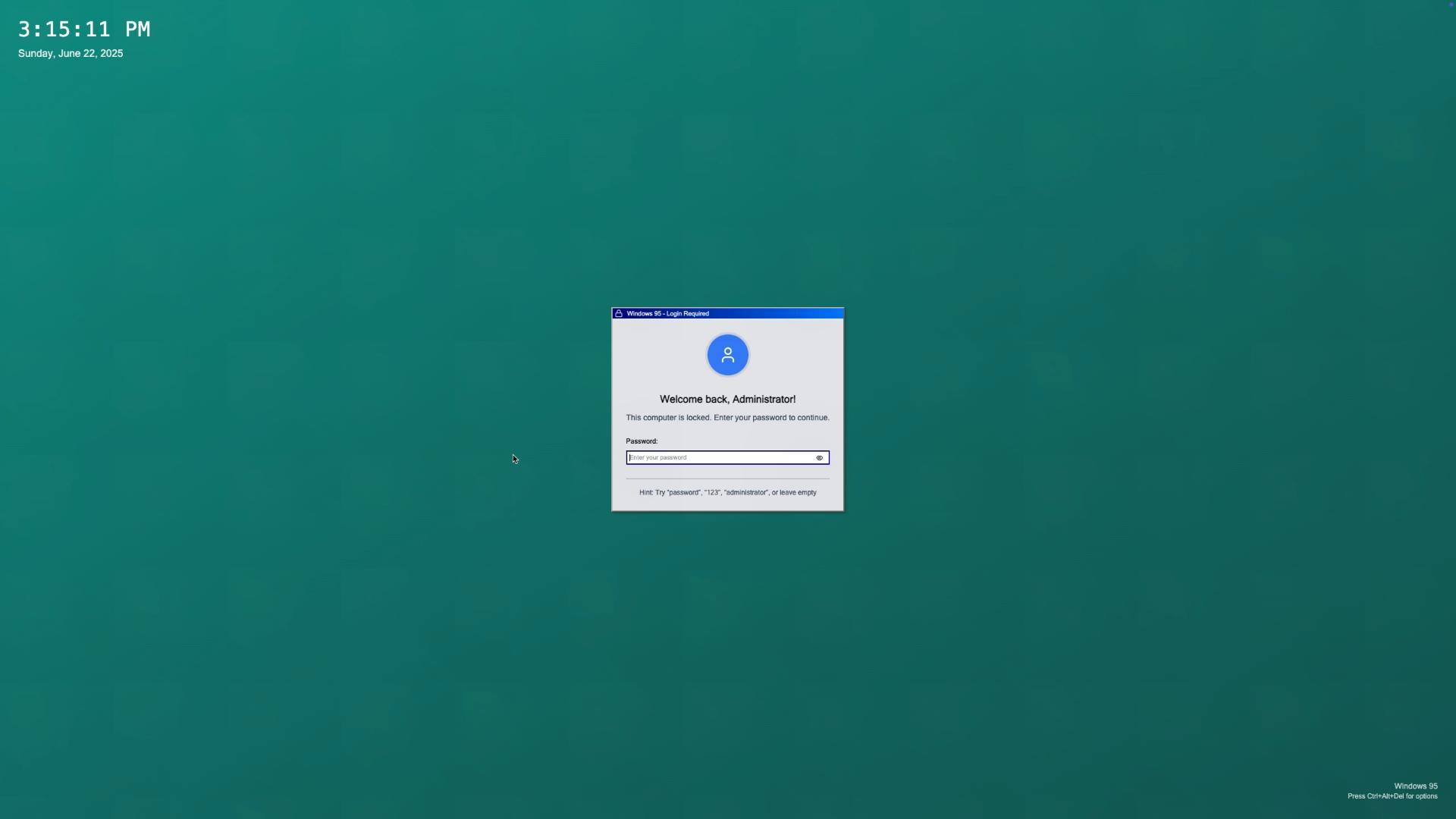
- System Features: Task Manager, Control Panel with customizable desktop backgrounds, Recycle Bin, lock screen with authentication
- Authentic Experience: Original Windows 95 sounds, animations, fonts, and visual styling
How we built it
We built Win95 Mock using modern web technologies while maintaining authentic Windows 95 aesthetics:
- React & Next.js : Component-based architecture with TypeScript for type safety Custom CSS: Hand-crafted Windows 95 theme with authentic 3D button effects, borders, and styling
- Advanced State Management: Custom hooks for window management, drag-and-drop functionality, and application lifecycle
- Virtual File System: Complete file operations using localStorage for persistence
- Canvas API: Full-featured Paint application with drawing tools, shapes, and image manipulation
- Audio Integration: Authentic Windows 95 startup and shutdown sounds
Challenges we ran into
- Window Management Complexity: Implementing proper window layering, focus management, and drag-and-drop behavior required sophisticated state management and event handling
- Canvas Drawing Performance: Creating a responsive Paint application with smooth drawing, undo/redo functionality, and various tools while maintaining performance
- Internet Explorer Integration: Embedding real web browsing capabilities with proper navigation history and address bar synchronization
- Authentic Styling: Recreating the exact Windows 95 visual style using modern CSS, including the distinctive 3D button effects and system fonts
- File System Persistence: Building a virtual file system that maintains state across browser sessions and handles complex file operations
Accomplishments that we're proud of
- Pixel-Perfect Recreation: Achieved authentic Windows 95 visual fidelity down to the smallest details
- Full Functionality: Every application and system component works as expected, not just visual mockups
- Complete User Experience: From login sounds to window animations, every interaction feels authentic
- Modern Architecture: Clean, maintainable code using current best practices and TypeScript
- Browser-Native: Runs entirely in the browser without plugins or downloads
- Persistent Storage: Files and settings survive page refreshes, creating a true desktop experience
What we learned
- Advanced React Patterns: Mastered complex state management, custom hooks, and component composition for large-scale applications
- Canvas API Mastery: Deep understanding of 2D canvas operations, image manipulation, and performance optimization
- CSS Artistry: How to recreate vintage UI aesthetics using modern CSS techniques and custom properties
- Event Handling: Complex mouse and keyboard event management for drag-and-drop, window operations, and application interactions
- Browser APIs: Leveraging localStorage, audio APIs, and iframe integration for rich functionality
- User Experience Design: The importance of micro-interactions, authentic sounds, and attention to detail in creating immersive experiences
What's next for Win95 Mock
- Additional Applications: Implement more classic Windows 95 programs like Solitaire, Media Player, and File Explorer
- Network Simulation: Add dial-up modem sounds and network connectivity simulation
- Historical Accuracy: Add more authentic Windows 95 features like the classic screensavers and system sounds
- Collaborative Features: Multi-user desktop sharing and real-time collaboration tools
Built With
- bolt.new
- netlify
- nextjs
- react
- tailwind
- typescript


Log in or sign up for Devpost to join the conversation.