-
-
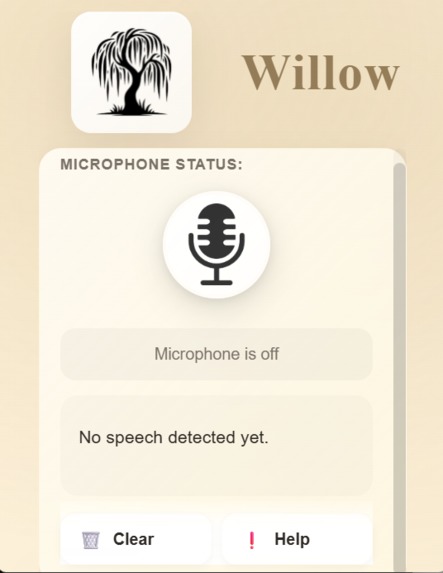
Willow Interface
-
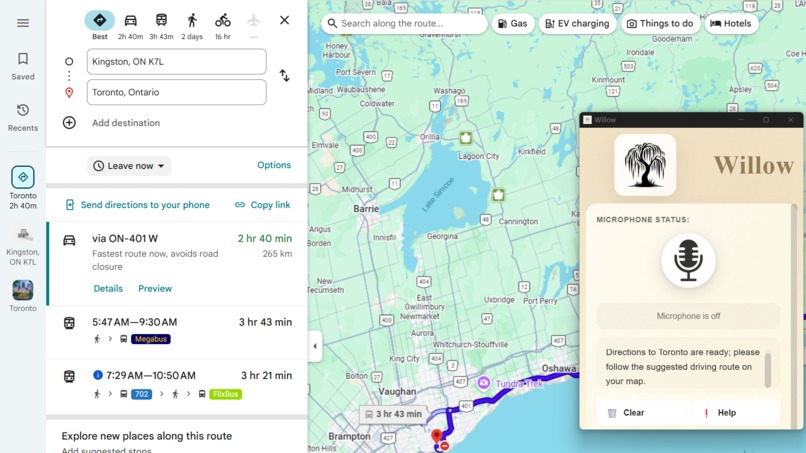
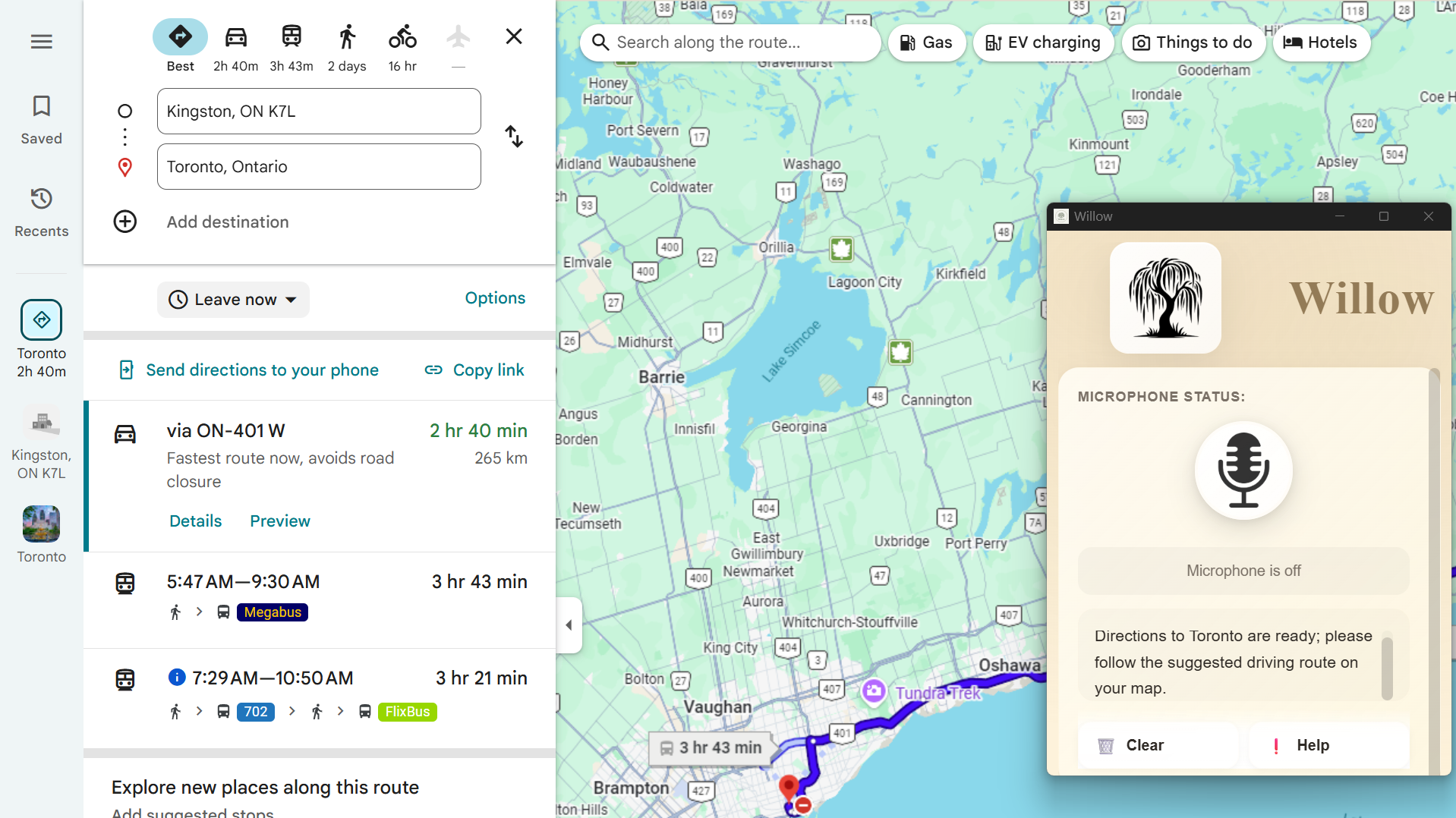
Willow Operating Google Maps
Inspiration
Technology is hard.
Especially for the elderly.
We are entering the Golden Age of technology, but not everyone is equipped to fully enjoy it. Seniors were raised on a different interface of communication, studies have shown that the reason seniors struggle with adapting to the technological revolution is that they were raised on a different interface of communication. While Gen Z was raised on keyboards, iPad, and mice, our grandparents learned that to make a call you had to ask the phone operator to connect you. While we were taught that our fingers were the path to the future, arthritis patients were left in the past.
That’s why we built Willow: technology that meets people where they are.
What it does
Willow aims to create an audio interface for computer systems, removing the need for mouse and keyboard, and enabling seniors to easily use the web like its second nature.
Willow aims to be accessible, available, and amazing.
Willow can be set up by inserting a USB into the computer. No complex installer, no zip files. This is so that we can create an accessible system that just works. Once installed, Willow is always active on the computer, and given a voice command – i.e. Play Jazz music – it initiates an autonomous tool call to complete the task!
On your screen, Willow is always up in a miniature form no matter what tab you’re on! This is to ensure that Willow is available and always there to help. Whether it be watching videos, surfing the web, or looking for directions, Willow brings technology to everyone.
How we built it
The Hardware: The vessel for our project is the LILYGO Arduino USB Stick, a flash drive shaped ESP-32. Our LILYGO is the main point of contact between the user and the project, as with only the insertion of a LILYGO we had to install our program, access the command panel, and open the project all while subverting antivirus detection. Written in C++, once plugged in, our LILYGO program begins typing a curated command for porting and building our hosted GitHub into the user’s computer. Following that, it runs the program and is able to be safely removed from the system.
The Backend: The brain behind the project is a 1000+ line Python program which utilizes ElevenLabs, OpenAI, Playwright, and a wide variety of custom written tools for accessing and controlling browsers. We are using PyInstaller to bundle our numerous python files into one BIG binary file (.exe) to then be used in any Windows machine device maximizing compatibility.
Within our backend we:
- Listen and transcribe audio using Eleven Labs;
- Call a custom AI agent for interpreting the user’s command;
- Dynamically call custom Playwright tools for executing browser operations;
- Provide soft calming narration from ElevenLabs’ George.
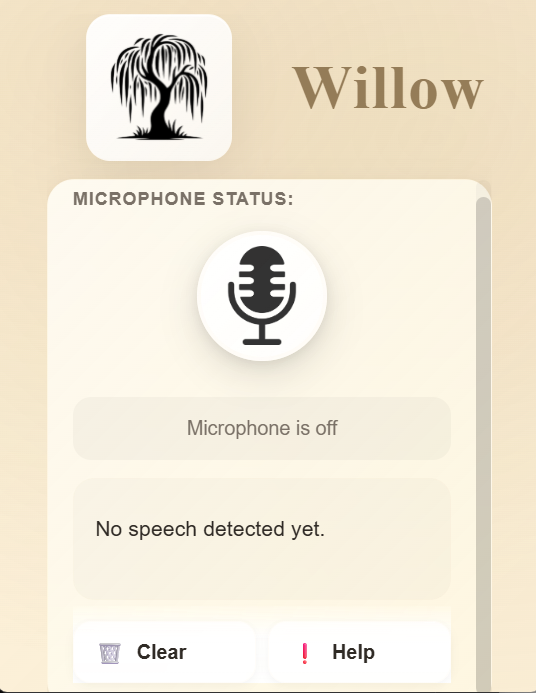
The Frontend: We designed our GUI with vanilla HTML/CSS/JS. We designed a simple, readable UI with a soft, natural golden-age theme. We used the PyWebView library to locally host our HTML page as a desktop application, allowing us to easily communicate with the backend and set rules for picture-in-picture window behavior. This enabled us to combine Python’s complex logic strengths with the creative possibilities of web design.
Challenges we ran into
Making a voice-activated assistant that works reliably in real environments to respond to casual commands was difficult. Background noise and accidental activation needed careful tuning to avoid frustrating users or executing unintended commands.
We also ran into platform-specific challenges when implementing a picture-in-picture window that behaves consistently across operating systems, ensuring it stays on top without being obtrusive. We developed the tool with Linux and tested it using a virtual Windows machine. We were also able to collaborate and get feedback from other hackers by offering them Willow demos on their own devices.
Finally, we had difficulty deciding between pywebview and eel for our application, as both had different behaviour across operating systems and setups for picture-in-picture and window resizing. We chose eel for its versatility and consistency in performance.
Accomplishments that we're proud of
TOO MANY OF THESE TO COUNT.
- We went from never having touched an ESP-32 before, to having a fully functional program capable of * dodging Window’s antivirus to run a 0.5 GB Script.
- We grew from being unable to open a headless Playwright browser to a fully autonomous multi-command system.
- We developed from a basic HTML app to a dynamic desktop application with accessibility styling and functionality.
- We matured from calling every function ourselves to using a custom agent that reasons and works by itself.
And importantly, we successfully worked together to divide, conquer, and DEMOLISH every challenge that came our way.
Together. :)
What we learned
The team learned lifelong valuable lessons, including but not limited to:
- You’d be surprised how many people would plug an unidentified flash drive into their computer!
- You can run from Division Street to an MLH workshop in 5 minutes!
- Windows antivirus is not safe.
- JSON IS ALWAYS THE SOLUTION.
But on a serious note, we learned a lot about voice processing using ElevenLabs, tool calling using AI agents, and the Playwright powerhouse.
And the power of friendship.
What's next for Willow
Future iterations of Willow will include a more accessible and high-contrast UI, more consistent LLM behaviour, and deeper integration with assistive technology like screen readers.
Built With
- c++
- css
- elevenlabs
- javascript
- powershell
- pyinstall
- python
- shell


Log in or sign up for Devpost to join the conversation.