-
-
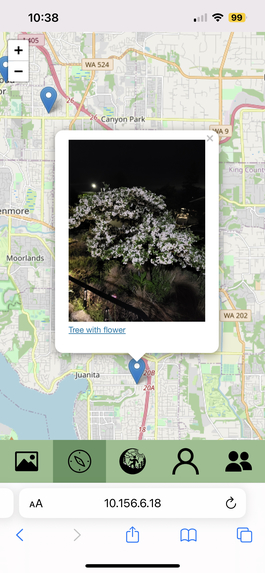
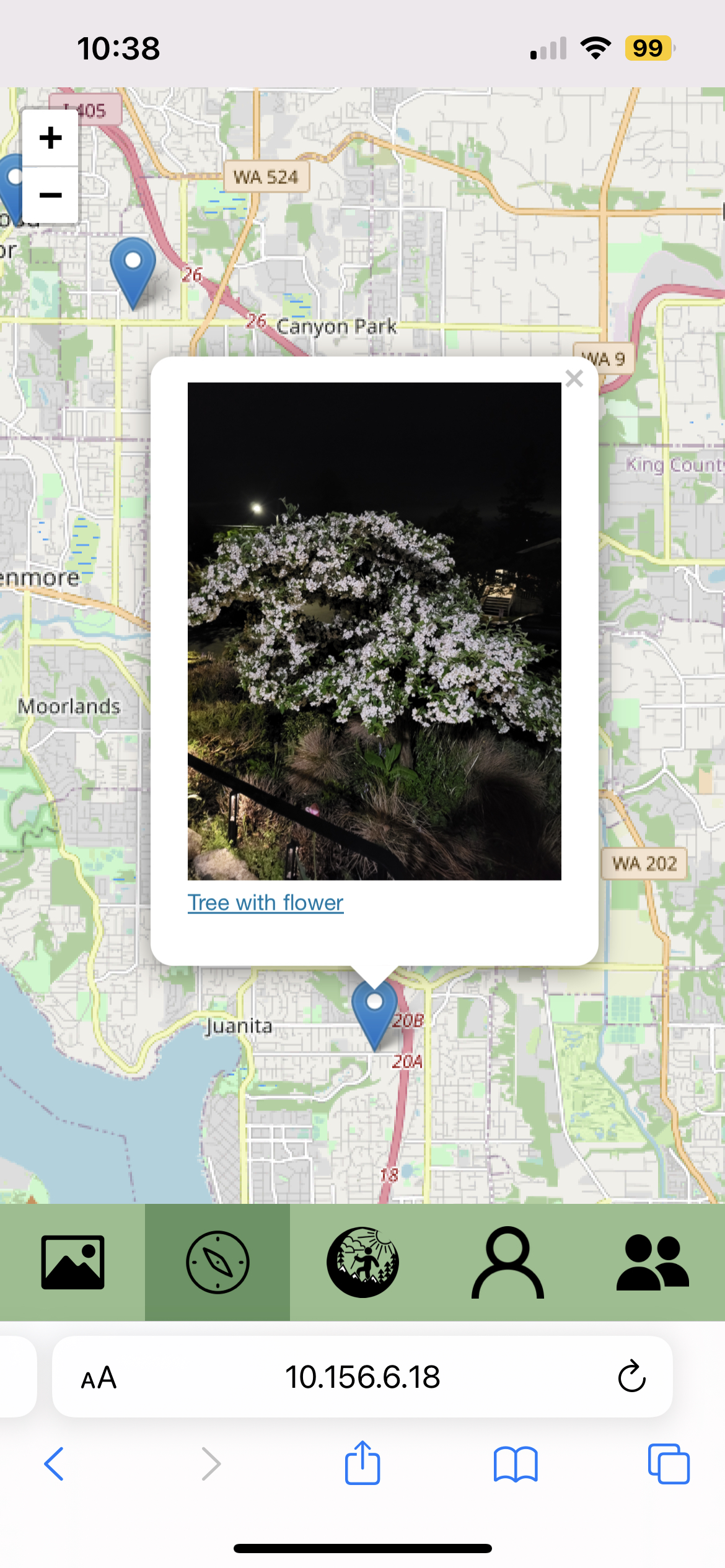
The map
-
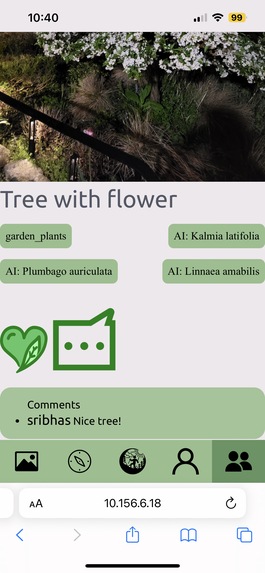
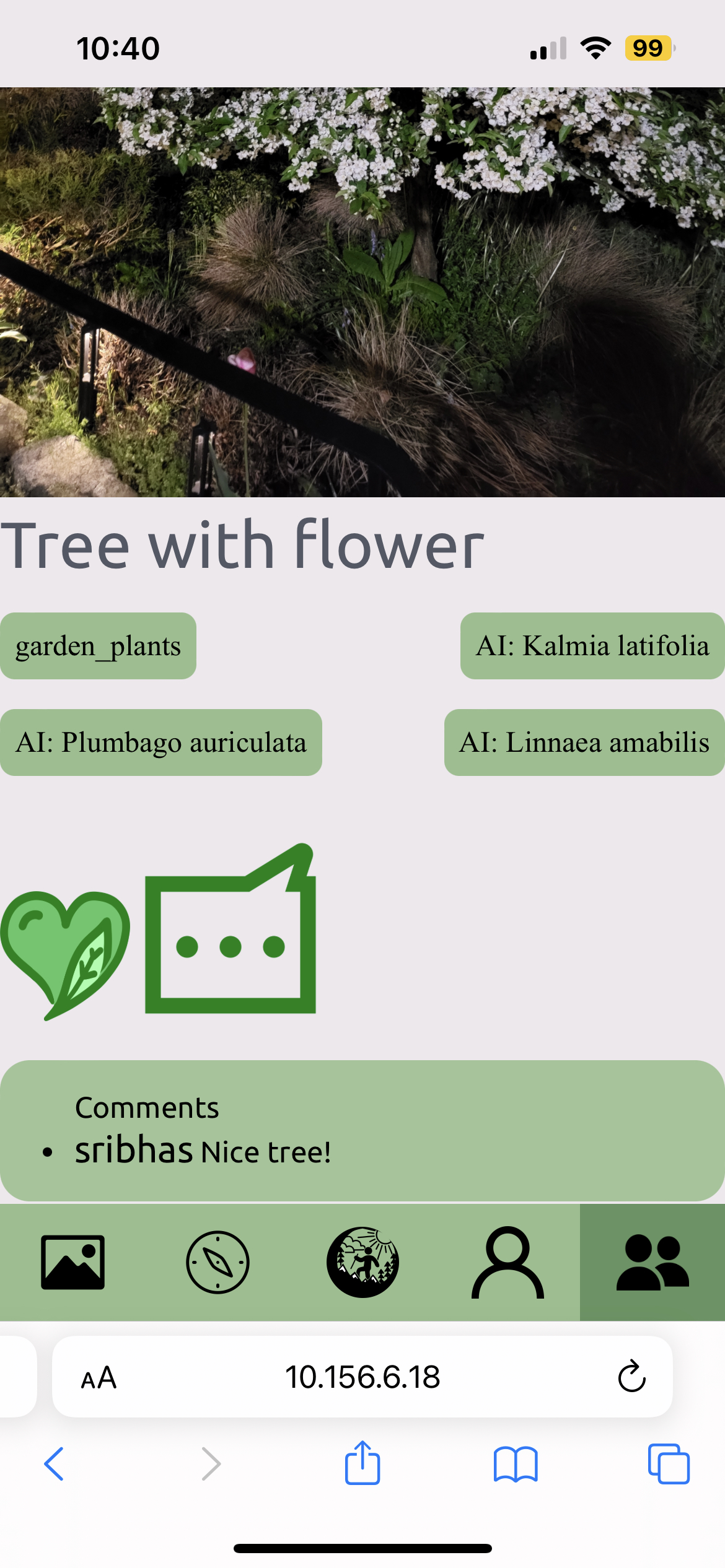
A post with comments
-
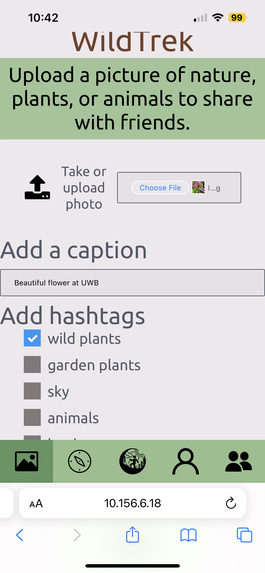
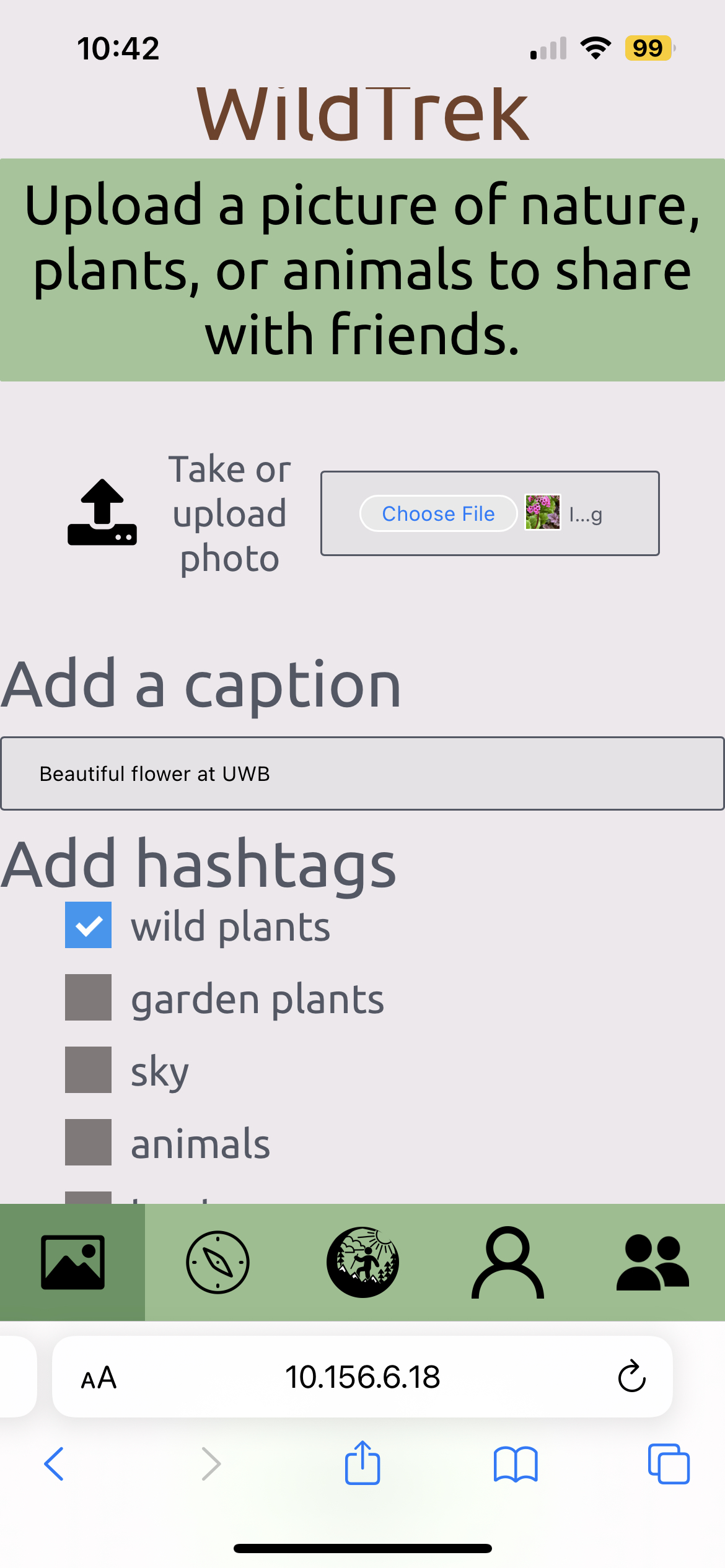
The upload page
-
-
Inspiration
The inspiration came from when there were no tables to sit at for the first day of the Hackathon. We were facing towards the outside of the building and it was raining. We all commented about the rain and the plants outside, then we got into a discussion about something that can encourage people to go outside more. We talked about how social media is something that everyone has, in one form or another, and how we could make something focused towards outdoor exploration. Then we thought that it would be cool if people using the app could have a place to know what they were taking a picture of too.
What it does
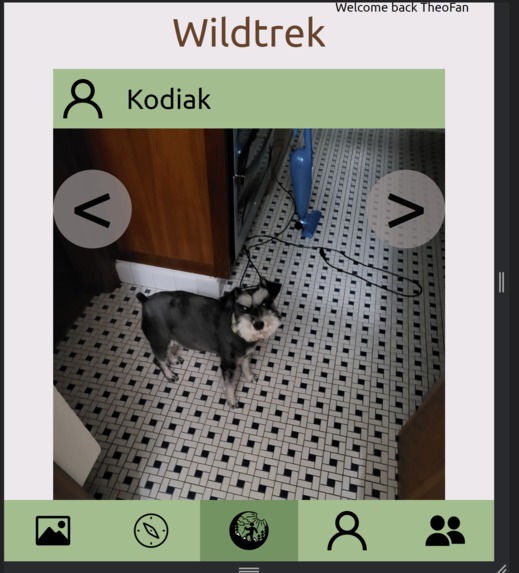
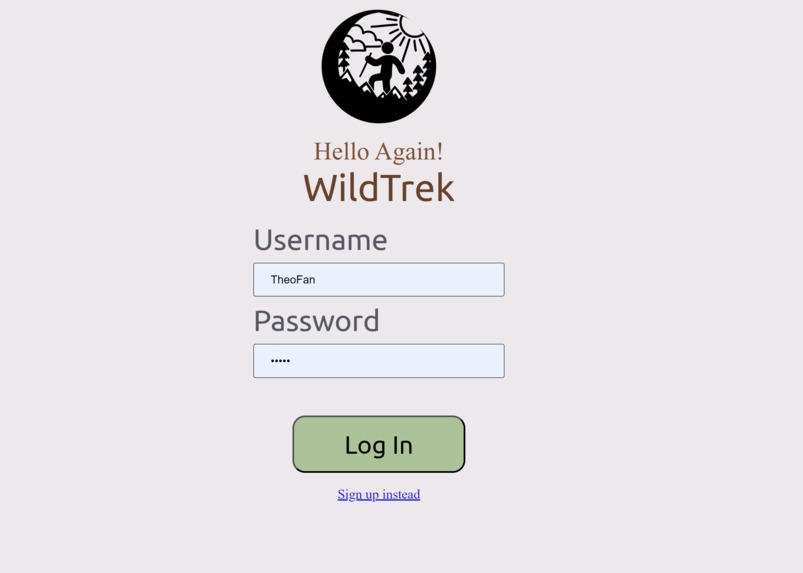
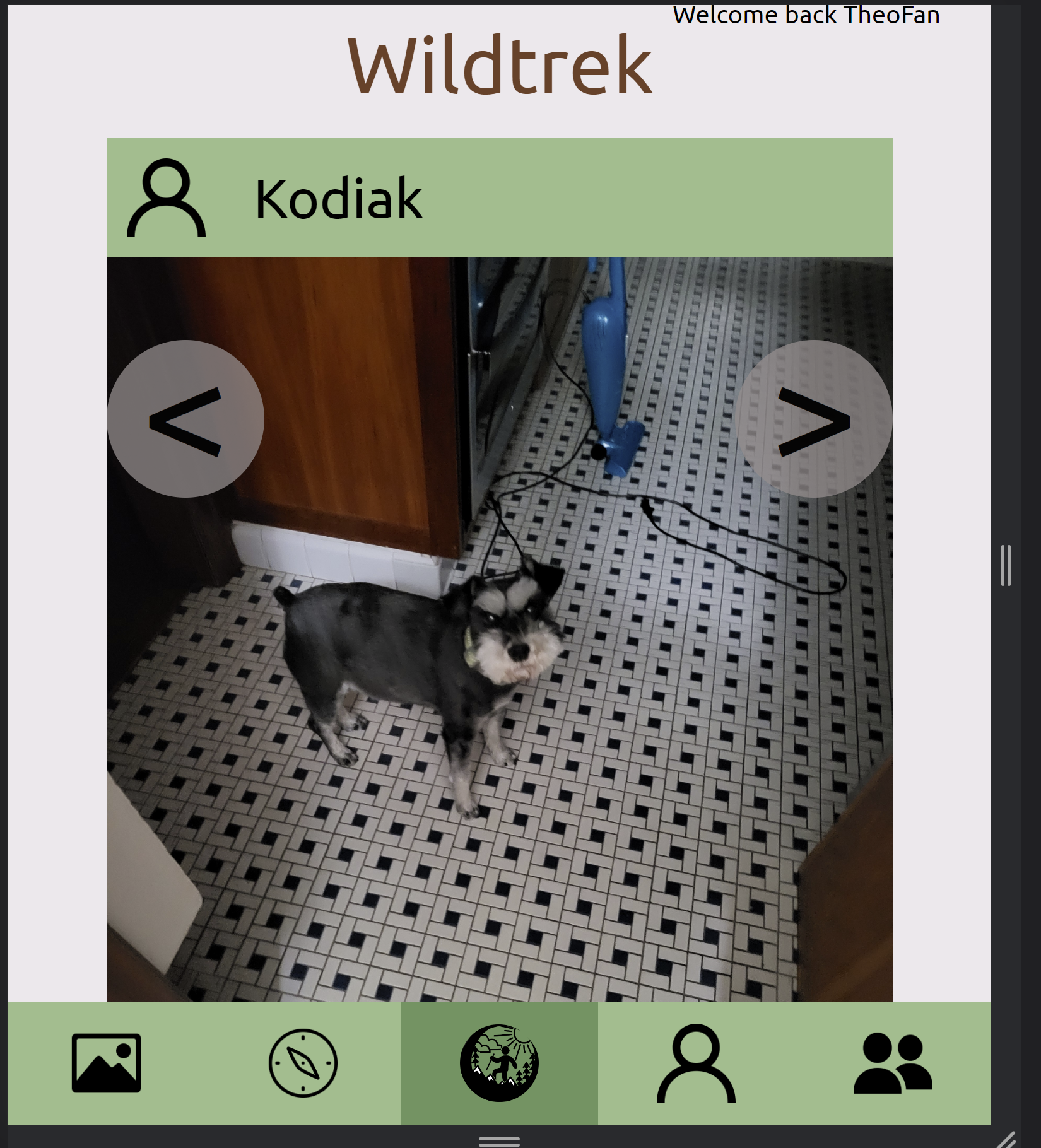
The pwa lets users take pictures of nature, whether it be a tree, a bird, a sunset, or full landscapes, and upload them to their profile, as well as, add a location to remember where they took that photo. If they’re 13+ years old, they can share it with other people, including their friends in later implementations. Users can add captions to describe their photos, and use tags included with each post like wild plants, garden plants, animals, and skyscapes. In addition to the plant tags (wild or garden), a plant identification API will be triggered if the image is tagged with either selection.
How we built it
We used Figma to create the design of how each page will look and to plan the flow of where certain features went, and how things are triggered. We used Visual Studio Code to implement our code, using css, html, Jinja rendering engine to do the front-end, Python (Flask) on the backend, MongoDB and AWS S3 for storage and Azure Web Apps for Deployment. For plant detection, we used Plant.id API.
Challenges we ran into
Some challenges we faced in the beginning were the many ideas to include in our pwa that we realized by day 2 that we weren’t going to get to all of them. Overall things that create a more pleasant and unique experience for users, like profile photos and friends/followers that you can share with, are ideas we wanted to implement but weren’t as important as logins and users uploading their own photos.
Accomplishments that we're proud of
We did so many more things that we thought we could’ve done in the amount of time given. Our Figma was super detailed, and showed the working flow of all the buttons and login/signup, and the triggers like the “like” button. We’re really proud of the fact that users have encrypted passwords for their accounts, uploading photos and saving them. Keeping metadata which we found as a challenge to do as well as using Azure to host everything with its own challenges as well.
What we learned
We learned to be more realistic with our ideas when it comes to the allotted time we were given. From the difficulties we faced, we took those challenges as a learning experience to better our time management with implementations and design, as well as how much we can do for the time being to do as much as we wanted to do.
What's next for Wildtrek
Include more language options, expand it outside of the U.S. Create a more unique and personalized experience for the user like profile photos, sharing uploads with friends and followers, as well as having friends/followers to share to. Maybe for 12 and under users that can’t use the sharing and friends feature could have “replacement” features that can give achievements and awards for their finding


Log in or sign up for Devpost to join the conversation.