-
-
demoTestApplication
Wildcat Lost & Found
Elevator Pitch: Wildcat Lost & Found: Quickly locate lost items on UA campus with a smart, student-friendly web app.
Inspiration
As a University of Arizona student, I’ve seen how easy it is to misplace something on our massive campus—whether it’s a phone, a backpack, or even a water bottle. I’ve experienced the frustration of losing items myself and heard friends complain about the hassle of tracking them down. That sparked the idea for Wildcat Lost & Found: a tool to simplify the process and save students time and stress. Working solo, I was motivated to create something practical and useful for my fellow Wildcats.
What it does
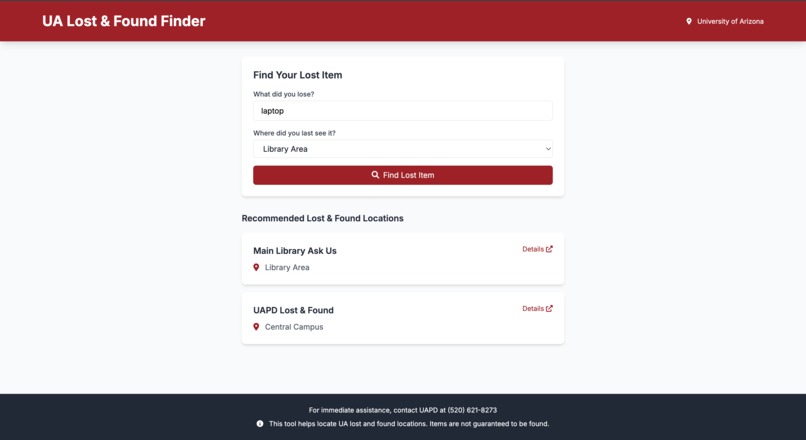
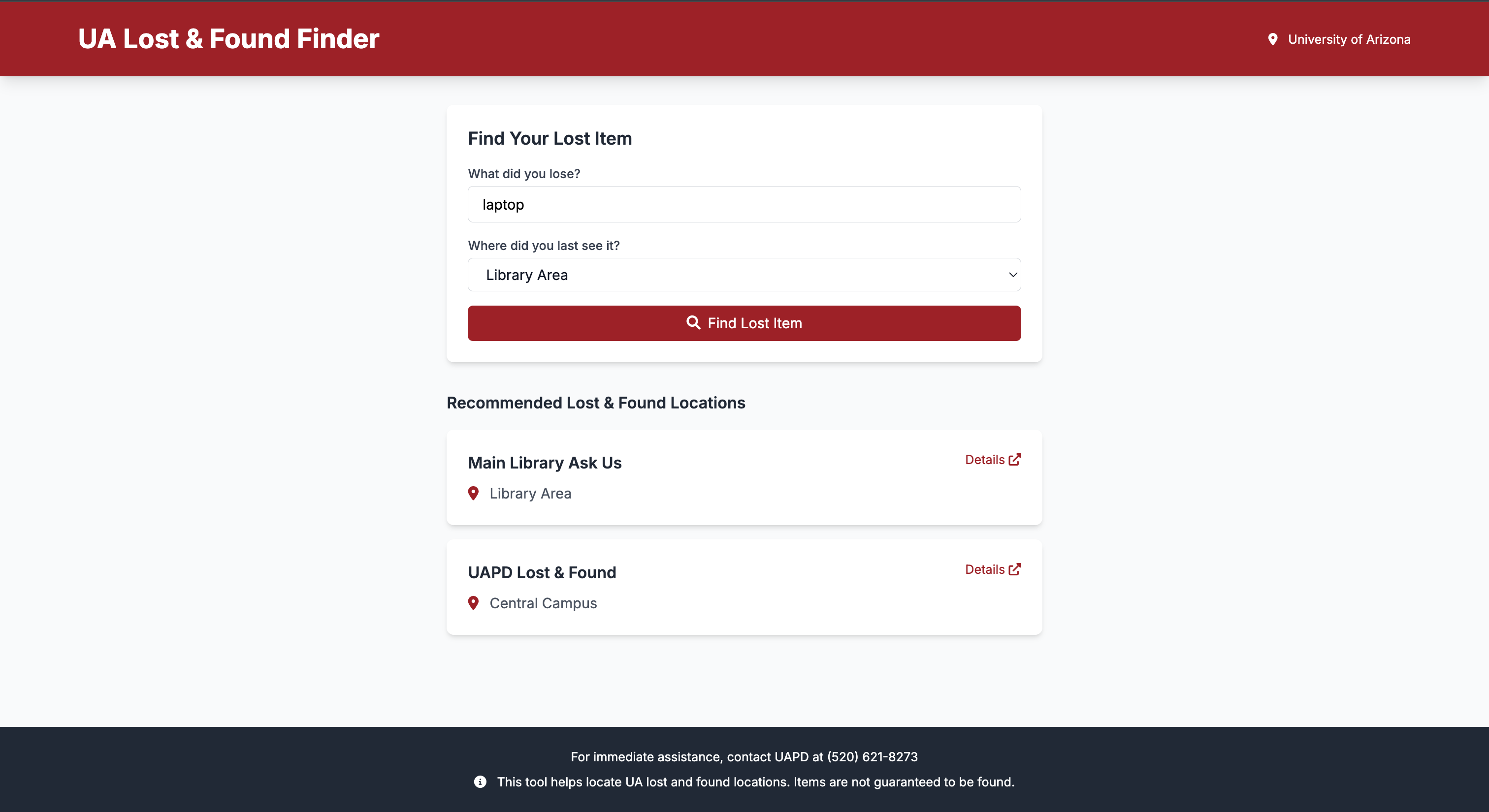
Wildcat Lost & Found is a web app designed to help UA students find their lost items quickly. Here’s how it works:
- You enter a description of your lost item (like "I lost my blue backpack near the library") and the area where you last saw it.
- The app uses natural language processing (NLP) to analyze your input and identify the lost item.
- It then matches the item to relevant lost-and-found locations on campus and returns a list of suggested places to check.
It’s a simple, student-focused solution to a common problem, built entirely by me.
How we built it
Since I worked solo, I handled every part of the project myself, from planning to coding. Here’s the tech stack I used:
- Backend: I built the server with Flask, a Python web framework, to manage the app’s logic. For the NLP part, I integrated NLTK (Natural Language Toolkit) to extract the lost item from user input—like pulling "blue backpack" out of a sentence.
- Frontend: I designed a clean, user-friendly interface using HTML, CSS, and JavaScript. It’s just a simple form, but it gets the job done.
- Deployment Attempt: I aimed to deploy the app using AWS but faced some deployment issue and switched to Google Cloud Run using GitHub Actions for a seamless, cloud-hosted solution. I set up the project structure and workflow, but I didn’t finish the deployment due to time constraints.
I coded everything locally, tested it, and tried to push it to the cloud—all as a one-person team.
Challenges we ran into
Working alone meant I had to tackle every hurdle myself. Here are the biggest ones:
- Deployment Struggles: Getting the app onto Google Cloud Run via GitHub Actions was tougher than expected. The workflow wouldn’t trigger properly—probably because of a misconfiguration or missing details like the project number. I spent a lot of time troubleshooting but ran out of time to fix it.
- Time Crunch: Balancing frontend, backend, and deployment setup solo was overwhelming. I had to prioritize features over polish.
- Integration: Making sure the NLP output from the backend worked smoothly with the frontend took extra effort. Debugging it all by myself was a challenge.
Despite these roadblocks, I pushed through and learned a ton in the process.
Accomplishments that I am proud of
Even though I didn’t get everything perfect, I’m proud of what I pulled off on my own:
- NLP That Works: I got NLTK to successfully extract items from messy, natural input—like "my red jacket" from "I lost my red jacket somewhere by the union." That felt like a big win.
- Full-Stack Solo Build: I built a functional Flask app that ties together a frontend and backend, all by myself. It runs locally and does what it’s supposed to.
- Deployment Prep: I set up the project for Google Cloud Run and wrote a GitHub Actions workflow. It didn’t deploy, but the foundation is there, and that’s progress I’m happy with.
What we learned
This project was a crash course in a lot of things since I was the only one working on it:
- Tech Skills: I leveled up my knowledge of Flask, NLTK, and how to combine frontend and backend code. Writing everything solo forced me to understand each piece deeply.
- Cloud Basics: I dipped my toes into cloud deployment with Google Cloud Run and GitHub Actions. Even though it didn’t work yet, I learned how crucial configs are.
- Solo Workflow: I figured out how to manage a project alone—planning, coding, testing, and debugging without anyone to lean on. It was tough but rewarding.
What's next for wildcatLostnFound
I’ve got big plans to keep improving this app:
- Finish Deployment: Fix the GitHub Actions issues and get it live on Google Cloud Run so anyone can use it.
- Smarter NLP: Tweak the NLP to handle trickier inputs and improve accuracy.
- More Locations: Add more UA lost-and-found spots to make it even more helpful.
- New Features: Maybe add a database to store lost item reports or user logins for personalized tracking.
This is just the start—I’m excited to keep building and making it a go-to tool for UA students.
Built With
- Flask (Python web framework)
- NLTK (Natural Language Toolkit for NLP)
- HTML/CSS/JavaScript (Frontend)
- Google Cloud Run (Attempted deployment platform)
GitHub Actions (CI/CD workflow)
Demo: Not live yet—deployment in progress!

Log in or sign up for Devpost to join the conversation.