-
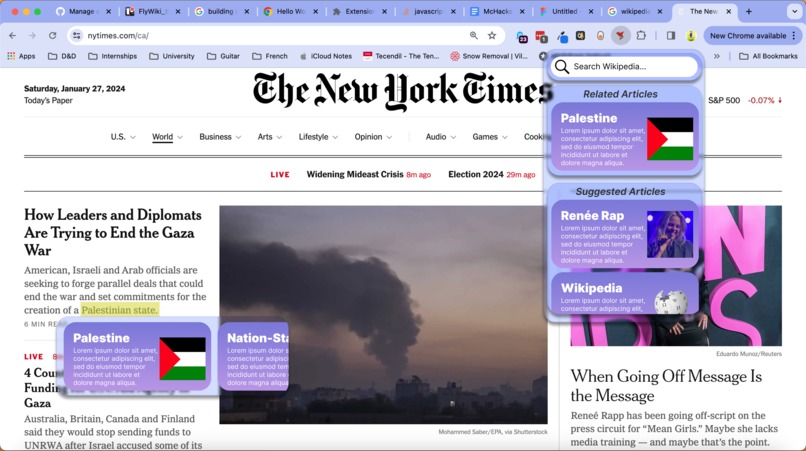
Mockup of the application before programming
-

Our logo!
-
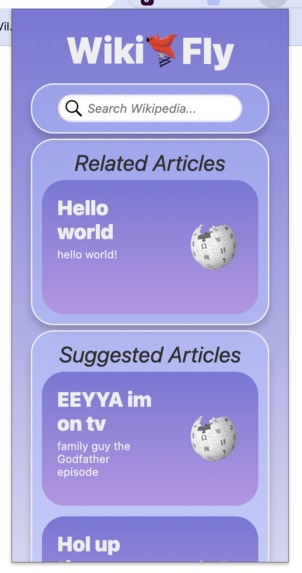
Early testing form of the front-end


Inspiration
We were inspired by chrome extensions that let you highlight web-page text, improving ease of reading. We thought we could push the idea one step further by making highlighting synonymous with searching, streamlining the process of understanding complex concepts.
What it does
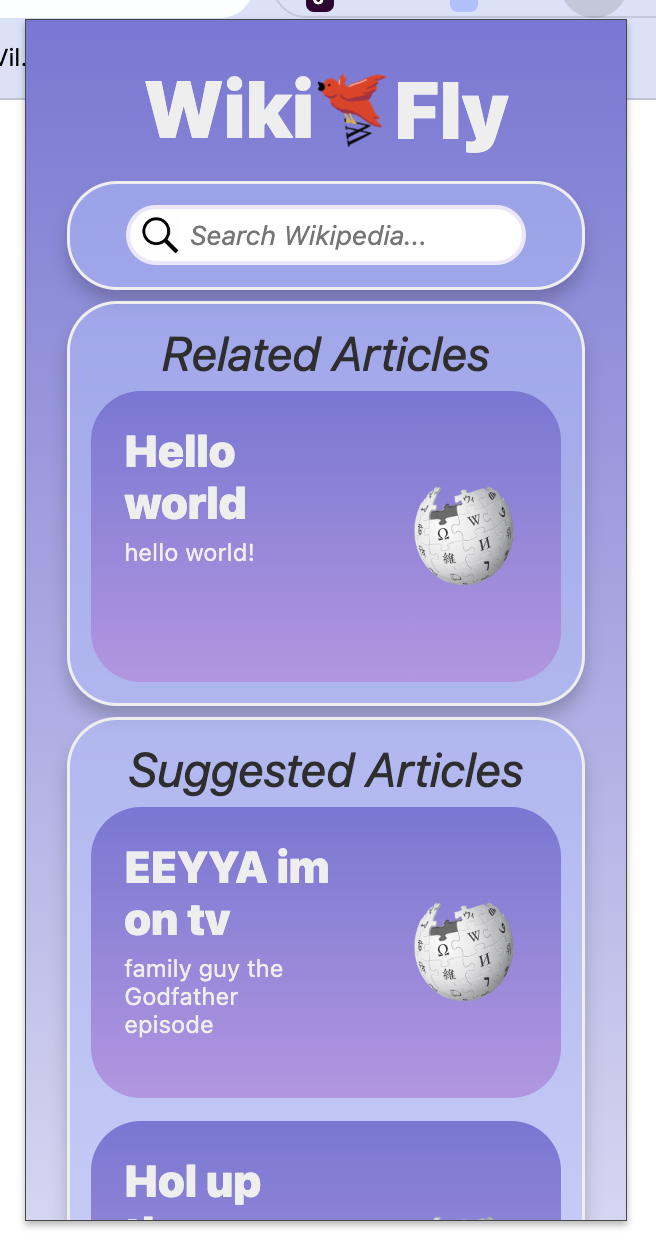
Every time you highlight text in a web-page, this extension searches Wikipedia for related articles and provides a summary in a compact UI. The extension also provides the possibility of searching in the extension toolbar, for accessibility.
How we built it
We used HTML, CSS, and JS to make the front end; the back end is built with Node.JS and relays API data from Wikipedia onto the webpage to display.
Challenges we ran into
Chrome's system for communicating within extension programs proved highly difficult to work with, especially in conjunction with complex server tasks. The front-end was also difficult to adjust to, since the chrome extension formula forbids certain expected HTML/CSS controls.
Accomplishments that we're proud of
We're proud of how much we've learned about both backend and frontend development, Kai is impressed by how much the final frontend resembles their initial sketches.
What we learned
As said above, we learned a lot about server architecture, managing inter-layer communication, dynamically formulating webpages with JS, and creating good-looking graphic design.
What's next for Wiki-Fly
We hope to continue improving and polishing this product until it is ready to be used on a regular basis by average internet users. We think it could truly help people comprehend difficult topics and make the internet as a whole more accessible.


Log in or sign up for Devpost to join the conversation.